
Bilibili Danmaku Moments
- Lab Skill
- v0.1.1
- Bilibili
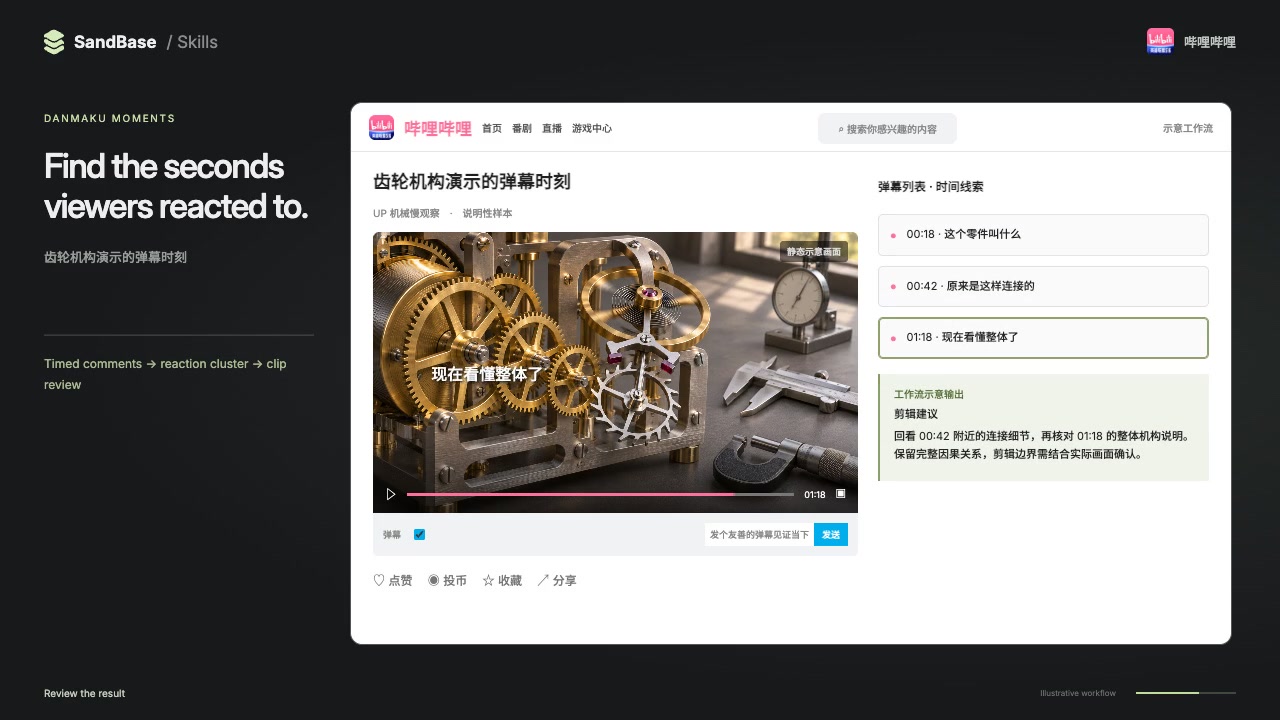
Find the moments in a Bilibili video where viewers react, so you know what to clip and what the audience calls the scene.
Cover
Was Sie erhalten
Bring a Bilibili video link or BV id. The Skill returns danmaku counted minute by minute, the peak minutes with the words people typed, and suggestions for the clip, cover frame and title.
So funktioniert es
- 01
Parse the danmaku pool
The Agent finds the part's ID from the video detail, then reads Bilibili's danmaku XML for that part. Each line is one bullet comment with the second it appears. The XML count can differ slightly from the video's displayed danmaku total, and both figures are reported.
- 02
Count by window and find peaks
Danmaku are counted per fixed window, per minute or per ten seconds for short videos. The last window is usually shorter, so it is never compared directly with full windows, and empty windows stay visible. The busiest full windows become peaks, each with its most repeated texts and counts.
- 03
Turn peaks into review windows
Danmaku records what viewers typed, not what is on screen, so each peak is a window for the editor to check by watching. Repeated text may be spam or a meme. Only after the editor confirms the footage does a peak become a clip or cover suggestion, and a viewer joke is never turned into a promise.
FAQ
What does Bilibili Danmaku Moments find?
Bilibili Danmaku Moments finds the moments viewers react to in one Bilibili video. It counts bullet comments minute by minute, lists the peak windows and the words repeated at each. For the written comments under a video, the package points to Bilibili Comment Pulse.
Does a peak prove what happened on screen?
No. Bilibili Danmaku Moments reads what viewers typed, not the footage. A peak is a review window to confirm by watching, not proof of a specific shot, of retention or of a shared reaction. The report keeps that distinction in every peak.
How is the danmaku read billed?
Bilibili Danmaku Moments makes one SandBase Bilibili danmaku call per video part, plus a video detail call to find the part ID from a BV ID. These use your organisation's daily free quota first and are billed after that. The Agent inspects each tool before running it; see https://www.sandbase.ai/pricing.
Is every danmaku ever sent included?
No. Bilibili Danmaku Moments reads Bilibili's current danmaku pool for the part, up to its limit, not every bullet comment ever posted. That is why the XML count can differ from the displayed total. The report gives both numbers, so you can see how complete the pool is.
Can I use the peaks for clip titles?
Yes, after you confirm the footage. Bilibili Danmaku Moments lets a title reuse the audience's own phrase, but it never turns a viewer joke into a promise about the content. Watch each peak window first, then decide whether it makes a good clip or cover.
Weitere Skills
Alle Bilibili Skills →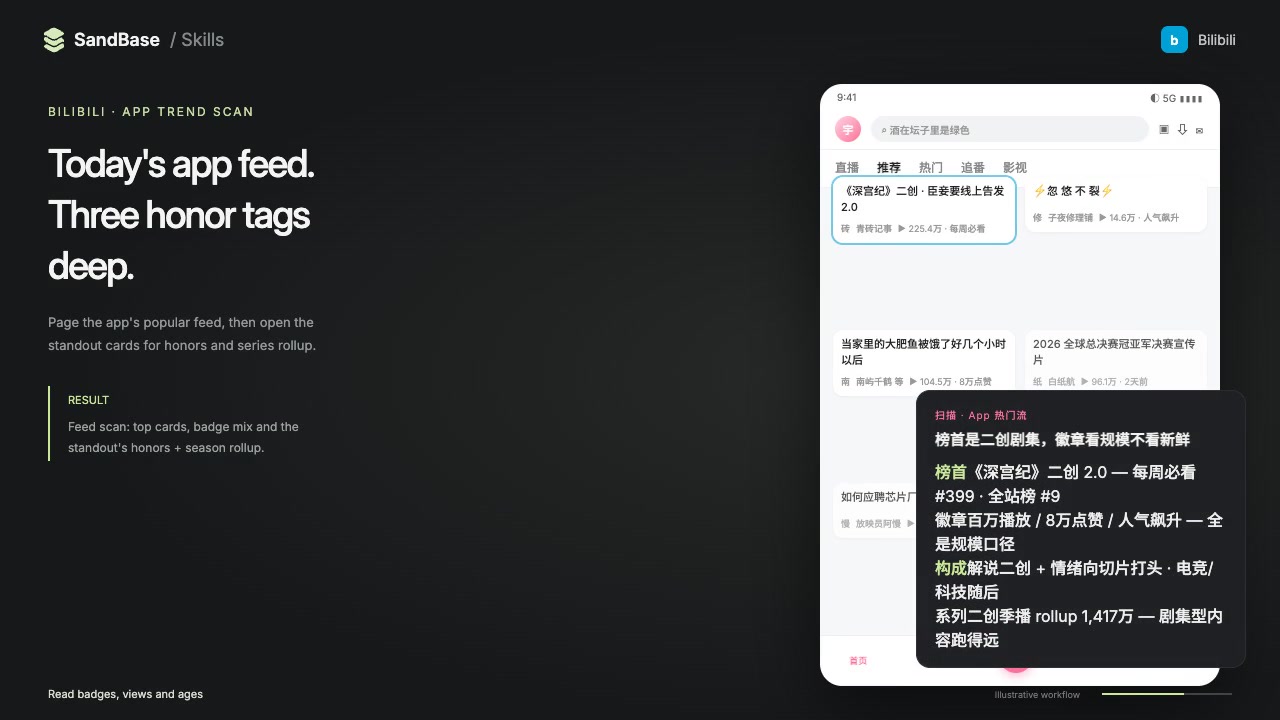
Bilibili App Trend Scan
Scan what the Bilibili app's popular feed is serving right now through SandBase
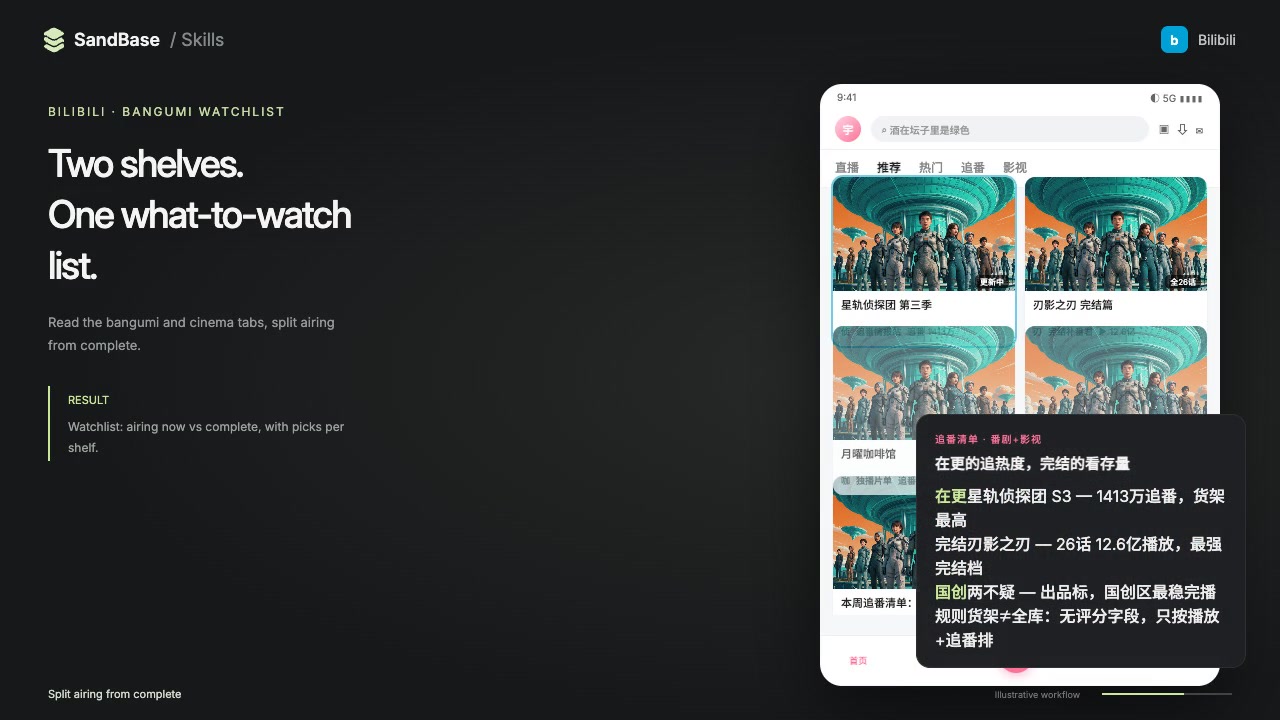
Bilibili Bangumi Watchlist
Build a what-to-watch list from Bilibili's own anime and cinema shelves — update text, views, follows, badges — split into airing vs complete.
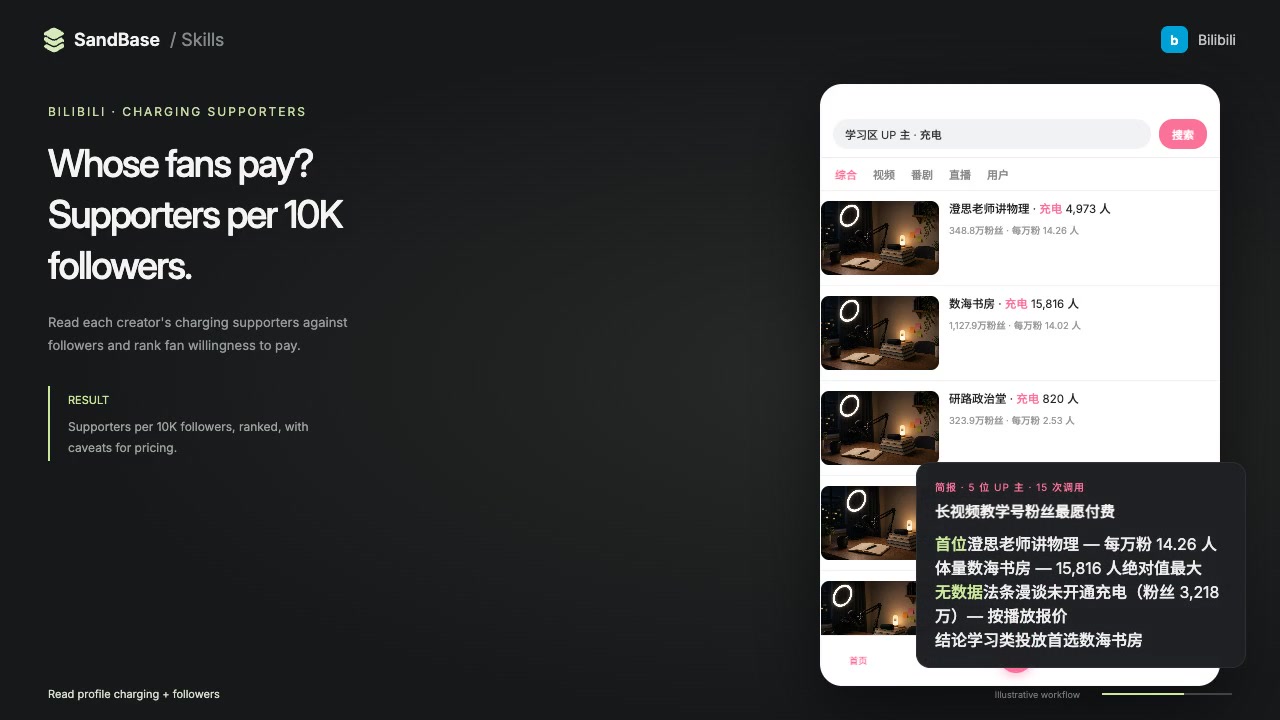
Bilibili Charging Supporter Brief
Compare how willing Bilibili creators' fans are to pay.
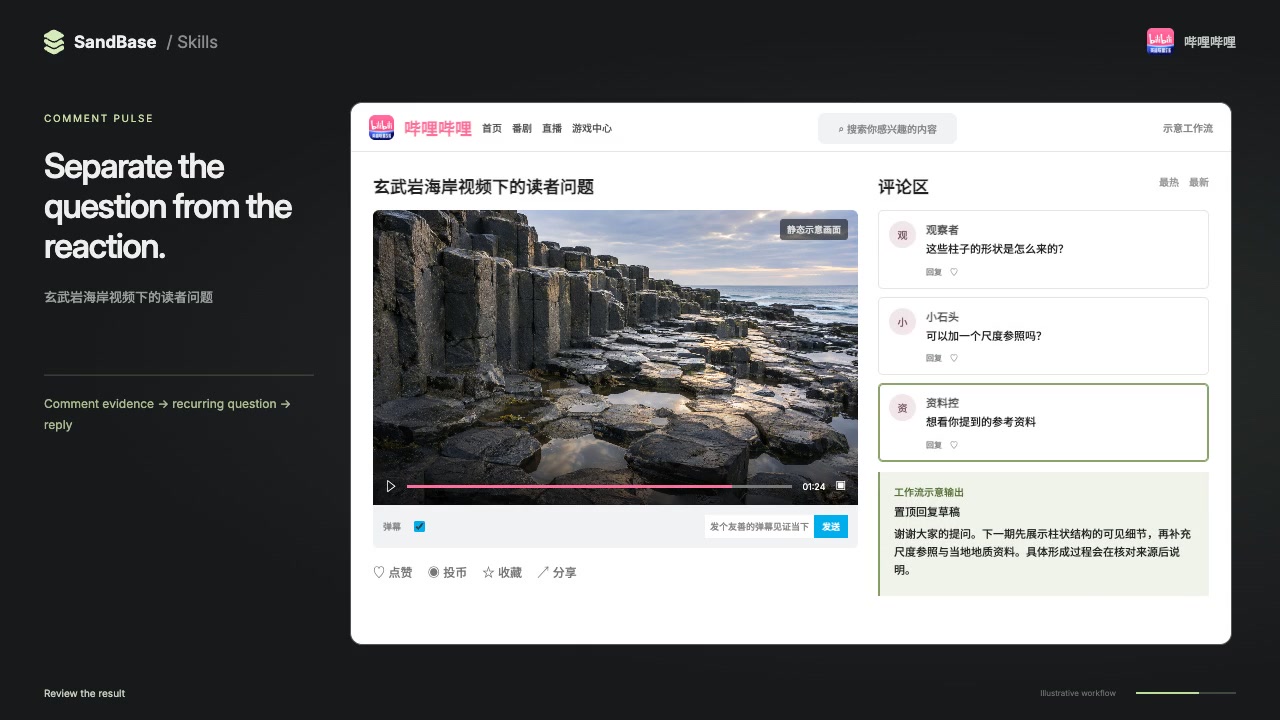
Bilibili Comment Pulse
Read the comments under a Bilibili video: what people say, which comments pull replies, what could go wrong, and what to answer.
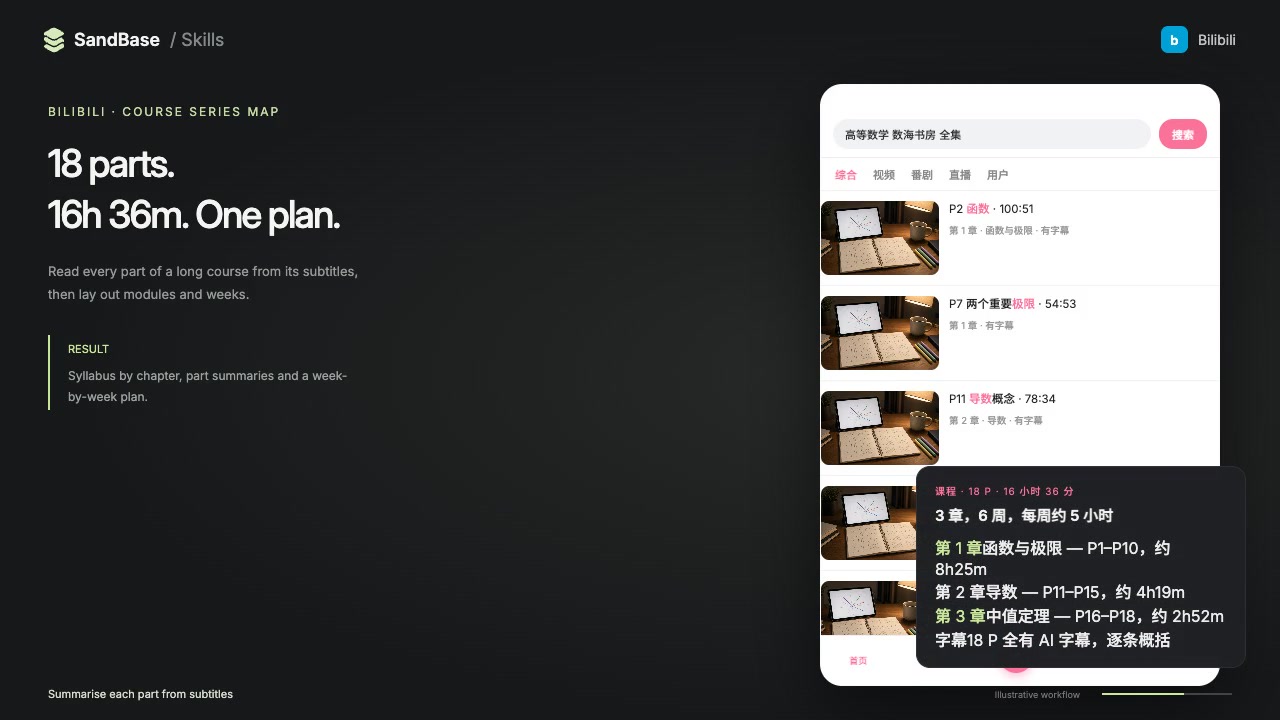
Bilibili Course Series Map
Turn a long multi-part Bilibili course into a study plan.
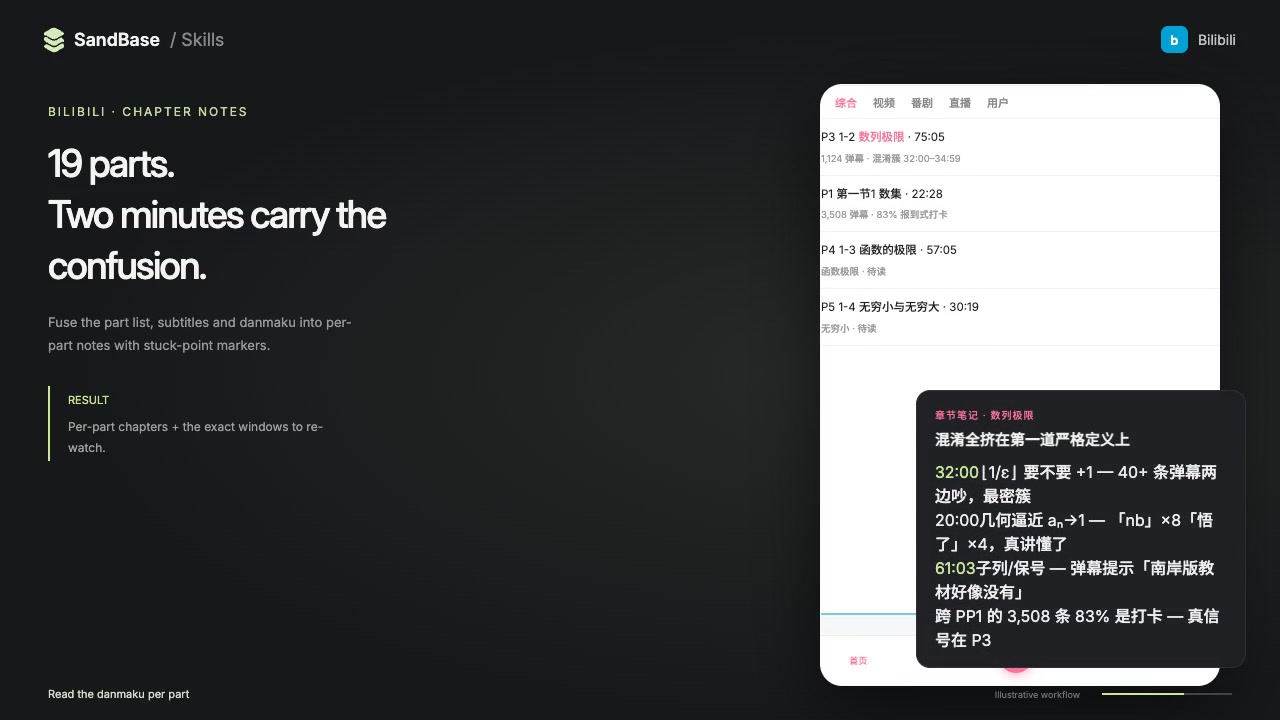
Bilibili Danmaku Chapter Notes
Build study notes for a multi-part Bilibili lecture or long video through SandBase by fusing three signals