
Doodle Hero 3D: A Drawing Becomes a 3D Maze Adventure
- Lab Skill
- v0.1.0
- Game creation
Hand a child's drawing and a grid-paper maze to your Agent and it builds a third-person 3D maze adventure in one offline HTML file. In the main example, a crayon pirate grandmother walks a hedge maze drawn on blue grid paper, collects the three brass keys, opens the garden gate and reaches her sea chest across three timed stages. The hero is rigged and animated through SandBase (Tripo + Meshy); the maze, walls, traps and patrol roamers are code.
Beispiel
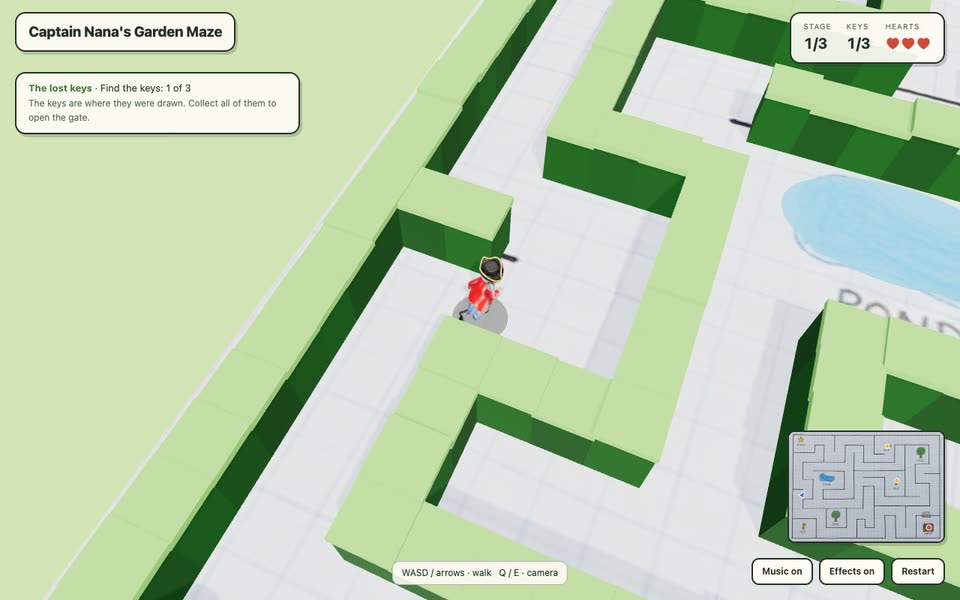
Doodle Hero 3D playable garden maze
Das Beispiel läuft in einem sandboxed Frame ohne Zugriff auf diese Seite.
Online ausführen
In einer SandBase-Sandbox ausführen und Ihre Ergebnisse in Lab ansehen.
In Lab öffnen ↗Was Sie erhalten
Bring a photo or scan of a hand-drawn character, and optionally a hand-drawn maze on grid paper; the Agent writes the level, keys, traps and story. The Skill returns a downloadable Skill (the game project, a greybox prototype mode, a cost-reserving SandBase model-job helper, an offline build and a scripted play-through) and a playable example with its prepared media.
So funktioniert es
- 01
Hand over the drawing and the map
Tell your Agent what the character is and hand over a photo or scan of it, plus an optional grid-paper maze, for example: a crayon pirate grandmother hunting three brass keys in a hedge maze. On your machine with Node 22.14.0, the Agent runs node scripts/new-project.mjs my-game and npm ci, reviews the drawing, then plans the maze: hedge walls, key spots, roaming obstacles, the gate and the goal, with a timer and three stages in src/project.json.
- 02
Walk a greybox, then generate the hero
Run ALLOW_PLACEHOLDERS=1 npm run build and npm run serve to walk the maze with code shapes first, checking wall widths, sight lines and the camera. The Agent then generates the hero through Tripo text-to-3D from the drawing, rigged through Meshy with idle, run and celebration clips; music and effects come from SandBase audio models, each job reserving its maximum cost against your cap.
- 03
Play the build once yourself
npm run build inlines the models and audio into dist/index.html, which runs with connect-src set to none. npm run shoot walks, turns the camera, picks up a key, opens the gate, runs out the timer, restarts and plays a full run. Then play it yourself: the three keys should open the gate, and the celebration clip should play at the goal.
FAQ
Do I have to supply the drawings?
The character drawing is the point of Doodle Hero 3D: the hero, its look and its animations all come from it. The maze drawing is optional; without one the Skill lays out a maze from your description. The official example uses generated stand-in drawings (a crayon pirate and a felt-tip maze), and its provenance file lists every call and its cost.
What does the generated hero actually get?
Through SandBase, the character drawing becomes a textured 3D model via Tripo text-to-3D, then a rigged figure via Meshy with idle, run and celebration clips, so the hero walks, idles and celebrates as the drawn character rather than a code shape. Keys, the goal chest, a roaming obstacle and trees are generated as separate models, while the maze itself, the timer, the camera and the effects are code.
Does Doodle Hero 3D call a model while I play?
No. All models and audio are generated once at build time and inlined into a single dist/index.html, which makes no network request at runtime. Generation bills your SandBase account; each job reserves its maximum inspected cost against the budget cap you set, so a new maze cannot spend past it.
Is the game in English only?
Yes, the game UI and hints are in English; this page is in English and Chinese. Each build is one offline file, about 3.6 MiB for the example, that needs WebGL 2 and makes no network request. Music and effects have separate toggles and start after you press Start.
Why is the demo sandboxed?
The frame has an opaque origin and no network access, so the scene can’t read anything from this page or reach the internet.
Can I play Doodle Hero 3D on a phone?
Yes, a touch stick walks the hero and dragging the view looks around in place of the Q and E camera keys. The headless play-through drives the same touch controls at 390×844; it has been verified under touch emulation, not on real devices.
Why is there no online generation?
Building a new scene needs a model key inside the sandbox, which the backend doesn’t support yet. Run the Skill with your own agent for now.
Weitere Skills
Alle Game creation Skills →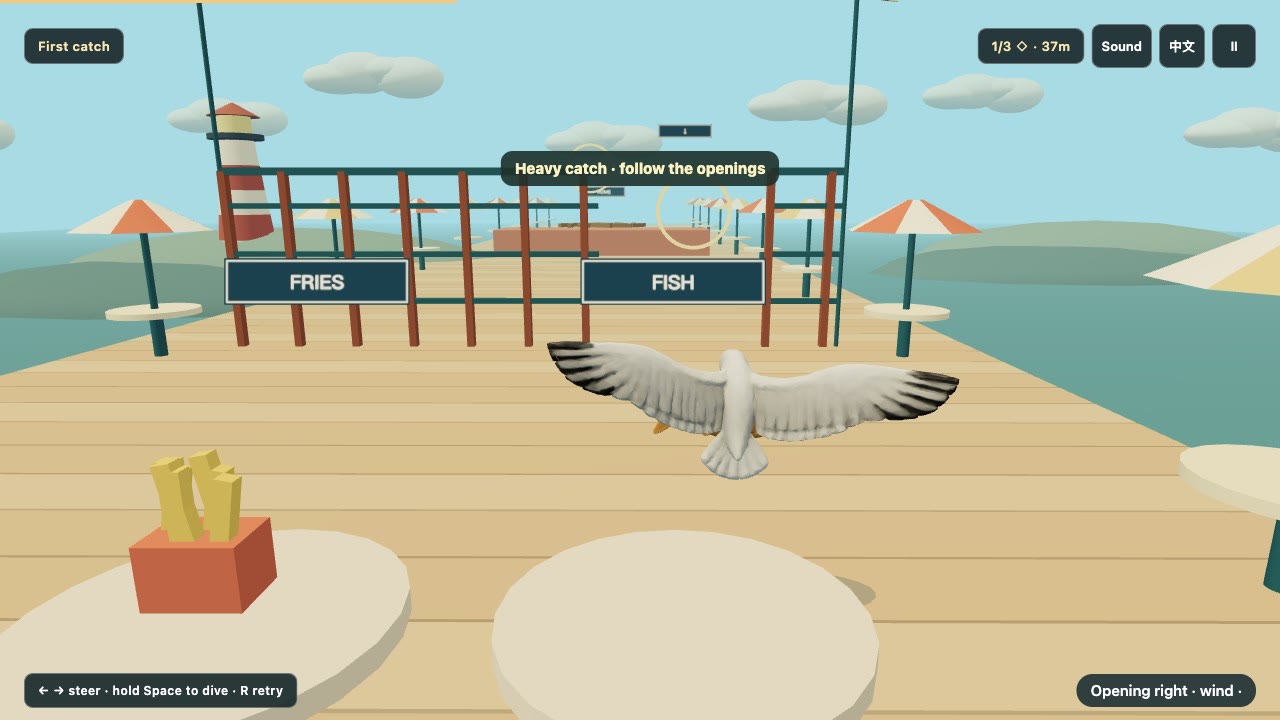
Seagull Swoop
Build a 3D flight-and-delivery game with light fries, heavy fish, crosswinds and optional ring routes. The gull must bring lunch home; cargo weight changes which openings it can safely reach.
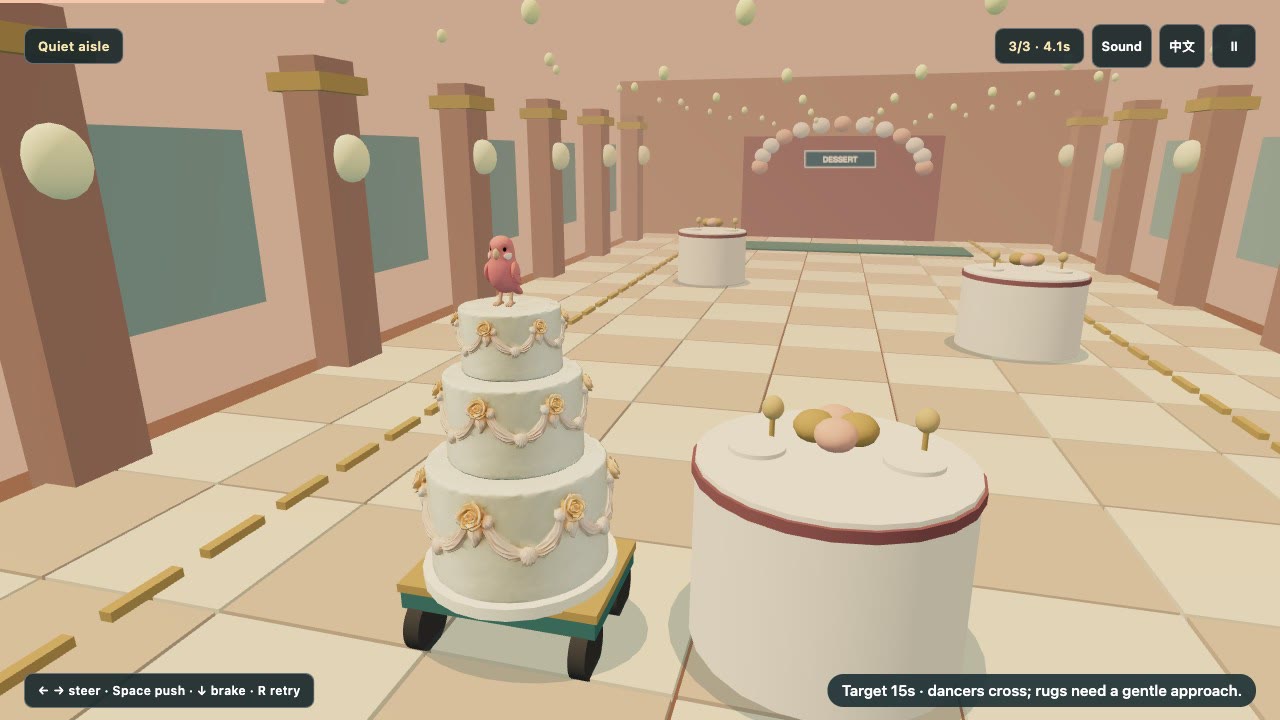
Wedding Cake Wobble
Build a 3D fragile-cargo delivery game around a wobbling wedding cake. Brake before turns, avoid crossing guests and steer around tables. Lost tiers change the score, while a partial delivery can still succeed.
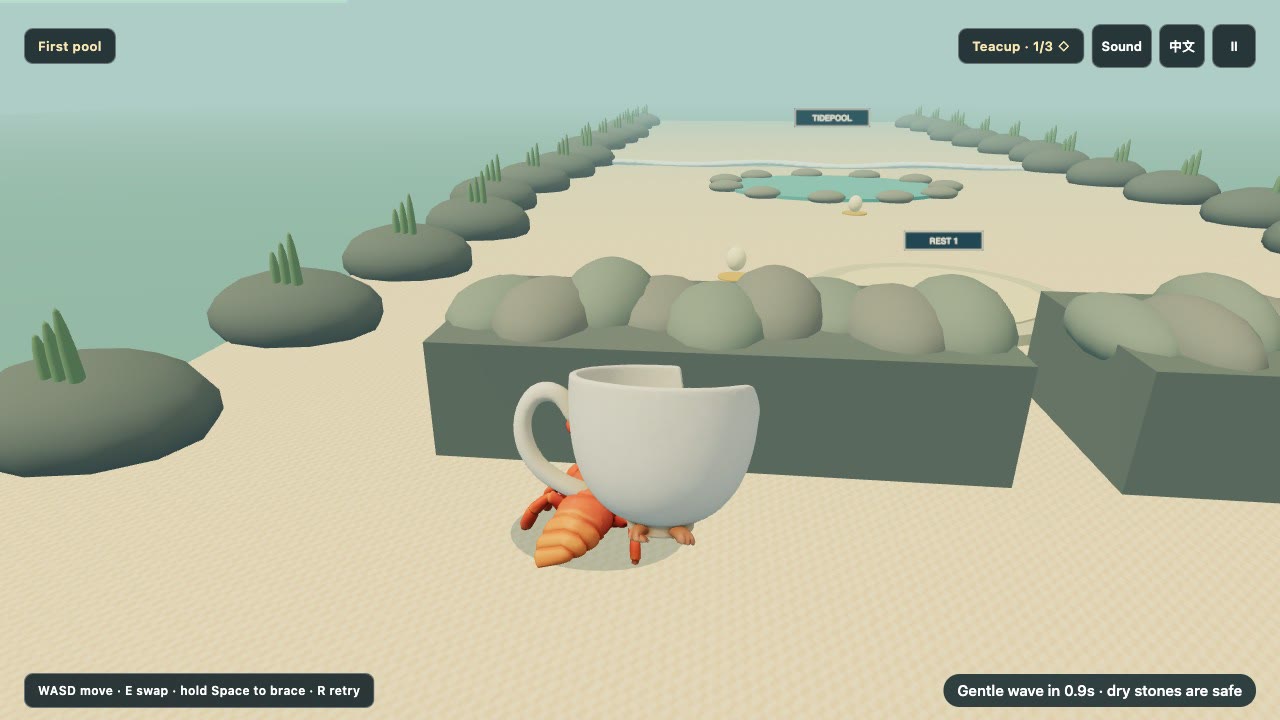
Hermit Tide
Build a 3D route-and-timing game where a hermit crab changes shells to cross a tidal shore. Narrow gaps favour the cap, stronger shells resist waves, and dry stones provide shelter and checkpoints.
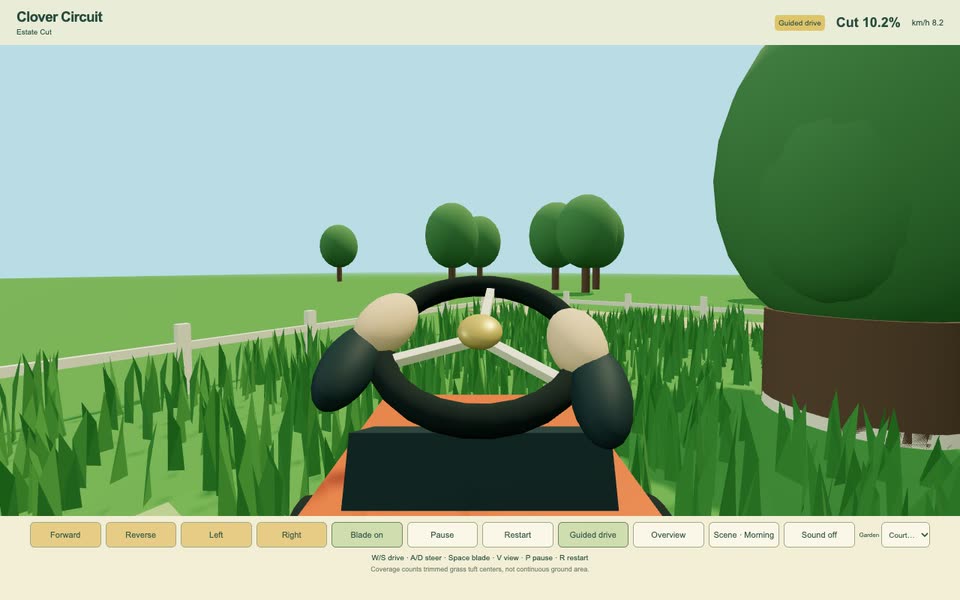
Clover Circuit: Estate Cut
Drive a coral ride-on mower through a fenced estate garden. Steering, braking and the moving blade cut actual grass tufts; Overview reveals the genuine trail. Edit three gardens and three scene palettes offline. Coverage counts trimmed tuft centers rather than continuous ground area.
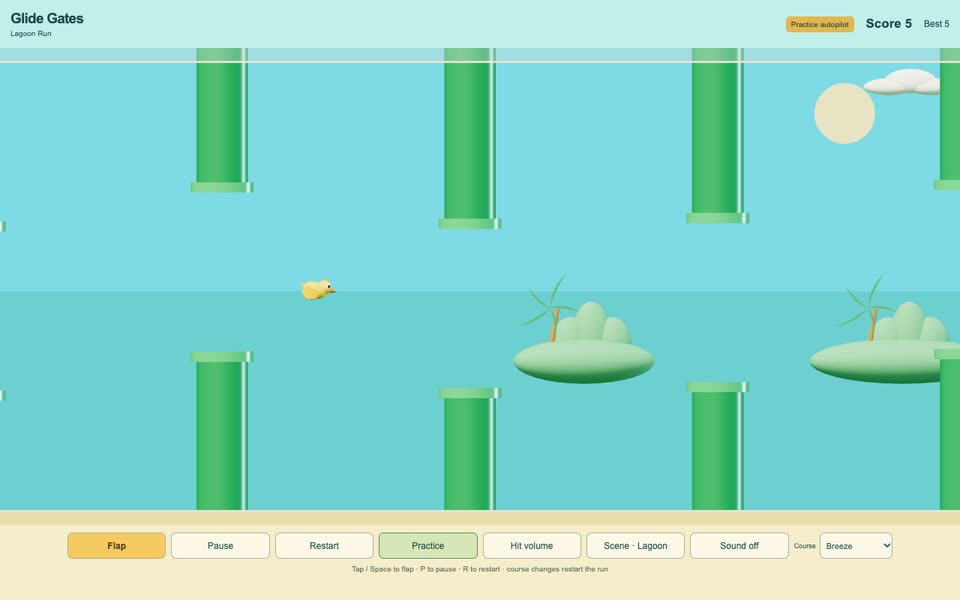
Glide Gates: Lagoon Run
Flap a golden bird through emerald pipe pairs above a turquoise lagoon. Actual fixed-step gravity, swept circle contacts and full-gate scoring power both manual flight and clearly labeled practice. Edit three courses and three scene palettes offline.
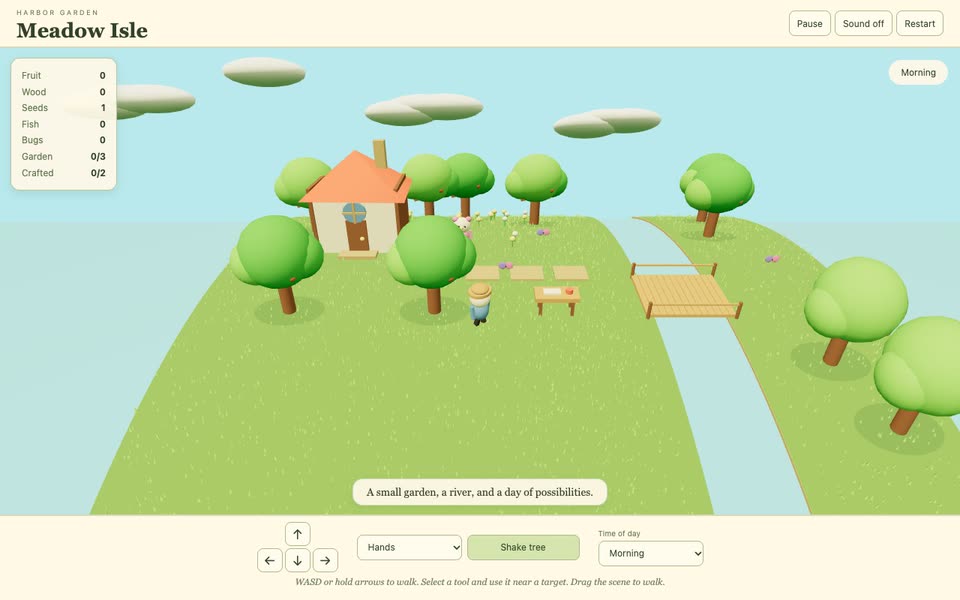
3D Interactive Garden Islands
Walk a curved garden, harvest fruit, share gifts, catch butterflies, fish, grow flowers and craft furniture. Four lighting states and one offline HTML with bilingual keyboard and touch controls.