
Photo to paper cutout
- Lab Skill
- v0.1.0
- Illustration
Rebuild one consented photo of a person or pet as a square layered paper-cut collage — flat coloured paper strata, crisp cut edges and soft shadows between layers.
Beispiel
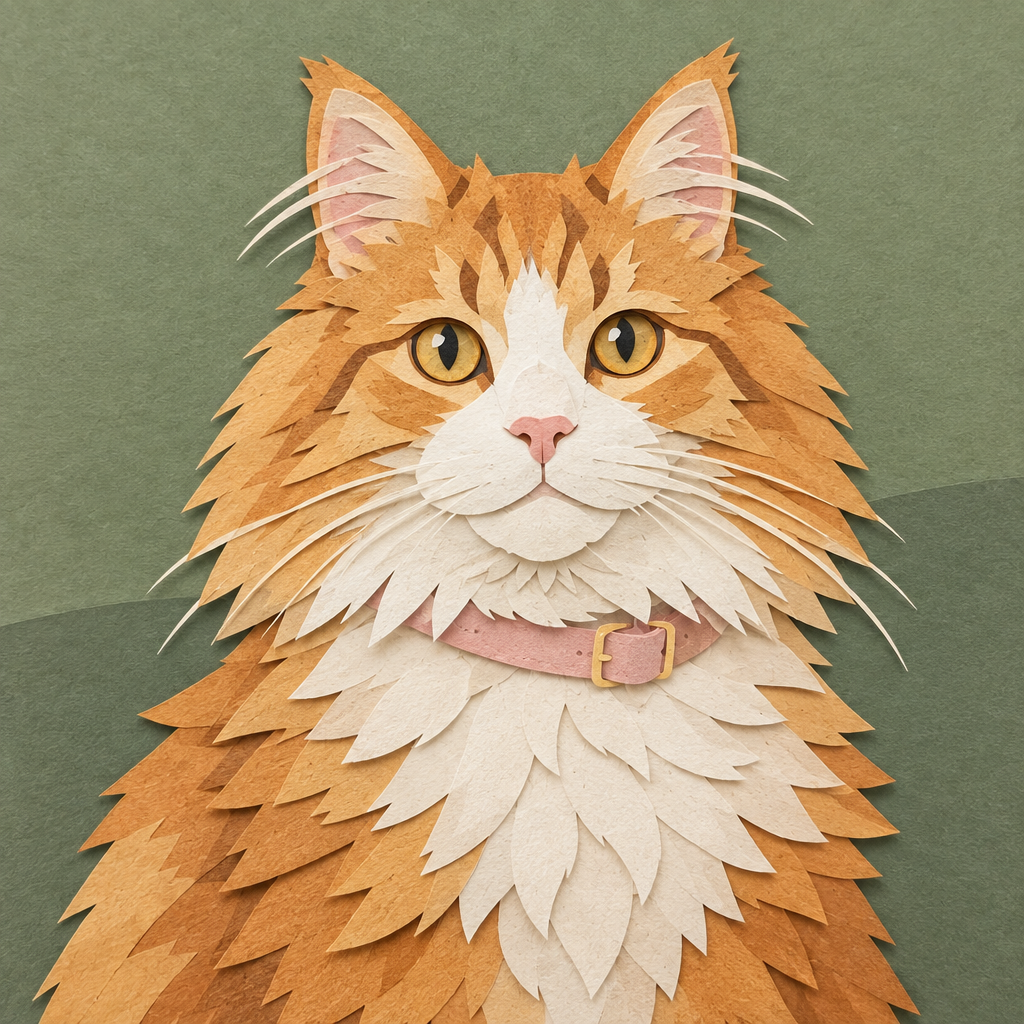
Photo to paper cutout
Online ausführen
In einer SandBase-Sandbox ausführen und Ihre Ergebnisse in Lab ansehen.
In Lab öffnen ↗Was Sie erhalten
Bring one consented photo of a person or pet. The Skill returns one 1:1 paper collage PNG and a bilingual run report.
So funktioniert es
- 01
Choose a paper palette
Paper-Cut Collage Portrait reads photo, consent and palette. warm leans to coral, kraft and cream; cool to slate, mint and sky; mono to a single-paper grayscale. The sample brief sets warm. The subject is a person or a pet in one clear, upright PNG or JPEG of at most 8 MB, with a short side of at least 512 px.
- 02
Cut and layer the collage
Locally, the script needs Node.js 18 or later and SANDBASE_API_KEY, and nothing else. node scripts/generate.mjs plan checks the brief offline; run then sends the stripped photo to openai/gpt-image-2.5-flare/edit. The model builds a square collage of flat coloured paper strata with crisp cut edges, soft shadows between layers and tactile paper grain.
- 03
Review cutout.png at two sizes
The output is cutout.png at 1:1 with no text, plus report.json and HTML reports in English and Chinese. Inspect composition and palette at full resolution and at 320 by 320. Reject any logo, mascot, signature, watermark or second real person. The report keeps text accuracy marked for human review.
FAQ
What photo works best in Paper-Cut Collage Portrait?
Paper-Cut Collage Portrait works best with one clear photo of a person or pet, at least 512 px on the short side. Bold shapes and clean backgrounds cut best into paper layers. Colours and shapes carry into the collage on a best-effort basis.
Which palette should I pick in Paper-Cut Collage Portrait?
Paper-Cut Collage Portrait offers three palettes. warm uses coral, kraft and cream, cool uses slate, mint and sky, and mono uses a single-paper grayscale. Pick by mood; the layered paper construction is the same in each.
How is Paper-Cut Collage Portrait paid for?
Paper-Cut Collage Portrait calls openai/gpt-image-2.5-flare/edit once, and the usage is billed to your SandBase account. The plan command shows the job without network access. Pass --budget to run and the Skill refuses to submit if the inspected estimate exceeds it. The report records the cost. Rates are at https://www.sandbase.ai/pricing.
Can Paper-Cut Collage Portrait put a name on the collage?
No. Paper-Cut Collage Portrait returns an image with no text, and treats any lettering the model adds as a defect. It adds no watermark.
Is Paper-Cut Collage Portrait suitable for an ID photo?
No. Paper-Cut Collage Portrait is not for identity documents, biometric matching, evidence of presence, or any photo edited without the subject's or owner's permission. The result is a stylised collage with a best-effort likeness.
Weitere Skills
Alle Illustration Skills →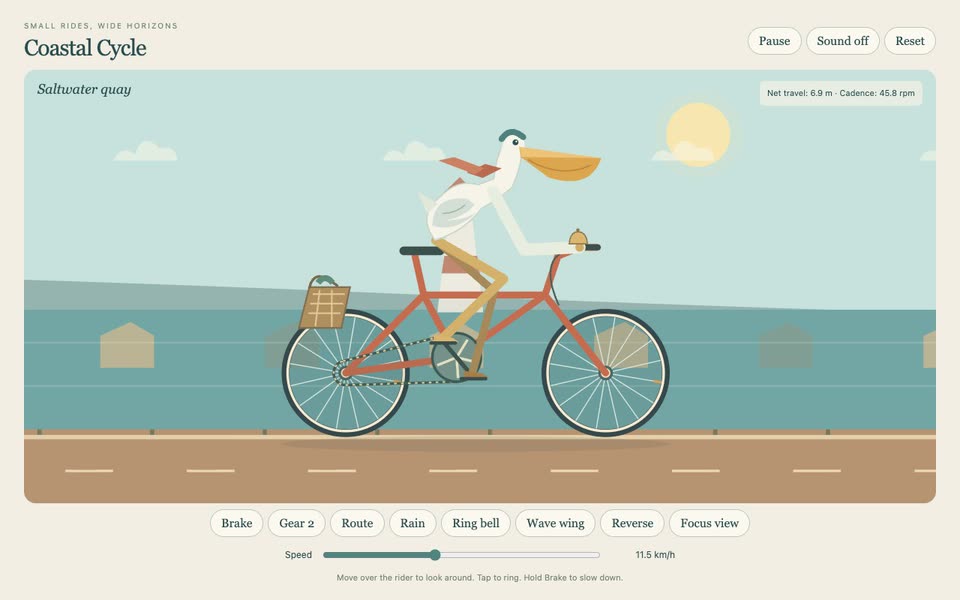
Coastal Cycle: Harbor Pelican
An authored SVG pelican rides a coral bicycle beside the sea. Measured travel drives the wheels, gear ratio drives the crank, and solved joints keep both feet on their actual pedals. Brake, reverse and explore three coastal palettes offline.
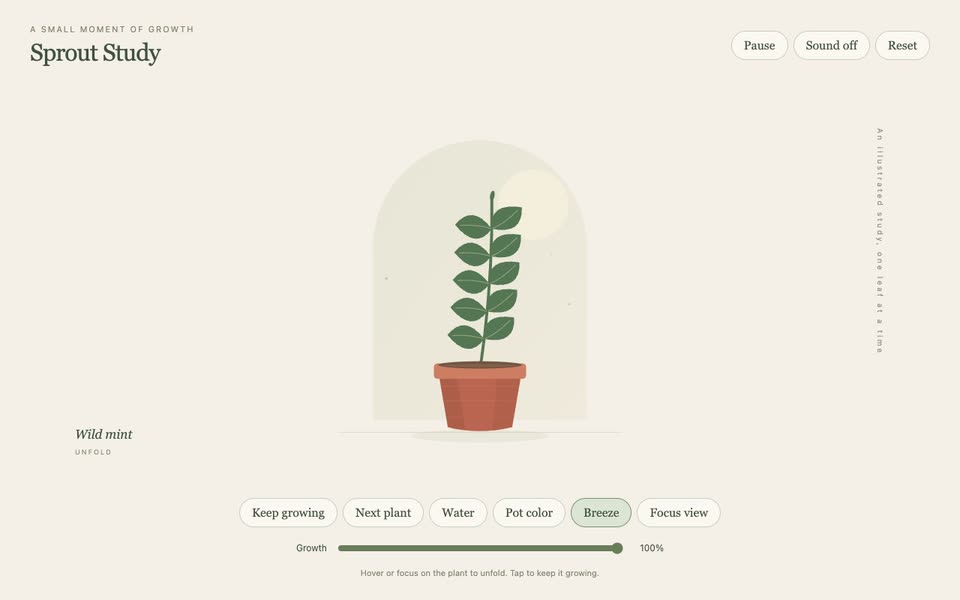
Sprout Study: Terracotta Mint
A quiet SVG botanical illustration. Hover or focus to grow the continuous stem, unfold leaves in sequence and fold them again. Touch hold, exact growth scrubbing and editable plants in one offline HTML.
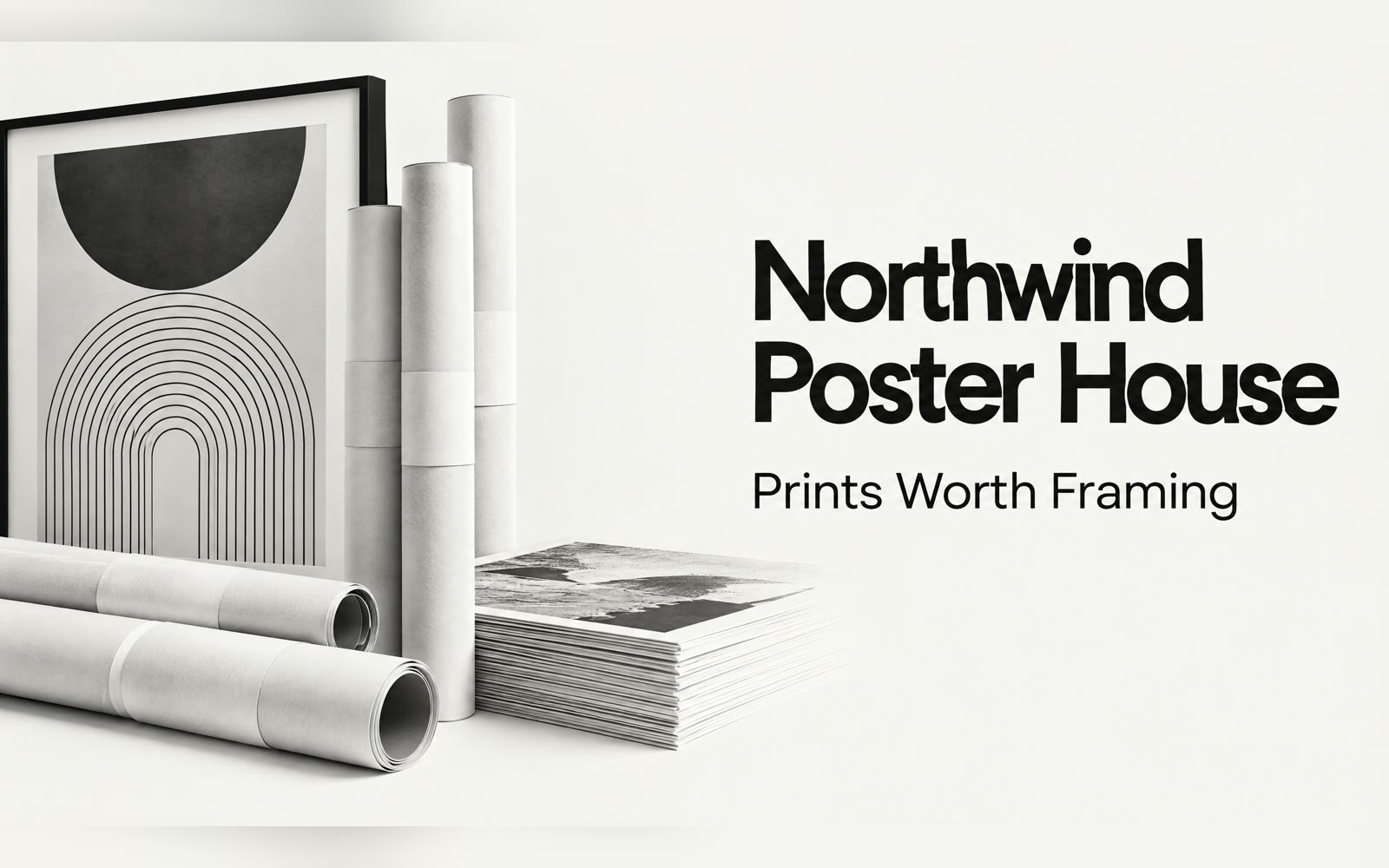
Monochrome editorial
Turn a brand, one headline and context into a high-key monochrome editorial card.
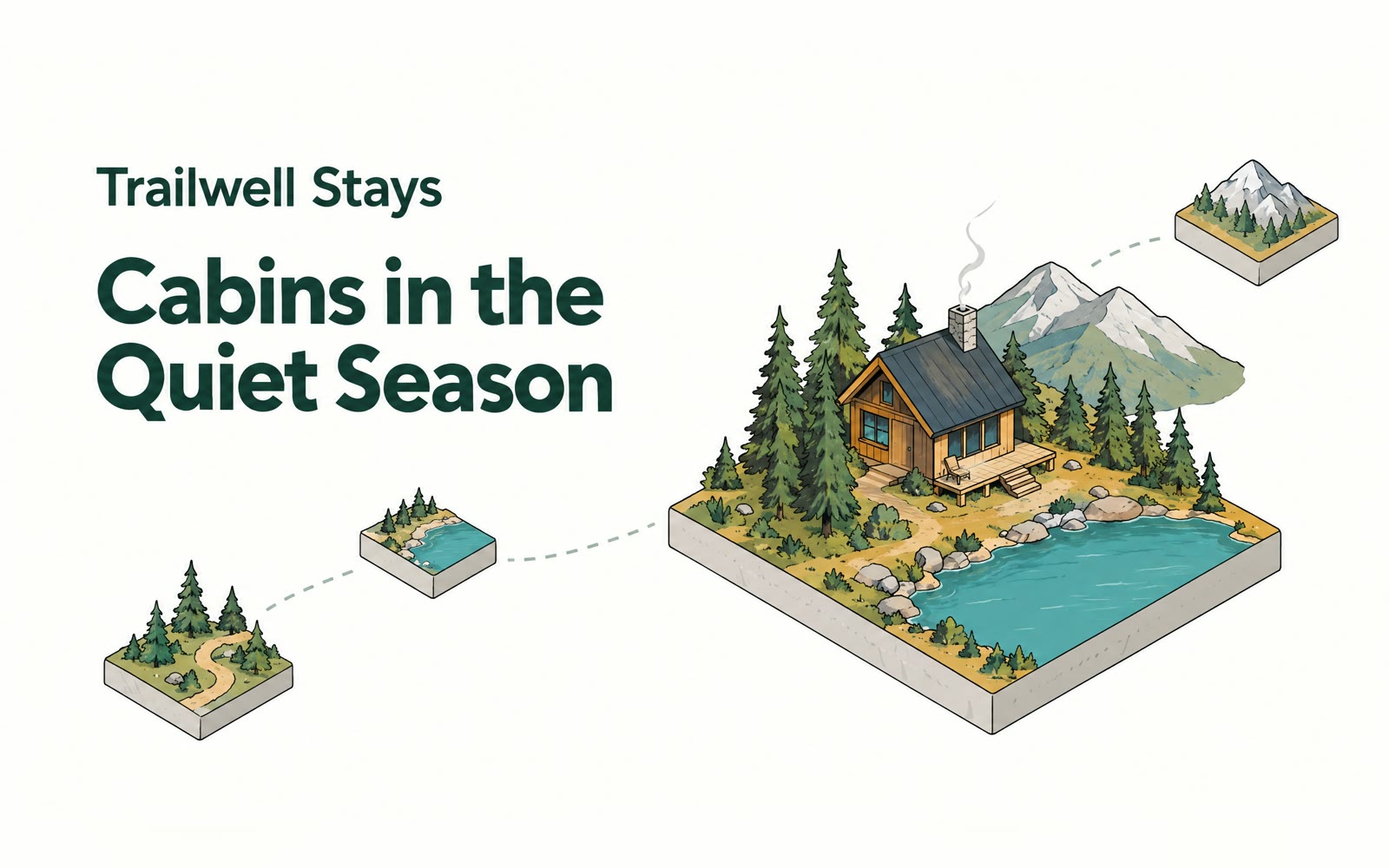
Isometric diorama
Turn a brand, one headline and context into a modular isometric card.

Converging lines
Turn a brand, one headline and context into a precise line-convergence card.
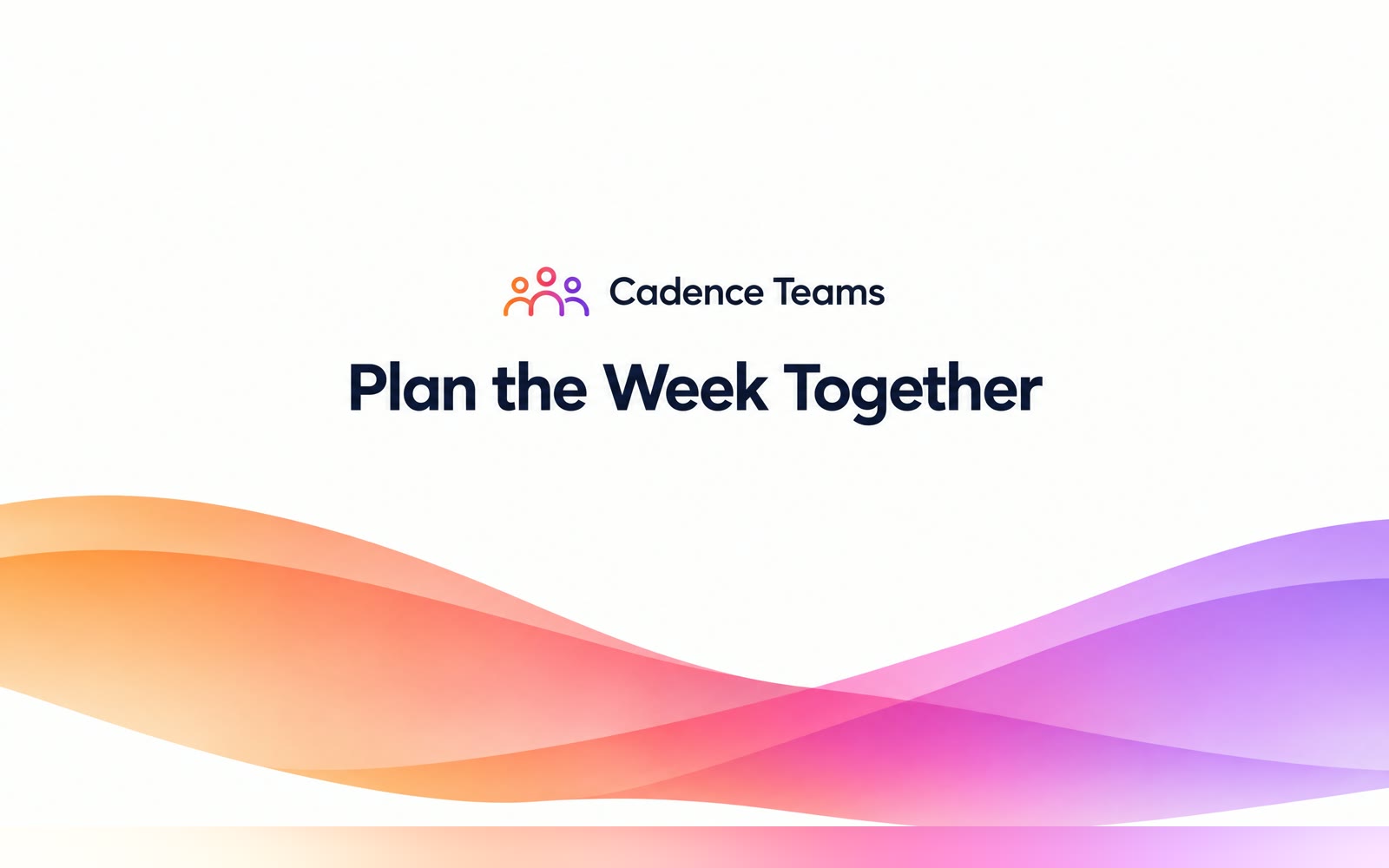
Gradient horizon
Turn a brand, one headline and context into a warm gradient-horizon card.