
Pixel City Drive
- Lab Skill
- v0.1.0
- Interactive 3D
Drive a real route through your city in pixel art: OpenStreetMap buildings on their footprints, signs with the real street names, landmarks, golden hour into night.
Beispiel
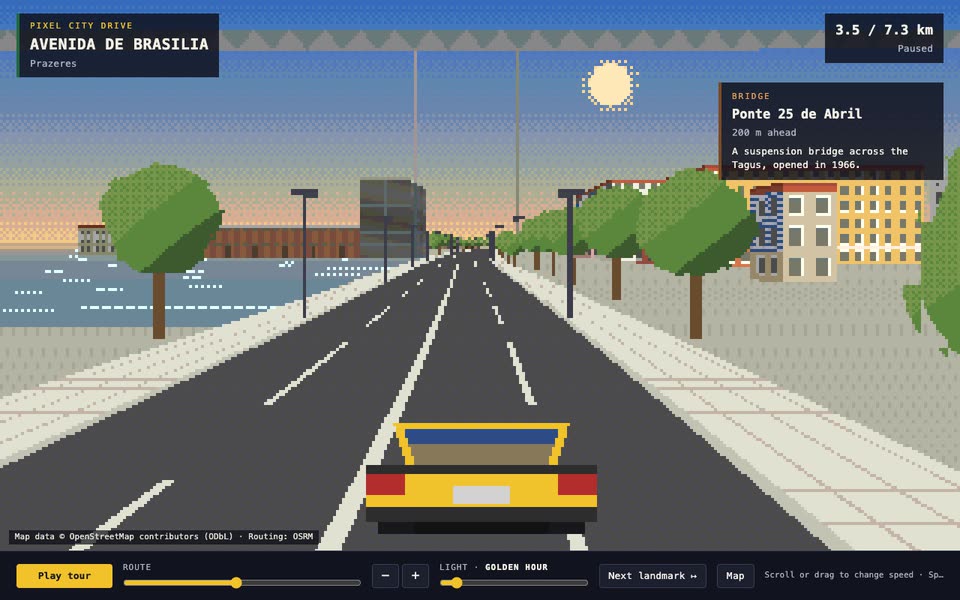
Pixel City Drive interactive demo
Das Beispiel läuft in einem sandboxed Frame ohne Zugriff auf diese Seite.
Online ausführen
In einer SandBase-Sandbox ausführen und Ihre Ergebnisse in Lab ansehen.
In Lab öffnen ↗Was Sie erhalten
Bring two points in a city and the landmarks to pin. The Skill returns a downloadable Skill (route bake, meta prompt, lessons, verification), a runnable scene and a 90-second film.
So funktioniert es
- 01
Bake a real route
Pick two points in a city. node scripts/bake-route.mjs --from and --to routes the drive with OSRM and pulls the buildings, water, parks, bridges, districts and named landmarks along it from OpenStreetMap into src/city/route.json; --pin adds landmarks. It makes a handful of requests to public servers, caches the answers and refuses routes over 30 km. The bake needs no key.
- 02
Style and build
Write facade palettes per building type, paving, signs, the car, bilingual landmark notes, the film duration and the light arc in src/city/style.json. Then npm ci and npm run build:single write dist-single/index.html, one offline file: every building stands on its mapped footprint at its mapped or typical height, and signs spell the real street and landmark names.
- 03
Verify and record
npm run shoot checks the page with real input, and npm run record writes film.mp4 and a poster; the sample is 90 seconds at 1920×1080 and 30 fps, silent, and --cover records only the 30-second card loop. Play, scrub, change speed, drag the light from golden hour to night, jump to the next landmark with N and show the map with M.
FAQ
What does Pixel City Drive make?
Pixel City Drive drives any real city route in pixel art: OpenStreetMap buildings stand on their footprints, signs spell the real street and landmark names, the view glances at each landmark as you pass, and the light runs from golden hour to night. It ships as one offline HTML file with a seekable tour and a recordable film.
Are Pixel City Drive scenes photos of the street?
No. In Pixel City Drive positions, lengths, heights and names come from OpenStreetMap, but facades, colours and landmark shapes are drawn by code from the building type and style.json. Unmapped heights come from the building type, and the ground is flat; the road follows the real plan, not the terrain.
Can I drive my own city in Pixel City Drive?
Yes. Bake a new route between two points with Pixel City Drive's bake script, pick its landmarks with --pin, and write its palette and landmark notes in style.json. Each city needs its own visual check of the frames, because OpenStreetMap coverage differs from place to place.
Does Pixel City Drive need an API key?
No. Pixel City Drive bakes public map data once and then draws the drive in code, so it needs no API key and calls no model. Pixel City Drive's bake step makes a few requests to the public OSRM and Overpass servers, so set PIXEL_CITY_USER_AGENT and run one bake at a time; the finished page makes no network requests at all.
What is the Pixel City Drive map data licence?
Map data in Pixel City Drive is © OpenStreetMap contributors under the ODbL, and routing is by OSRM. A baked route.json is a derived database, so share it under the ODbL and keep the credits line visible wherever the drive is shown. The pictures themselves are drawn by code.
Does Pixel City Drive work on phones?
Yes, in a compact layout. Pixel City Drive shows the full layout in desktop windows and a compact strip on phones, small windows and with embed=1. The tour starts by itself unless reduced motion is requested, and lang=zh-CN switches the interface to Chinese.
Weitere Skills
Alle Interactive 3D Skills →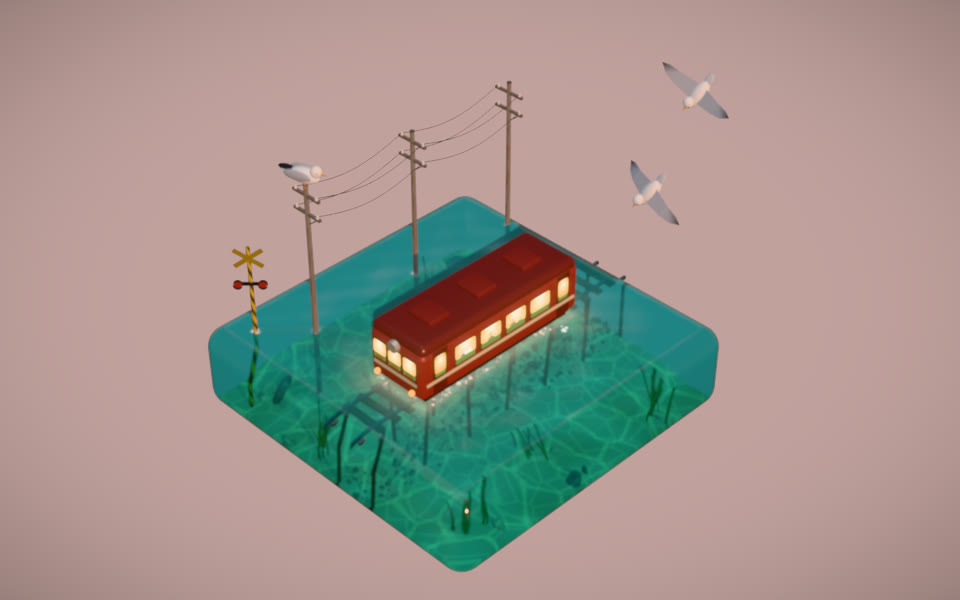
Resin Diorama
Live 3D resin-block dioramas in your browser: send a little tram across a clear turquoise sea, or ripple the bay of a cliff island. Synthesized sound, and every scene can be tuned.

3D Vehicle Worlds
Explore interactive 3D vehicle worlds in your browser, with varied terrain, camera controls and driving effects. Choose a playable example to begin.
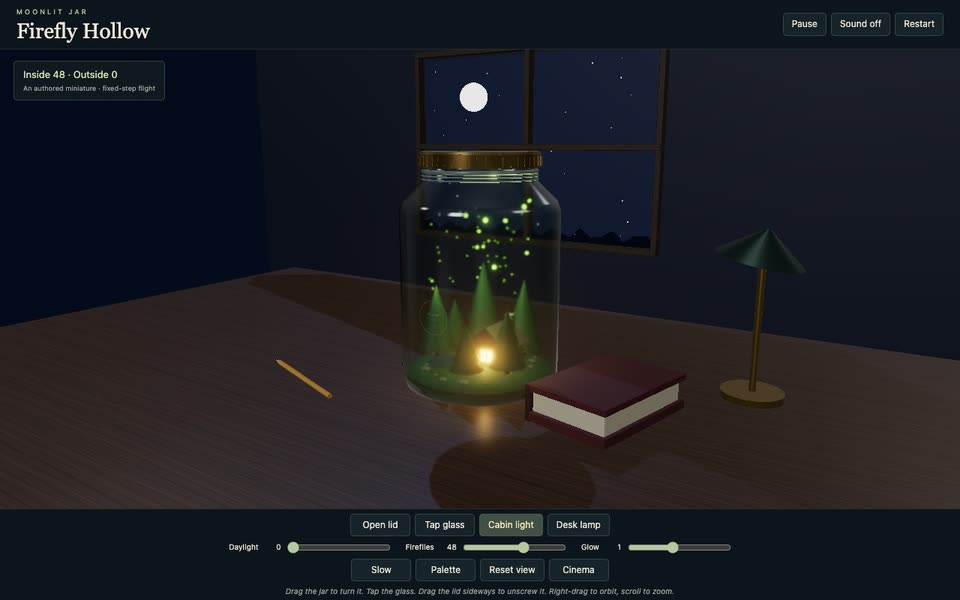
3D Firefly Terrariums
Turn a thick glass miniature, scatter glowing fireflies and open its brass lid. Actual particles leave through the neck and return before it seals. A moonlit cabin, forest and real local lights in one offline HTML.
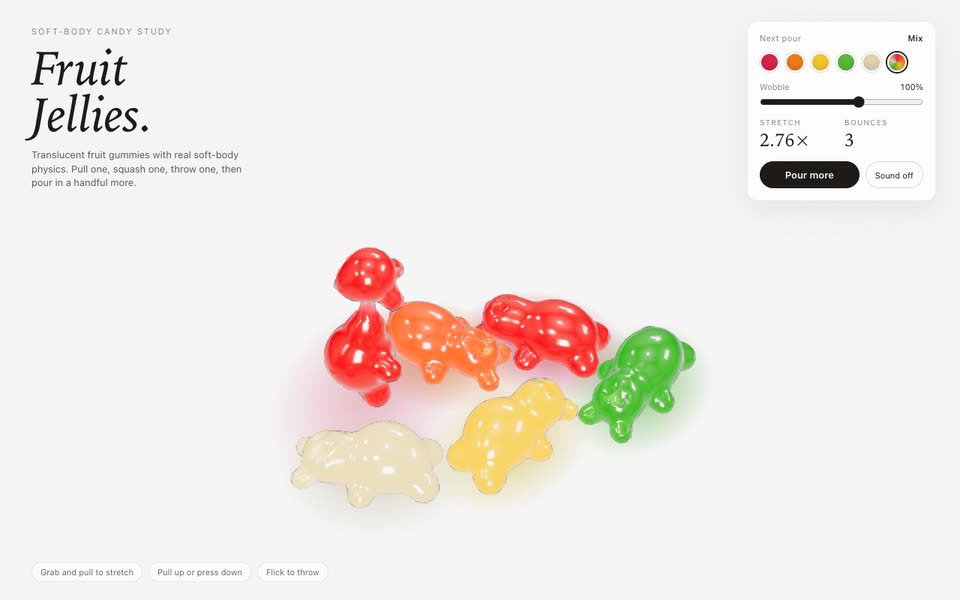
Jelly Candy: Fruit Bears
Six translucent fruit gummies on a white table. Grab any part and pull, lift a head until the neck stretches thin, press one flat until it springs back, flick one across the pile or pour in more. Fixed-step soft-body physics and a marching-cubes skin in one offline HTML.
WebGPU Soft-Body Gummy Bears
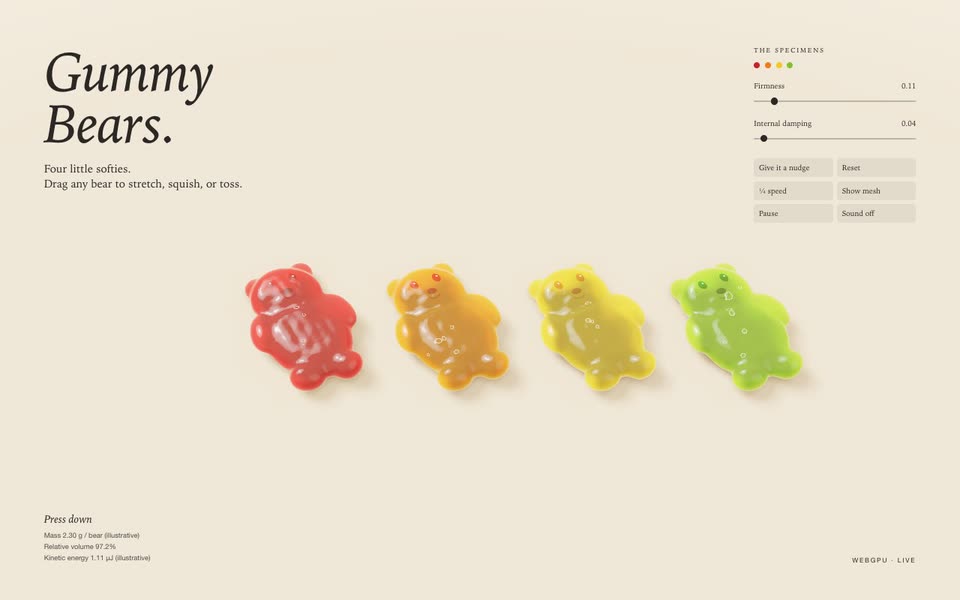
Four translucent gummy bears on an ivory floor, rendered with native WebGPU. A deterministic 36-second choreography stretches, presses, flips and tumbles them before they settle back to the exact rest pose. Drag any bear to stretch, squish or toss it. A fixed-step tetrahedral XPBD solver in one offline HTML.
Stone Stars: 3D Miniature Landmark City
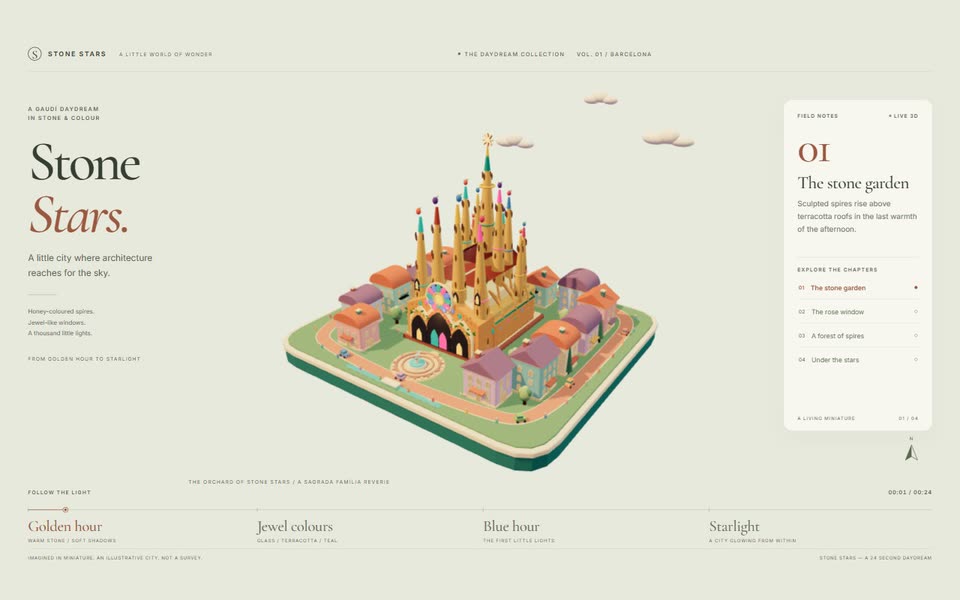
Turn a city into a storybook 3D island around one landmark, with chapters, a daylight-to-starlight slider, street life and a matching scored 24-second film. Sample: a Gaudí-style basilica.