
sandbase-3d-assets: reference image to 3D model
- Lab Skill
- v0.1.6
- Interactive 3D
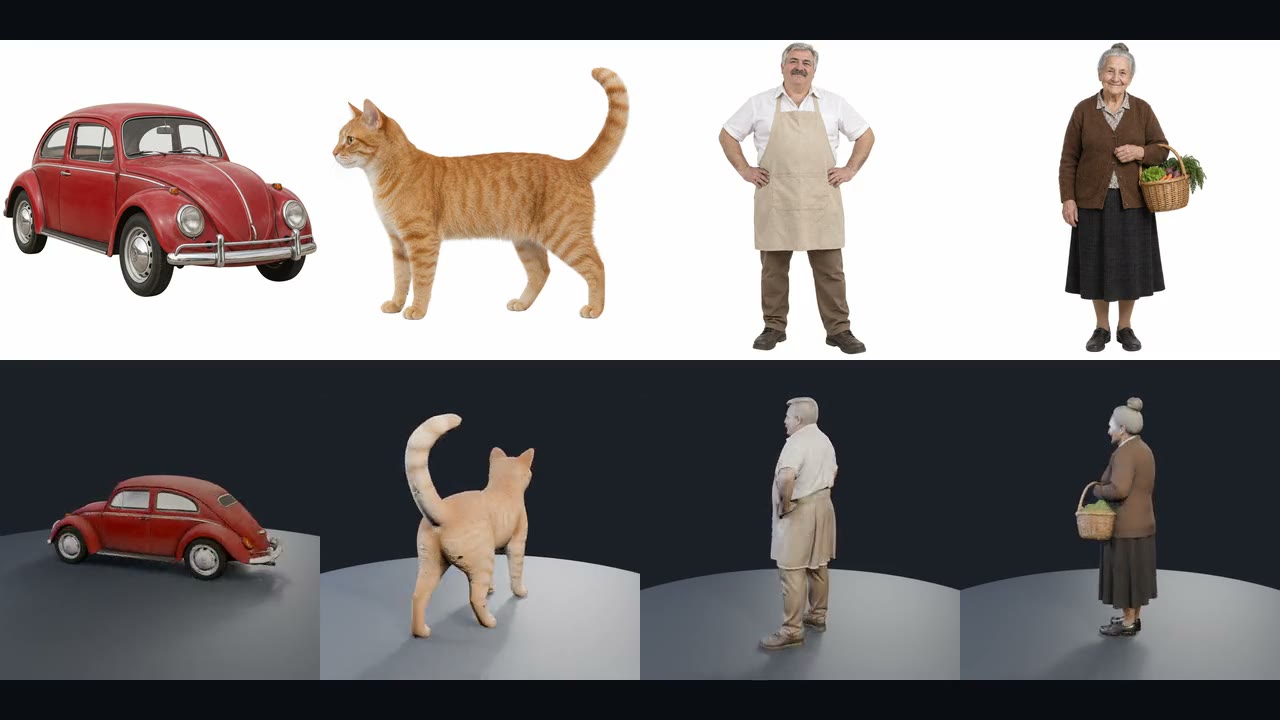
Reference image first, 3D model second. gpt-image-2.5 draws each object on a plain background, you throw away the ones you do not like, Hunyuan 3D 3.1 Pro turns the rest into textured models, and one script scales everything to real heights in a single library.
Beispiele · 3
Make your own place
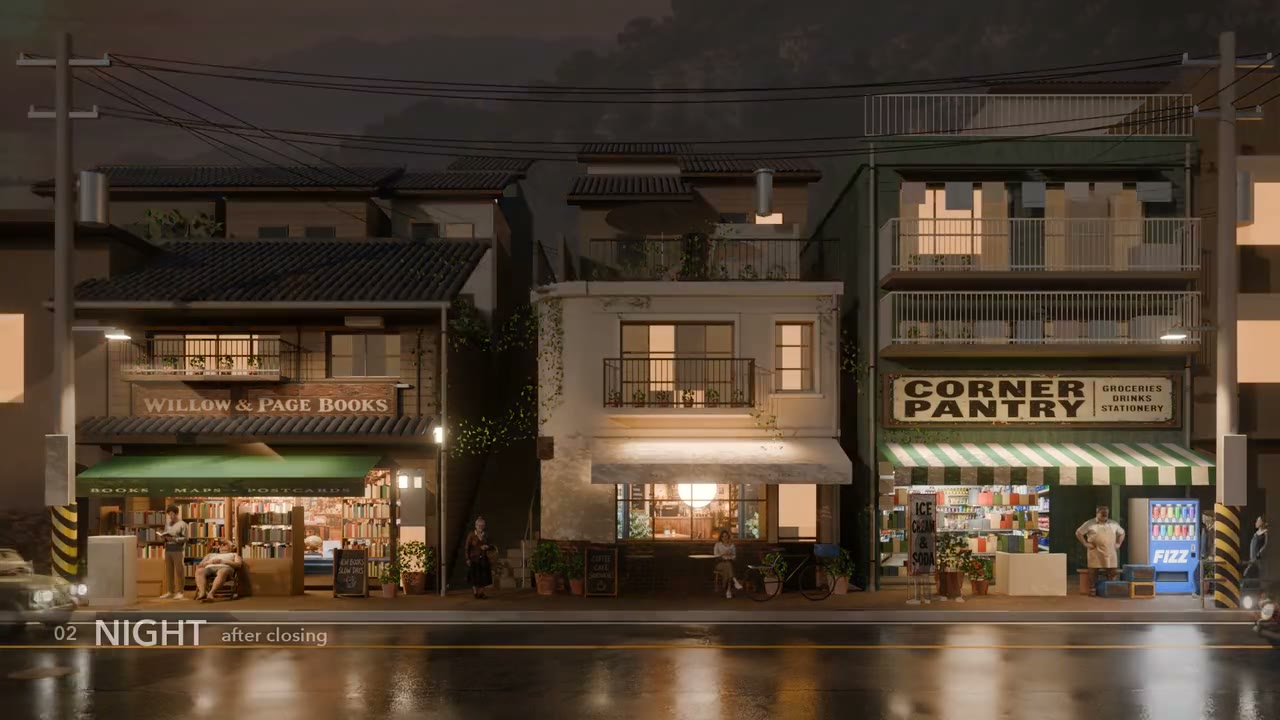
Build and film a whole place →Five Skills for your Agent. Take the whole pipeline, or one stage: the models, the walking people, the weathers, or the finished film. All five carry the same streetkit, byte for byte.
Build and film a whole place
The whole pipeline: SandBase models and textures, Mixamo walkers, four weathers on your GPU, the cut with sound, the game hand-off and a report.
Make them walk
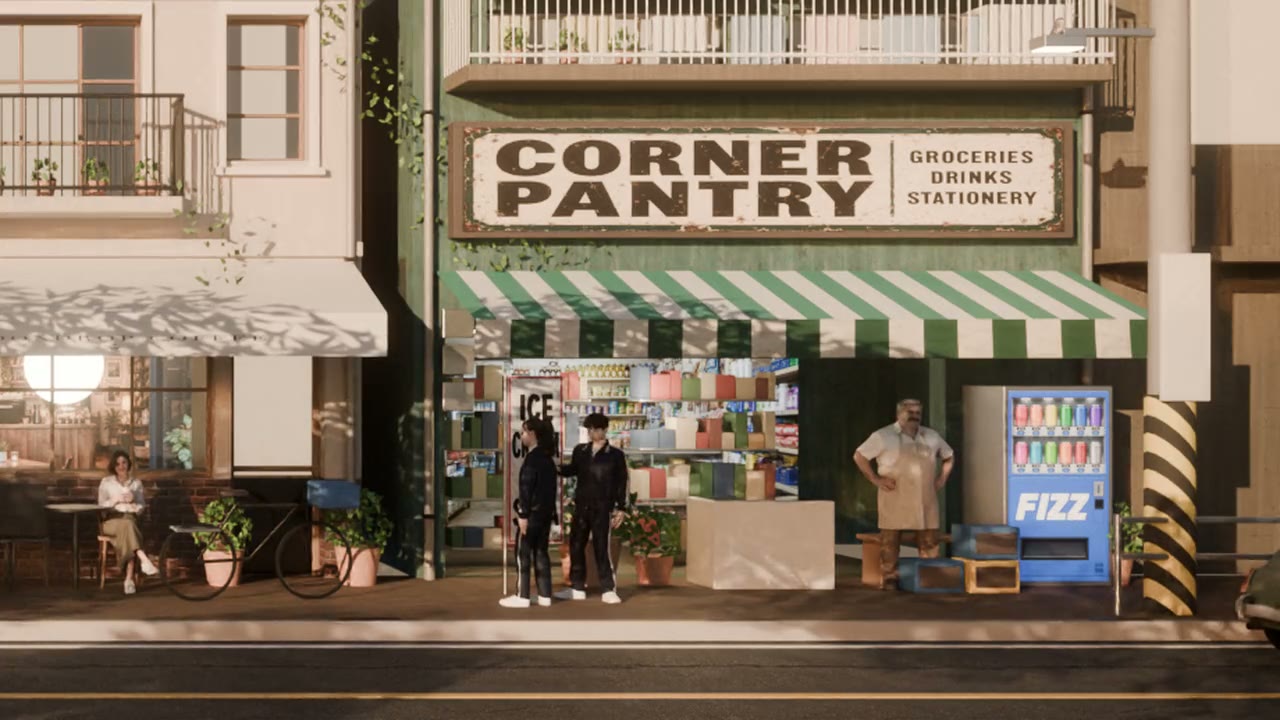
Mixamo rigs a generated character in your own browser session; mocap clips make it walk in, stop, turn and talk with its feet on the ground.
Four weathers, one scene
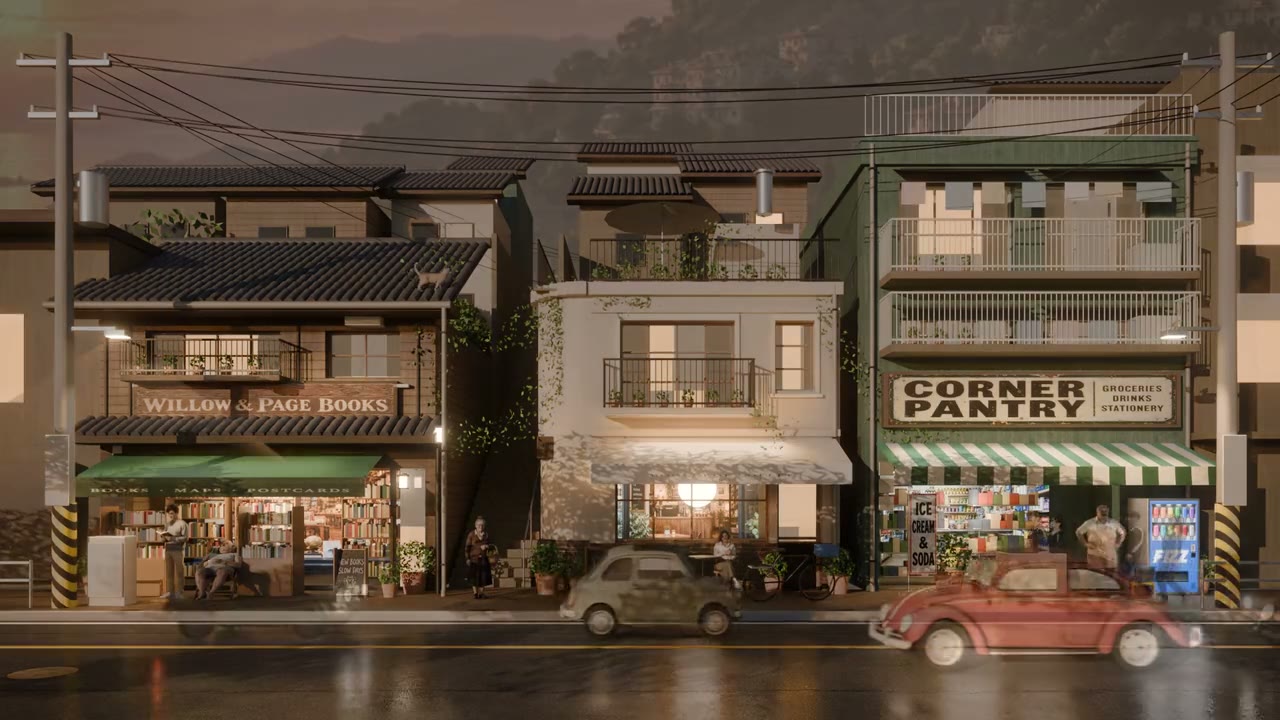
Dusk, night, storm and snow as importable functions that change only light, materials and sky. Stills, renders, patches and a hand-off a game can bake.
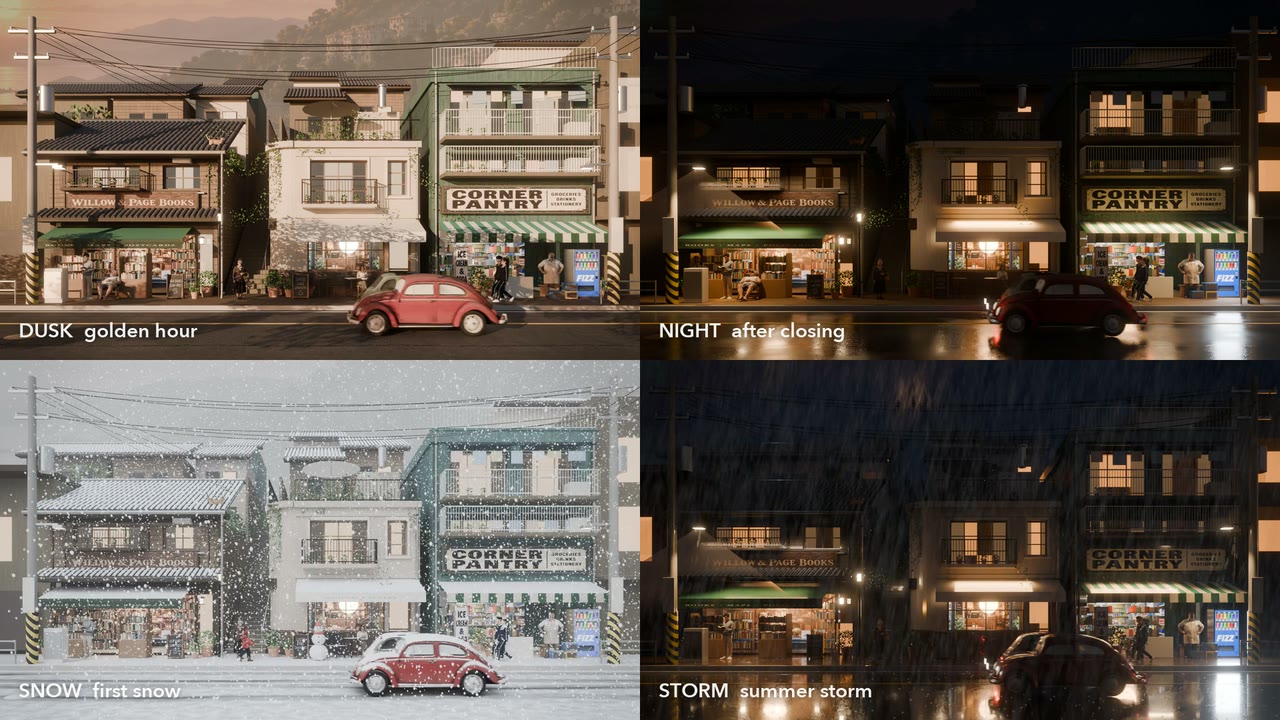
Finish the film
A SandBase music bed and street sound, frame and video checks, feathered patches, then the film, a 2 × 2 grid and a 9:16 version.
So funktioniert es
- 01
Write specs and price them
SandBase 3D Assets reads spec files that list each object's prompt and real height, explained in references/assets.md. The published street's models.json lists two 1960s cars, a cat, a sparrow and nine people. python3 scripts/gen3d.py estimate and gen_textures.py estimate price everything before any paid call. It needs the sandbase CLI logged in or SANDBASE_API_KEY, Python 3.10+ and Blender 4.2+.
- 02
Review references, then build models
gen3d.py refs makes one gpt-image-2.5 reference image per object as models/name_ref.png. Review them, and delete a bad one to regenerate it. gen3d.py models then sends existing references to Hunyuan 3D 3.1 Pro for textured GLB files. gen_textures.py run paints sign, awning and backdrop textures, and fetch_pbr.py downloads Poly Haven PBR sets and HDRIs.
- 03
Assemble and check the library
blender -b -P scripts/prep_models.py normalises every GLB into models/assets.blend, one mesh per object with its origin at the bottom centre and real height, and preview_models.py renders previews. Fix height_m or rot_deg in the spec until each model stands upright, faces the camera and has the right size, and read every sign texture for wrong characters.
FAQ
What does SandBase 3D Assets cost and how do I see it first?
SandBase 3D Assets bills each gpt-image-2.5 reference image, each Hunyuan 3D 3.1 Pro model and each painted texture to your SandBase account. The estimate commands of gen3d.py and gen_textures.py show the price before anything is paid, and every paid call is logged to logs/cost.txt. Poly Haven downloads are not billed. Rates are at https://www.sandbase.ai/pricing.
Does SandBase 3D Assets pay twice when I re-run it?
No. SandBase 3D Assets skips files that already exist and resumes a dropped wait in the same run, so re-running a step never pays for an object again. To regenerate one reference or model on purpose, delete its file and run the command again with that object's name.
Why review images before 3D in SandBase 3D Assets?
SandBase 3D Assets asks for review because the 3D step costs 15 to 20 times more than the reference image, and a model can only be as good as its reference. Catch a wrong pose, missing hands or bad proportions in the PNG before Hunyuan 3D turns it into a GLB.
Can SandBase 3D Assets make models for something other than a street?
Yes. SandBase 3D Assets specs are lists of prompts with heights, and the library is a plain .blend that any Blender scene can append from. The street cast is only the example. Rigging is a separate job: characters go to mixamo-actor, not into the 3D generation step.
What goes wrong with SandBase 3D Assets output?
SandBase 3D Assets output has two known problems. Image models drop or invent characters in sign text, so check every texture before use. Hunyuan output arrives at arbitrary scale and facing, so never skip the preview render after prep_models.py has normalised the library.
Weitere Skills
Alle Interactive 3D Skills →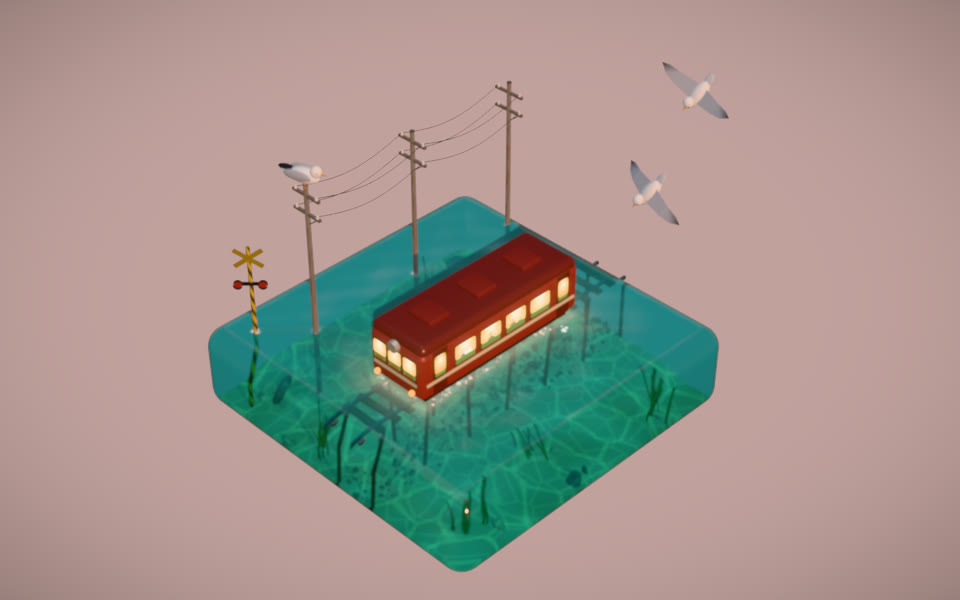
Resin Diorama
Live 3D resin-block dioramas in your browser: send a little tram across a clear turquoise sea, or ripple the bay of a cliff island. Synthesized sound, and every scene can be tuned.

3D Vehicle Worlds
Explore interactive 3D vehicle worlds in your browser, with varied terrain, camera controls and driving effects. Choose a playable example to begin.
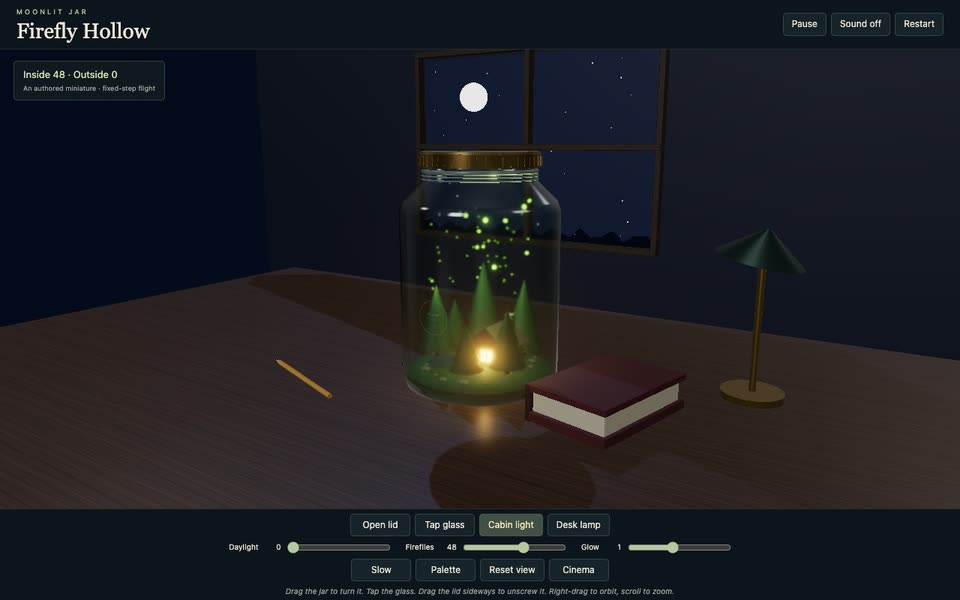
3D Firefly Terrariums
Turn a thick glass miniature, scatter glowing fireflies and open its brass lid. Actual particles leave through the neck and return before it seals. A moonlit cabin, forest and real local lights in one offline HTML.
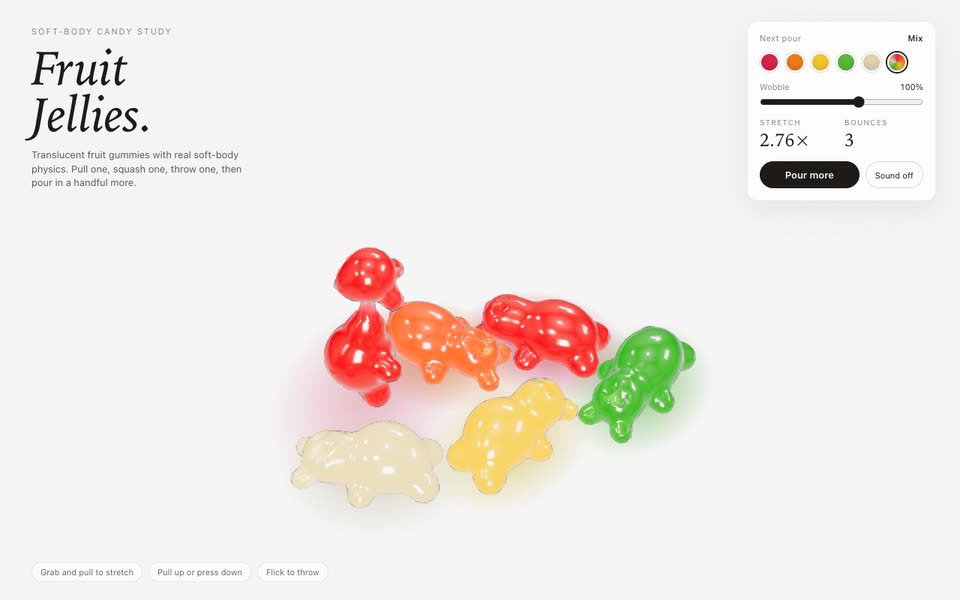
Jelly Candy: Fruit Bears
Six translucent fruit gummies on a white table. Grab any part and pull, lift a head until the neck stretches thin, press one flat until it springs back, flick one across the pile or pour in more. Fixed-step soft-body physics and a marching-cubes skin in one offline HTML.
WebGPU Soft-Body Gummy Bears
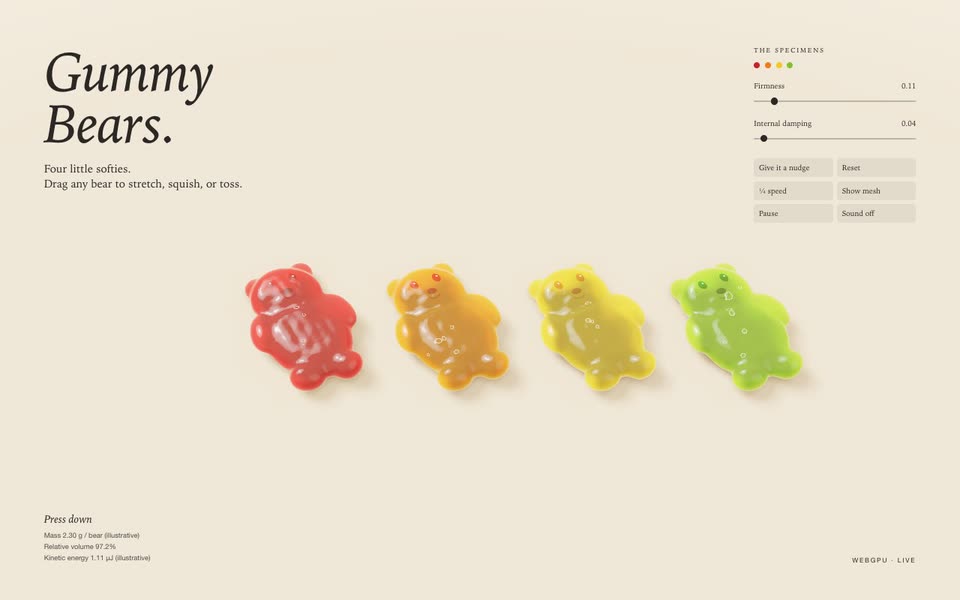
Four translucent gummy bears on an ivory floor, rendered with native WebGPU. A deterministic 36-second choreography stretches, presses, flips and tumbles them before they settle back to the exact rest pose. Drag any bear to stretch, squish or toss it. A fixed-step tetrahedral XPBD solver in one offline HTML.
Stone Stars: 3D Miniature Landmark City
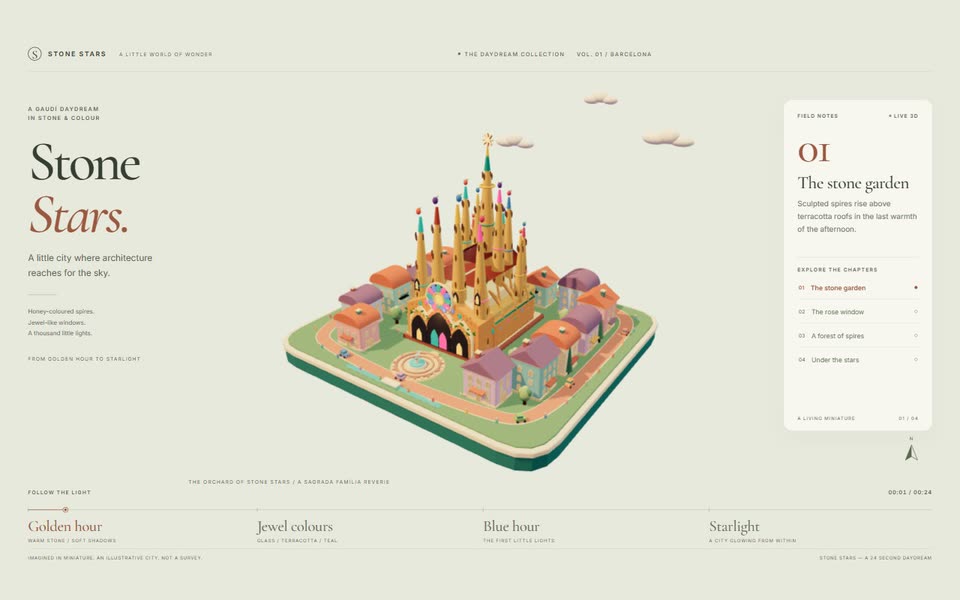
Turn a city into a storybook 3D island around one landmark, with chapters, a daylight-to-starlight slider, street life and a matching scored 24-second film. Sample: a Gaudí-style basilica.