
LinkedIn Document Carousel
- Lab Skill
- v0.3.0
Write and render a complete LinkedIn document carousel from your confirmed material.
Cover
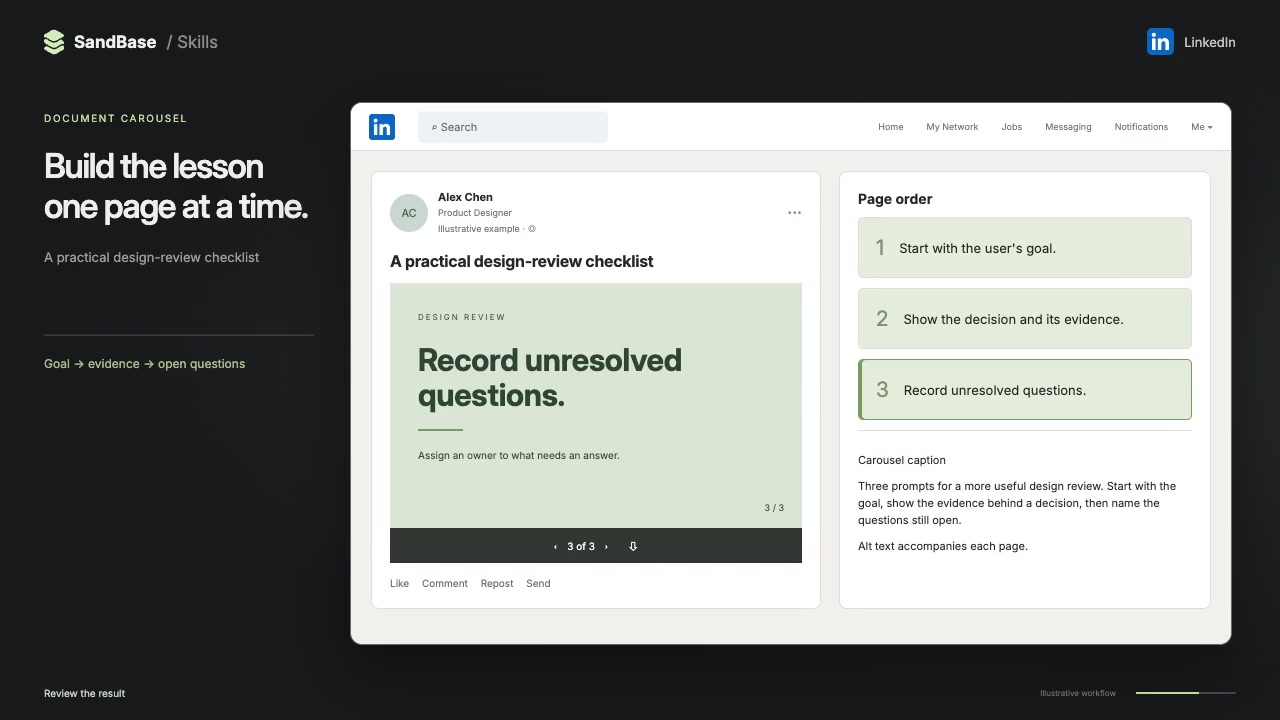
Was Sie erhalten
Bring a topic, reference post or Article URL, audience, confirmed facts, brand copy and optional authorized images. The Skill returns ordered slides, searchable PDF, caption, alt text and an editable brief; Article-based ideas retain source attribution.
So funktioniert es
- 01
Plan the takeaway and pages
The Agent asks for the audience, intended takeaway, confirmed facts or source notes, brand name and optional tone. It chooses one takeaway and plans three to ten pages: a specific cover promise, a progression of useful ideas and a relevant closing action. Source articles can be read through SandBase.
- 02
Write a document that stands alone
Each page gets one job and real copy. For LinkedIn, the document must make sense when saved or read without its caption, so it carries a professional argument or a useful checklist. Every factual sentence is checked against your inputs, and specific alt text is written for each slide.
- 03
Render PNGs and a PDF
A local renderer, needing Python 3.11 and two pinned libraries with bundled fonts, produces ordered 1080 by 1350 PNGs and a searchable PDF for upload as a LinkedIn document. For illustrated cards, original images are generated through SandBase first. Every page is opened and checked at phone size.
FAQ
What does LinkedIn Document Carousel make?
LinkedIn Document Carousel makes a complete LinkedIn document carousel from your topic and verified material: a searchable PDF for upload, ordered slide images, a caption and alt text for each slide. Cards can be typographic or illustrated with original images.
Why must the document stand alone?
LinkedIn Document Carousel writes each document to make sense when saved or read without its caption, because people often save LinkedIn documents and come back later. A professional argument or checklist works best for that. The caption then adds context rather than carrying the whole message.
Is image generation billed?
LinkedIn Document Carousel's typographic cards need no SandBase calls. Reading a source article and generating illustrated cards through SandBase are billed usage. Most typographic runs need none. The Agent discovers and inspects each tool before running so you see its price; see https://www.sandbase.ai/pricing.
What does rendering need?
LinkedIn Document Carousel's renderer needs Python 3.11 or later and two pinned libraries, installed once into a local virtual environment. Fonts are bundled with their licences, so rendering does not fetch fonts online. The output folder must be new or empty.
Will it invent facts for the pages?
No. LinkedIn Document Carousel keeps unknown facts out of publishable copy and checks every factual sentence against your inputs. With only a topic, it develops a clearly proposed outline rather than inventing your experience or results. Alt text follows the same rule.
Weitere Skills
Alle LinkedIn Skills →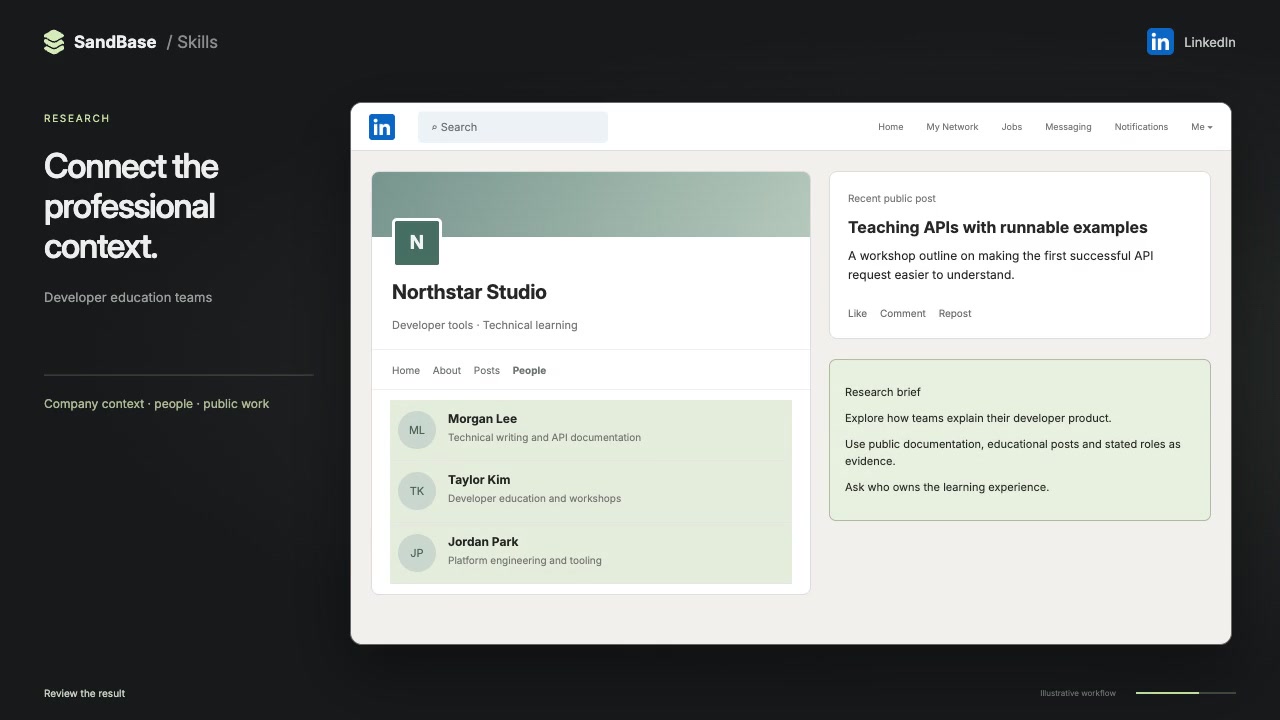
LinkedIn Research
Research companies, professionals, job markets, and industry content on LinkedIn through SandBase. Use when asked for LinkedIn research, company analysis, professional profiling, job market research, or B2B competitive intelligence.
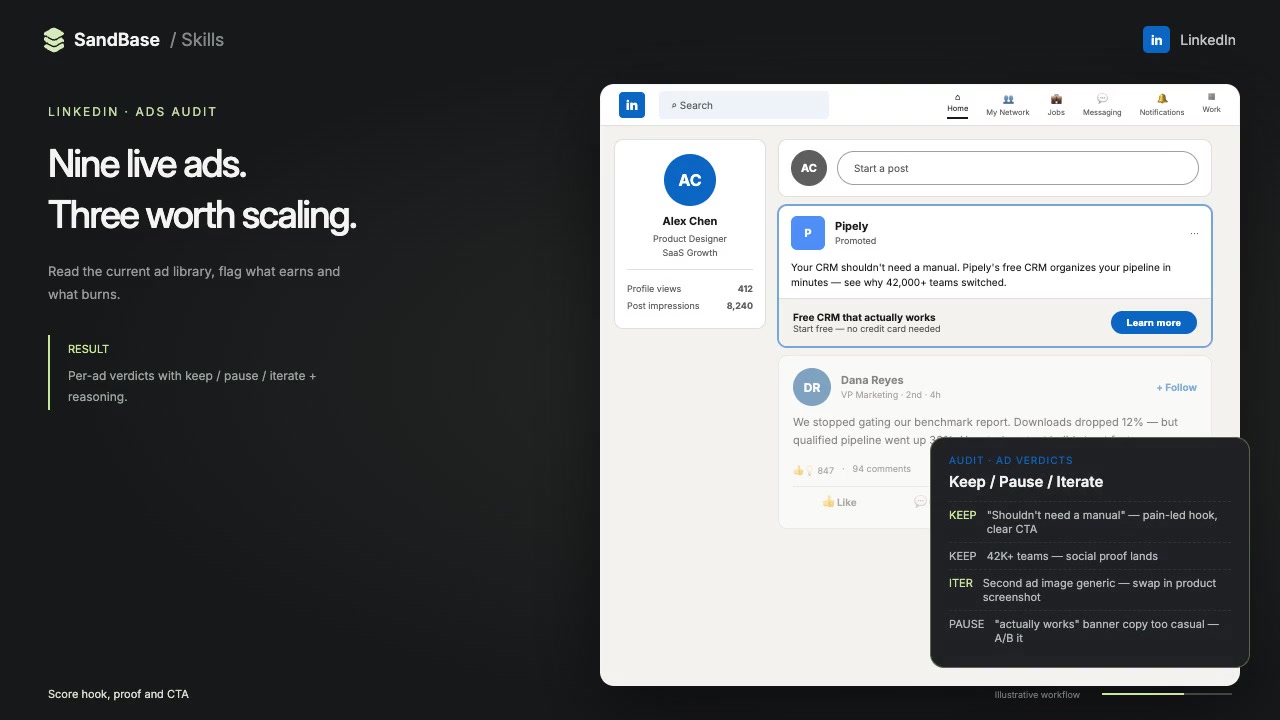
LinkedIn Ads Audit
Read what an advertiser is really running on LinkedIn — the creative copy, formats, CTAs and landing pages — and sharpen the creative.
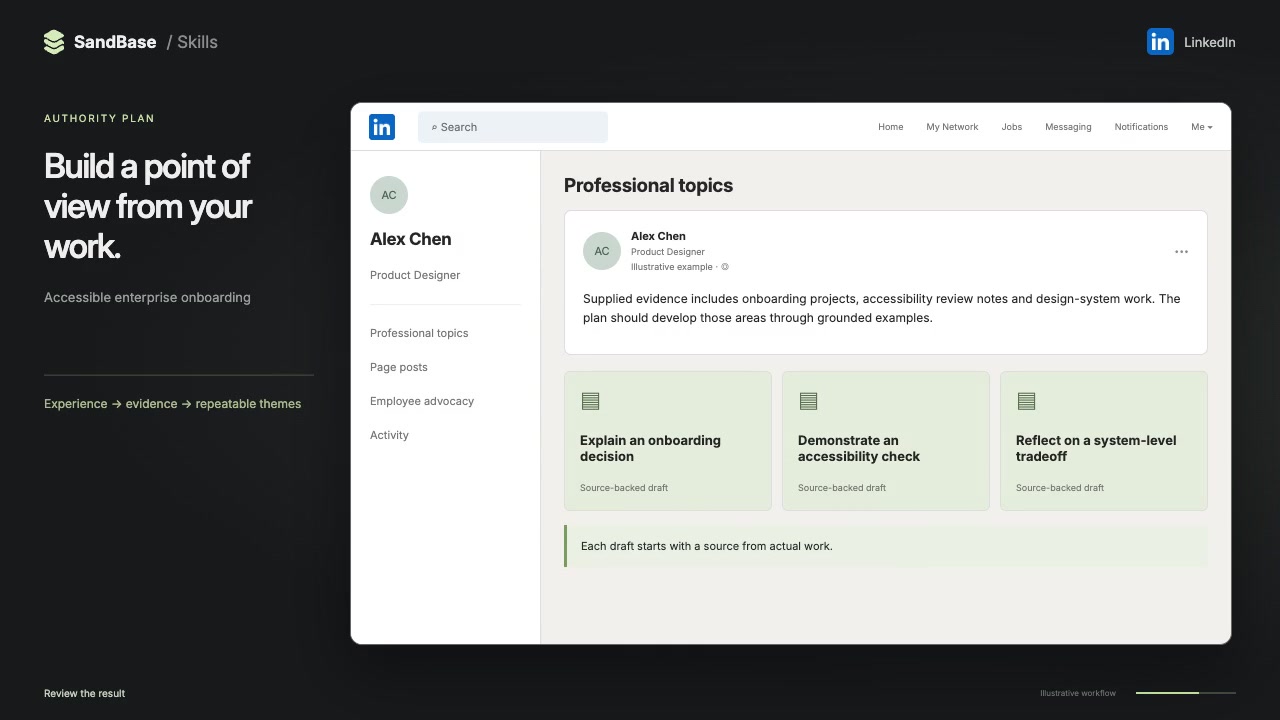
LinkedIn Authority Plan
Make your professional experience credible and understandable to a chosen audience.
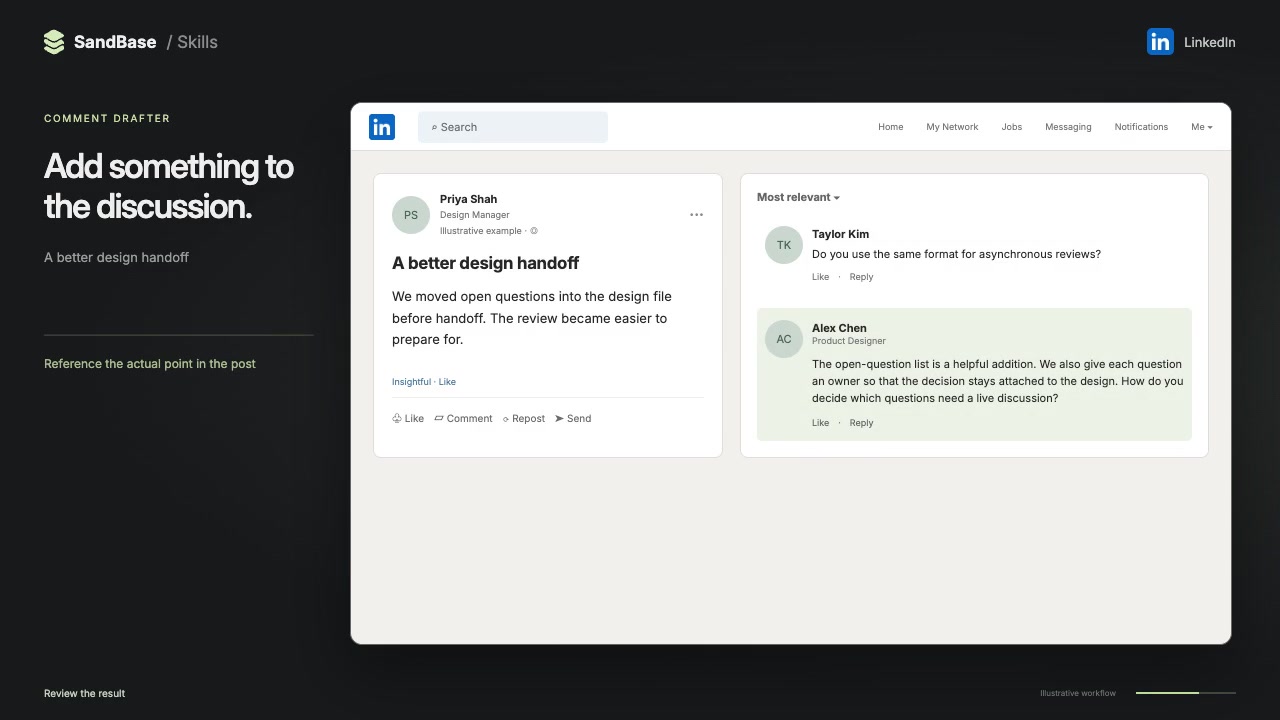
LinkedIn Comment Drafter
Write a specific comment using only the post and what you can support.
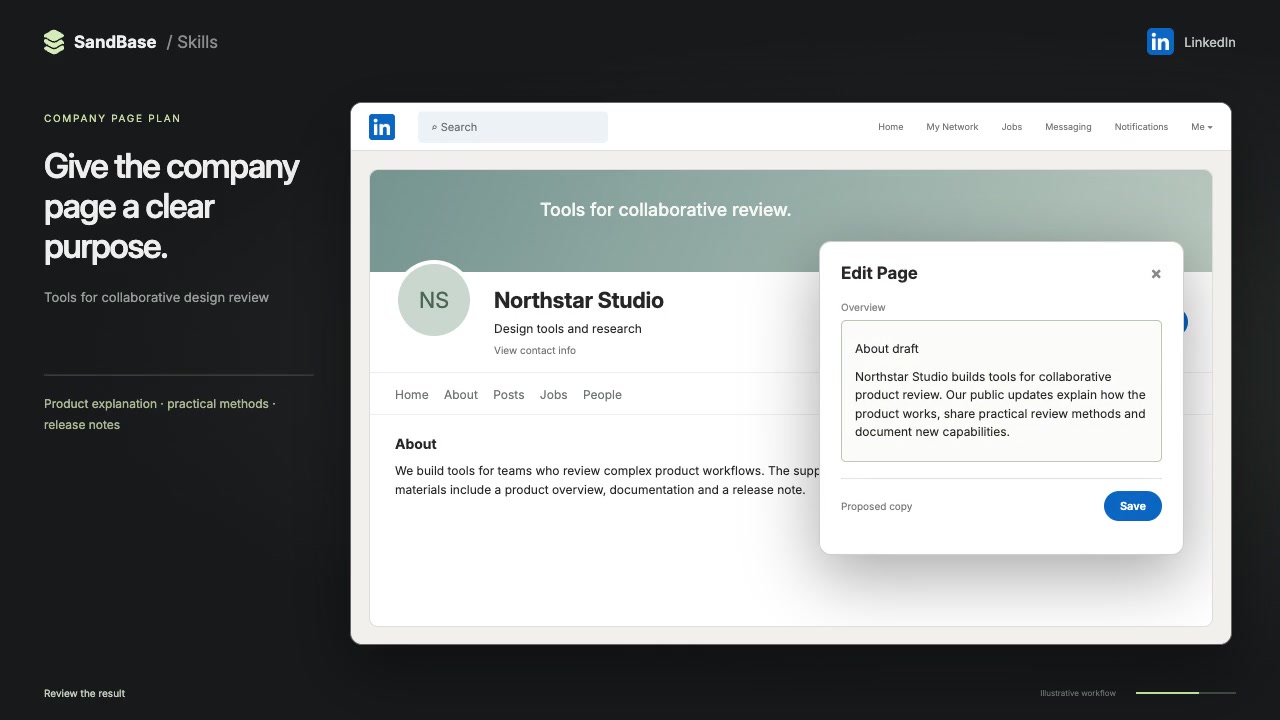
LinkedIn Company Page Plan
Clarify the company page and fill a realistic schedule with approved, usable copy.
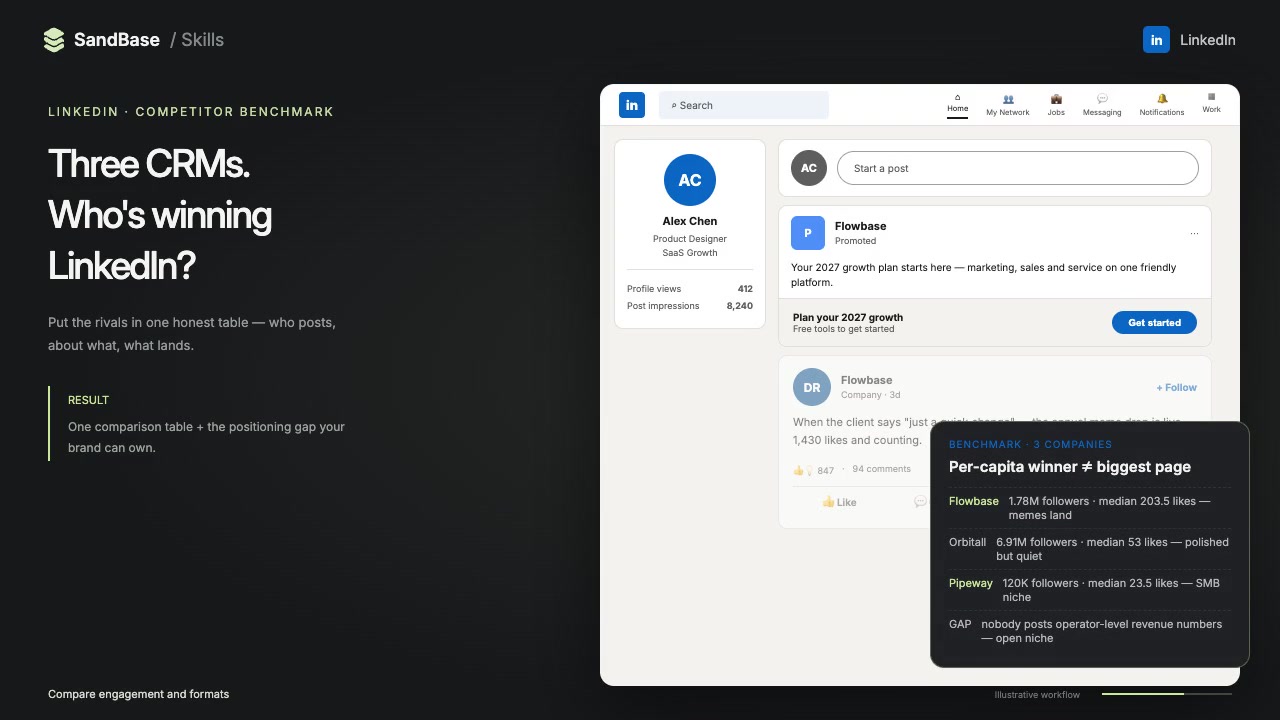
LinkedIn Competitor Benchmark
See who is actually winning on LinkedIn among 2–4 rivals — posting cadence, themes, formats and engagement — and where the gap is.