
Linked Shape Morph
- Lab Skill
- v0.2.3
- Motion
Create continuous transformations in which one recognizable shape carries identity into the next state.
Beispiele · 2
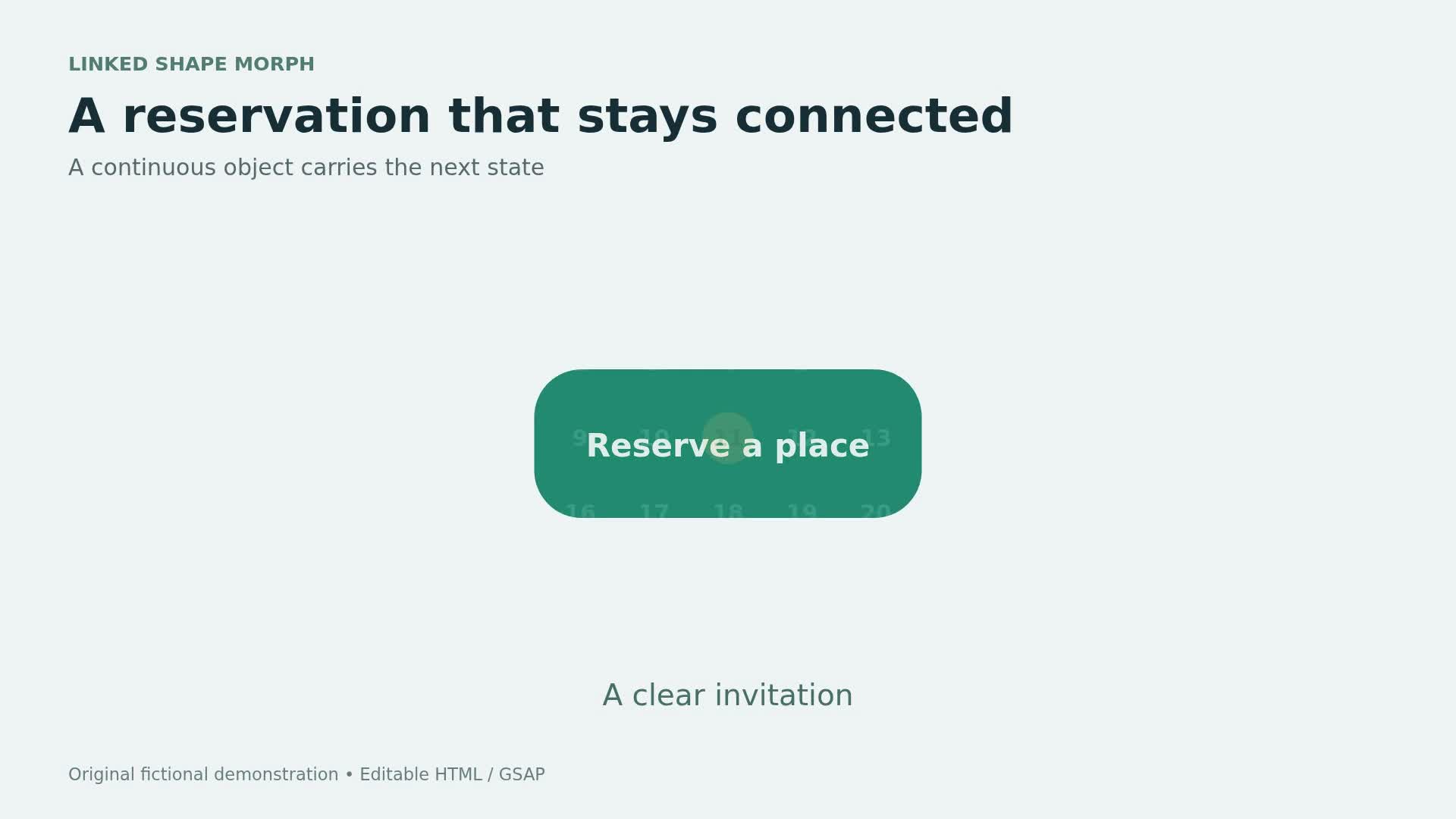
Online ausführen
Führen Sie das Beispiel von Linked Shape Morph in einem SandBase Sandbox aus und sehen Sie das Ergebnis direkt hier.
So funktioniert es
- 01
Choose the anchor
Linked Shape Morph is an Agent authoring workflow. The Agent collects the starting shape, target states and identity anchors, then chooses an anchor contour and states what stays invariant: centre, orientation, area, meaning or a distinctive feature. Contour winding and sampling are matched before interpolating.
- 02
Build the morphs
The Agent writes new HTML and GSAP scene code and builds the signature transition first, inspecting it before extending the sequence. One example keeps a rounded control recognisable as it becomes a calendar and then a confirmation ticket; the other transforms one sampled contour through a small ecosystem.
- 03
Render and verify
The Agent runs the checks in an isolated sandbox, inspects encoded frames and plays the whole film, recording each check separately. Identity must be traceable across every handoff, contours must not fold unexpectedly, the midpoint must be a deliberate shape, and timing must hold under direct seeking.
FAQ
What does Linked Shape Morph make?
Linked Shape Morph makes continuous transformations in which one recognisable shape carries its identity into each next state, such as a reservation button becoming a calendar and then a ticket. It suits web design, brand identity and social media pieces where continuity is the message.
What is an identity anchor in Linked Shape Morph?
An identity anchor in Linked Shape Morph is the property that stays the same through every morph, such as the shape's centre, orientation, area, meaning or a distinctive feature. Naming it first is what keeps viewers able to follow one object across very different states.
Why does the midpoint matter in Linked Shape Morph?
Linked Shape Morph treats the halfway frame of each morph as a shape in its own right. If contours are not matched in winding and sampling, the midpoint folds into a tangle, so the acceptance check requires a deliberate, readable midpoint.
Does Linked Shape Morph need a key?
No. Linked Shape Morph needs only local tools, Node.js, Git, Chrome and FFmpeg, plus its pinned renderer, and asks for no key. Paid image generation is outside the workflow and would need separate SandBase authorization.
Is Linked Shape Morph automatic?
No. Each brief in Linked Shape Morph gets new scene code from the Agent, written and checked for that set of shapes. It does not turn arbitrary text into a finished film, and a failed check is reported rather than hidden.
Weitere Skills
Alle Motion Skills →
Image Blaster
Turn one frozen moment into a camera-orbit concept video.

Sketchbook Film
Bring photographed sketchbook drawings to life as a short film with cut-out characters, ink lettering and a score.

SVG Paint Stages
Show a picture being painted: construction marks, contours, flat colour and finer patches, as a layered SVG and a short film.
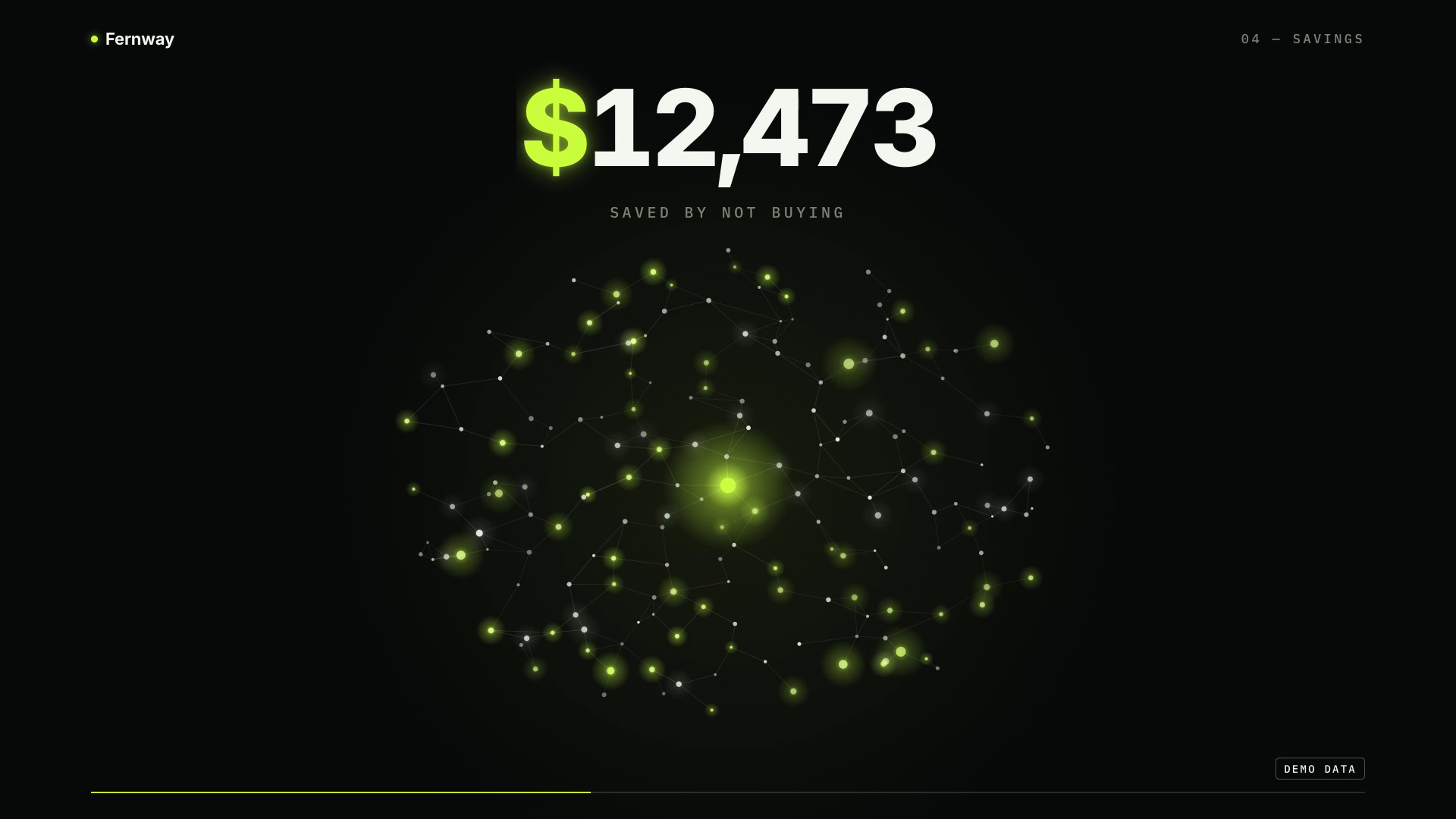
Network Tally
Tell a growth story with real numbers: one node network grows with each counter, flashes, dims behind a spike chart and closes on an end card.
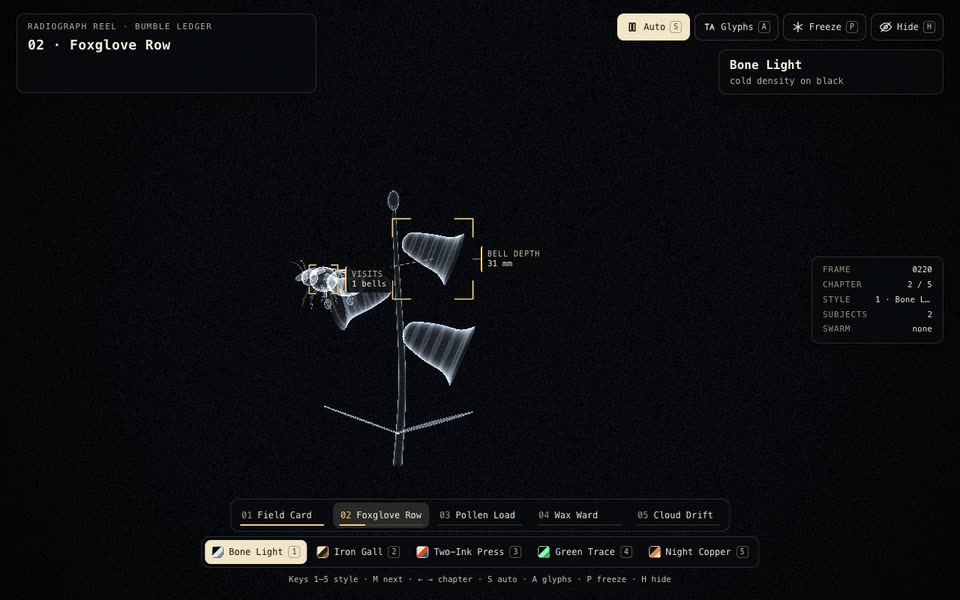
Radiograph Reel: Bumble Ledger
A specimen film reel: procedural bees, flowers and a wax comb glow as X-ray density, print in five switchable film styles with tracking labels, and a swarm morphs between formations.
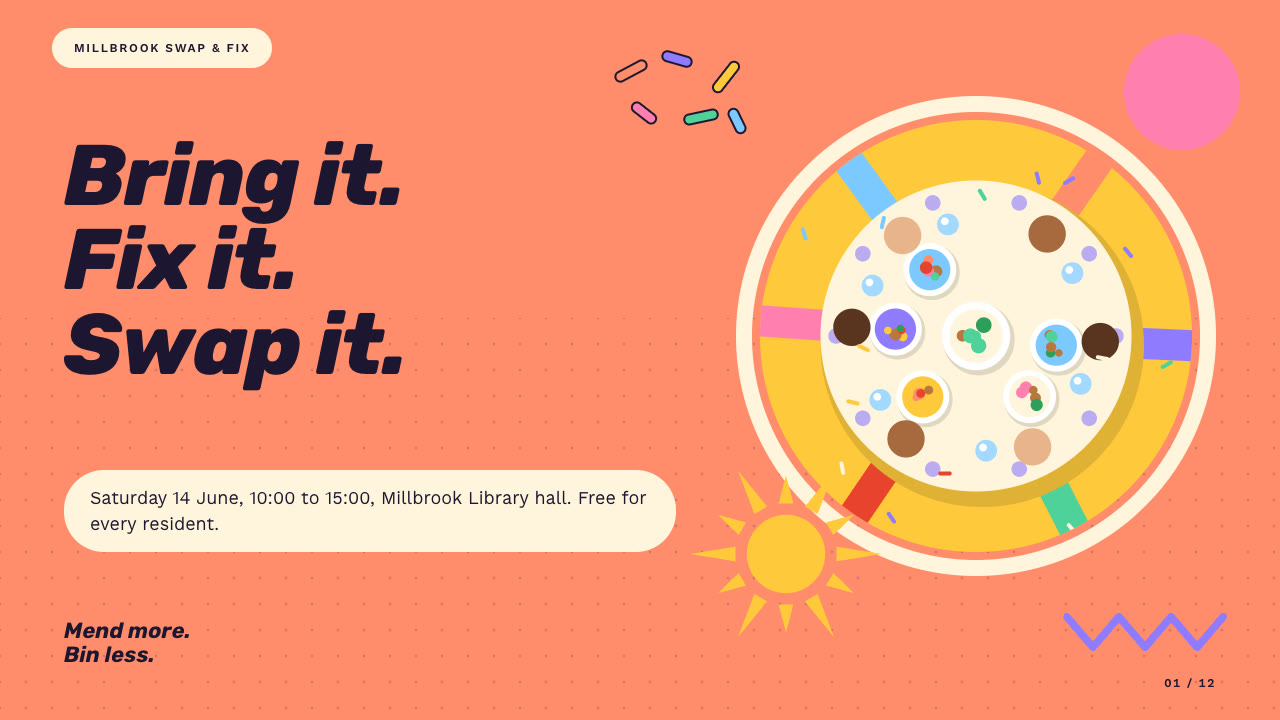
Festival Grid Slides
Invite people to a fair, open day or club season, or pitch one, in a bright festival deck: whole-page colour fields with a fine dot grid, heavy slanted headlines, cream cards and tickets, round pictures, and suns, rosettes, rings, bunting and sprinkles.