
Photo Mask Montage
- Lab Skill
- v0.2.3
- Motion
Build editorial motion from real licensed photography using intentional crops, masks and continuous reframing.
Beispiele · 2
Online ausführen
Führen Sie das Beispiel von Photo Mask Montage in einem SandBase Sandbox aus und sehen Sie das Ergebnis direkt hier.
So funktioniert es
- 01
Choose licensed photographs
Photo Mask Montage is an Agent authoring workflow. The Agent collects licensed photographs, the story and safe crop regions, records each photo's native dimensions and a protected subject region before animating, and chooses material with enough detail for the display size.
- 02
Build masks and reframing
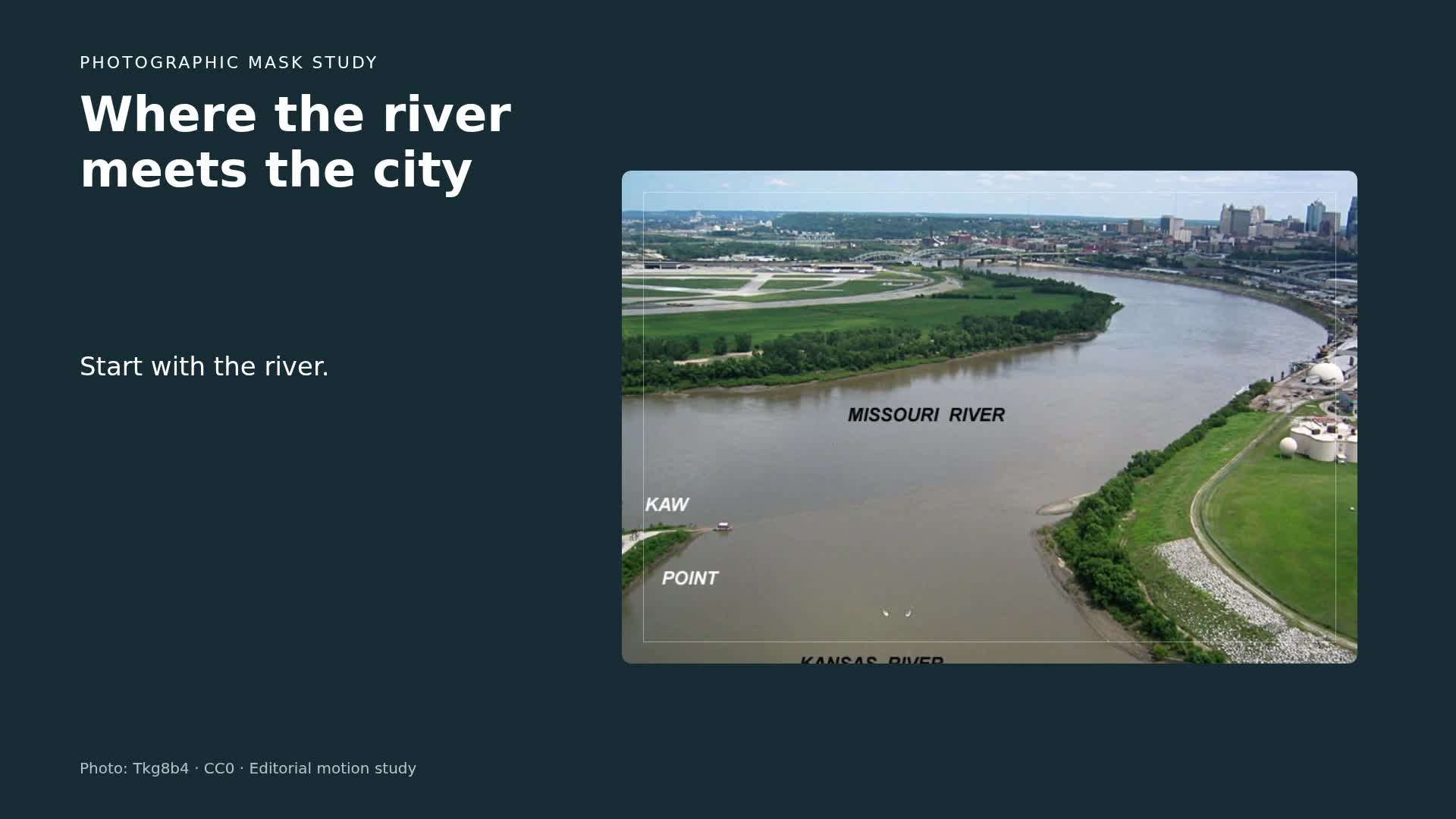
The Agent writes new HTML and GSAP scene code with animated masks and controlled, continuous reframing, building and inspecting the signature transition first. The two examples use real CC0 photographs of a river city and a city at night.
- 03
Render and verify
The Agent runs checks in an isolated sandbox, inspects encoded frames and plays the full video. Subjects must stay inside safe crops, photos must not be distorted, effective resolution must support the display size, masks must have clean edges, and all licences and credits must be recorded.
FAQ
What does Photo Mask Montage make?
Photo Mask Montage makes editorial motion from real licensed photography using intentional crops, animated masks and continuous reframing. It suits social media, brand identity and content publishing pieces that should feel photographic rather than illustrated.
Why does Photo Mask Montage record native size?
Photo Mask Montage records each photo's native dimensions so it never zooms past what the image can support. The first example's source photo is only 800 by 570 pixels, which limits how far the frame can push in before it softens.
What photos can Photo Mask Montage use?
Photo Mask Montage uses photographs you have permission to use, such as CC0 images or your own. Every licence and credit is recorded with the project, and a photo without clear rights stops the workflow.
Does Photo Mask Montage need a key?
No. Photo Mask Montage's scene code runs on your machine with Node.js, Git, Chrome and FFmpeg and a pinned renderer, and needs no key. Generating images is not part of it; any such step would need separate SandBase authorisation.
Is Photo Mask Montage automatic?
No. Photo Mask Montage is an authoring workflow where the Agent writes new scene code for each brief. It does not turn arbitrary text into a montage, and a failed check is reported rather than covered with a still.
Weitere Skills
Alle Motion Skills →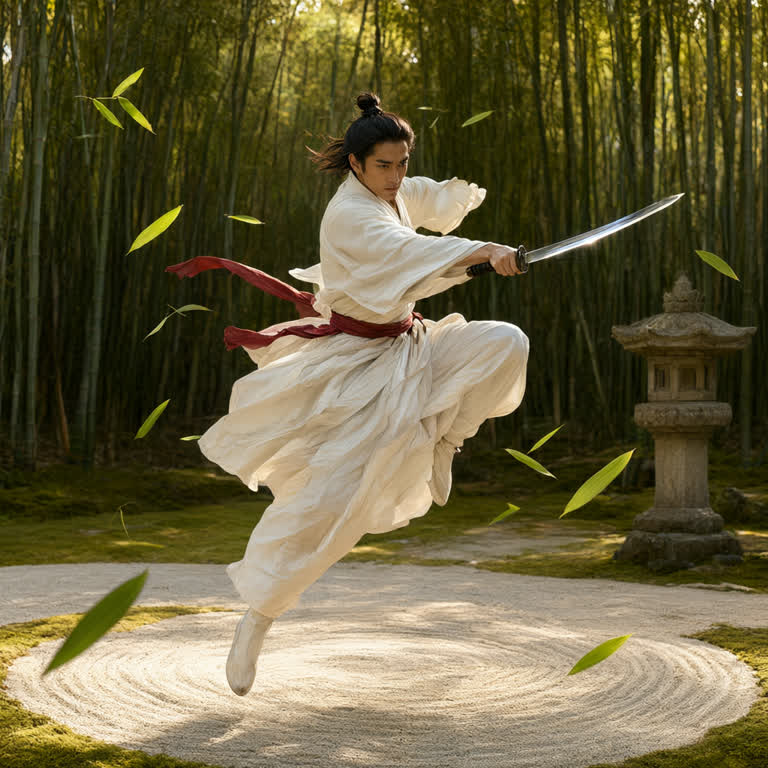
Image Blaster
Turn one frozen moment into a camera-orbit concept video.
Sketchbook Film
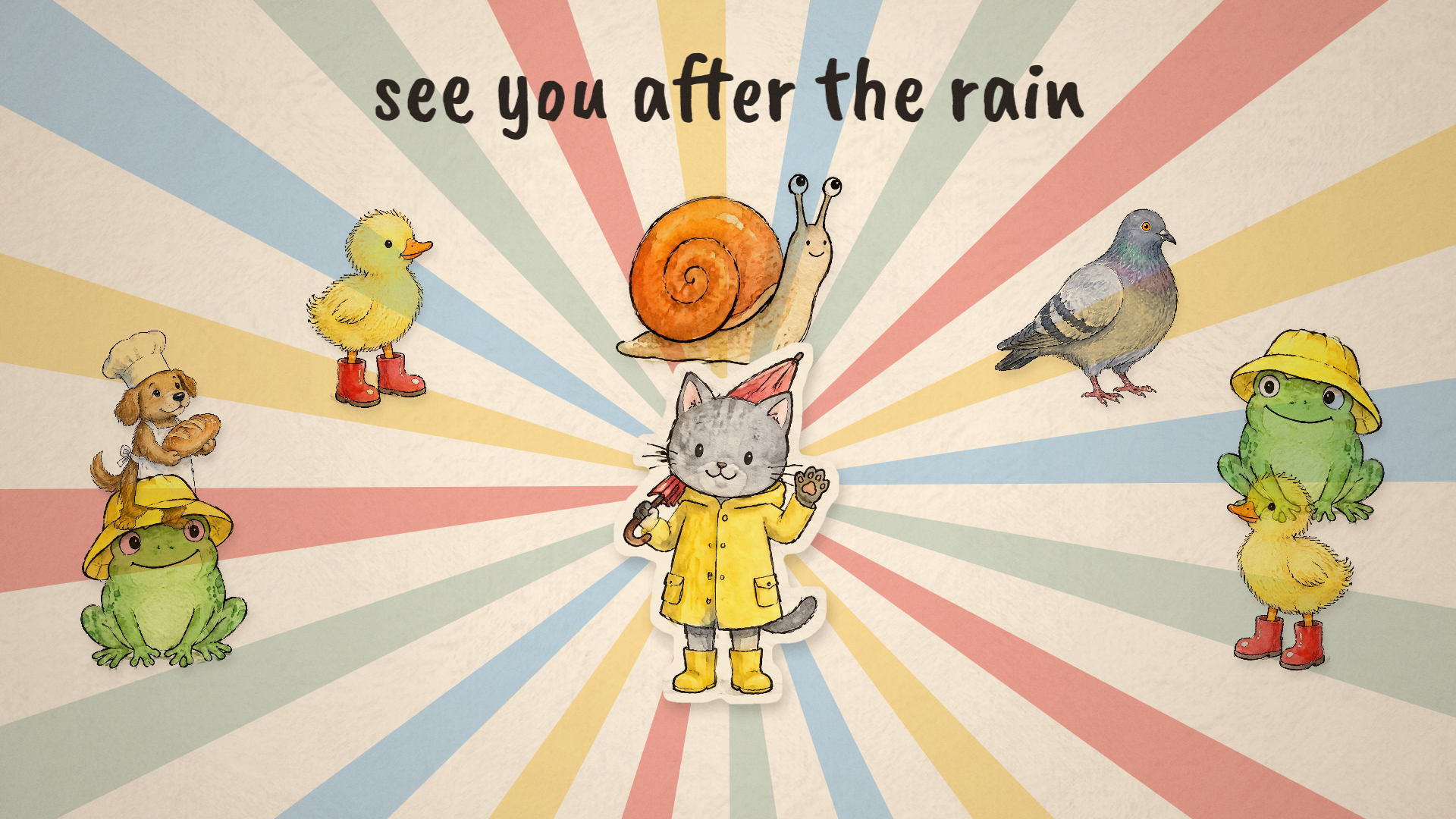
Bring photographed sketchbook drawings to life as a short film with cut-out characters, ink lettering and a score.
SVG Paint Stages
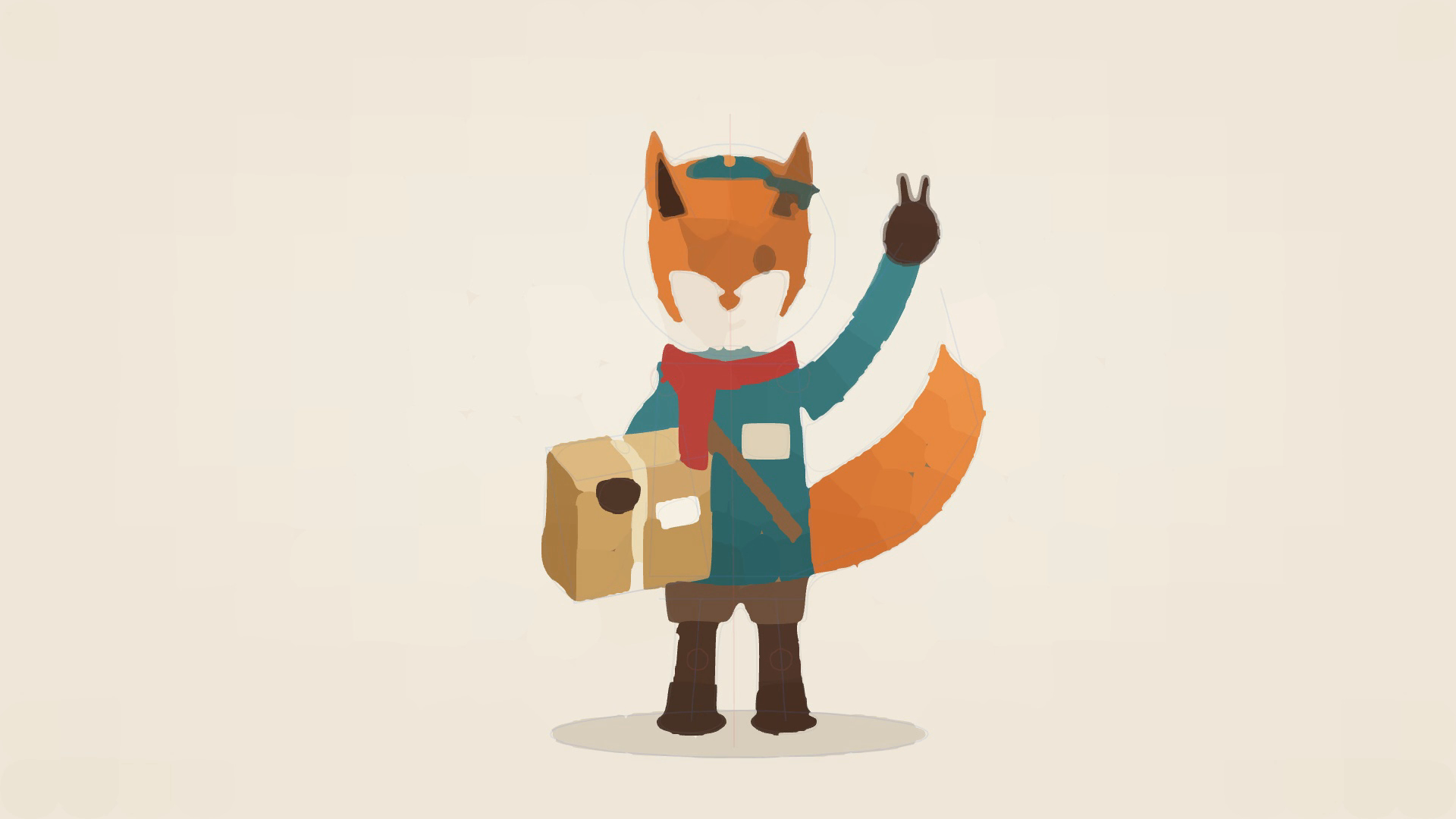
Show a picture being painted: construction marks, contours, flat colour and finer patches, as a layered SVG and a short film.
Network Tally
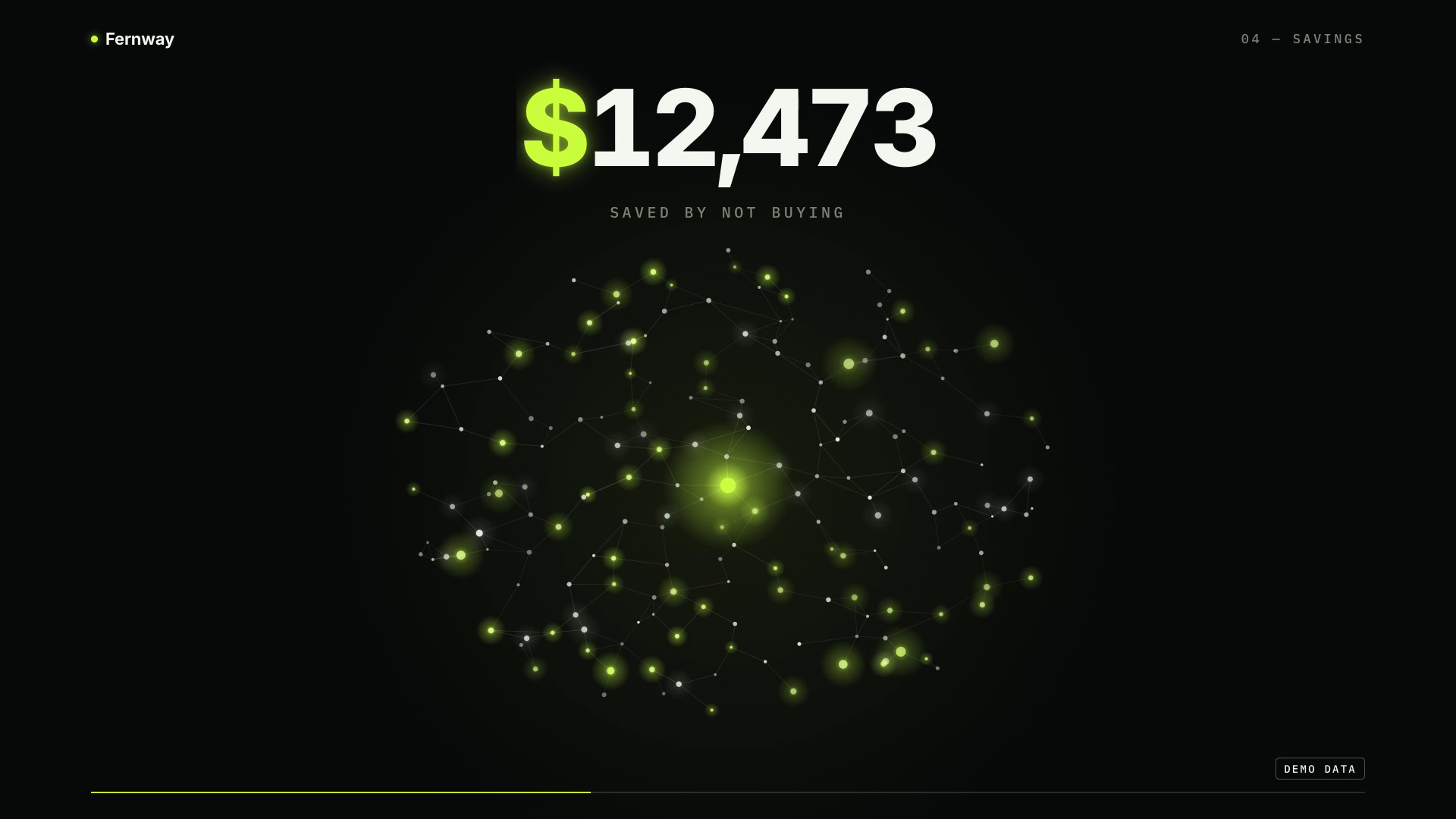
Tell a growth story with real numbers: one node network grows with each counter, flashes, dims behind a spike chart and closes on an end card.
Radiograph Reel: Bumble Ledger
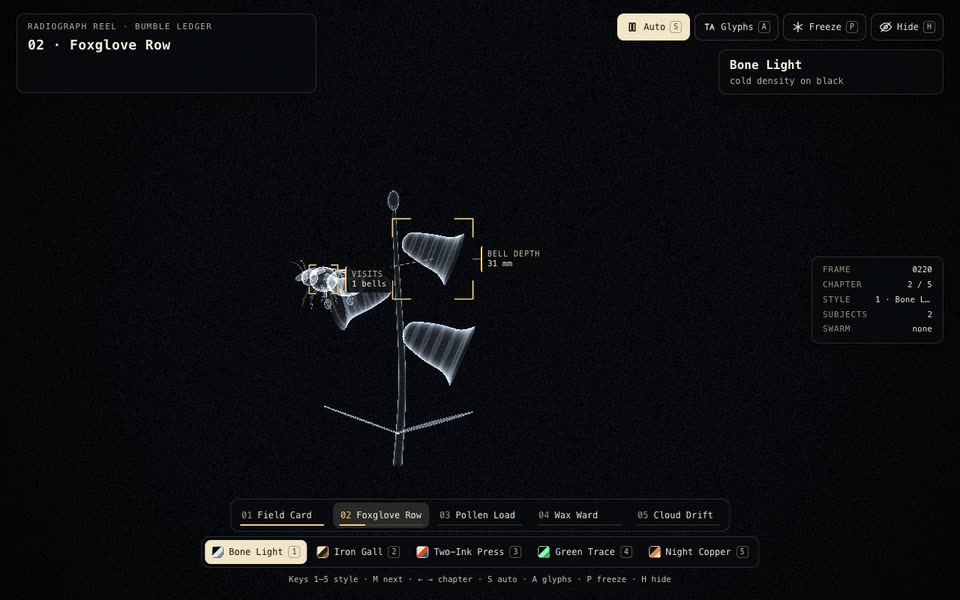
A specimen film reel: procedural bees, flowers and a wax comb glow as X-ray density, print in five switchable film styles with tracking labels, and a swarm morphs between formations.

Festival Grid Slides
Invite people to a fair, open day or club season, or pitch one, in a bright festival deck: whole-page colour fields with a fine dot grid, heavy slanted headlines, cream cards and tickets, round pictures, and suns, rosettes, rings, bunting and sprinkles.