
Crescent Plan Slides
- Lab Skill
- v1.0.3
- Product marketing
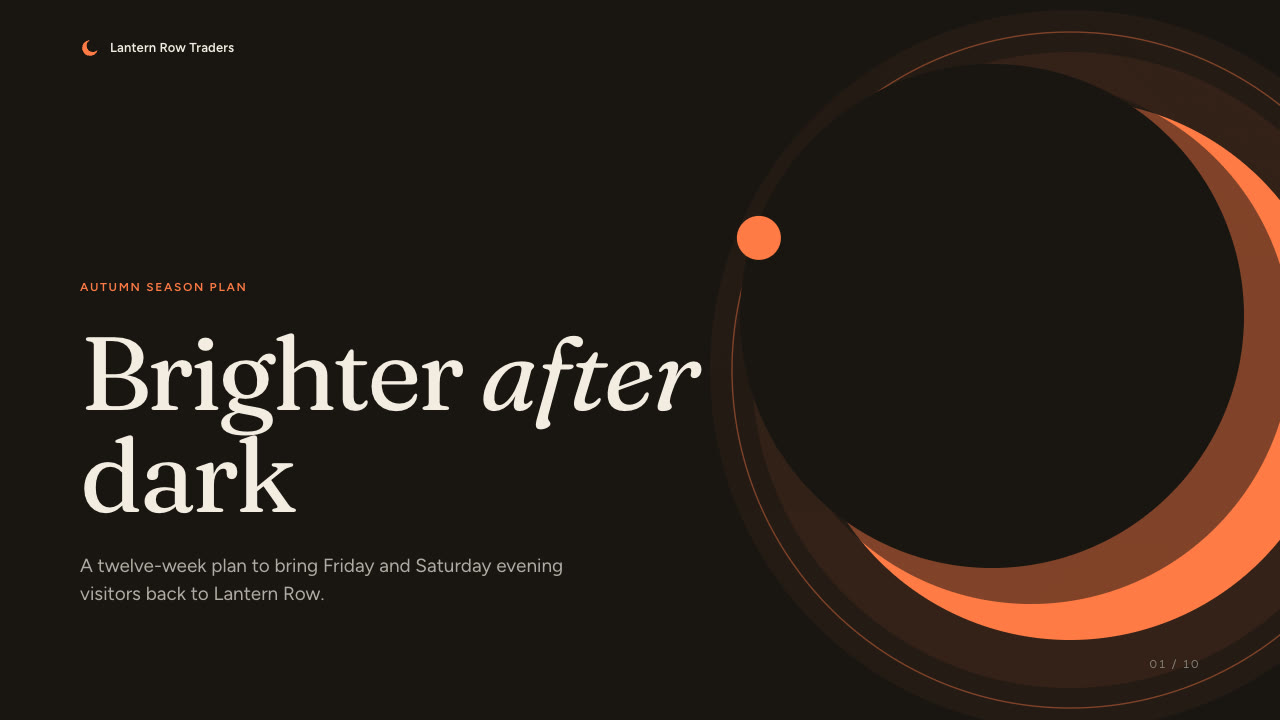
Get a launch, season or budget plan approved with a calm dark deck: large serif headlines, one glowing crescent, edge-bleed pictures, a roadmap, quiet bar charts and a scorecard.
Beispiele · 2
Was Sie erhalten
Bring a brief with the plan, the audience, the decision you need and the figures you can stand behind. The Skill returns one offline HTML deck that edits in the browser and exports editable PowerPoint.
So funktioniert es
- 01
Outline the plan for approval
Crescent Plan Slides asks for the topic, audience, the decision the deck asks for, the figures you stand behind, page count, language and pictures. The Agent gives each page one job from eleven layouts, opening, pillars, focus, phases, spend, crew, routes, targets, reach, figure and finale, with no fixed order, and marks planning figures as illustrative in a note.
- 02
Draw low-light scenes and compose
Crescent Plan Slides uses your pictures first, or describes scenes in scenes.json and runs python3 scripts/crescent-scenes.py scenes.json --out art/ to draw low-light rooms, streets, faceless figures and backlit portrait busts. Opening and finale headlines take three runs with an italic middle, for example ["Open the ", "dome", " again"]. kit.py compose writes deck.json.
- 03
Build and check the dark pages
make-deck.py builds presentation.html with the Python 3 standard library and verify-deck.py checks it with --pages N; the crescent's generic alt text may stay in the report. The Agent views every page for headline wraps, the crescent behind the copy, bar labels, table rows and portrait crops, then tries Edit, Save and Present. verify-pptx.py checks any PowerPoint export.
FAQ
What does Crescent Plan Slides look like?
Crescent Plan Slides makes one calm dark deck: deep-toned pages, large Fraunces serif headlines, one glowing crescent disc, pictures that bleed off an edge at full height, portrait rounds and restrained bar charts and scorecards. Each page carries a single lit accent and plenty of empty space, and light pages are never mixed in.
What plans suit Crescent Plan Slides?
Crescent Plan Slides suits plans that need approval: launch or season plans, relaunches, budget requests and channel or team overviews for a board or committee. The demos are a traders' association's autumn evening season and an observatory asking trustees to bring back public nights.
Does Crescent Plan Slides call an image model?
No. Crescent Plan Slides draws its scenes with crescent-scenes.py from the Python 3 standard library, so no model or image service is involved and a build is not billed. The generator refuses identical scenes and does not make photographs.
How do I highlight a bar in Crescent Plan Slides?
Crescent Plan Slides sets the accent in css: "background": "var(--glow)" on a bar or "color": "var(--glow)" on a table cell. Only one accent appears per page, whether the lit card, the first phase dot, one bar, one target cell or the crescent itself.
What exports as pictures from Crescent Plan Slides?
Crescent Plan Slides exports the crescent artwork, the brand glyph, scenes and portraits as pictures that can be moved, resized and replaced. Text, cards, bars, timeline dots and tables stay native PowerPoint objects with speaker notes, and no slide is flattened.
Which fonts does Crescent Plan Slides use?
Crescent Plan Slides uses Fraunces for headlines, numbers and values and Figtree for text and labels, both under the SIL Open Font License and embedded in the kit. Body text stays at 17 px or more. CJK falls back to a system face, and headlines stay within about 16 Chinese or Japanese characters.
Weitere Skills
Alle Product marketing Skills →
Pixel Story
Turn a product brief into a pixel film with clear actions, scene traversal and a memorable payoff.
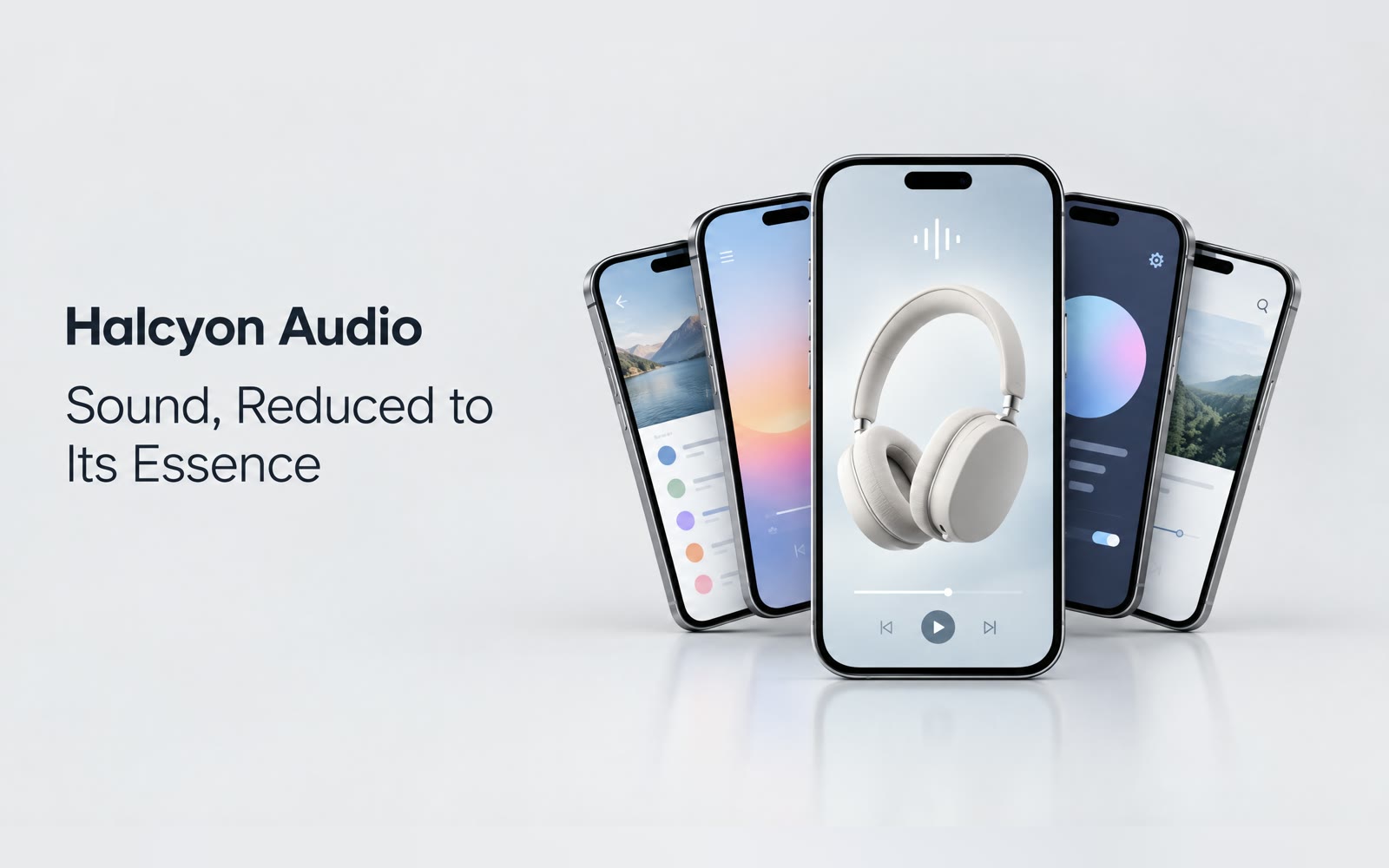
Device fan
Turn a brand, one headline and context into a calm device-showcase card.

Floating phones
Turn a brand, one headline and context into a warm-ivory card with floating phone screens and playful, friendly doodles.

Floating analytics dashboard
Turn a brand, one headline and context into a split-column card: a narrow charcoal brand column anchoring a large white analytics dashboard that floats across a vivid violet gradient field.
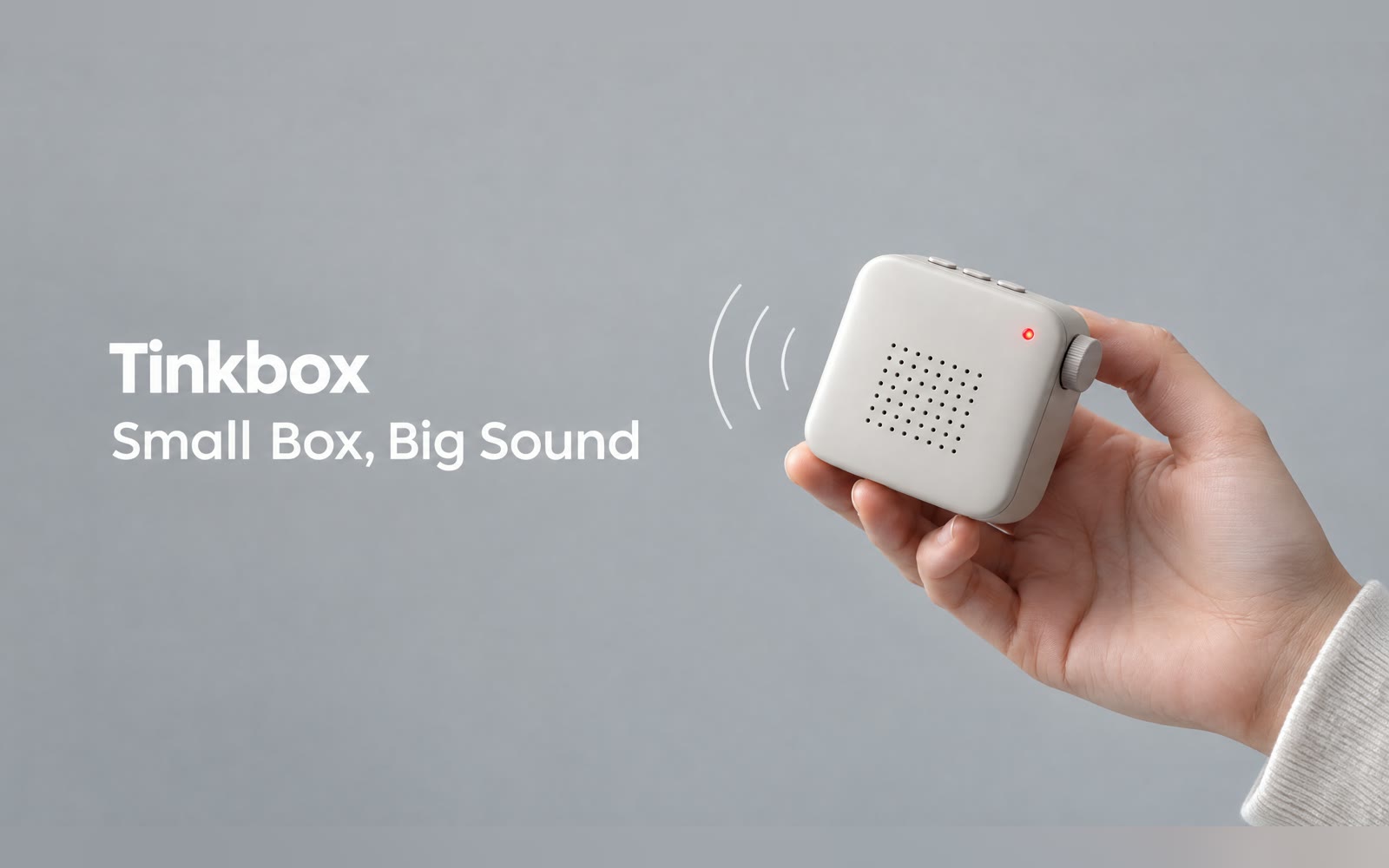
Minimal handheld product
Turn a brand, one headline and context into a high-key studio card: a softly lit hand holding an original compact pale device against a seamless gray background, with broad empty space and a tiny red light as the only accent.
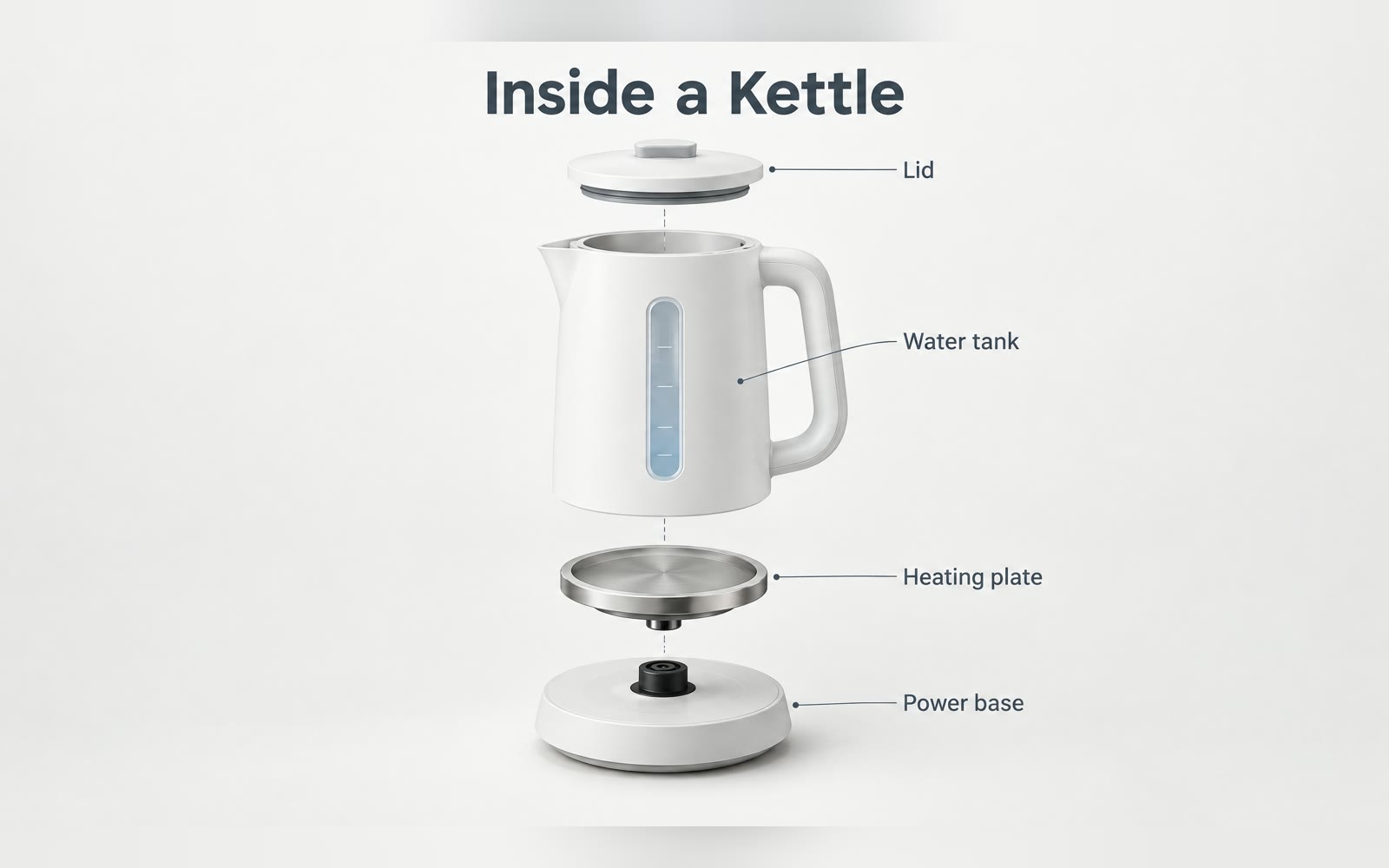
Appliance exploded poster
Turn a household appliance into a polished 16:9 exploded-view poster: part groups separated along one axis, with a title and three to five exact labels.