
Device Roles
- Lab Skill
- v1.0.2
- Product marketing
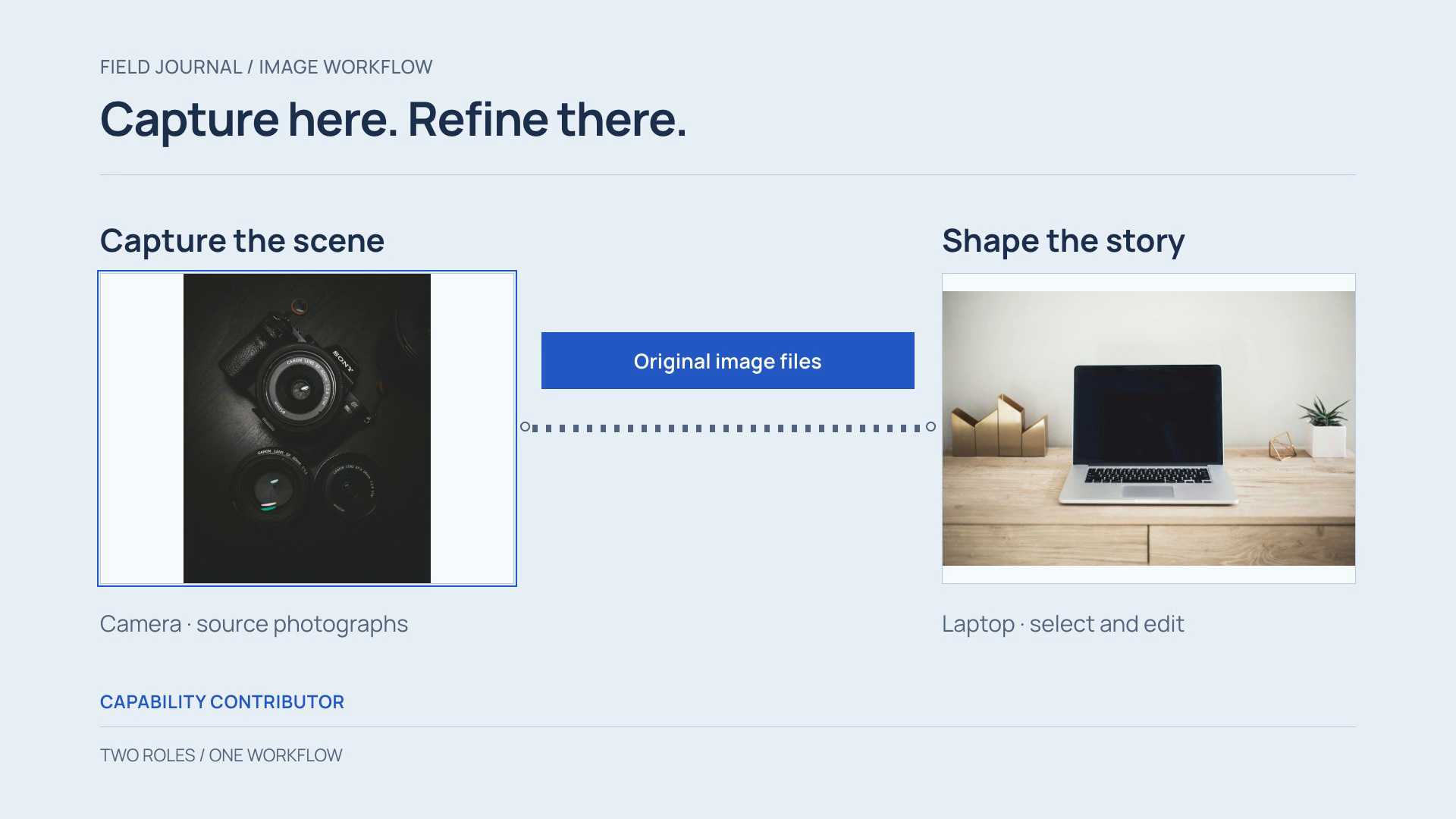
Explain two photographed tools through staged entrances, a dashed collaboration link and contributor emphasis.
Beispiele · 2
Online ausführen
Führen Sie das Beispiel von Device Roles in einem SandBase Sandbox aus und sehen Sie das Ergebnis direkt hier.
So funktioniert es
- 01
Prepare two photos
Device Roles needs exactly two raster photographs of devices that you have the right to use, role labels for each, a relationship line, which device is the contributor and a palette of mist, abyss, clay or silver. Read the brief requirements and dependency notes before starting.
- 02
Stage the relationship
In an 8.5-second sequence, the two subjects enter separately, a dashed bridge expands between them and its explanation appears. The selected contributor then receives a short border pulse and keeps a fine outline. The four palettes keep identical motion. Text stays within its bounds throughout.
- 03
Render and review
HyperFrames renders the 1920 by 1080 film from the locked toolchain with a local Chromium. Review the full film at normal speed, native frames, both subjects, bridge handoffs, zero and reverse seeks and text bounds. Decode and build checks alone do not confirm visual quality.
FAQ
What does Device Roles explain?
Device Roles explains how two photographed tools work together: each enters in turn, a dashed link shows their collaboration and the main contributor is emphasised. It suits short explainers such as a field recorder and an editing laptop, or a recorder and monitor.
What photos does Device Roles need?
Device Roles needs exactly two local raster photographs of the devices, which you own or may use. It bundles none. Clean product shots on simple backgrounds read best, since each subject enters on its own before the link appears. Each photo should show its device clearly enough to recognise.
Does Device Roles cost anything?
No. Device Roles requires no model service, API credential or payment. It installs a locked toolchain once and renders locally with a Chromium found automatically or set by an environment path. It ships its dependency notes so you can review the locked toolchain before installing.
Can I edit a Device Roles film?
Yes. Device Roles generates editable HTML and GSAP alongside the input JSON. For further changes, edit those files and regenerate into a fresh destination, then repeat the review, since the bridge handoff depends on both subjects' positions. A fresh destination keeps the earlier render intact.
Is Device Roles silent?
Yes. Device Roles renders a silent 8.5-second film. Its staged entrances and contributor pulse give clear moments for sound, which you can add afterwards in an editor if the explainer needs it. The demos pair field capture with editing, and recording with monitoring.
Weitere Skills
Alle Product marketing Skills →
Pixel Story
Turn a product brief into a pixel film with clear actions, scene traversal and a memorable payoff.
Device fan
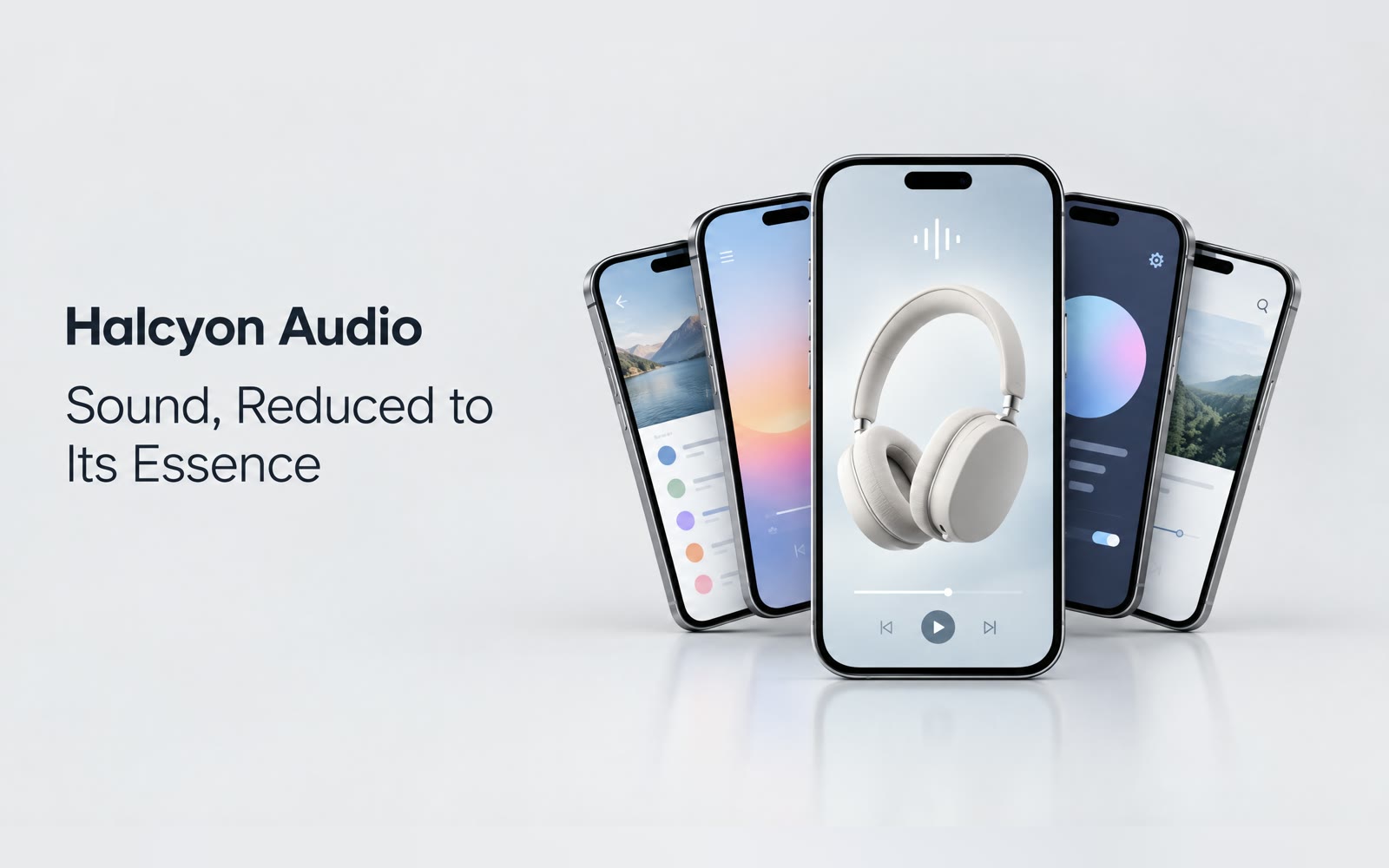
Turn a brand, one headline and context into a calm device-showcase card.

Floating phones
Turn a brand, one headline and context into a warm-ivory card with floating phone screens and playful, friendly doodles.

Floating analytics dashboard
Turn a brand, one headline and context into a split-column card: a narrow charcoal brand column anchoring a large white analytics dashboard that floats across a vivid violet gradient field.
Minimal handheld product
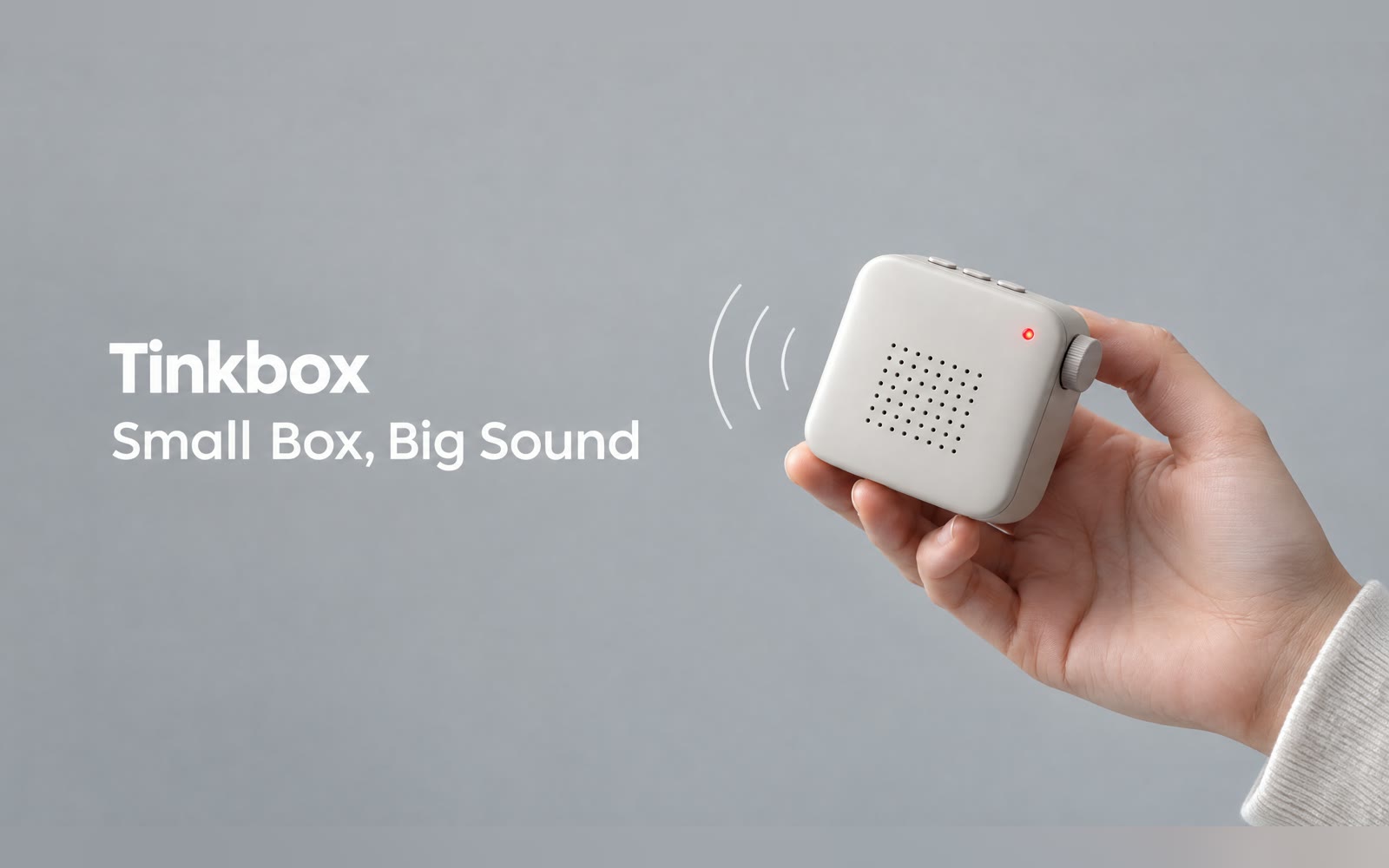
Turn a brand, one headline and context into a high-key studio card: a softly lit hand holding an original compact pale device against a seamless gray background, with broad empty space and a tiny red light as the only accent.
Appliance exploded poster
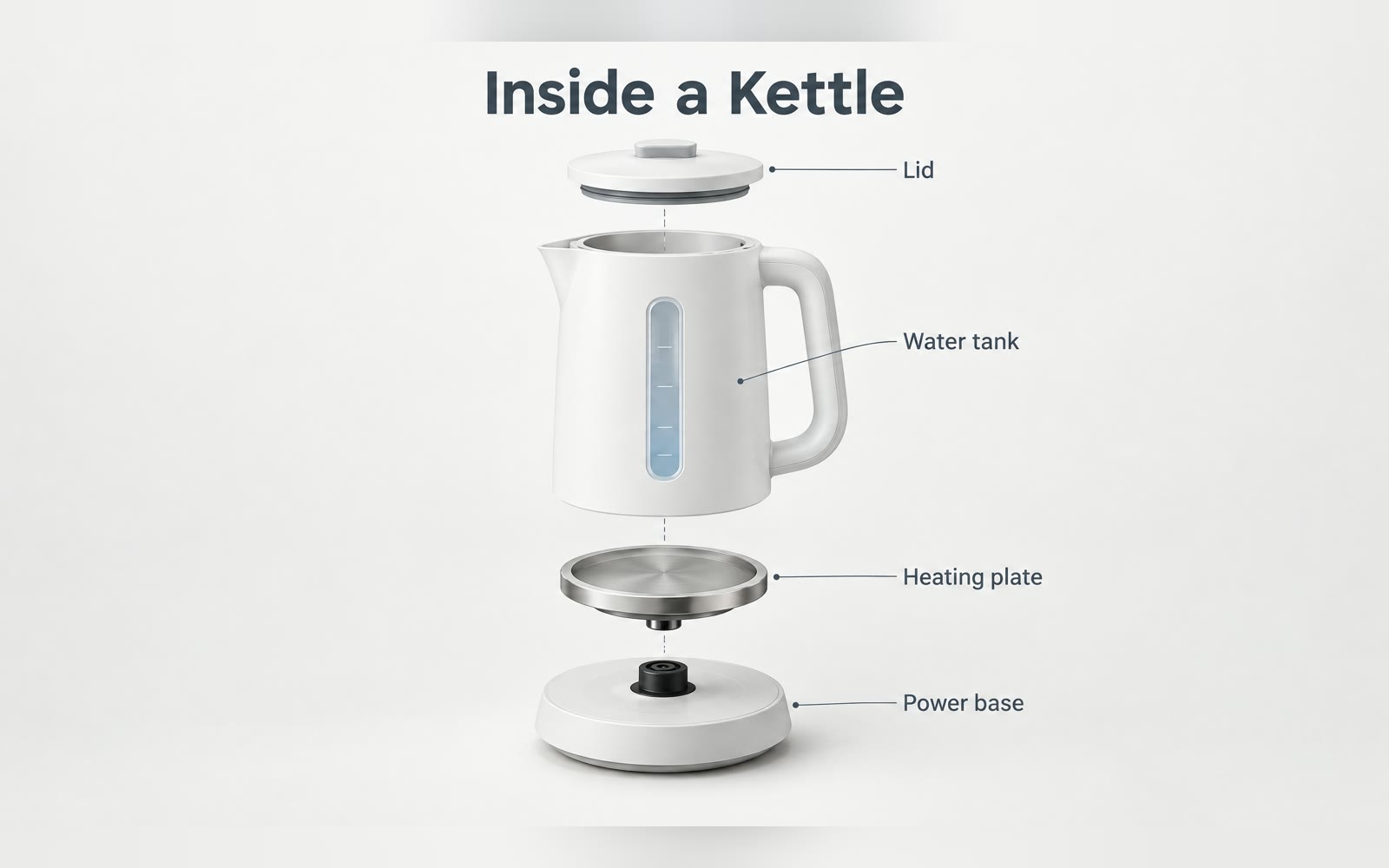
Turn a household appliance into a polished 16:9 exploded-view poster: part groups separated along one axis, with a title and three to five exact labels.