
Dialogue Window
- Lab Skill
- v1.0.2
- Product marketing
Author an editable page conversation with a live circular participant, timed waiting dots and a downward answer reveal.
Beispiele · 2
Online ausführen
Führen Sie das Beispiel von Dialogue Window in einem SandBase Sandbox aus und sehen Sie das Ergebnis direkt hier.
Was Sie erhalten
Bring explore two recorded examples. The Skill returns two films, measured scope reports and retained material notices.
So funktioniert es
- 01
Fill the page conversation
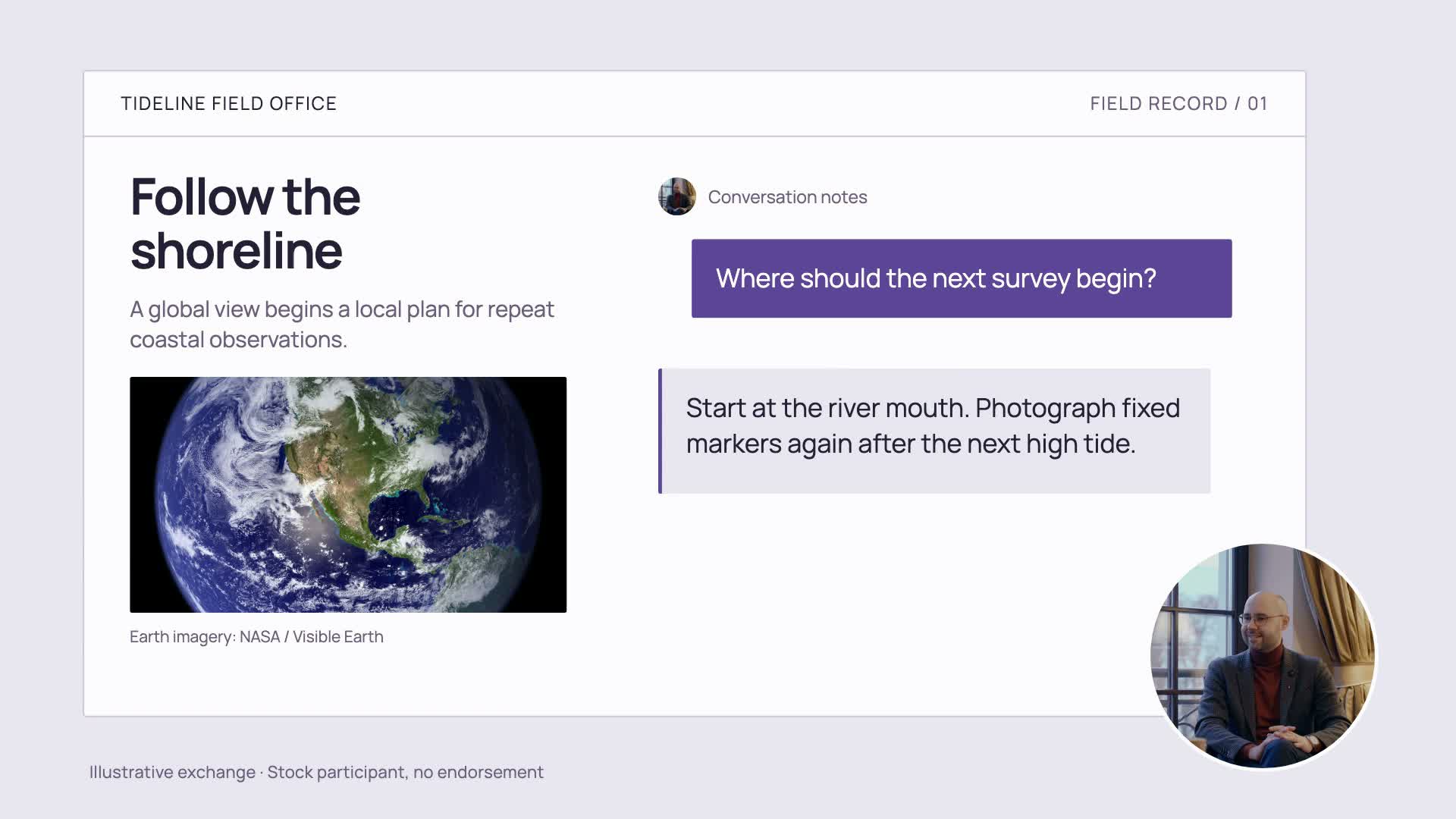
Dialogue Window reads JSON with identity, heading, context, prompt, answer, credit, image, portrait, footage and palette. Text limits are 34, 45, 85, 90, 150 and 50 characters for the first six. Palettes are iris, abyss and grove, and an optional crop sets the presenter's CSS object-position. The Follow the shoreline demo asks a short question about a photo.
- 02
Compose with local assets
Dialogue Window runs on Node.js 22 or later with FFmpeg and ffprobe. Run npm ci, then node compose.mjs /absolute/brief.json /absolute/project. You supply licensed JPEG page and portrait images and a continuous MP4 of at least 8.4 seconds, which is muted. Fonts are declared inline, Manrope for Latin and Noto Sans SC for Chinese, and runtime assets are copied locally.
- 03
Render and seek-test
Render with npx hyperframes render /absolute/project --fps 30 --quality high --strict --workers 1, one project at a time. The 8.4-second, 1920 by 1080 film keeps the page present, shows the participant in a circular crop, plays waiting dots and reveals the answer downward under a slow push. Test seeks with dwSeek, which returns a boolean, and check text bounds and face motion.
FAQ
What does Dialogue Window show?
Dialogue Window shows a page conversation: a photographic evidence page, a live participant in a circular crop, a question, timed waiting dots and an answer that reveals downward. A slow page push supports the reading interval. The demos read a shoreline and a crater rim in 8.4 seconds each.
Can Dialogue Window use an avatar instead of a person?
No. Dialogue Window asks for a continuous MP4 of a real participant, with no repeated short footage, avatar stand-ins or implied endorsements. Record photo and person rights in each project, and do not infer factual claims from a stock actor.
Does Dialogue Window cost anything?
No. Dialogue Window composes HTML and a GSAP timeline and renders with HyperFrames on your machine, and it calls no model, so making a film is free. Input assets stay outside the package and are your responsibility.
Is Dialogue Window narrated?
No. Dialogue Window mutes the supplied video, and no narration or audio alignment is claimed. The waiting dots give a visual pause between question and answer instead of a sound cue.
Can Dialogue Window tell any story?
No. Dialogue Window's two demonstrations prove its documented parameterized layout, not unrestricted automatic storytelling. Change the brief and rebuild, then rerender after any change and check the full decode, font loading and one normal-speed playback.
Weitere Skills
Alle Product marketing Skills →
Pixel Story
Turn a product brief into a pixel film with clear actions, scene traversal and a memorable payoff.
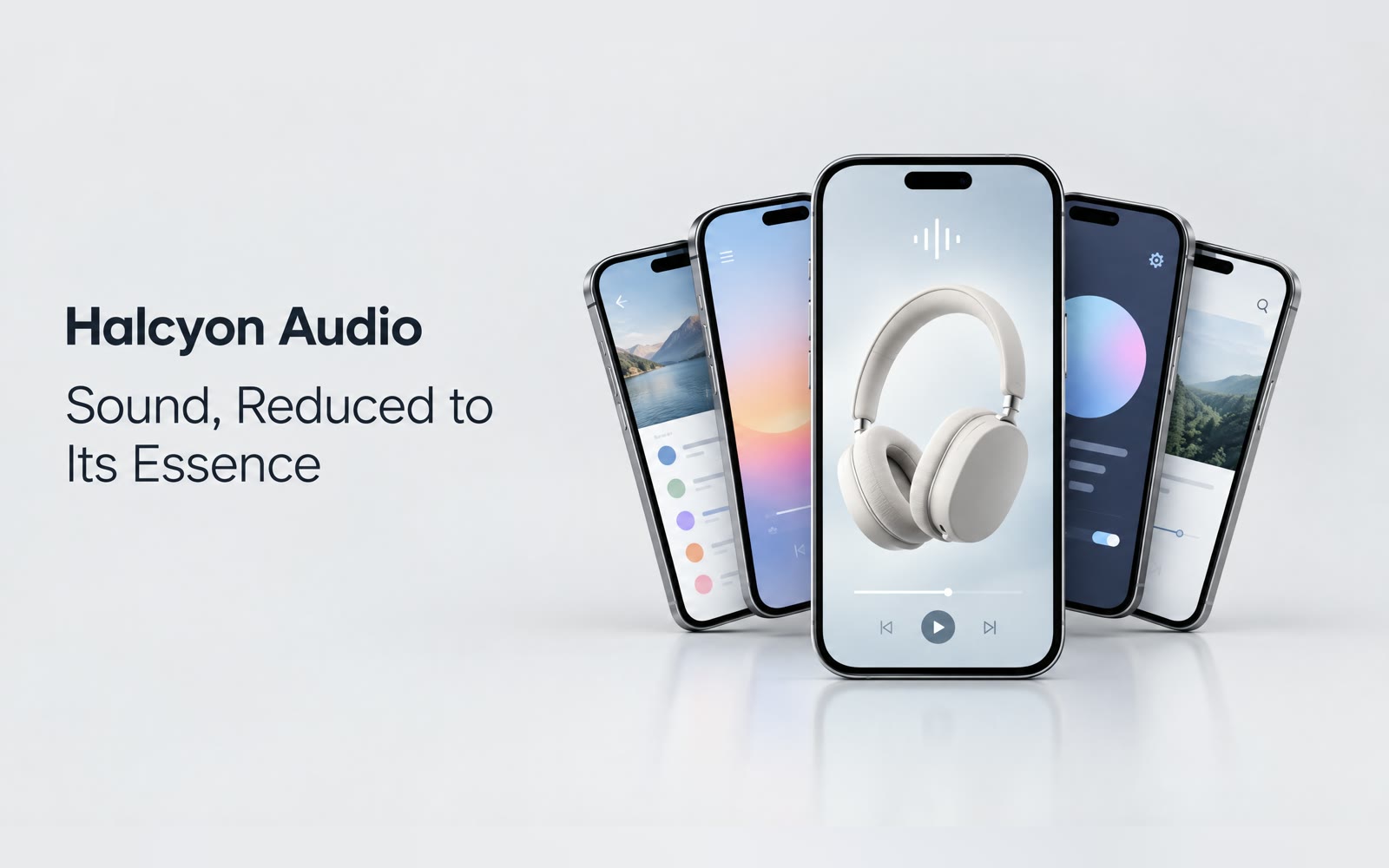
Device fan
Turn a brand, one headline and context into a calm device-showcase card.
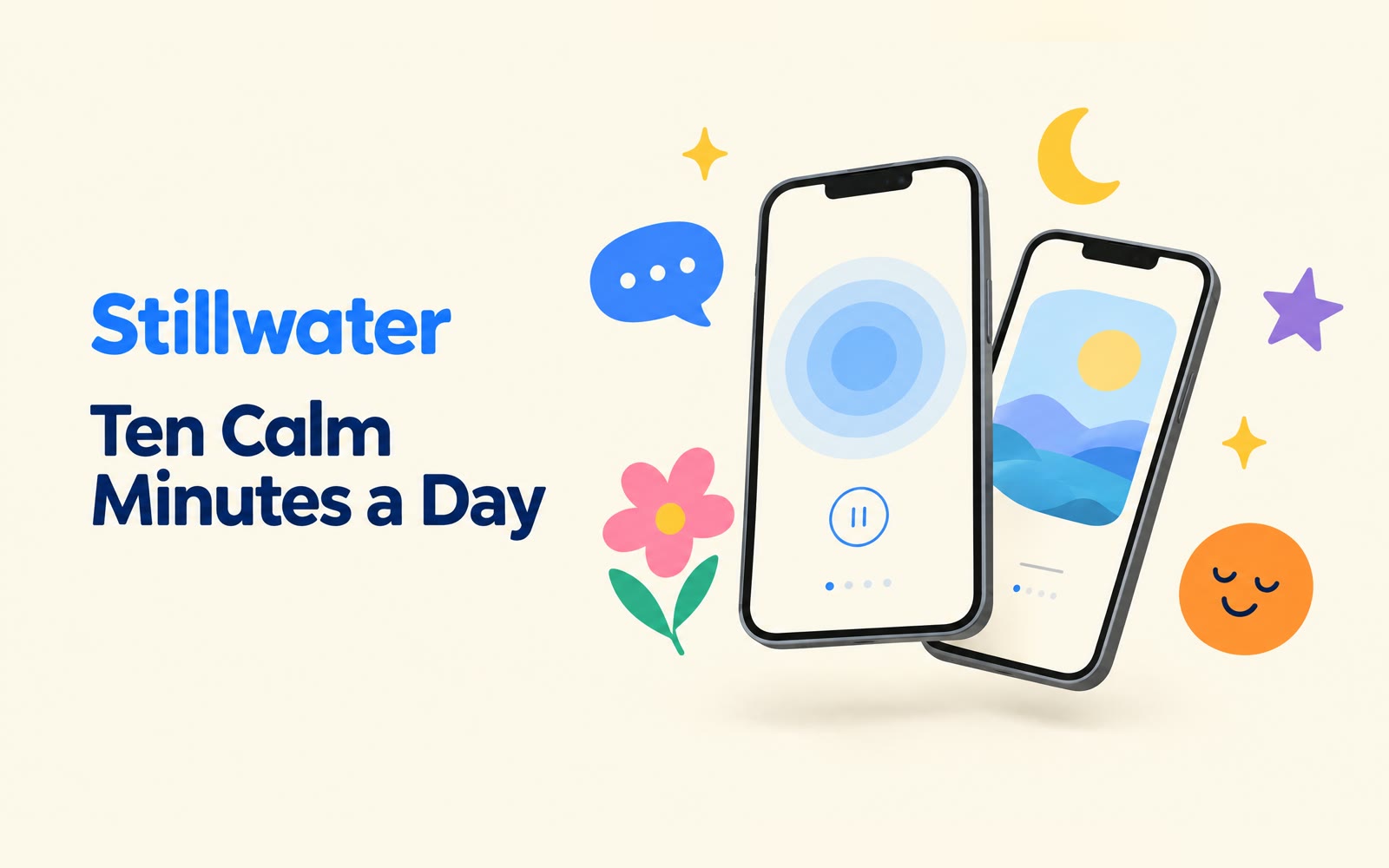
Floating phones
Turn a brand, one headline and context into a warm-ivory card with floating phone screens and playful, friendly doodles.

Floating analytics dashboard
Turn a brand, one headline and context into a split-column card: a narrow charcoal brand column anchoring a large white analytics dashboard that floats across a vivid violet gradient field.
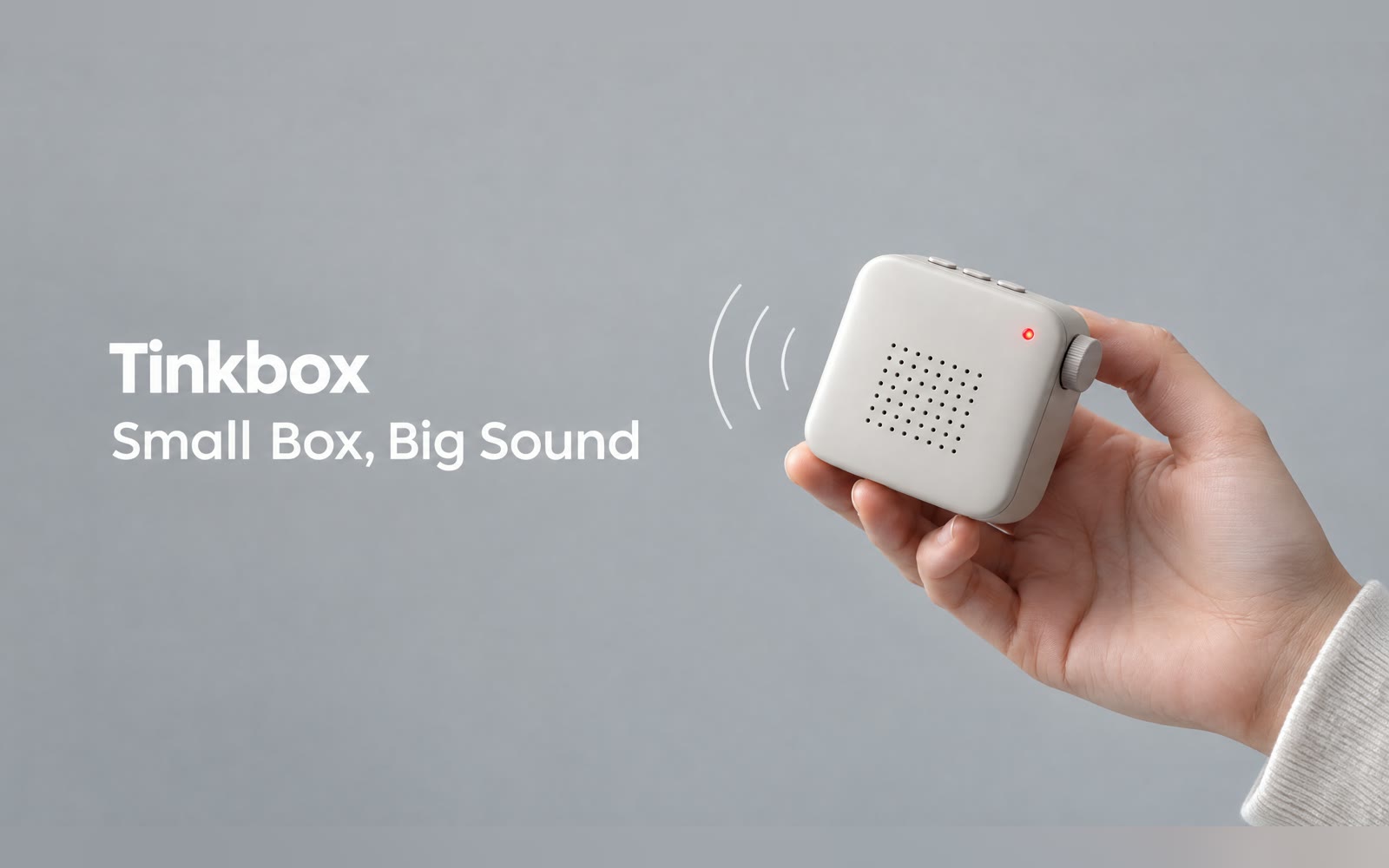
Minimal handheld product
Turn a brand, one headline and context into a high-key studio card: a softly lit hand holding an original compact pale device against a seamless gray background, with broad empty space and a tiny red light as the only accent.
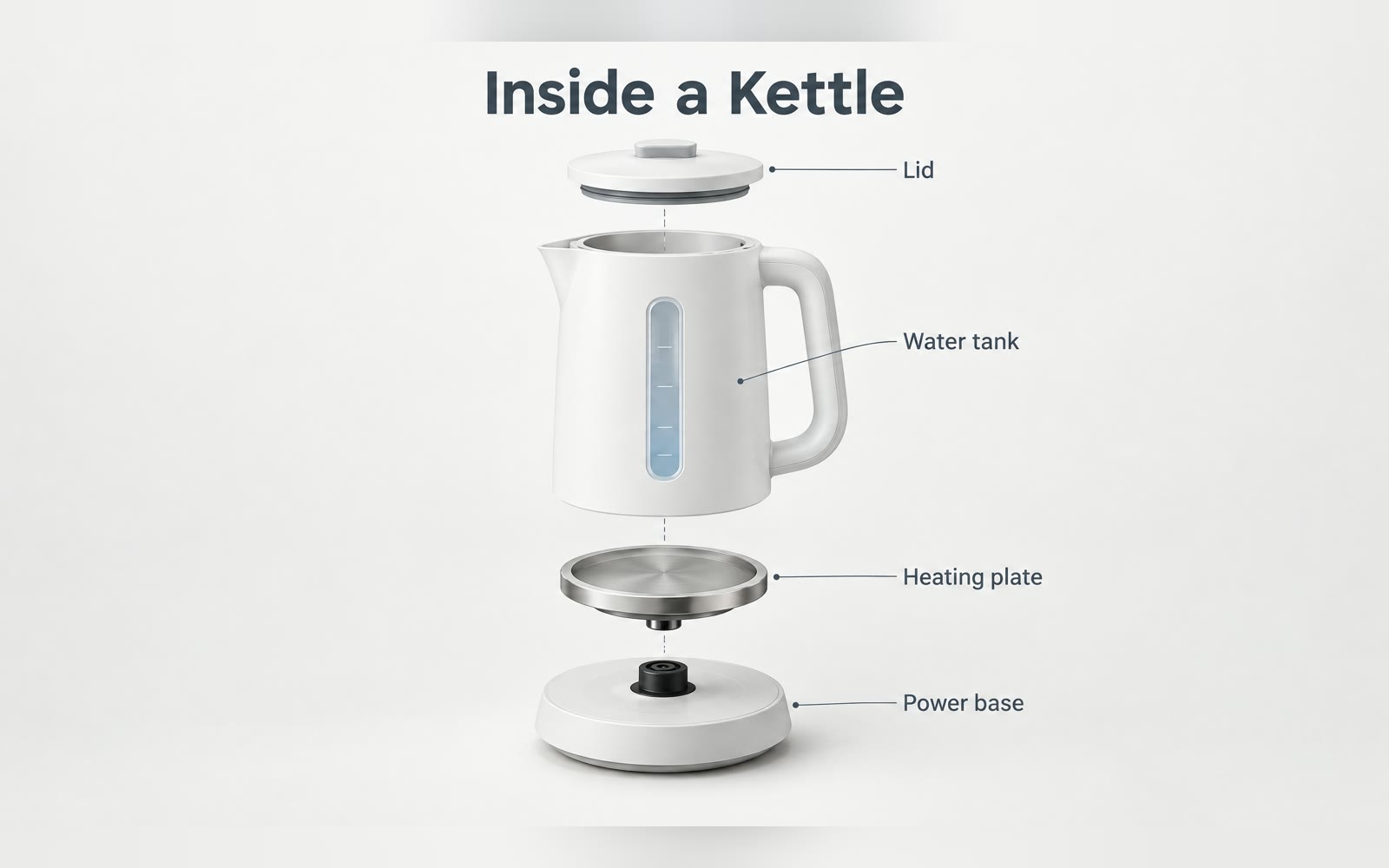
Appliance exploded poster
Turn a household appliance into a polished 16:9 exploded-view poster: part groups separated along one axis, with a title and three to five exact labels.