
Position Sheet
- Lab Skill
- v1.0.0
- Product marketing
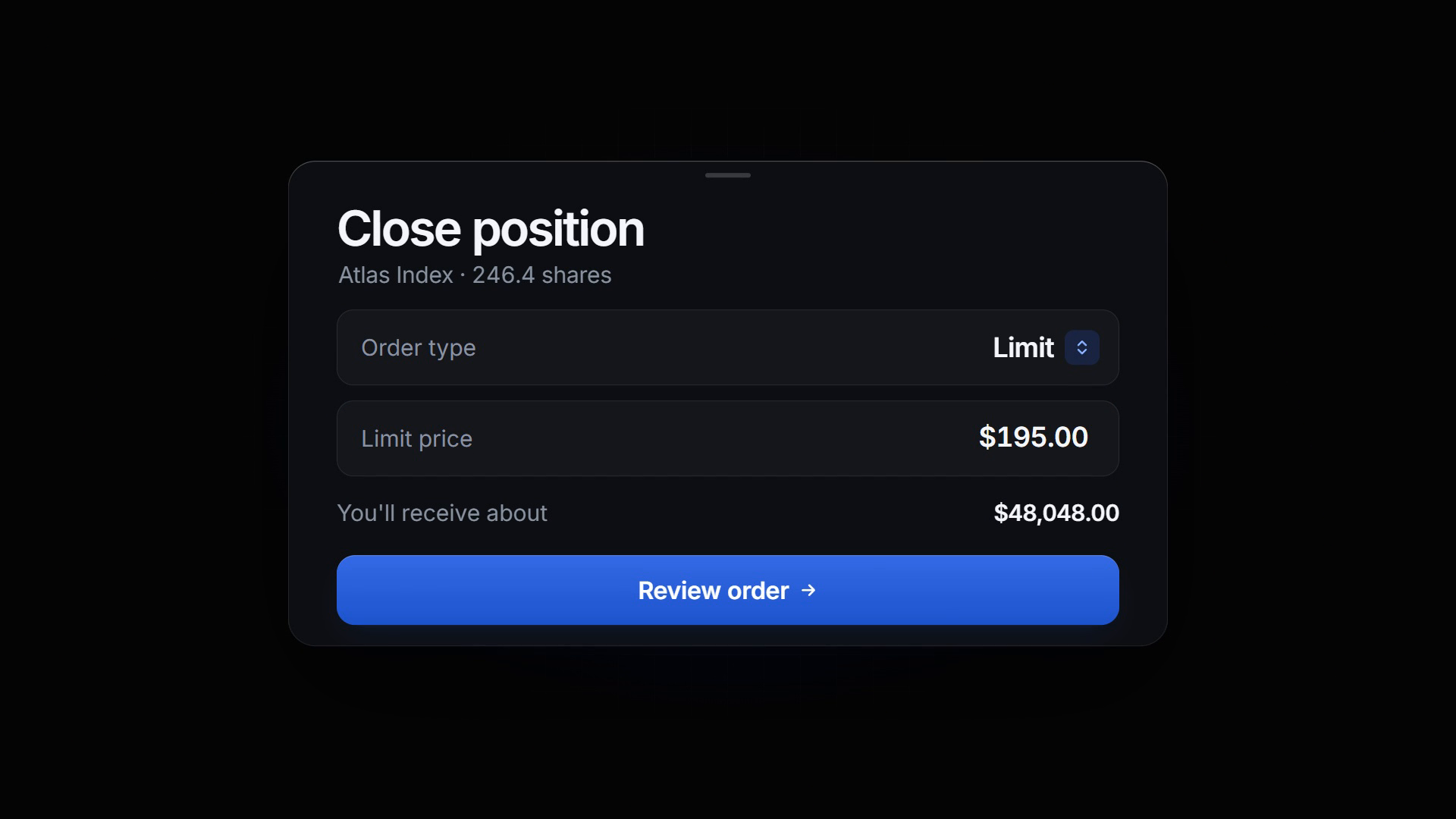
A phone app lights up, the camera pushes into a position card, a tap on the close button floods the frame with brand colour and opens an order sheet where the order type rolls to Limit.
Beispiele · 2
Online ausführen
Führen Sie das Beispiel von Position Sheet in einem SandBase Sandbox aus und sehen Sie das Ergebnis direkt hier.
So funktioniert es
- 01
Fill the slots
Position Sheet takes named slots: a status-bar clock, an asset name and ticker, a price and its change line, a position card with label, value, gain and percent, three stats, a close button and a buy button, and the order sheet's title, subtitle and copy. Each has a character limit.
- 02
Push into the position
A phone rises out of the dark and its screen lights up section by section: price, sparkline, then the position card. The camera pushes in on the card while the value and gain count up.
- 03
Tap, flood and render
A tap lands on the close button, floods the frame with brand colour and opens an order sheet where the order type rolls to Limit. render.mjs checks and renders the 1920 by 1080 film at 30 fps with a synthesised cue track. Both samples, in carbon and ember palettes, were fully decoded.
FAQ
What does Position Sheet show?
Position Sheet shows a mobile trading flow as a hero loop: a phone lights up, the camera pushes into a position card as its value counts up, and a tap on the close button opens an order sheet. It suits fintech, trading and portfolio products where the payoff is one consequential tap.
Are the Position Sheet figures real?
No. Position Sheet displays the price, position and stats you type into its slots. Avoid realistic tickers with invented prices that viewers could mistake for live market data, and label demo figures as illustrative.
Does Position Sheet place a real order?
No. Position Sheet's order sheet is animation from your slot text; it connects to no broker or account. The film shows what the product's flow looks like, not a transaction.
Does Position Sheet need a paid service?
No. Position Sheet renders locally with Chrome and HyperFrames and synthesises its cue track, with no model or paid call. The phone, screen and order sheet are drawn from the slots.
Can Position Sheet be in Chinese?
Yes. Position Sheet supports Chinese text in its slots; the Chinese sample closes an index position in the ember palette, and the English sample uses carbon.
Weitere Skills
Alle Product marketing Skills →
Pixel Story
Turn a product brief into a pixel film with clear actions, scene traversal and a memorable payoff.
Device fan
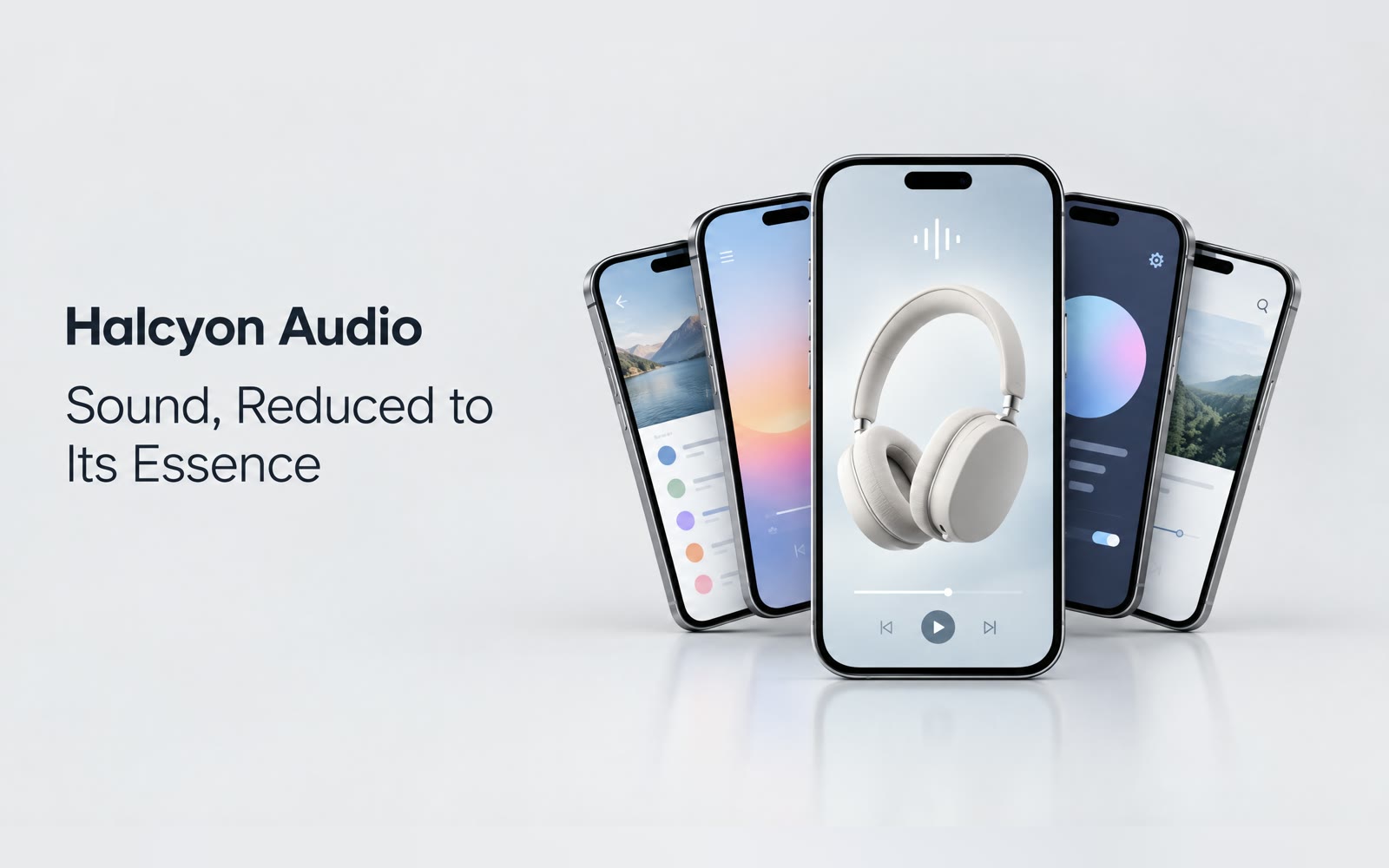
Turn a brand, one headline and context into a calm device-showcase card.

Floating phones
Turn a brand, one headline and context into a warm-ivory card with floating phone screens and playful, friendly doodles.

Floating analytics dashboard
Turn a brand, one headline and context into a split-column card: a narrow charcoal brand column anchoring a large white analytics dashboard that floats across a vivid violet gradient field.
Minimal handheld product
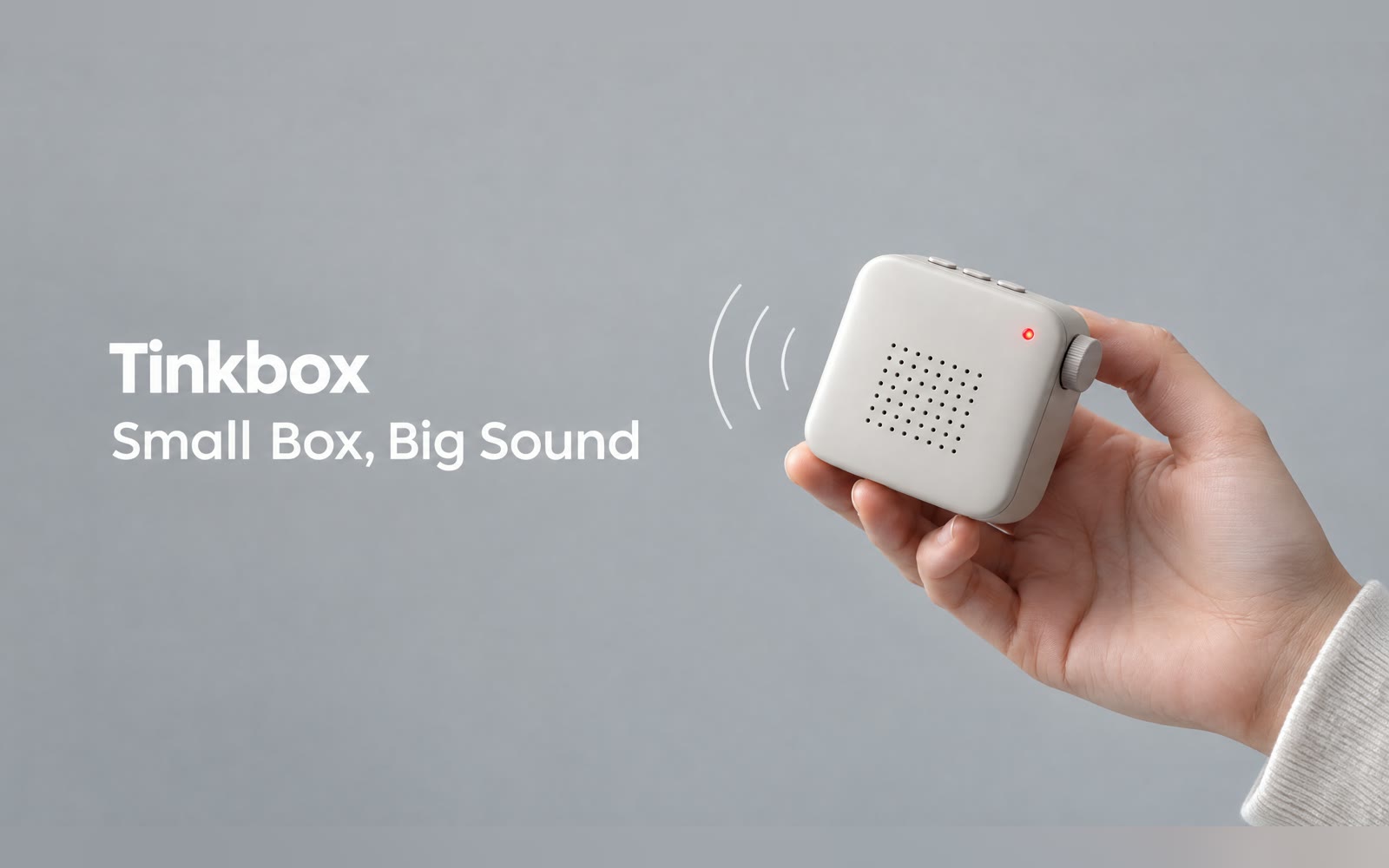
Turn a brand, one headline and context into a high-key studio card: a softly lit hand holding an original compact pale device against a seamless gray background, with broad empty space and a tiny red light as the only accent.
Appliance exploded poster
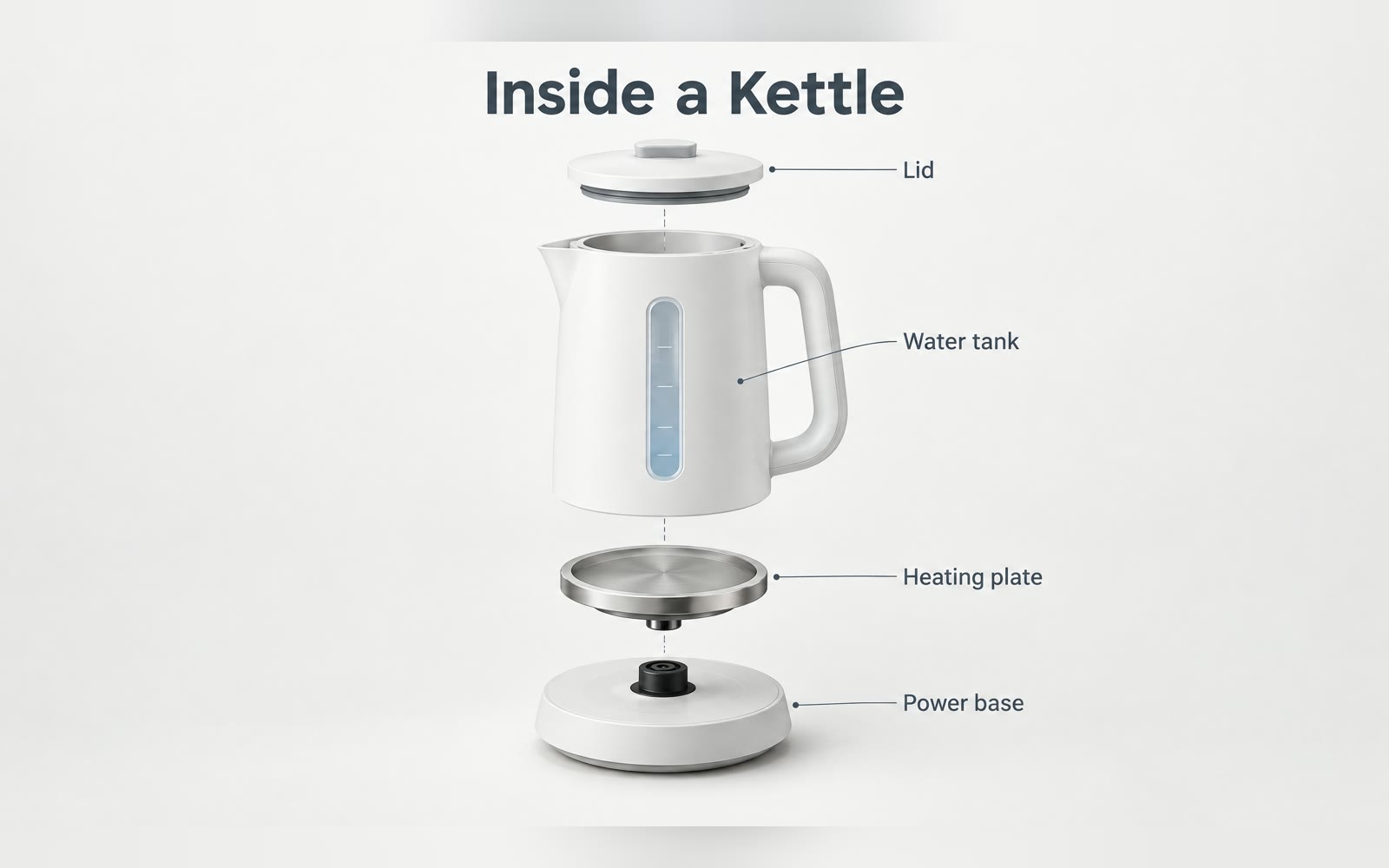
Turn a household appliance into a polished 16:9 exploded-view poster: part groups separated along one axis, with a title and three to five exact labels.