
Banner Profile Slides
- Lab Skill
- v1.0.1
- Business reporting
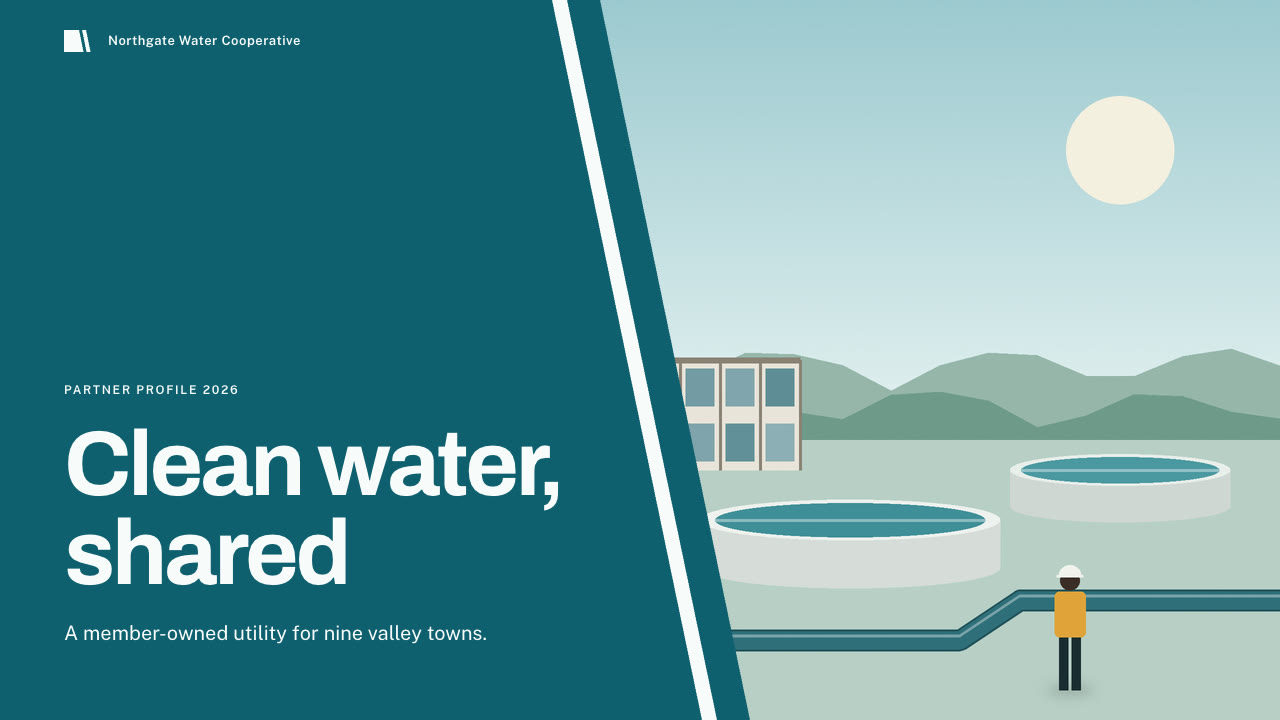
Make organisation profiles such as partner briefings, company or cooperative introductions, investor updates and onboarding decks: light pages with one strong colour, titles in a banner with a slanted cut, slope-cut pictures to the page edge, figures, a process, a bar chart and a native table.
Beispiele · 2
Was Sie erhalten
Bring who you are, the audience, the numbers to use exactly, your services and the page count, plus your own pictures. The Skill returns one offline HTML deck that edits in the browser and exports editable PowerPoint.
So funktioniert es
- 01
Sequence the profile pages
Banner Profile Slides asks for the audience, the action the deck should lead to, the counts you stand behind, the pictures you can supply, the language and the page count. The Agent orders layouts such as cover, agenda, about, mission, services, figures, process, chart, table and closing, alternating picture pages with structured pages, and picks a palette: Kiln, Harbor, Iris or Graphite.
- 02
Check contrast and compose
Banner Profile Slides can map your own colours onto four roles; python3 scripts/bannerkit.py contrast --swatch plan.json exits 1 if a text pair falls below 4.5:1. bannerkit.py prepare expands icon names and chart data into plan.ready.json, and kit.py compose writes deck.json. Everything runs on the Python 3 standard library, and the Skill never generates pictures, so empty slots keep a neutral frame.
- 03
Build and review each page
make-deck.py builds presentation.html and verify-deck.py checks it with --pages N; shrink-images.py helps if the check warns about size. The Agent serves the file with python3 -m http.server and checks banner length against the page edge, title wraps, bar values and table columns, then tries Edit, undo, Save and Present. verify-pptx.py checks any exported .pptx against deck.json.
FAQ
What does Banner Profile Slides look like?
Banner Profile Slides sets titles in a coloured band that runs in from the left edge and ends in a falling cut with one thin strip. Pictures bleed to the page edge with borders cut on the same slope, and every cut leans the same way. Pages are light with one strong colour, and only the cover is filled with it.
Does Banner Profile Slides generate pictures?
No. Banner Profile Slides does not make images, so you supply pictures you have the right to use at the ratio each slot lists. A slot left empty keeps a neutral frame and appears in the compose report. The example decks use flat illustrations drawn by code only for those demos, not by the Skill.
Is Banner Profile Slides free?
Yes. Banner Profile Slides builds with Python 3 standard-library scripts and does not call any model, image service or paid API, so there is nothing to bill. The only extra package is python-pptx, used by verify-pptx.py to check an exported file. The finished deck runs offline in a browser.
Can I edit the Banner Profile Slides chart in PowerPoint?
Partly. Banner Profile Slides draws the chart from boxes, not a PowerPoint chart object, so values and labels are editable text and bars are editable shapes, but changing a number does not resize its bar. To change the data, edit the chart field in plan.json and rebuild. Long chart labels wrap under the bars.
How long can a Banner Profile Slides title be?
Banner Profile Slides keeps banner titles to about 5 words, or about 12 CJK characters, so the banner stays on one line. Other titles take up to 7 words, supporting lines up to 18 words, and each page holds at most three items and about 45 words. A title that wraps to two lines pushes the banner toward the content.
Which fonts does Banner Profile Slides need in PowerPoint?
Banner Profile Slides names Archivo for bold titles and Public Sans for text in the exported PowerPoint, both under the SIL Open Font License. The HTML embeds only Latin web subsets, so install both desktop fonts on the presenting machine or wraps will differ and a banner title can run under its slanted end.
Weitere Skills
Alle Business reporting Skills →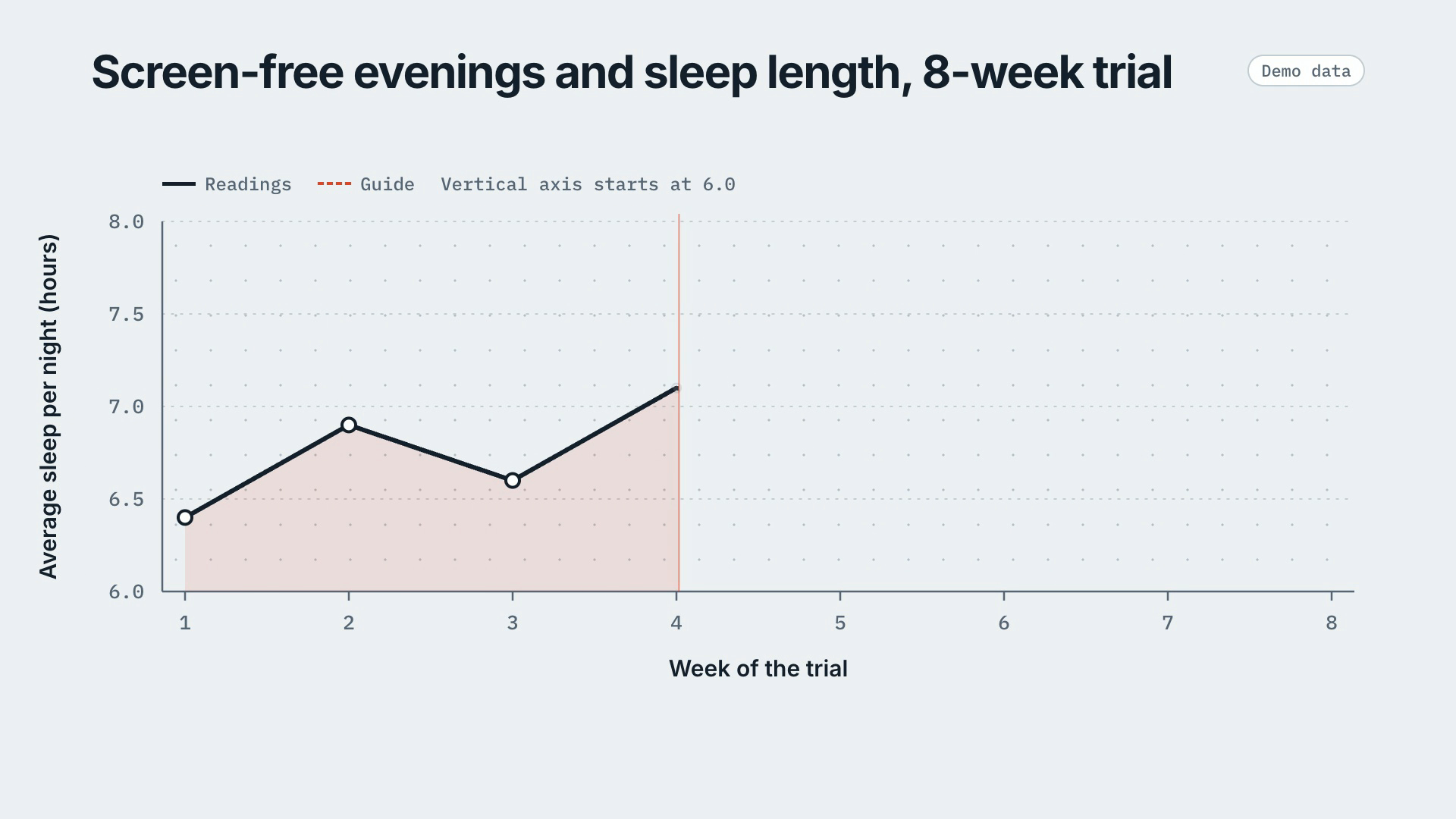
Trend Line
Reveal measured readings, a separate dashed guide and a final takeaway on an editable chart.

Advisory Thread Slides
Argue one recommendation to a committee or board with action titles, a storyline tracker, evidence charts and a bounded decision ask.
Civic Bars Slides
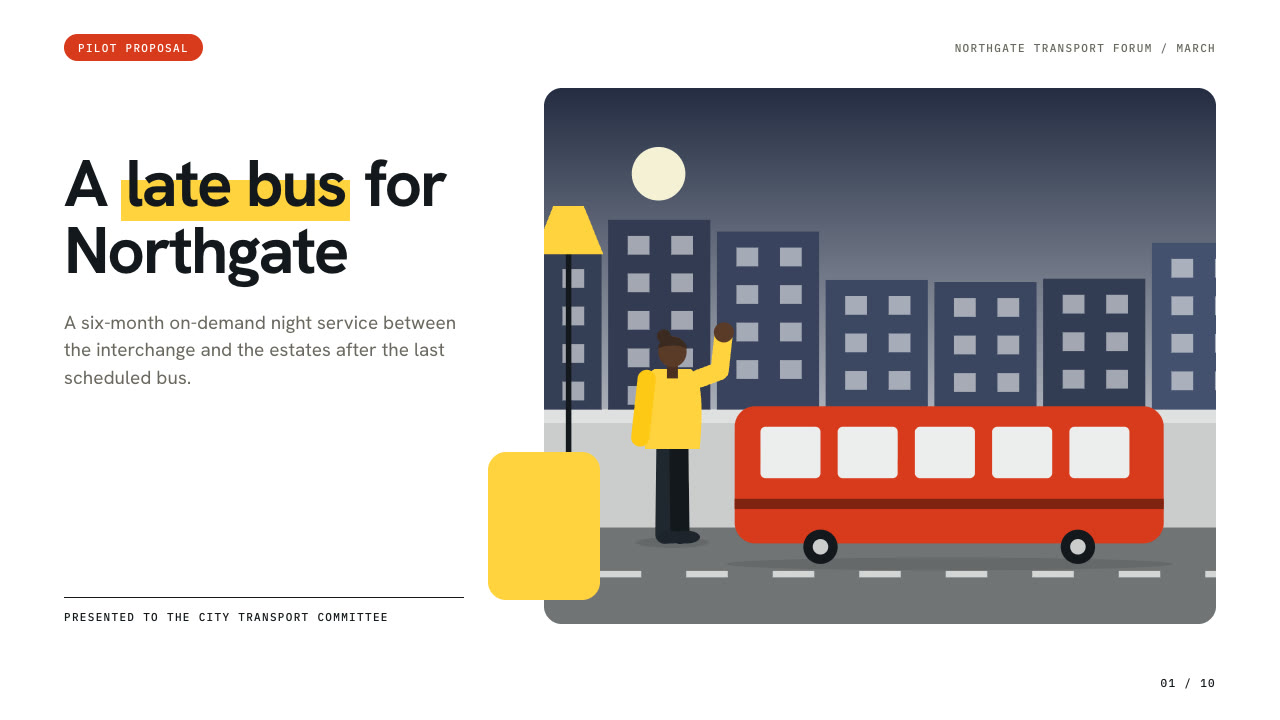
Make the case for a public or community service decision with picture cards, thin bar charts, stat tiles and a clear ask.
Site Sequence Slides
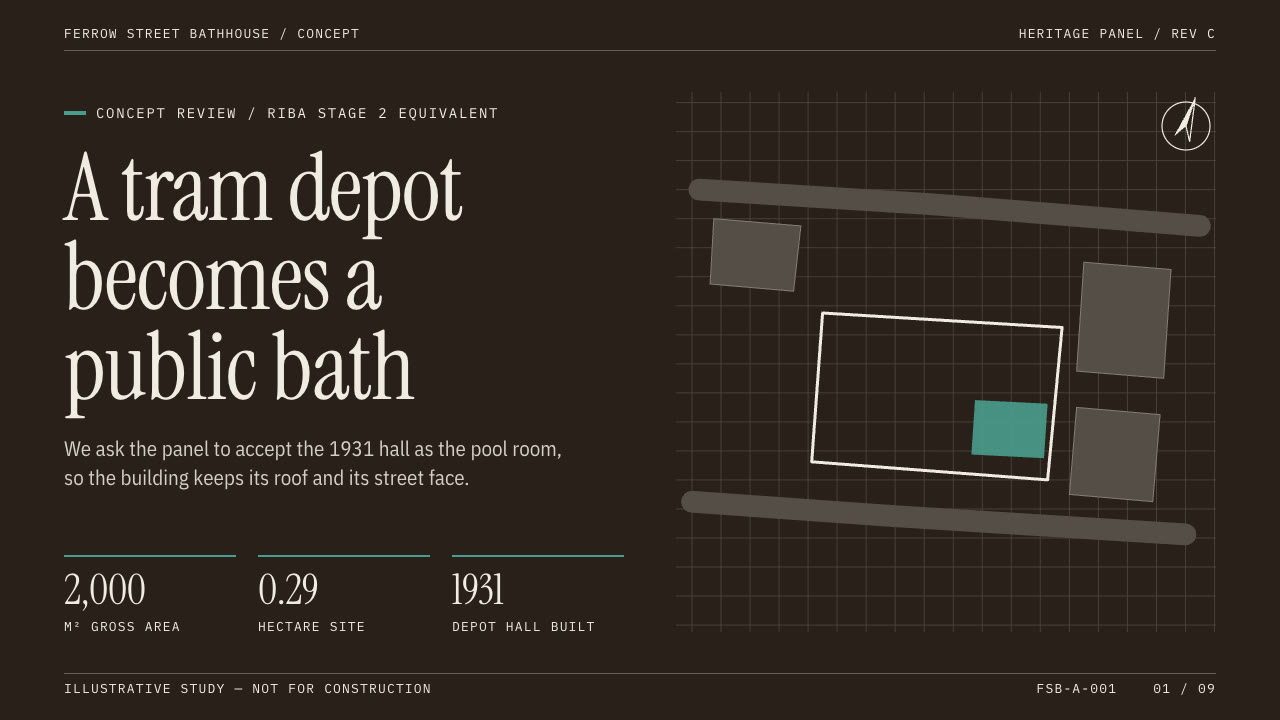
Take an architecture or site-design proposal to a review panel like a drawing sheet: site, massing, plan and section, program, phasing and one clear decision.

Deepframe Company Slides
Present a company, practice or member organisation calmly: white pages, offset colour blocks behind pictures, service cards, ring figures, value bars and a portrait row.
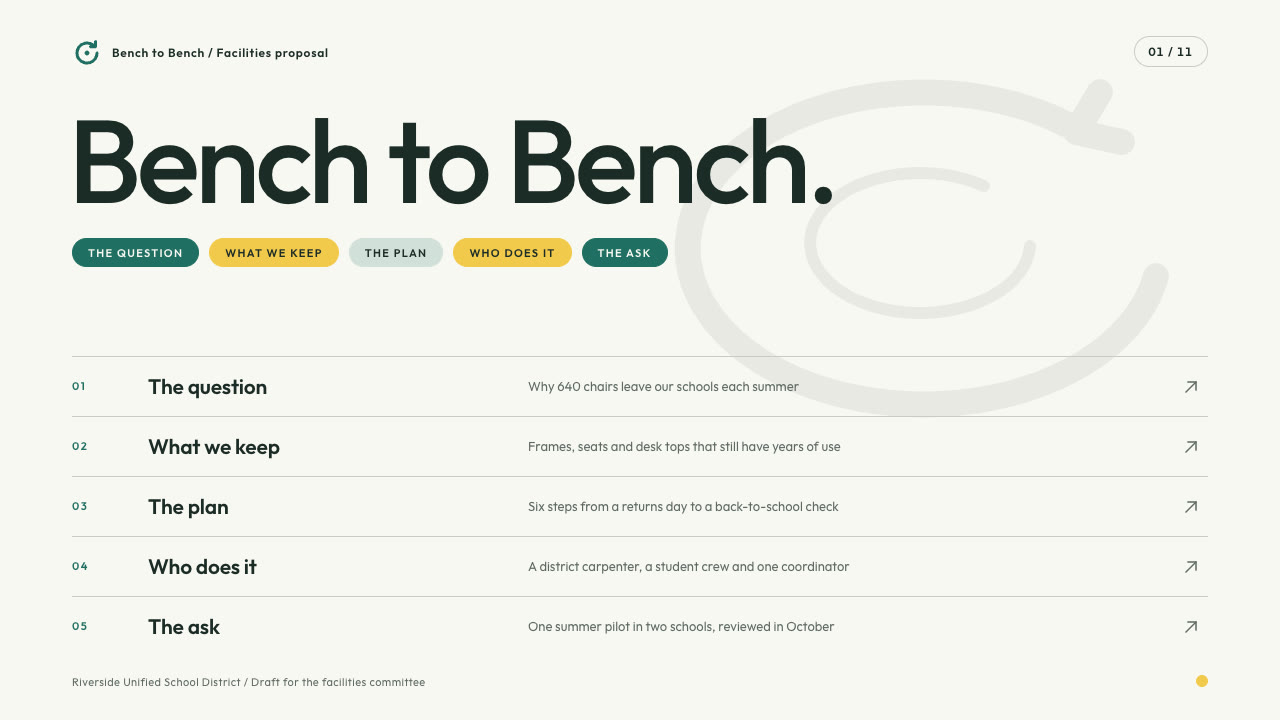
Circular Module Slides
Propose a repair, reuse or take-back step in a light modular deck: rounded cards and pill capsules, an open-ring motif, notched principle cards, a six-step grid and a capsule bar chart.