
Status Ledger
- Lab Skill
- v1.0.4
- Business reporting
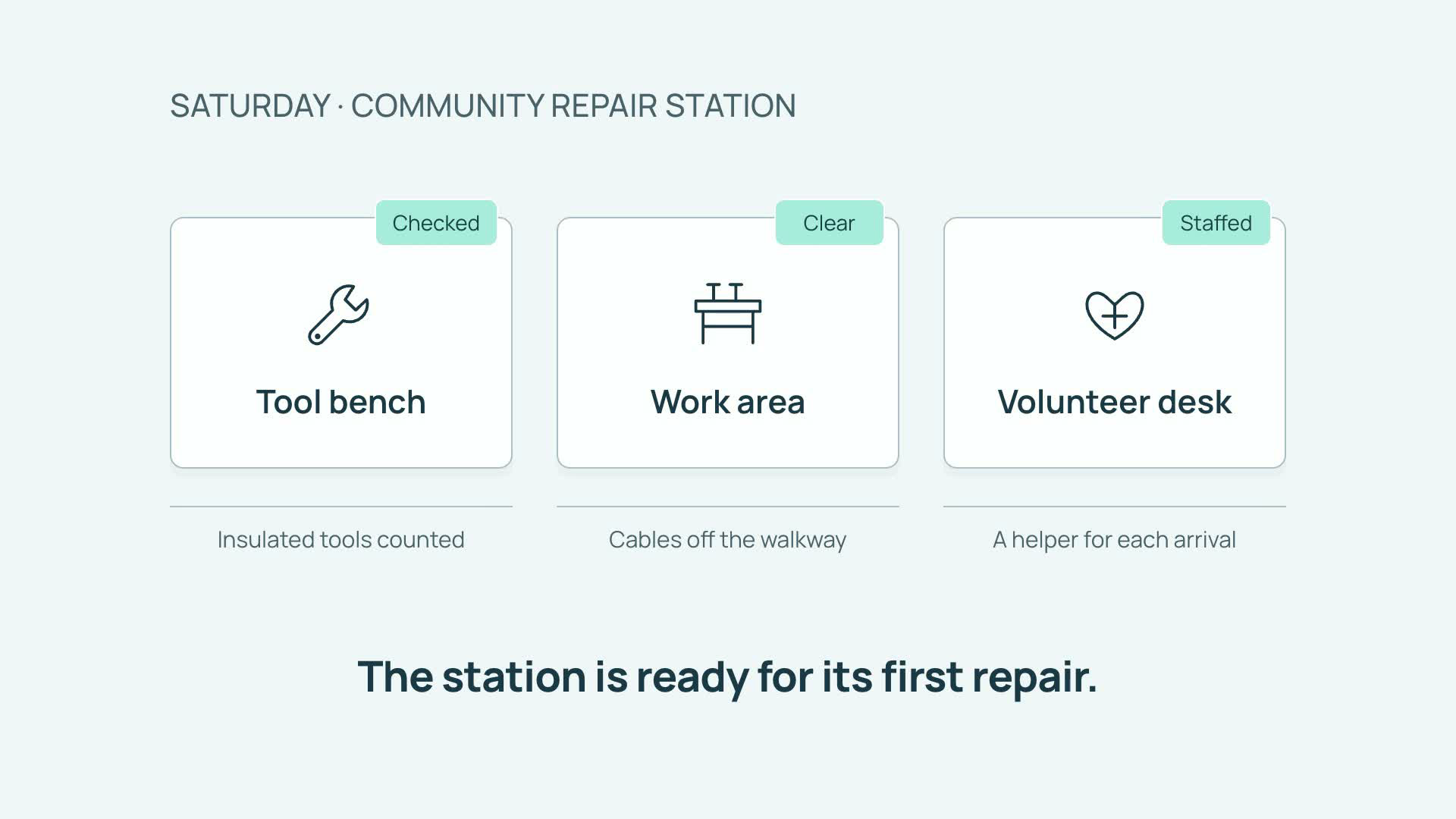
Confirm three stationary illustrated cards with arriving corner seals, supporting details and a shared closing statement.
Beispiele · 2
Online ausführen
Führen Sie das Beispiel von Status Ledger in einem SandBase Sandbox aus und sehen Sie das Ergebnis direkt hier.
So funktioniert es
- 01
Write a topic brief
Status Ledger takes three short readiness checks, authorized factual details and one closing statement in a JSON brief written outside the Skill folder. Install the fixed dependency with npm ci, then generate into a new output folder with the porcelain, harbor, rosewood or carbon theme. Chinese is detected automatically and uses Smiley Sans with Noto Sans SC fallback.
- 02
Seal the stationary cards
Three illustrated cards are visible from the first frame and never move. Corner seals arrive on each card in turn, with supporting details beside them, and a shared closing statement resolves the set. Every composition is 1920 by 1080 at 30 fps and lasts 7.6 seconds, with the same motion and geometry across themes.
- 03
Verify and render
The generated brief and project files record content, font, theme, version and HTML hash. A paused GSAP timeline lets HyperFrames render with one worker, and a seek function supports deterministic forward and reverse inspection. Verify each seal, detail boundary, stationary card, text fit and final hold, since encoder success is not visual acceptance.
FAQ
What does Status Ledger make?
Status Ledger makes a 7.6-second film that confirms three illustrated cards with arriving corner seals, supporting details and a shared closing statement. The demos run opening checks for a community repair event and a seed library that is ready to share. It suits readiness, preparation and opening-check explainers.
Why don't the Status Ledger cards move?
Status Ledger keeps all three cards stationary from the start so viewers can read them while seals and details arrive. Motion is reserved for confirmation, which makes each check feel settled. The review step specifically checks that the cards never shift.
Can I change Status Ledger colours and fonts?
Yes. Status Ledger accepts a colors file that replaces semantic colours with hex values, and required text pairs must meet a 4.5 contrast ratio. A local authorized font file takes priority over the bundled ones. A custom font can change wrapping, so inspect the actual bounds after generating.
Does Status Ledger produce sound?
No. Status Ledger outputs silent films and includes no music, sound-effect generator, mixer or audio editor. If the film needs audio, add authorized sound in another tool afterwards. The silent output keeps the seals' timing easy to review frame by frame.
Is Status Ledger billed?
Status Ledger installs one fixed dependency and renders with a local Chromium and HyperFrames. It makes no model call and uses no paid service, so generating a ledger film is not charged.
Weitere Skills
Alle Business reporting Skills →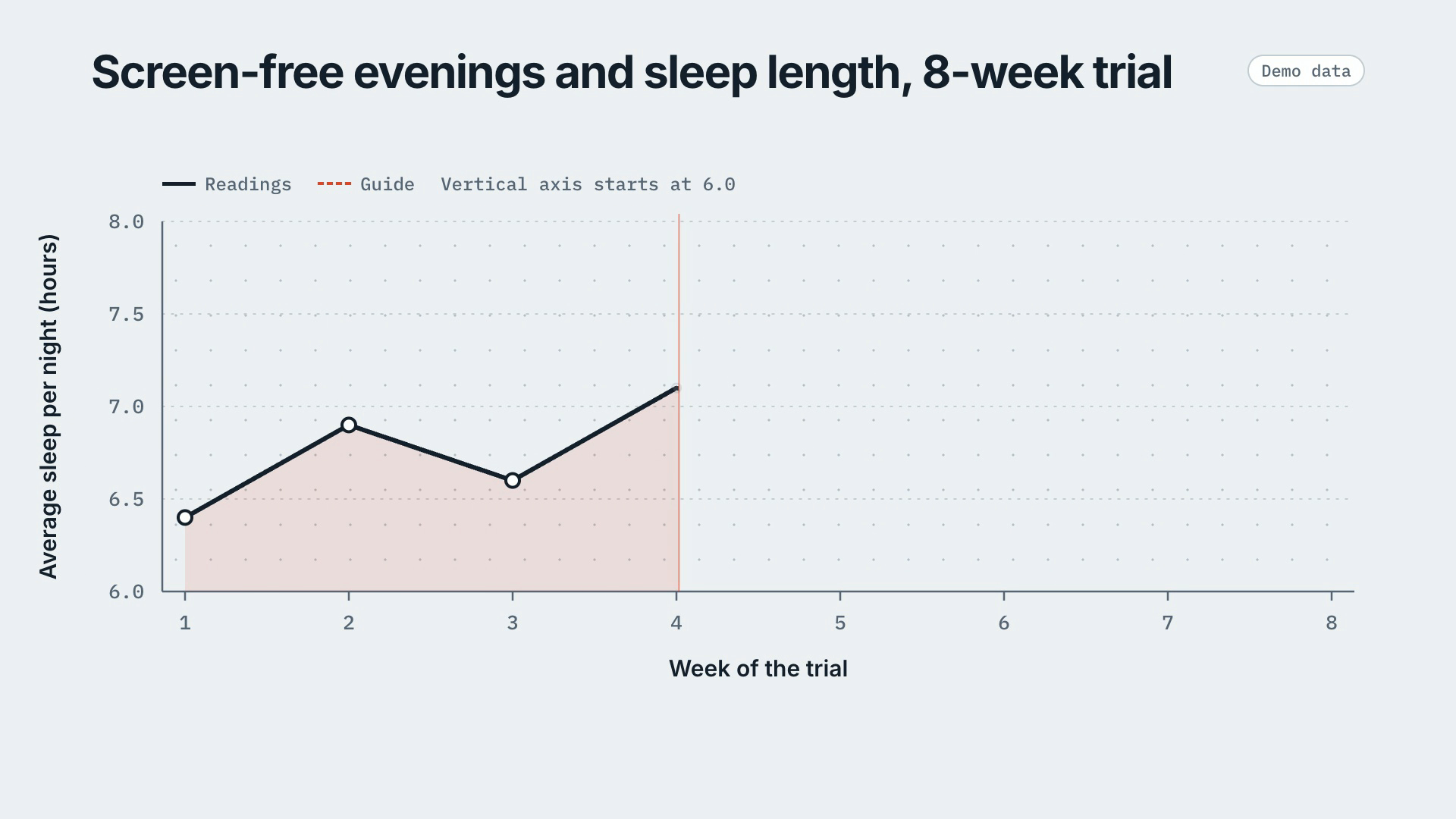
Trend Line
Reveal measured readings, a separate dashed guide and a final takeaway on an editable chart.

Advisory Thread Slides
Argue one recommendation to a committee or board with action titles, a storyline tracker, evidence charts and a bounded decision ask.
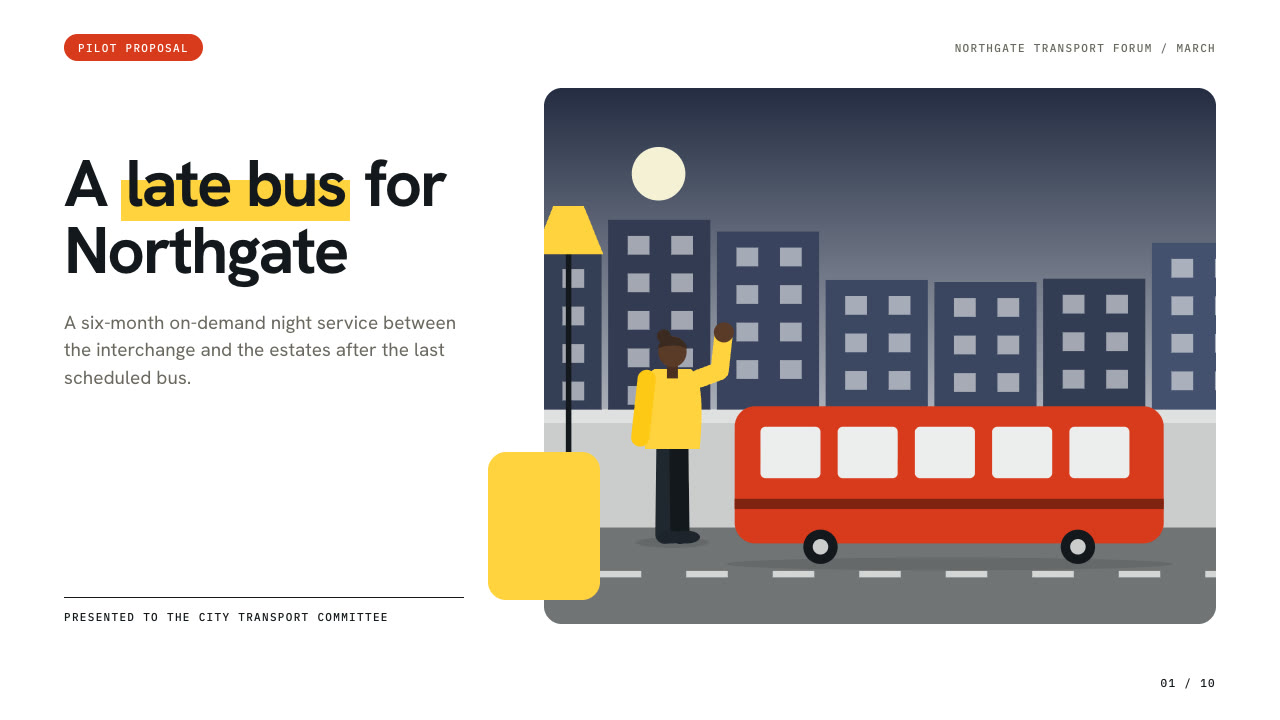
Civic Bars Slides
Make the case for a public or community service decision with picture cards, thin bar charts, stat tiles and a clear ask.
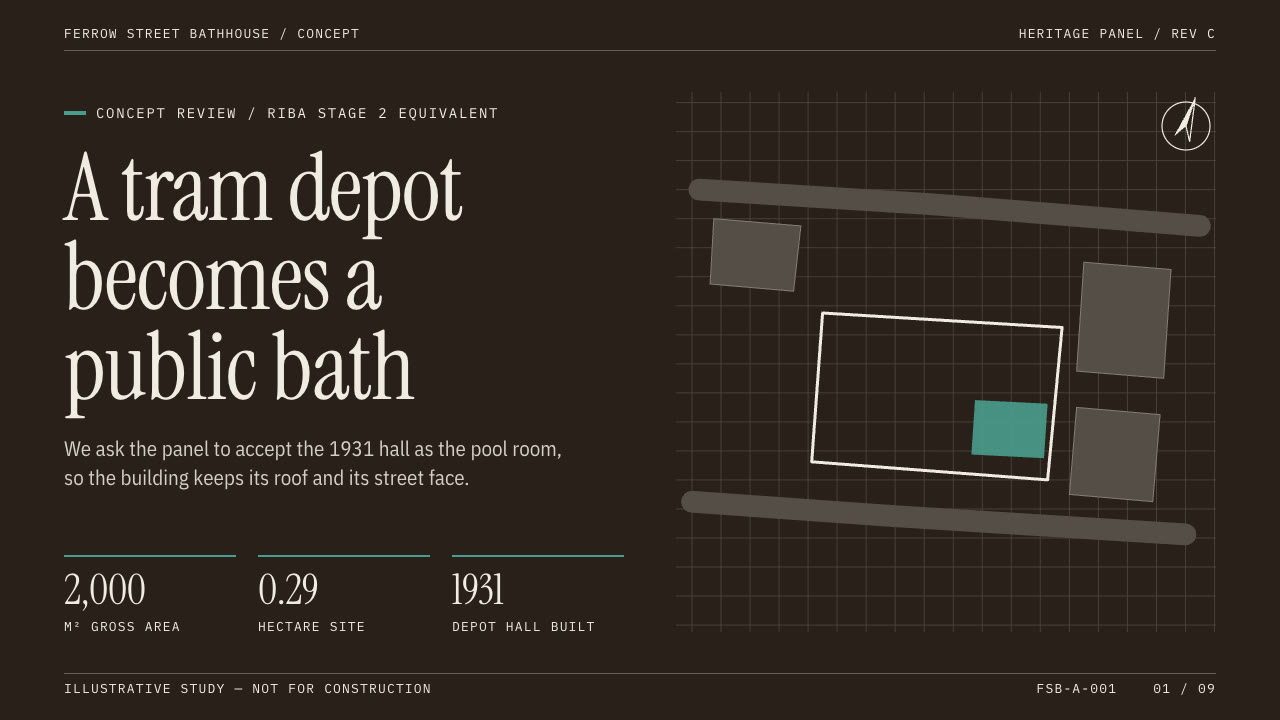
Site Sequence Slides
Take an architecture or site-design proposal to a review panel like a drawing sheet: site, massing, plan and section, program, phasing and one clear decision.

Deepframe Company Slides
Present a company, practice or member organisation calmly: white pages, offset colour blocks behind pictures, service cards, ring figures, value bars and a portrait row.
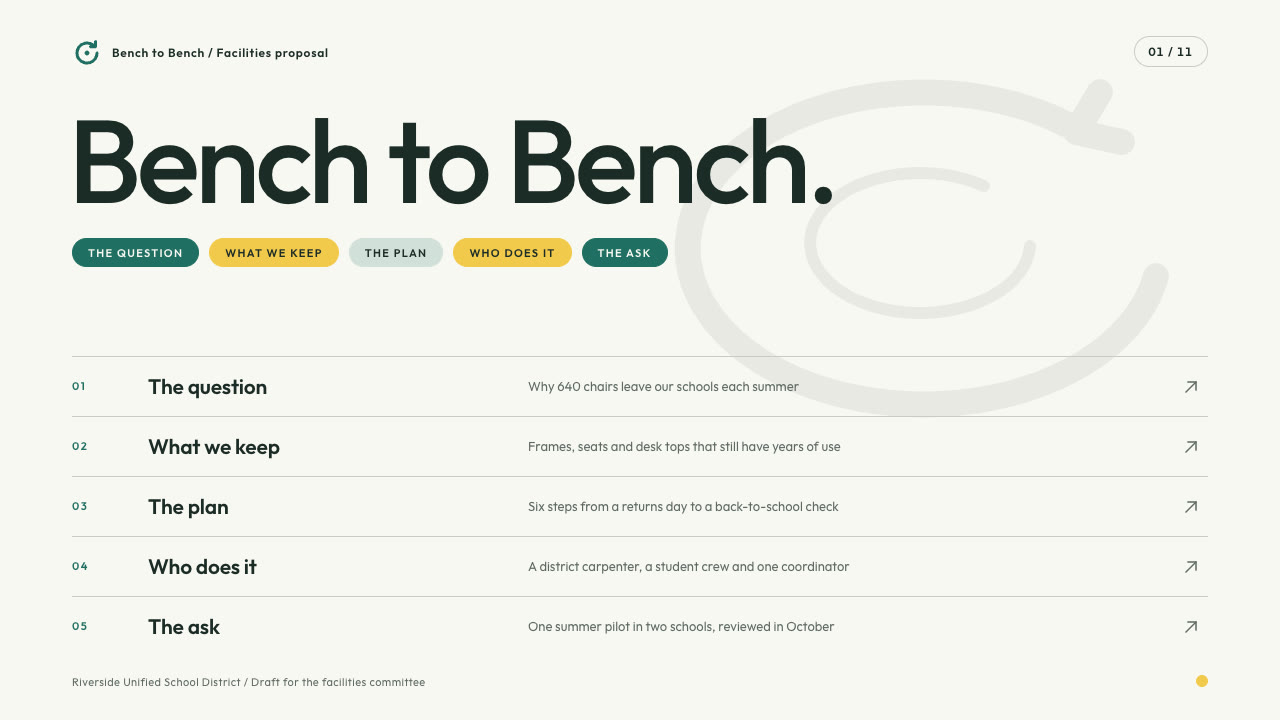
Circular Module Slides
Propose a repair, reuse or take-back step in a light modular deck: rounded cards and pill capsules, an open-ring motif, notched principle cards, a six-step grid and a capsule bar chart.