
Reading Digest Slides
- Lab Skill
- v1.0.1
- Research
Turn one long read, essay or report into a reading brief a committee can decide on: a masthead, argument beats on a rail, a headline figure, bar charts and a source ledger that keep checked facts, assumptions and open questions apart, two readings, discussion prompts and the decision asked.
Beispiele · 2
Was Sie erhalten
Bring the approved text, the audience, the decision or learning goal, the claims you can stand behind and the page count; pictures optional. The Skill returns one offline HTML deck that edits in the browser and exports editable PowerPoint.
So funktioniert es
- 01
Confirm the text and fill the ledger
Reading Digest slides first confirms the approved text by title, outlet and date, the passages, figures and quotes that may be shown, the audience, the decision or learning goal and a page count of 6 to 10. Every claim then goes into the brief's ledger as fact with a source, assumption, or open question. Each evidence page lists at least one fact in its cites field.
- 02
Run prepare-plan.py against the brief
python3 scripts/prepare-plan.py --kit references/kit.json --brief brief.json --out plan.json --report prepare-report.json locks the preset, fills bar charts and ledger tables from data, writes source lines and draws abstract plates such as plate:contour:7. It stops with an error when a page breaks a ledger rule, for example an open question outside the ledger, prompts or decision pages. Everything runs on the Python 3 standard library.
- 03
Build, verify and read every page
kit.py compose, make-deck.py and verify-deck.py --pages N turn the plan into presentation.html, after sampleLeft and missingPictures are cleared. A Chromium-class browser over python3 -m http.server is used to check overflow, chart labels, table rows, reading order and page numbers, then edit, Save and Present. An exported presentation.pptx is checked with verify-pptx.py --deck deck.json in the audience's application.
FAQ
What is Reading Digest slides for?
Reading Digest slides turns one approved article, essay or report into a 16:9 reading-brief deck for a group that must discuss or decide something, such as a committee, a board reading group, a newsroom or a seminar. It is not for text-only summaries, unchecked claims, or deciding quote and picture rights for the user.
How does the Reading Digest source ledger work?
Reading Digest slides lists every claim in the brief's ledger as a fact checked against the text with a source, an assumption the team inferred, or an open question. prepare-plan.py refuses a figure or chart page that cites no fact. Open questions may appear only on the ledger, prompts and decision pages, so inference and evidence stay apart.
Does Reading Digest slides generate images?
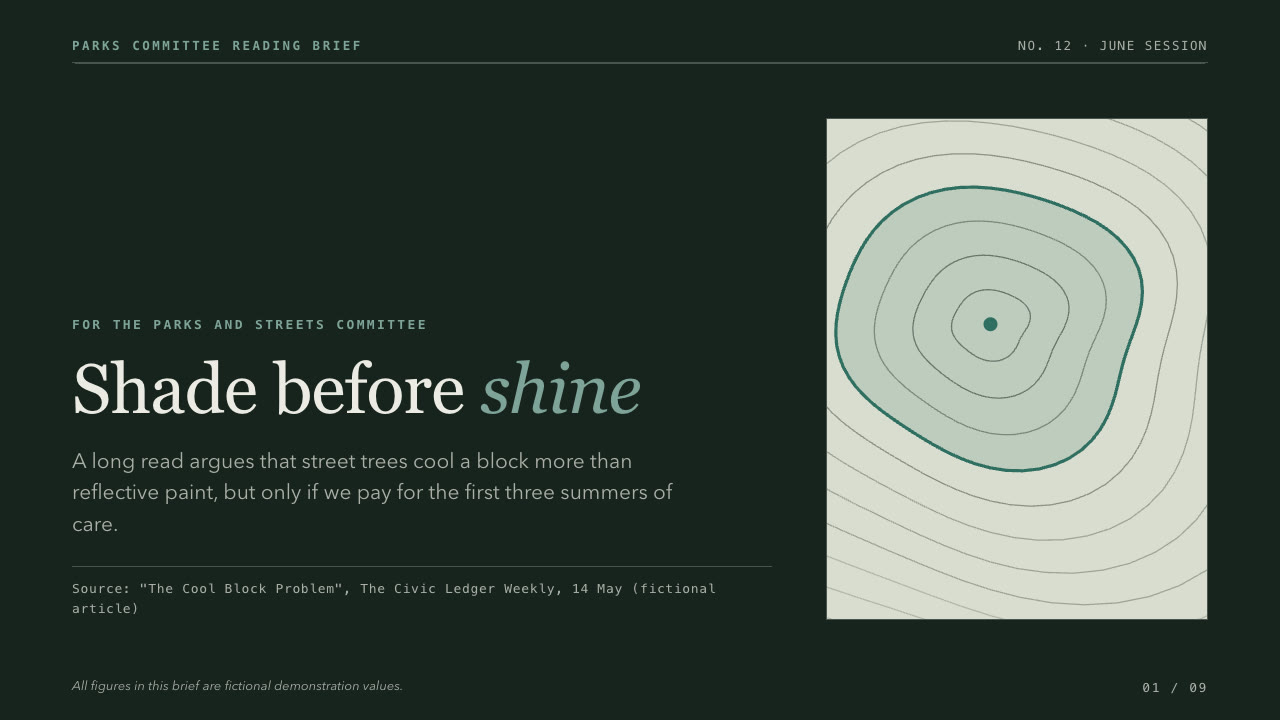
No. Reading Digest slides does not call image-generation services. It uses pictures the user supplies first, or draws abstract plates with digest_plates.py in six motifs: folds, contour, tiles, horizon, columns and orbit. Plates carry no evidence and must never be presented as a photo or a measurement. Building is local and not billed.
Which presets and layouts does Reading Digest slides offer?
Reading Digest slides ships ten layouts, among them masthead, beats, figure, chart, method, voices, ledger, prompts and decision, plus three locked presets: Newsprint, Slate Room and Clear Print. The demos are a 9-page parks committee brief on Newsprint and a 9-page board reading group on the dark Slate Room preset.
Is the Reading Digest PowerPoint export editable?
Yes. Reading Digest slides exports text boxes, the ledger table and chart bars as native PowerPoint objects with speaker notes. Plates, the quote mark, numbered circles and beat-rail dots arrive as pictures. Print/PDF gives one page per sheet and is not a substitute for the editable file. Fonts are Georgia, Avenir Next and Menlo with fallbacks.
Why does content overflow in Reading Digest slides?
Reading Digest slides uses fixed sheets that do not reflow. Inserting several large blocks pushes content past the bottom edge or under the caveat line, which states in one line what the page does not claim. A heading left identical to the layout sample, such as Reading A, is reported as leftover sample text.
Weitere Skills
Alle Research Skills →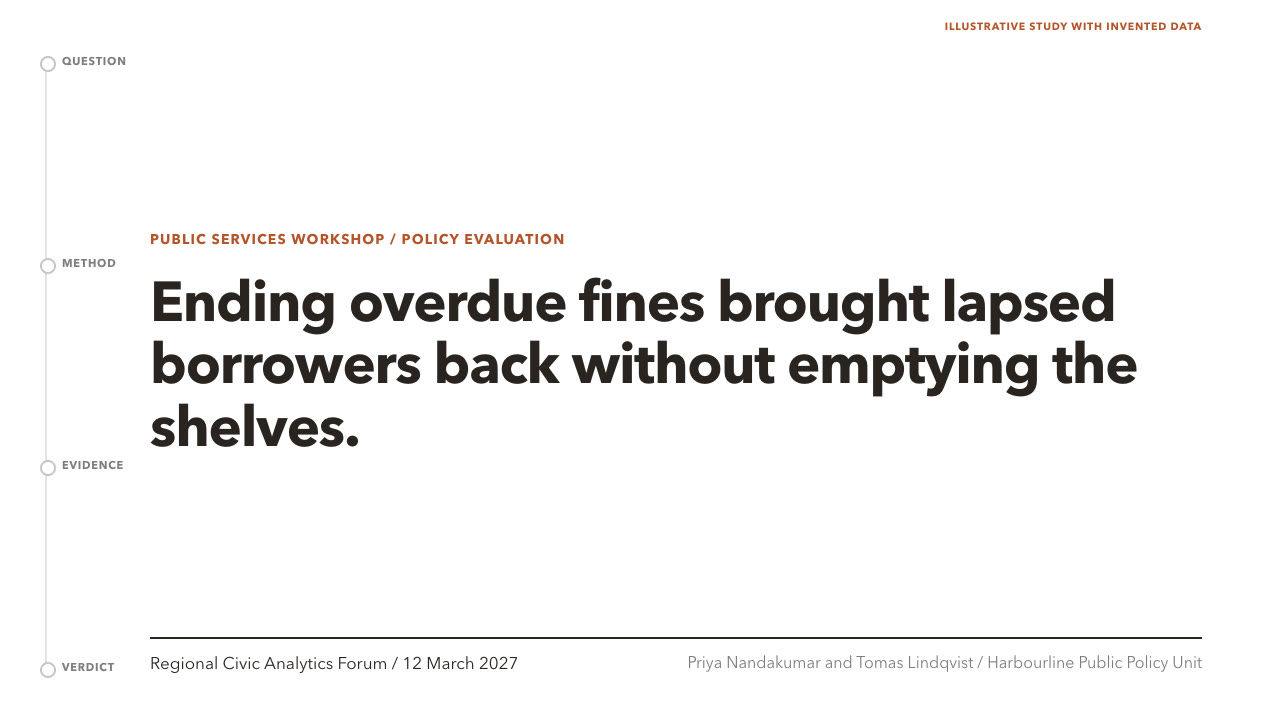
Thesis Spine Slides
Build a research talk whose titles, read in order, argue one claim from question to verdict, with one cited exhibit per evidence page.

Cloudpane Slides
Make explainer and proposal decks that make a public subject feel approachable: open-sky pictures, clear optical glass and anonymous figures, thin-edged translucent glass cards over the pictures, broad mist-white pages, three deep night pages and headings with an italic serif accent.
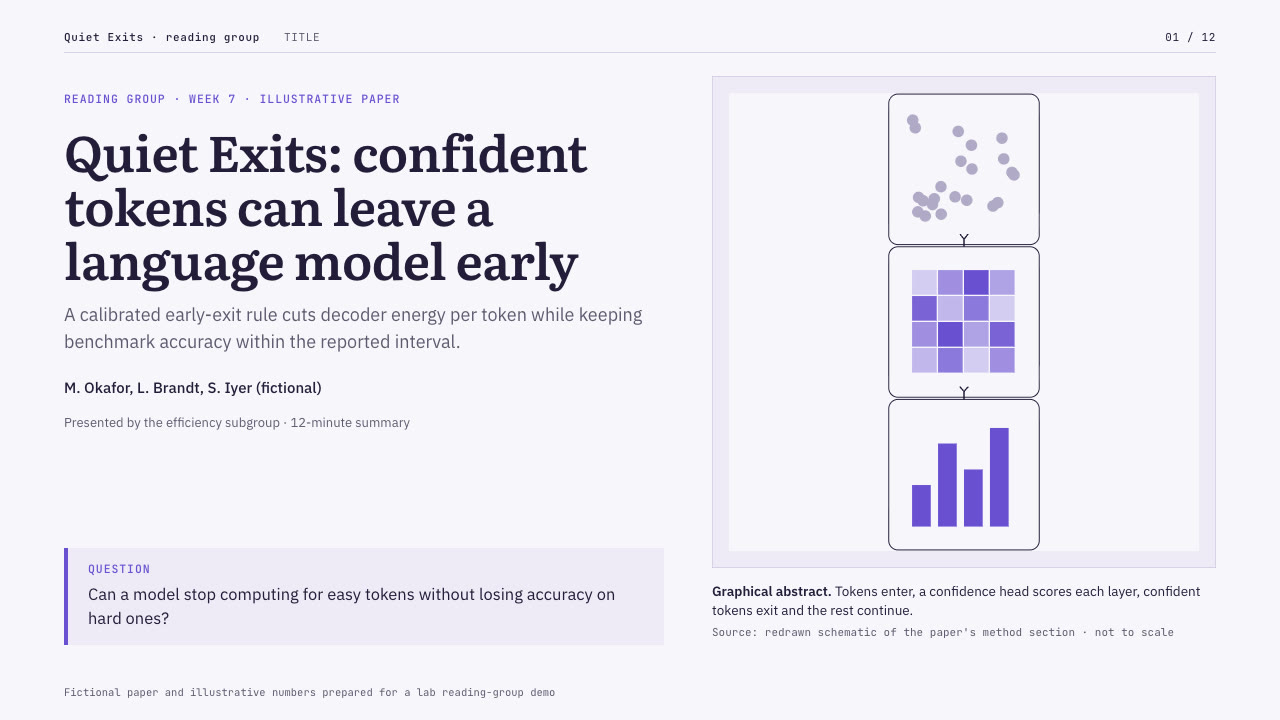
Figure First Slides
Make figure-led research talks such as paper summaries, journal clubs, lab and reading-group reviews and evidence briefings: every content page is built around one figure, chart or table with its caption and source underneath, numbers carry their comparator and interval, and a limits page states what the work can and cannot claim.
Seminar Math Slides
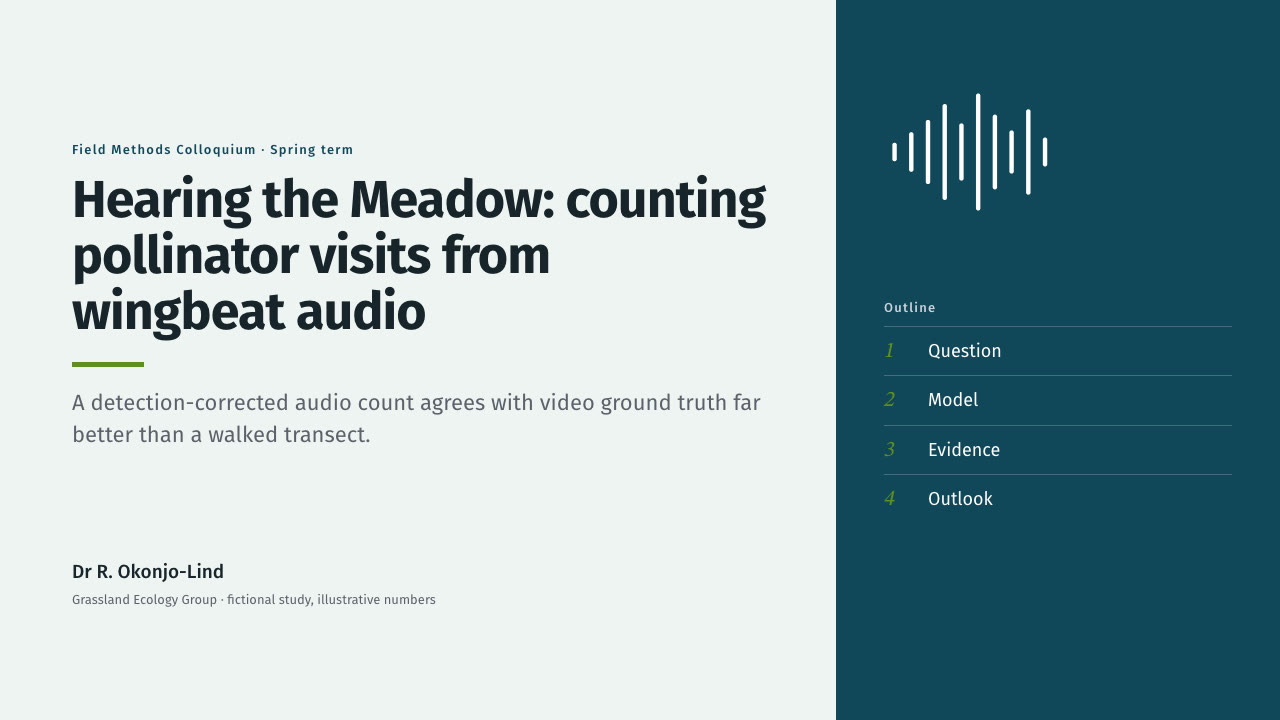
Turn a paper, thesis chapter or research notes into a projection-ready 16:9 talk for seminars, colloquia, defences and conference sessions: a section strip with the current section lit, equations with spoken readings and term glosses, a method pipeline, a proof sketch, native result bars and tables, plots drawn from data and a progress bar with frame counters.
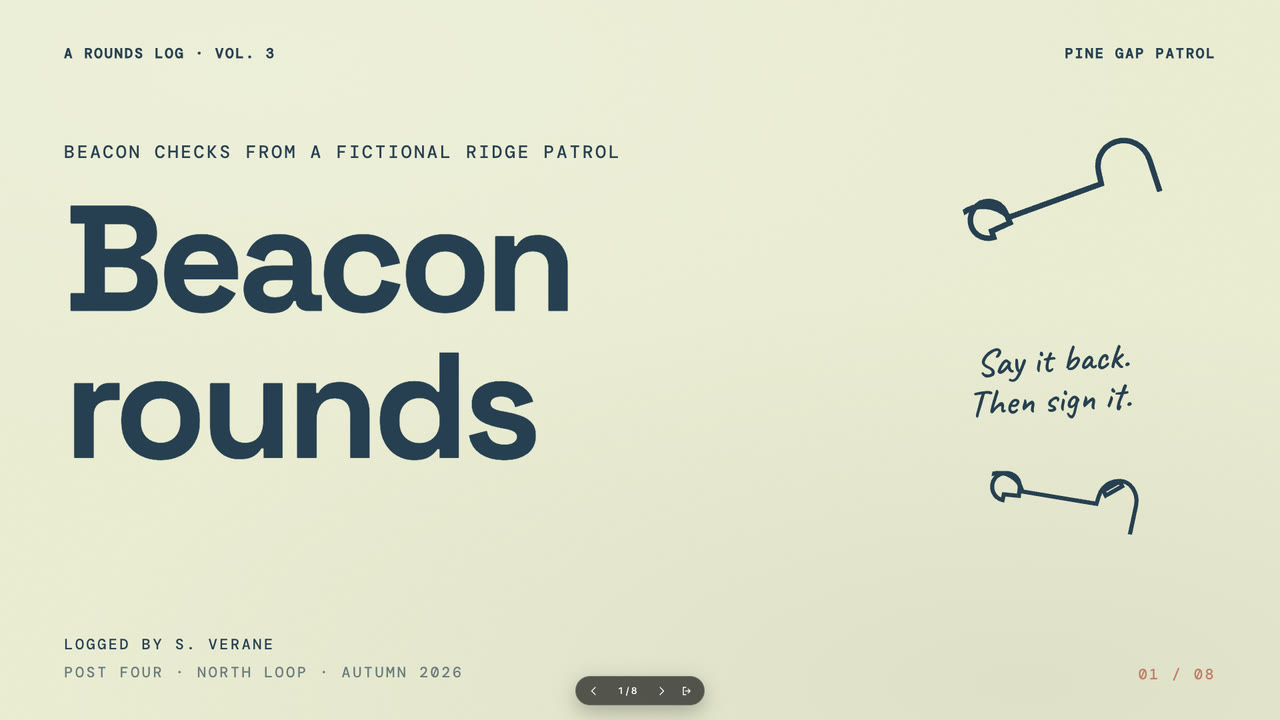
Yellowpad Fieldnotes Slides
Make decks that read like pinned field notes: saturated yellow legal-pad paper, cobalt ink, hand-drawn safety pins, cream pinned cards, handwritten marginalia, mono archival tags and rotated red stamps.
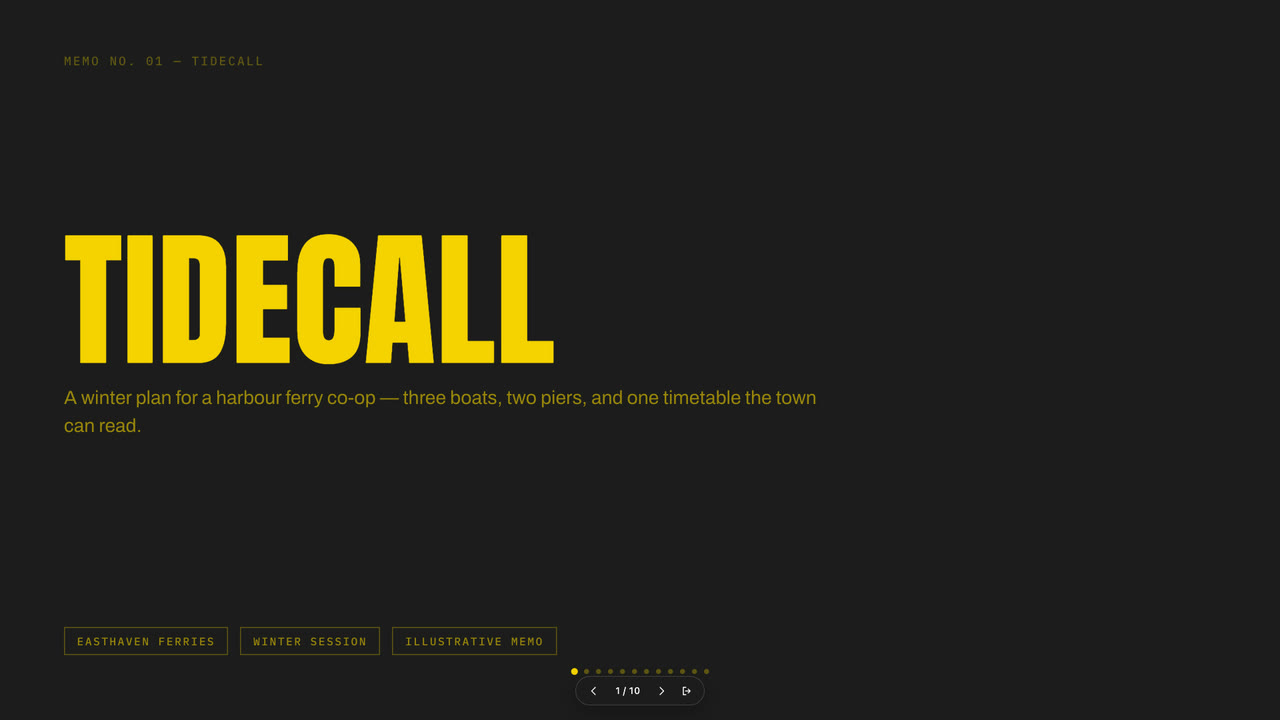
Volt Brief Slides
Make decks that read like high-voltage two-register briefs: near-black ink pages or full volt-yellow pages, uppercase condensed grotesk titles, mono chrome labels, em-dash bullets, stepped bar charts and hairline-framed drawn panels.