
Gaze Follow Video: a Website Character Whose Eyes Follow the Pointer
- Lab Skill
- v0.3.0
- Web design
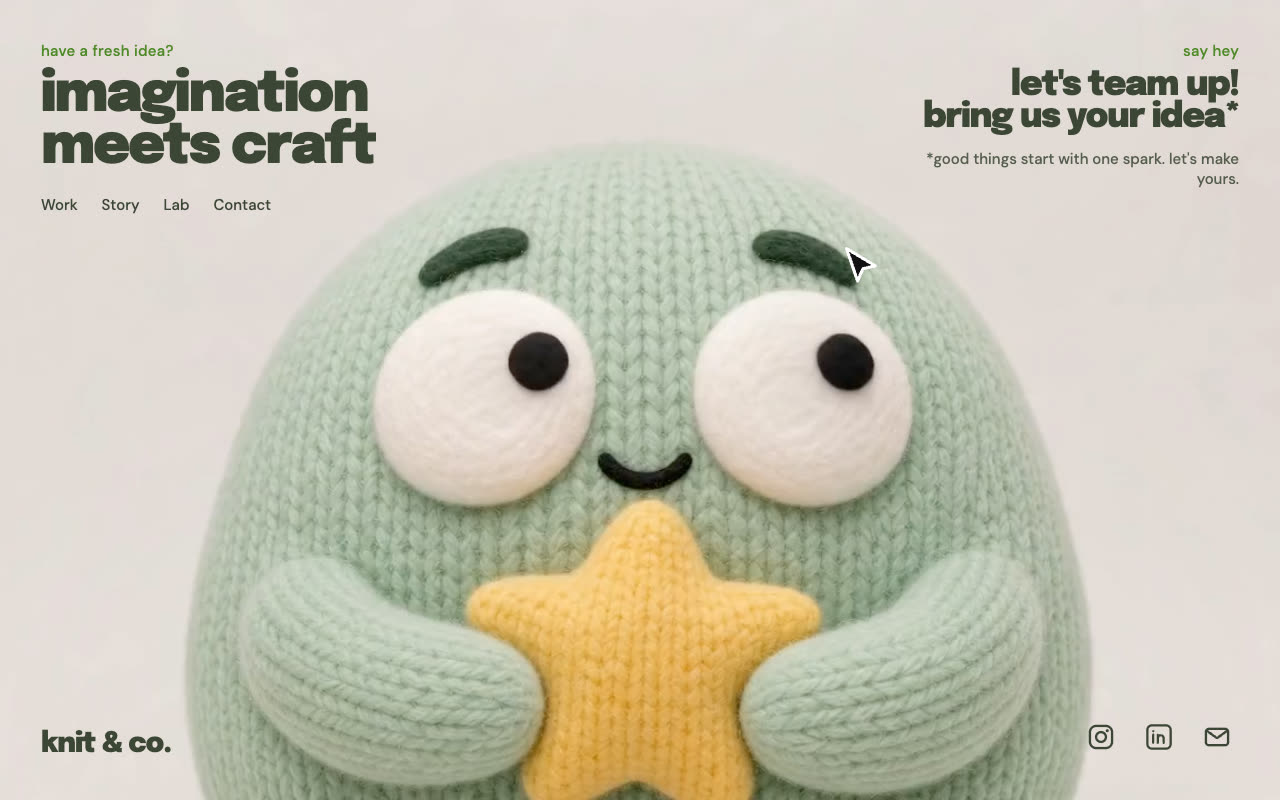
Build a footer, hero or 404 page where a character watches the visitor: SandBase generates a still character whose pupils roll in one circle, every frame is calibrated to a gaze angle, and the page seeks the paused video to the frame that looks at the pointer, then looks back when the visitor stops.
Beispiele · 2
Läuft in einem sandboxed Frame ohne Zugriff auf diese Seite.
Online ausführen
In einer SandBase-Sandbox ausführen und Ihre Ergebnisse in Lab ansehen.
In Lab öffnen ↗Was Sie erhalten
Bring a character idea (or your own image or clip), the layout and your brand, copy, links and language. The Skill returns a static page (index.html), a section to paste into an existing site, a React component, the calibrated clip and colours taken from the character.
So funktioniert es
- 01
Brief and free preview
Your agent asks for the character, the layout (footer, hero or 404), brand, copy, links, language and spending limit, following references/prompt-guide.md, and writes site.json. Then node scripts/sample.mjs mint-knit --site site.json --out preview builds the page from a ready-made calibrated clip, which is free, so you can judge the layout and copy before anything is generated.
- 02
Generate the character
node scripts/generate.mjs --character with a description prints the plan first; with --confirm-real it generates a character image and a short clip of its pupils rolling in one full circle through SandBase, and that usage is billed to your account. --budget-usd sets a spending cap. Calibration measures the gaze of every frame and can reject a clip; model prices are at https://www.sandbase.ai/pricing.
- 03
Review and hand over
Review run/clip-sheet.jpg, then serve the page with node scripts/serve.mjs run/site and check that the eyes follow the pointer, return to the viewer after a few seconds idle, and that a narrow window plays the loop. Hand over index.html, section.html to paste into a page, or GazeFollow.jsx with gaze-data.json for React.
FAQ
How does Gaze Follow Video work?
Gaze Follow Video is not an animation drawn in code. It is a short video of a still character whose pupils roll around once; the page keeps it paused and, as the pointer moves, seeks to the frame where the pupils point toward it. When the pointer rests or leaves, the character looks back at the viewer.
How is Gaze Follow Video usage billed?
Gaze Follow Video's generate step calls a SandBase image model for the character and a video model for the clip, and that usage is billed to your account. The plan is printed before --confirm-real, --budget-usd caps spending, and calibration can reject a clip, so allow for a retry. The two bundled samples cost nothing to use. Prices are at https://www.sandbase.ai/pricing.
Can I use my own character or clip with Gaze Follow Video?
Yes. Gaze Follow Video accepts your own image with --image to skip the image step, or your own clip through calibrate.mjs and build-web.mjs, which run locally for free. The clip must hold the body and camera still, keep the eyes open and show dark pupils on light eyes.
Does the Gaze Follow Video page call a model?
No. A finished Gaze Follow Video page is static files: HTML, one dependency-free script, bundled fonts and two clips. Models are used only when the Skill generates a new character; serving and viewing the page calls nothing and needs no key.
Does Gaze Follow Video work on phones?
Yes. On narrow screens Gaze Follow Video loops a small clip of 0.2 to 0.5 MB first; a tap loads the full scrub clip and makes the character look toward the tap, and looping resumes after the idle delay. A 390 px phone viewport was checked in headless Chrome.
What are the Gaze Follow Video limits?
Gaze Follow Video points the pupils in one direction per frame with no sense of distance, so the eyes never cross. Default clips are 720p, so a full-bleed hero on a very wide screen looks soft; use your own 1080p clip there. The bundled fonts cover Latin only, and Chinese uses the system bold sans.
Weitere Skills
Alle Web design Skills →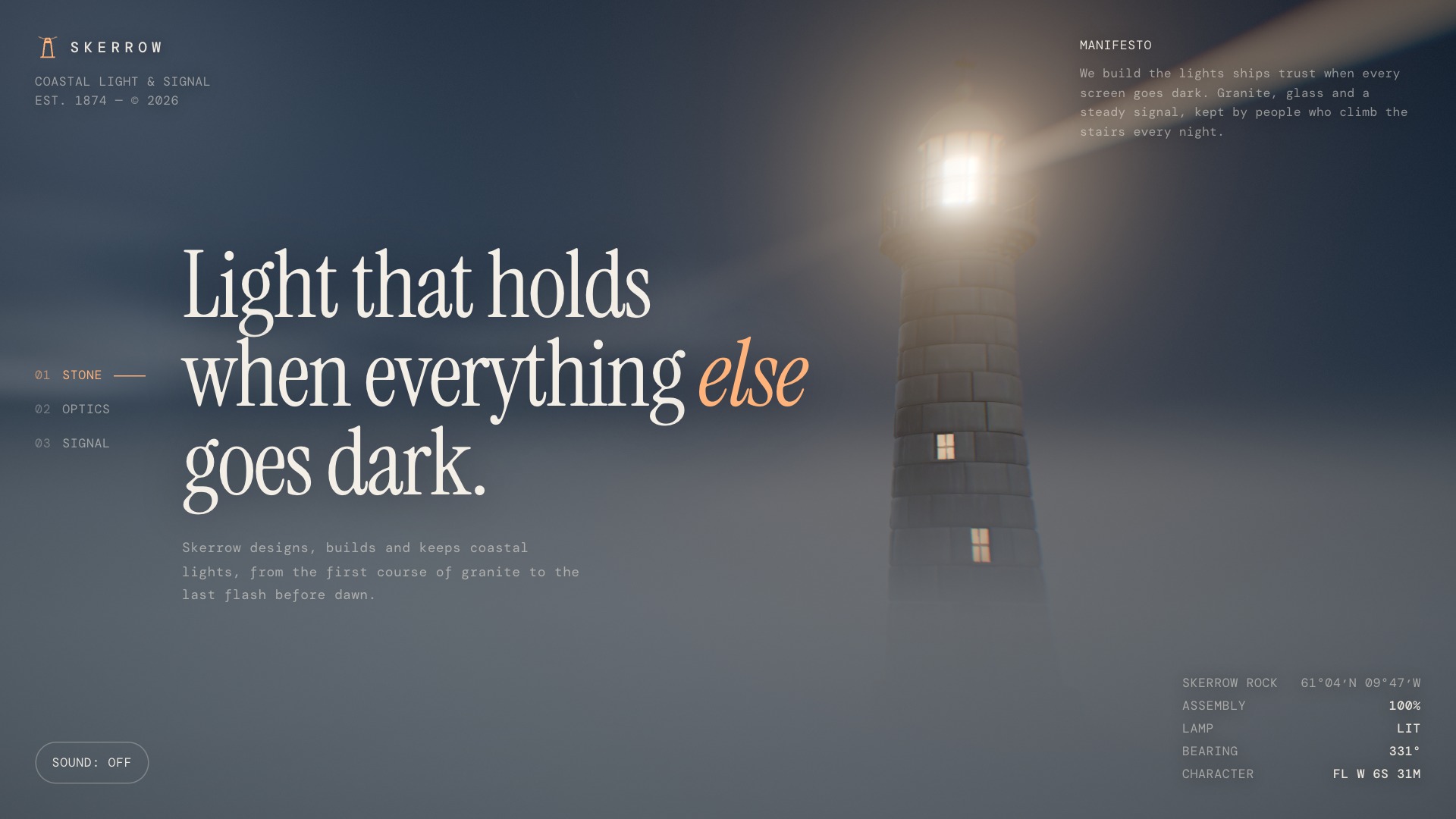
Baked 3D Story Site
A three-page 3D story site with baked light, scroll stops that loop and a shader cut between pages, in one offline file.
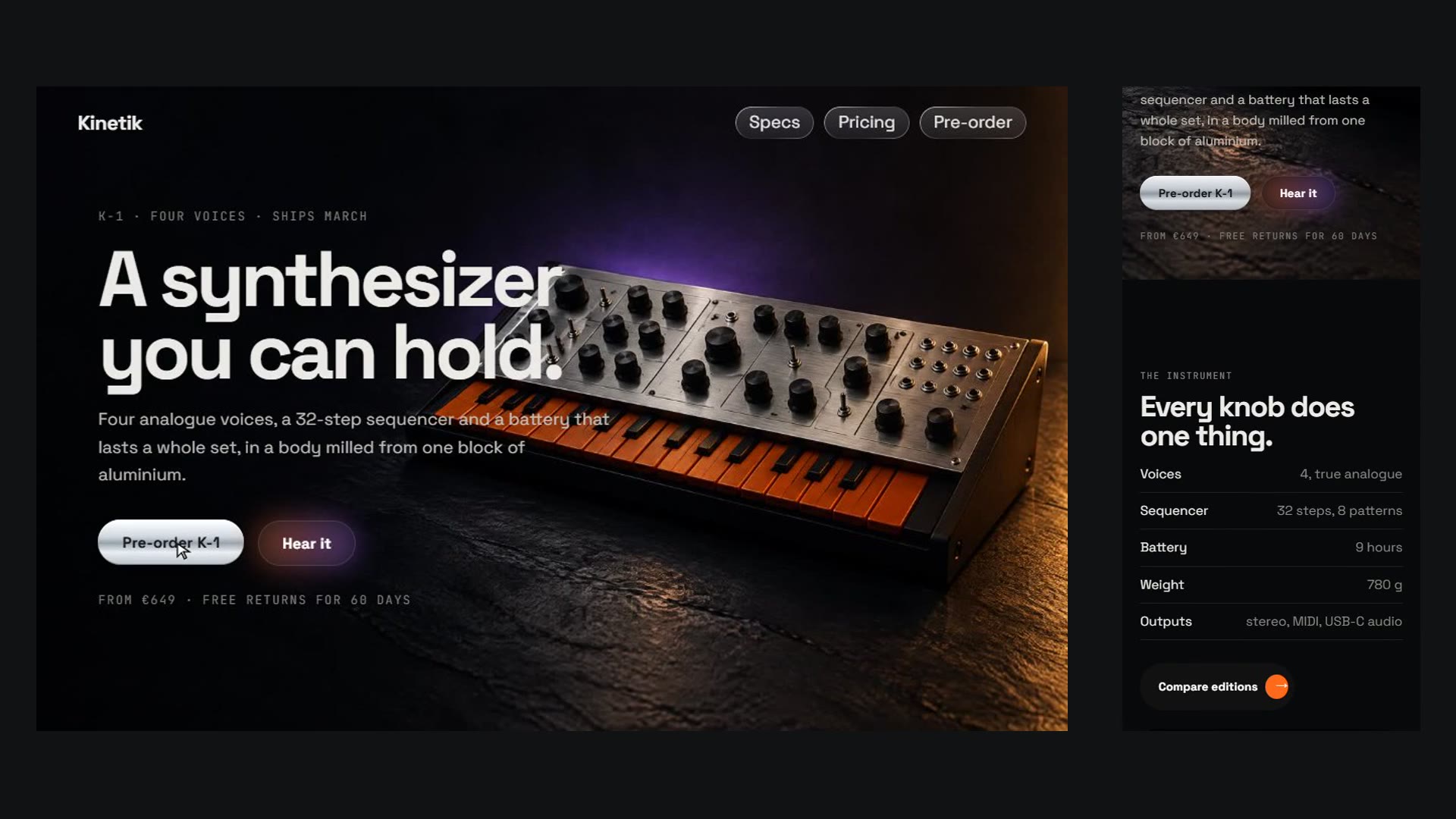
UI Finishes
Metal, jewel, halo, roll, fill, offset and ring buttons, media cards, glass and textures, each checked in rest, hover, focus and pressed for real contrast.
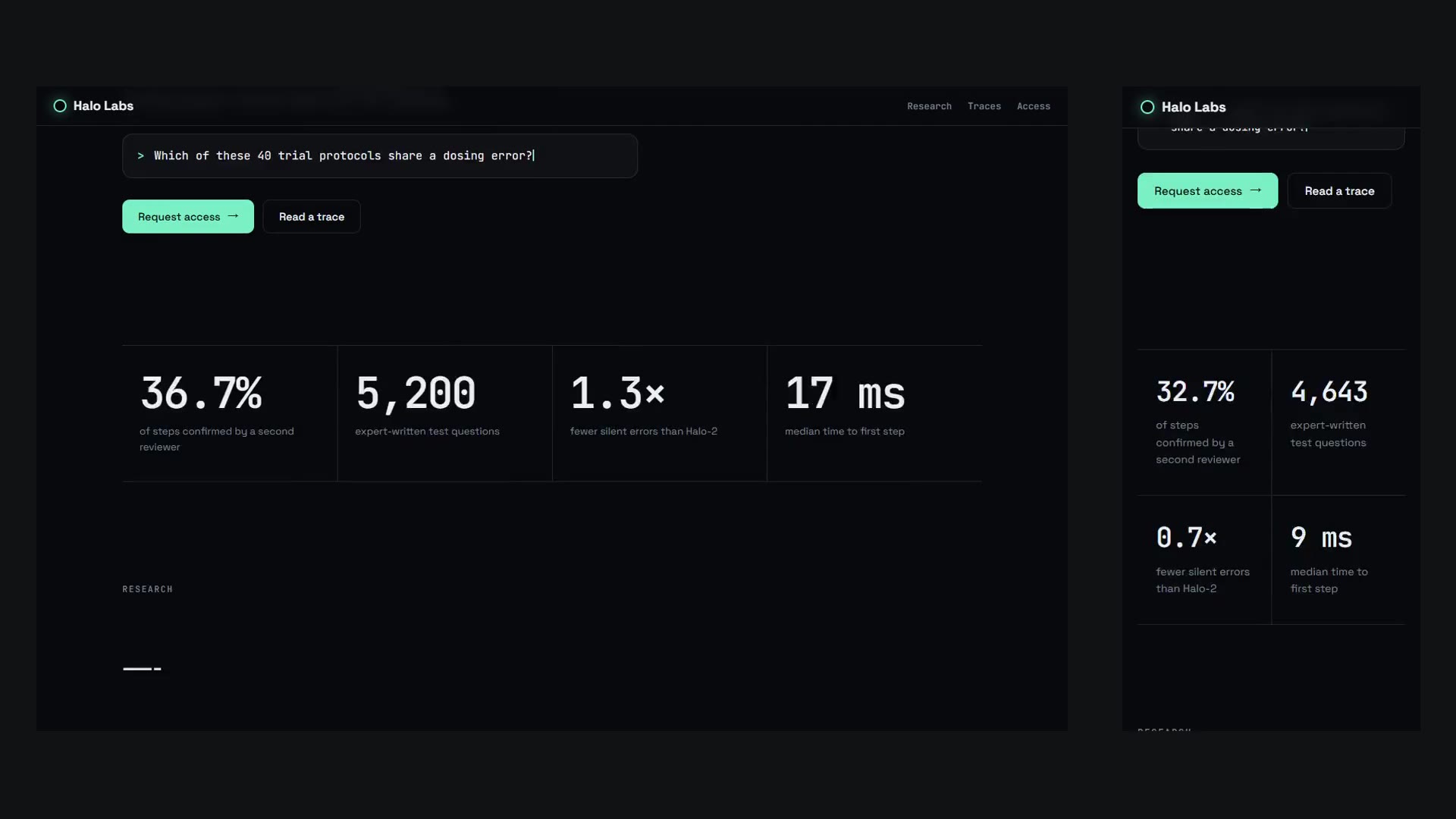
Headline Motion
Headlines, labels and numbers that rise, decode, type, rotate, count and draw themselves without moving the layout, measured in a real browser.
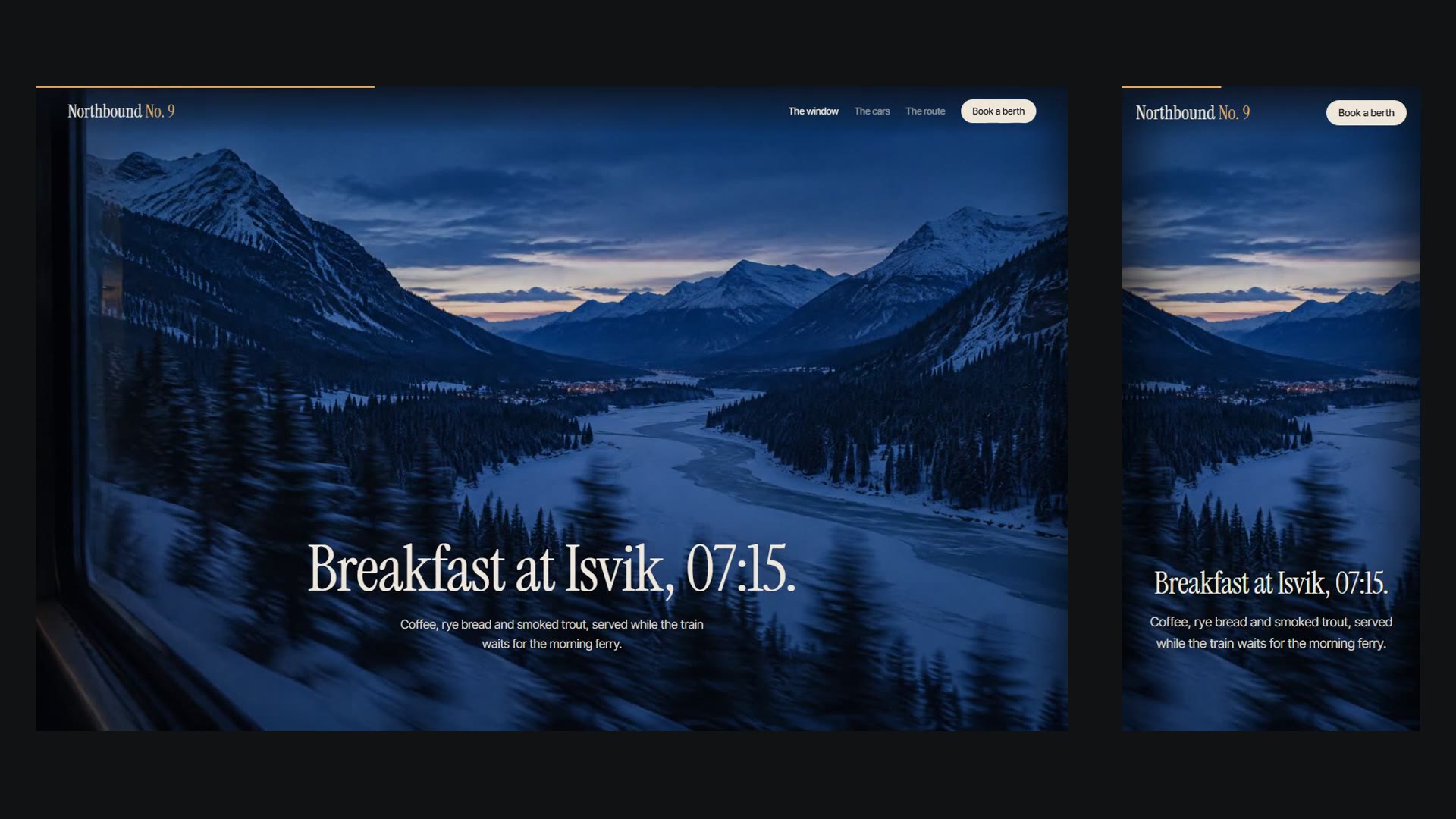
Scroll Chapters
Long pages told chapter by chapter: a pinned stage, sliding panels, a text crawl, lit paragraphs, stacking cards and drifting columns, checked in a real browser for dead scroll.
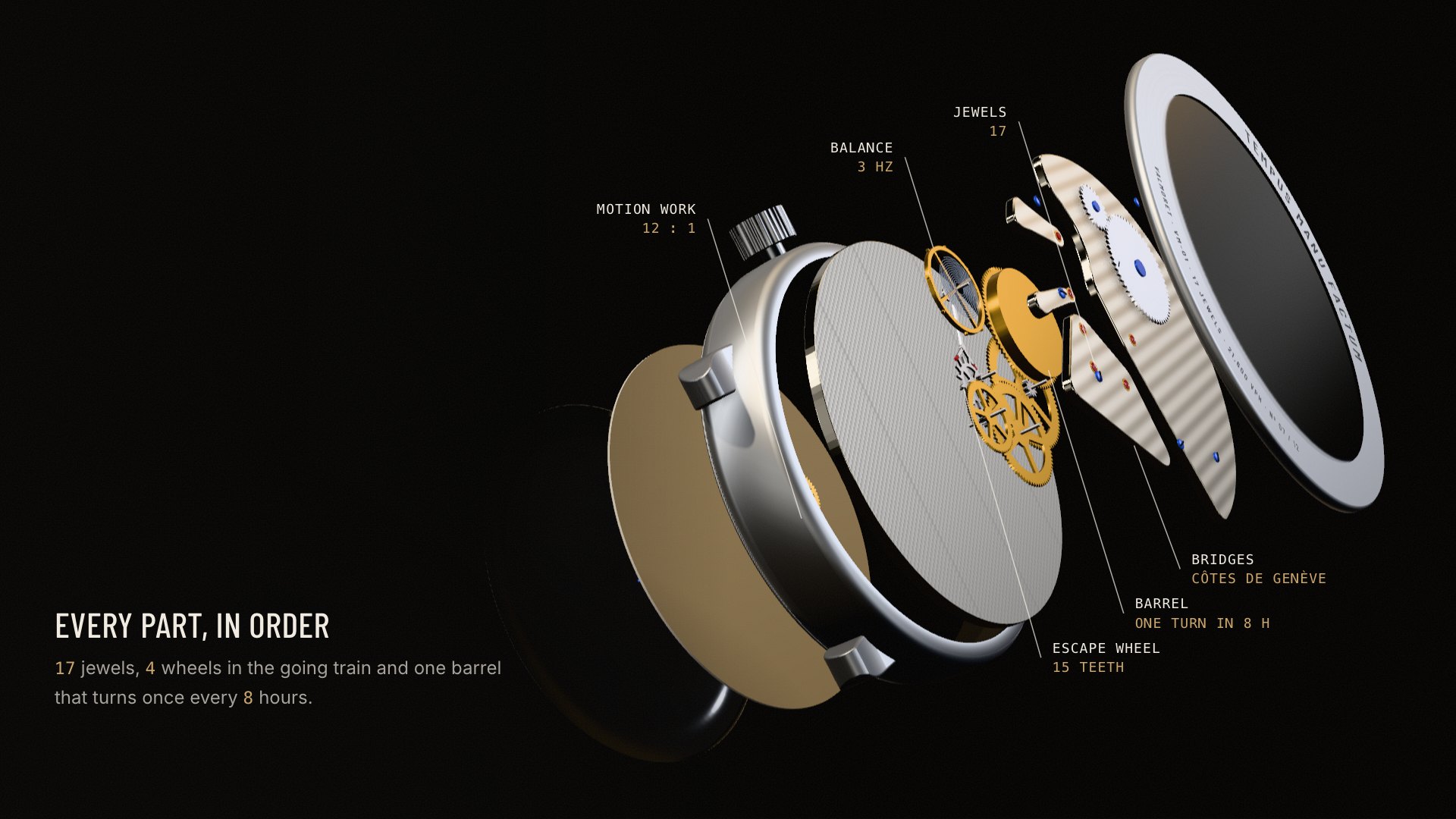
Scroll 3D Product Site
A complete product website where scroll turns, opens and takes apart a live 3D model, with every video and image rendered from that model, in one offline file.
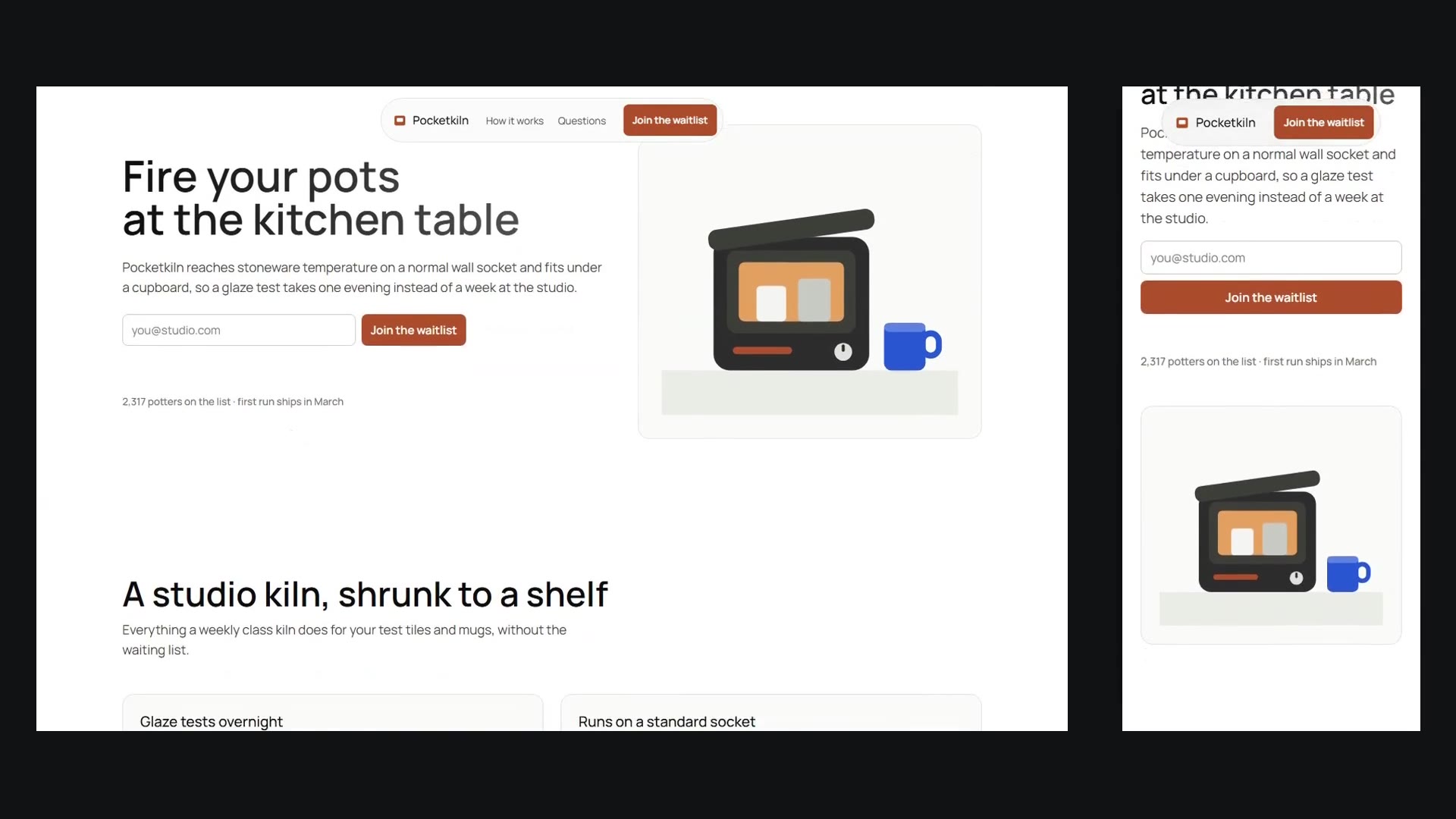
Landing Page System
A complete single-file landing page with a conversion structure and a shared visual system, checked by a rendered-page audit before delivery.