
Maze Generator
KostenlosArbeitsblätterGenerate a maze with one route from the top-left entrance to the bottom-right exit. Difficulty changes the grid density: 10, 18, 28 or 40 columns. The PDF includes the puzzle and matching solution; PNG saves the selected page.
- Druckfertiges PDF
- Letter oder A4
- Nichts hochgeladen
Maze details and solution
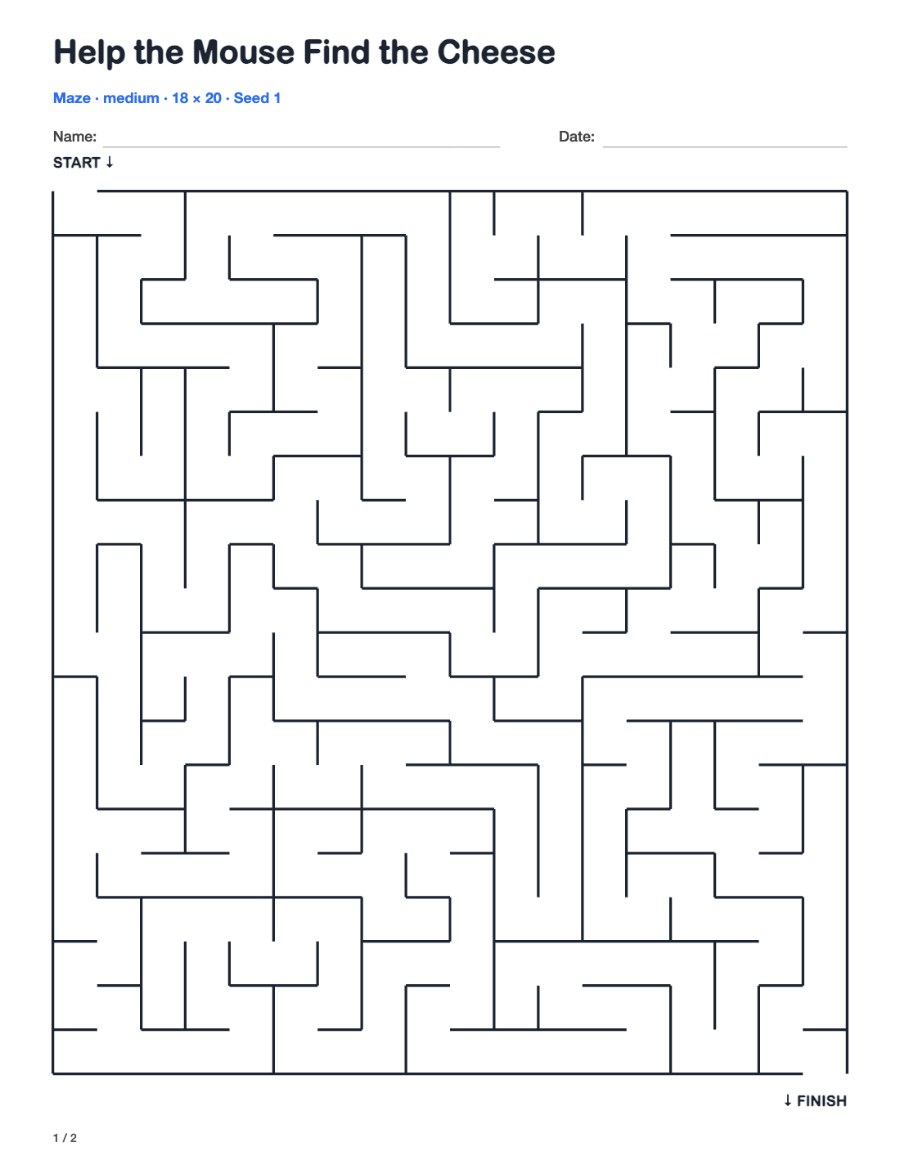
18 columns × 20 rows. Seed 1. Start at the top-left opening; finish at the bottom-right opening. Every cell is connected and there is one route between start and finish.
PDF includes the puzzle and matching solution. PNG saves the selected page. Keep the same difficulty, paper size and seed to reproduce this maze.
Show solution directions (208 cell moves)
Enter the top-left cell through the top opening. Move one cell at a time in these directions, then leave the last cell through the bottom opening.
- Right 2 cells
- Down 1 cell
- Left 1 cell
- Down 2 cells
- Right 3 cells
- Down 1 cell
- Left 1 cell
- Down 2 cells
- Right 1 cell
- Up 1 cell
- Right 2 cells
- Up 1 cell
- Left 1 cell
- Up 1 cell
- Right 1 cell
- Up 2 cells
- Left 2 cells
- Up 1 cell
- Right 4 cells
- Down 3 cells
- Right 3 cells
- Up 1 cell
- Right 1 cell
- Down 3 cells
- Left 1 cell
- Down 2 cells
- Right 1 cell
- Up 1 cell
- Right 1 cell
- Down 2 cells
- Left 3 cells
- Down 2 cells
- Left 1 cell
- Up 1 cell
- Left 3 cells
- Up 1 cell
- Left 1 cell
- Up 1 cell
- Left 2 cells
- Down 2 cells
- Left 1 cell
- Up 2 cells
- Left 2 cells
- Down 3 cells
- Right 1 cell
- Down 3 cells
- Right 1 cell
- Up 1 cell
- Right 1 cell
- Up 2 cells
- Right 1 cell
- Up 1 cell
- Right 1 cell
- Down 2 cells
- Right 4 cells
- Down 1 cell
- Right 2 cells
- Down 4 cells
- Left 1 cell
- Up 3 cells
- Left 3 cells
- Up 1 cell
- Left 1 cell
- Down 1 cell
- Left 1 cell
- Up 1 cell
- Left 1 cell
- Down 1 cell
- Left 1 cell
- Down 1 cell
- Right 1 cell
- Down 1 cell
- Left 3 cells
- Up 1 cell
- Left 1 cell
- Down 2 cells
- Right 1 cell
- Down 1 cell
- Left 1 cell
- Down 1 cell
- Right 1 cell
- Down 1 cell
- Right 3 cells
- Up 1 cell
- Left 1 cell
- Up 2 cells
- Right 1 cell
- Down 1 cell
- Right 1 cell
- Up 1 cell
- Right 1 cell
- Down 2 cells
- Left 1 cell
- Down 1 cell
- Right 2 cells
- Up 2 cells
- Right 2 cells
- Down 1 cell
- Left 1 cell
- Down 1 cell
- Right 5 cells
- Up 1 cell
- Left 2 cells
- Up 1 cell
- Right 3 cells
- Down 2 cells
- Right 1 cell
- Up 2 cells
- Right 1 cell
- Up 1 cell
- Left 2 cells
- Up 1 cell
- Left 1 cell
- Down 1 cell
- Left 1 cell
- Up 3 cells
- Right 1 cell
- Up 1 cell
- Left 1 cell
- Up 1 cell
- Right 5 cells
- Down 1 cell
- Left 2 cells
- Down 1 cell
- Right 1 cell
- Down 1 cell
- Left 1 cell
- Down 1 cell
- Right 2 cells
- Down 3 cells
- Left 1 cell
- Down 1 cell
- Right 1 cell
Beispiele
Mit diesem Tool erstellt. Öffnen Sie eines, um davon auszugehen und alles anzupassen.
So verwenden Sie Maze Generator
- 01
Pick a difficulty and type a title.
- 02
Press Shuffle again for a new maze.
- 03
Download the PDF with the maze and its solution.
Wofür es verwendet wird
Kids activities
Quiet time, travel and restaurants.
Classrooms
Early finishers and brain breaks.
Puzzle fans
Expert mazes for adults.
Tipps für ein besseres Ergebnis
- Start with Easy for larger passages; use a denser grid for a longer puzzle.
- Press Shuffle again for a new maze.
- Print several and staple a maze book.
- Use the solution page to check.
FAQ
How do the difficulty levels differ?
Easy has 10 columns, medium 18, hard 28 and expert 40. Denser grids have smaller passages and more cells. Start with easy and choose a denser grid when ready.
Is there only one way through?
Yes. Every maze has exactly one path between start and finish.
Can I make many mazes?
Press Shuffle again and download each one. To recreate a saved maze, enter its printed seed and choose the same difficulty and paper size.
Can I read the solution without the image?
Open Maze details and solution, then Show solution directions for cell-by-cell directions.
Does PNG include the solution?
PNG saves the selected Maze or Solution page. PDF includes both pages.
Does Maze Generator upload what I type?
No. Maze Generator draws the page in your browser from what you type, so it works offline once the page has loaded and nothing is sent anywhere.
Weitere Tools
Crossword Maker
Make a crossword from your words and clues, with an answer key.
Word Search Maker
Make a word search from your own words, with an answer key.
Alphabet Chart
A printable ABC chart with pictures and words, A to Z.
Classroom Seating Chart
A printable classroom seating plan by table group or row.
Dot Grid Paper
Printable dot grid paper, 3 mm to 1 cm, Letter or A4.
Multiplication Chart
A printable times table chart up to 10, 12, 15 or 20, filled or blank.