
Tools

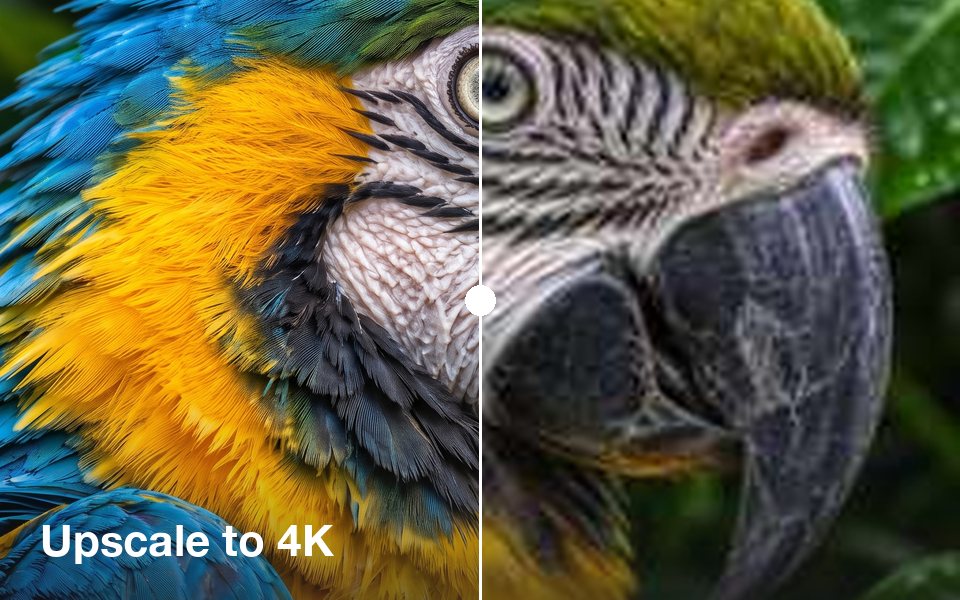
Kostenlose KI-Tools, keine Anmeldung
Hintergründe entfernen, Fotos hochskalieren, Headshots und Logos erstellen, Bilder und GIFs konvertieren und Video-Transkripte erhalten. Kostenlos mit oder ohne Konto.

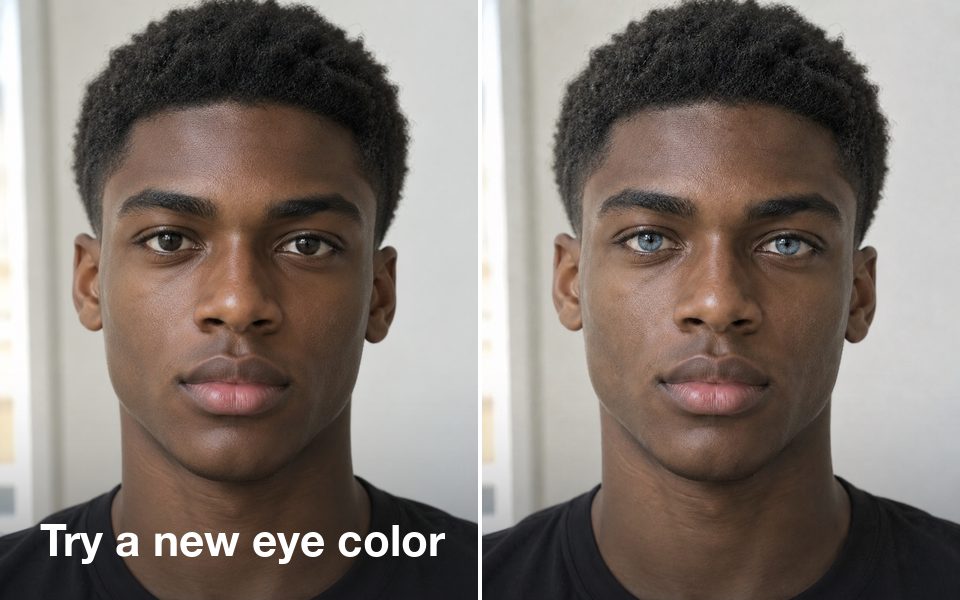
Eye Color Changer
Change eye color in a photo: blue, green, hazel, amber and more, with natural detail and reflections.
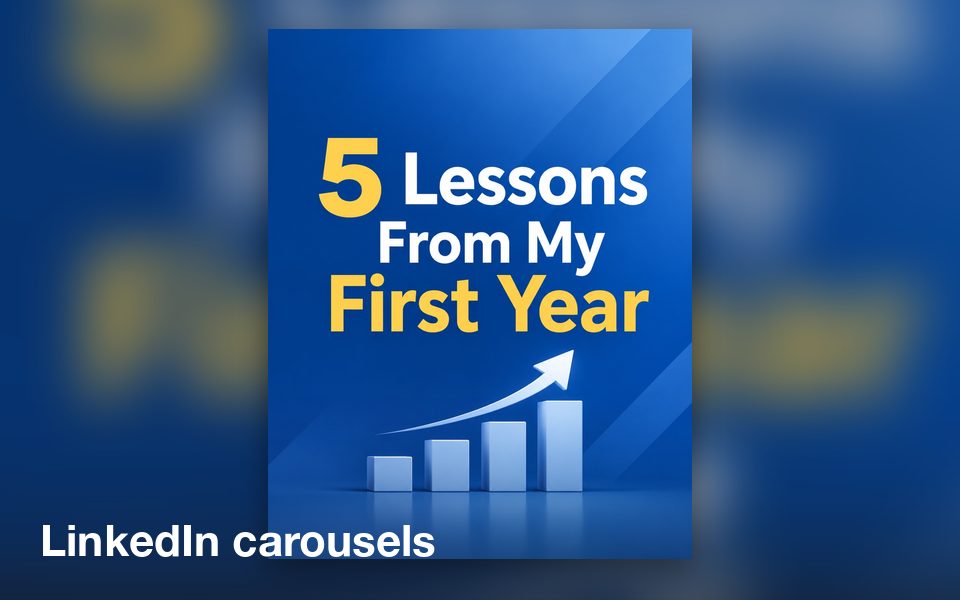
LinkedIn Carousel Maker
Make a clean LinkedIn carousel cover slide from a description.
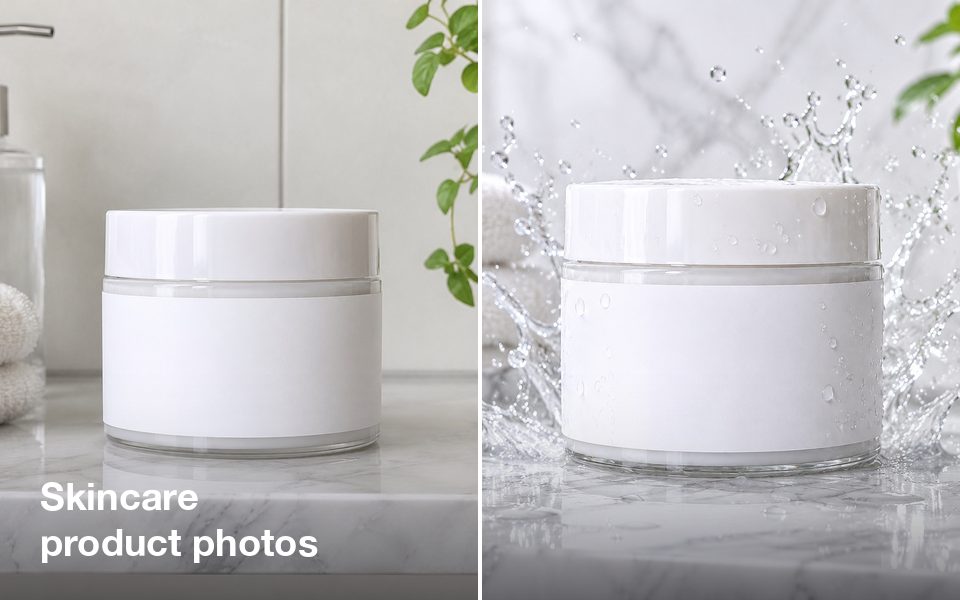
Skincare Product Photo
Turn a quick photo of a skincare product into a pro shot.
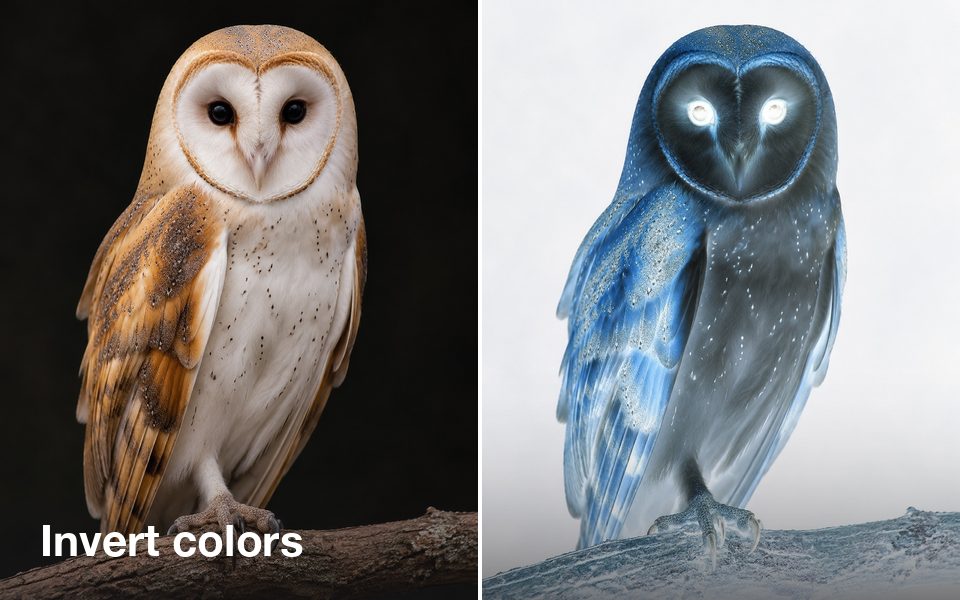
Invert Image
Invert the colors of a picture, like a film negative.
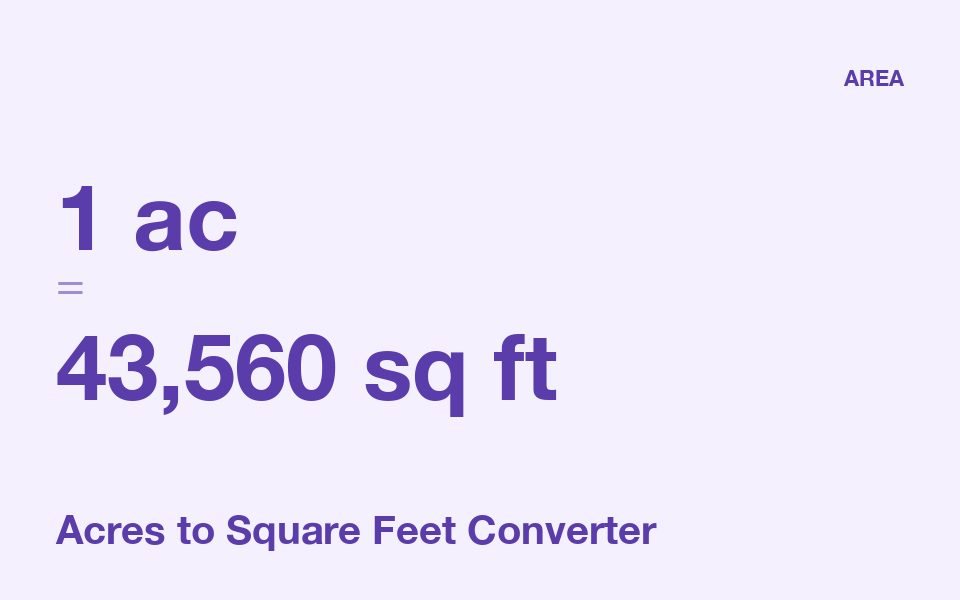
Acres to Square Feet Converter
Convert acres to square feet as you type, with the formula and a ac to sq ft table.
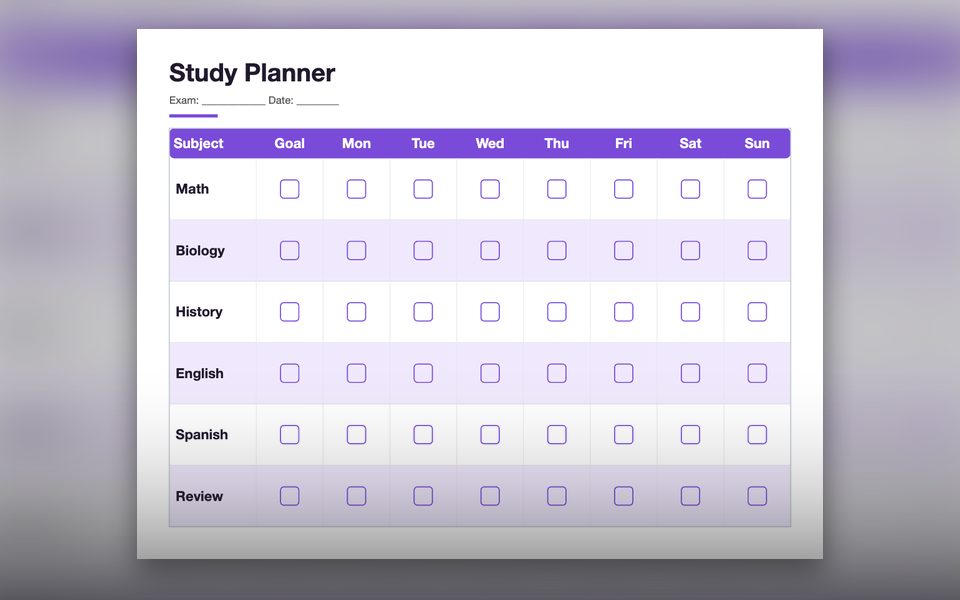
Study Planner Template
A weekly study plan by subject with daily boxes.
Student ID Card Maker
Make a student ID card with photo, grade and student number.
Lipstick Try-On
Try lipstick shades on your own photo: nude, red, berry, coral and more, matte or gloss.
Social Media Banner Maker
Make a wide social media profile banner from a description.
Food Product Photo
Turn a quick photo of a food product into a pro shot.
Blur Image
Blur a whole picture, from a soft haze to a strong blur.
Square Feet to Square Meters Converter
Convert square feet to square meters as you type, with the formula and a sq ft to m² table.
Bedtime Routine Chart
A kids’ bedtime chart with a star for each step, every night.
Coupon Maker
Make printable coupons with an offer, details and expiry.
Photo Retouch
Retouch portraits naturally: smooth blemishes, even out skin tone and brighten eyes, keeping real skin texture.
Social Media Post Generator
Make a social media post image from a description.
Bag Product Photo
Turn a quick photo of a bag product into a pro shot.
Image Splitter
Split an image into a grid of equal pieces and download them as a ZIP.
Square Meters to Square Feet Converter
Convert square meters to square feet as you type, with the formula and a m² to sq ft table.
Morning Routine Chart
A kids’ morning checklist with picture steps and stars.
Price Tag Maker
Print hang-on price tags with price, item and size.
Add Smile to Photo
Add a natural smile to a serious or neutral photo: gentle, bright or a laugh, with a preview to review.
UGC Image Generator
Make a natural user-generated-content style phone photo of a person using a product from a description.
Book Product Photo
Turn a quick photo of a book product into a pro shot.
Häufig gestellte Fragen
- Was kosten diese Tools?
- Kostenlose Tools kosten nichts, mit oder ohne Konto. Datentools führen eine SandBase API über Ihr eigenes Konto aus: Tools mit der Kennzeichnung Kostenloses Tageskontingent nutzen APIs aus dem gemeinsamen kostenlosen Tageskontingent (100 Aufrufe pro Organisation und Tag), und der Rest wird zum API-Listenpreis abgerechnet, meist ein Bruchteil eines Cents bis zu einigen Cents. Modelltests rufen den Endpunkt, den Sie testen, mit Ihrem eigenen Schlüssel auf.
- Brauche ich ein Konto auf jeder Plattform?
- Nein. Die Tools lesen öffentliche Daten über SandBase APIs, daher benötigen Sie kein Reddit-, Amazon- oder LinkedIn-Konto. Für kostenpflichtige Ausführungen genügt ein SandBase-Login.
- Kann ich dieselben Daten aus meinem eigenen Code abrufen?
- Ja. Jedes Datentool zeigt die API, die es aufruft, und ein cURL-Beispiel. Verwenden Sie Ihren SandBase API-Schlüssel, um dieselbe API aus Ihrem Code oder Agent aufzurufen.