
Tools

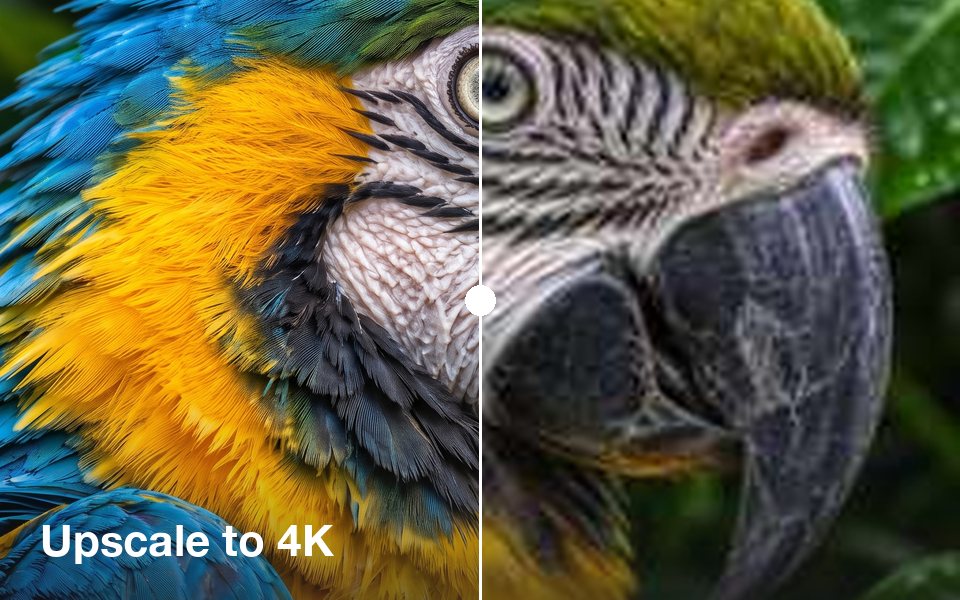
Kostenlose KI-Tools, keine Anmeldung
Hintergründe entfernen, Fotos hochskalieren, Headshots und Logos erstellen, Bilder und GIFs konvertieren und Video-Transkripte erhalten. Kostenlos mit oder ohne Konto.

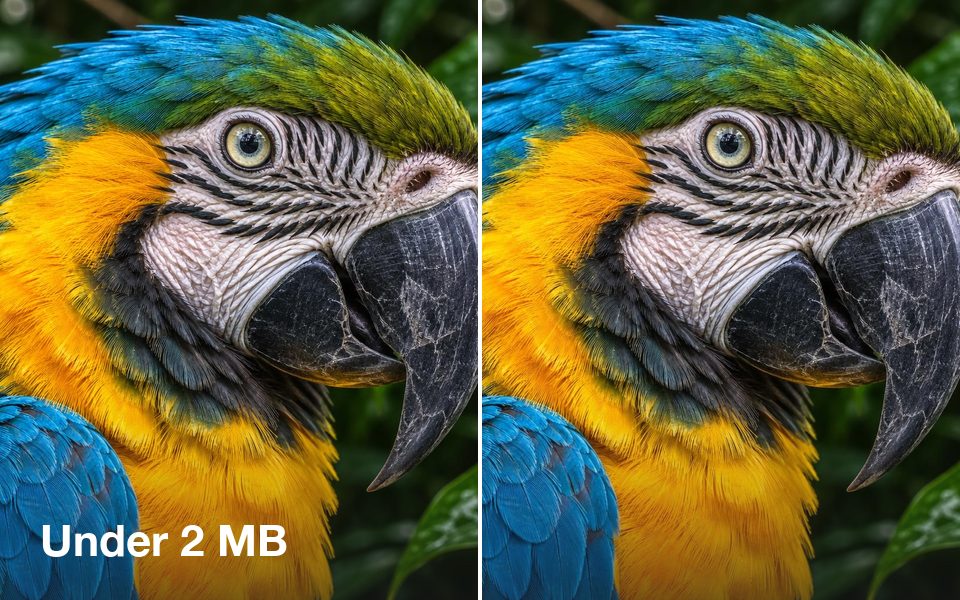
Compress Image to 2 MB
Compress a photo to under 2 MB, keeping the best quality that fits.
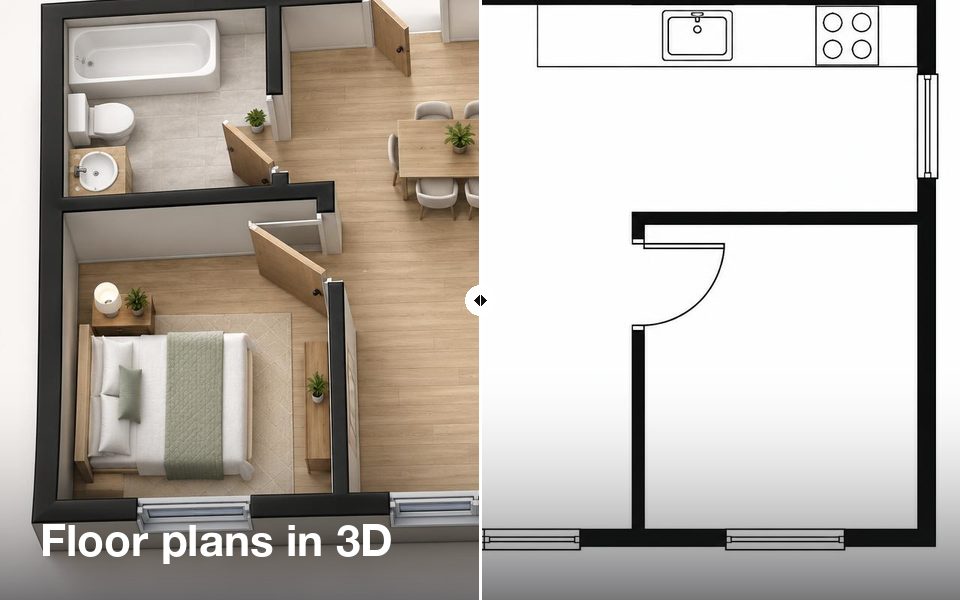
AI Floor Plan Renderer
Turn a 2D floor plan into a furnished 3D isometric view in four styles.

Amazon Opportunity Scanner
Read price bands, ratings and market competition
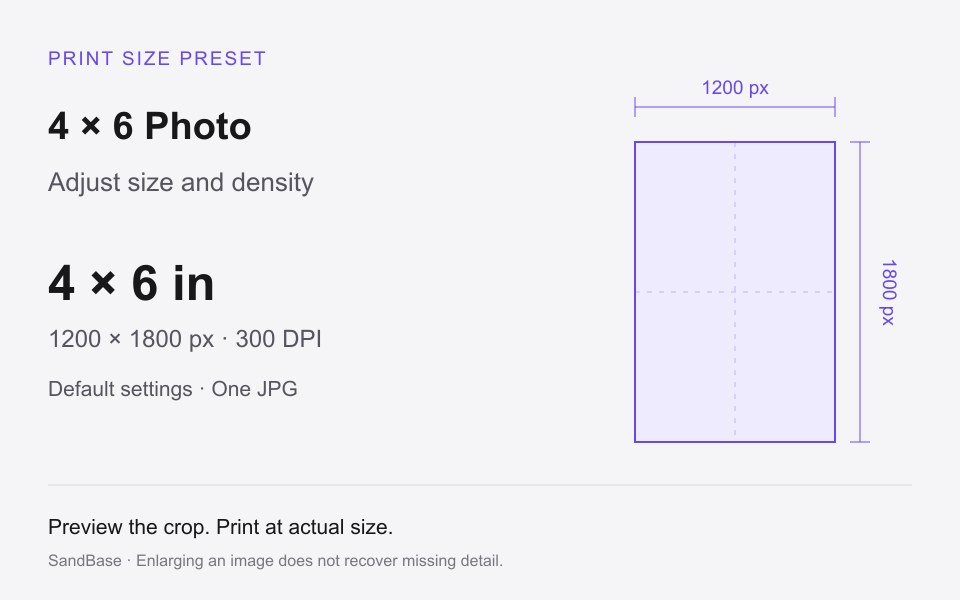
4 × 6 Photo Maker
Start with 4 × 6 in at 300 DPI; adjust the print size and density before saving.
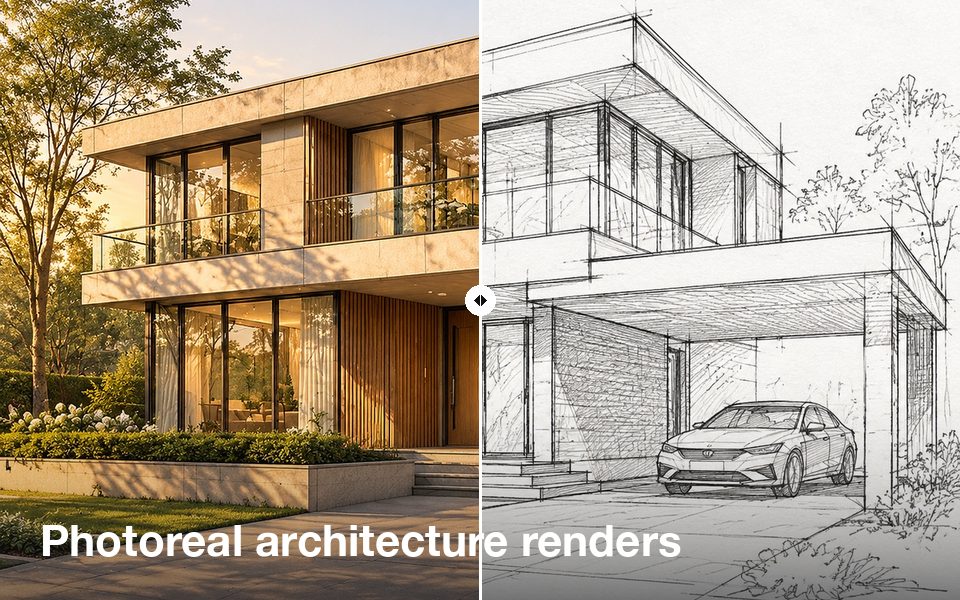
AI Architecture Render
Turn a building sketch or photo into a photoreal render with your light and materials.

1688 Product Finder
Find wholesale products and compare supplier signals
5 × 7 Photo Maker
Start with 5 × 7 in at 300 DPI; adjust the print size and density before saving.
PNG to SVG
Convert a PNG into a scalable SVG made of flat vector shapes, in four vector looks.

Product Review Analyzer
Turn customer feedback into product decisions
8 × 10 Photo Maker
Start with 8 × 10 in at 300 DPI; adjust the print size and density before saving.
JPG to SVG
Convert a JPG into an SVG made of flat vector shapes, with solid colors and crisp edges.

Shopping Price Comparison
Compare live offers across stores and markets
A4 Size Image
Start with 21 × 29.7 cm at 300 DPI; adjust the print size and density before saving.
Image to SVG
Turn any image into an SVG with up to six solid colors.

eBay Price Checker
Live eBay listings, prices and conditions
Resize Image in Inches
Start with 4 × 6 in at 300 DPI; adjust the print size and density before saving.
Convert Image to SVG
Convert a PNG, JPG or WebP image to an SVG online, in four vector looks.

Target Product Search
Target prices, ratings and reviews
Change Image DPI
Change print density while preserving pixel dimensions.
SVG Converter
Convert PNG and JPG images to SVG online, in four vector looks.

Bing Shopping Search
Compare offers from Bing Shopping
300 DPI Converter
Resize a picture for printing at 300 DPI in any size.
Image Vectorizer
Vectorize any image into an SVG with up to eight solid colors.

AutoZone Parts Finder
Prices and availability on an AutoZone category page
Häufig gestellte Fragen
- Was kosten diese Tools?
- Kostenlose Tools kosten nichts, mit oder ohne Konto. Datentools führen eine SandBase API über Ihr eigenes Konto aus: Tools mit der Kennzeichnung Kostenloses Tageskontingent nutzen APIs aus dem gemeinsamen kostenlosen Tageskontingent (100 Aufrufe pro Organisation und Tag), und der Rest wird zum API-Listenpreis abgerechnet, meist ein Bruchteil eines Cents bis zu einigen Cents. Modelltests rufen den Endpunkt, den Sie testen, mit Ihrem eigenen Schlüssel auf.
- Brauche ich ein Konto auf jeder Plattform?
- Nein. Die Tools lesen öffentliche Daten über SandBase APIs, daher benötigen Sie kein Reddit-, Amazon- oder LinkedIn-Konto. Für kostenpflichtige Ausführungen genügt ein SandBase-Login.
- Kann ich dieselben Daten aus meinem eigenen Code abrufen?
- Ja. Jedes Datentool zeigt die API, die es aufruft, und ein cURL-Beispiel. Verwenden Sie Ihren SandBase API-Schlüssel, um dieselbe API aus Ihrem Code oder Agent aufzurufen.