
Tools
Kostenlose KI-Tools, keine Anmeldung
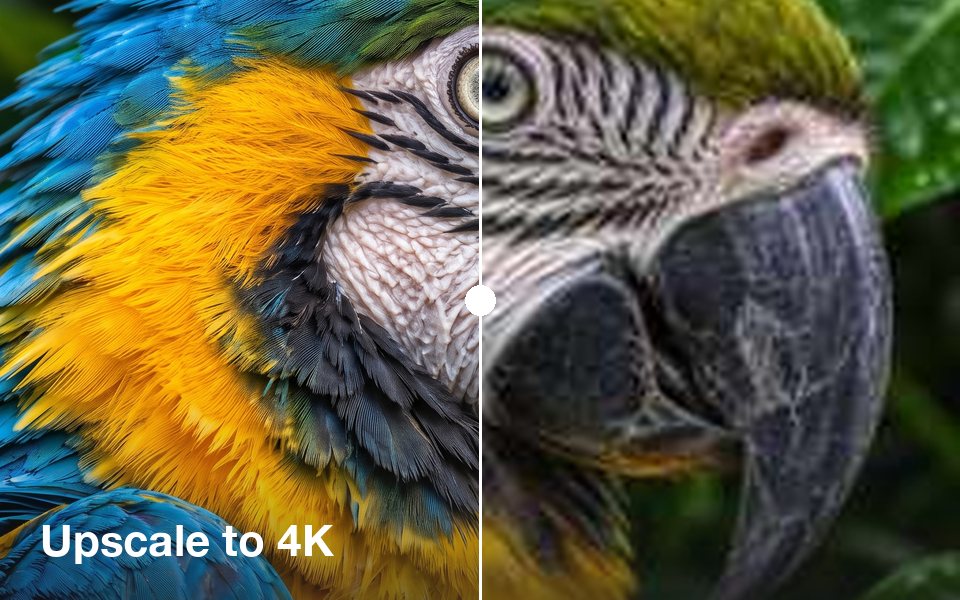
Hintergründe entfernen, Fotos hochskalieren, Headshots und Logos erstellen, Bilder und GIFs konvertieren und Video-Transkripte erhalten. Kostenlos mit oder ohne Konto.
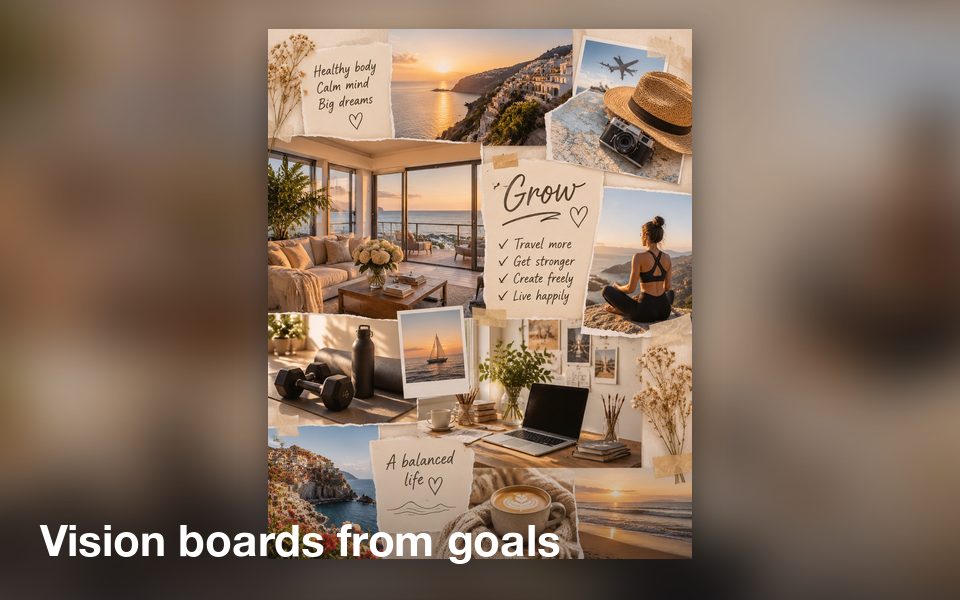
AI Vision Board Maker
Make a vision board collage from your goals, in three styles.
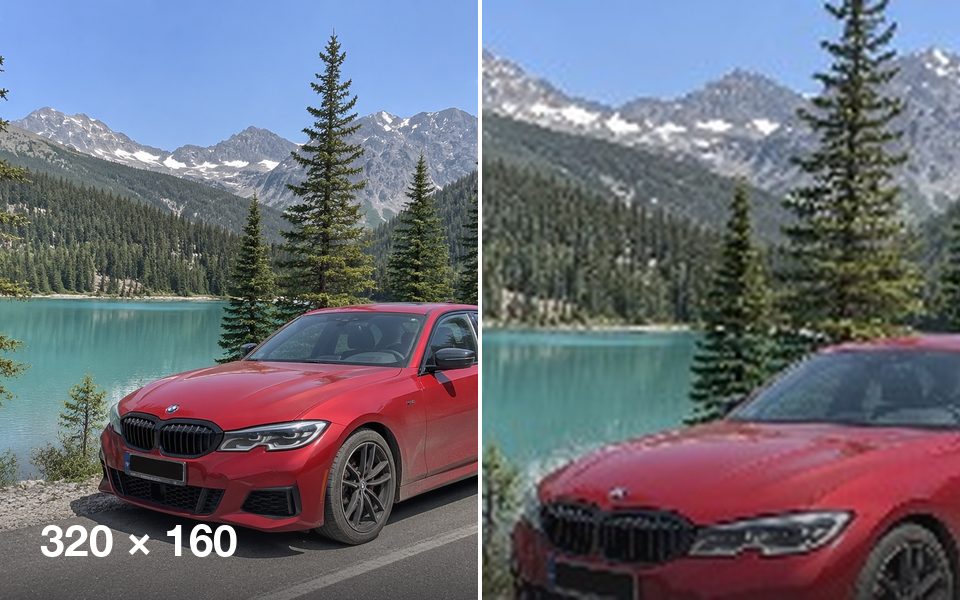
Twitch Panel Size
Resize a picture to 320 × 160 px for Twitch.
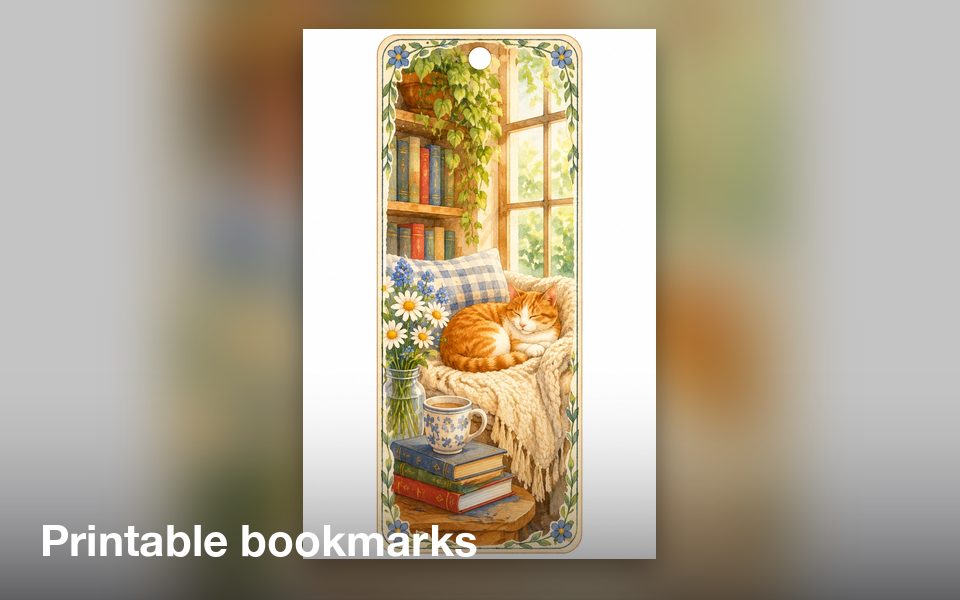
AI Bookmark Maker
Design printable bookmarks in watercolor, flat, vintage or minimal style.
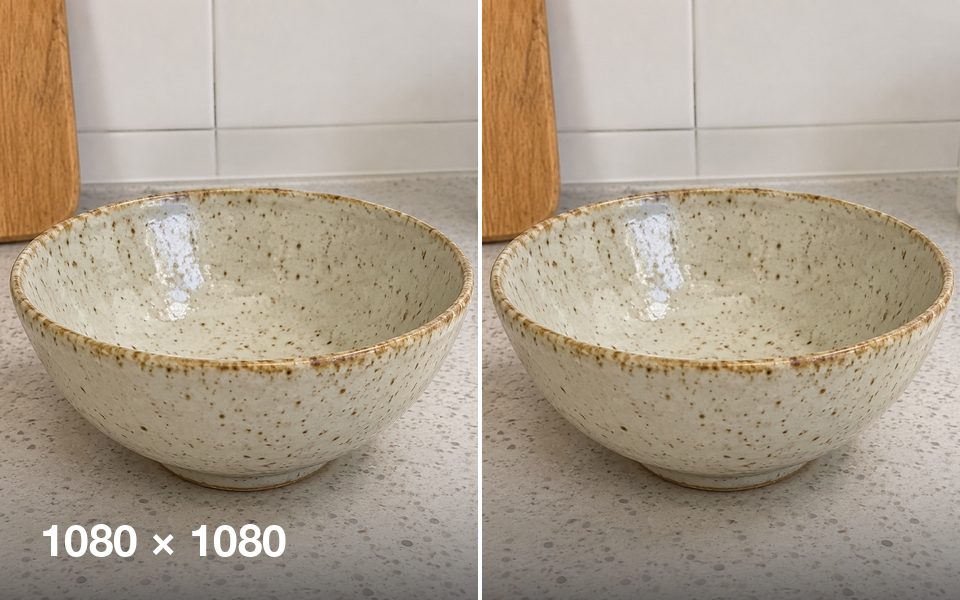
Facebook Feed ad Size
Resize a picture to 1080 × 1080 px for Facebook.
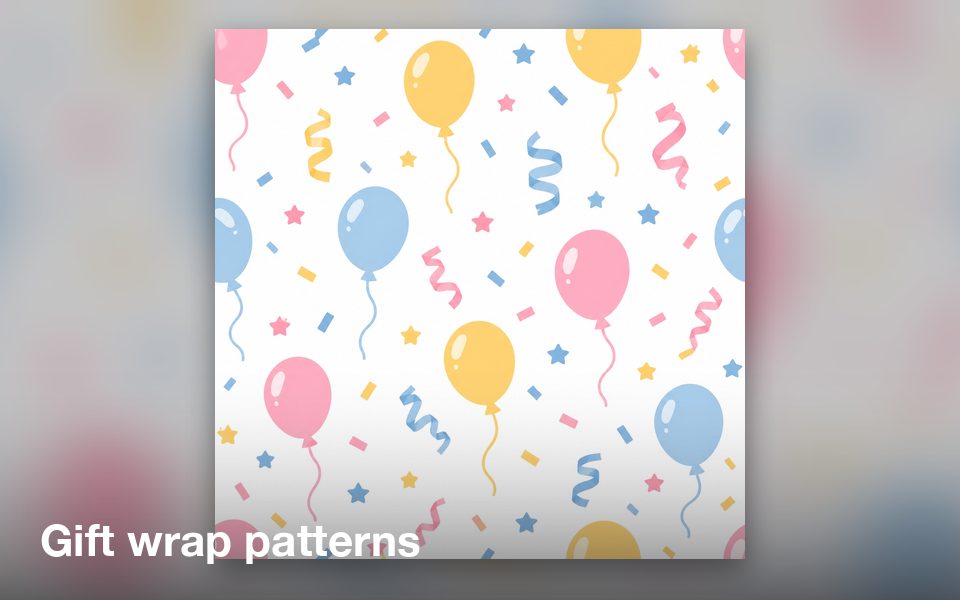
AI Wrapping Paper Generator
Design repeating gift wrap patterns for any occasion in four styles.
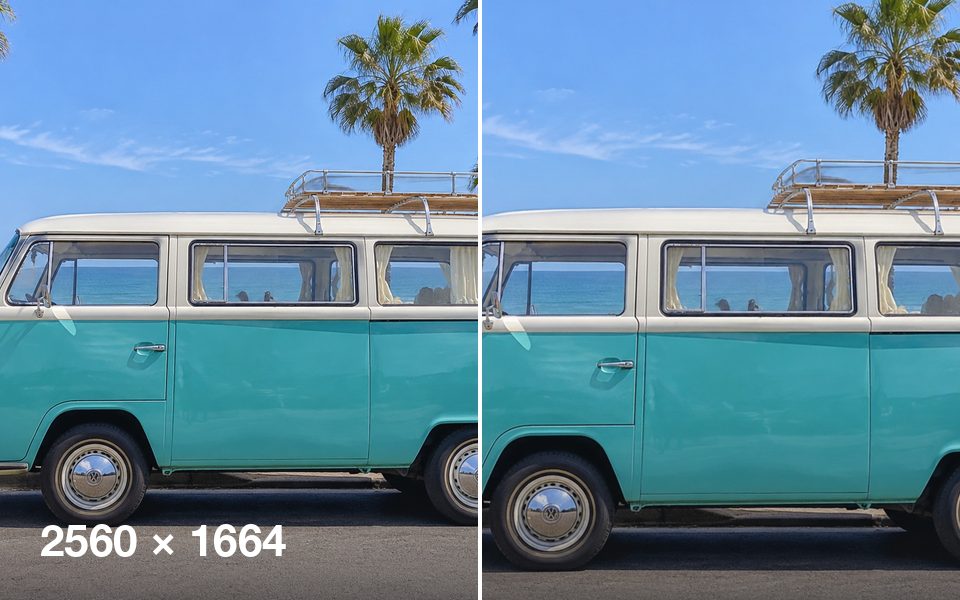
MacBook Wallpaper Size
Resize a picture to 2560 × 1664 px for MacBook.
AI Label Maker
Design product labels in rustic, modern, vintage or bold style.
Tumblr Header Size
Resize a picture to 3000 × 1055 px for Tumblr.
AI Product Photography
Place a product photo in a styled scene: marble, lifestyle, studio, nature, dark or podium.
Twitch Profile picture Size
Resize a picture to 256 × 256 px for Twitch.
AI Food Photo Generator
Restyle a food photo as bright, moody, menu, rustic or overhead food photography.
Reddit Banner Size
Resize a picture to 1920 × 384 px for Reddit.
AI Cartoon Generator
Generate cartoons from text in modern, retro, storybook, comic or 3D styles.
Facebook Group cover photo Size
Resize a picture to 1640 × 856 px for Facebook.
AI Illustration Generator
Generate illustrations from text in flat, gouache, ink, paper cut or children's book style.
App Store App icon Size
Resize a picture to 1024 × 1024 px for App Store.
Clipart Maker
Make clipart from a description in cartoon, watercolor, flat or hand-drawn style.
Bluesky Banner Size
Resize a picture to 1500 × 500 px for Bluesky.
AI Doodle Generator
Turn a photo into a doodle in marker, pen, crayon or chalk style.
Slack Emoji Size
Resize a picture to 128 × 128 px for Slack.
AI Anime Filter
Apply an anime filter to a photo in four looks.
Google Business Profile Cover photo Size
Resize a picture to 1080 × 608 px for Google Business Profile.
AI Watercolor Generator
Generate watercolor paintings from text in four styles.
Google Play App icon Size
Resize a picture to 512 × 512 px for Google Play.
Häufig gestellte Fragen
- Was kosten diese Tools?
- Kostenlose Tools kosten nichts, mit oder ohne Konto. Datentools führen eine SandBase API über Ihr eigenes Konto aus: Tools mit der Kennzeichnung Kostenloses Tageskontingent nutzen APIs aus dem gemeinsamen kostenlosen Tageskontingent (100 Aufrufe pro Organisation und Tag), und der Rest wird zum API-Listenpreis abgerechnet, meist ein Bruchteil eines Cents bis zu einigen Cents. Modelltests rufen den Endpunkt, den Sie testen, mit Ihrem eigenen Schlüssel auf.
- Brauche ich ein Konto auf jeder Plattform?
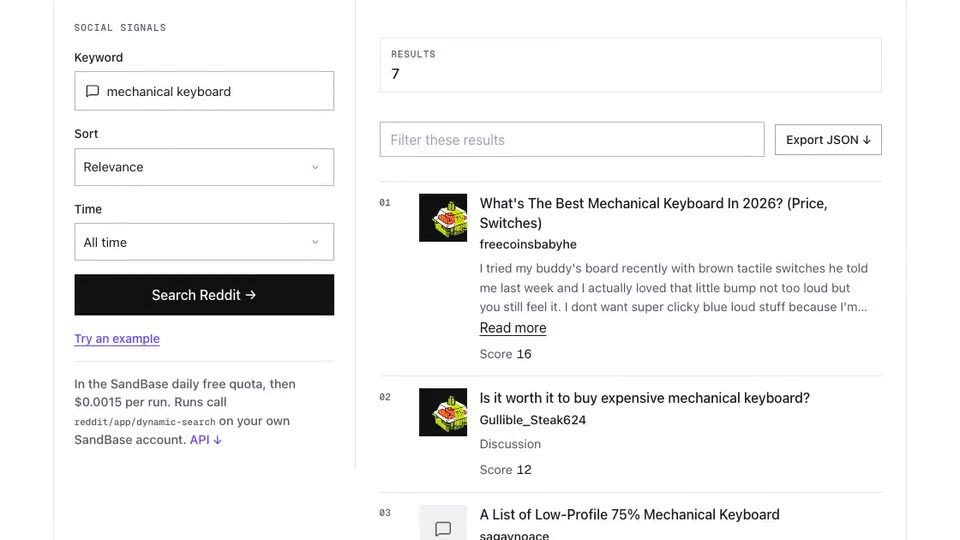
- Nein. Die Tools lesen öffentliche Daten über SandBase APIs, daher benötigen Sie kein Reddit-, Amazon- oder LinkedIn-Konto. Für kostenpflichtige Ausführungen genügt ein SandBase-Login.
- Kann ich dieselben Daten aus meinem eigenen Code abrufen?
- Ja. Jedes Datentool zeigt die API, die es aufruft, und ein cURL-Beispiel. Verwenden Sie Ihren SandBase API-Schlüssel, um dieselbe API aus Ihrem Code oder Agent aufzurufen.