
Bilibili Video Notes
- Skill de Lab
- v0.1.1
- Bilibili
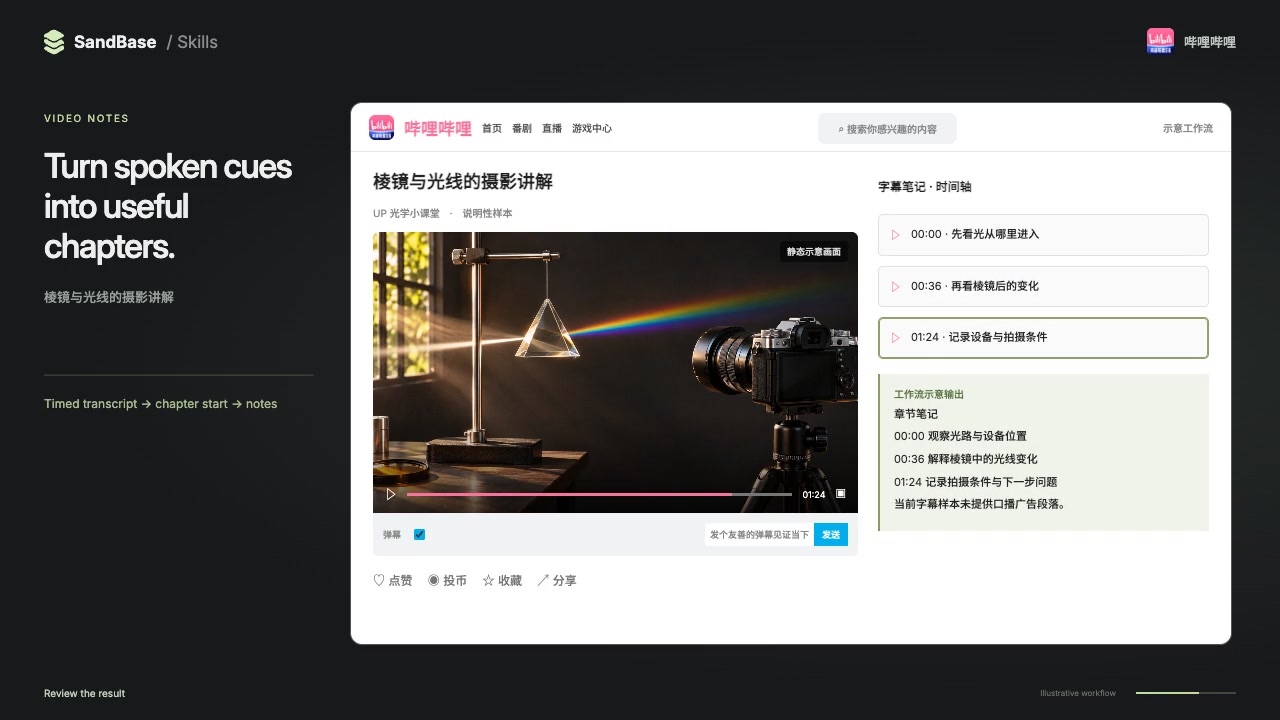
Turn a long Bilibili video into chapters with start times, sponsor-read times and key points, so you know which part to watch or clip.
Portada
Qué obtienes
Bring a Bilibili video link or BV id. The Skill returns a short summary, chapters with start times, where the sponsor reads are, and the moments worth clipping, all from the video’s subtitles.
Cómo funciona
- 01
Find and download the subtitles
The Agent reads the video's subtitle tracks and prefers an uploaded track over Bilibili's AI subtitles. It downloads the public subtitle file, which has lines with start and end seconds. An empty track list and an unreachable track are different outcomes, and the notes report whichever happened and stop.
- 02
Mark chapters and sponsor reads
Reading the text in windows, the Agent marks where the topic changes and gives each chapter a start time and one-line title. These are subtitle-theme boundaries, not frame-accurate cut points. A sponsor read is listed only when the wording explicitly says sponsorship; a product mention is not one.
- 03
Write notes with checks
The notes give a three-sentence summary, key claims with timestamps and quotes worth clipping. Numbers and broad claims from AI subtitles are flagged for checking, because AI subtitles mishear names and figures. Nothing transcribed is repeated as an established fact.
Preguntas frecuentes
What does Bilibili Video Notes read?
Bilibili Video Notes reads what is said in a video, through its subtitles, not what viewers say about it. For viewer reactions, the package points to Bilibili Danmaku Moments and Bilibili Comment Pulse. It suits long talks, lectures and interviews.
Can I trust the quotes?
Check them first. Bilibili Video Notes often works from Bilibili's AI subtitles, which mishear names and numbers. It flags transcribed figures and broad claims for checking against the audio and a source. Treat a quote as a pointer to the timestamp, then listen.
Are the subtitle calls billed?
Bilibili Video Notes makes two SandBase calls, video detail and video subtitle, plus a plain download of the public subtitle file, which needs no key. The two calls use your organisation's daily free quota first and are billed after that. Prices are at https://www.sandbase.ai/pricing.
What if the video has no subtitles?
Bilibili Video Notes stops and says so. It distinguishes an empty track list from a track it could not reach, and reports each accurately. It never reads an error as confirmed absence, and it does not invent notes without a transcript.
Does it download the video?
No. Bilibili Video Notes is read-only and never downloads the video. It reads metadata and the subtitle file. Chapter times are subtitle-theme starts, so check them before using them as clip points. For multi-part videos, the notes cover the part whose ID you give, so run it once per part you need.
Más Skills
Todos los Skills de Bilibili →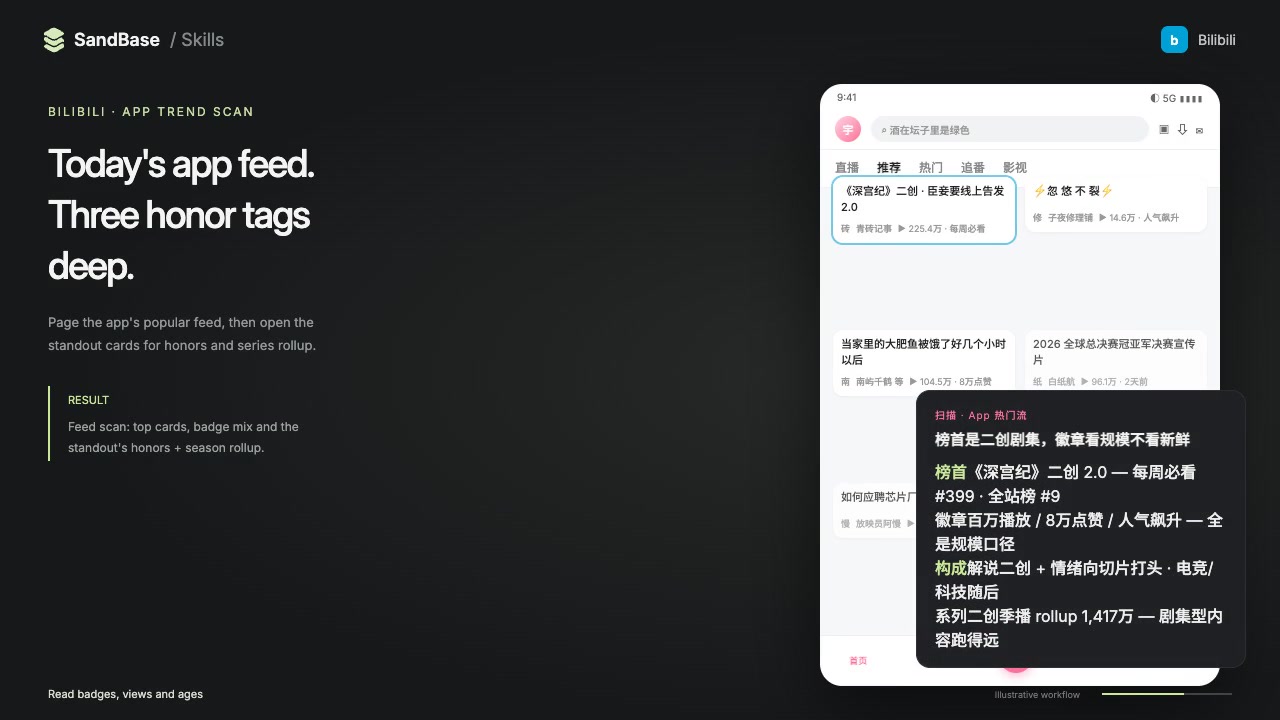
Bilibili App Trend Scan
Scan what the Bilibili app's popular feed is serving right now through SandBase
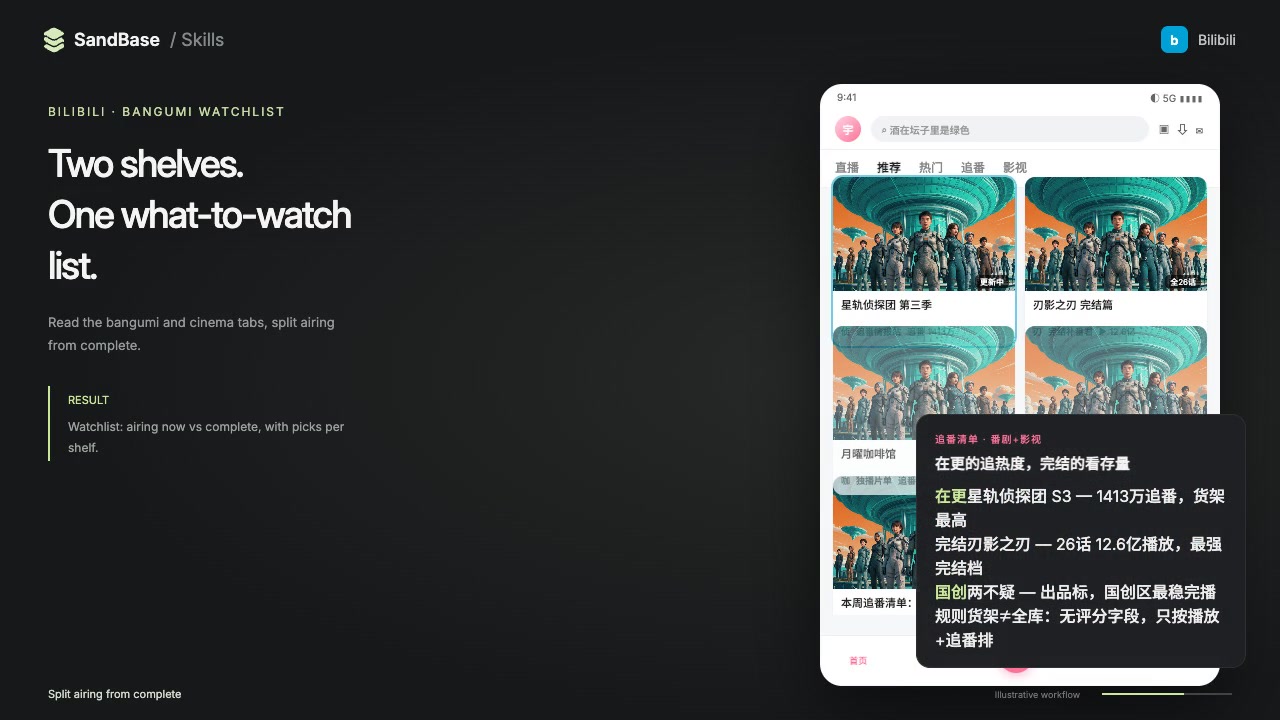
Bilibili Bangumi Watchlist
Build a what-to-watch list from Bilibili's own anime and cinema shelves — update text, views, follows, badges — split into airing vs complete.
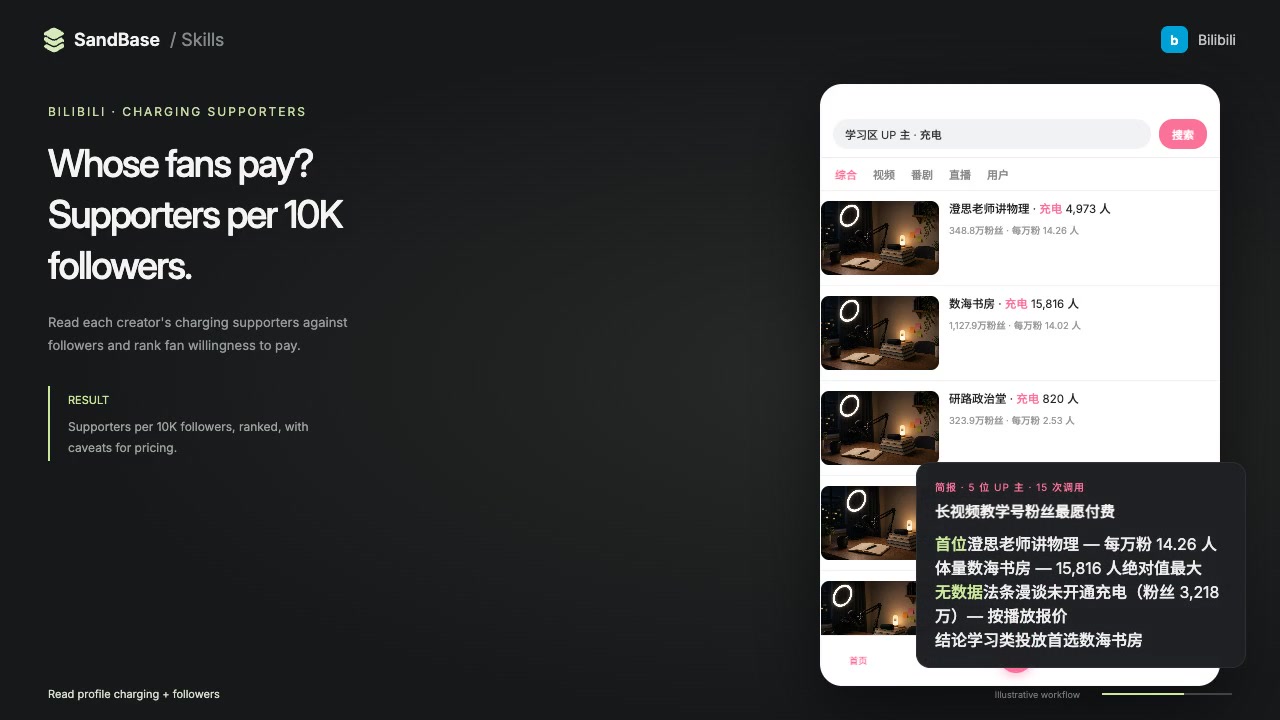
Bilibili Charging Supporter Brief
Compare how willing Bilibili creators' fans are to pay.
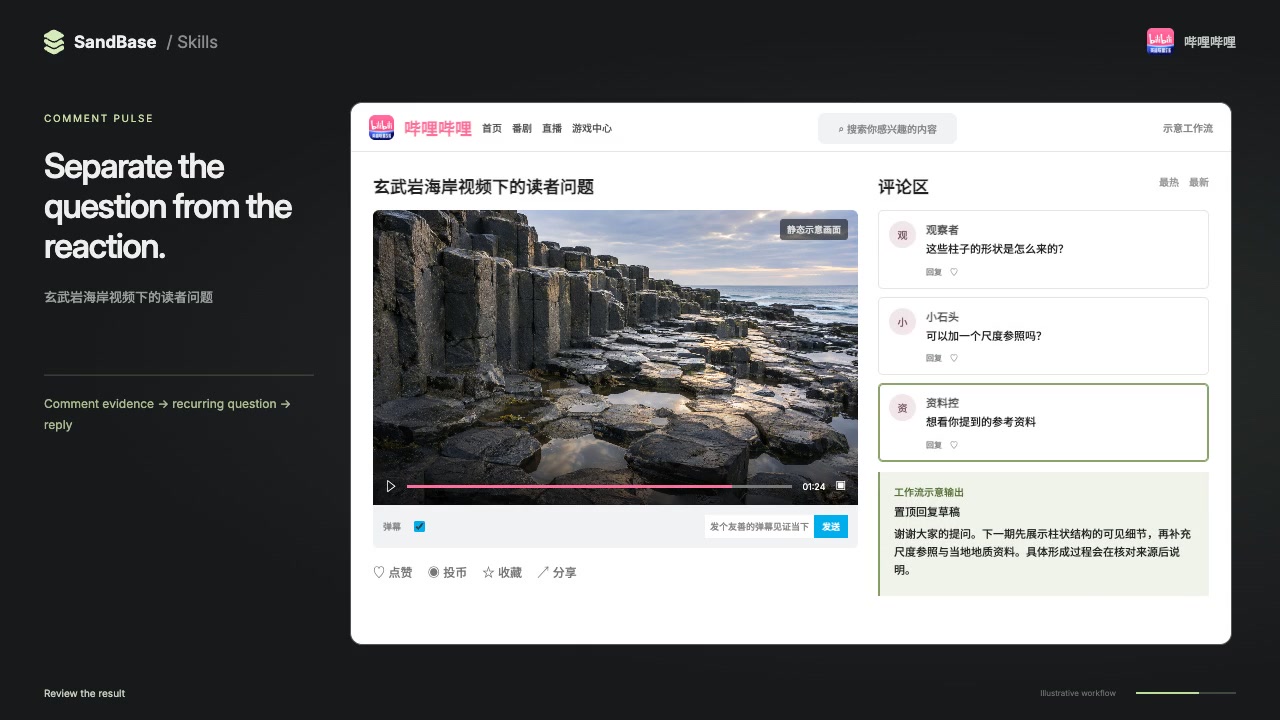
Bilibili Comment Pulse
Read the comments under a Bilibili video: what people say, which comments pull replies, what could go wrong, and what to answer.
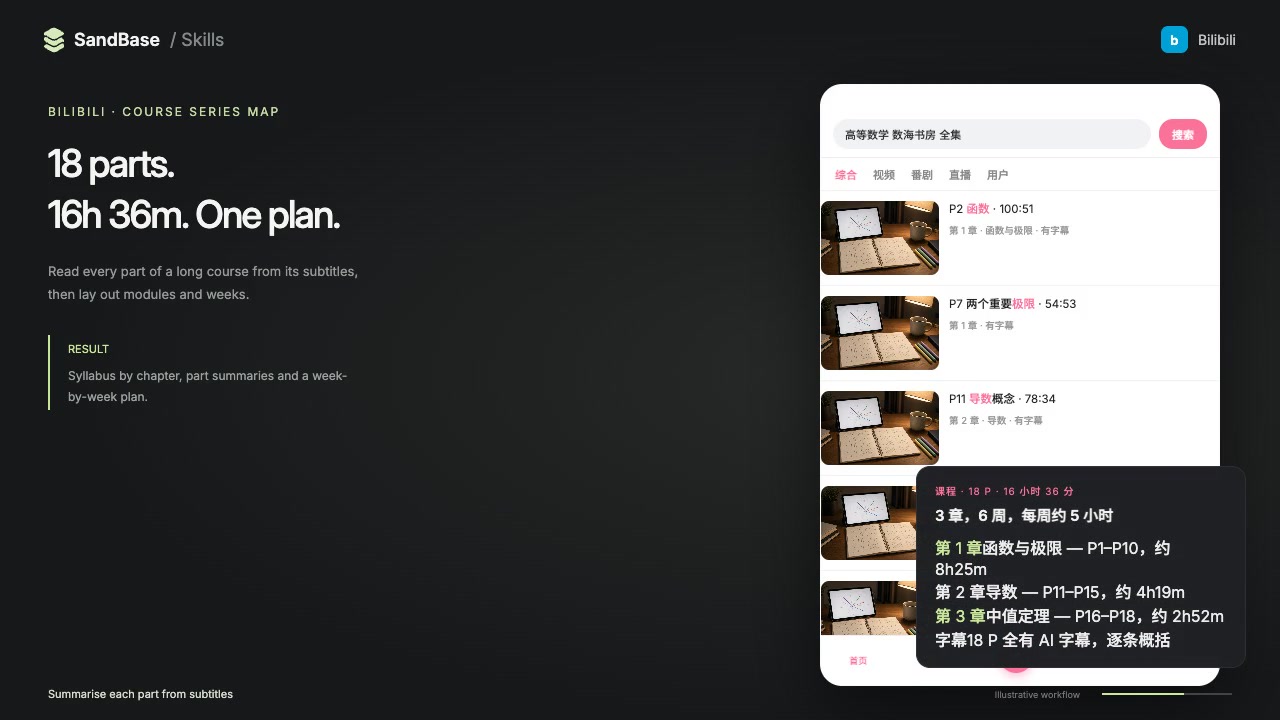
Bilibili Course Series Map
Turn a long multi-part Bilibili course into a study plan.
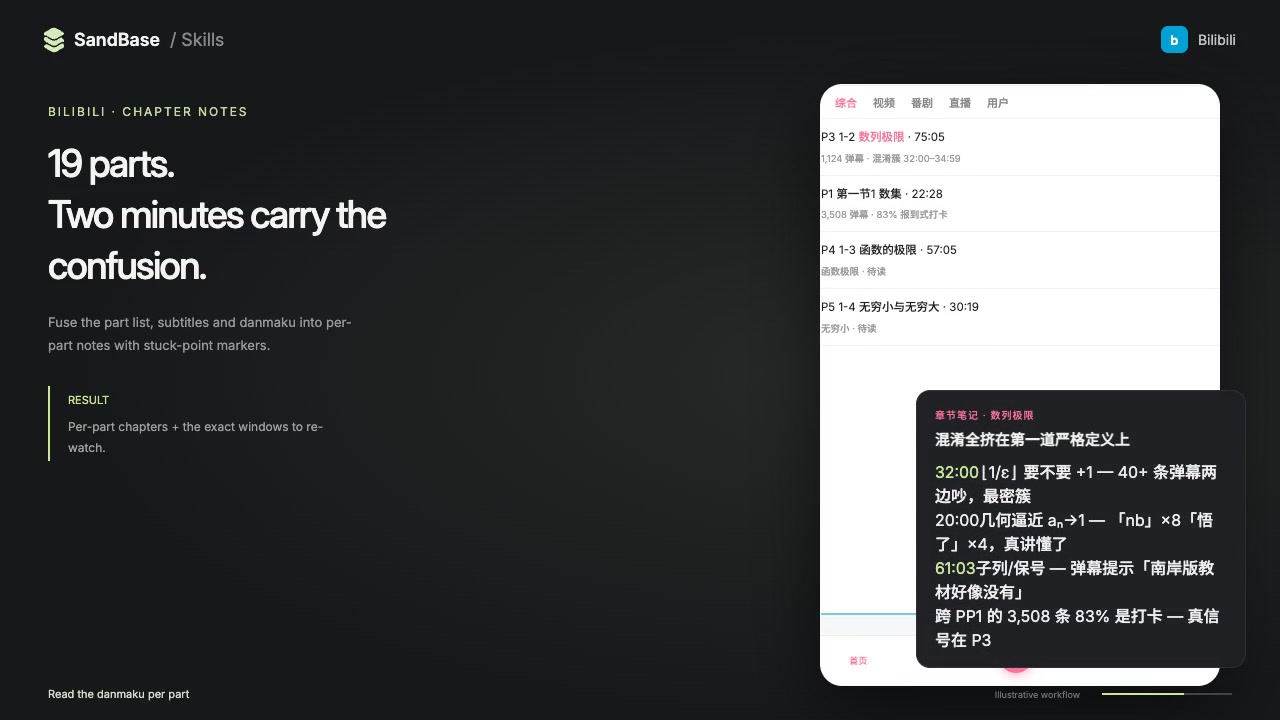
Bilibili Danmaku Chapter Notes
Build study notes for a multi-part Bilibili lecture or long video through SandBase by fusing three signals