
Local Profile Compare
- Skill de Lab
- v0.1.0
- Google Maps
Put a Google Business Profile next to the competitors that outrank it and list the changes that close the gap.
Portada
Qué obtienes
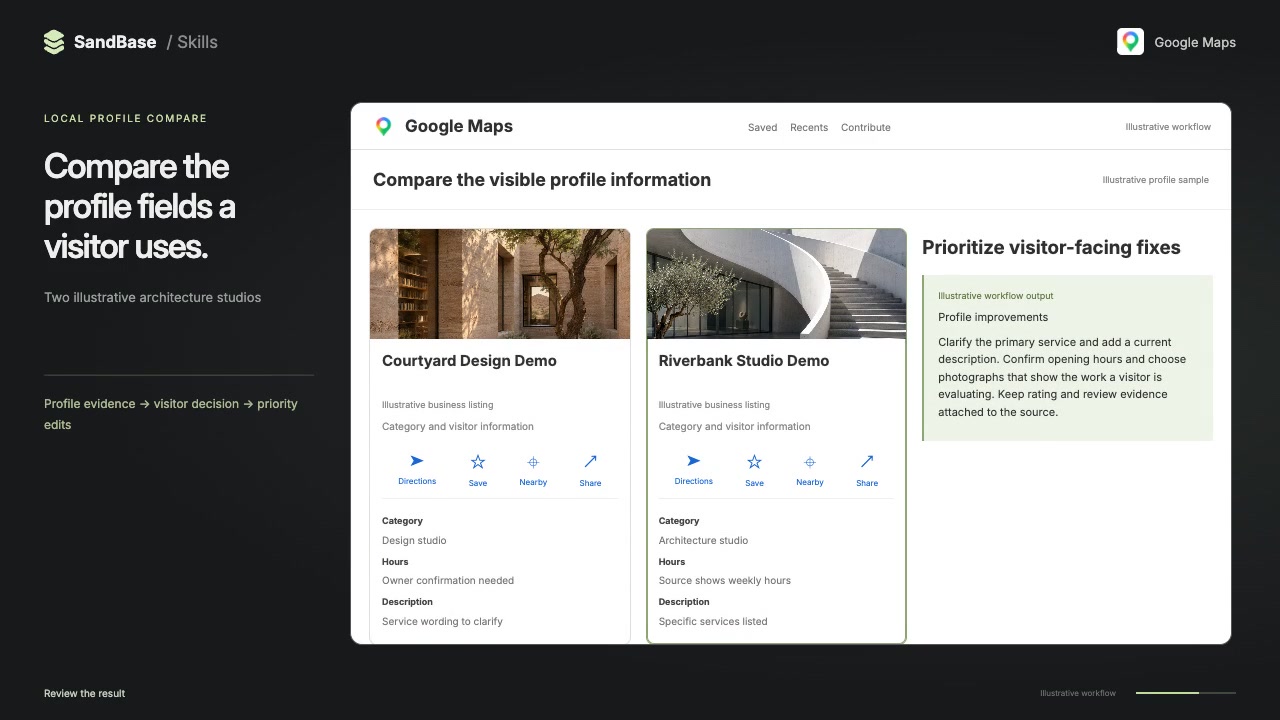
Bring a business name with its city, and two or three competitors. The Skill returns categories, reviews, rating, photos, hours and description side by side, and a fix list in order of impact.
Cómo funciona
- 01
Pull the profiles
The Agent reads the Google Business Profile of your business and two to four competitors that outrank it, through one DataForSEO call each. Every profile gives primary and additional categories, rating and its star distribution, photos, hours, attributes and review topics. The call occasionally returns an upstream error and is retried once.
- 02
Tabulate and read the gaps
Categories, reviews, rating, photos, hours and attributes go side by side in one table. Missing additional categories matter most, because they decide which searches a profile can appear in; review volume, photos and hours that cover when people search follow. Review topics show what customers praise most.
- 03
Write the fix list
The fix list is ordered by impact, each item measured against the competitor value it would close, such as an extra category or more photos. The business's own strongest review topics are suggested for its description and posts. Rankings themselves are not read here; they come from Local SEO Audit.
Preguntas frecuentes
What does Local Profile Compare explain?
Local Profile Compare explains why competitors' Google Business Profiles may be ahead of yours, by putting the profiles side by side: categories, ratings, reviews, photos, hours and attributes. It turns the differences into an ordered fix list. For the rankings themselves, the package points to Local SEO Audit.
Can it see Google's ranking signals?
No. Local Profile Compare reads public profile data only. It cannot see Google's internal ranking signals, so it compares what is visible and explains likely gaps. Treat the fix list as the visible differences worth closing, not a guaranteed route to a higher ranking.
Are the profile reads billed?
Local Profile Compare makes one SandBase DataForSEO business-profile call per business, so a comparison of four businesses is four calls, each billed to your SandBase account. The Agent inspects the tool before running it so the price is shown; see https://www.sandbase.ai/pricing.
How soon do category changes help?
Local Profile Compare suggests category changes, but they take effect only after Google accepts them, which can take time. Make one change at a time and check again later, so you can see which change made a difference. The fix list orders changes so the biggest gaps come first.
Will it edit my profile?
No. Local Profile Compare is read-only. You make any changes through your Google Business Profile account. The fix list names each change and the competitor value it was measured against, so you can work through it in order. Re-run the comparison after a few weeks.
Más Skills
Todos los Skills de Google Maps →
Air Quality Watch
Air-quality watch brief for a city through SandBase
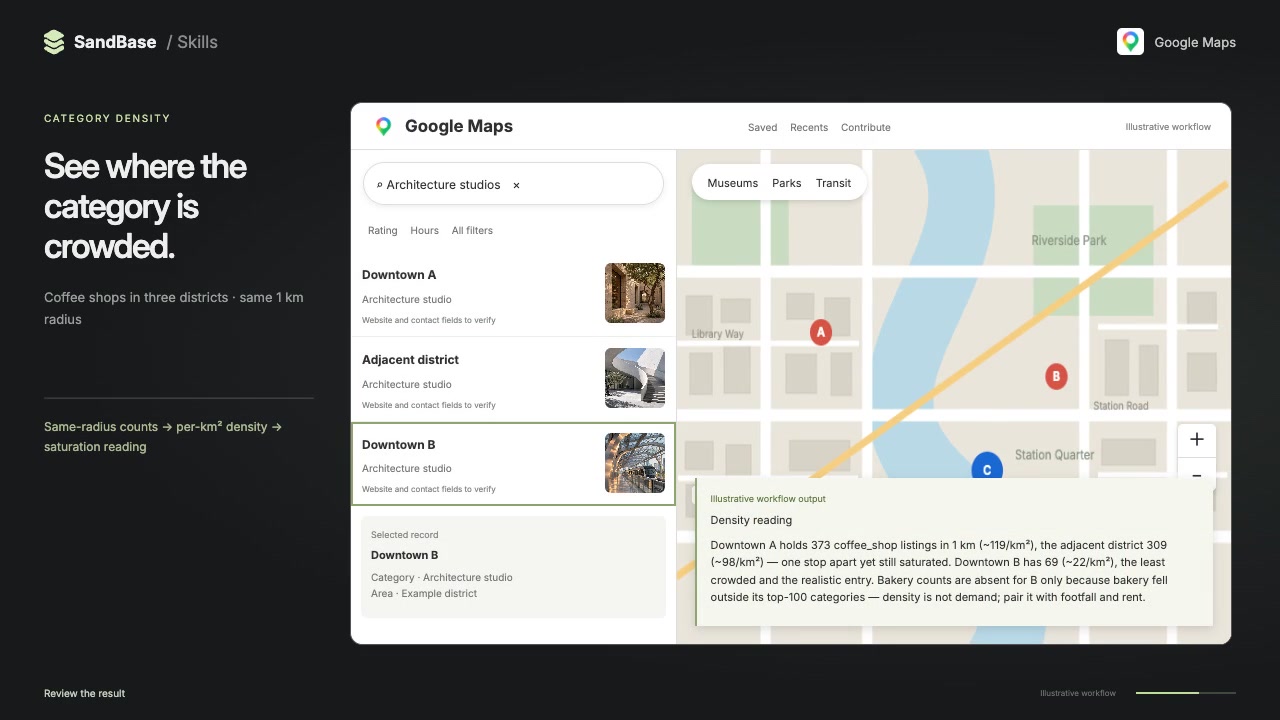
Google Maps Category Density
See how crowded a business category is across a few areas.
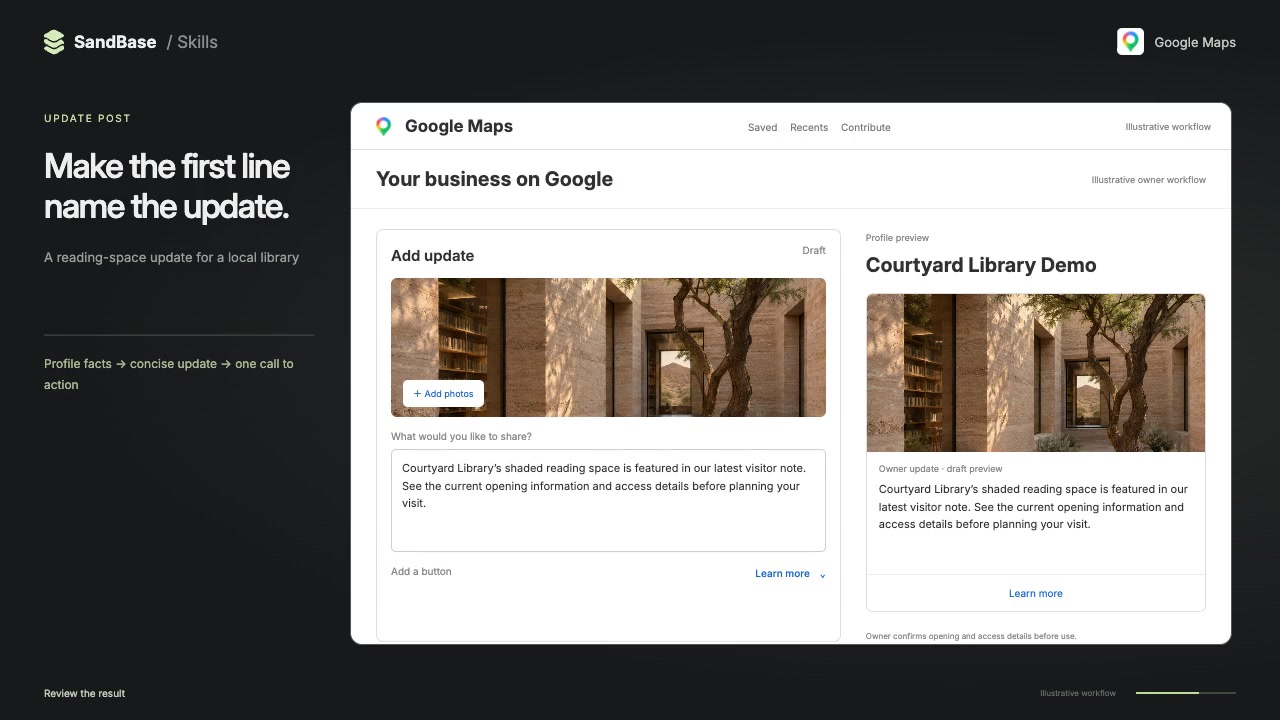
Google Maps Update Post
Write Google Business Profile posts from what your public profile already shows, with the item and the place in the first line.
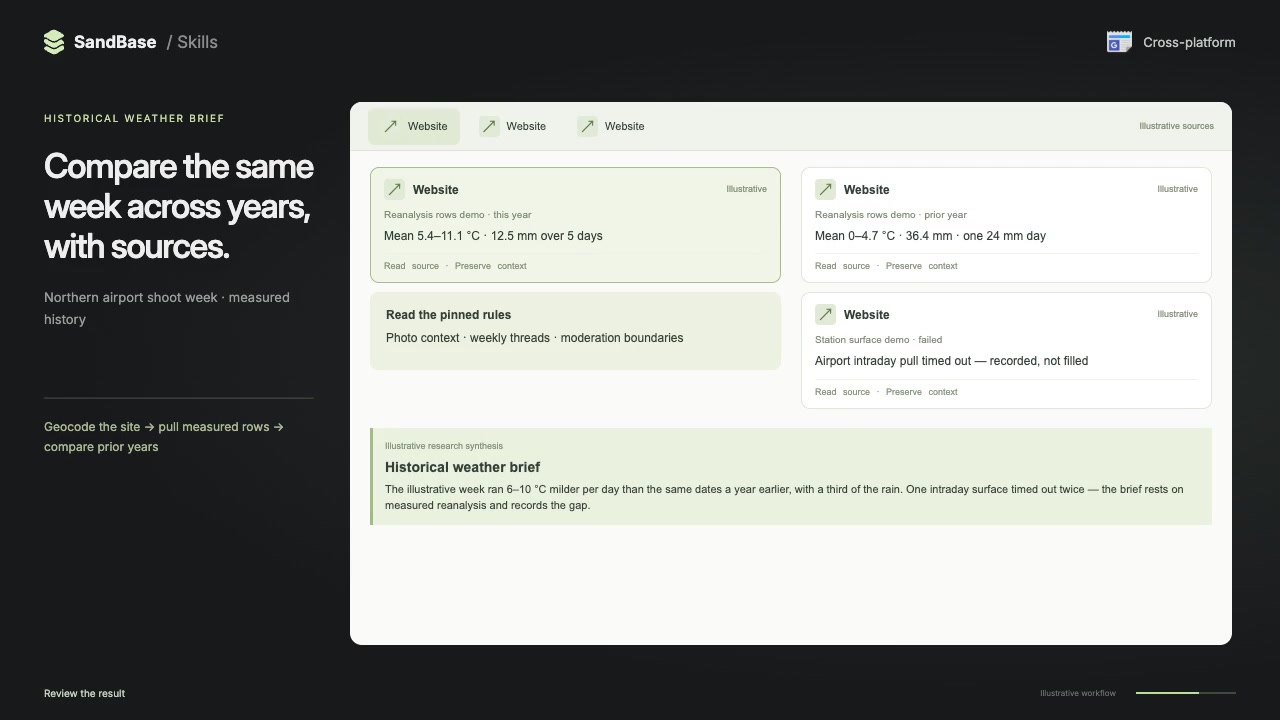
Historical Weather Brief
Build a historical temperature and precipitation brief for a place through SandBase
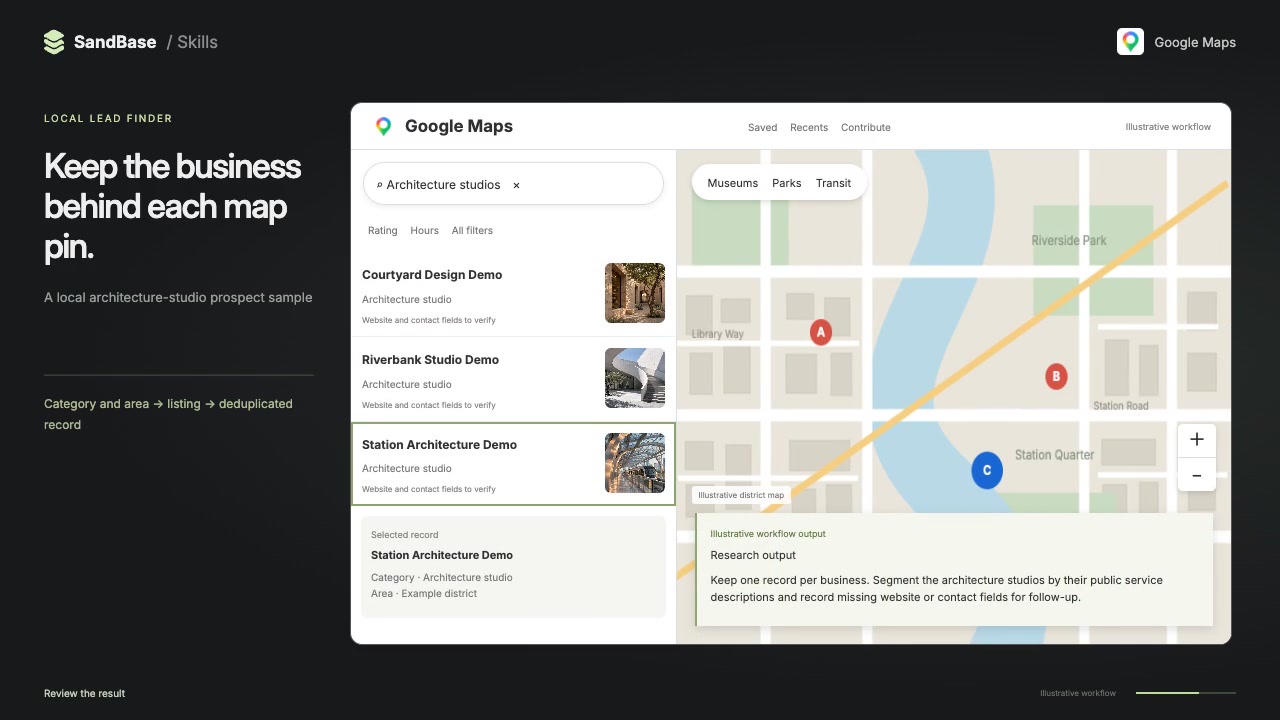
Local Lead Finder
Build a clean, segmented list of local businesses of one category around a point from Google Maps listings.
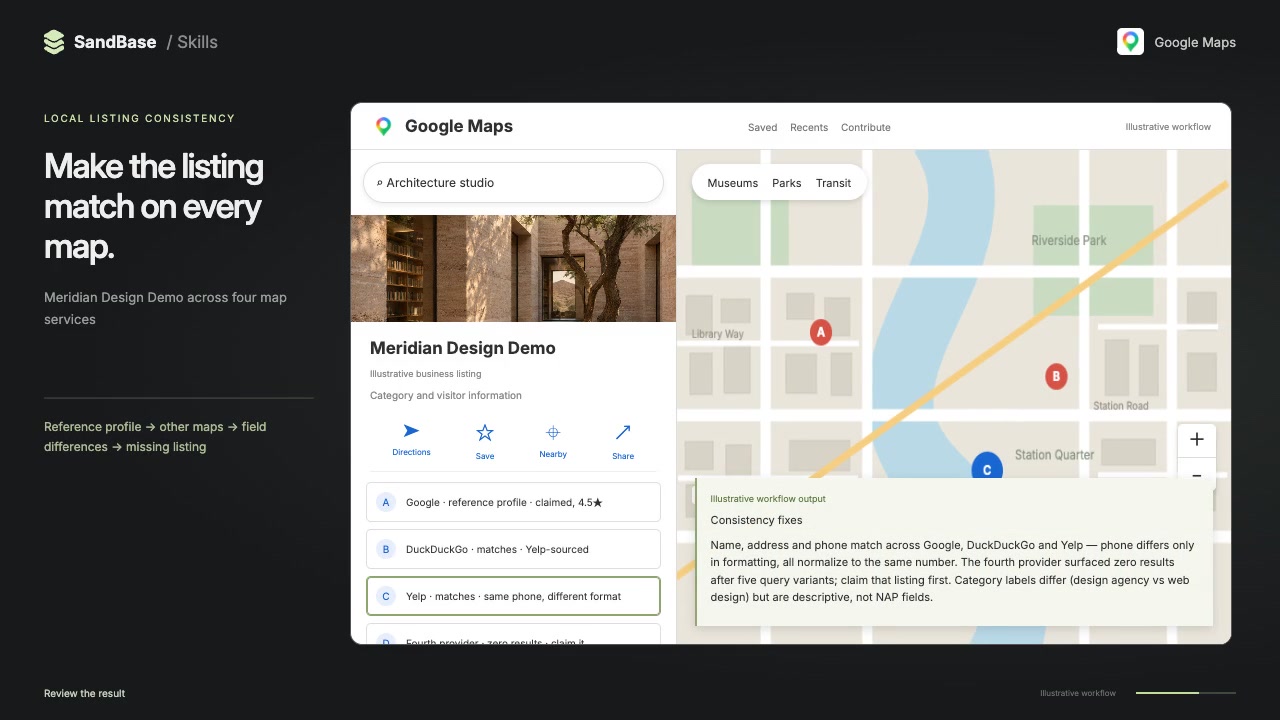
Local Listing Consistency
Check that your business name, address and phone match across map services.