
Photo to caricature
- Skill de Lab
- v0.1.0
- Illustration
Draw one consented photo of a person as a square editorial caricature — enlarged head, amplified signature features, hand-inked contour and flat colour on a paper-textured ground.
Ejemplo
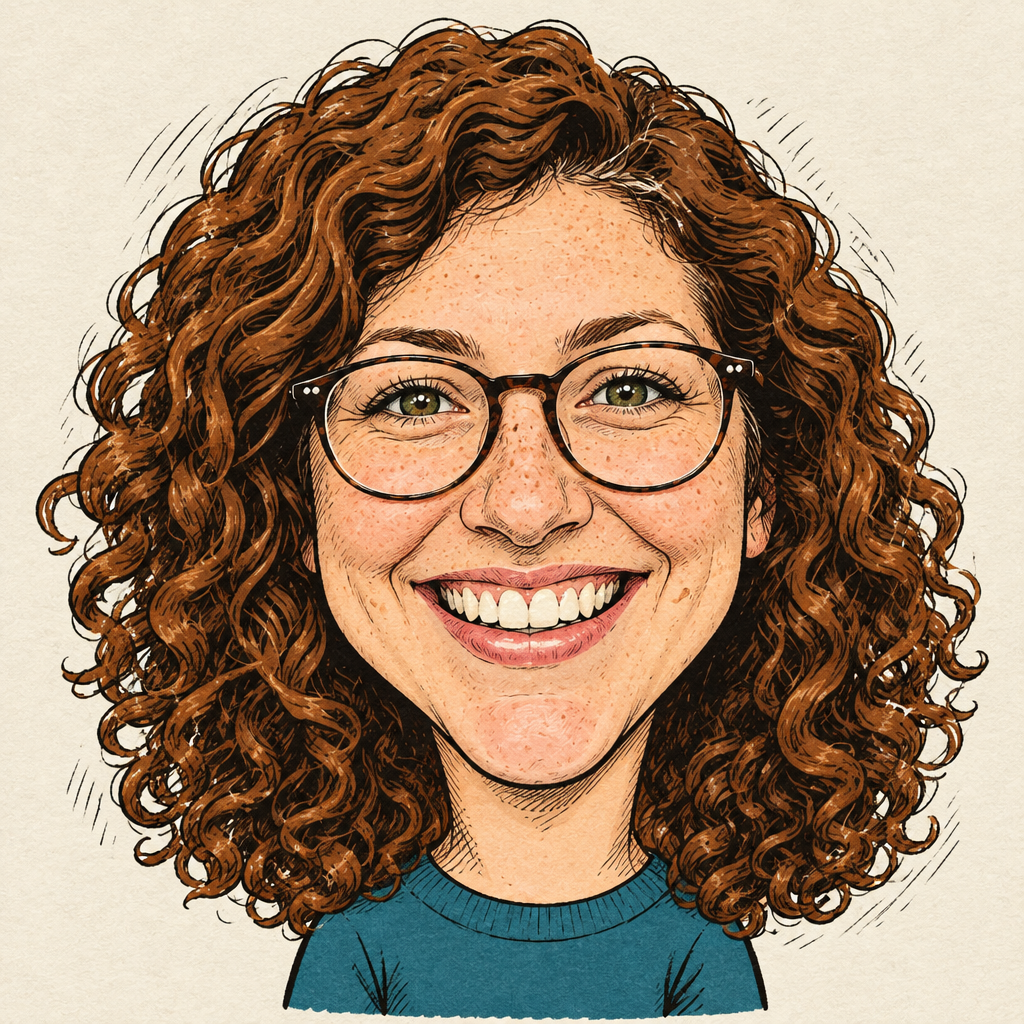
Photo to caricature
Ejecutar en línea
Ejecuta en un sandbox de SandBase y consulta los resultados en Lab.
Abrir en Lab ↗Qué obtienes
Bring one consented photo of a person. The Skill returns one 1:1 caricature PNG and a bilingual run report.
Cómo funciona
- 01
Upload a consented portrait
Photo to Caricature takes one clear, upright photo of a person, consent set to accepted, and an optional finish. ink-fill, the default, puts flat colour inside the ink lines; wash adds a light watercolour wash; mono uses ink hatching alone. The photo must be PNG or JPEG, up to 8 MB, with a short side of at least 512 px.
- 02
Exaggerate the features
Running on Node.js 18 or later in SandBase Sandbox, the Skill strips the photo's metadata and calls openai/gpt-image-2.5-flare/edit at medium quality, 1k, 1:1 and PNG. The model draws a square caricature of the same person with an oversized head, the most distinctive features amplified and a hand-inked contour on a paper-textured ground.
- 03
Inspect caricature.png
The output is caricature.png and three reports. The image must carry no words, letters, numerals or pseudo-writing, including captions, speech bubbles or signatures. Inspect composition, likeness, exaggeration and line at full resolution and at 320 by 320. Only the consenting person may appear, and validation.ok covers only the PNG file contract.
Preguntas frecuentes
What style does Photo to Caricature use?
Photo to Caricature uses an enlarged head, amplified distinctive features and a hand-inked contour line on a paper-textured ground. The finish field picks flat colour inside the lines, a light watercolour wash or ink hatching alone. The output is one square PNG with no text.
Can Photo to Caricature add a speech bubble or caption?
No. Photo to Caricature treats any caption, speech bubble, signature, watermark or other lettering as a defect. Add text later in your own editor if you need it.
How is Photo to Caricature billed?
Photo to Caricature calls openai/gpt-image-2.5-flare/edit once per approved brief, and SandBase bills the image to your account. The plan step is offline, and run will not submit when the inspected estimate is above the --budget cap. The report shows recorded cost, and current rates are at https://www.sandbase.ai/pricing.
Can Photo to Caricature draw like a famous cartoonist?
No. Photo to Caricature never uses a named cartoonist's style and never adds another person or a logo. Only the consenting person in the photo appears.
What if a Photo to Caricature run fails?
Photo to Caricature keeps the state and execution ID. Resume handles transient download problems on the same execution. A terminal model failure needs your decision before another approved attempt, and the Skill never buys an automatic replacement.
Más Skills
Todos los Skills de Illustration →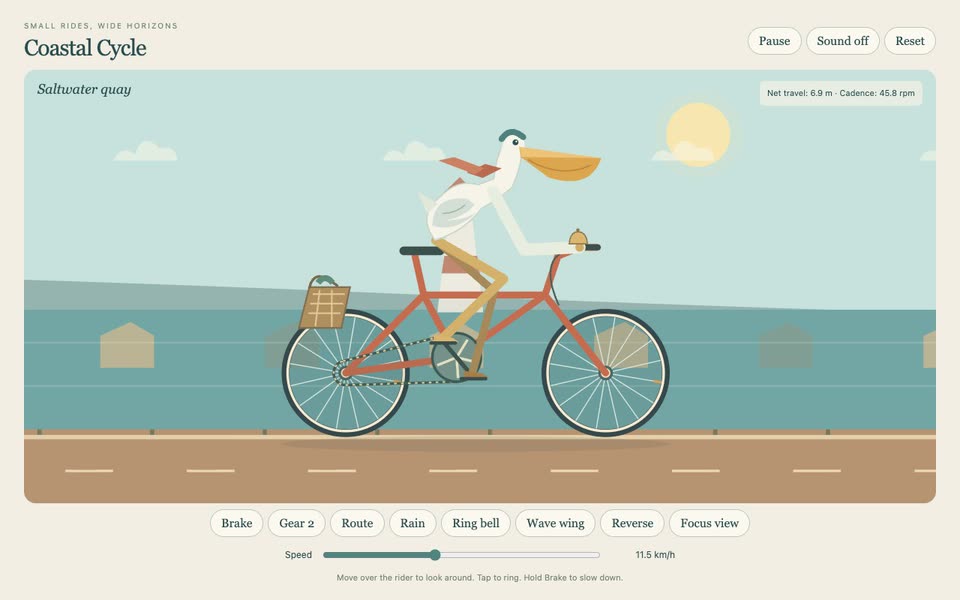
Coastal Cycle: Harbor Pelican
An authored SVG pelican rides a coral bicycle beside the sea. Measured travel drives the wheels, gear ratio drives the crank, and solved joints keep both feet on their actual pedals. Brake, reverse and explore three coastal palettes offline.
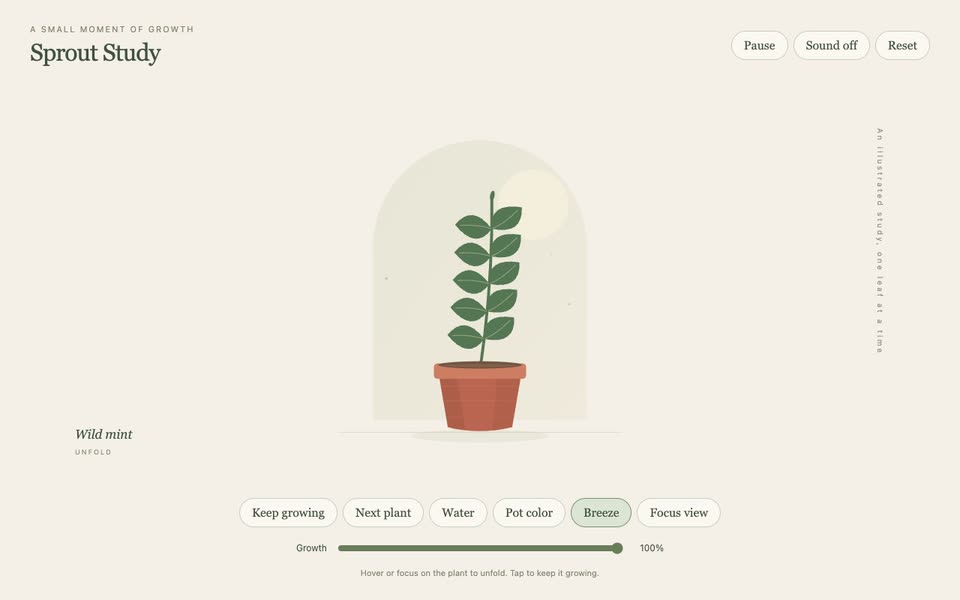
Sprout Study: Terracotta Mint
A quiet SVG botanical illustration. Hover or focus to grow the continuous stem, unfold leaves in sequence and fold them again. Touch hold, exact growth scrubbing and editable plants in one offline HTML.
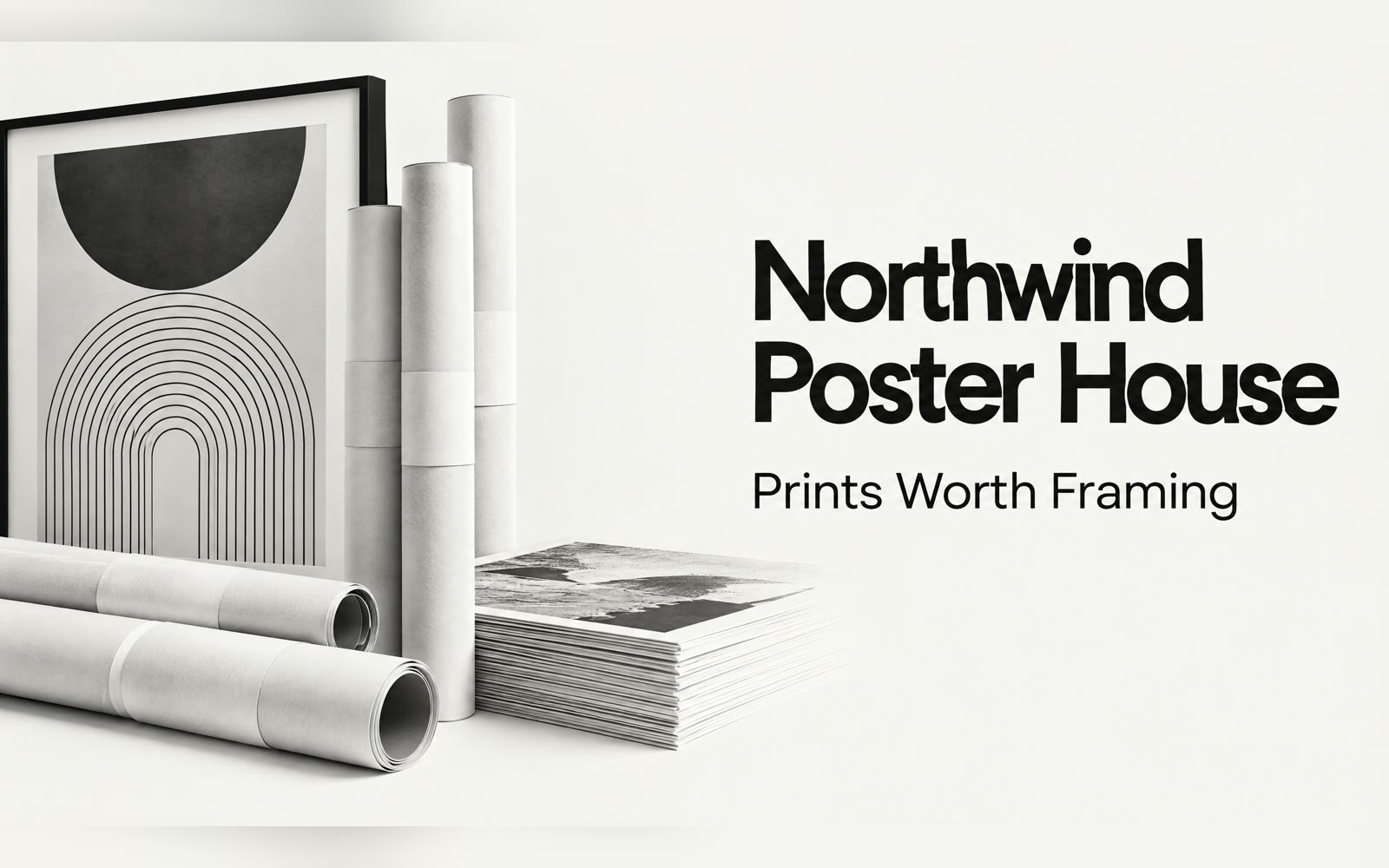
Monochrome editorial
Turn a brand, one headline and context into a high-key monochrome editorial card.
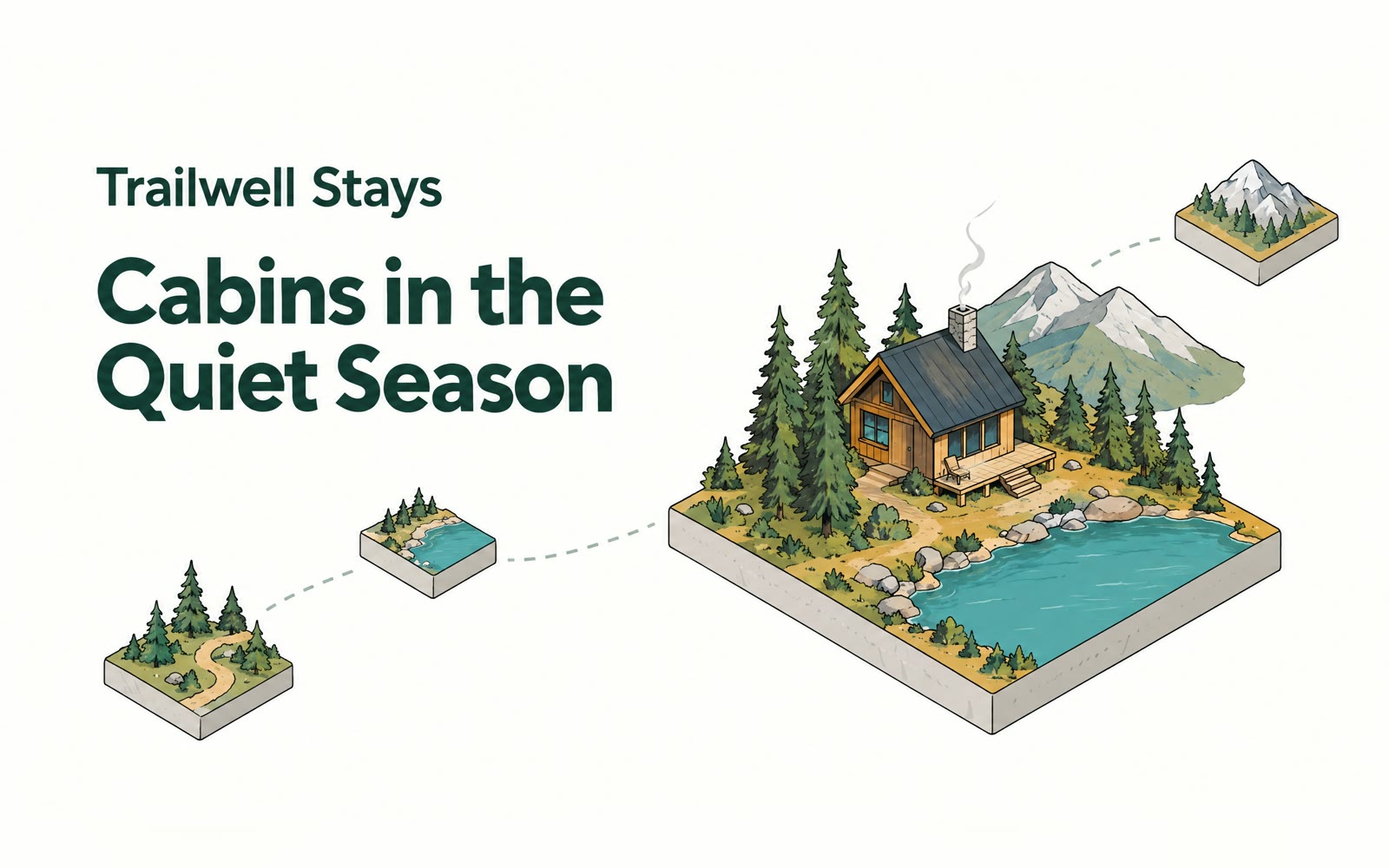
Isometric diorama
Turn a brand, one headline and context into a modular isometric card.
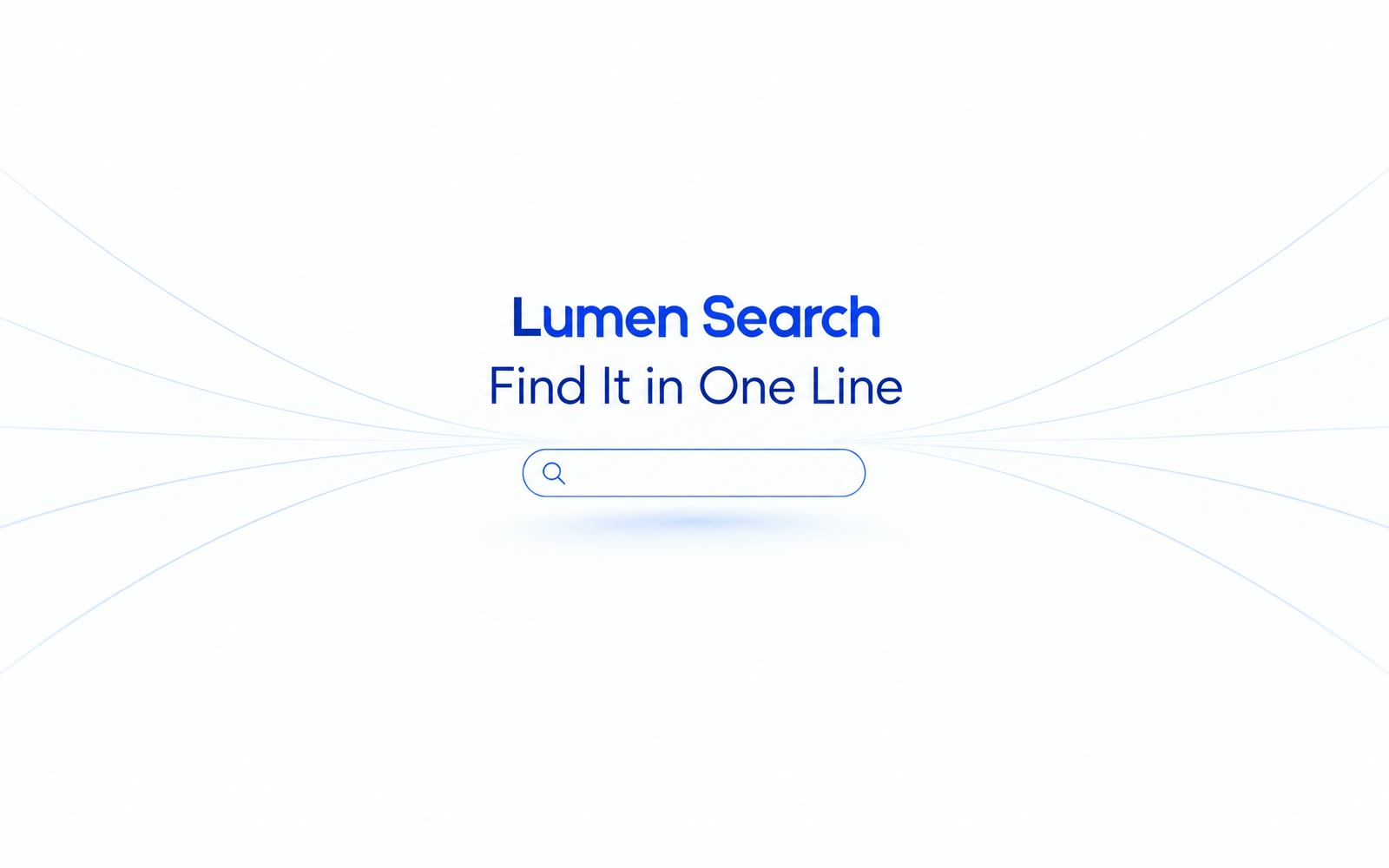
Converging lines
Turn a brand, one headline and context into a precise line-convergence card.
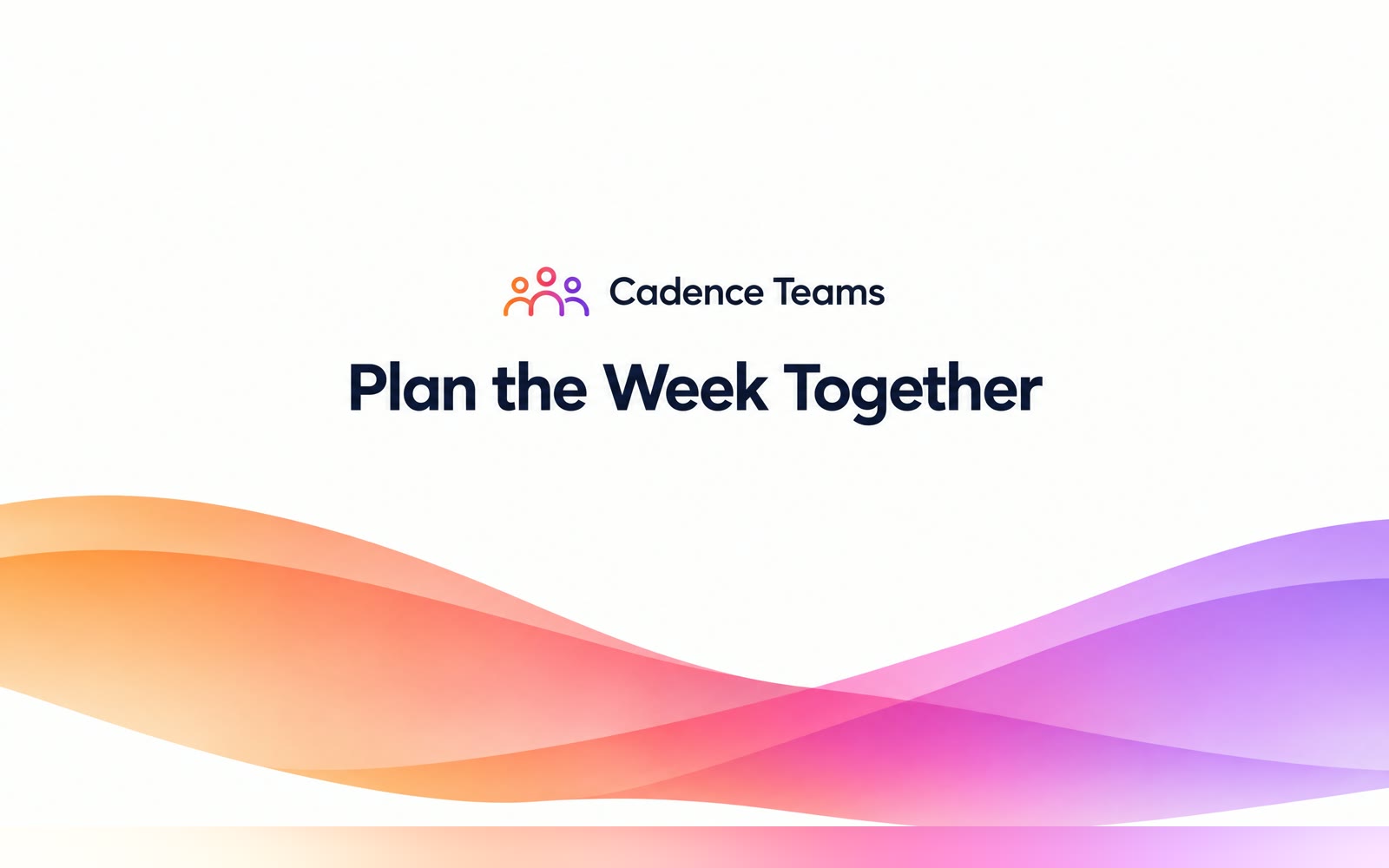
Gradient horizon
Turn a brand, one headline and context into a warm gradient-horizon card.