
Instagram Grid Plan
- Skill de Lab
- v0.1.0
See how supplied images fit together, then get the chronological publishing and pin instructions.
Portada
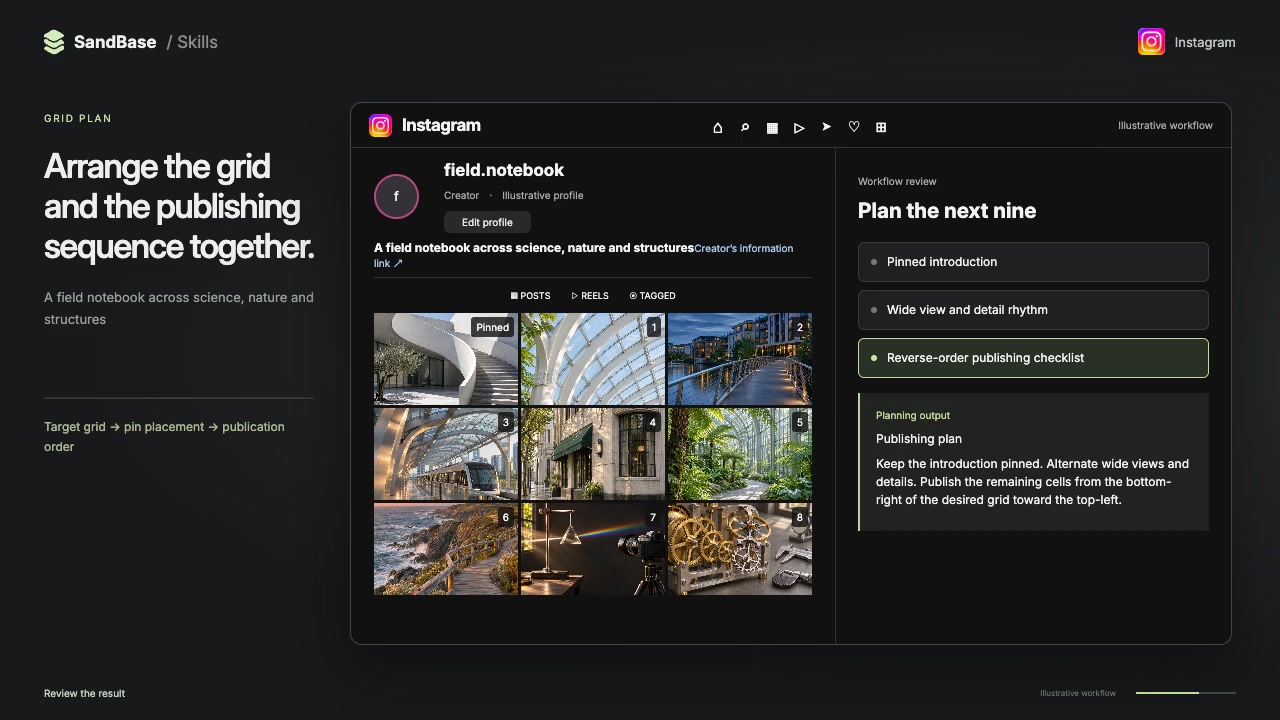
Qué obtienes
Bring authorized local images, existing/planned post information, audience, and intended pins. The Skill returns a real image grid in self-contained HTML, editable JSON, and a publishing-order checklist.
Cómo funciona
- 01
Inventory the assets
From your audience, goal, desired visual rhythm, approved pillars and local image files with rights notes, the Agent records each asset's ID, pillar, description, source, reuse permission and whether it is already posted or planned. Missing image files are flagged. Optional public account context can be read through SandBase.
- 02
Choose a rhythm and write the plan
A visual rhythm suited to the material is chosen, checking light and dark balance, repeated subjects, title legibility and whether each tile makes sense alone. The plan file lists planned posts oldest to newest, with pin placement; the renderer reverses the list to show Instagram's newest-first grid.
- 03
Render and inspect the preview
A dependency-free Node.js 18 renderer builds a self-contained HTML preview, a layout file and a publishing-order file. You open the preview and inspect every crop, the final row, the pin badges, the reverse publication order and narrow-screen readability. No model call is needed to arrange supplied images.
Preguntas frecuentes
What does Instagram Grid Plan build?
Instagram Grid Plan builds an editable plan and a real local preview of how your Instagram grid will look, from images you are allowed to use. It shows pin placement, newest-first ordering and the order to publish posts to reach that grid.
Does it need a model or API?
No. Instagram Grid Plan arranges supplied images with a dependency-free Node.js 18 renderer and needs no model call. Optional SandBase calls read public account context and are billed when used. Language can be English or Chinese. The Agent inspects their price first; see https://www.sandbase.ai/pricing.
Why reverse the publication order?
Instagram Grid Plan lists planned posts oldest to newest in the plan, while Instagram shows the newest first. The renderer reverses the list for the preview and the publishing order, so posting in that order produces the grid you previewed.
What should I check in the preview?
Instagram Grid Plan asks you to open the HTML preview and check every crop, the final row, the pin badges, the reverse publication order and readability on a narrow screen. Crops are where a planned grid most often surprises. Fix crops before posting.
Does it handle image rights?
Instagram Grid Plan records each asset's source and reuse permission and keeps the rights notes in the deliverable. It does not grant rights. Use only images you own or have permission to post. Images without a clear rights note are flagged in the inventory so they can be cleared or replaced first.
Más Skills
Todos los Skills de Instagram →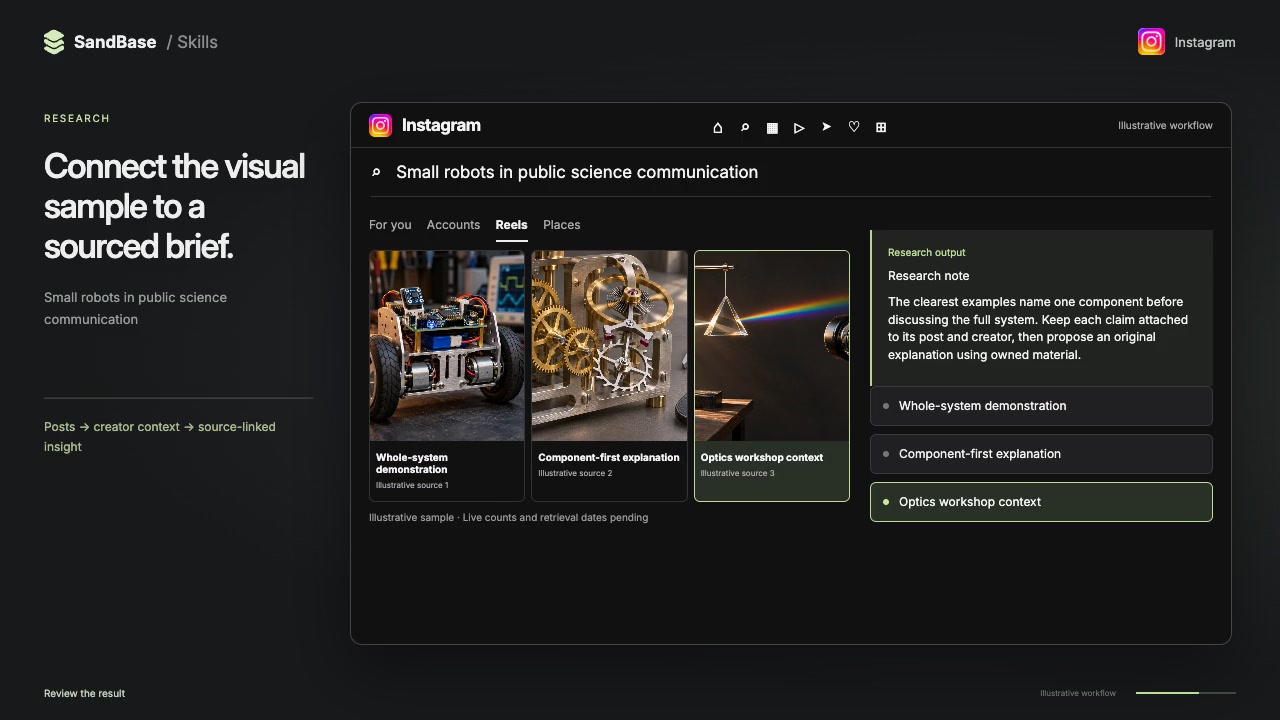
Instagram Research
Search content, analyze profiles, track hashtags, and research competitors on Instagram through SandBase. Use when asked for Instagram research, influencer analysis, hashtag tracking, content strategy research, or competitor social monitoring.
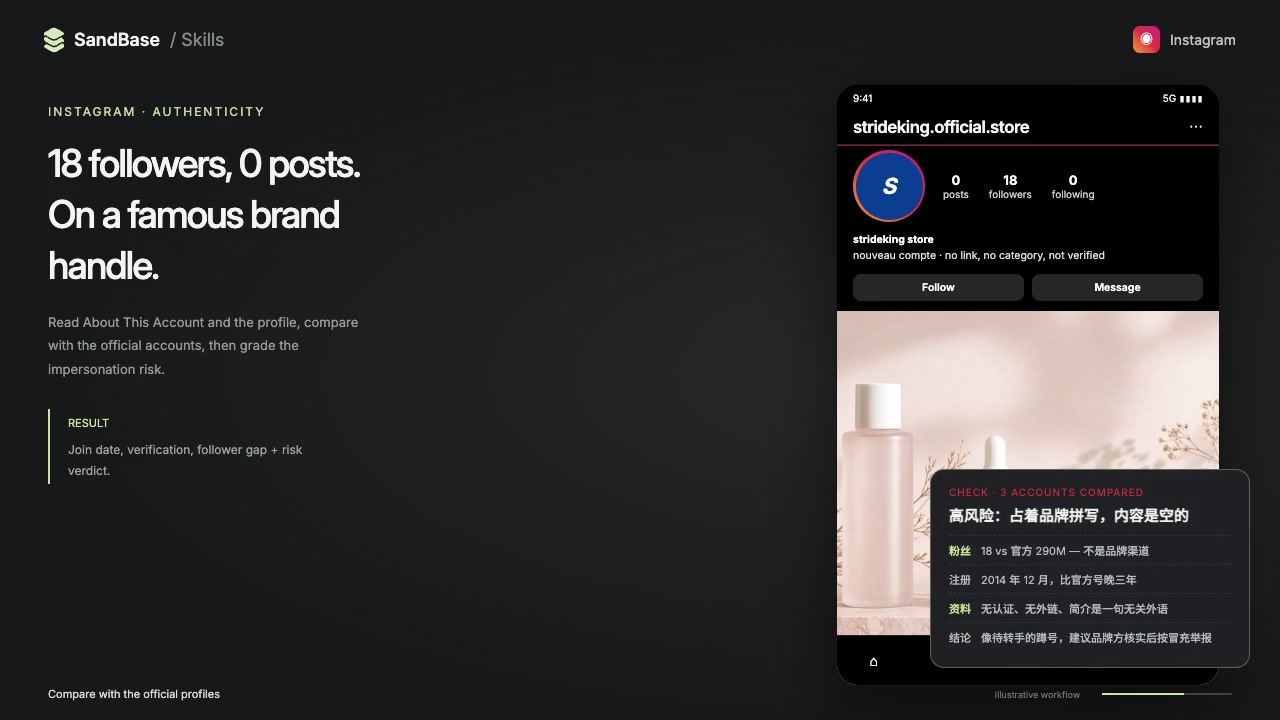
Instagram Account Authenticity Check
Check whether an Instagram account is who it claims to be.
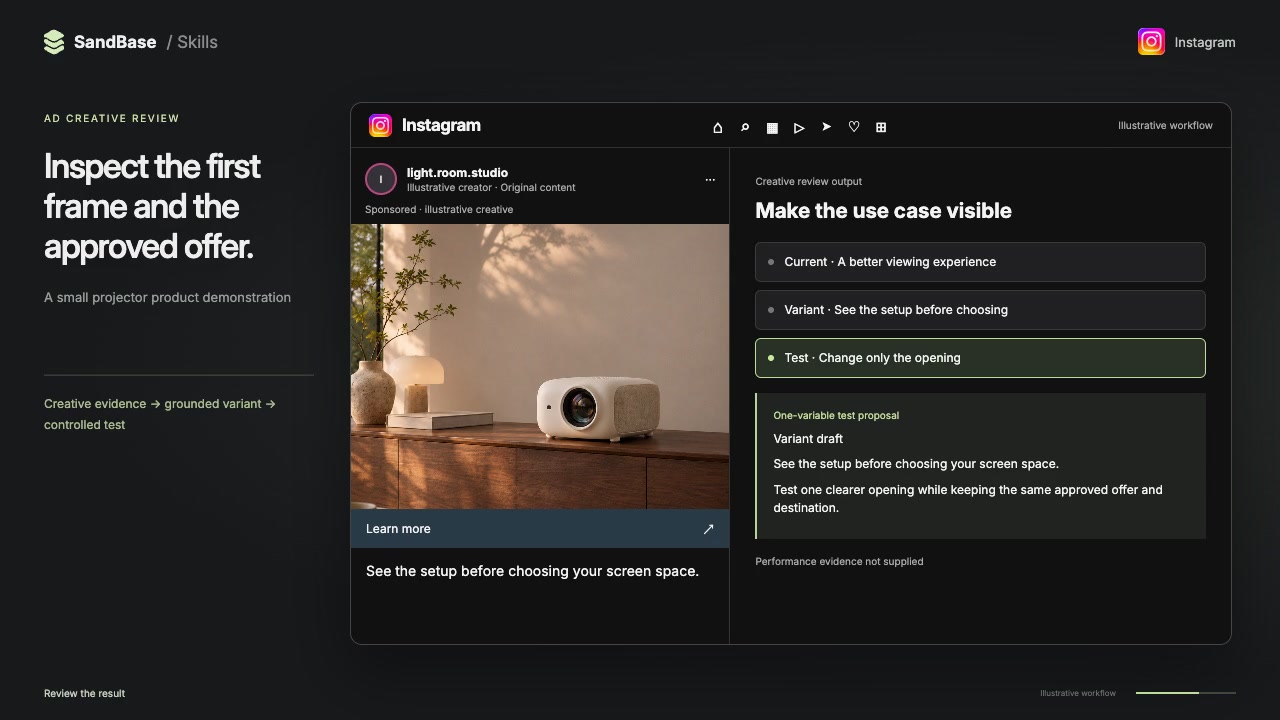
Instagram Ad Creative Review
Review ad evidence and write a controlled creative test.
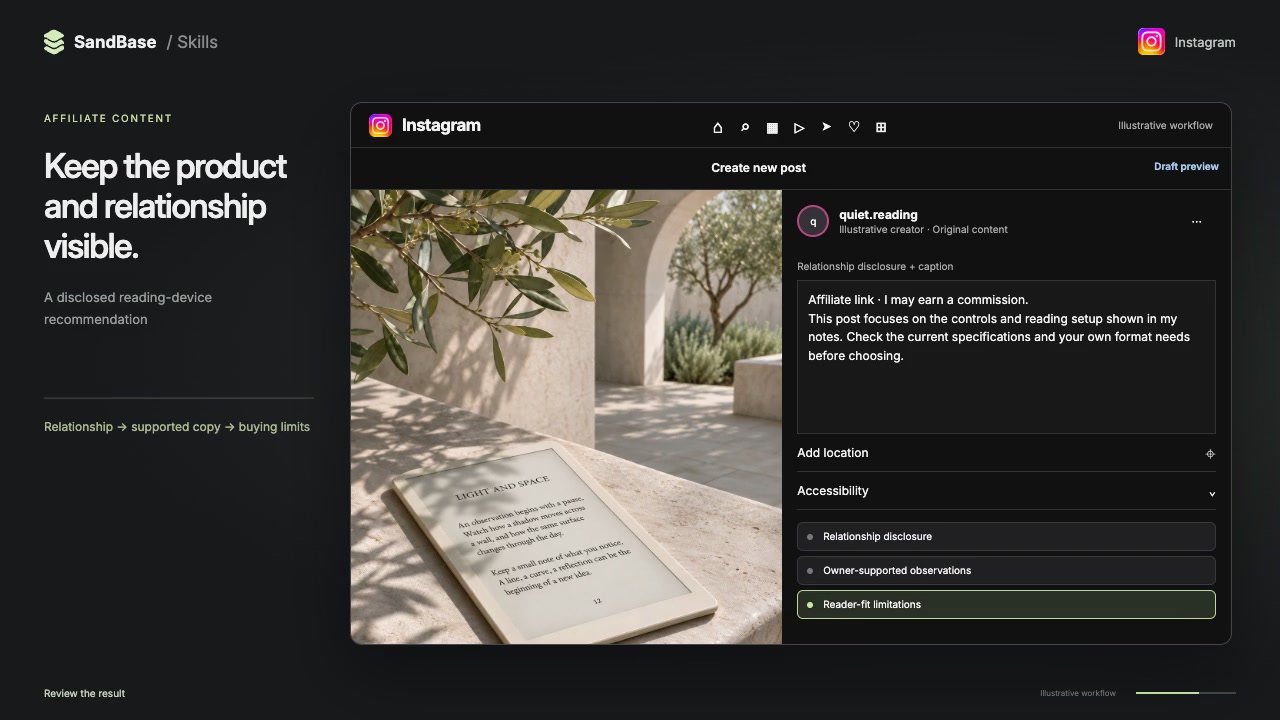
Instagram Affiliate Content
Write useful affiliate content without inventing personal experience.
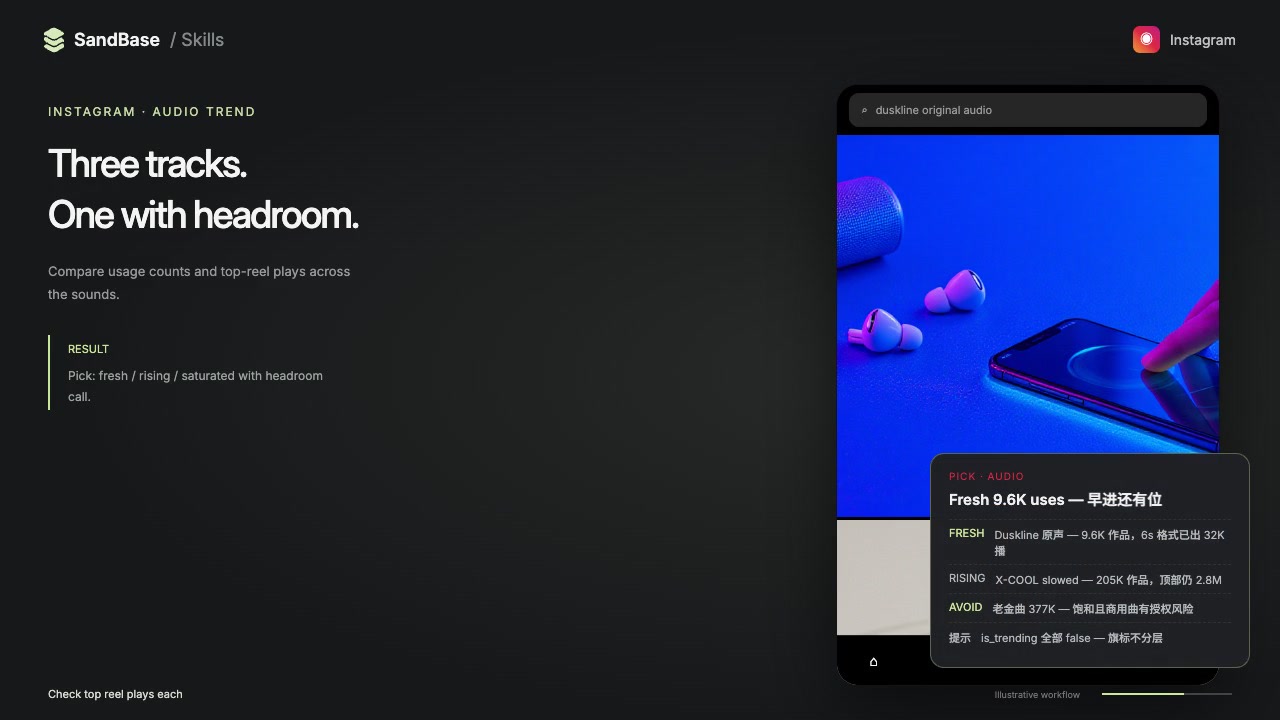
Instagram Audio Trend
Check how Instagram audios are actually being used — how many Reels each carries, whether Instagram flags it trending and what the top Reels look like — sorted into fresh, rising and saturated.
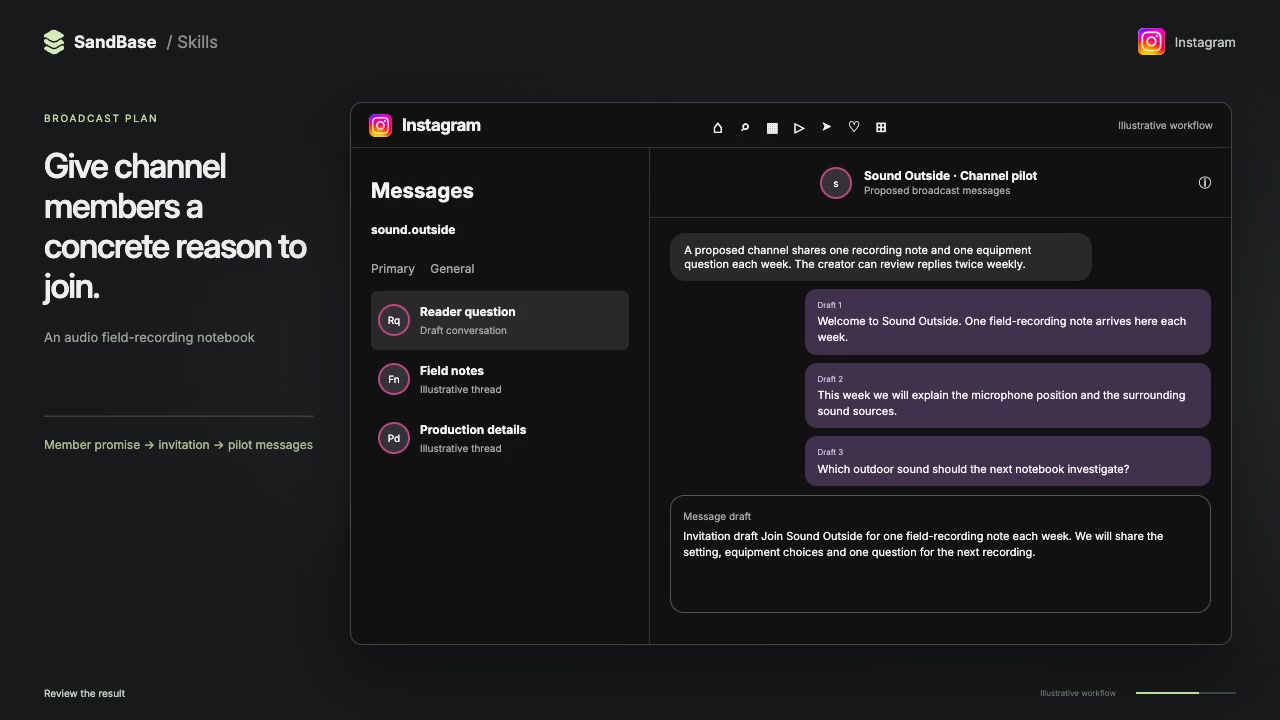
Instagram Broadcast Plan
Prepare a voluntary channel pilot with clear purpose and exact messages.