
Radiograph Reel: Bumble Ledger
- Skill de Lab
- v0.1.0
- Motion
A specimen film reel: procedural bees, flowers and a wax comb glow as X-ray density, print in five switchable film styles with tracking labels, and a swarm morphs between formations.
Ejemplo
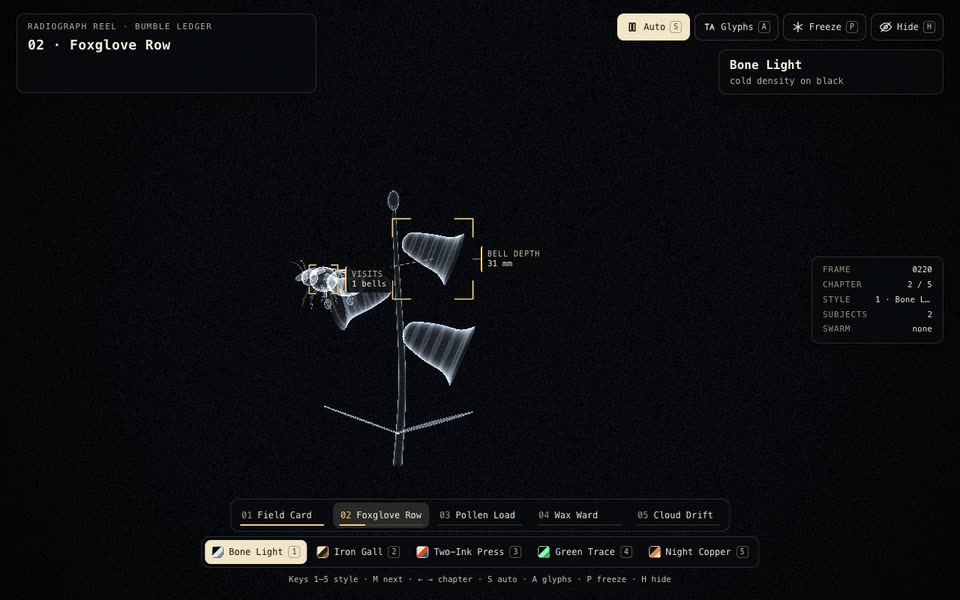
Radiograph Reel interactive specimen film reel
El ejemplo se ejecuta en un marco aislado, sin acceso a esta página.
Ejecutar en línea
Ejecuta en un sandbox de SandBase y consulta los resultados en Lab.
Abrir en Lab ↗Qué obtienes
Bring specimens, chapters and optional film styles and palette. The Skill returns a downloadable Skill, an interactive demo and an example video.
Cómo funciona
- 01
Fill the reel slots
Radiograph Reel fills a prompt with node scripts/fill-prompt.mjs --slots assets/prompts/examples/bumble-ledger.json --out prompt.md, then copies the project with node scripts/new-project.mjs --out my-reel. Bumble Ledger has five chapters: a bumblebee over clover, foxglove bells, the pollen basket, a wax comb with workers and a swarm morphing from sphere to helix to clover.
- 02
Compose specimens in reel.json
src/reel.json holds the title, film styles, specimens, chapters with camera, subjects, motion, trackers and style schedule, and the swarm. src/specimens.mjs builds geometry from eight seeded primitives: ellipsoid, lathe, tube, membrane, fan, spiral, hexgrid and burr. src/world.ts renders an additive Fresnel density pass, then one film pass with paper, two inks, halftone, scanlines and grain.
- 03
Build and verify the reel
npm run build:single writes one silent offline HTML, and npm run shoot -- --file dist-single/index.html checks it with Node 22.4 or newer and Chrome. Release 0.1.0 recorded 5 chapters, 5 film styles, 6 specimens, 900 swarm members on high and 300 on low, an 840 frame loop and deterministic capture, and passed eight interactions including glyph mode, freeze and hide.
Preguntas frecuentes
What does Radiograph Reel show?
Radiograph Reel shows procedural specimens glowing as X-ray density, printed in one of five switchable film styles, with tracking brackets and scrambling labels following named parts. Autoplay walks the chapters and switches style in each one, and that loop doubles as the cover film.
What are the Radiograph Reel controls?
Radiograph Reel picks a film style with keys 1 to 5 or M for the next, jumps chapters with the arrows, toggles autoplay with S, prints the frame as characters with A, freezes motion with P and hides the interface with H. Each has a matching button, and phones get one style chip that steps through them.
Can Radiograph Reel film other subjects?
Yes. Radiograph Reel reads any validated reel.json, so the bundled Tide Drawer example, a marine reel in three chapters with four other styles, runs without code changes. Each chapter needs a camera, subjects and a style schedule with at least one switch.
Are Radiograph Reel specimens anatomically accurate?
No. Radiograph Reel specimens are illustrations, not anatomy, and its readouts are authored numbers rather than measurements.
Does Radiograph Reel need credentials or paid calls?
No. Radiograph Reel needs no credentials, paid calls or uploads, and the Skill calls no model. A coding agent may use its own authorised model to edit the project, which is separate from the scene. Invalid reel data fails with stable reel_ codes.
Why is the Radiograph Reel loop capped?
Radiograph Reel limits a loop to 29 seconds because the cover recorder takes up to 900 frames at 30 fps, and validation rejects longer loops with reel_timeline. Time runs in fixed 1/60 second ticks, so autoplay is a pure function of loop time.
Is Radiograph Reel accessible?
Radiograph Reel is designed toward WCAG 2.2 AA: every control is a focusable button with a visible focus ring, a localized label and a key, and chapter and style changes are announced politely. Reduced motion starts with autoplay off and unscrambled labels. Full conformance needs assistive-technology testing and expert review.
Más Skills
Todos los Skills de Motion →
Image Blaster
Turn one frozen moment into a camera-orbit concept video.
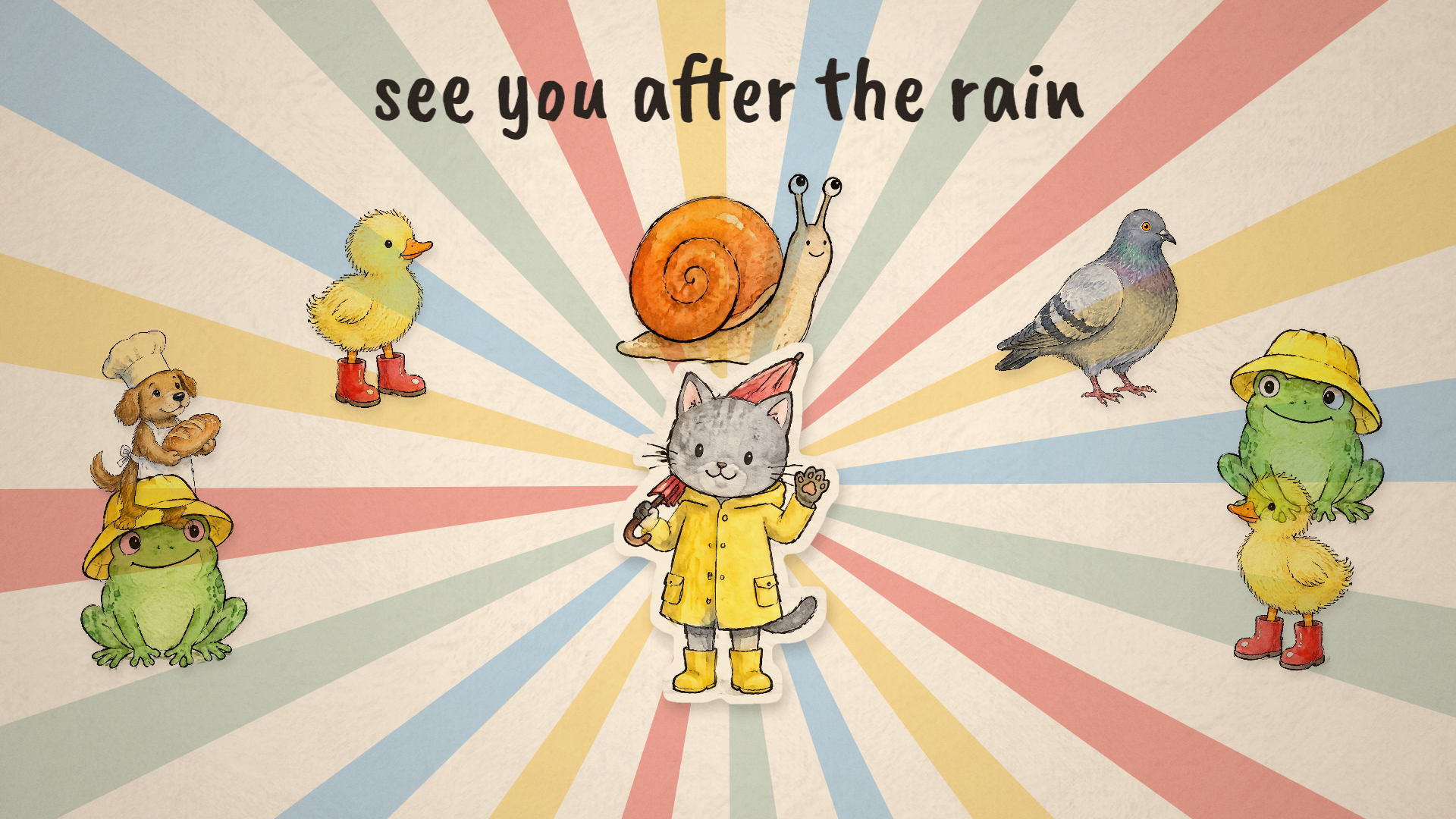
Sketchbook Film
Bring photographed sketchbook drawings to life as a short film with cut-out characters, ink lettering and a score.
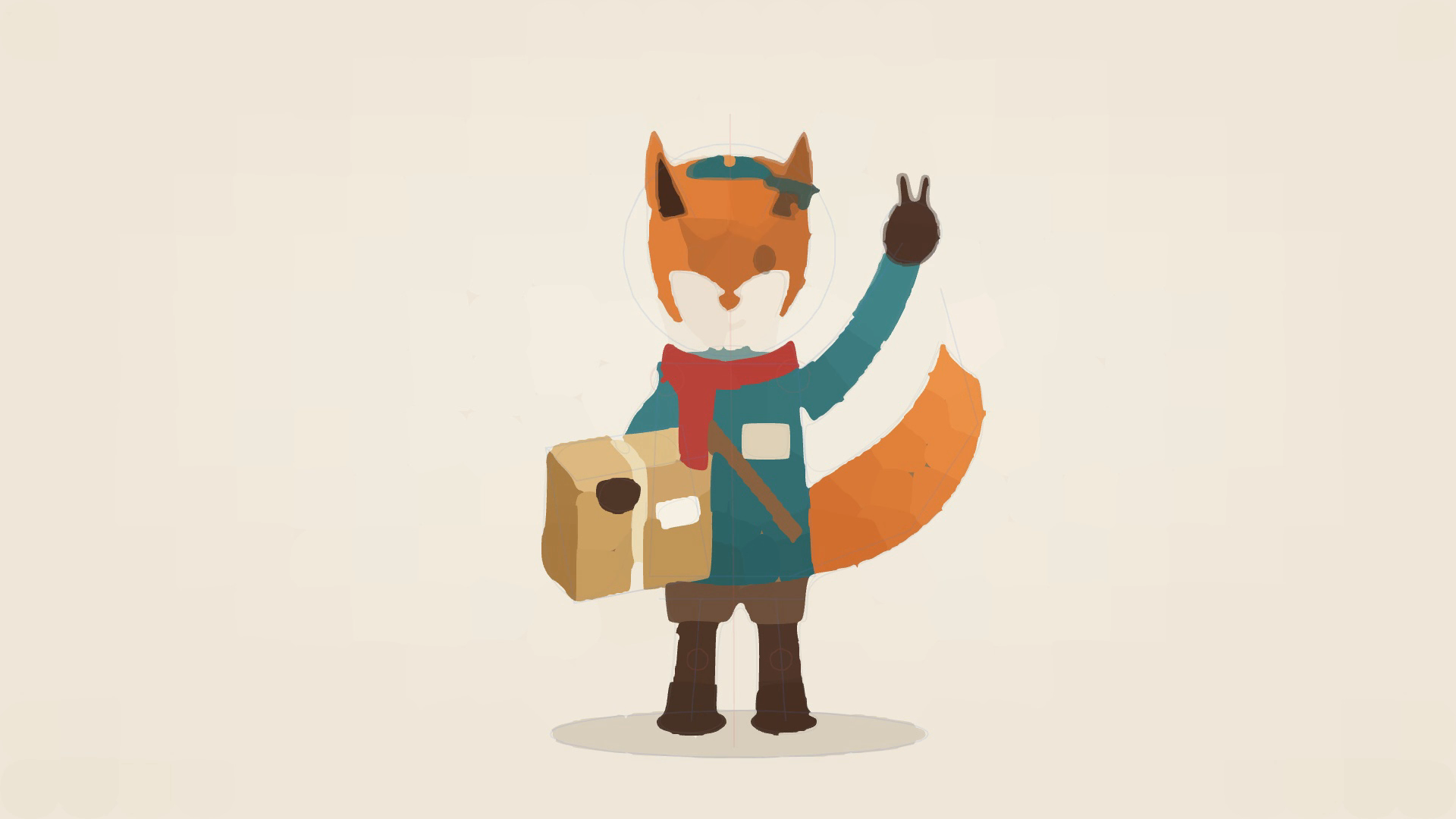
SVG Paint Stages
Show a picture being painted: construction marks, contours, flat colour and finer patches, as a layered SVG and a short film.
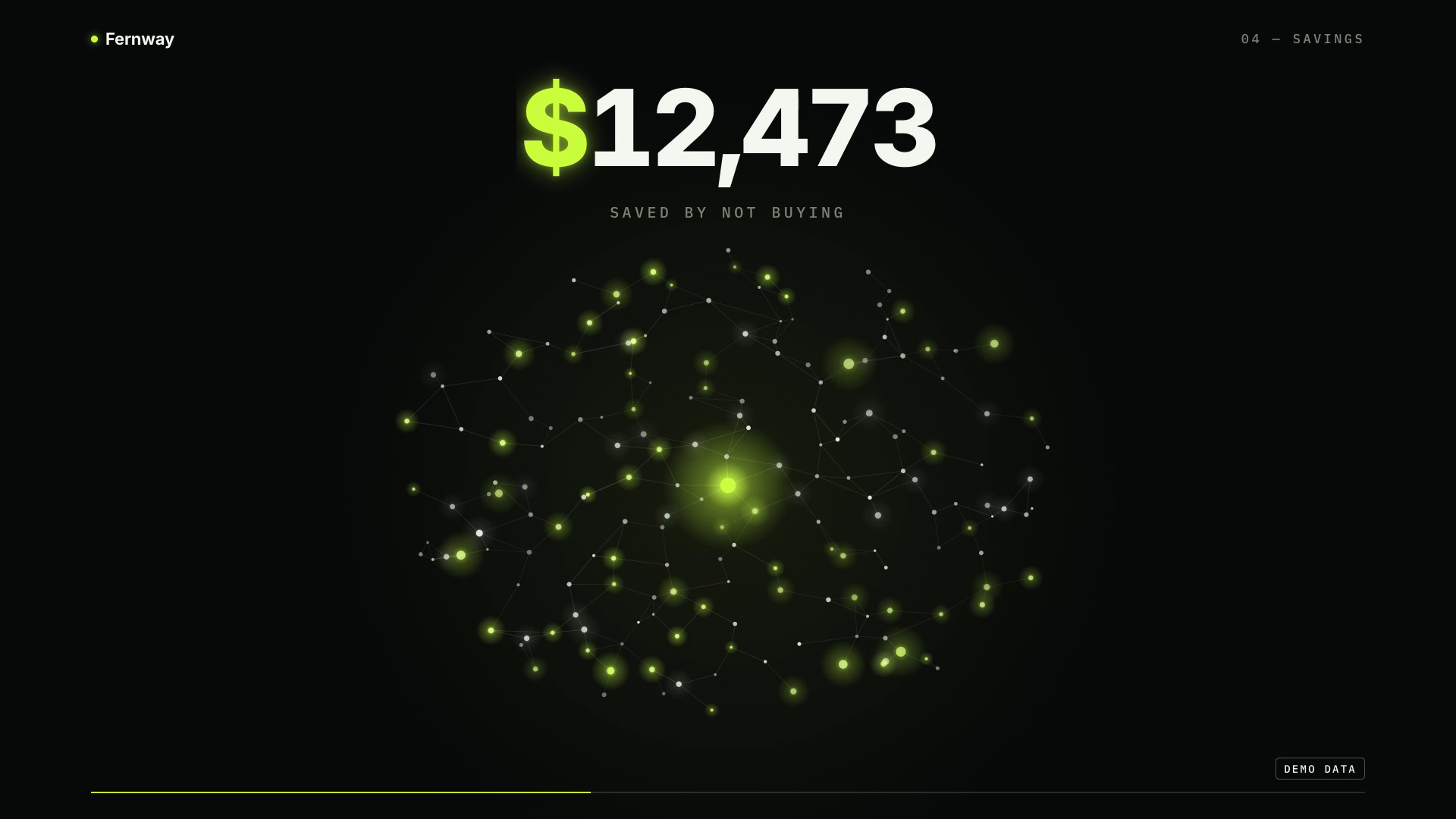
Network Tally
Tell a growth story with real numbers: one node network grows with each counter, flashes, dims behind a spike chart and closes on an end card.
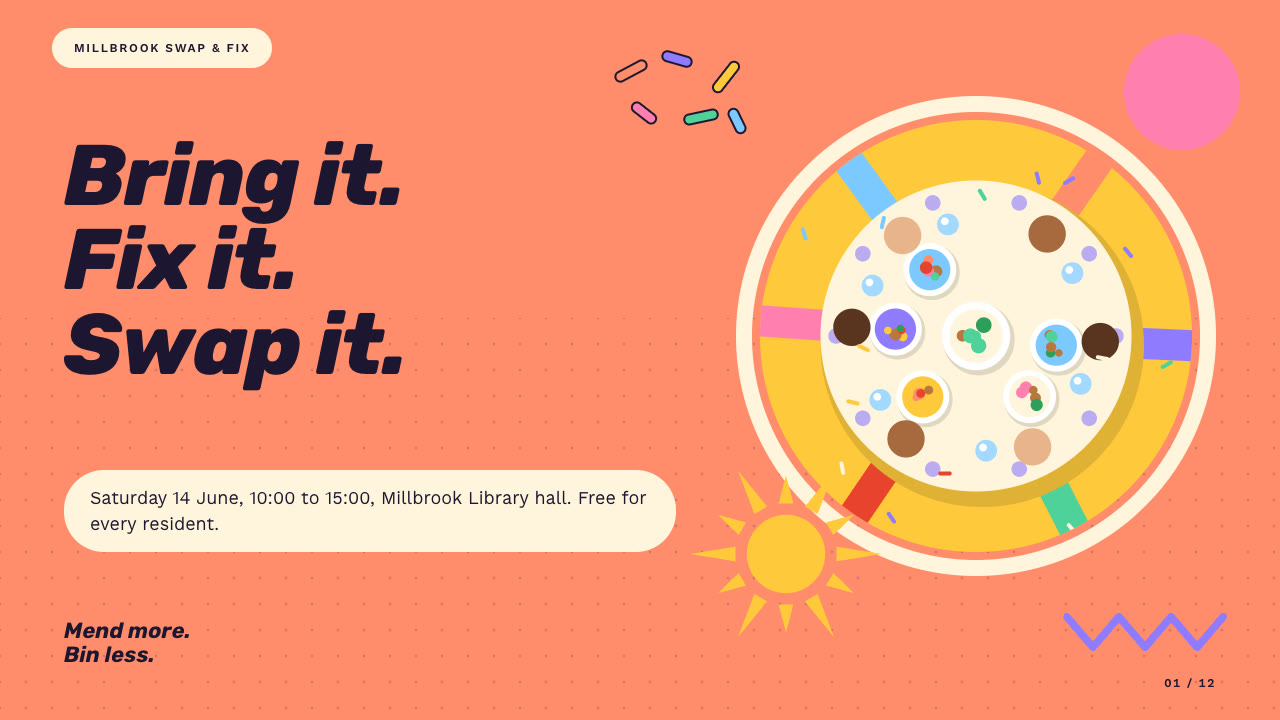
Festival Grid Slides
Invite people to a fair, open day or club season, or pitch one, in a bright festival deck: whole-page colour fields with a fine dot grid, heavy slanted headlines, cream cards and tickets, round pictures, and suns, rosettes, rings, bunting and sprinkles.
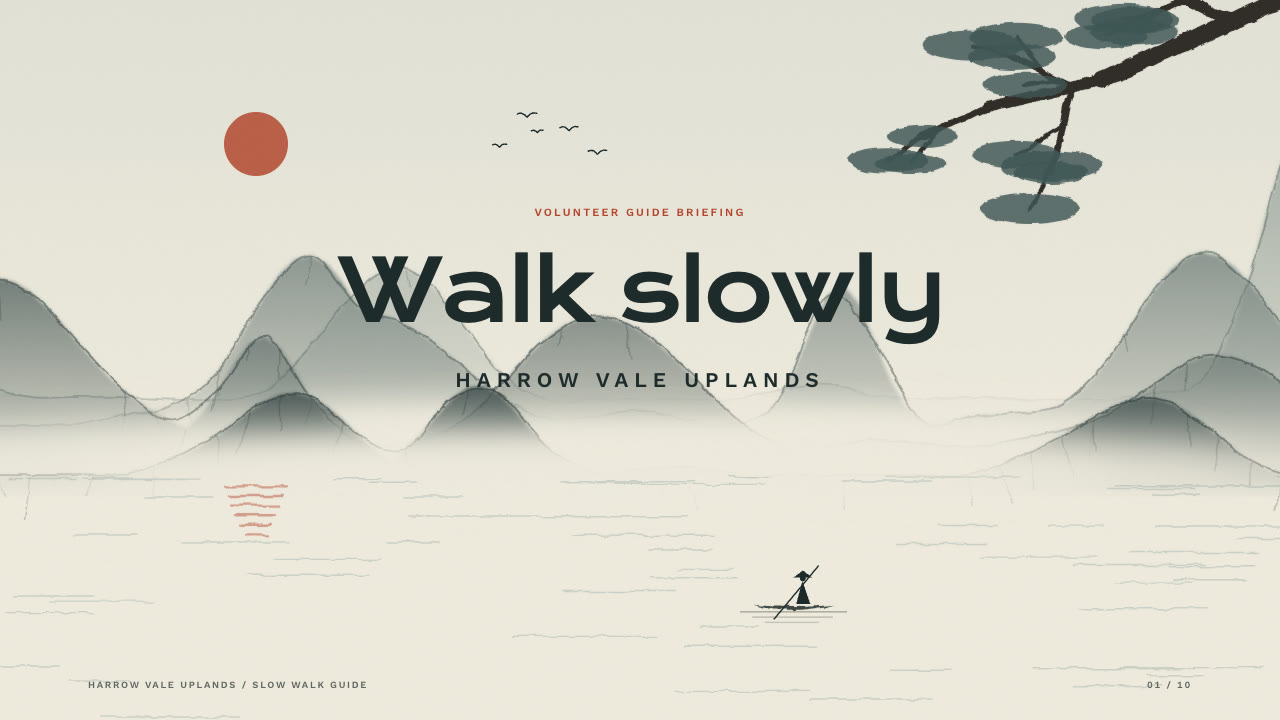
Wash Scroll Slides
Present a place, a walk, a craft or a cultural programme in an ink-wash idiom: pale layered landscapes alternate with quiet paper pages, a hanging-scroll contents page, a seal-red map with native pins, a sparse timeline, oversized counts and fine gold linework.