
Conversation Thread
- Skill de Lab
- v1.0.2
- Product marketing
Create editable films in which a continuous conversation becomes a verified set of local output files.
Ejemplos · 2
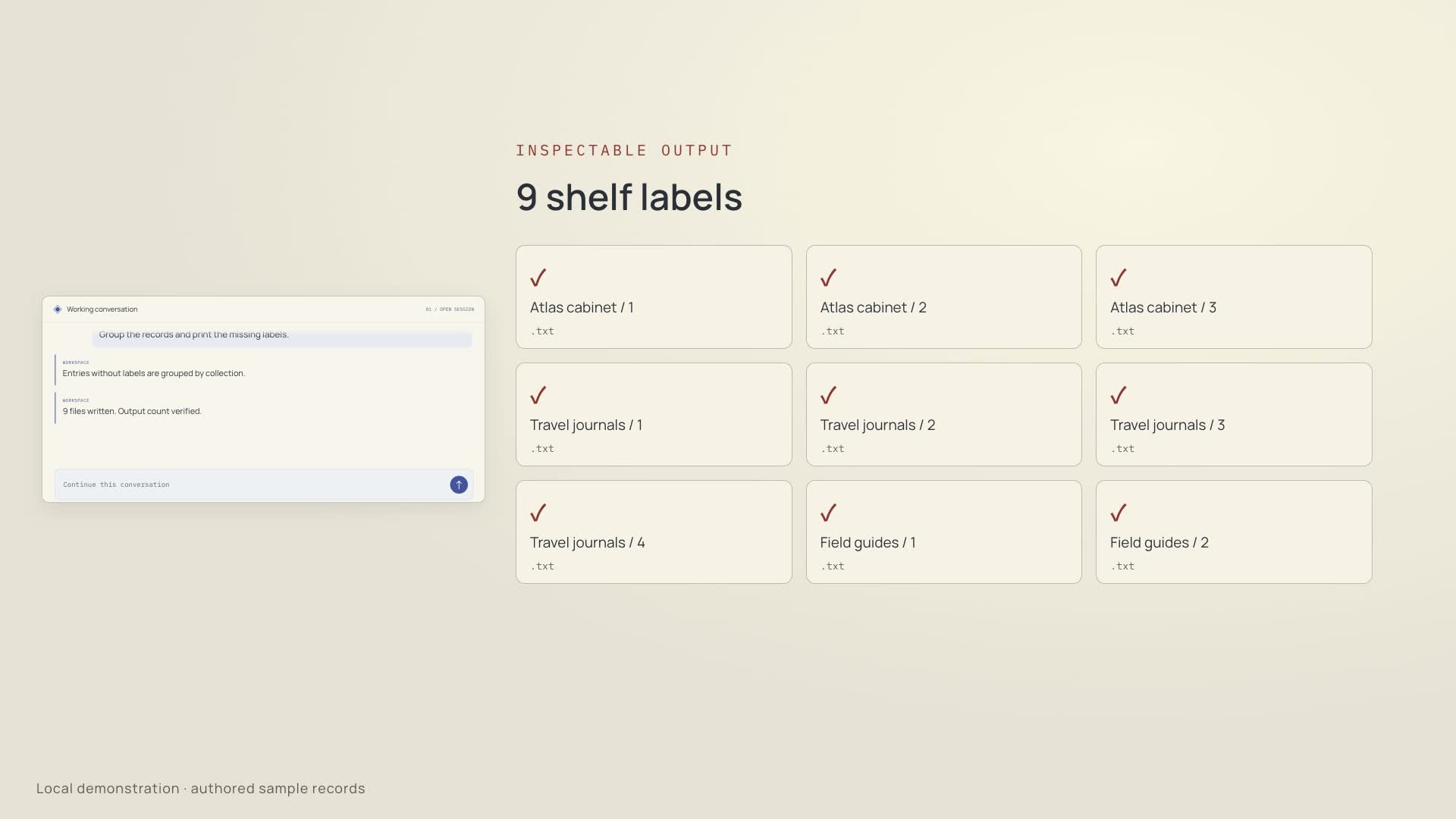
Ejecutar online
Ejecuta el ejemplo de Conversation Thread en un Sandbox de SandBase y mira el resultado aquí mismo.
Qué obtienes
Bring explore two recorded examples. The Skill returns two films, measured scope reports and retained material notices.
Cómo funciona
- 01
Write the conversation brief
Conversation Thread reads a brief with brand, language, heading, question, request, bridge, response, closing, disclosure, unit, two hex colours, three groups, four operation labels and 1 to 15 records. Each record has a unique safe id, title, group and a ready boolean. Keep English prompts under 75 characters, and make the disclosure say that the demonstration is a demonstration.
- 02
Build, score and run tools
Conversation Thread needs Node 22+, Python 3, FFmpeg and a Chromium that HyperFrames supports. After npm install --ignore-scripts, run node build.mjs /absolute/brief.json /absolute/new-output, then python3 score.py /absolute/new-output. The local tool reads the records, finds unfinished entries, groups them, writes one text file per entry and checks the count. score.py synthesizes the chord sequence and cues into a mixed WAV.
- 03
Render and confirm the count
Run npx hyperframes lint and check, then render with --fps 30 --quality high --workers 1 to film.mp4. The demos run 34 seconds at 1920 by 1080 with audio. Read operation-evidence.json before presenting any result count. Inspect scene boundaries at 4, 6.1, 10.7, 14.6, 17.7, 19.5, 25.6, 27 and 31 seconds, and decode the full MP4.
Preguntas frecuentes
What does Conversation Thread show on screen?
Conversation Thread shows one chat window and composer that stay visible while requests accumulate, operations branch into three groups and finished text artifacts appear. The Archive Loom and Seed Parcel demos each run 34 seconds. The neutral interface represents a local workspace.
Are the Conversation Thread results real?
Yes. Conversation Thread runs a real local tool that reads your records, groups the unfinished ones, writes one text file per entry and checks the output count, recording the evidence in operation-evidence.json. It does not connect to remote applications, measure external service speed or run arbitrary pipelines.
Does Conversation Thread include narration?
No. Conversation Thread has no narration or speech recognition. Its audio is a synthesized music bed: edit score.py to change the original chord sequence and cue positions, then rerun it to regenerate the mixed WAV. Record separately whether anyone actually listened to the mix.
Does Conversation Thread charge for a film?
No. Conversation Thread builds, scores and renders on your machine with Node, Python, FFmpeg and Chromium, and no step calls a model, so there is no usage charge. Fonts and GSAP install from pinned packages, and generated projects keep their licence notices.
Can Conversation Thread take my own data?
Yes. Conversation Thread accepts 1 to 15 records of authored sample data or data you are permitted to publish. Choose substantially different content for each new film, and use a new output directory every time. Keep data, result files and encoded films outside the generic package.
Más Skills
Todos los Skills de Product marketing →
Pixel Story
Turn a product brief into a pixel film with clear actions, scene traversal and a memorable payoff.
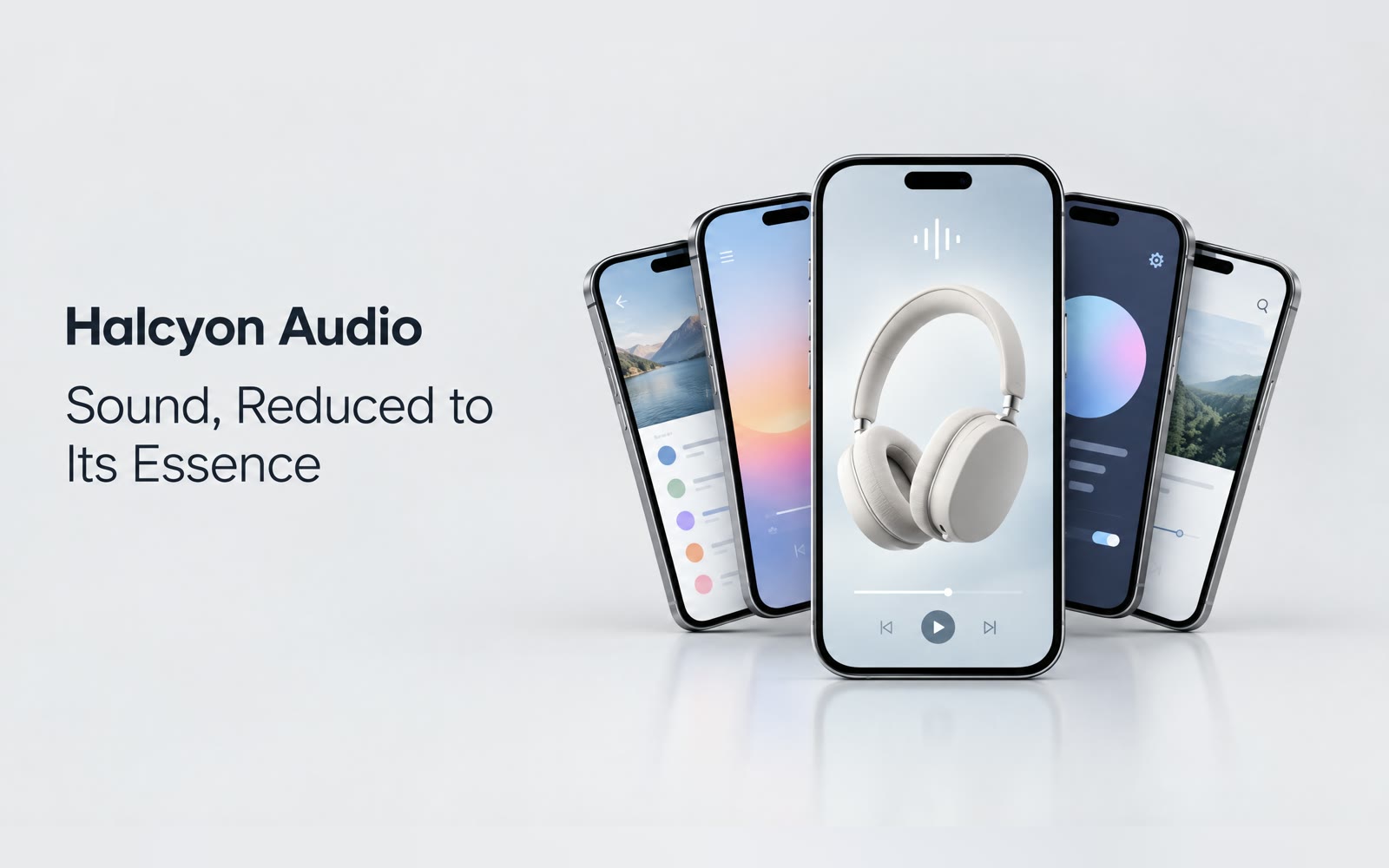
Device fan
Turn a brand, one headline and context into a calm device-showcase card.
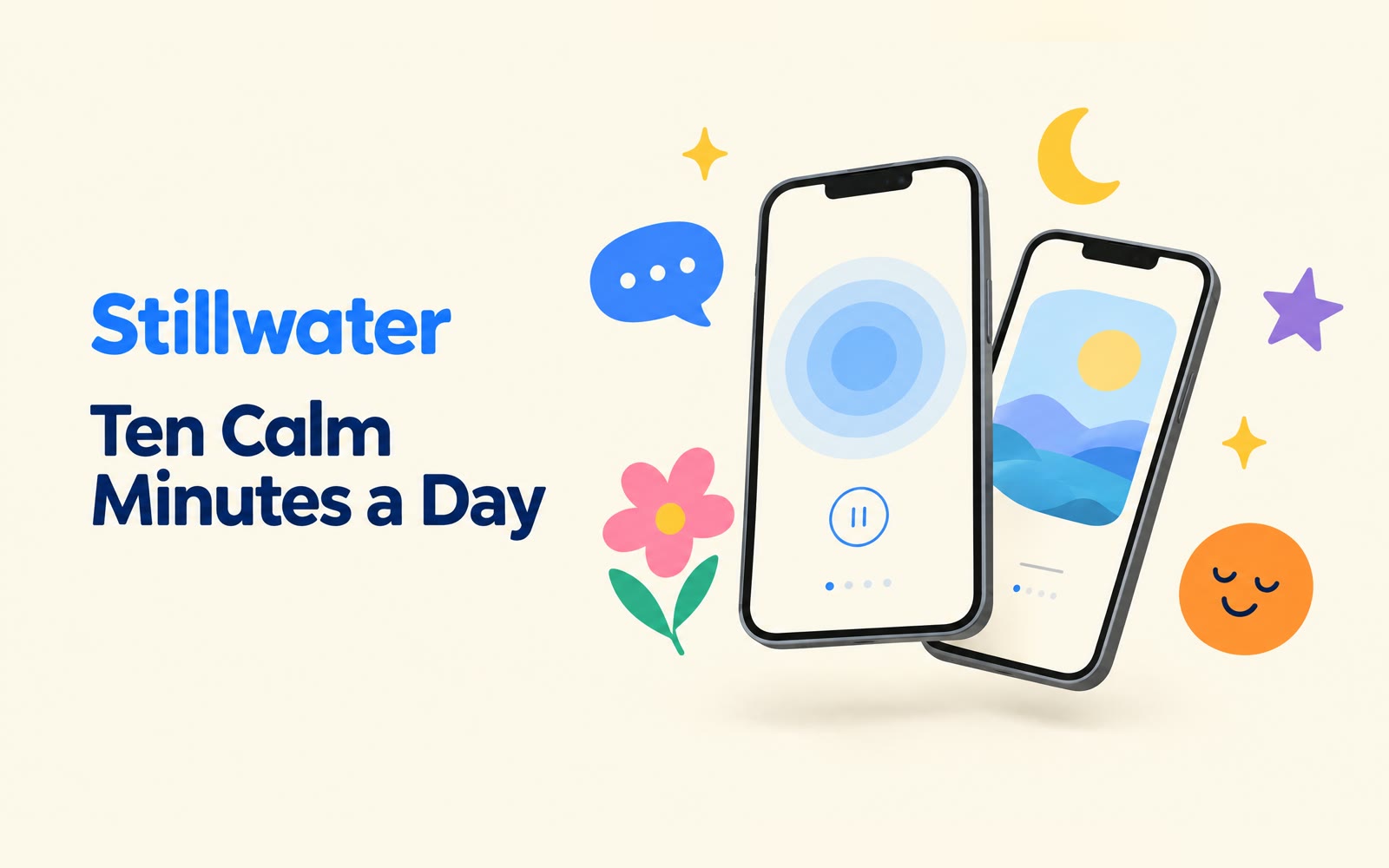
Floating phones
Turn a brand, one headline and context into a warm-ivory card with floating phone screens and playful, friendly doodles.
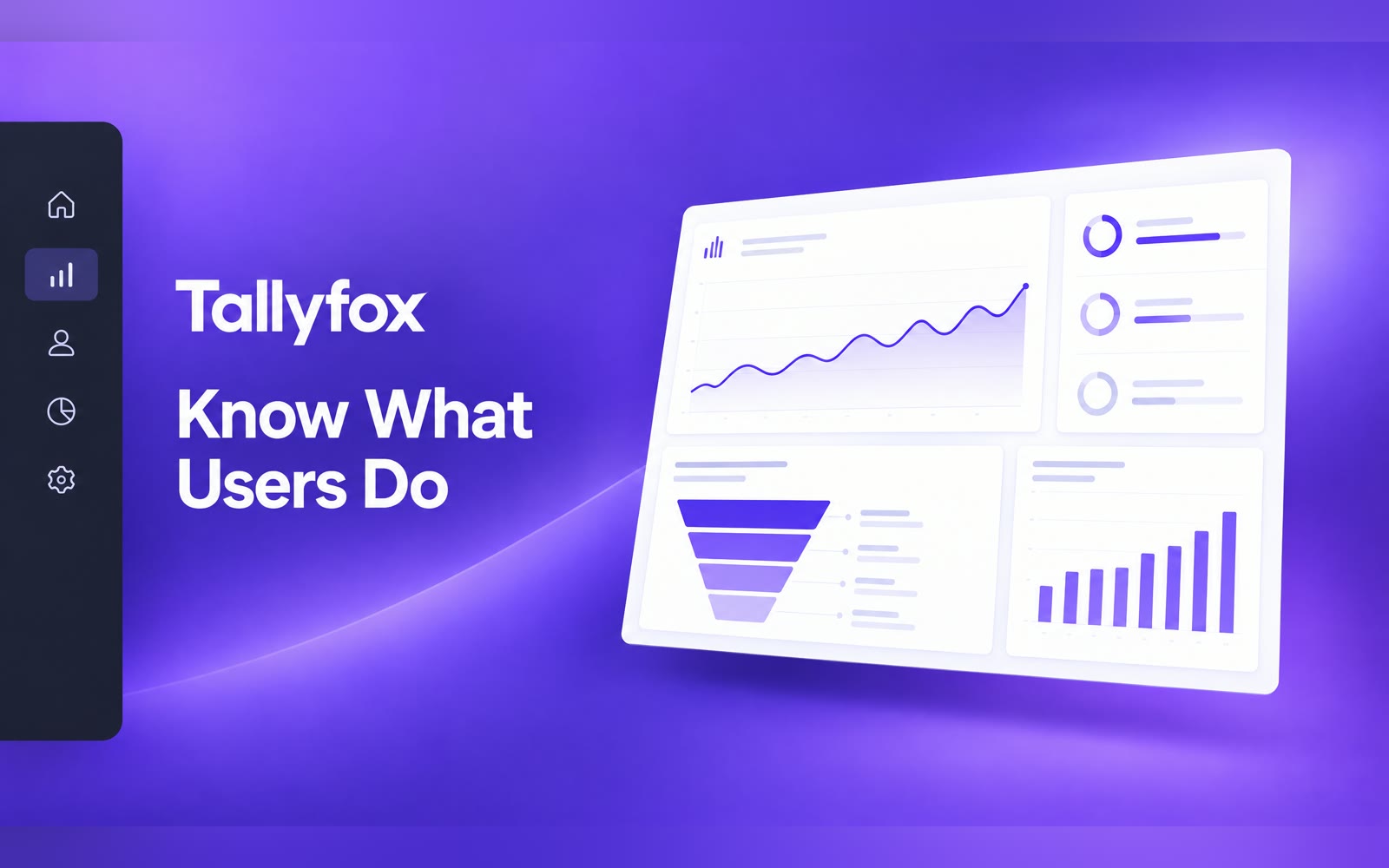
Floating analytics dashboard
Turn a brand, one headline and context into a split-column card: a narrow charcoal brand column anchoring a large white analytics dashboard that floats across a vivid violet gradient field.
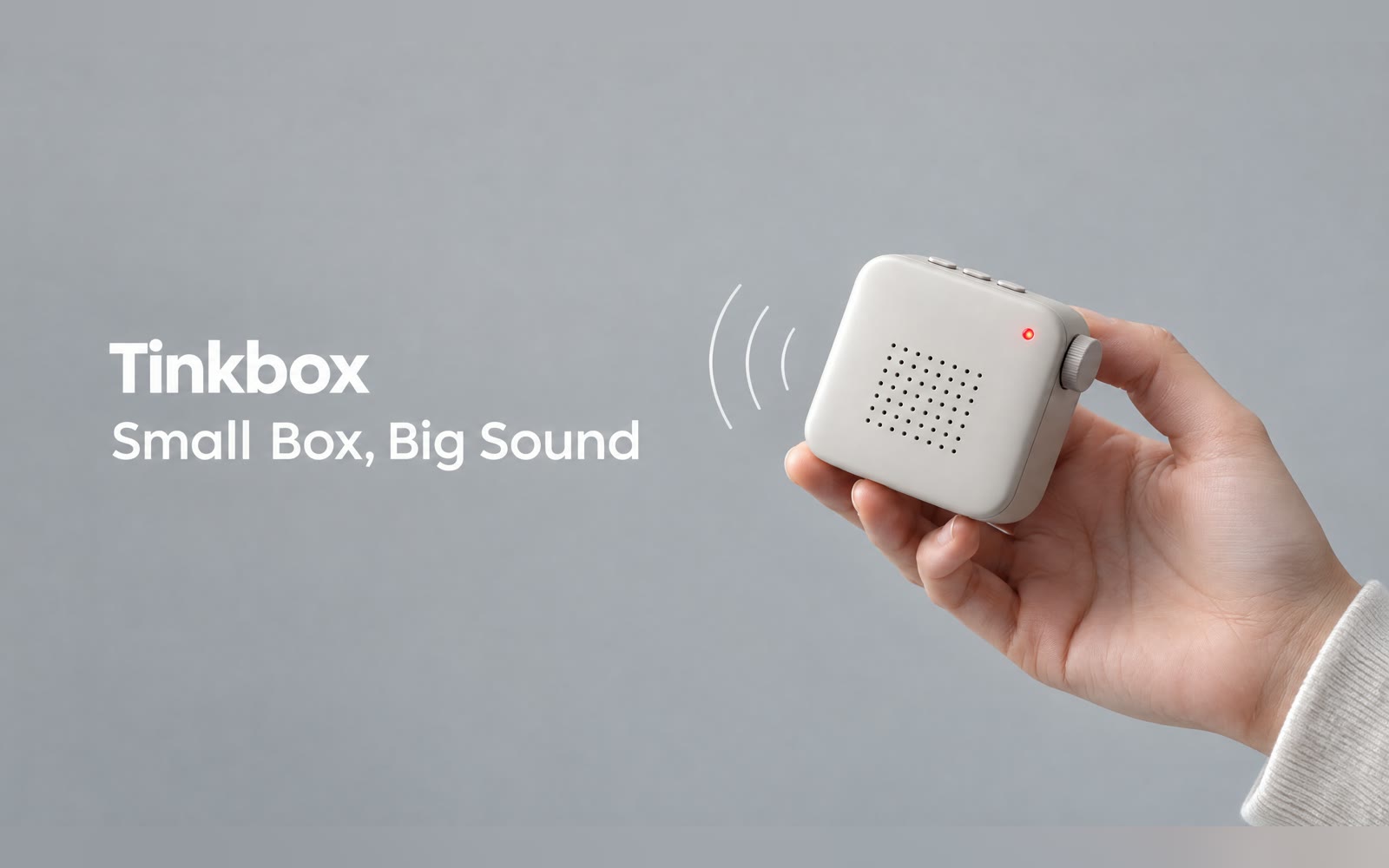
Minimal handheld product
Turn a brand, one headline and context into a high-key studio card: a softly lit hand holding an original compact pale device against a seamless gray background, with broad empty space and a tiny red light as the only accent.
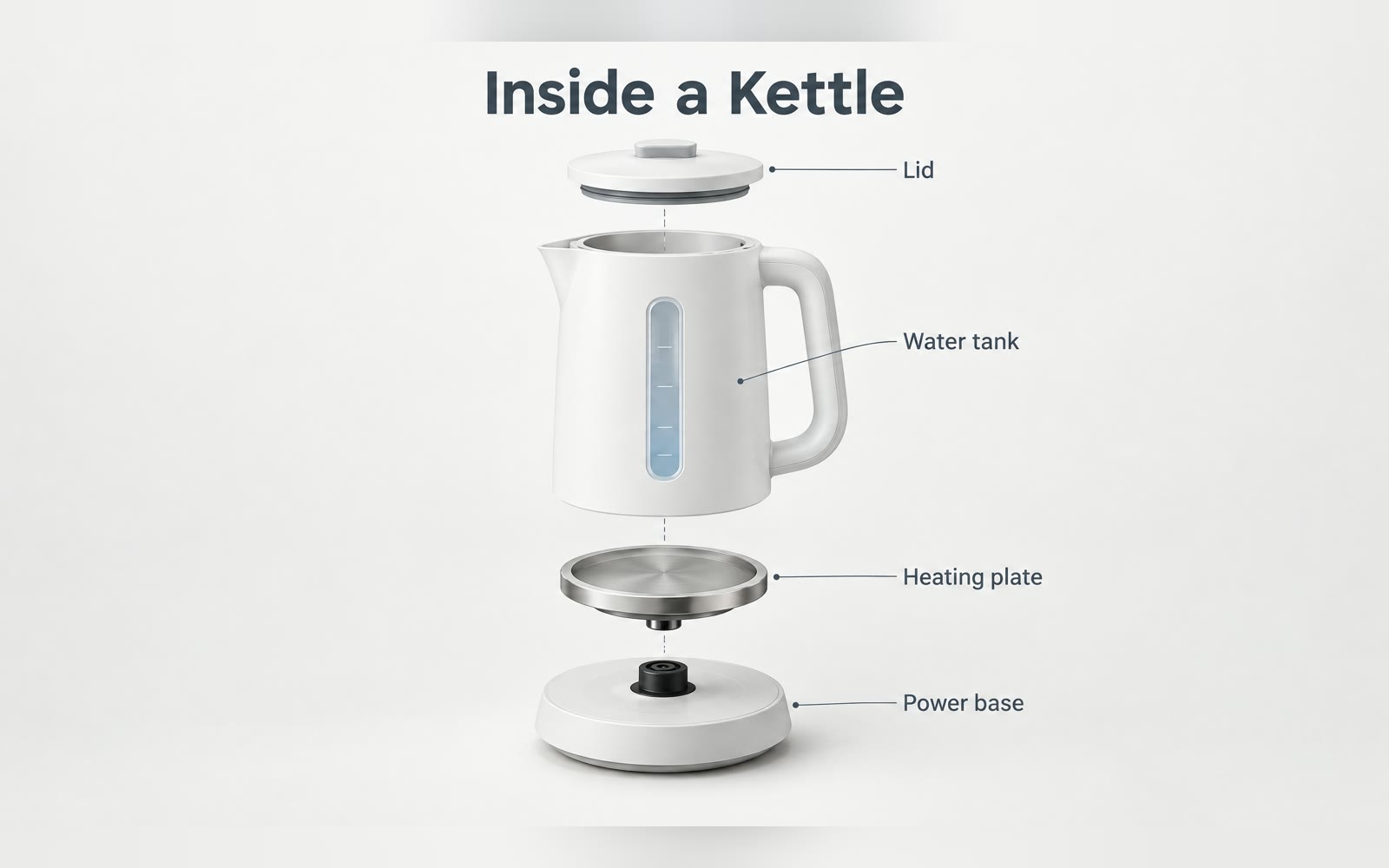
Appliance exploded poster
Turn a household appliance into a polished 16:9 exploded-view poster: part groups separated along one axis, with a title and three to five exact labels.