
Deepframe Company Slides
- Skill de Lab
- v1.0.2
- Business reporting
Present a company, practice or member organisation calmly: white pages, offset colour blocks behind pictures, service cards, ring figures, value bars and a portrait row.
Ejemplos · 2

Qué obtienes
Bring a brief with the company, the audience, what the deck should lead to and the facts and figures you can stand behind. The Skill returns one offline HTML deck that edits in the browser and exports editable PowerPoint.
Cómo funciona
- 01
Outline the company overview
Deepframe Company Slides asks for the company, audience, what the deck should lead to, the figures you stand behind, page count, language and pictures. It never invents clients, awards, quotes or results. The Agent gives each page one job from eleven layouts, opening, profile, mission, services, rings, method, commitments, ledger table, timeline, people and contact, with no fixed sequence.
- 02
Draw architecture and set bars
Deepframe Company Slides uses your pictures first, or describes them in pictures.json and runs python3 scripts/deepframe-scenes.py pictures.json --out art/ to draw façades, towers, interiors, bridges, aerial blocks, plans and faceless portrait figures. Each bN-fill width is a percentage of the largest value, which sits at 80 to 92 percent, with the real value in bN-v. kit.py compose writes deck.json.
- 03
Build and check offset blocks
Deepframe Company Slides builds with the Python 3 standard library: make-deck.py writes presentation.html and verify-deck.py checks it with --pages N. In a browser the Agent checks headline wraps, figures inside their rings, bar labels, table rows, picture crops, offset blocks and the folio, then tries Edit, Save and Present. verify-pptx.py checks any PowerPoint export.
Preguntas frecuentes
What does Deepframe Company Slides look like?
Deepframe Company Slides uses white pages framed by solid colour blocks that sit offset behind pictures, a half-page colour panel with two headline figures, service cards across a colour band, ring figures, value bars, a ruled table, a milestone line and a portrait row. One deep colour carries the deck, with a 4 px corner radius on pictures and cards.
Who uses Deepframe Company Slides?
Deepframe Company Slides suits studios, consultancies, contractors, service firms and member organisations making company profiles, practice overviews, partner and client briefings, annual reviews and onboarding decks. It does not suit loud sales pitches. The demos are a structural engineering studio's partner overview and a land trust's volunteer induction.
Does Deepframe Company Slides use a paid image service?
No. Deepframe Company Slides draws its architectural illustrations with deepframe-scenes.py on your machine and calls no model, so a deck carries no usage charge. The generator refuses identical pictures and does not make photographs.
Can I add table rows in Deepframe Company Slides?
Yes. Deepframe Company Slides tables start with the sample's four columns and three body rows, and you add or remove rows and columns in deck.json or in the editor. Five or more body rows switch to tighter rows, and about seven one-line rows fill the page.
Which bar is highlighted in Deepframe Company Slides?
The first one. Deepframe Company Slides always highlights the first bar, so order bars with the one you stress first. A page holds at most 3 bars, cards, rings or steps and 4 milestones.
Which fonts does Deepframe Company Slides use?
Deepframe Company Slides sets headlines and figures in Source Serif 4 SemiBold, sentence case, and text and labels in Work Sans, both under the SIL Open Font License. Install both for exact PowerPoint wrapping. The embedded fonts cover Latin letters, digits and common punctuation; CJK falls back to the system face.
Más Skills
Todos los Skills de Business reporting →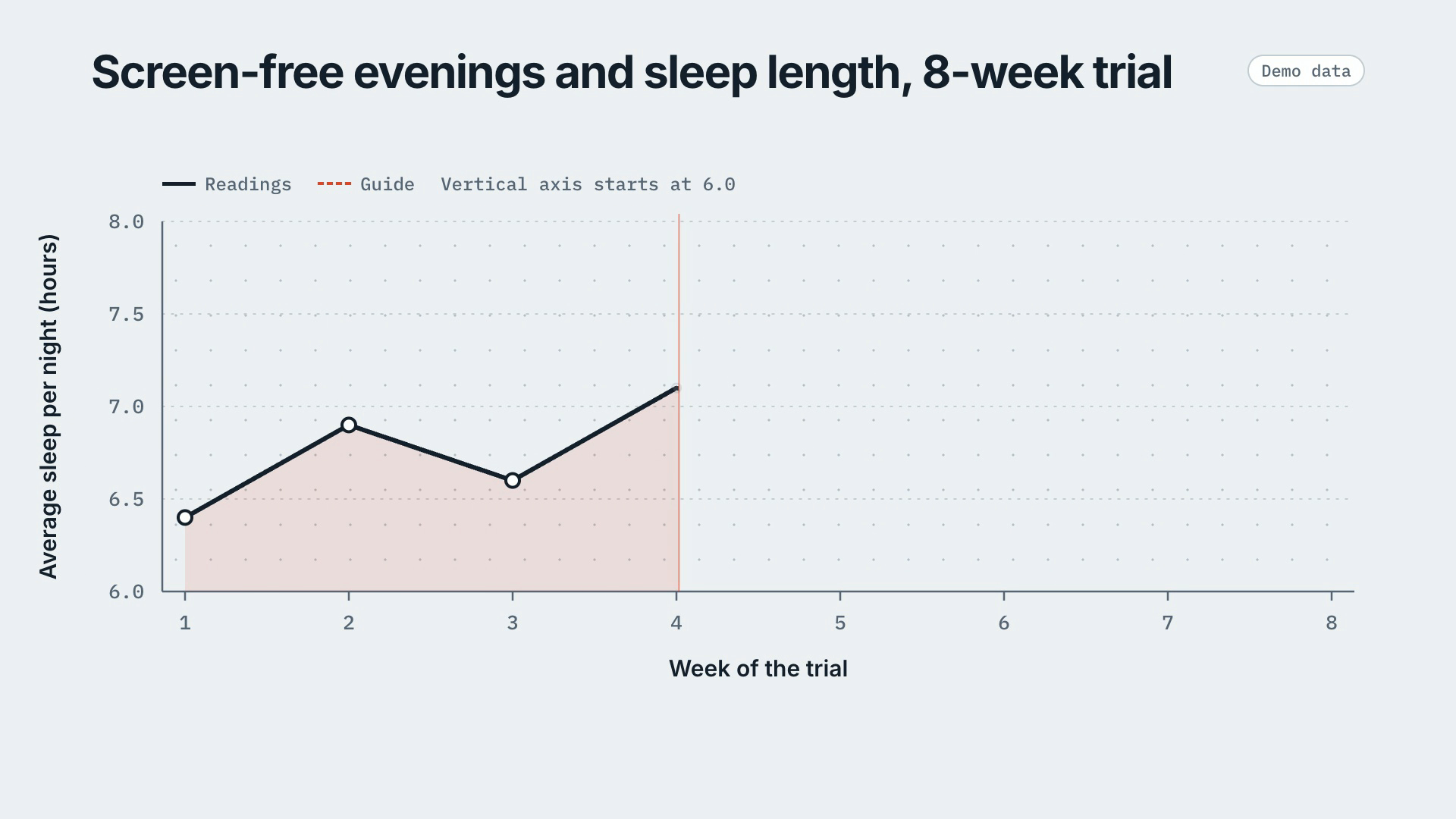
Trend Line
Reveal measured readings, a separate dashed guide and a final takeaway on an editable chart.

Advisory Thread Slides
Argue one recommendation to a committee or board with action titles, a storyline tracker, evidence charts and a bounded decision ask.
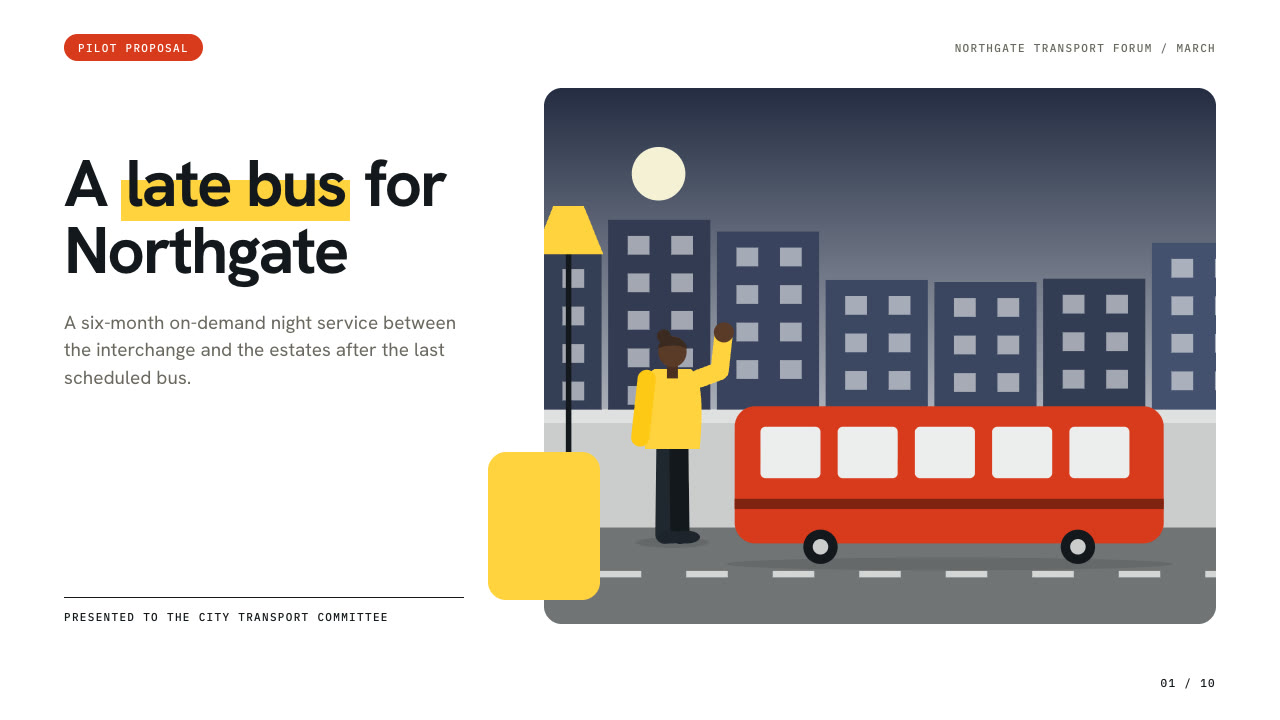
Civic Bars Slides
Make the case for a public or community service decision with picture cards, thin bar charts, stat tiles and a clear ask.
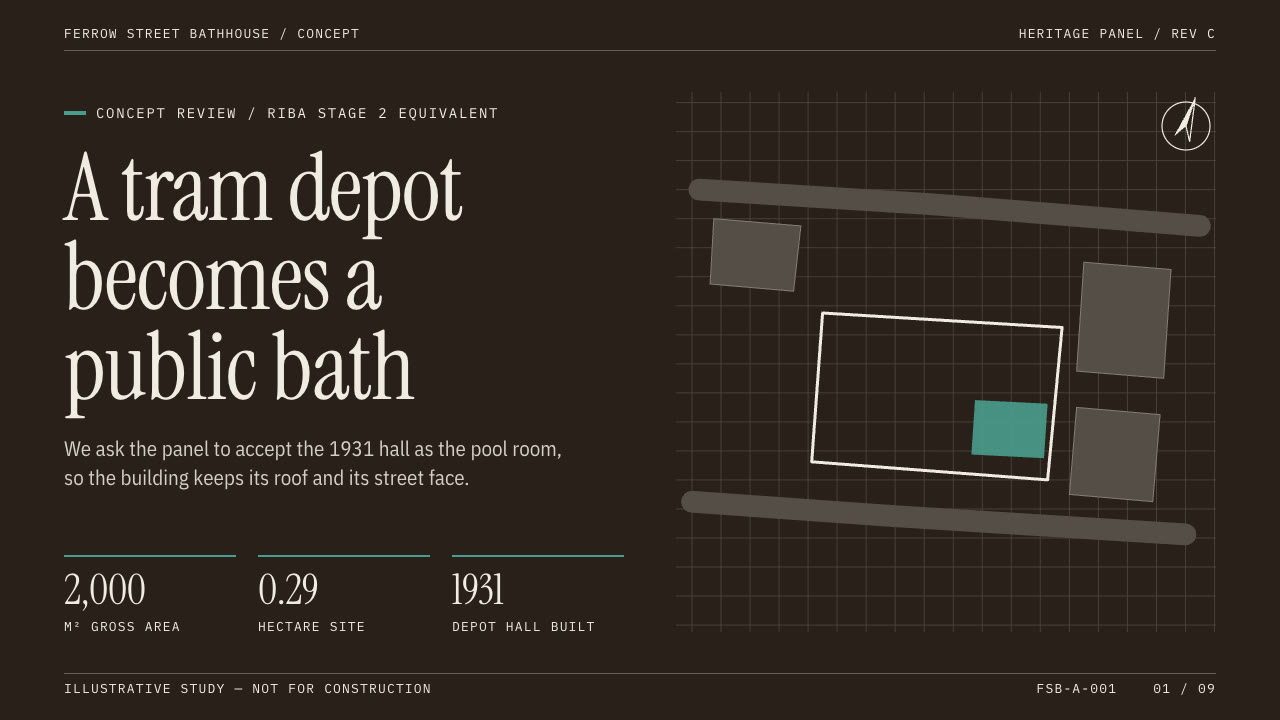
Site Sequence Slides
Take an architecture or site-design proposal to a review panel like a drawing sheet: site, massing, plan and section, program, phasing and one clear decision.
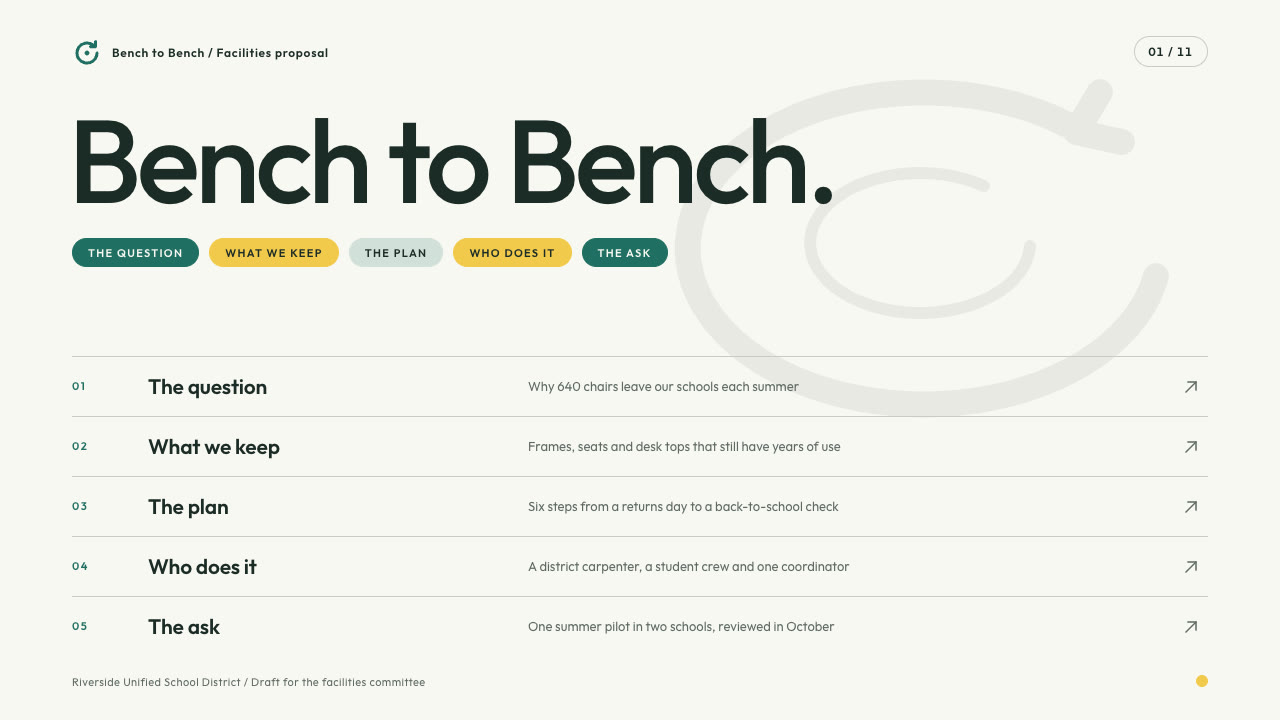
Circular Module Slides
Propose a repair, reuse or take-back step in a light modular deck: rounded cards and pill capsules, an open-ring motif, notched principle cards, a six-step grid and a capsule bar chart.

Frosted Venture Slides
Ask for a round, a grant or a budget with a frosted-glass pitch deck: translucent glass slabs on deep night pages, airy light pages, rounded picture windows, one accent card per page, a native bar-chart card, a use-of-funds table and a stepped roadmap.