
Warm editorial style kit
- Skill de Lab
- v0.2.0
- Web design
Restyle a site, or build a new one, in a warm editorial style: paper canvas, serif headlines, ink buttons and hairline cards.
Ejemplo
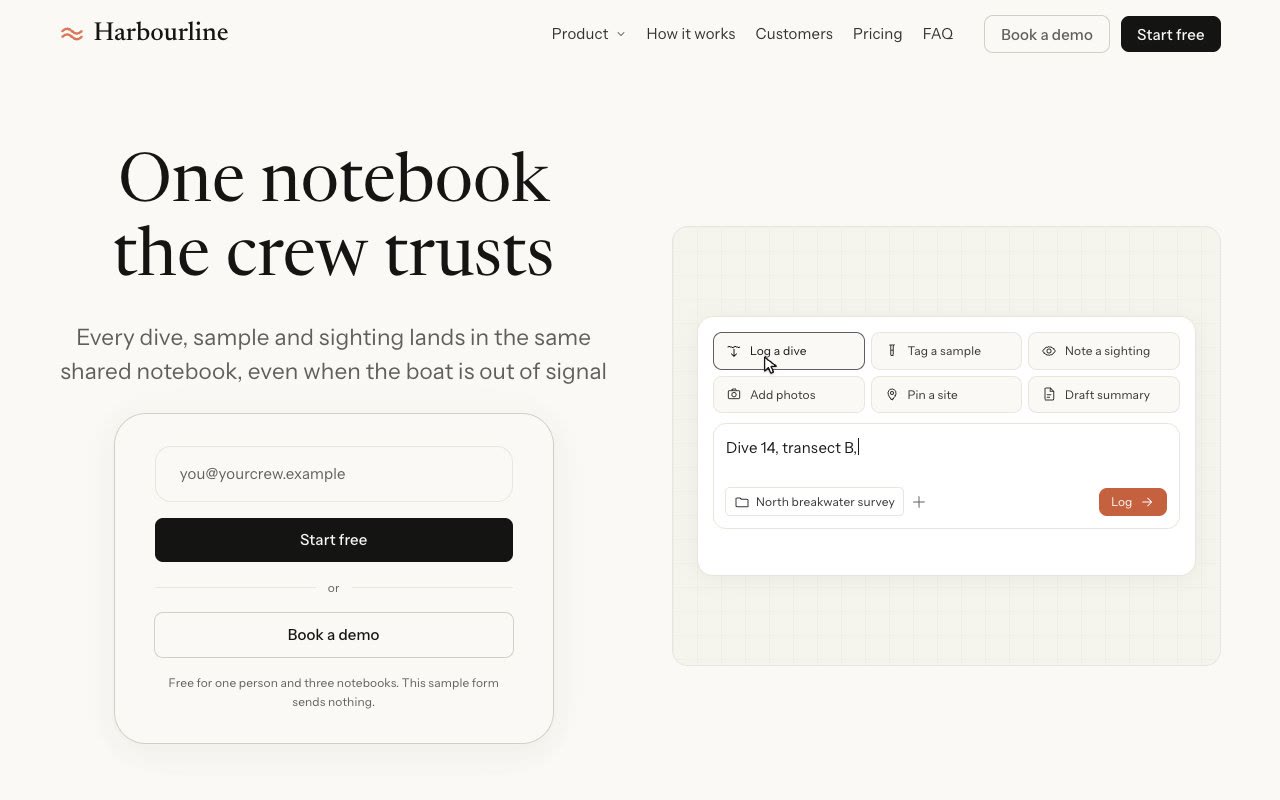
English site
El ejemplo se ejecuta en un marco aislado, sin acceso a esta página.
Ejecutar online
Ejecuta el ejemplo de Warm editorial style kit en un Sandbox de SandBase y mira el resultado aquí mismo.
Qué obtienes
Bring your existing site to restyle, or a short brief for a new one. The Skill returns design rules, tokens, components with light and dark themes, motion, a live gallery and a starter page; works with plain CSS.
Cómo funciona
- 01
Study the warm paper library
Warm Editorial Style Kit asks the Agent to read references/design.md, components.md and patterns.md before touching a page, then open assets/pack/gallery.html. That gallery shows every component, variant, state and motion in light and dark. The Agent picks components from it for your existing site, or for a new one, instead of inventing new ones.
- 02
Swap in tokens and components
To restyle, the Agent places assets/pack/ next to assets/fonts/, because components.css loads the fonts from ../fonts/. It links tokens.css and components.css ahead of your stylesheets, replaces your own buttons, cards, navigation and forms with sp- components, and follows the section rhythm and band alternation in patterns.md. Content, routes, data and forms keep working.
- 03
Validate the example or review
Warm Editorial Style Kit runs in your Agent with Node 18 or newer. For a one-page site the Agent edits assets/template.html, replacing Tidewell, Tidewell Labs, Halden and northbeam, then runs node scripts/validate.mjs work/index.html --mode site --site-lang en until exit 0. A restyled project is instead checked by eye at desktop and phone widths and with reduced motion.
Preguntas frecuentes
What style does the Warm Editorial Style Kit apply?
Warm Editorial Style Kit applies a warm paper canvas with near-black ink buttons, a sturdy serif for every headline over a quiet sans for interface and body, and hairline rings instead of shadows. Clay is kept to small accents, and a full dark theme follows the system setting.
Does the Warm Editorial Style Kit work without motion.js?
Yes. Warm Editorial Style Kit components render from tokens.css and components.css alone. Adding motion.js at the end of the body brings motion and the interactive parts: menus, accordions, tabs, switches, reveals and demos. Without it, scroll-revealed content is simply visible.
Can the Warm Editorial Style Kit go into a Next.js or Svelte app?
Yes. Warm Editorial Style Kit is plain CSS, so a framework project imports tokens.css and components.css as global stylesheets and uses the sp- classes in its components, loading motion.js once on the client if wanted. scripts/validate.mjs only checks single-file pages, so use your project's own build and tests.
Does the Warm Editorial Style Kit charge for anything?
No. Warm Editorial Style Kit is a CSS library, an optional script, OFL fonts and offline scripts, none of which call SandBase or another service. Its example page has no image slots; any new picture is drawn with inline SVG or CSS.
Do I need the Warm Editorial Style Kit example page?
No. Warm Editorial Style Kit's assets/template.html is an optional starting point for a one-page site, built from the library with tokens.css, components.css and motion.js inlined. For an existing site the Agent works from the pack and the style documents instead.
Más Skills
Todos los Skills de Web design →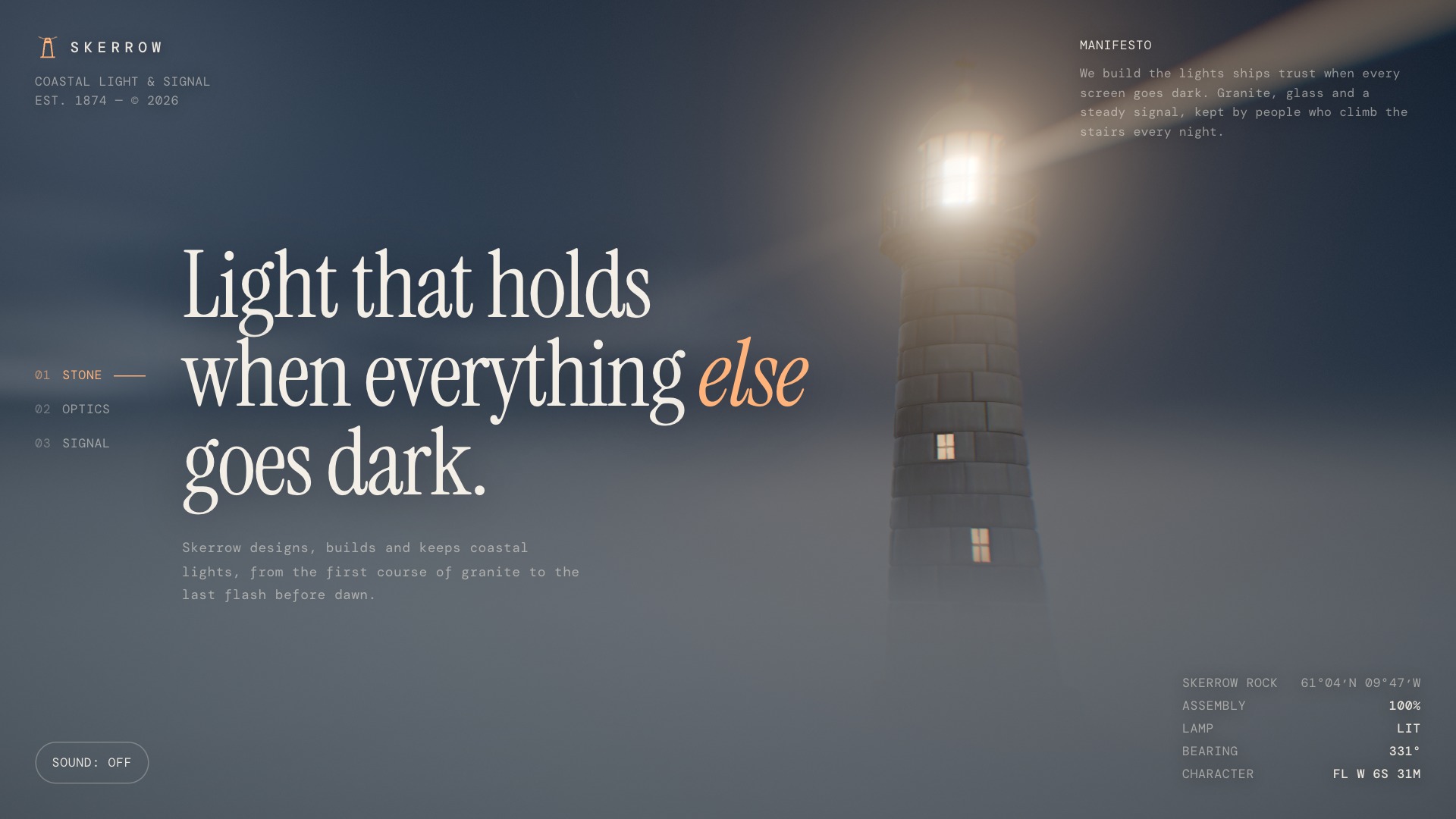
Baked 3D Story Site
A three-page 3D story site with baked light, scroll stops that loop and a shader cut between pages, in one offline file.
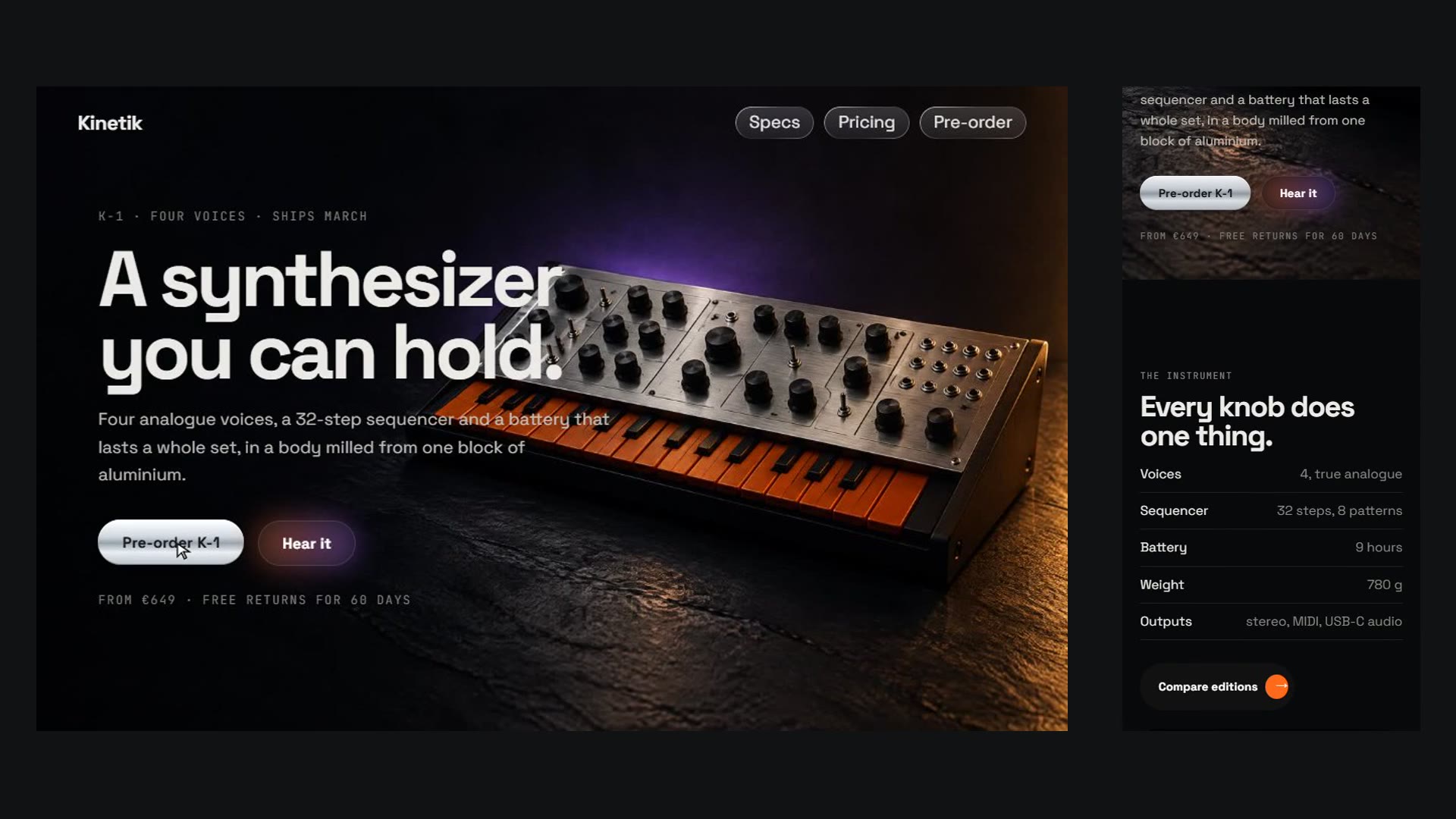
UI Finishes
Metal, jewel, halo, roll, fill, offset and ring buttons, media cards, glass and textures, each checked in rest, hover, focus and pressed for real contrast.
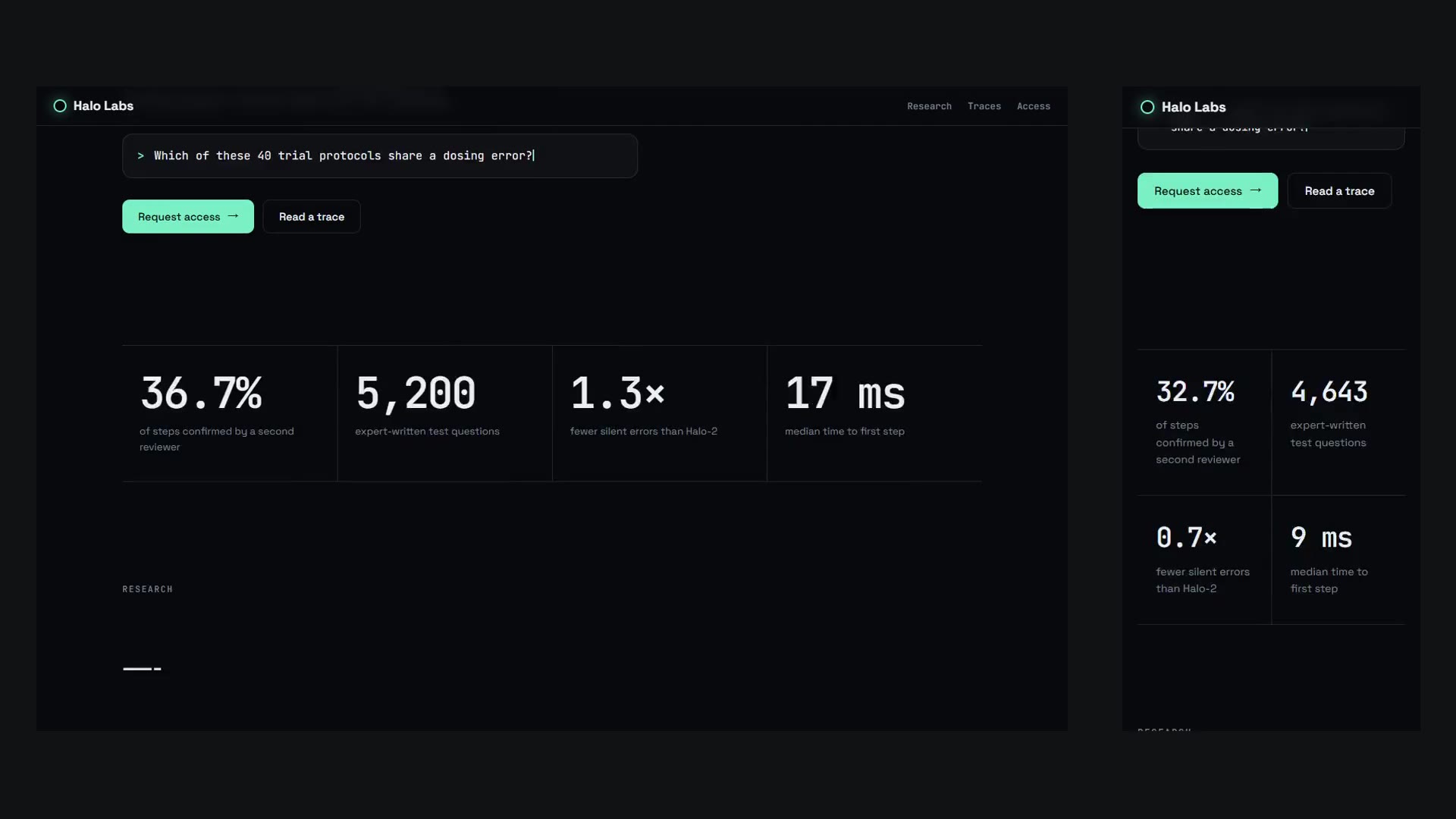
Headline Motion
Headlines, labels and numbers that rise, decode, type, rotate, count and draw themselves without moving the layout, measured in a real browser.
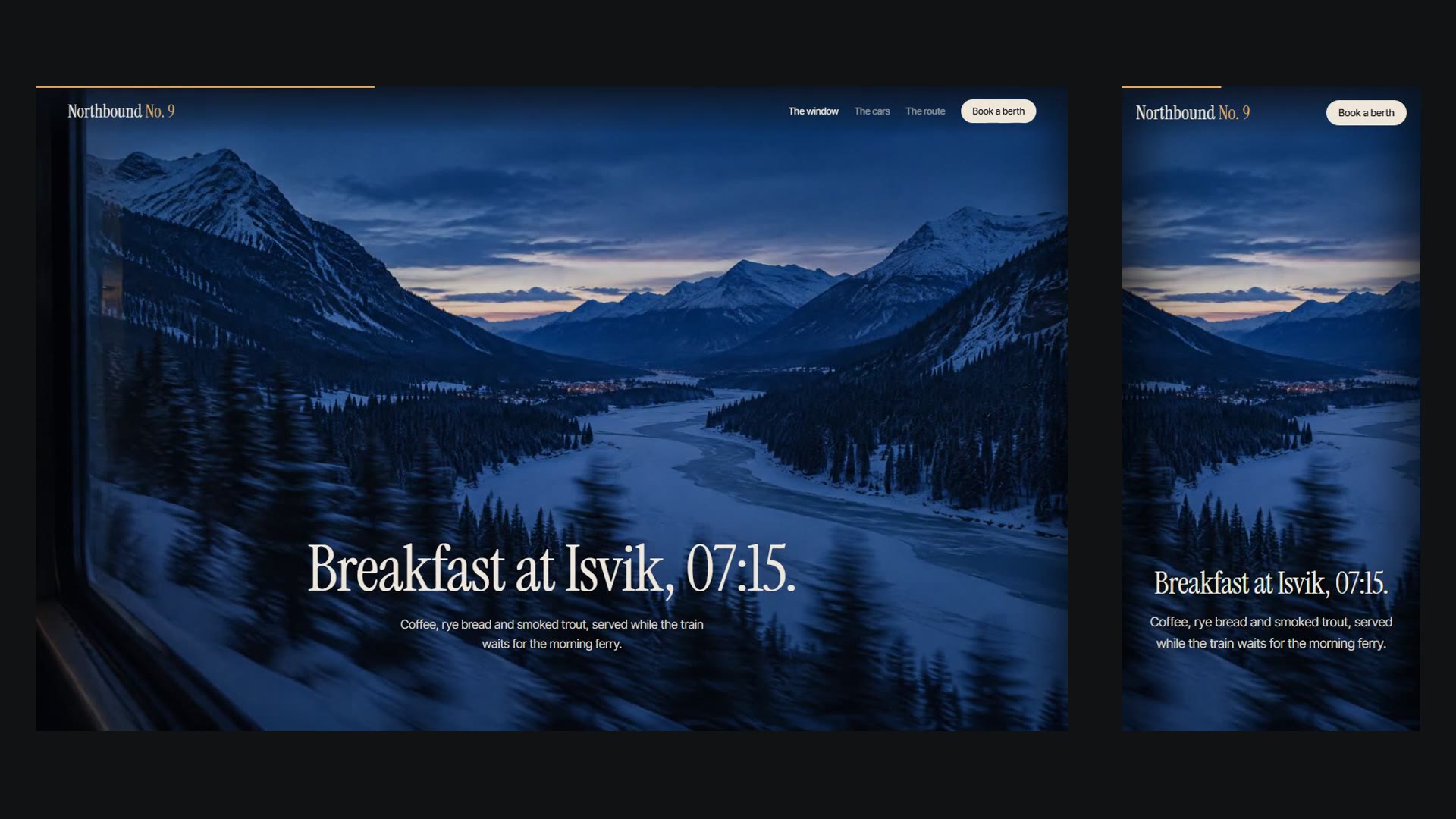
Scroll Chapters
Long pages told chapter by chapter: a pinned stage, sliding panels, a text crawl, lit paragraphs, stacking cards and drifting columns, checked in a real browser for dead scroll.
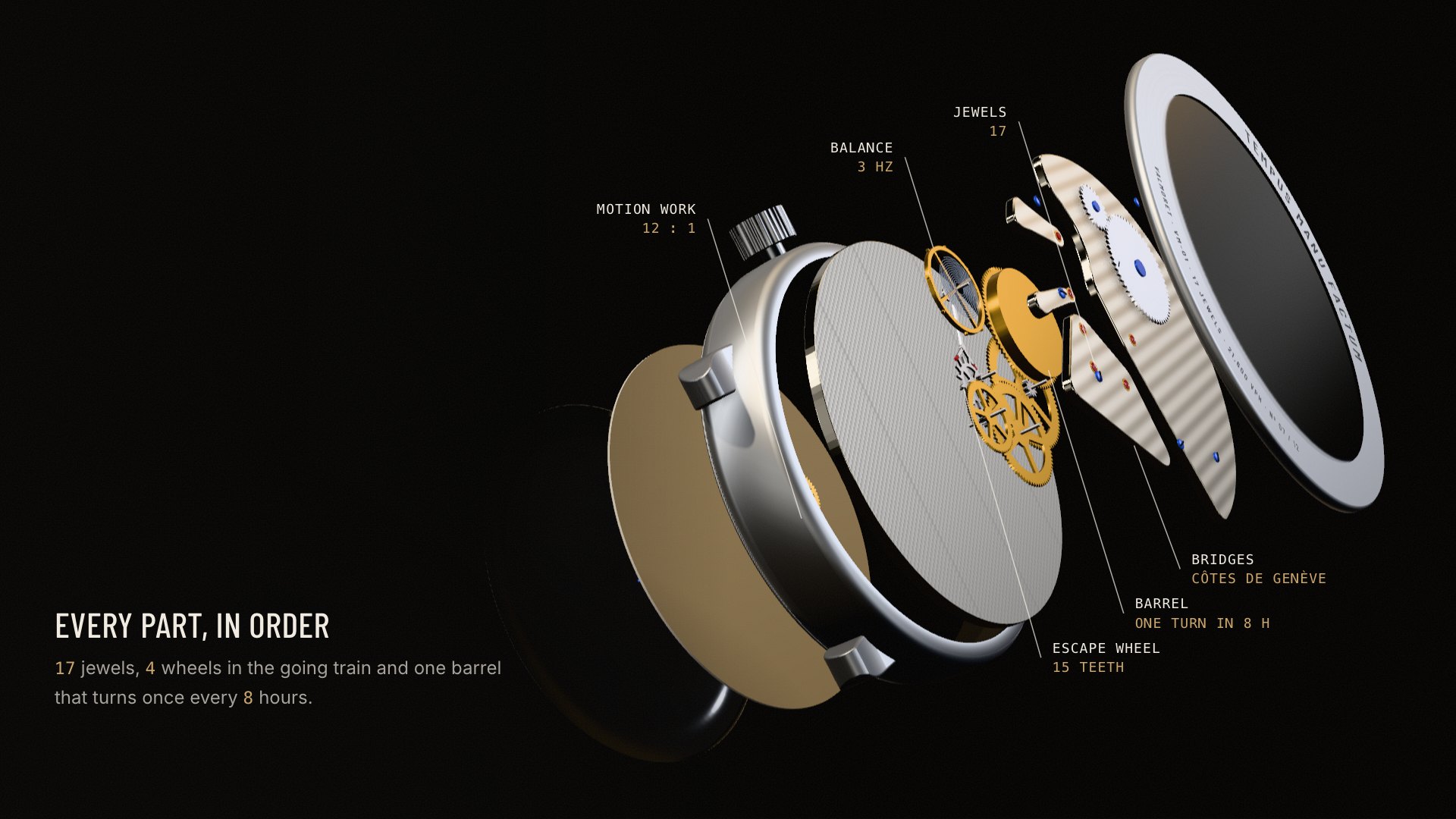
Scroll 3D Product Site
A complete product website where scroll turns, opens and takes apart a live 3D model, with every video and image rendered from that model, in one offline file.
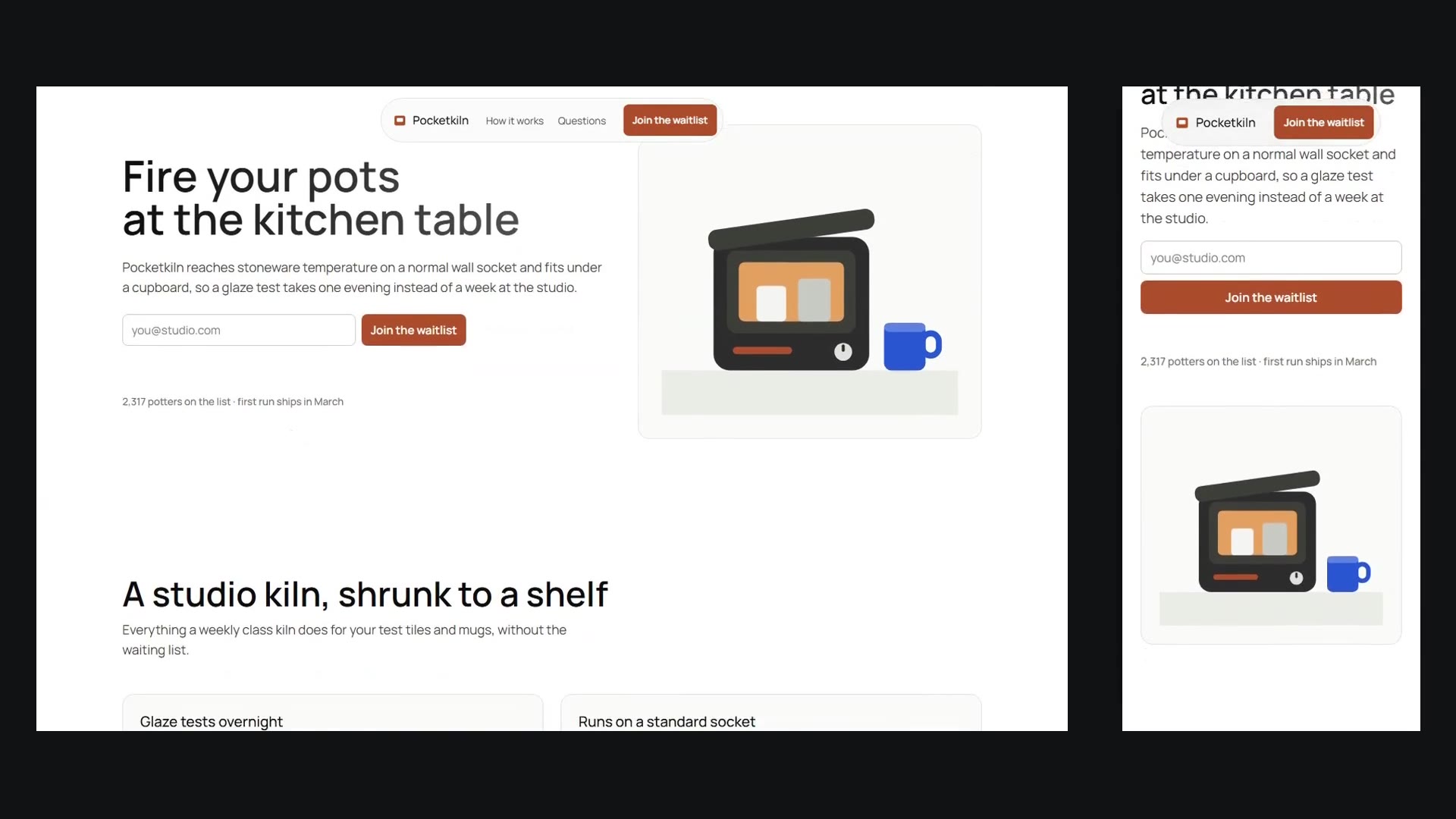
Landing Page System
A complete single-file landing page with a conversion structure and a shared visual system, checked by a rendered-page audit before delivery.