
Illustrated agritech product
- Skill de Lab
- v0.2.0
- Web design
Turn an agritech product brief into a single-file illustrated product site with platform, solution and case pages.
Ejemplo
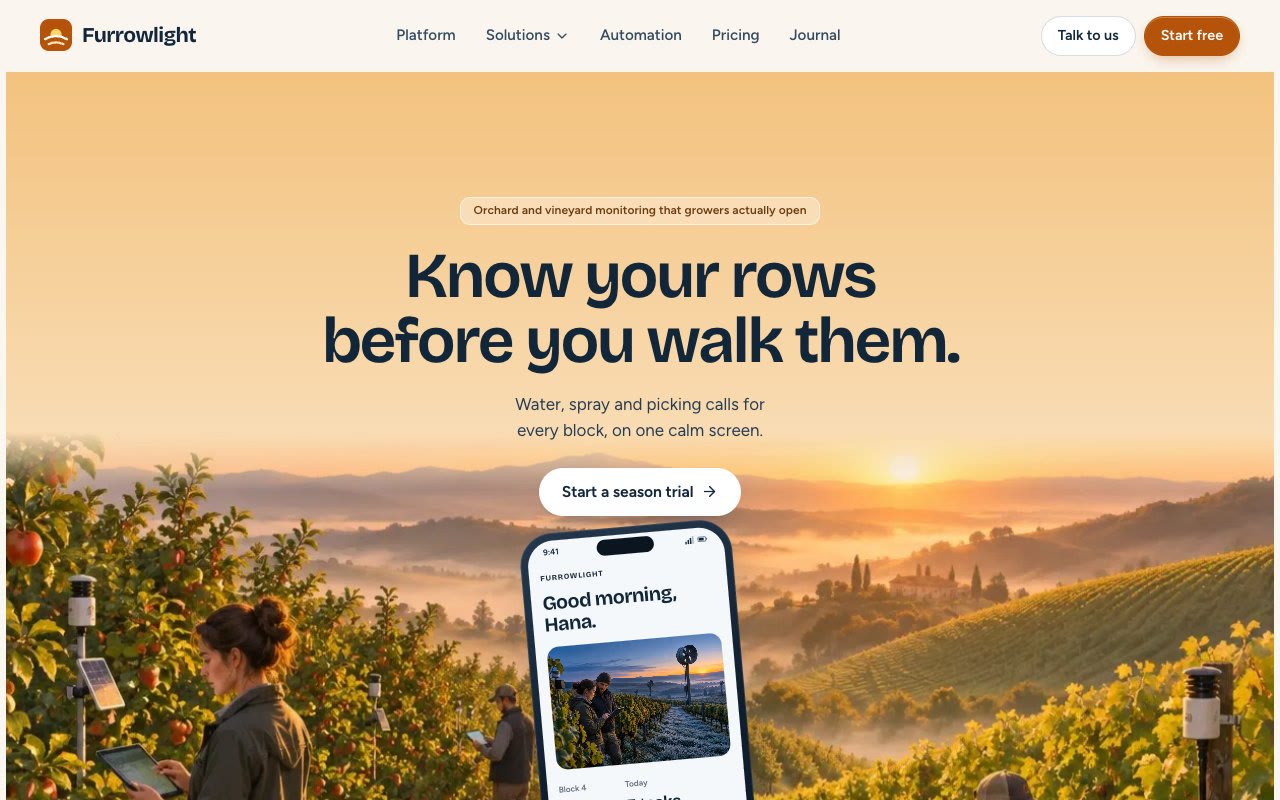
English site
El ejemplo se ejecuta en un marco aislado, sin acceso a esta página.
Ejecutar online
Ejecuta el ejemplo de Illustrated agritech product en un Sandbox de SandBase y mira el resultado aquí mismo.
Qué obtienes
Bring your product, the farms it serves, features, results and how to get a demo. The Skill returns one HTML file with 24 routed views, offline fonts and a validator report.
Cómo funciona
- 01
Describe the farm product
Illustrated Agritech App asks for your product, the farms it serves, its features, results and the way to book a demo. The Agent picks en or zh-CN and copies the template, 24 example images generated for a fictional brief and the Bricolage Grotesque, Figtree and Geist Mono fonts into work/, keeping a list of invented facts.
- 02
Rewrite solutions, hardware and app screens
The Agent replaces six SOLUTIONS such as irrigation and drone, four HARDWARE items with specs, three PLANS with monthly and yearly prices, twelve FAQS and four ARTICLES. The in-page app mock uses FIELDS with acres, crop and water levels, TASKS, alert TRIGGERS like moisture, wind and rain, and six automation RECIPES. The Haywren sample identity goes entirely.
- 03
Inline, validate and review screenshots
Node 18 or newer runs both scripts locally. node scripts/inline-assets.mjs work/src.html work/index.html stops on any missing image, and node scripts/validate.mjs work/index.html --mode site --site-lang en --out work/report writes report.json plus HTML reports. Repeat until exit 0, then add --browser to walk the solution pages and app tabs in a local Chrome or Edge.
Preguntas frecuentes
What is inside Illustrated Agritech App?
Illustrated Agritech App is an illustrated product site for farm technology with platform, solution, case and article pages, routed by hash inside one HTML file. An app mock switches between today, fields, tasks, alerts and notes tabs. Type pairs Bricolage Grotesque headings with Figtree text and Geist Mono labels, accented in blue #1f6fe5.
Can Illustrated Agritech App sell hardware?
No. Illustrated Agritech App shows four HARDWARE items with price, quantity, description and specs, but the finished page has no checkout and makes no network calls. Treat it as a product presentation. Any price, acreage or result you show should be one you have confirmed, since the Skill never invents customers or legal claims.
Do the Illustrated Agritech App images need replacing?
Yes. Illustrated Agritech App ships 24 images generated with this Skill for a fictional brief, including farm, hero, kit and team portraits, and every one the page shows should be replaced. Use your own photos or the Agent's image tool at the sizes in references/image-plan.md. Label generated portraits as illustrations.
Is there any charge for Illustrated Agritech App?
No. Illustrated Agritech App runs its inliner and validator on your computer without a key, and neither script contacts a model, so the Skill has nothing to bill. Replacement images made by your Agent's own image tool follow that tool's terms, which the Skill does not control.
Why does Illustrated Agritech App report dead controls?
Illustrated Agritech App's browser check detects dead controls heuristically. A control whose effect is invisible on the page, such as copying to the clipboard, can show up as dead even when it works, and references/validation.md explains how the template handles that. Without a local Chrome or Edge, this check is skipped and only the static checks run.
Más Skills
Todos los Skills de Web design →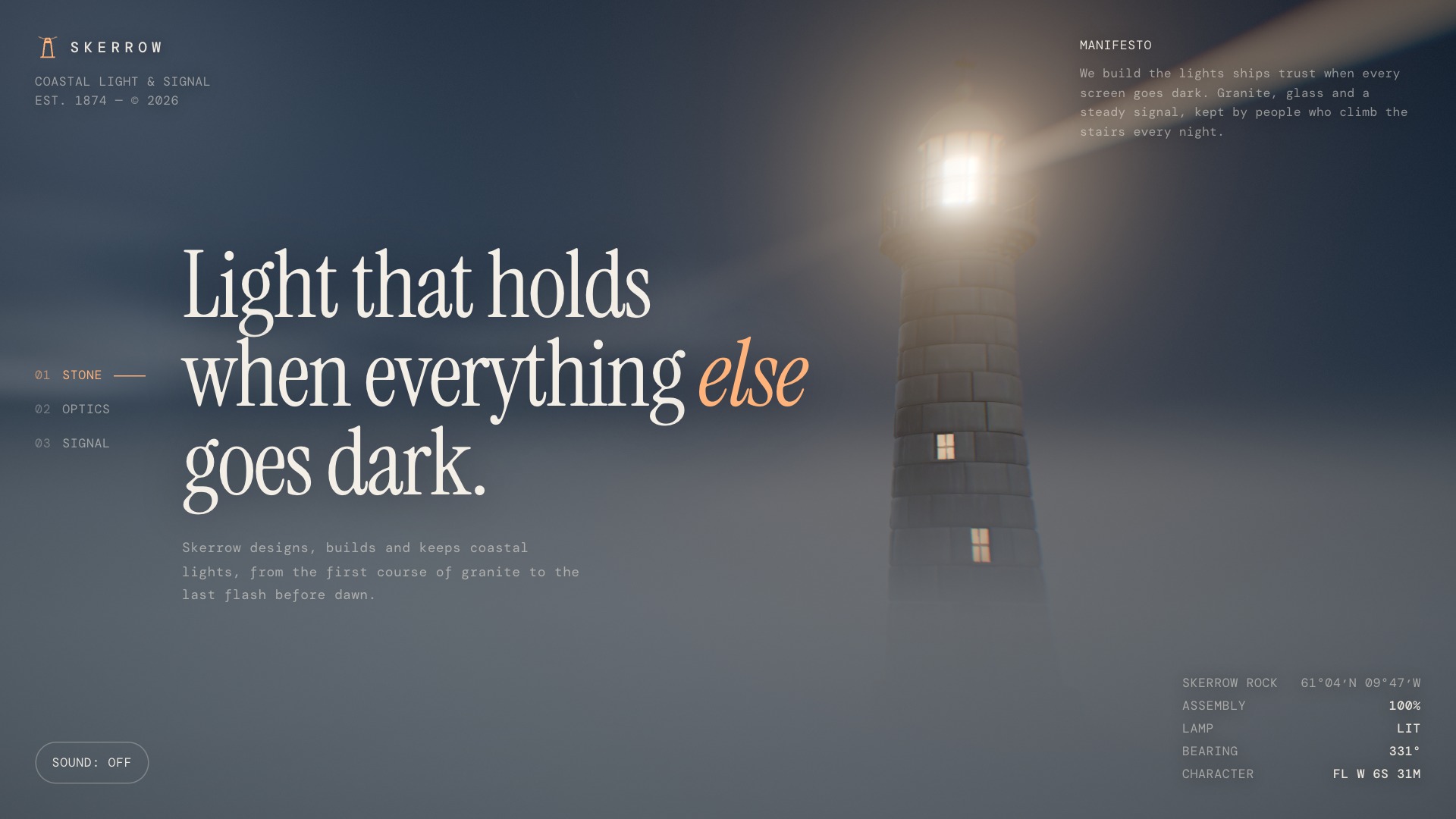
Baked 3D Story Site
A three-page 3D story site with baked light, scroll stops that loop and a shader cut between pages, in one offline file.
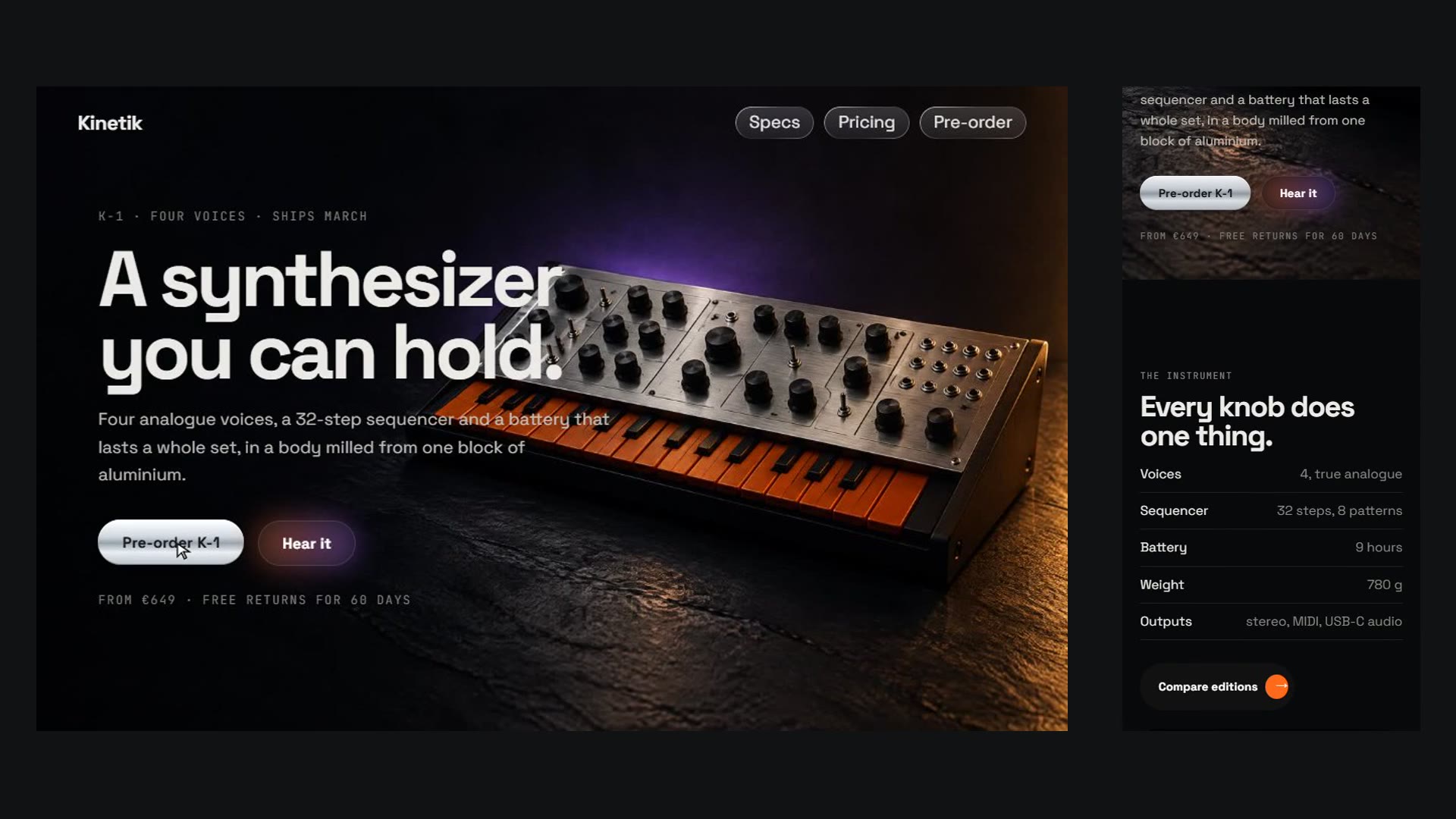
UI Finishes
Metal, jewel, halo, roll, fill, offset and ring buttons, media cards, glass and textures, each checked in rest, hover, focus and pressed for real contrast.
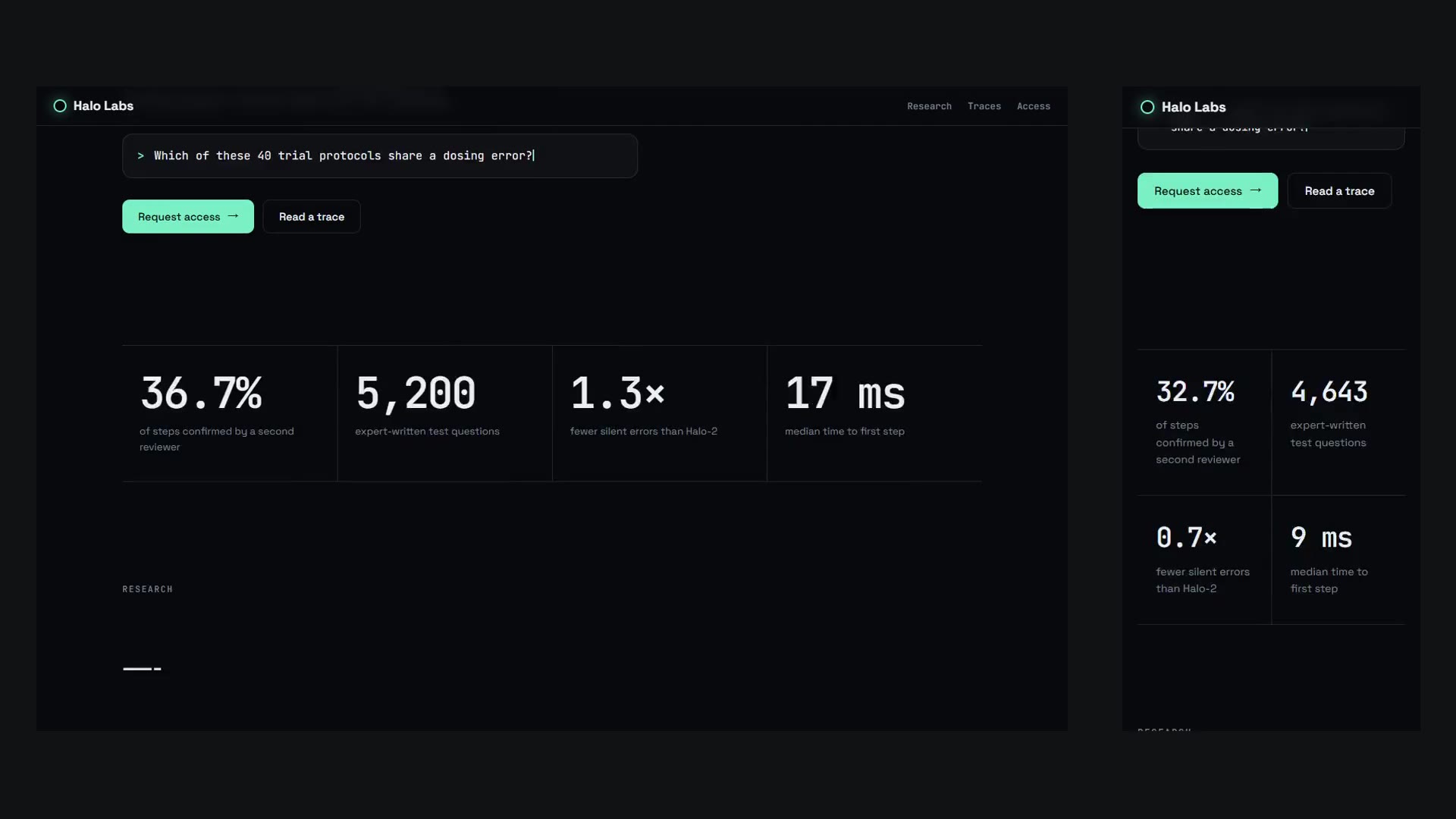
Headline Motion
Headlines, labels and numbers that rise, decode, type, rotate, count and draw themselves without moving the layout, measured in a real browser.
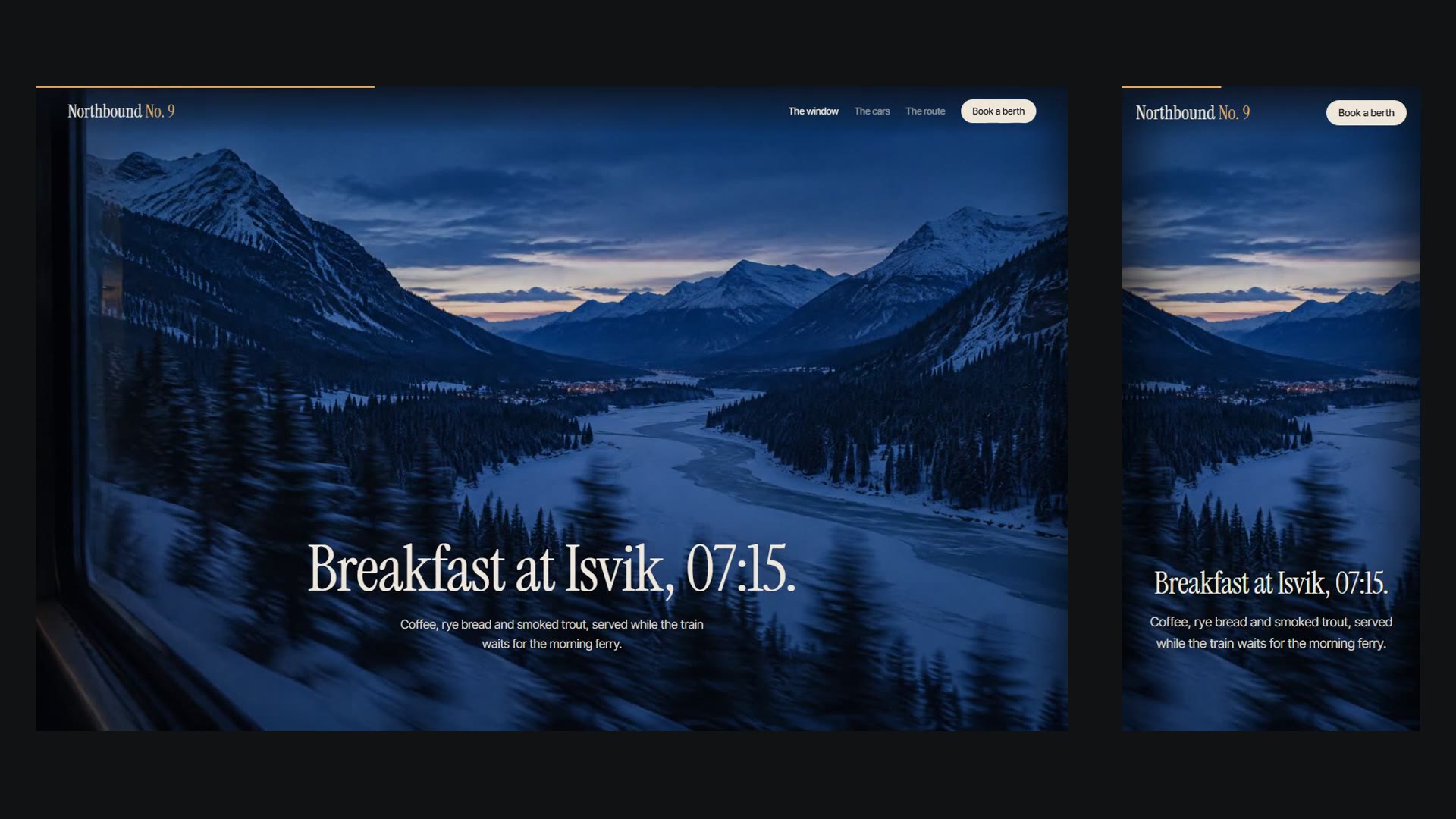
Scroll Chapters
Long pages told chapter by chapter: a pinned stage, sliding panels, a text crawl, lit paragraphs, stacking cards and drifting columns, checked in a real browser for dead scroll.
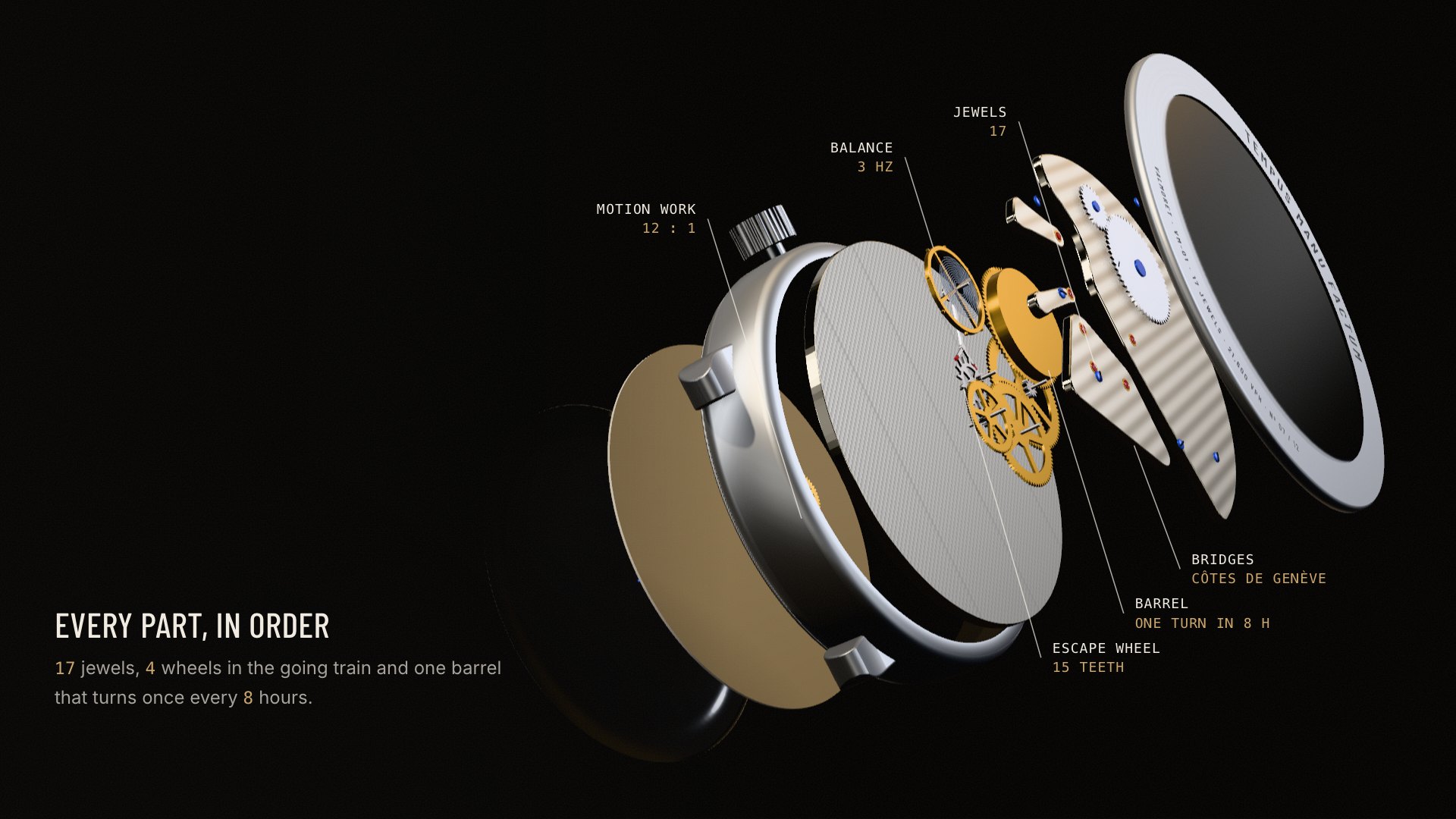
Scroll 3D Product Site
A complete product website where scroll turns, opens and takes apart a live 3D model, with every video and image rendered from that model, in one offline file.
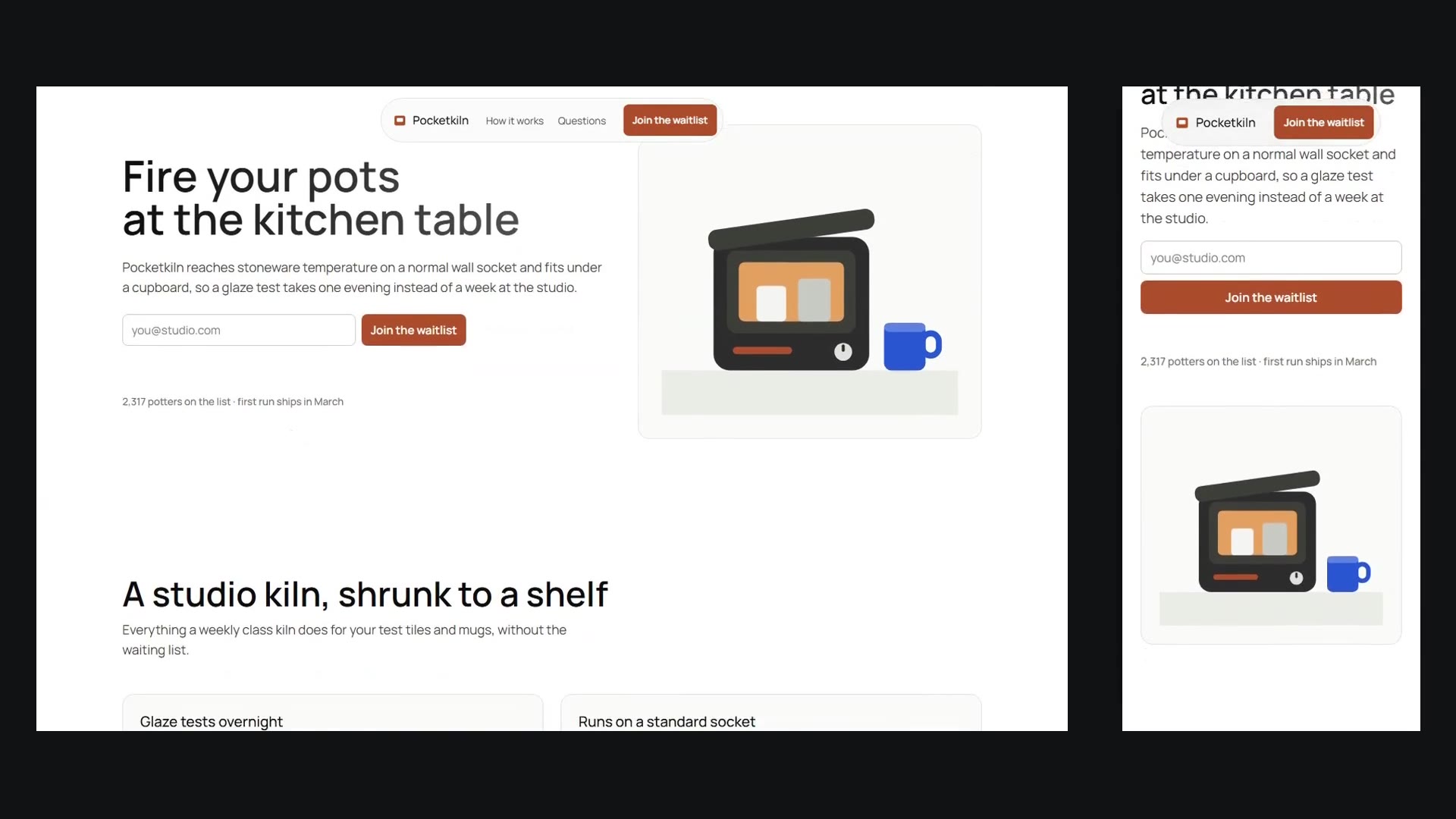
Landing Page System
A complete single-file landing page with a conversion structure and a shared visual system, checked by a rendered-page audit before delivery.