
Button Badge Maker
GratisTarjetas y etiquetasType the words or add a photo. Each badge is a 2.25 inch circle with the cut line shown, so it fits standard button makers, or cut them out as stickers.
- PDF listo para imprimir
- Carta o A4
- No se sube nada
Ejemplos
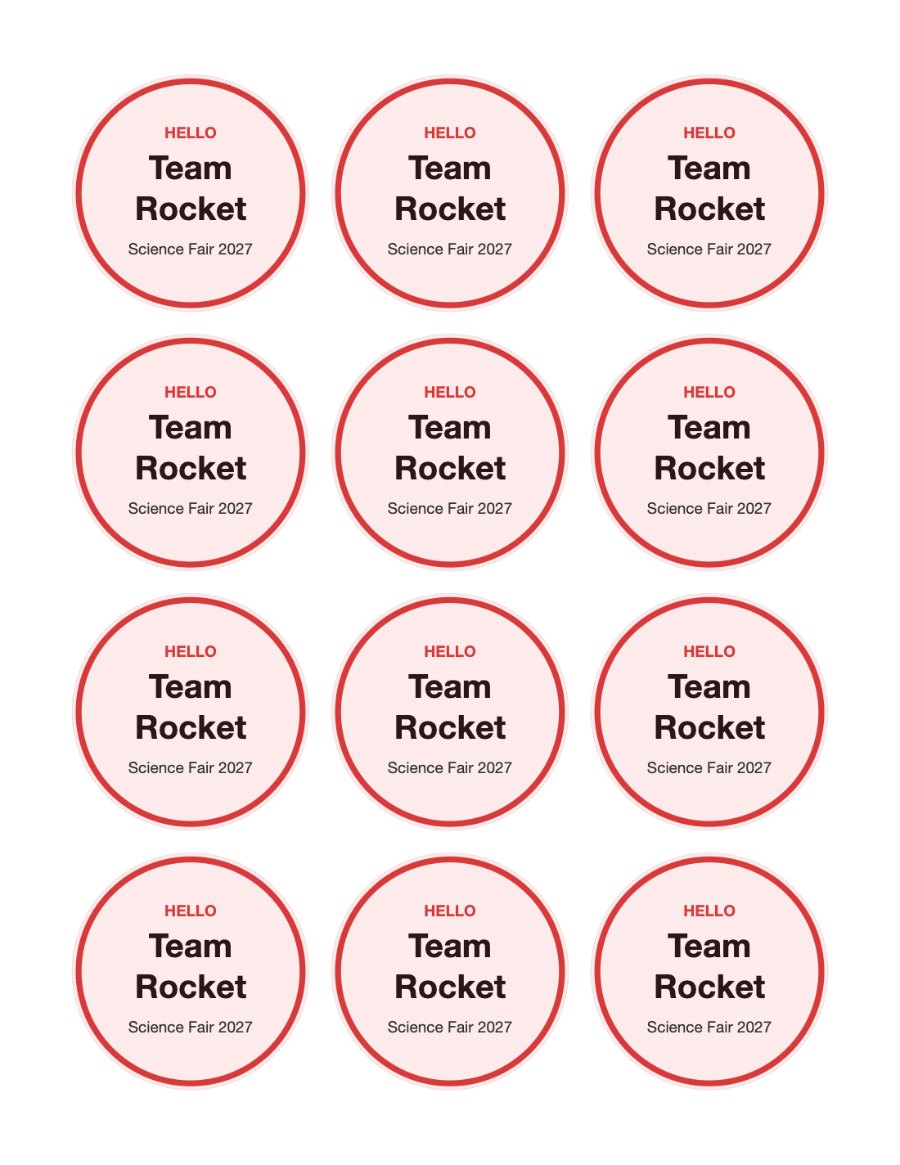
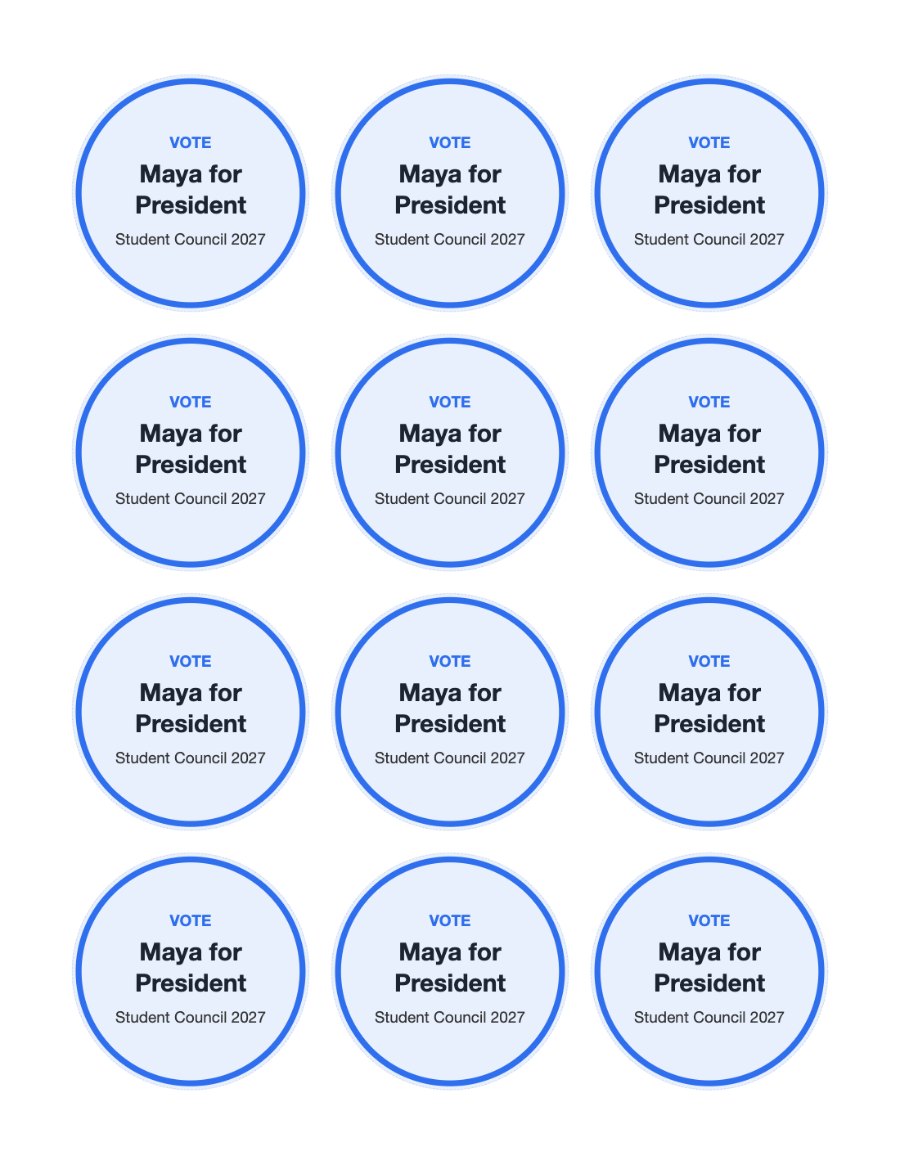
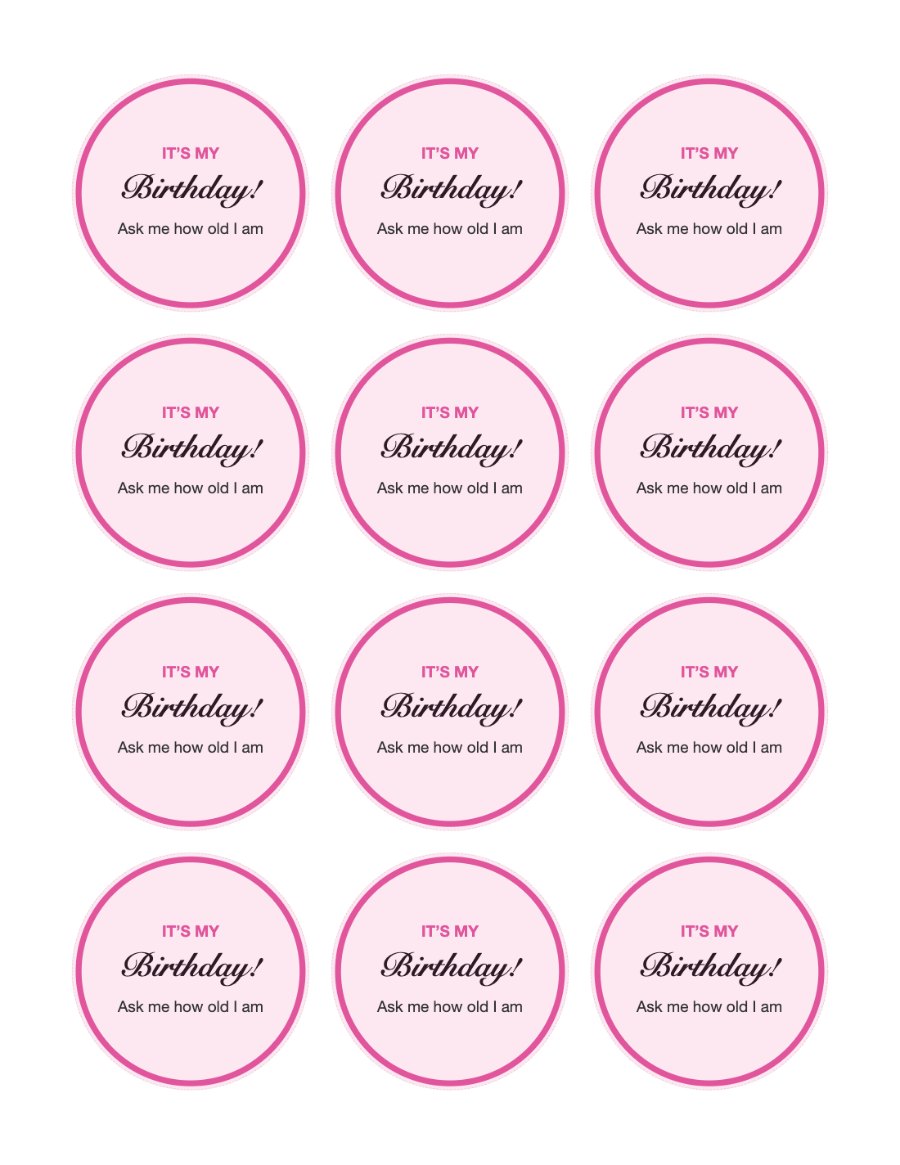
Hecho con esta herramienta. Abre uno para partir de él y cambiar lo que quieras.
Cómo usar Button Badge Maker
- 01
Type the words for the card.
- 02
Pick a style, colors and font, and add a photo if you like.
- 03
Download a print-ready PDF sheet, or a single card as a PNG.
Para qué lo usa la gente
Events and teams
Matching buttons for a group.
School elections
Campaign buttons for candidates.
Parties
Birthday, bachelorette and reunion badges.
Consejos para un mejor resultado
- Cut along the dashed outer ring for 2.25" button makers.
- Keep the text inside the inner circle.
- Use short words; buttons are small.
- Print on 20 lb paper for most button presses.
Preguntas frecuentes
What size are the badges?
2.25 inches across, the most common button maker size.
Can I use a photo?
Yes. Add one and the text moves to a dark band at the bottom.
What size are these badges?
2.25 inches across, with the cut line shown.
Can I print them as stickers?
Yes. Print on round sticker sheets or plain sticker paper and cut out.
Does Button Badge Maker upload what I type?
No. Button Badge Maker draws the page in your browser from what you type, so it works offline once the page has loaded and nothing is sent anywhere.
Más herramientas
Binder Cover Template
A full-page binder cover with a title, subtitle and name.
Birth Announcement Maker
Make a 5 × 7 baby announcement with photo, name and birth stats.
Business Card Template
Make a business card and print 10 on a Letter or A4 sheet.
Coupon Maker
Make printable coupons with an offer, details and expiry.
Door Hanger Template
Printable door hangers with a handle hole, two per page.
Employee ID Card Maker
Make a staff ID badge with photo, title and employee number.