
Nutrition Facts Label Maker
GratisTarjetas y etiquetasType the serving size and the amount of each nutrient per serving. The % daily values come from the FDA’s 2,000-calorie reference amounts, in the 2020 label layout.
- PDF listo para imprimir
- Carta o A4
- No se sube nada
Ejemplos
Hecho con esta herramienta. Abre uno para partir de él y cambiar lo que quieras.
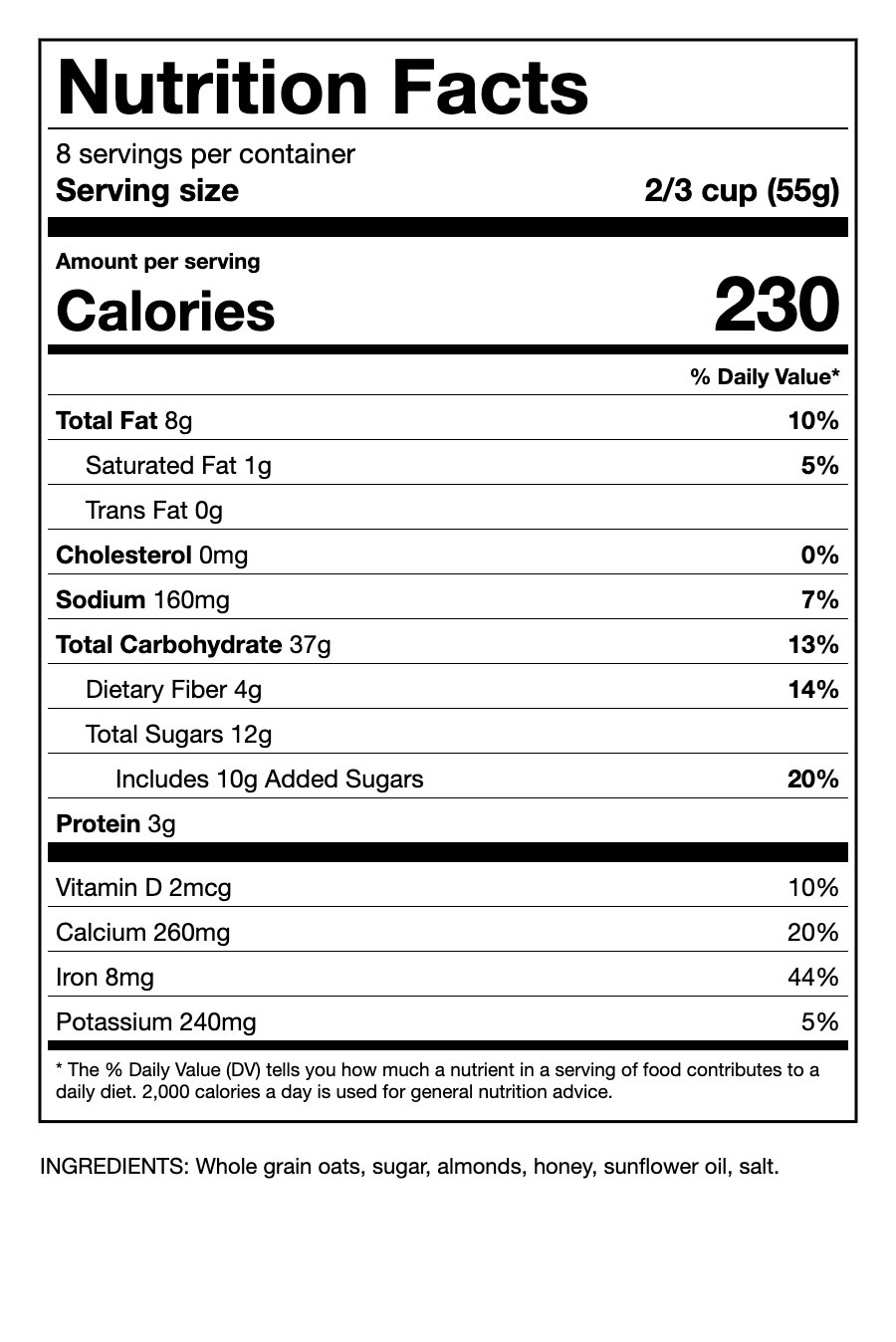
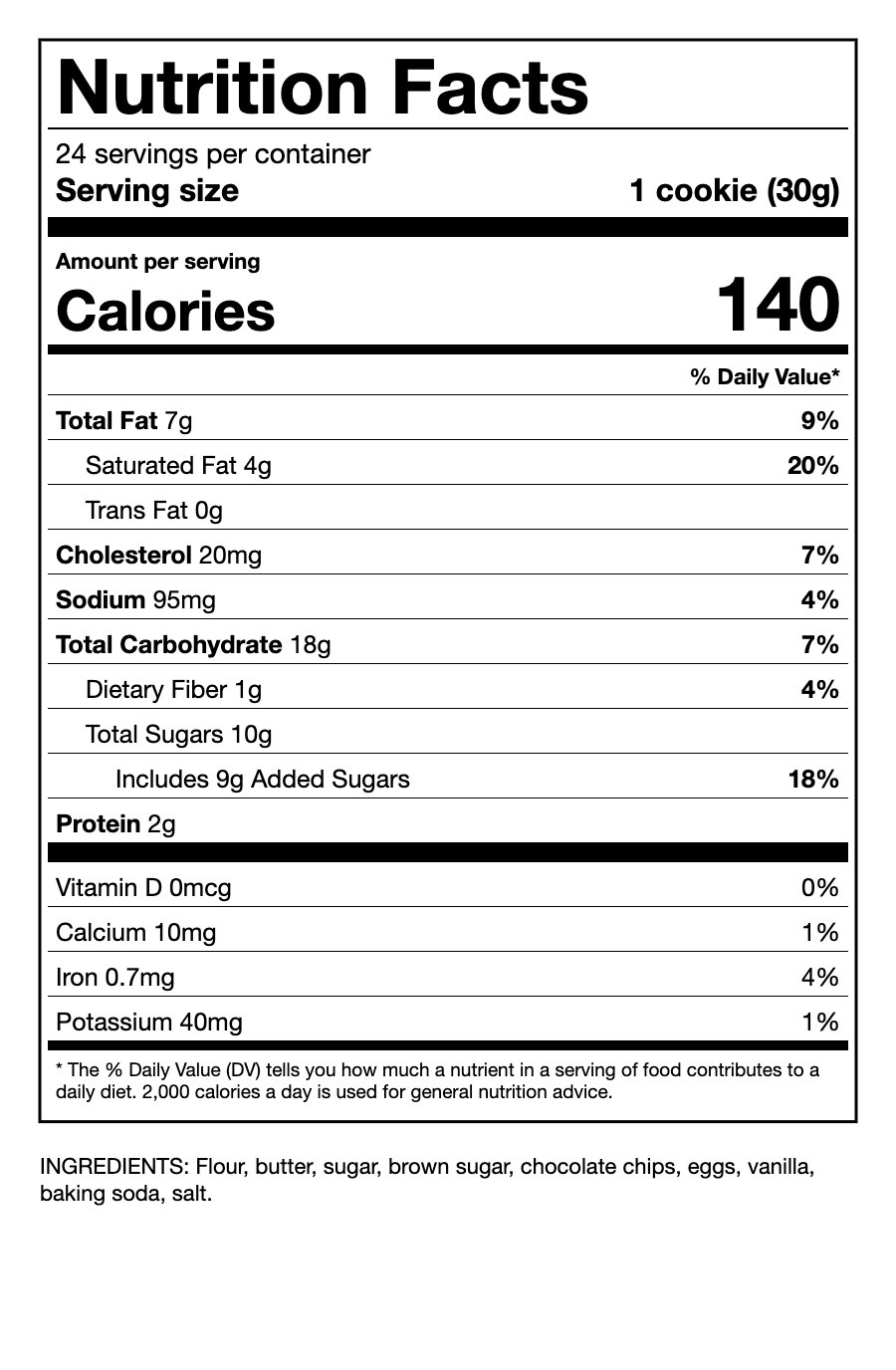
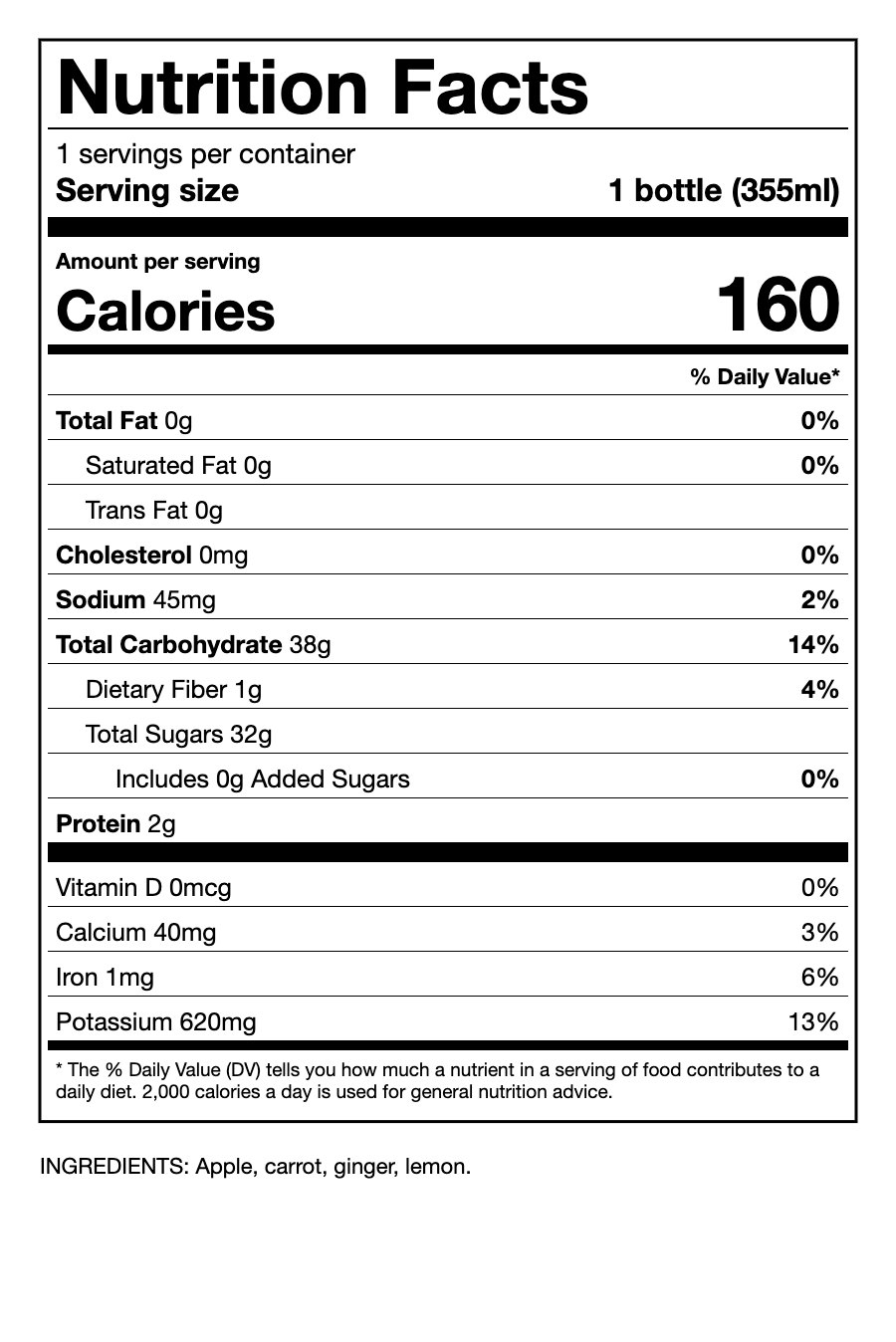
Cómo usar Nutrition Facts Label Maker
- 01
Type the serving size and the nutrients per serving.
- 02
Add the ingredients if you want them below the label.
- 03
Download the label as a PNG for packaging or a menu.
Para qué lo usa la gente
Home bakers and cottage foods
Labels for markets and gifts.
Food startups
Draft a label before lab testing.
Nutrition classes
Practice reading and making labels.
Consejos para un mejor resultado
- Divide the whole recipe’s nutrients by the number of servings.
- Serving sizes should match how people really eat it.
- Round per FDA rules: calories to the nearest 5 or 10.
- Check local rules before selling; some foods need lab tests.
Preguntas frecuentes
Where do I get the numbers?
From a lab test or a nutrition database for your recipe, divided by the number of servings.
Is the label legally checked?
No. It follows the FDA layout and daily values, but check the rules for your product before selling it.
How are % daily values worked out?
Each nutrient is divided by the FDA daily value, such as 2,300 mg for sodium, and shown as a percent.
Can I use it on products I sell?
Check FDA and local rules first; the layout follows the 2020 label format.
Does Nutrition Facts Label Maker upload what I type?
No. Nutrition Facts Label Maker draws the page in your browser from what you type, so it works offline once the page has loaded and nothing is sent anywhere.
Más herramientas
Supplement Facts Label Maker
Make a supplement facts panel with amounts and daily values.
Menu Template
A printable menu with sections, prices and descriptions.
Recipe Card Maker
Make a 4 × 6 inch recipe card with ingredients and steps.
Address Label Template
Print address labels on 30-per-sheet label paper and other sizes.
Award Certificate Maker
Make an award certificate with your own title and reason.
Pantry Labels
Printable pantry labels for jars, bins and canisters.