
Chapter Plates
- Skill Lab
- v1.0.5
- Motion
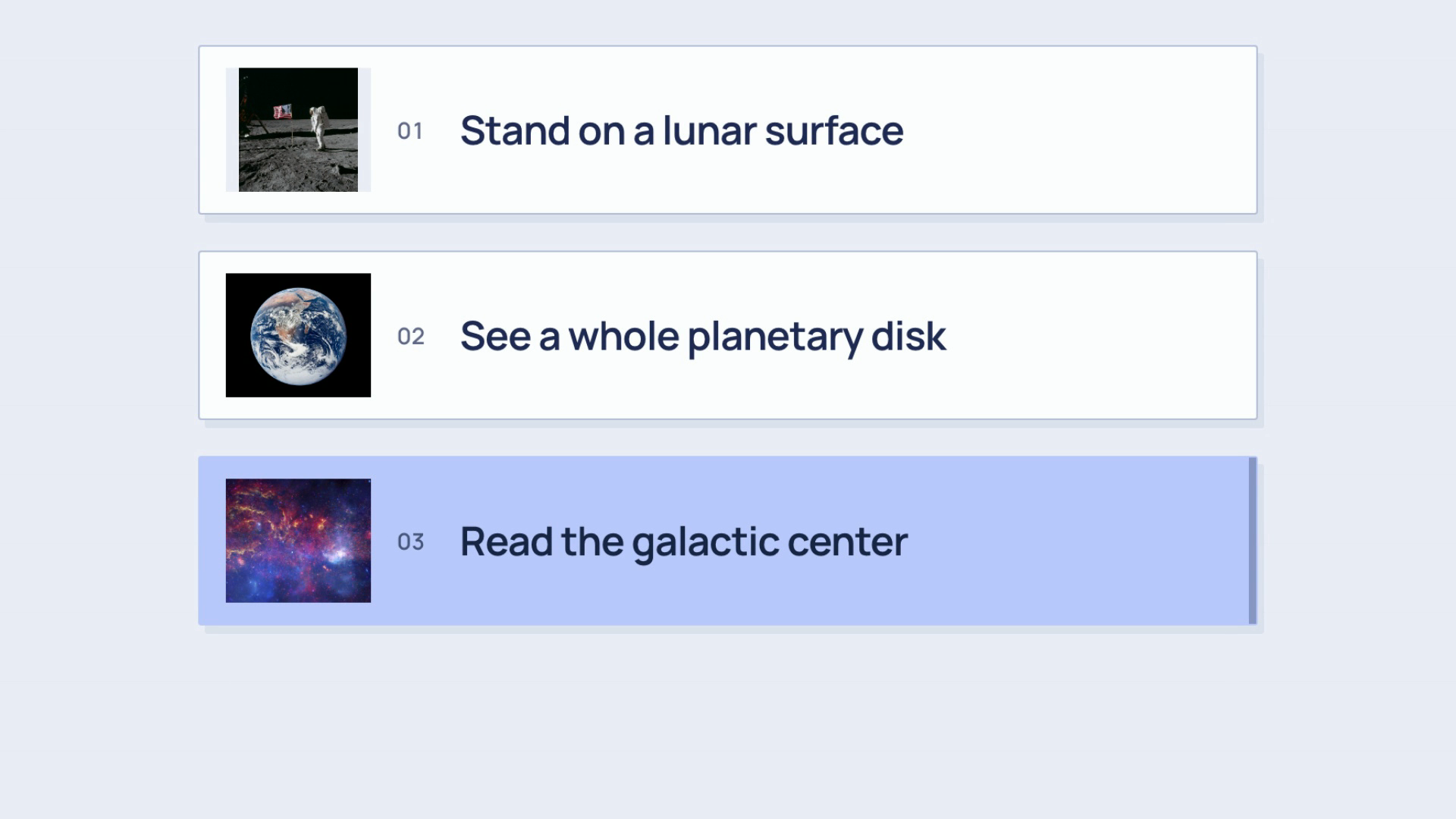
Cut from a chapter marker to three photographic reading plates, then push upward to emphasize one detail.
Exemples · 2
Lancer en ligne
Exécutez l’exemple de Chapter Plates dans un sandbox SandBase et voyez le résultat ici.
Fonctionnement
- 01
Write the marker and plates
Chapter Plates takes a JSON object with a marker of one to three uppercase letters or digits, a single-line heading of up to 44 characters, exactly three plates each with a label, a local photograph, accurate alt text and an optional fit mode, and a spotlight index from 0 to 2. Photographs must be rights-cleared.
- 02
Cut to the plates
A monumental translucent marker sits behind a heading band. At 2.05 seconds the scene cuts to three photographic reading plates, then the camera pushes upward to emphasise the spotlighted detail. Porcelain, foundry, tidal and graphite palettes share the same choreography, and CJK text uses Noto Sans SC.
- 03
Render and inspect
The output project must be new; fonts, GSAP and images are copied into it. HyperFrames renders the 7.4-second film at 1920 by 1080 and 30 fps with one worker. Inspect encoded frames at fixed times, including 0, 2.02, 2.06 and 7.36 seconds. The export is silent.
FAQ
What does Chapter Plates make?
Chapter Plates makes a 7.4-second editorial insert: a chapter marker and heading, a cut to three photographic reading plates, and an upward push onto one detail. It suits short motion explainers that need a chapter opener built on real images, such as a study of fired clay.
How many photos does Chapter Plates need?
Chapter Plates needs exactly three rights-cleared local photographs, each with a reading label and accurate alt text. It bundles no topic photos. Use the contain fit when artwork edges matter, and check every cover crop before rendering. Missing or malformed images fail the build.
Does Chapter Plates need a key?
No. Chapter Plates needs no model call or key; it renders locally with Node.js, FFmpeg, a compatible Chromium and a pinned HyperFrames. All fonts, GSAP and images are copied into the project, so nothing is fetched at render time. Its HyperFrames version is pinned.
Is Chapter Plates silent?
Yes. Chapter Plates exports silent video with no audio editor, presenter or matte input. If a brief needs sound, add licensed music and effects in an external editor and check the actual mix afterwards. The film's timing is fixed, which keeps added sound easy to place.
Which plate does Chapter Plates emphasise?
Chapter Plates emphasises the plate chosen by the spotlight index, 0, 1 or 2, with the final upward push. Choose the plate whose detail carries the chapter's point, and write its alt text precisely so the description matches what viewers see.
Plus de Skills
Tous les Skills Motion →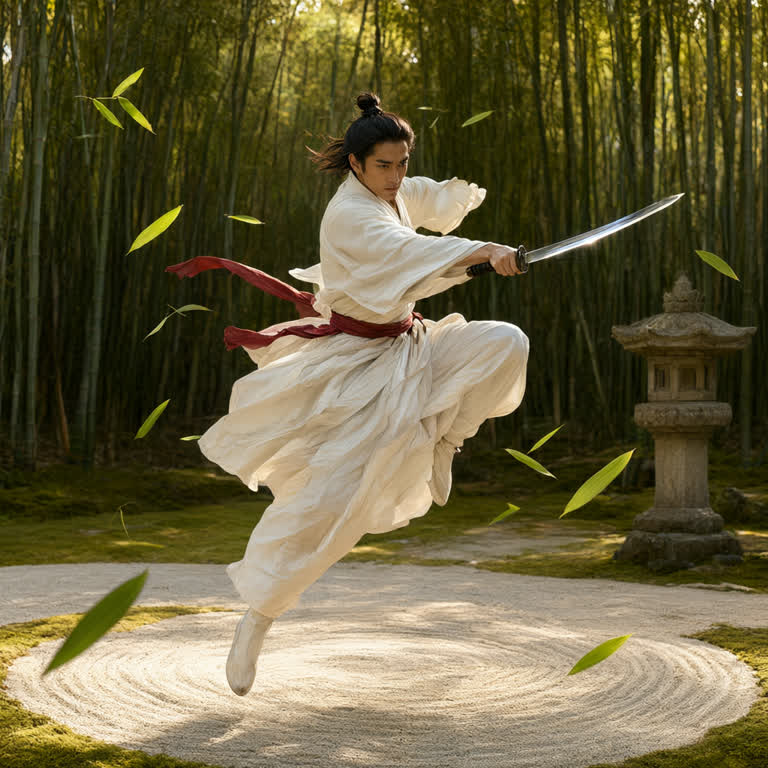
Image Blaster
Turn one frozen moment into a camera-orbit concept video.
Sketchbook Film
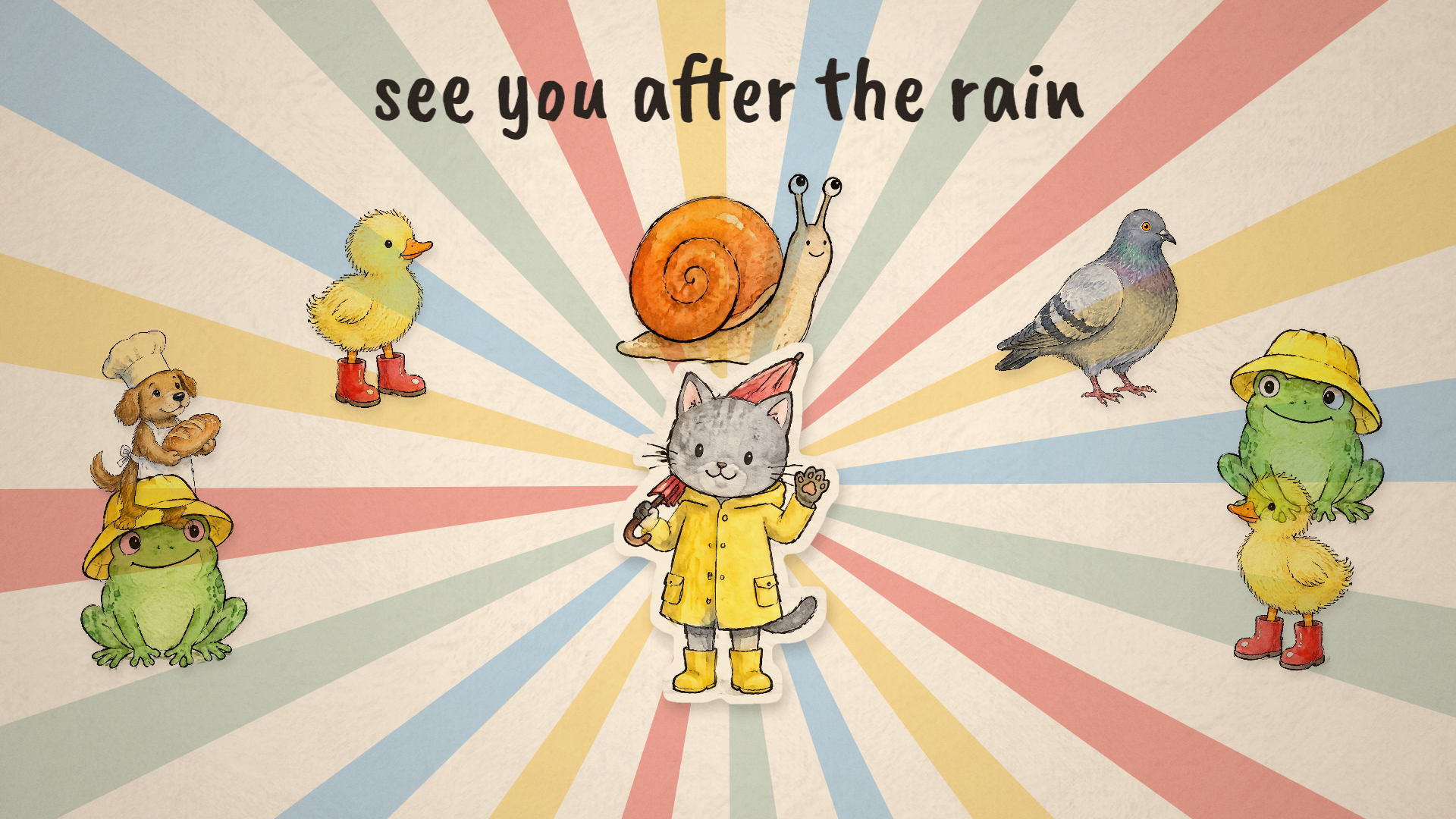
Bring photographed sketchbook drawings to life as a short film with cut-out characters, ink lettering and a score.

SVG Paint Stages
Show a picture being painted: construction marks, contours, flat colour and finer patches, as a layered SVG and a short film.
Network Tally
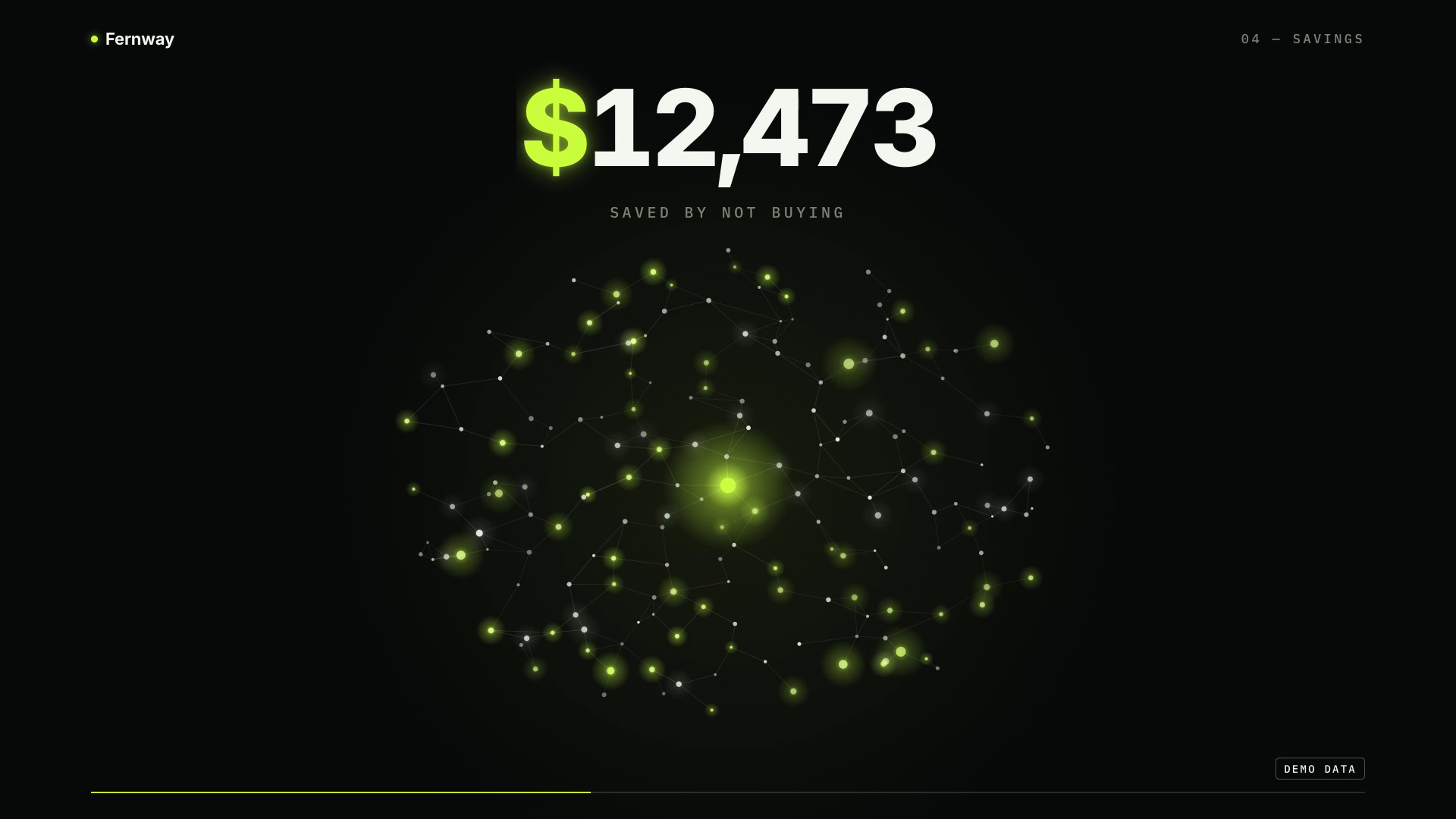
Tell a growth story with real numbers: one node network grows with each counter, flashes, dims behind a spike chart and closes on an end card.
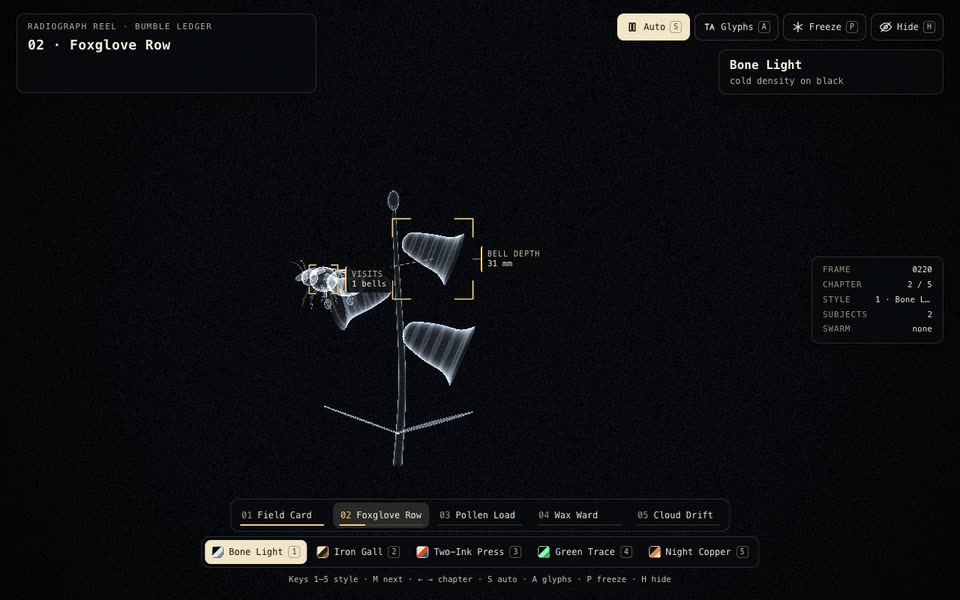
Radiograph Reel: Bumble Ledger
A specimen film reel: procedural bees, flowers and a wax comb glow as X-ray density, print in five switchable film styles with tracking labels, and a swarm morphs between formations.
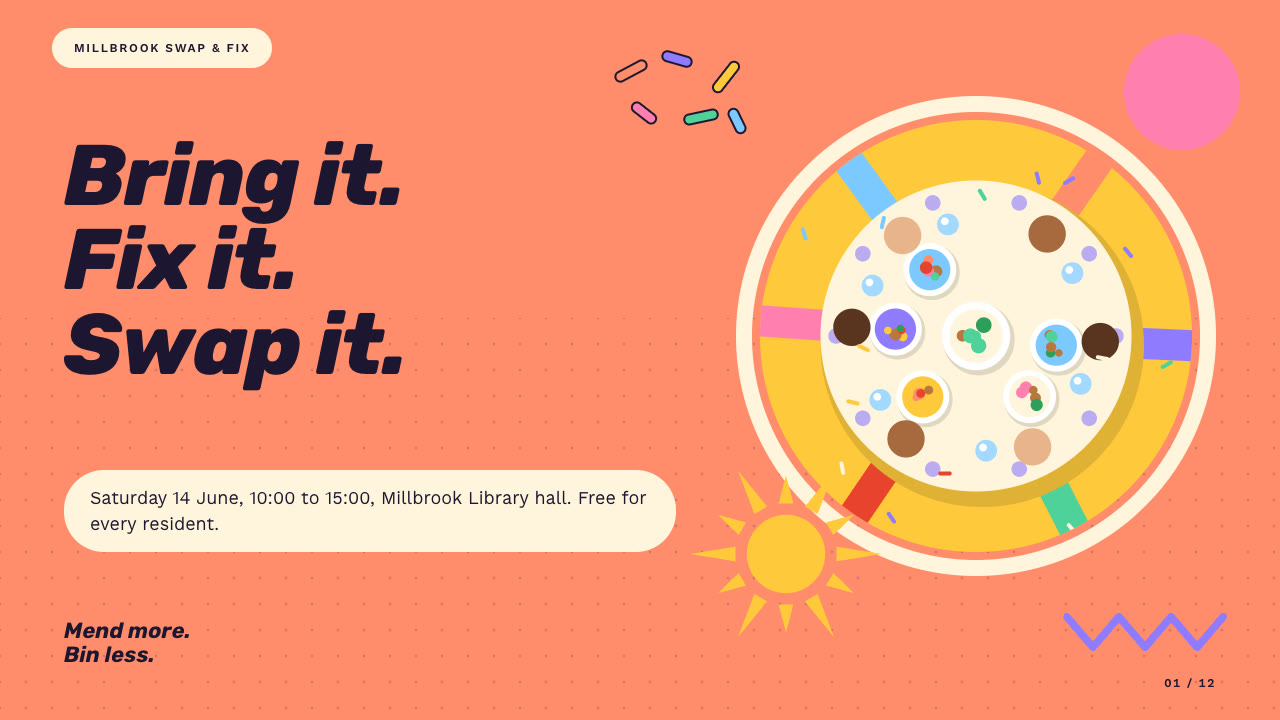
Festival Grid Slides
Invite people to a fair, open day or club season, or pitch one, in a bright festival deck: whole-page colour fields with a fine dot grid, heavy slanted headlines, cream cards and tickets, round pictures, and suns, rosettes, rings, bunting and sprinkles.