
Context Boundary
- Skill Lab
- v1.0.1
- Motion
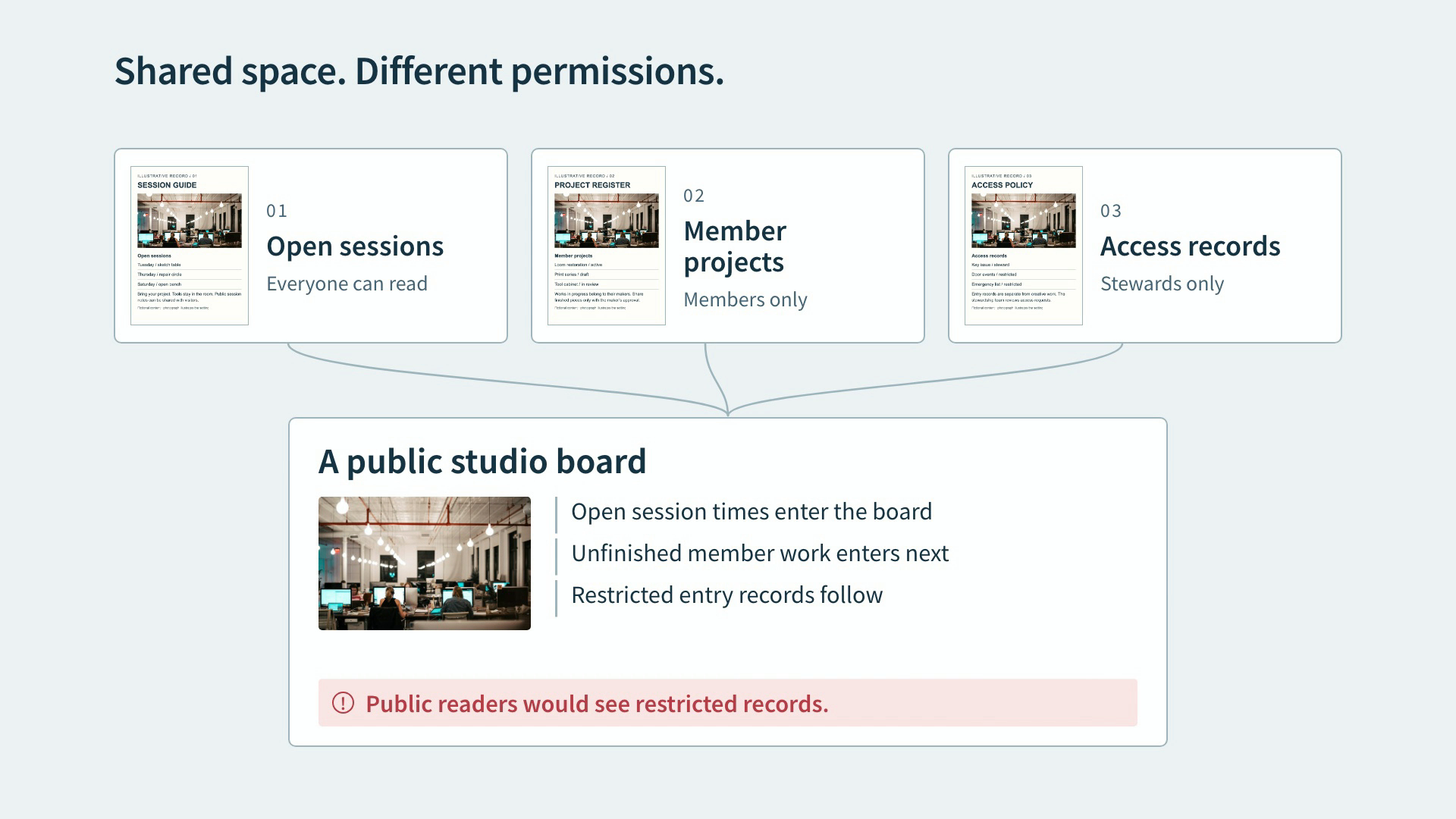
Show three document scopes mixing into one output and reveal a permission conflict inside it.
Exemples · 2
Lancer en ligne
Exécutez l’exemple de Context Boundary dans un sandbox SandBase et voyez le résultat ici.
Fonctionnement
- 01
Write statements and gather photos
Context Boundary takes three source statements, three results, a conflict note and four licensed local photographs, following its authoring guide. Personal data must be fictional or used with permission, and photograph subjects are illustrative only. The output folder must be new and outside the installed Skill.
- 02
Mix three scopes
Three persistent source documents feed one shared sheet, and their three statements become visible in order. An in-sheet marker then reveals a permission conflict inside the combined output, showing where information from one scope should not have reached another. The conflict marker sits inside the shared sheet itself.
- 03
Render and check
Four palettes, harbor, brick, ink and parchment, share the same 7.5-second timeline at 1920 by 1080 and 30 fps, with CJK and Latin in bundled Noto Sans SC. A rejected input or renderer error stops the workflow; a previous MP4 is never substituted. The renderer is silent.
FAQ
What does Context Boundary explain?
Context Boundary explains information mixing: three source documents feed one shared output, and a permission conflict is revealed inside it. It suits short explainers about information boundaries, such as shared workspace permissions in a community studio or volunteer planning. Each statement becomes visible in order.
Can Context Boundary use real people's data?
Only with permission. Context Boundary's guidance is to keep personal data fictional or supplied with consent, and to treat photograph subjects as illustrative. Do not imply that people shown in the photos are connected to the conflict being explained. Captions should describe the scenario, not the people.
Does Context Boundary need a paid service?
No. Context Boundary renders locally with Node.js 22 and HyperFrames and makes no model or paid call. Its only media are the four photographs you supply, and it bundles no example photographs or finished films. Fonts are bundled Noto Sans SC Variable.
What happens if a Context Boundary render fails?
Context Boundary stops the workflow on a rejected input or a renderer error. It never replaces a failed render with an earlier MP4, so a delivered film always matches the current brief. Fix the input or the environment and render again into a new destination.
Is Context Boundary silent?
Yes. Context Boundary's renderer produces silent 7.5-second films. Keep each brief's media and rights records beside its project, and keep the bundled dependency notices with the package. All four palettes share the same timeline at 1920 by 1080 and 30 fps, so a palette swap never changes the pacing.
Plus de Skills
Tous les Skills Motion →
Image Blaster
Turn one frozen moment into a camera-orbit concept video.
Sketchbook Film
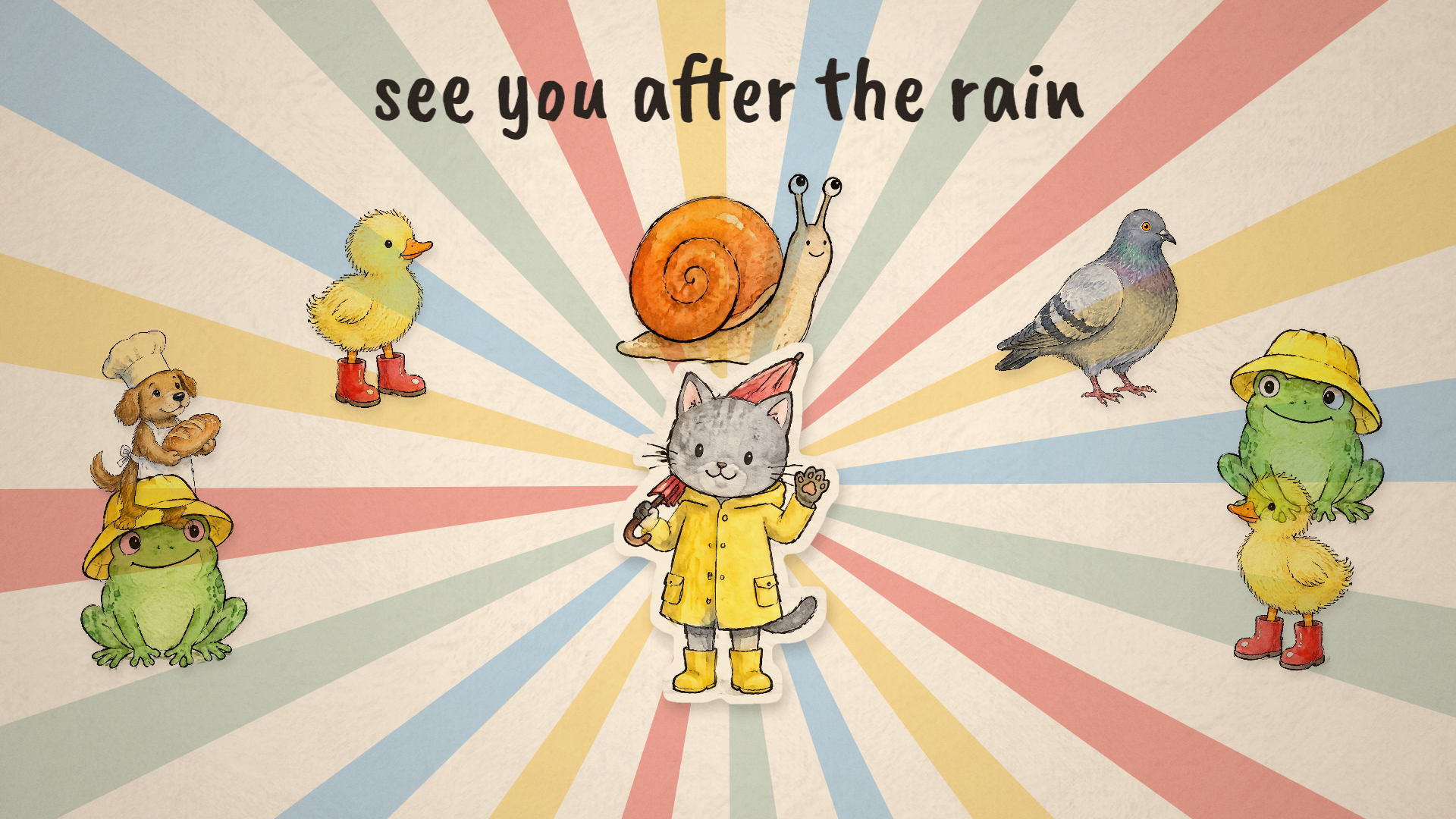
Bring photographed sketchbook drawings to life as a short film with cut-out characters, ink lettering and a score.

SVG Paint Stages
Show a picture being painted: construction marks, contours, flat colour and finer patches, as a layered SVG and a short film.
Network Tally
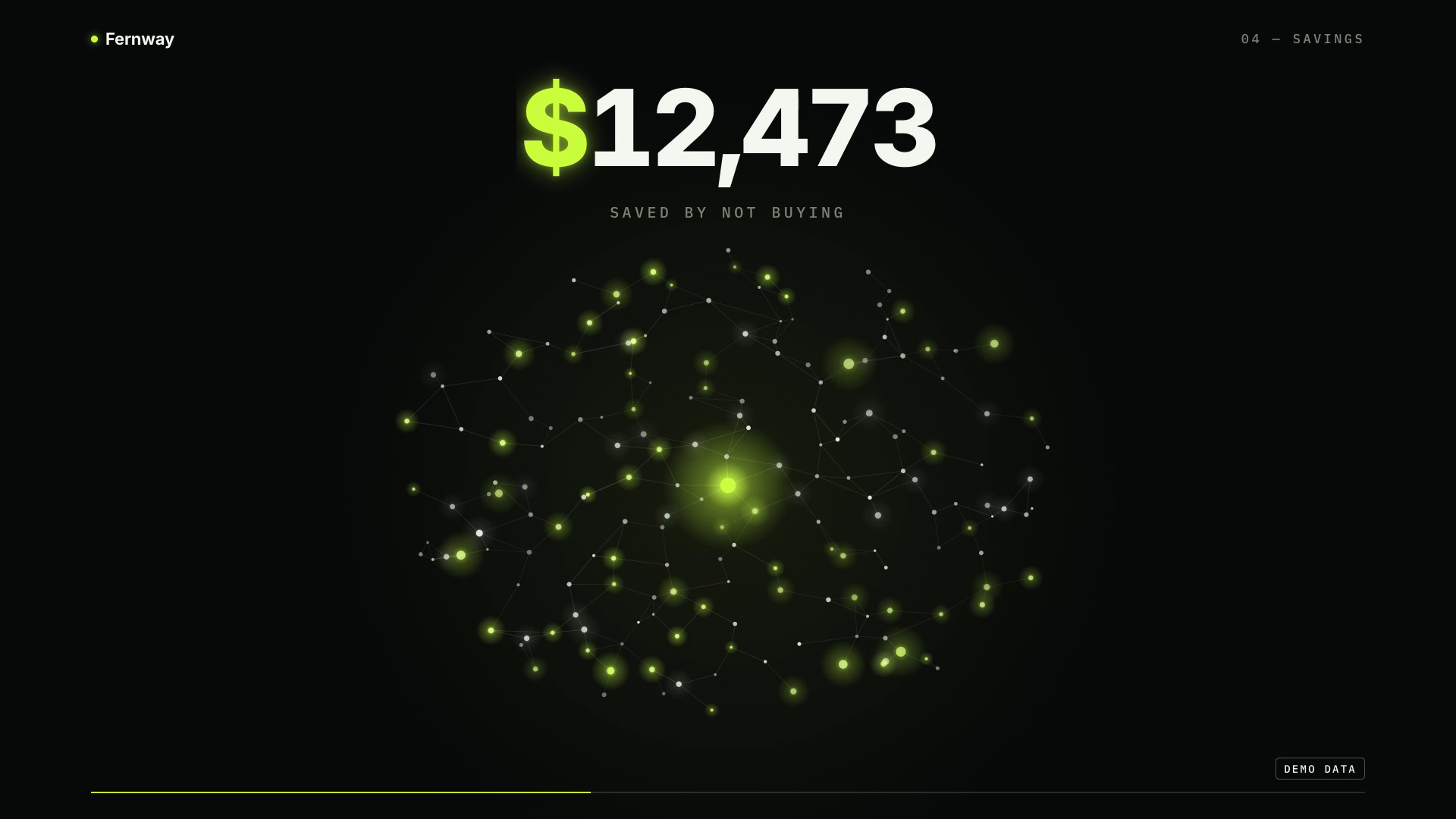
Tell a growth story with real numbers: one node network grows with each counter, flashes, dims behind a spike chart and closes on an end card.
Radiograph Reel: Bumble Ledger
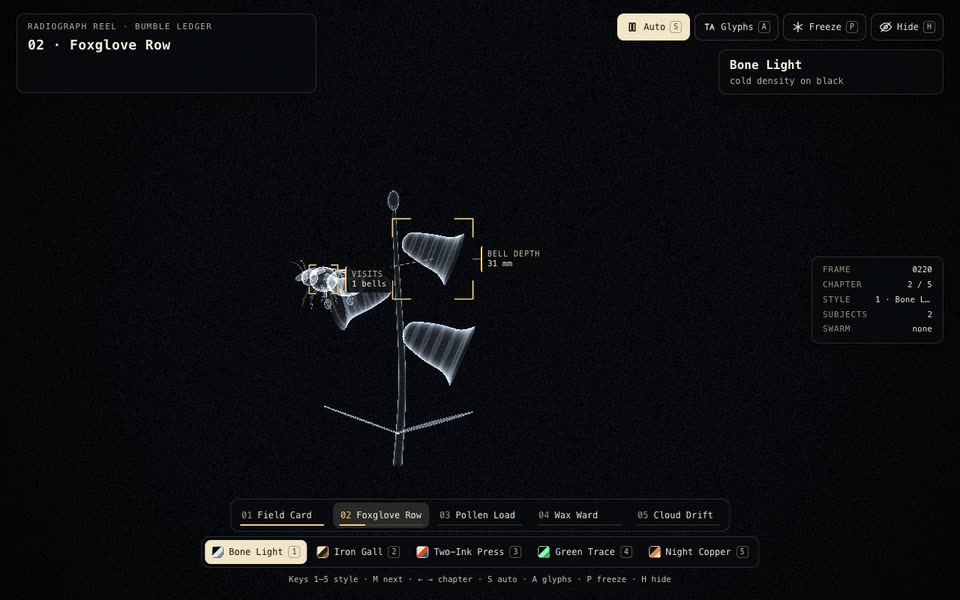
A specimen film reel: procedural bees, flowers and a wax comb glow as X-ray density, print in five switchable film styles with tracking labels, and a swarm morphs between formations.
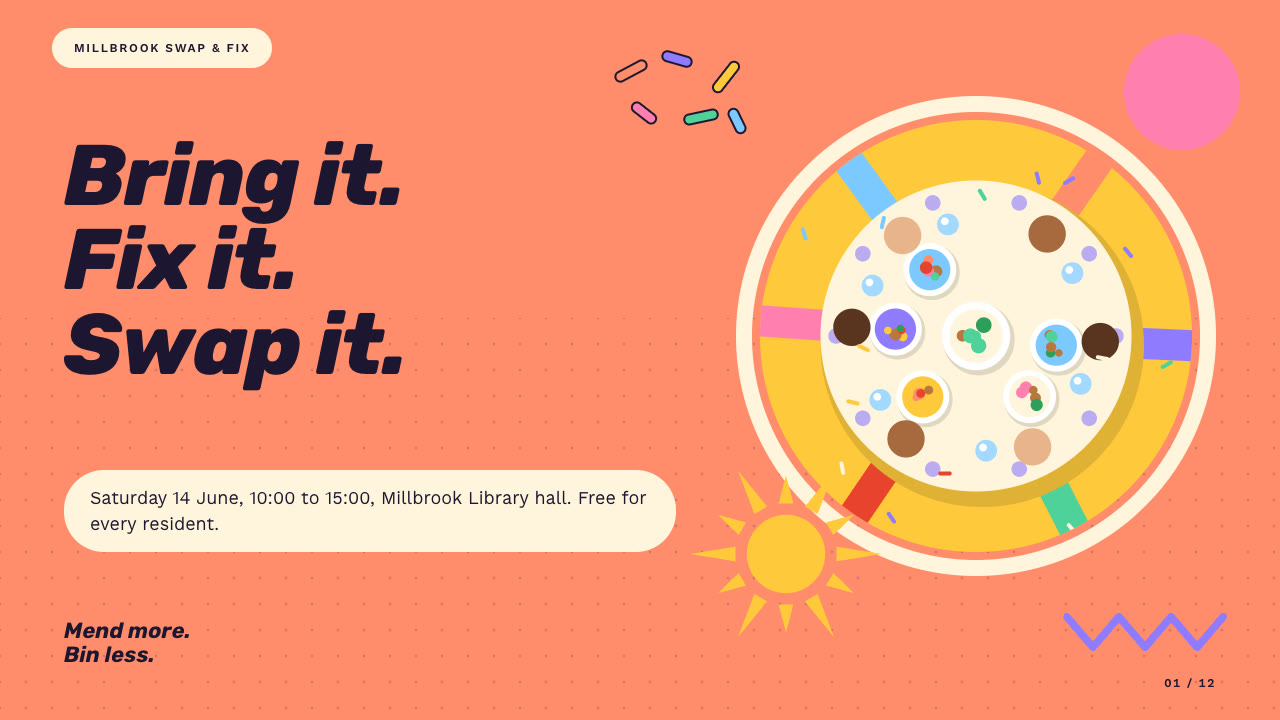
Festival Grid Slides
Invite people to a fair, open day or club season, or pitch one, in a bright festival deck: whole-page colour fields with a fine dot grid, heavy slanted headlines, cream cards and tickets, round pictures, and suns, rosettes, rings, bunting and sprinkles.