
Action Ticks
- Skill Lab
- v1.1.4
- Product marketing
Confirm a sequence of actions beside an editable phone demonstration.
Exemples · 2
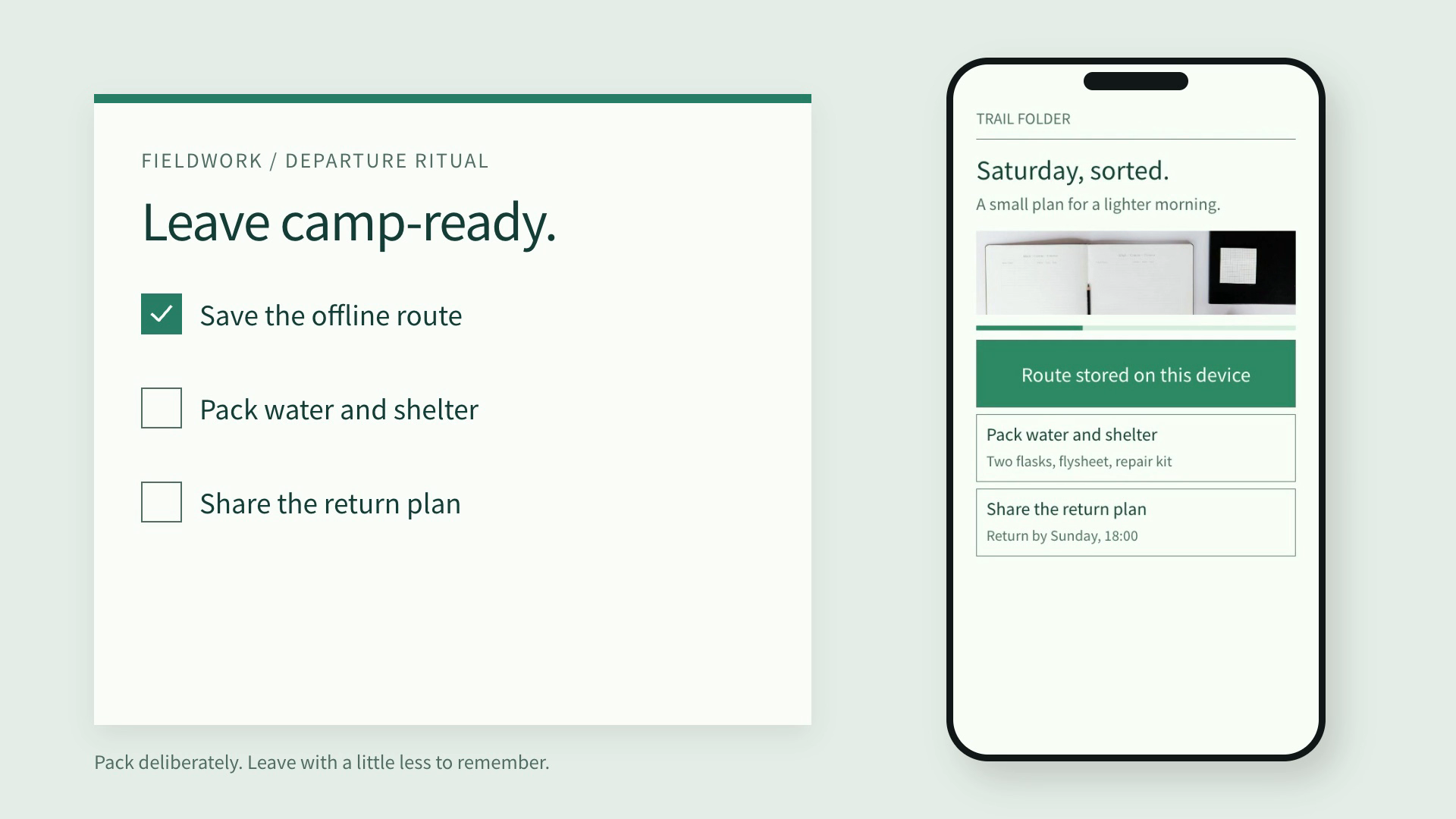
Lancer en ligne
Exécutez l’exemple de Action Ticks dans un sandbox SandBase et voyez le résultat ici.
Fonctionnement
- 01
Write the action brief
Action Ticks takes a JSON brief with a heading, a label, an app name, a result and two to four actions, each with copy of up to 52 characters, a detail of up to 70 and a receipt line, plus confirmation times. Optional fields add a screen heading, intro, caption, one of four palettes, a local phone recording or a presenter clip.
- 02
Build the phone demonstration
Without a recording, the build creates an editable demonstration app in the project's screen folder and renders it into a capture clip first. The film shows every task before any task finishes, then confirms each action in order beside the phone. Text is plain and escaped, and the bundled Noto Sans SC covers Latin and Chinese.
- 03
Render with sound
HyperFrames renders the 1920 by 1080 film at 30 fps, and an editable audio timeline supplies a synthesised sound bed and confirmation cues. You get the video with sound, a video-only cut, a poster, the mix and the editable project. Rendering checks do not establish listening quality, which stays a separate review.
FAQ
What does Action Ticks explain?
Action Ticks explains a short procedure: a list of two to four actions appears in full, then each is confirmed in order beside a phone demonstration until the result lands. It suits short motion explainers such as a camp departure checklist or a bookshop opening, and editable video modules teams keep locally.
Can I use my own phone recording in Action Ticks?
Yes. Action Ticks accepts a local phone recording as the capture, and an optional presenter video that covers the whole film. Without a recording, it builds an editable demonstration app and renders that instead. Preserve supplied recordings; only the generated capture is replaced when you rebuild.
Does Action Ticks need a paid service?
No. Action Ticks renders locally with Node.js, FFmpeg, Chrome and HyperFrames and synthesises its sound bed, with no model or paid API. Network access is needed once to install pinned dependencies; after that, rendering uses only local files. The sound bed and cues are generated from the project's own timeline.
What do I get from Action Ticks?
Action Ticks delivers video.mp4 with synthesised audio, a video-only cut, a poster image, the mix.wav file and the editable project, including the brief and the audio timeline. Edit the timeline and rerun the mix step to change the confirmation sounds without re-rendering the picture.
Has Action Ticks been listened to?
Not as part of the release. Action Ticks' published basis says listening and user acceptance are unverified for its renders, and its review guide treats them as separate checks. Play the film with sound before publishing, especially after editing the audio timeline.
Plus de Skills
Tous les Skills Product marketing →
Pixel Story
Turn a product brief into a pixel film with clear actions, scene traversal and a memorable payoff.
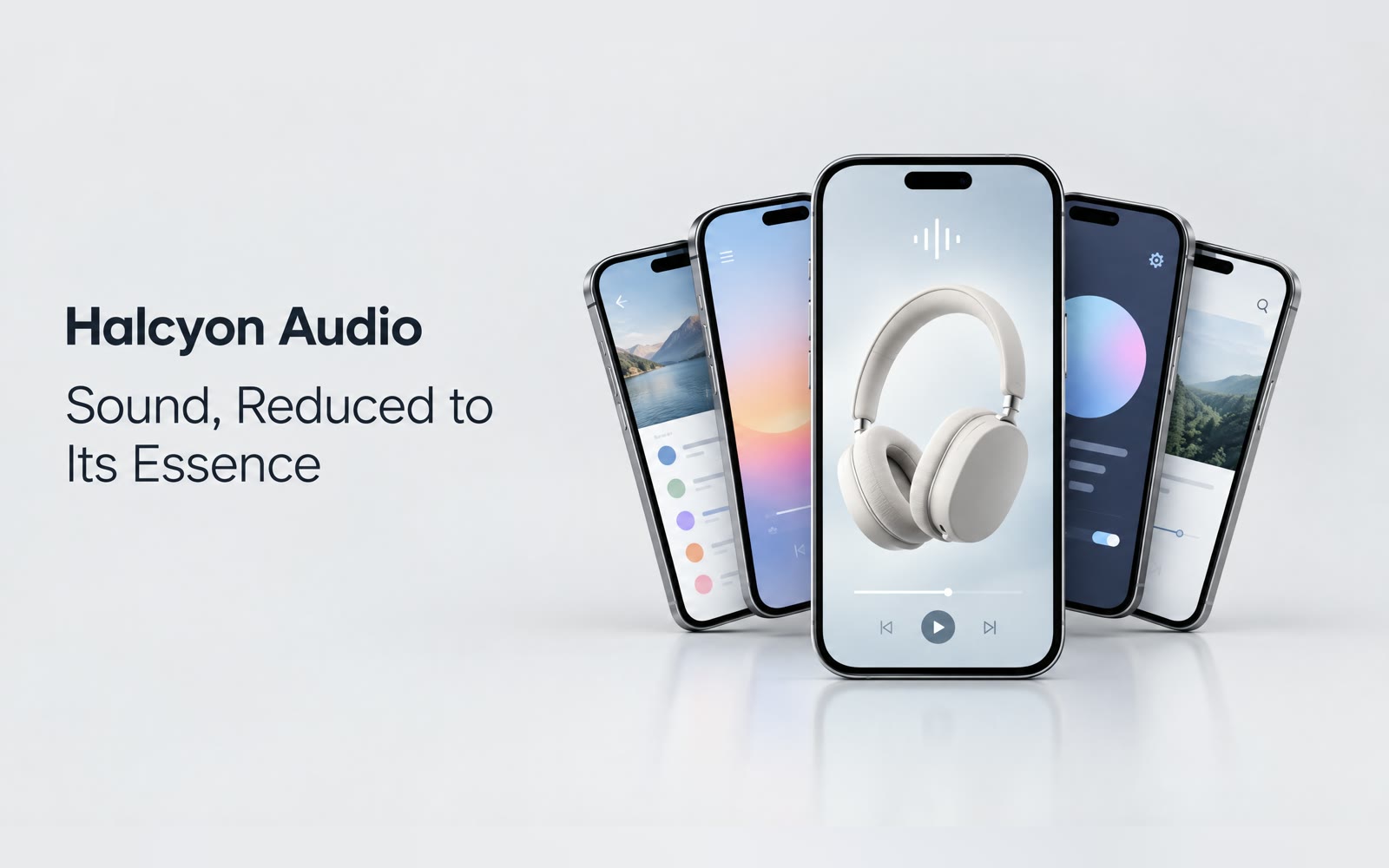
Device fan
Turn a brand, one headline and context into a calm device-showcase card.
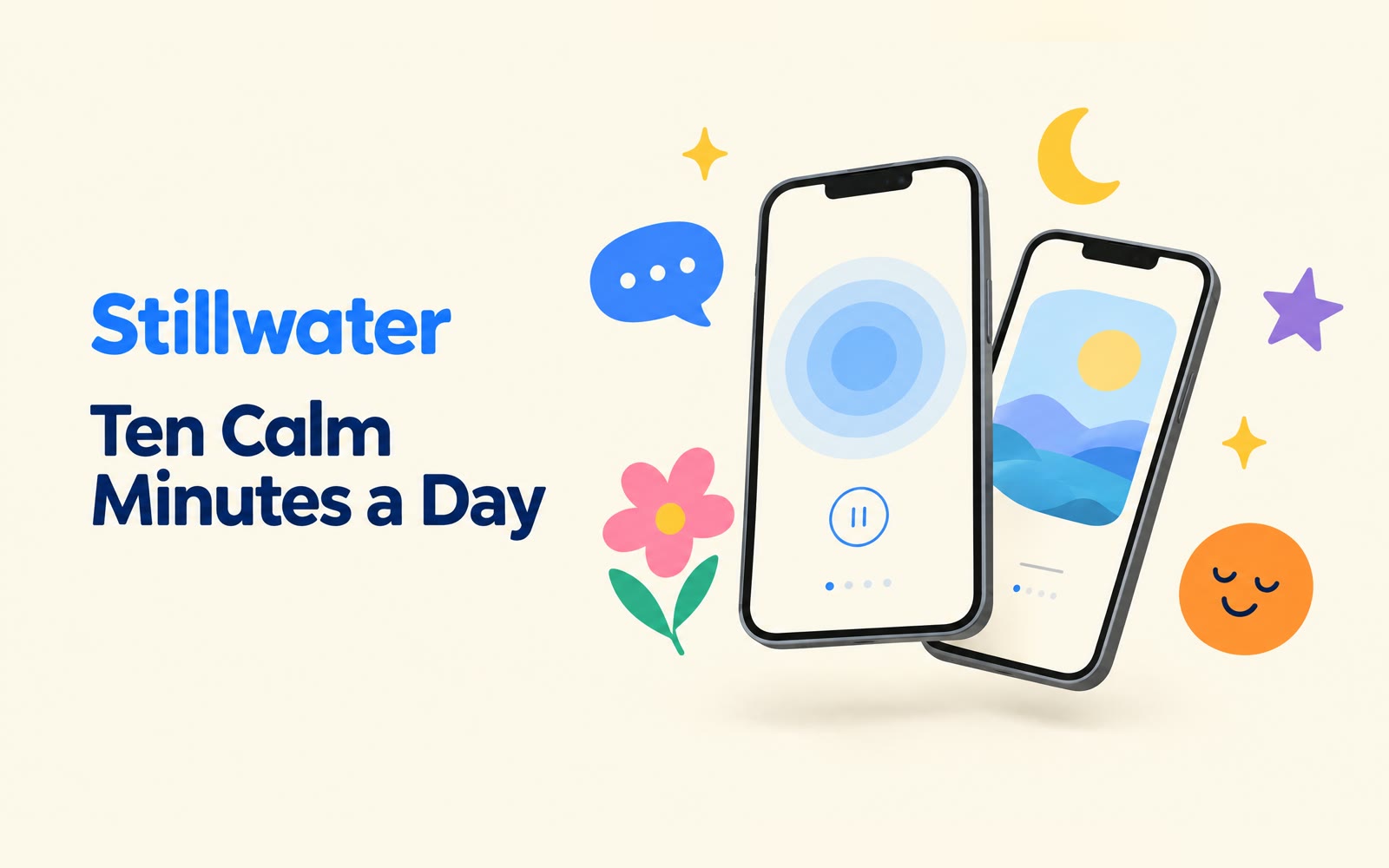
Floating phones
Turn a brand, one headline and context into a warm-ivory card with floating phone screens and playful, friendly doodles.

Floating analytics dashboard
Turn a brand, one headline and context into a split-column card: a narrow charcoal brand column anchoring a large white analytics dashboard that floats across a vivid violet gradient field.
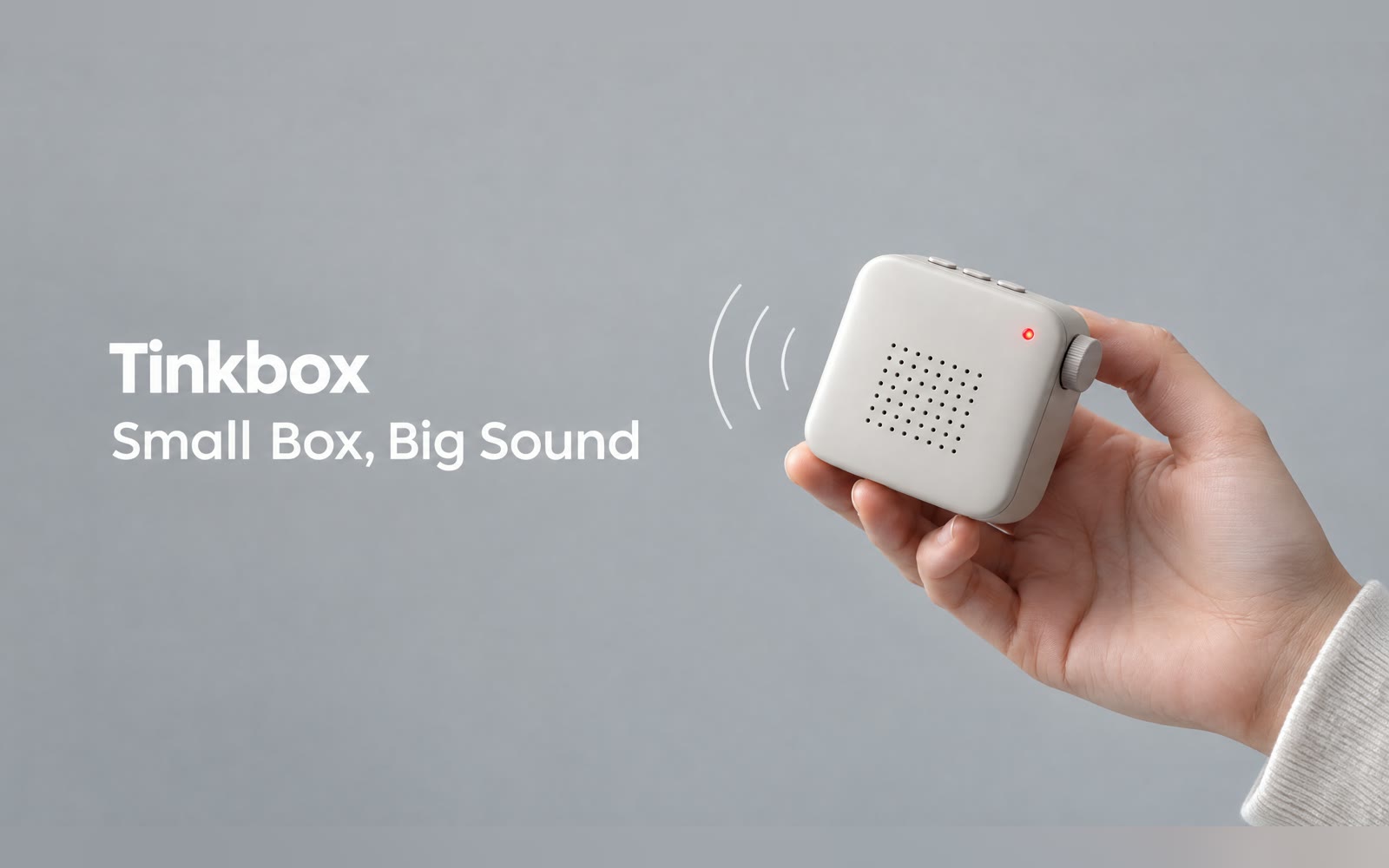
Minimal handheld product
Turn a brand, one headline and context into a high-key studio card: a softly lit hand holding an original compact pale device against a seamless gray background, with broad empty space and a tiny red light as the only accent.
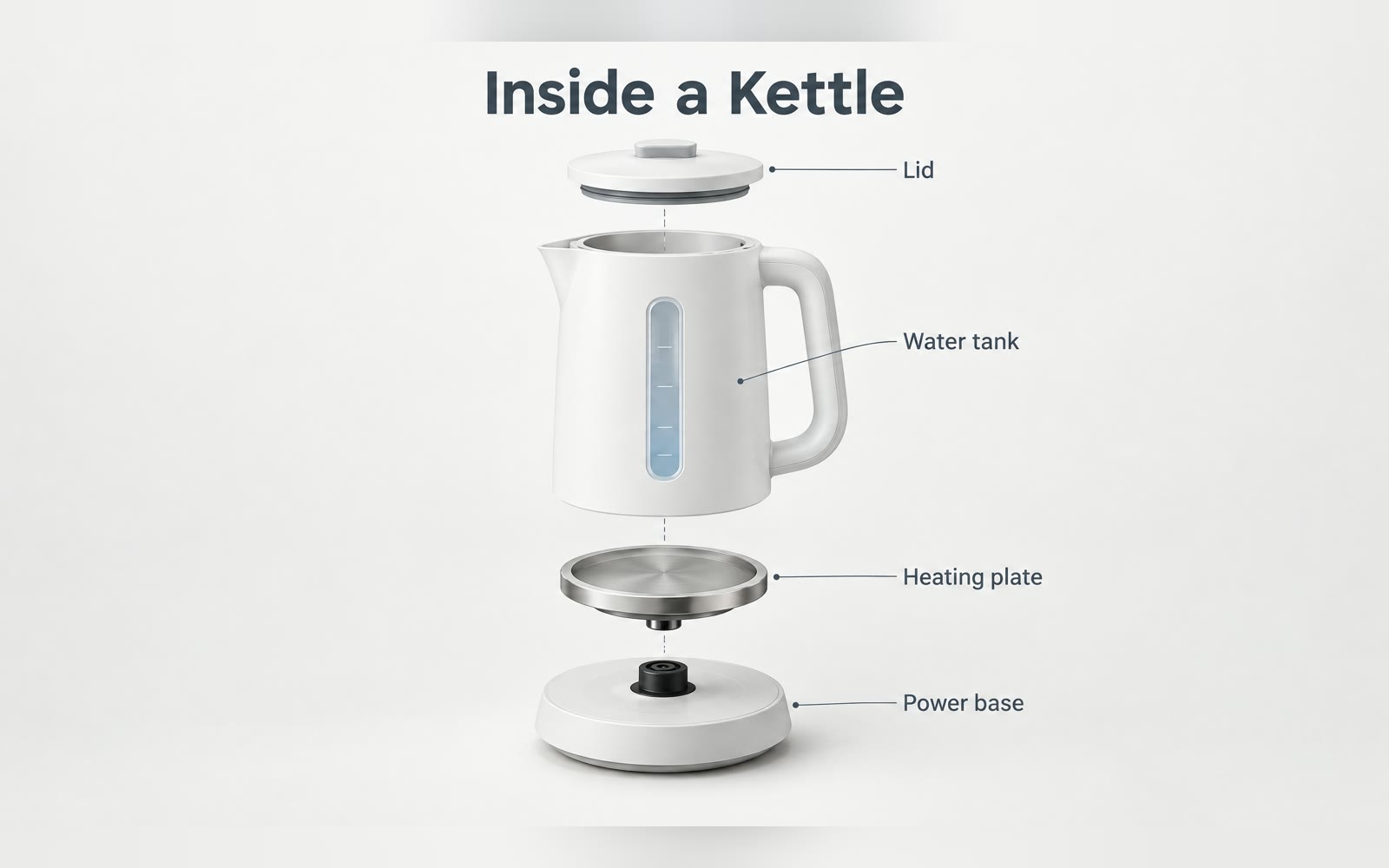
Appliance exploded poster
Turn a household appliance into a polished 16:9 exploded-view poster: part groups separated along one axis, with a title and three to five exact labels.