
Twin Sliders
- Skill Lab
- v1.0.5
- Research
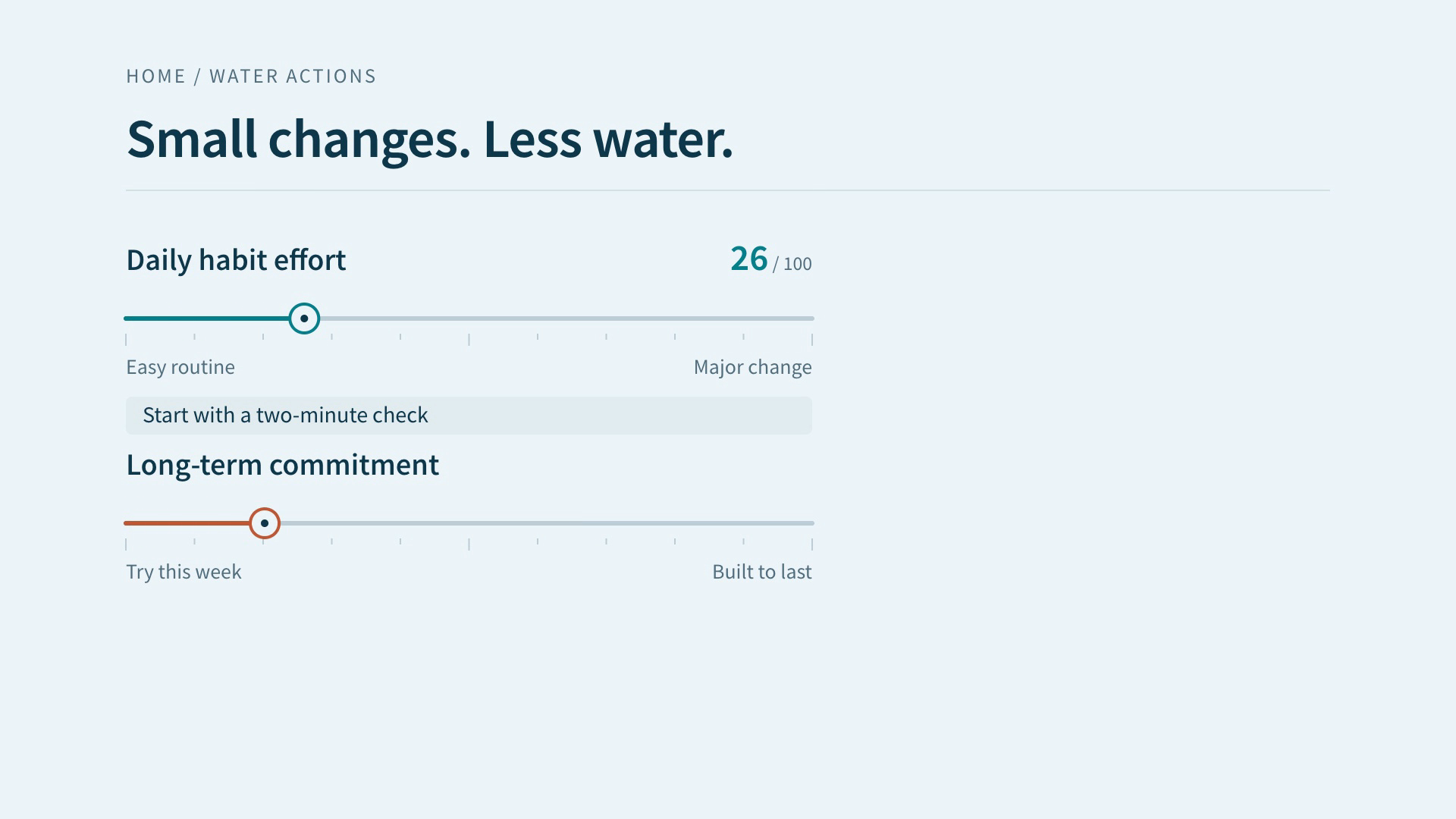
Move two numeric scales in sync and connect their readings to contextual symbols.
Exemples · 2
Lancer en ligne
Exécutez l’exemple de Twin Sliders dans un sandbox SandBase et voyez le résultat ici.
Fonctionnement
- 01
Brief two gauges
Twin Sliders reads a brief with a heading, two named gauges with explicit endpoints and readings, and two to four context options, each naming the gauge it explains. Use justified measurements or disclose illustrative scoring. The tool accepts structured content; turning a prose request into suitable scores and captions is an authoring step.
- 02
Move and connect
The two tracks appear before the handles move. Each fill and handle travel to a shared computed destination, and the reading and caption appear only after the handle stops. Connectors then draw from the actual selected positions to the option symbols, followed by a final reading hold. Boundary values of 0 and 1 are supported.
- 03
Generate and render
Project creation refuses to overwrite existing work and writes editable HTML, the brief, an empty audio timeline and local dependencies. FFmpeg and pinned HyperFrames 0.8.30 render the 1920 by 1080 film; the CLI can be preinstalled for offline rendering. Inspect both movements and their joins, long labels and backward and forward seeks.
FAQ
What does Twin Sliders make?
Twin Sliders makes a short comparison film in which two numeric scales move in sync and connect their readings to contextual symbols. The demos show small changes using less water, and a library with room to belong. It suits short motion explainers that compare two measures.
Can Twin Sliders show made-up scores?
Twin Sliders accepts any values you author, so use justified measurements or clearly disclose that the scoring is illustrative. Each context option must name the gauge it explains. The film displays readings exactly as the brief gives them.
Does Twin Sliders have sound?
Twin Sliders generates silent projects that include an empty, editable audio timeline. To add sound, author licensed tracks into that timeline. The Skill makes no claim about a finished mix, so listen to any audio you add.
Can Twin Sliders render offline?
Yes, once prepared. Twin Sliders fetches the pinned HyperFrames CLI with npx on first use, which needs internet; afterwards, point its environment variable at an installed 0.8.30 CLI to render offline. GSAP and a CJK-capable font are bundled with their notices.
Is Twin Sliders billed?
Twin Sliders renders on your machine from structured content, with no model call or paid service involved, so a film is not billed. Each project is generated into a fresh folder, keeping earlier versions intact.
Plus de Skills
Tous les Skills Research →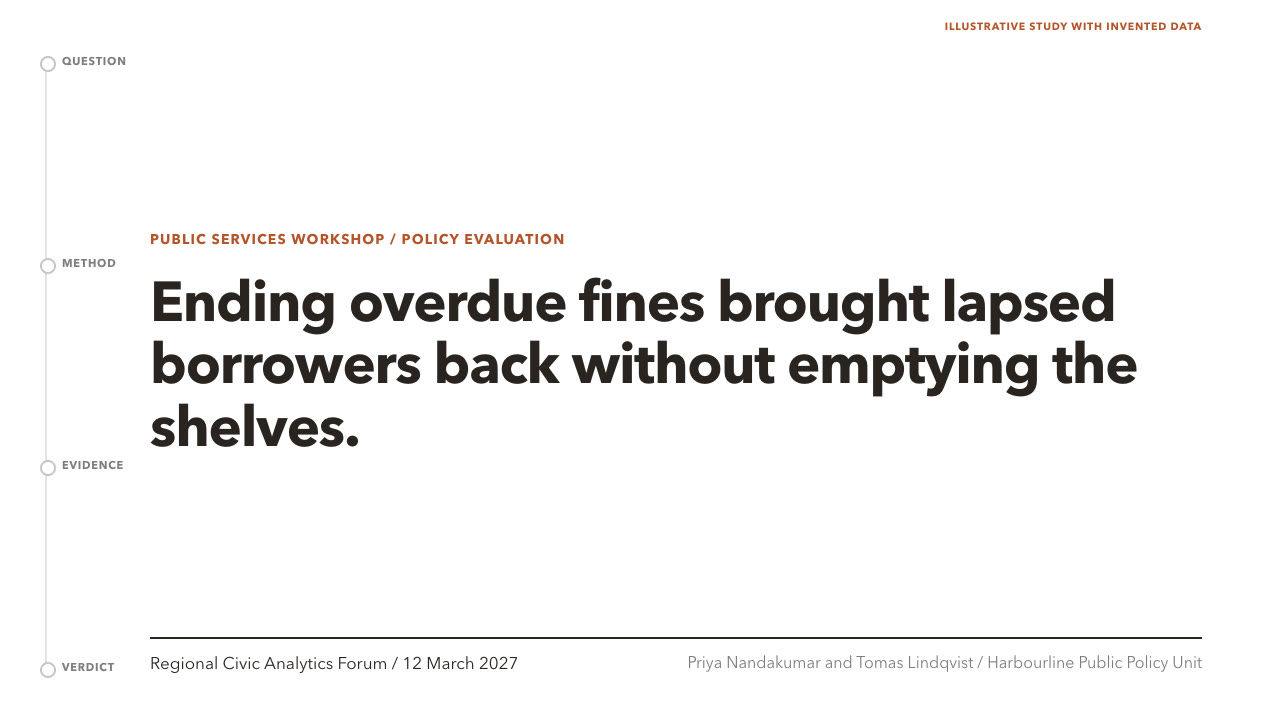
Thesis Spine Slides
Build a research talk whose titles, read in order, argue one claim from question to verdict, with one cited exhibit per evidence page.
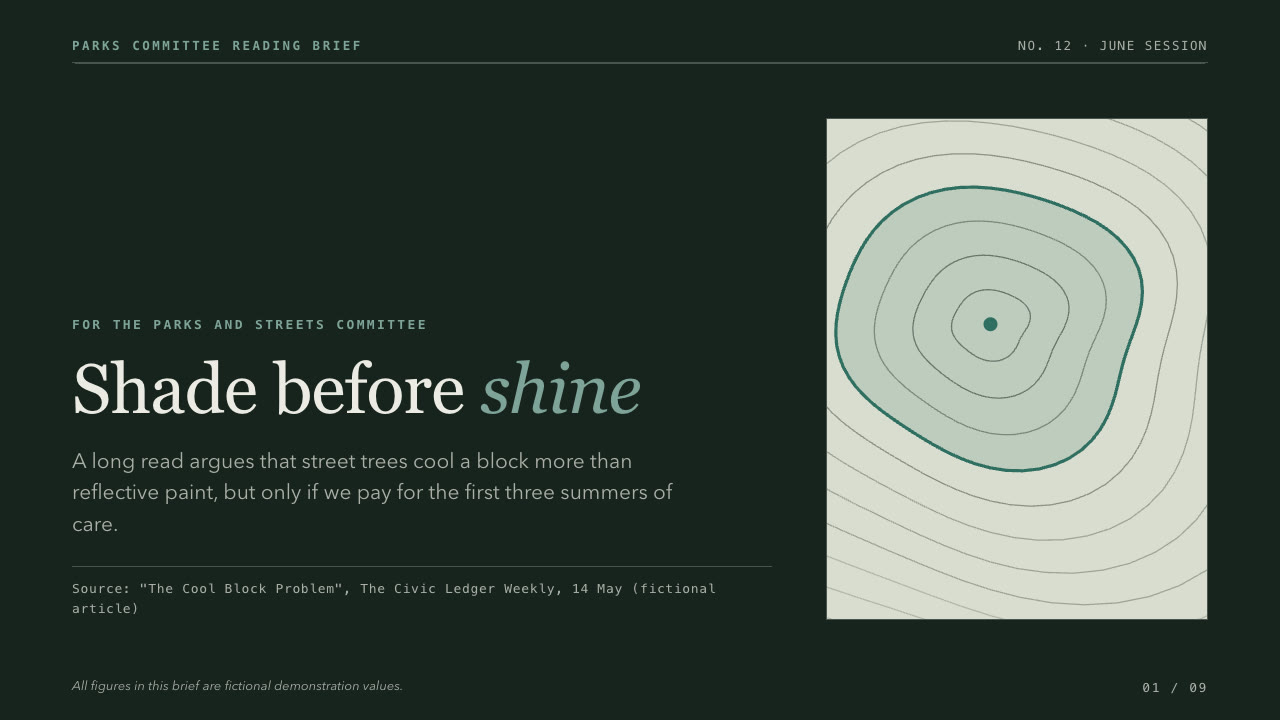
Reading Digest Slides
Turn one long read, essay or report into a reading brief a committee can decide on: a masthead, argument beats on a rail, a headline figure, bar charts and a source ledger that keep checked facts, assumptions and open questions apart, two readings, discussion prompts and the decision asked.

Cloudpane Slides
Make explainer and proposal decks that make a public subject feel approachable: open-sky pictures, clear optical glass and anonymous figures, thin-edged translucent glass cards over the pictures, broad mist-white pages, three deep night pages and headings with an italic serif accent.
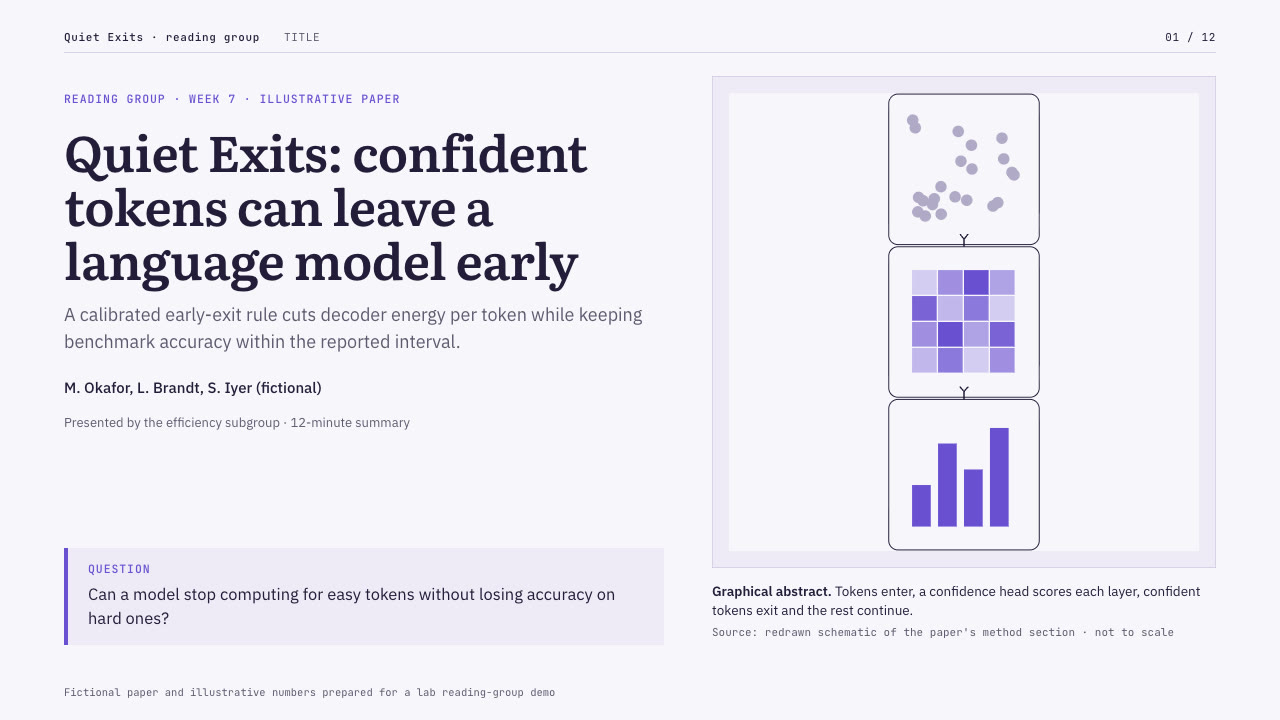
Figure First Slides
Make figure-led research talks such as paper summaries, journal clubs, lab and reading-group reviews and evidence briefings: every content page is built around one figure, chart or table with its caption and source underneath, numbers carry their comparator and interval, and a limits page states what the work can and cannot claim.
Seminar Math Slides
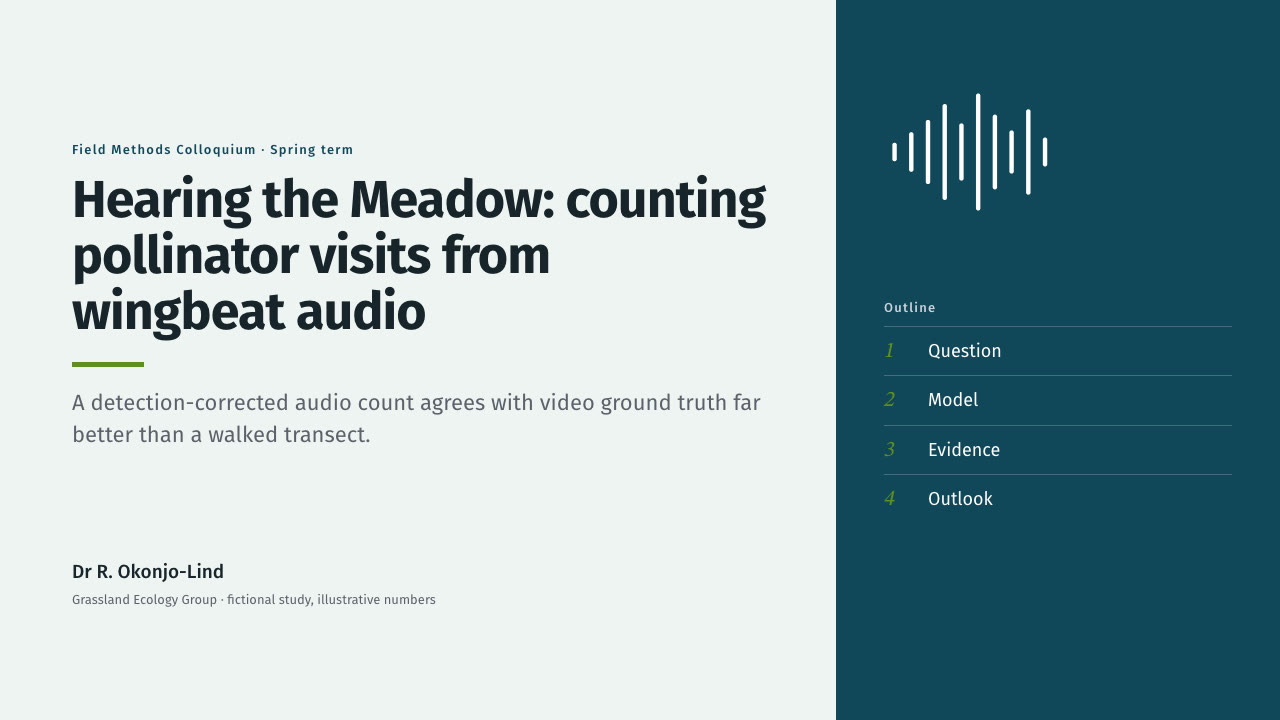
Turn a paper, thesis chapter or research notes into a projection-ready 16:9 talk for seminars, colloquia, defences and conference sessions: a section strip with the current section lit, equations with spoken readings and term glosses, a method pipeline, a proof sketch, native result bars and tables, plots drawn from data and a progress bar with frame counters.
Yellowpad Fieldnotes Slides
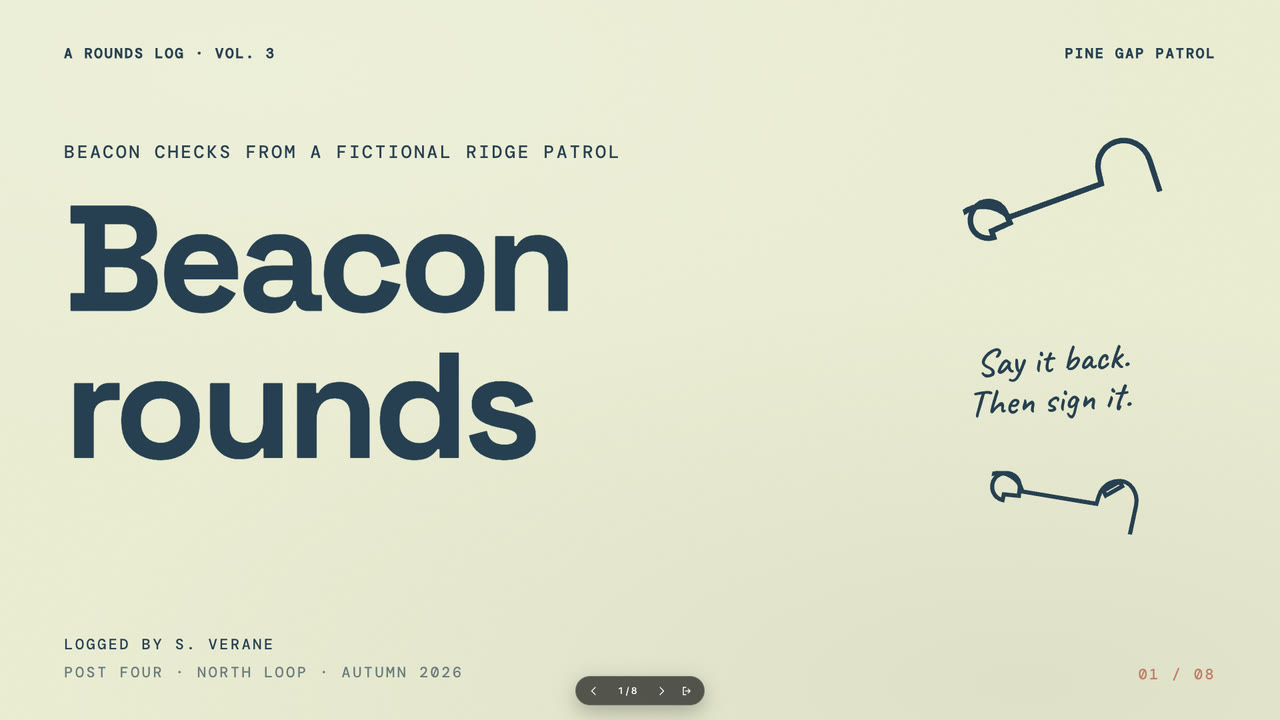
Make decks that read like pinned field notes: saturated yellow legal-pad paper, cobalt ink, hand-drawn safety pins, cream pinned cards, handwritten marginalia, mono archival tags and rotated red stamps.