
YouTube Community Post Audit
- Skill Lab
- v0.1.0
- YouTube
See which of your community posts actually get a reaction — and which formats and topics to repeat.
Couverture
Ce que vous obtenez
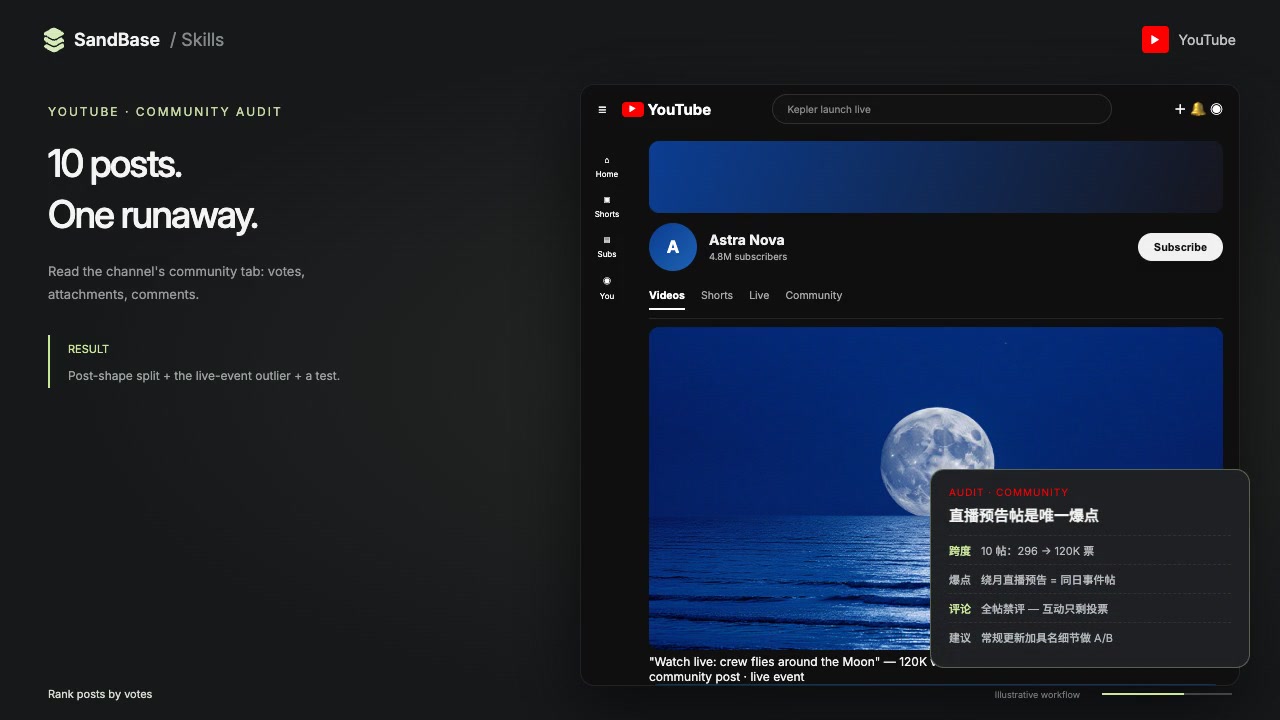
Bring the channel and how far back to look. The Skill returns engagement per post, what lands with the audience, and a repost/drop list with next-post suggestions.
Fonctionnement
- 01
Read the community tab
From the channel and how far back to go, by default the first page of about 15 to 20 posts, the Agent resolves the channel ID and reads its community posts through SandBase, paging with the continuation token. Post detail adds each post's attachment and counts. A run is roughly three to eight calls.
- 02
Normalise engagement
Vote and comment counts are display text, such as 296 or the word Comment when there are none. Numbers are normalised where present, and absent counts are kept as no visible count, not zero. Optionally, comments on one or two posts show what the audience said, without naming commenters.
- 03
Find patterns and recommend
Posts are grouped by attachment type and topic and compared: which formats earn comments versus votes, which posts got nothing, and the posting rhythm. The audit gives a repost list, a drop or fix list, and three concrete next-post suggestions grounded in the findings.
FAQ
What does YouTube Community Post Audit review?
YouTube Community Post Audit reviews a channel's past community posts as a body of work: engagement per post, which formats and topics draw votes and comments, which went unanswered, and the posting rhythm. YouTube Community Posts writes new posts instead.
Why are some counts missing in YouTube Community Post Audit?
YouTube shows vote and comment counts on community posts as rounded display text, and some posts show the word Comment instead of a number. YouTube Community Post Audit reports those as absent rather than zero, so a quiet post is not confused with one whose count was hidden.
Can YouTube Community Post Audit compare posts with videos?
No. YouTube Community Post Audit keeps engagement inside the community tab, because votes and comments on posts are not comparable with video metrics. The recommendations are about future posts, not about the channel's videos. Mixing the two would make every post look weak beside a video's views.
Is YouTube Community Post Audit billed?
YouTube Community Post Audit calls YouTube community posts, post detail, post comments and channel ID tools through SandBase, each billed per call; an audit is roughly three to eight calls. Comment samples are optional. Inspect the community post tools first; see https://www.sandbase.ai/pricing.
How are dates handled in YouTube Community Post Audit?
Community posts carry relative dates such as 2 days ago. YouTube Community Post Audit orders posts by their list position and records the fetch date, so the posting rhythm is anchored to when the audit ran. It never posts, votes or comments.
Plus de Skills
Tous les Skills YouTube →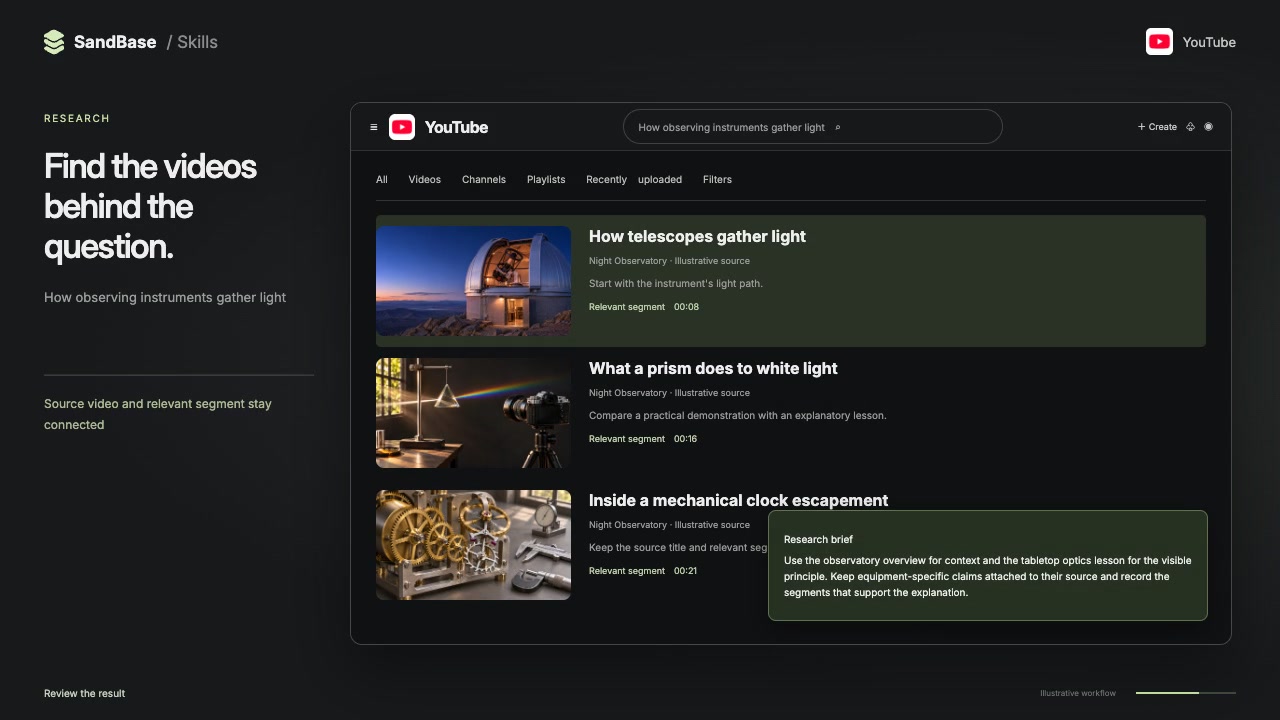
YouTube Research
Search videos, analyze channels, extract captions, read comments, and discover trends on YouTube through SandBase. Use when asked for YouTube research, video discovery, channel analysis, content strategy research, comment sentiment, or video transcript extraction.
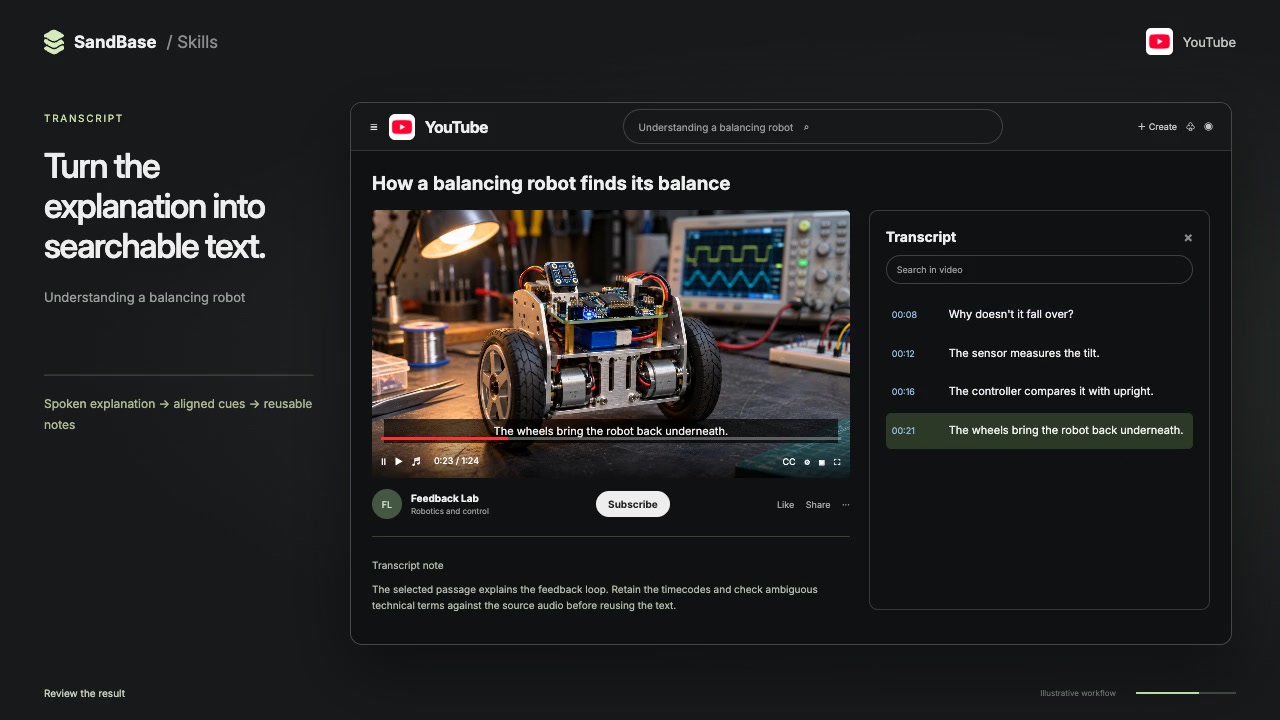
YouTube Transcript
Extract full transcripts and captions from YouTube videos for content analysis, summarization, note-taking, and repurposing. Supports multiple languages and auto-generated captions. Ideal for research, content creation, and accessibility workflows.
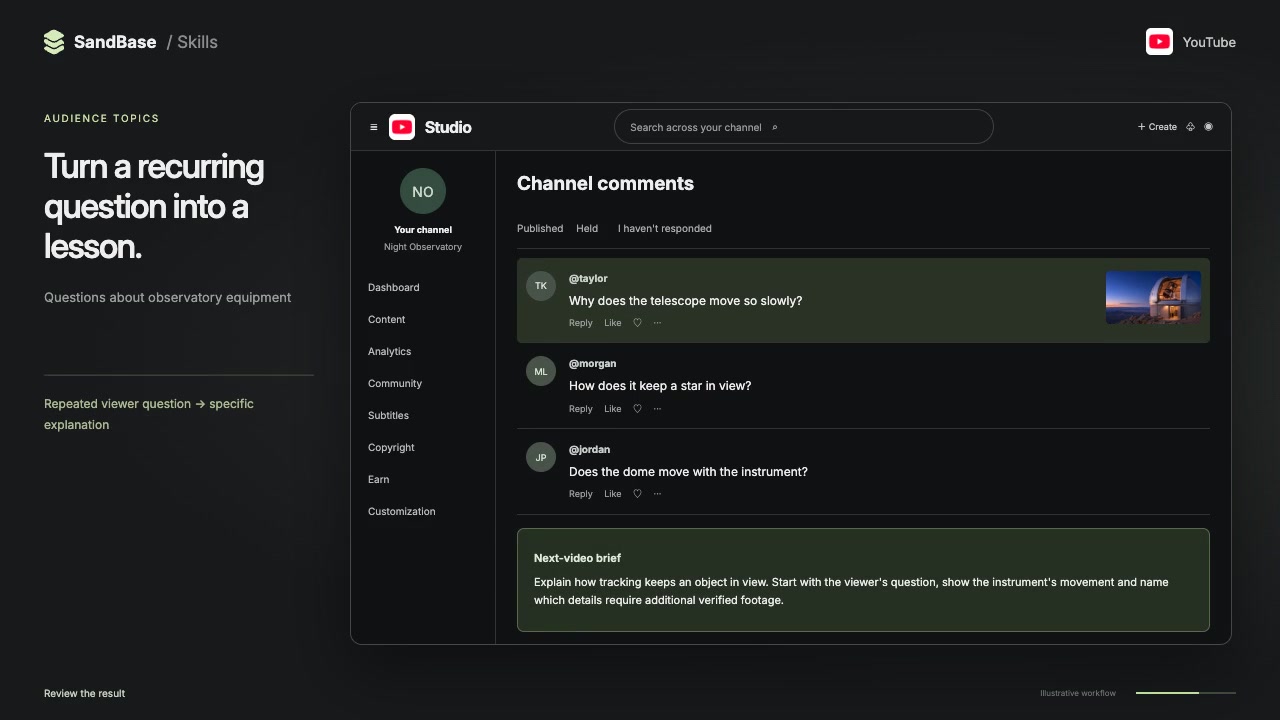
YouTube Audience Topics
Find the next useful video question in a bounded comment sample.
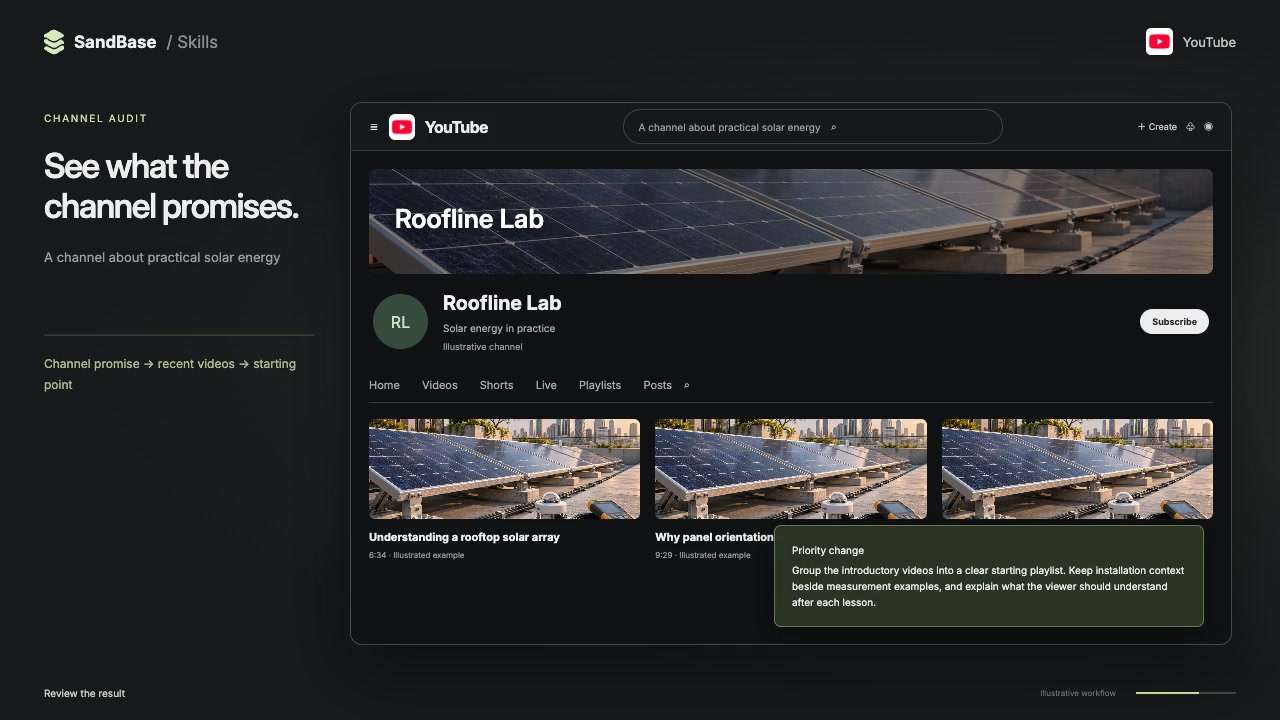
YouTube Channel Audit
Review recent titles, upload rhythm and transcript openings to choose one main fix.
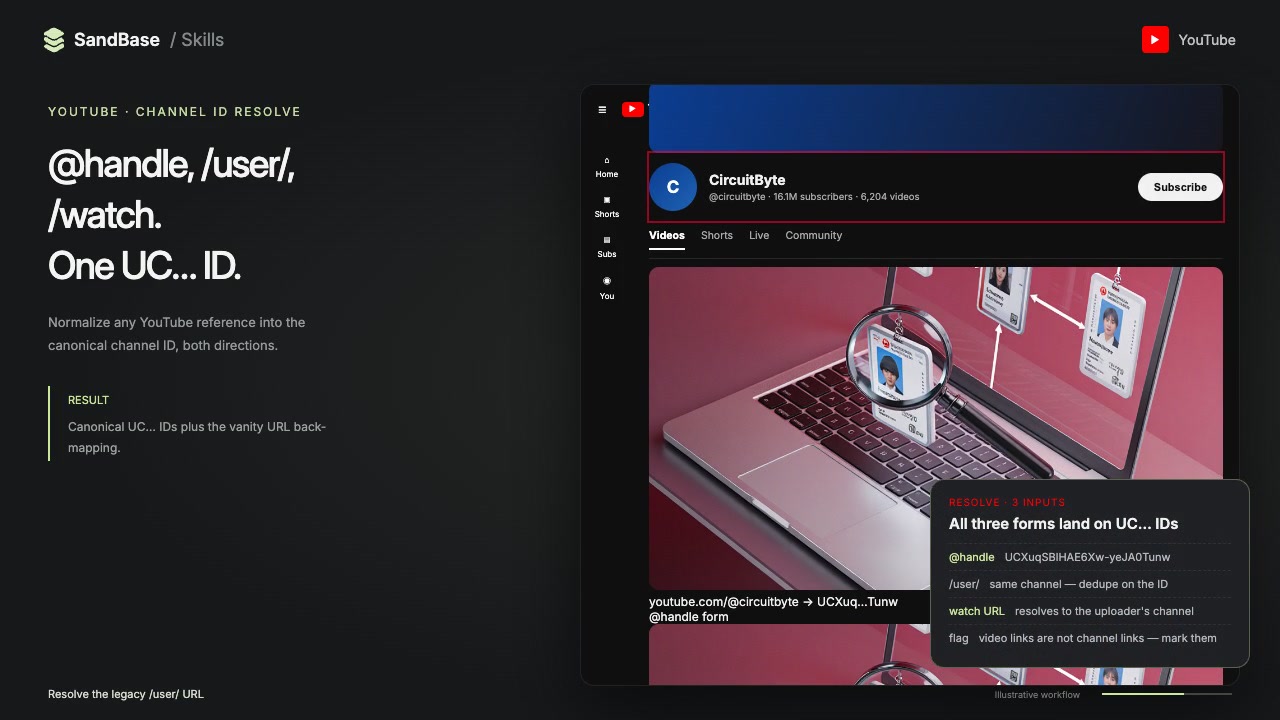
YouTube Channel Id Resolve
Resolve any YouTube channel reference
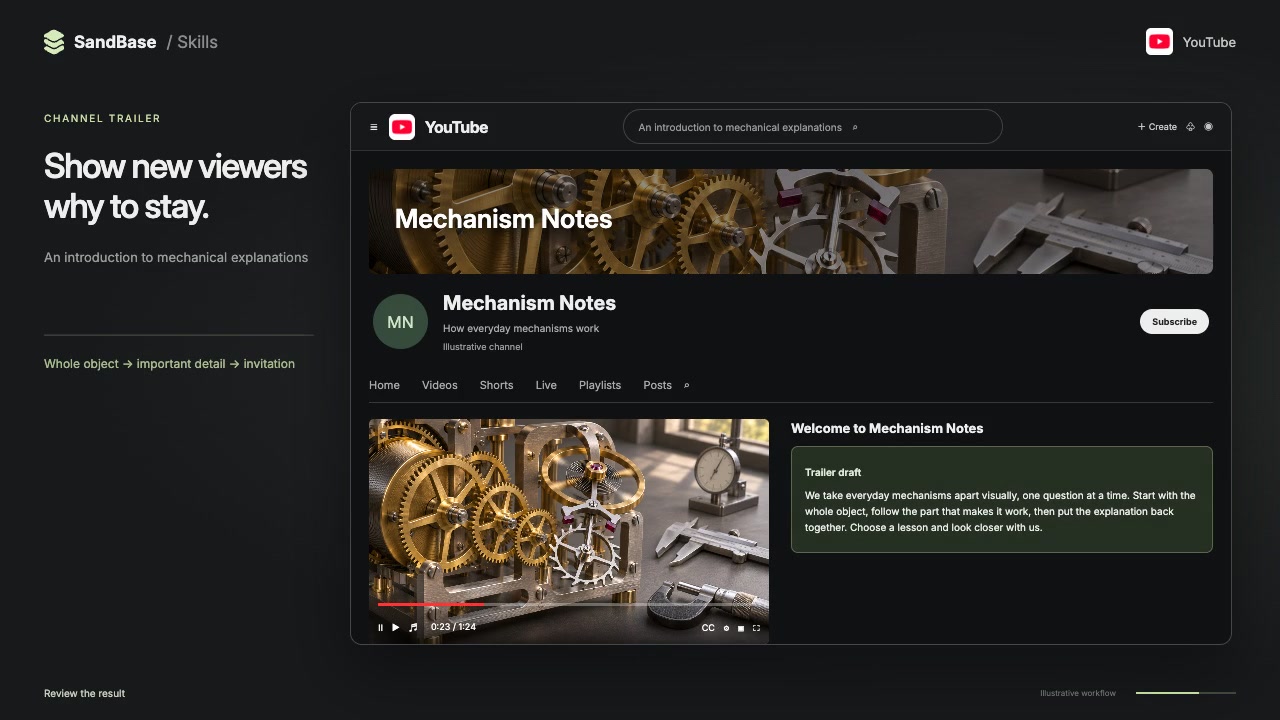
Write a YouTube channel trailer
Introduce the channel with concrete examples and a script that fits the available time.