
YouTube End Screen Plan
- Skill Lab
- v0.3.0
- YouTube
Connect a video ending to a useful next step with words and timing the editor can use.
Couverture
Ce que vous obtenez
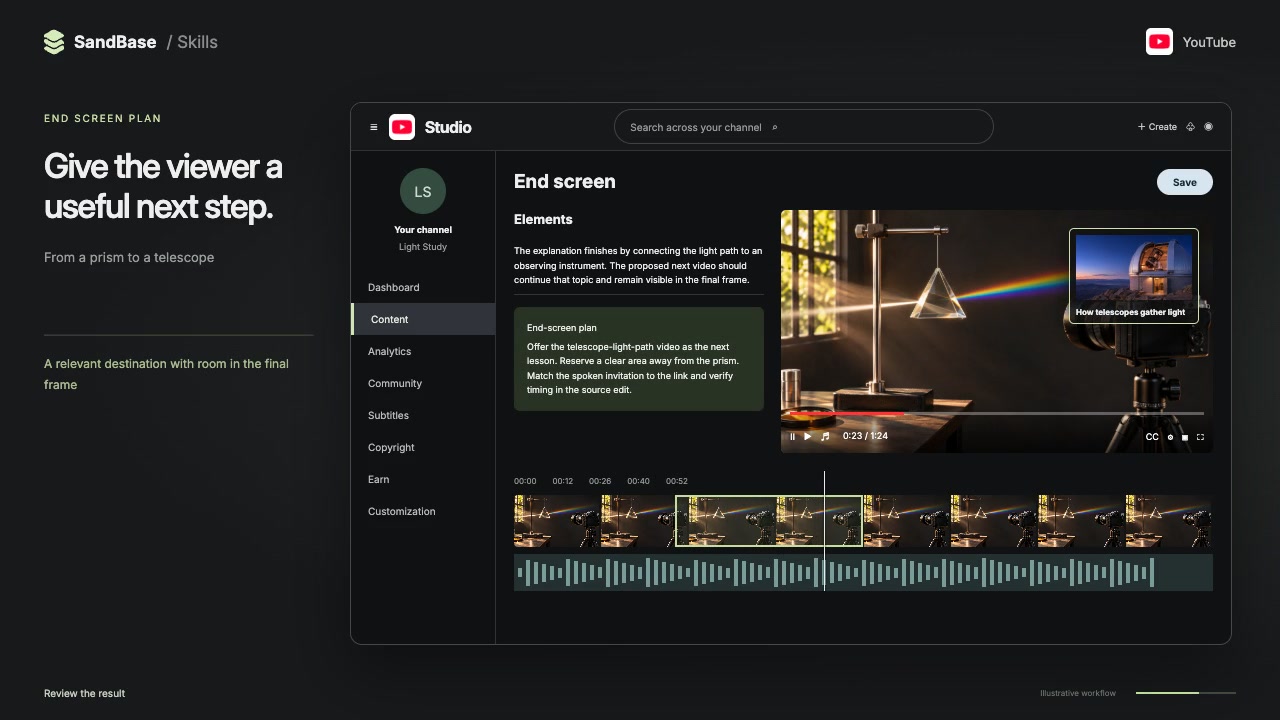
Bring current video content, candidate videos/playlists, an ending window and any owner analytics. The Skill returns a destination choice, spoken CTA and editing timeline based on checked playlist contents; no inferred click-through gains.
Fonctionnement
- 01
Read the ending and destinations
The Agent reads the current video's ending from its transcript and its exact duration through SandBase, plus candidate destination videos or a playlist, verifying the playlist owner, membership and first usable video. Transcript evidence is kept apart from inspected frames; visual issues are not diagnosed without frames.
- 02
Choose and write the transition
A destination is chosen because it resolves the next viewer problem, with reasons alternatives are weaker; a planned video gets a fallback. The transition completes the present promise before inviting one next step, using only facts the source supports, without fake urgency.
- 03
Time the ending and plan a test
A timeline fits inside the actual ending window, with positions and spoken word count computed by code from a stated speaking rate. Each spoken reference is aligned with a named visual element. One test changes a single ending element and defines the Studio measure and denominator.
FAQ
What does YouTube End Screen Plan deliver?
YouTube End Screen Plan delivers a usable ending for one video: the destination decision, the exact spoken transition, a timecoded editor table, a word-count and duration calculation, visual checks and one bounded test plan. It concerns viewer continuity, not a promised click rate.
How does YouTube End Screen Plan pick the next video?
YouTube End Screen Plan picks the destination that resolves the viewer's next problem after this video, and explains why the alternatives are weaker. In the included example it chose the next step in a tutorial and fitted the ending into an 18-second allowance.
Can YouTube End Screen Plan judge visuals?
Only from inspected frames. YouTube End Screen Plan does not diagnose clutter, empty space, silence or pacing from a transcript. Element positions are editing proposals until checked against the actual frame, subtitle area and Studio overlays. Supply frames for a visual review.
Is YouTube End Screen Plan billed?
YouTube End Screen Plan calls YouTube transcript, video detail, video list and playlist tools through SandBase when ending or destination material is not supplied, each billed per call. Supplied material needs no calls. Inspect shows the YouTube playlist tools' prices; see https://www.sandbase.ai/pricing.
What test does YouTube End Screen Plan propose?
YouTube End Screen Plan proposes one test that keeps the destination and content comparable and changes one ending element. It defines the Studio measure and denominator, and uses exact supplied impressions and clicks for any arithmetic. Views alone are not used as the measure, since they mix in viewers who never reached the ending.
Plus de Skills
Tous les Skills YouTube →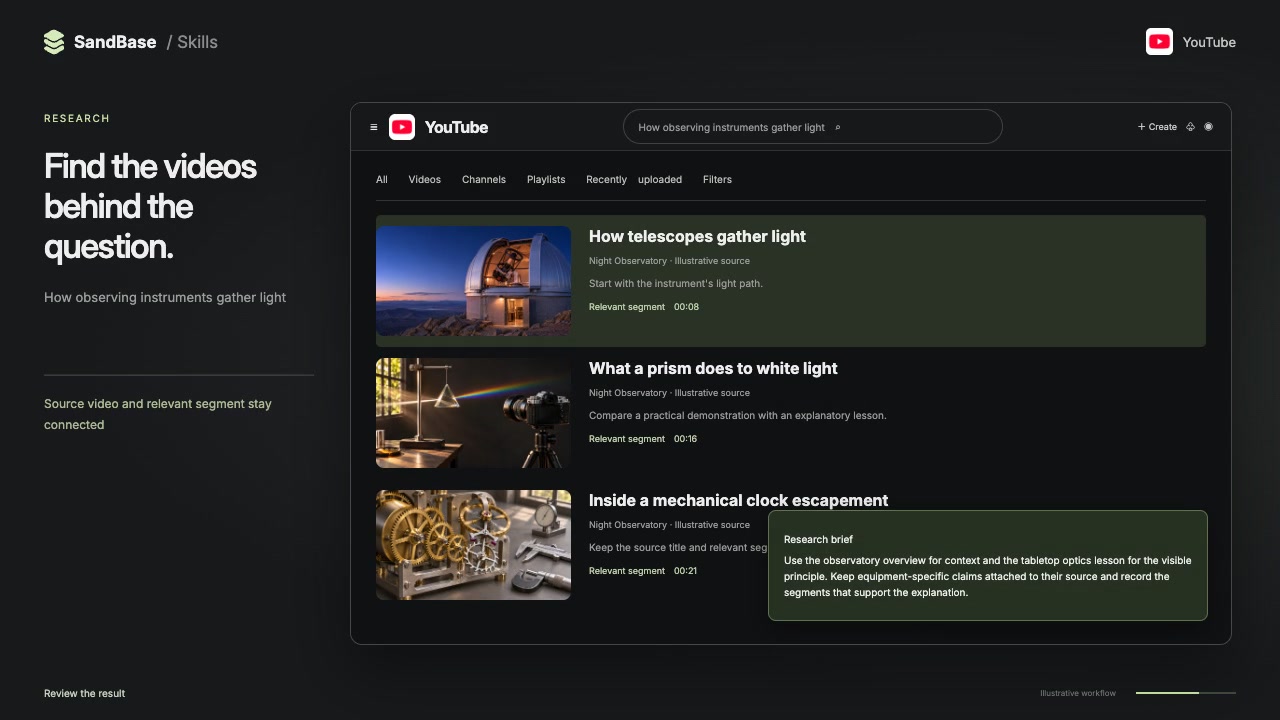
YouTube Research
Search videos, analyze channels, extract captions, read comments, and discover trends on YouTube through SandBase. Use when asked for YouTube research, video discovery, channel analysis, content strategy research, comment sentiment, or video transcript extraction.
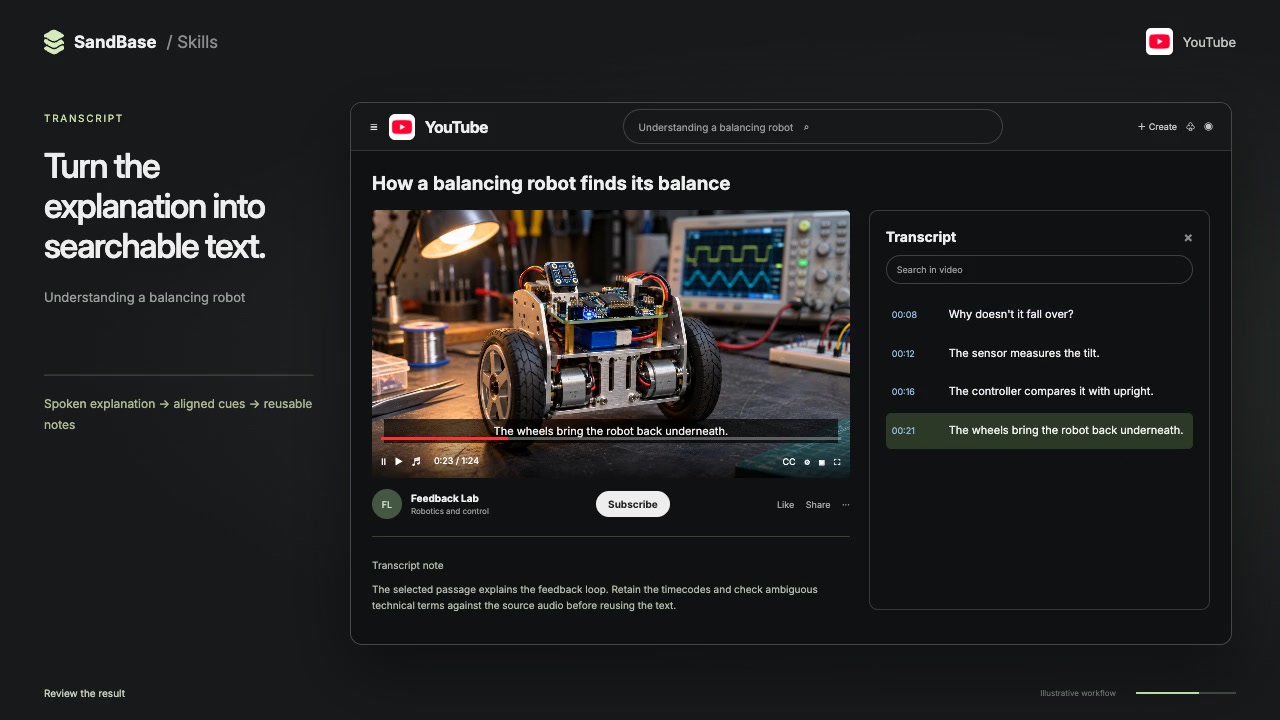
YouTube Transcript
Extract full transcripts and captions from YouTube videos for content analysis, summarization, note-taking, and repurposing. Supports multiple languages and auto-generated captions. Ideal for research, content creation, and accessibility workflows.
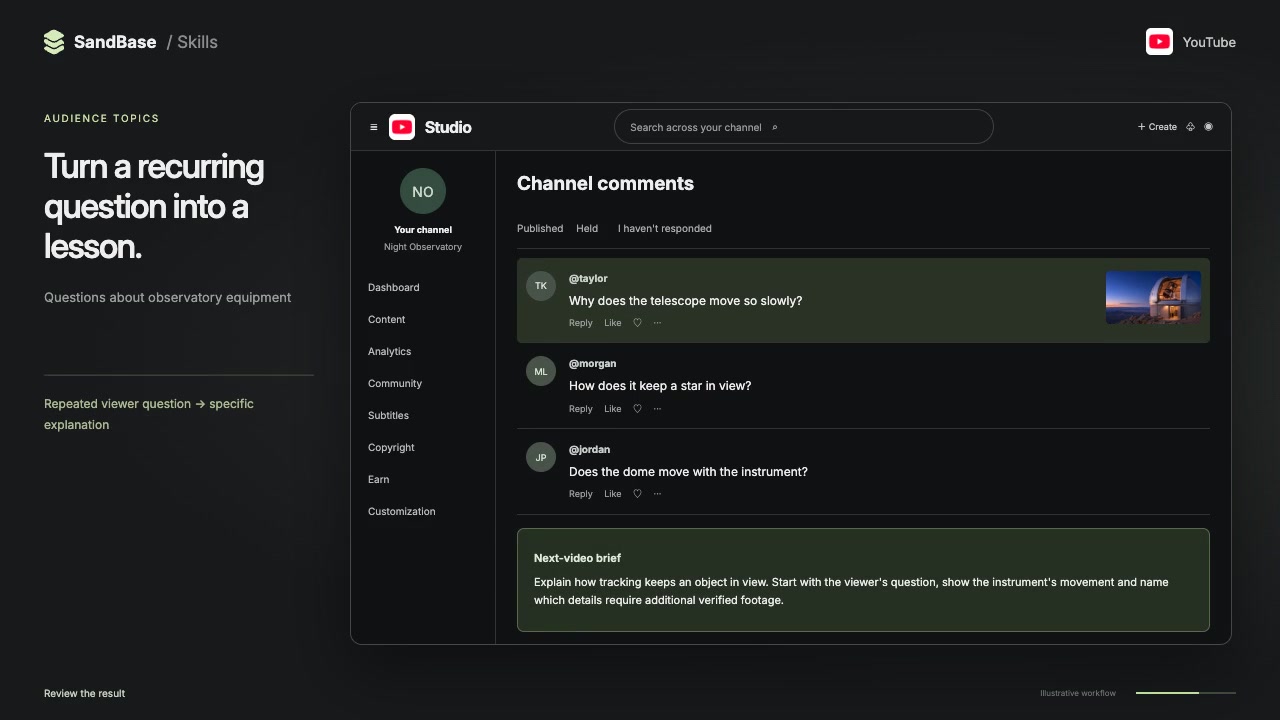
YouTube Audience Topics
Find the next useful video question in a bounded comment sample.
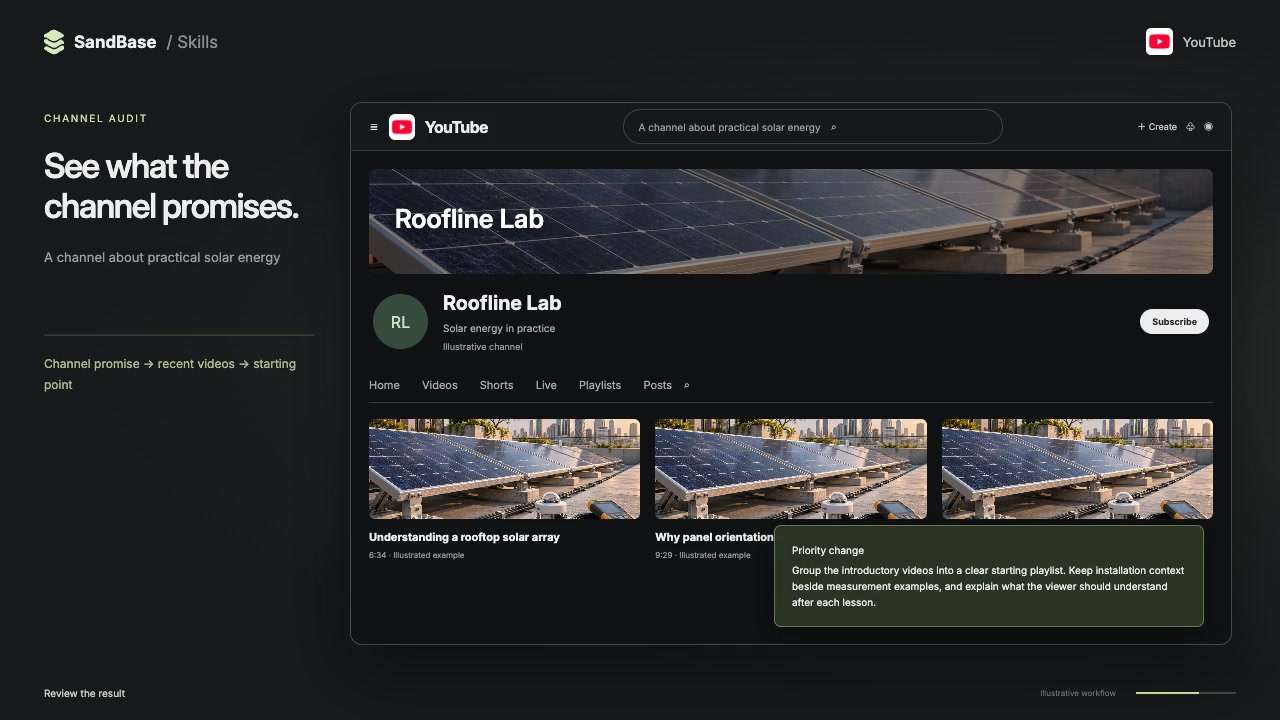
YouTube Channel Audit
Review recent titles, upload rhythm and transcript openings to choose one main fix.
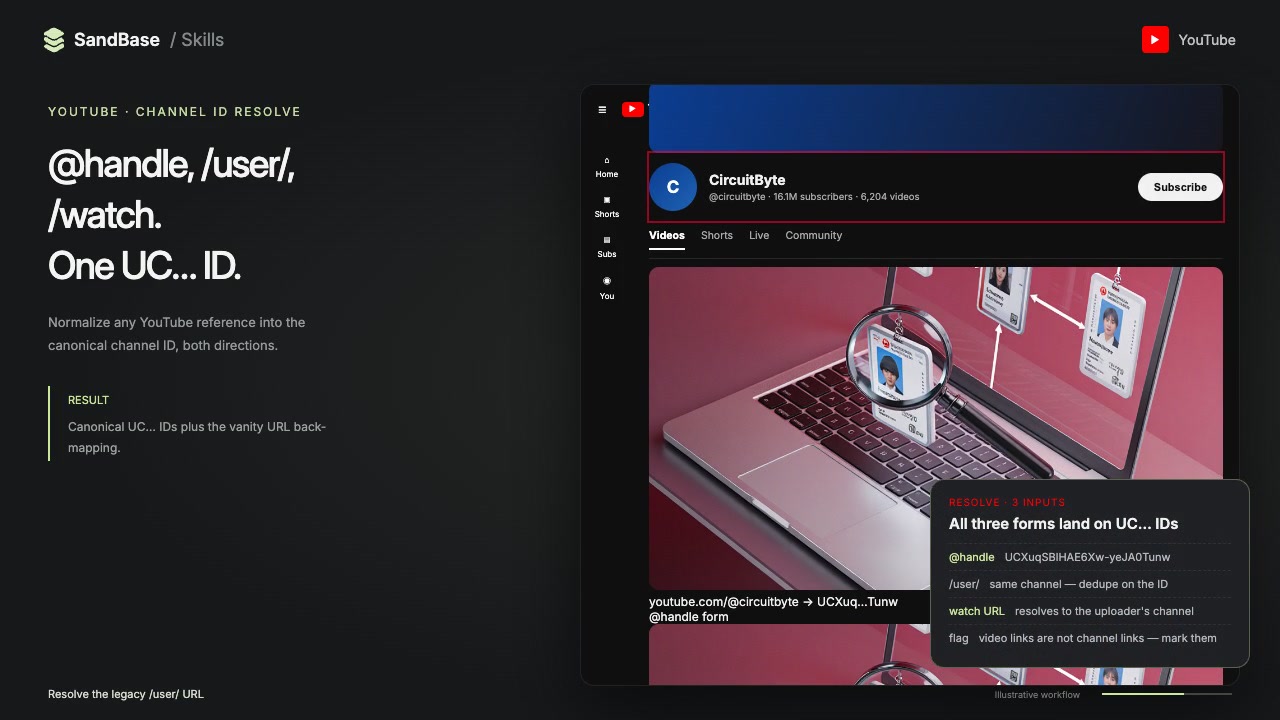
YouTube Channel Id Resolve
Resolve any YouTube channel reference
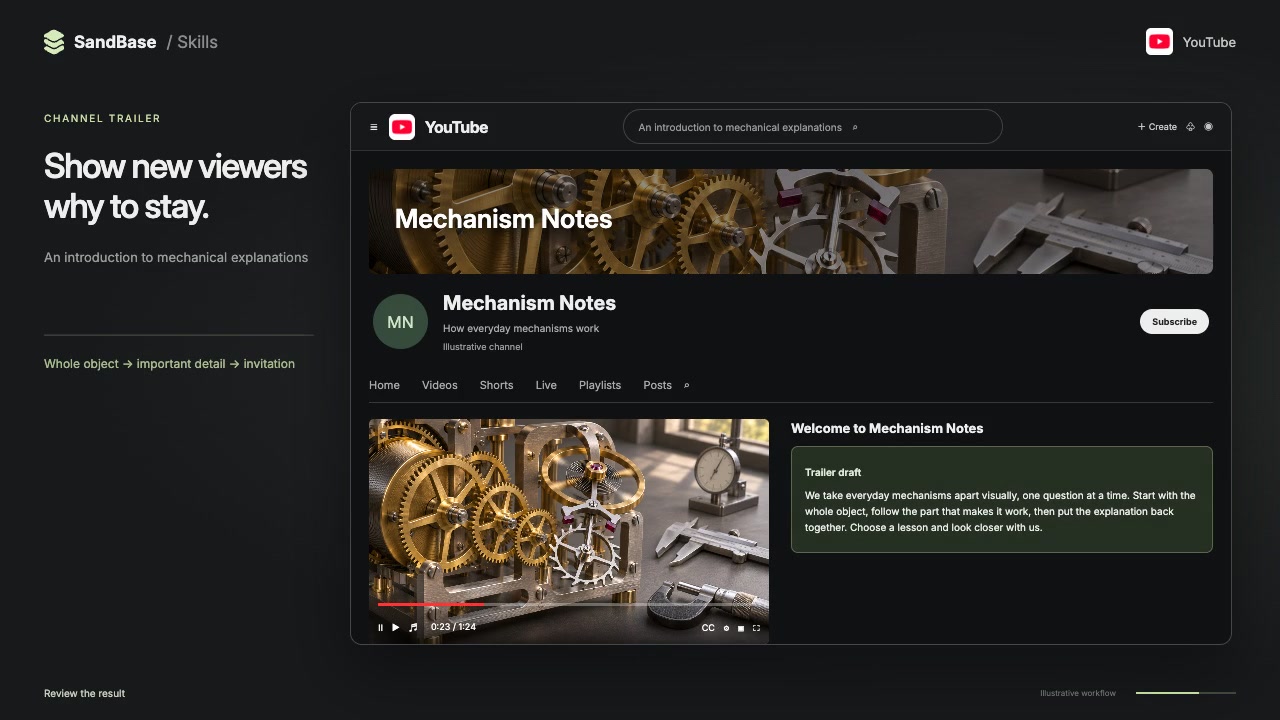
Write a YouTube channel trailer
Introduce the channel with concrete examples and a script that fits the available time.