
Outils

Outils IA gratuits, sans inscription
Supprimez les arrière-plans, agrandissez des photos, créez des portraits et des logos, convertissez des images et des GIF, et obtenez des transcriptions vidéo. Gratuit avec ou sans compte.

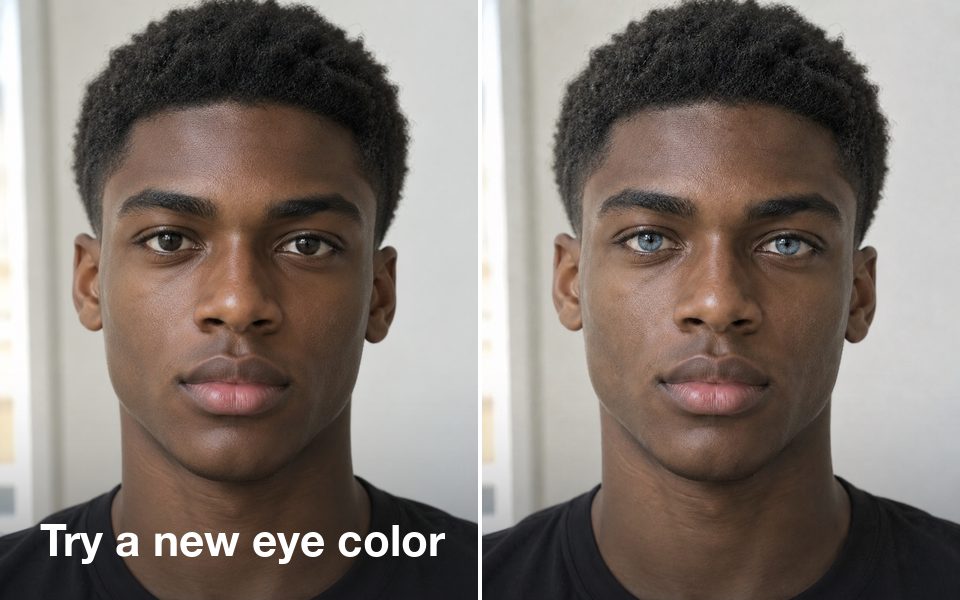
Eye Color Changer
Change eye color in a photo: blue, green, hazel, amber and more, with natural detail and reflections.
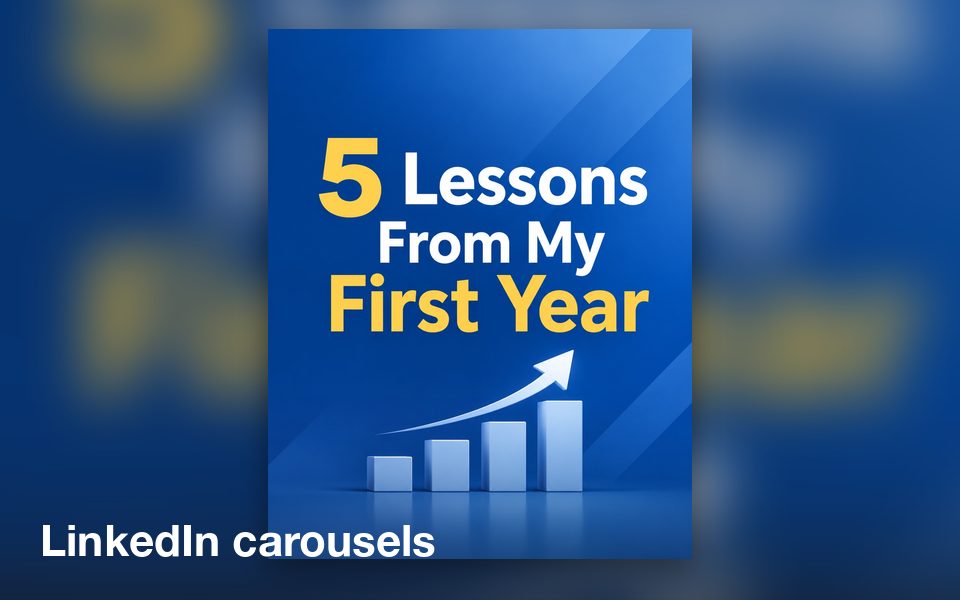
LinkedIn Carousel Maker
Make a clean LinkedIn carousel cover slide from a description.
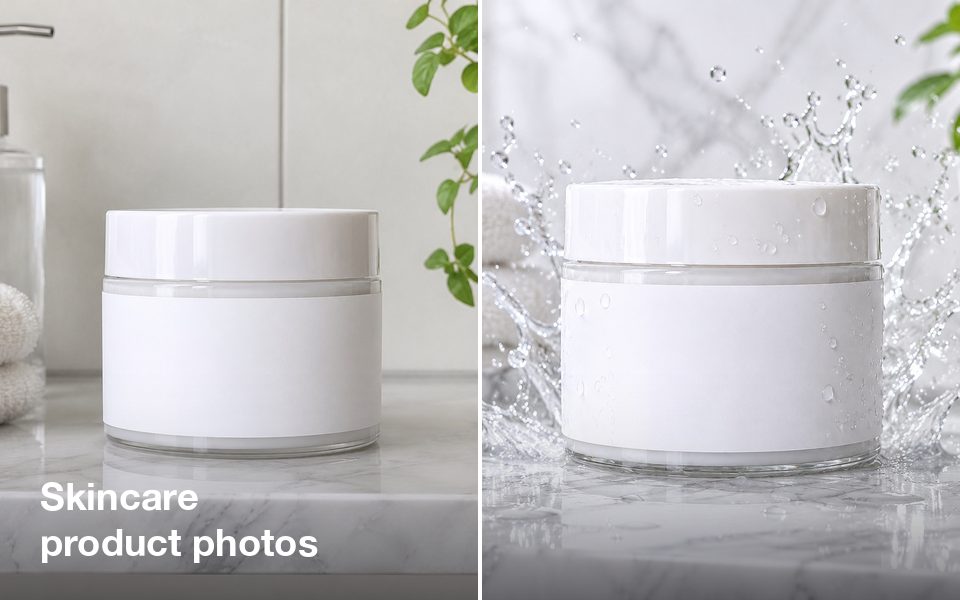
Skincare Product Photo
Turn a quick photo of a skincare product into a pro shot.
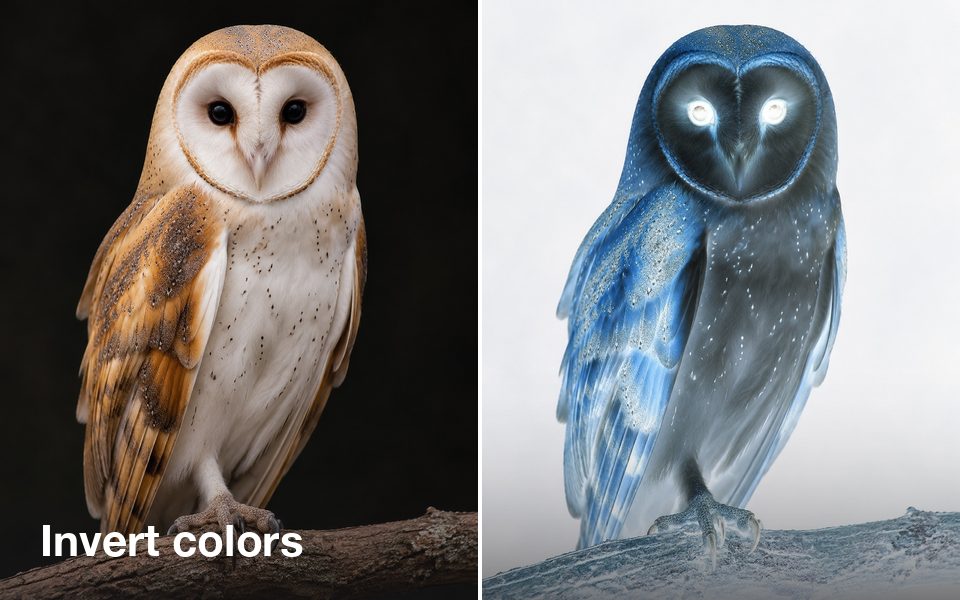
Invert Image
Invert the colors of a picture, like a film negative.
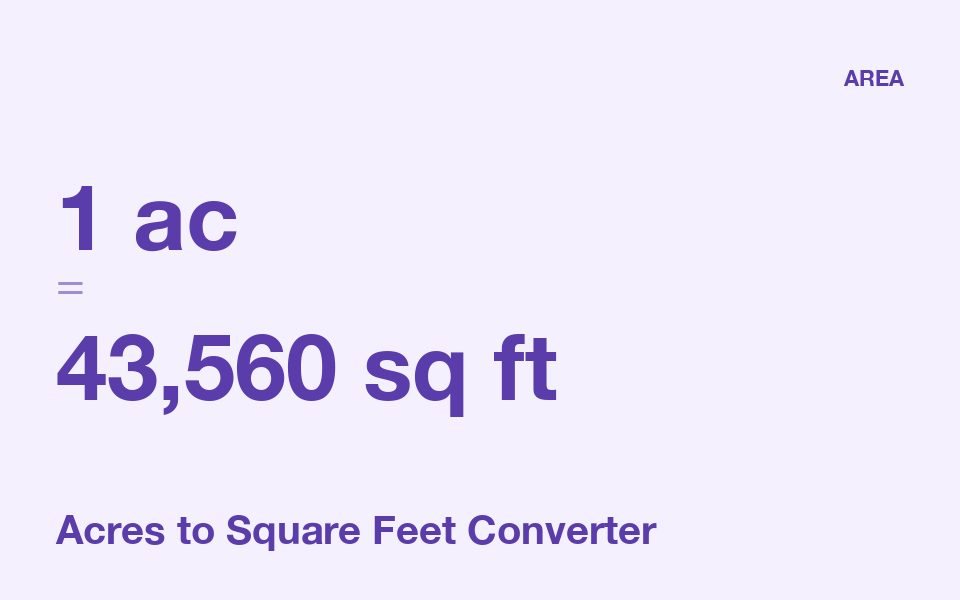
Acres to Square Feet Converter
Convert acres to square feet as you type, with the formula and a ac to sq ft table.
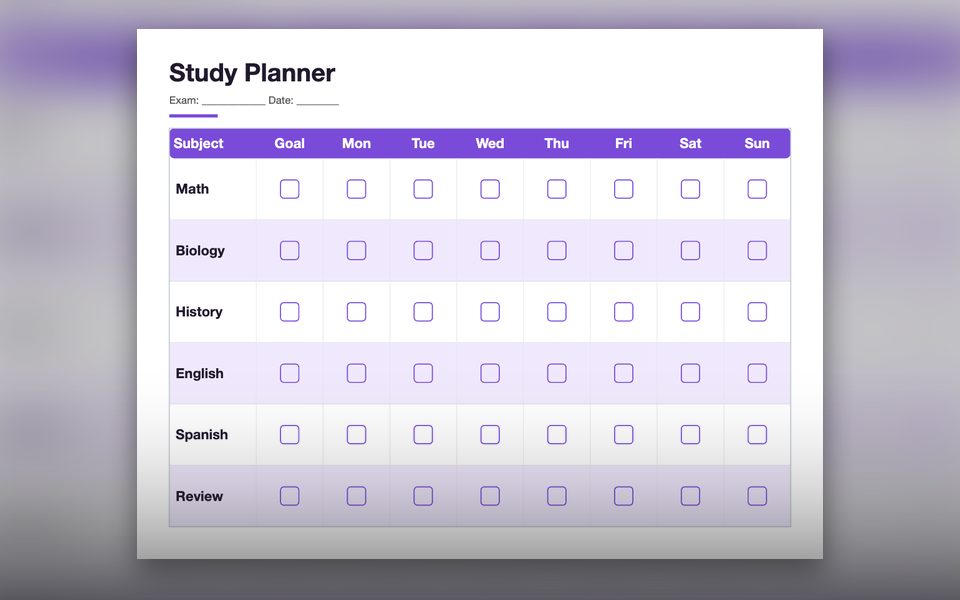
Study Planner Template
A weekly study plan by subject with daily boxes.
Student ID Card Maker
Make a student ID card with photo, grade and student number.
Lipstick Try-On
Try lipstick shades on your own photo: nude, red, berry, coral and more, matte or gloss.
Social Media Banner Maker
Make a wide social media profile banner from a description.
Food Product Photo
Turn a quick photo of a food product into a pro shot.
Blur Image
Blur a whole picture, from a soft haze to a strong blur.
Square Feet to Square Meters Converter
Convert square feet to square meters as you type, with the formula and a sq ft to m² table.
Bedtime Routine Chart
A kids’ bedtime chart with a star for each step, every night.
Coupon Maker
Make printable coupons with an offer, details and expiry.
Photo Retouch
Retouch portraits naturally: smooth blemishes, even out skin tone and brighten eyes, keeping real skin texture.
Social Media Post Generator
Make a social media post image from a description.
Bag Product Photo
Turn a quick photo of a bag product into a pro shot.
Image Splitter
Split an image into a grid of equal pieces and download them as a ZIP.
Square Meters to Square Feet Converter
Convert square meters to square feet as you type, with the formula and a m² to sq ft table.
Morning Routine Chart
A kids’ morning checklist with picture steps and stars.
Price Tag Maker
Print hang-on price tags with price, item and size.
Add Smile to Photo
Add a natural smile to a serious or neutral photo: gentle, bright or a laugh, with a preview to review.
UGC Image Generator
Make a natural user-generated-content style phone photo of a person using a product from a description.
Book Product Photo
Turn a quick photo of a book product into a pro shot.
Questions fréquentes
- Combien coûtent ces tools ?
- Les outils gratuits ne coûtent rien, avec ou sans compte. Les outils de données exécutent une API SandBase sur votre propre compte : les outils marqués Quota quotidien gratuit utilisent les APIs du quota quotidien gratuit partagé (100 appels par organisation et par jour), et les autres sont facturés au prix catalogue de l’API, généralement de quelques fractions de centime à quelques centimes. Les tests de modèles appellent l’endpoint que vous testez avec votre propre clé.
- Ai-je besoin d’un compte sur chaque plateforme ?
- Non. Les outils lisent des données publiques via les APIs SandBase, vous n’avez donc pas besoin d’un compte Reddit, Amazon ou LinkedIn. Les exécutions payantes nécessitent seulement une connexion à SandBase.
- Puis-je appeler les mêmes données depuis mon propre code ?
- Oui. Chaque outil de données affiche l’API qu’il appelle et un exemple cURL. Utilisez votre clé API SandBase pour appeler la même API depuis votre code ou un Agent.