
Outils
Outils IA gratuits, sans inscription
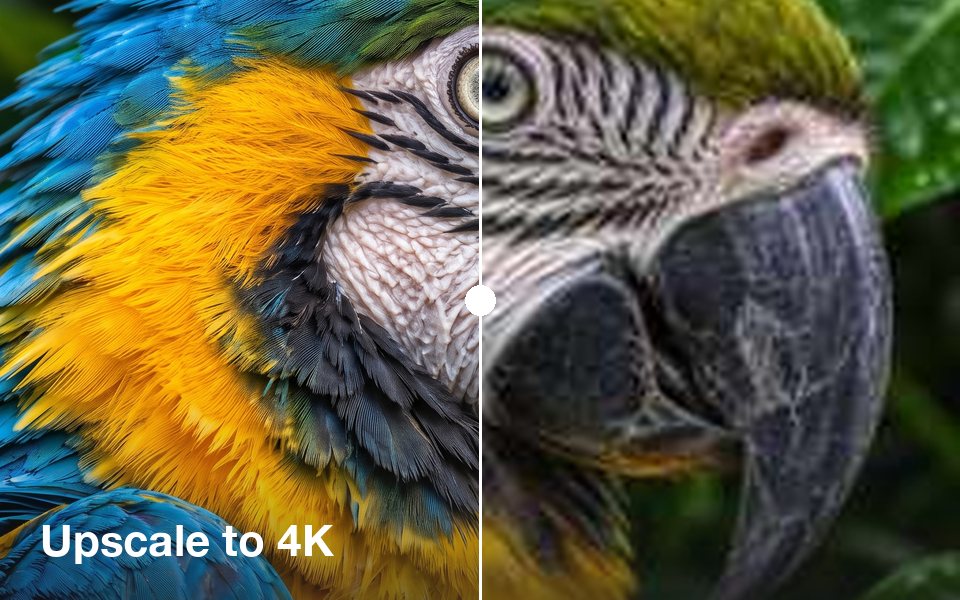
Supprimez les arrière-plans, agrandissez des photos, créez des portraits et des logos, convertissez des images et des GIF, et obtenez des transcriptions vidéo. Gratuit avec ou sans compte.
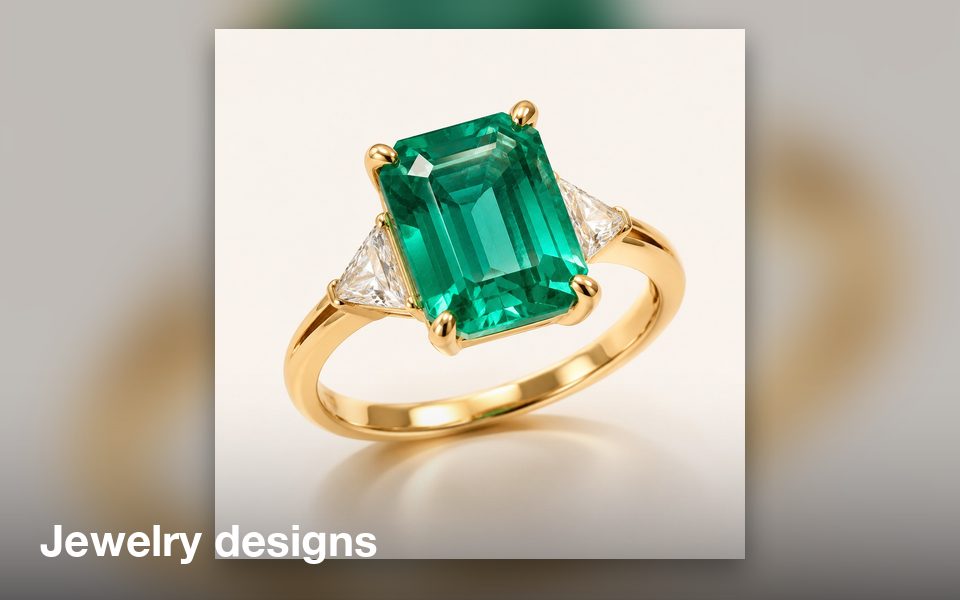
AI Jewelry Design Generator
Make jewelry design images from a description, in several styles.
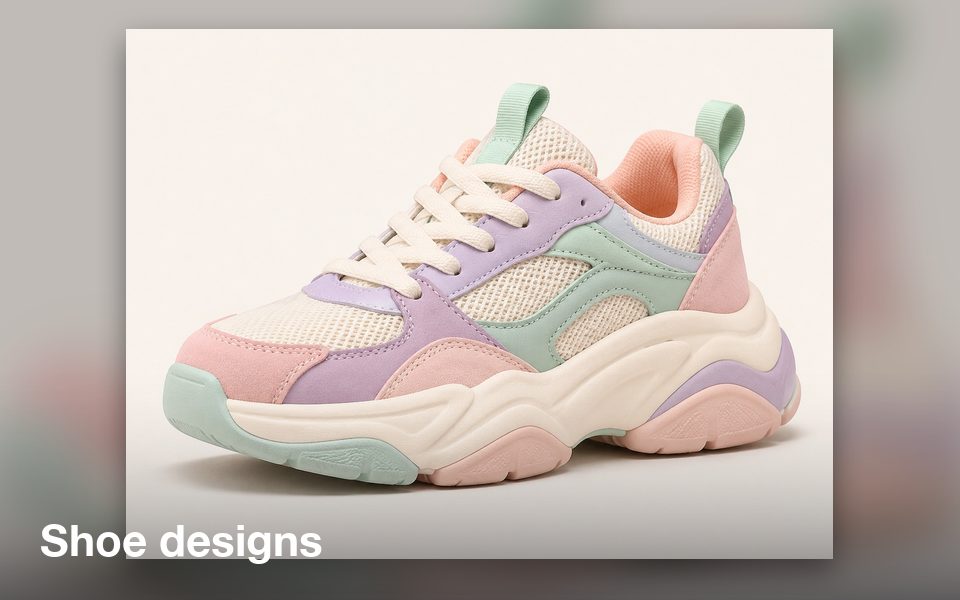
AI Shoe Design Generator
Make shoe design images from a description, in several styles.
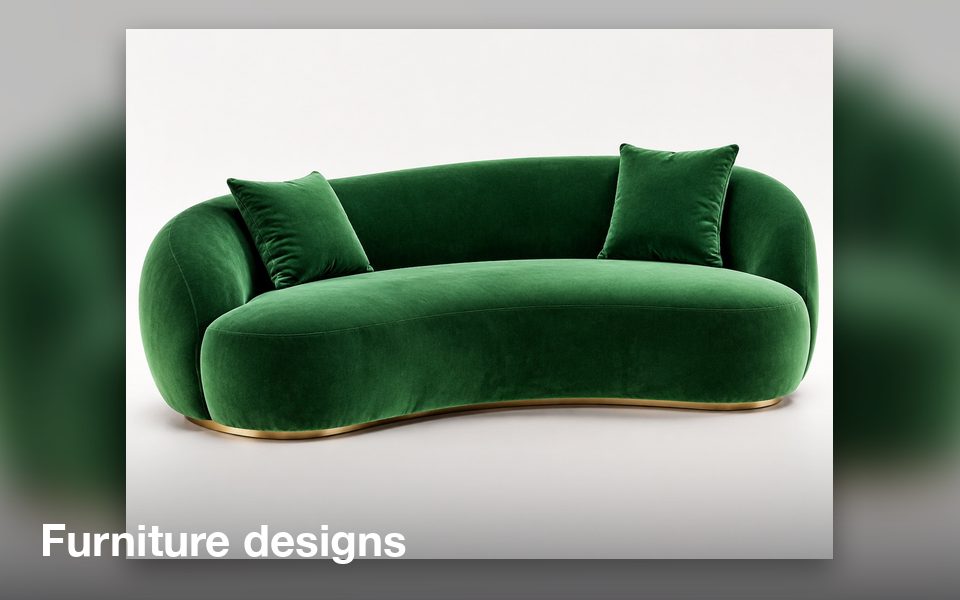
AI Furniture Design Generator
Make furniture design images from a description, in several styles.
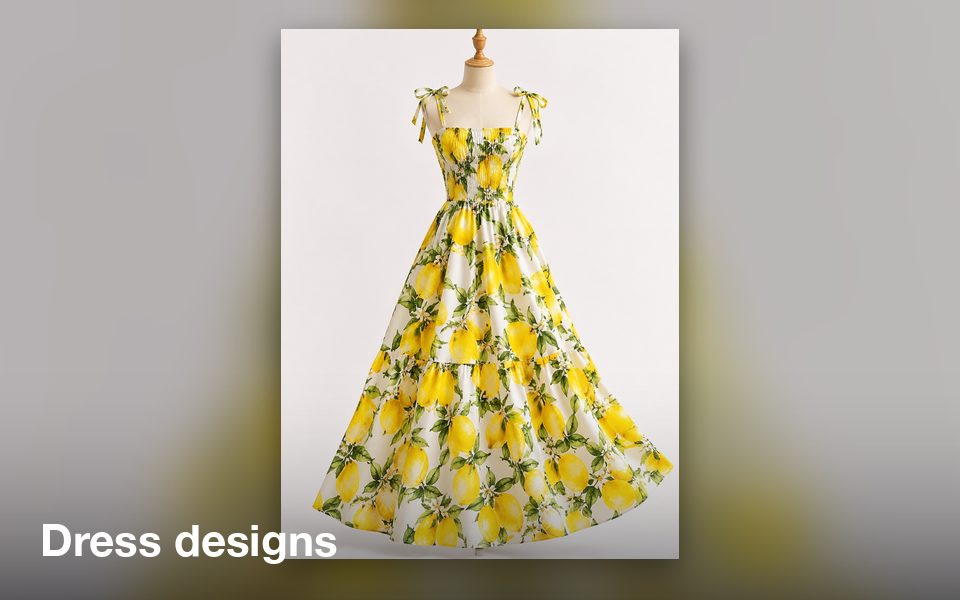
AI Dress Design Generator
Make dress design images from a description, in several styles.
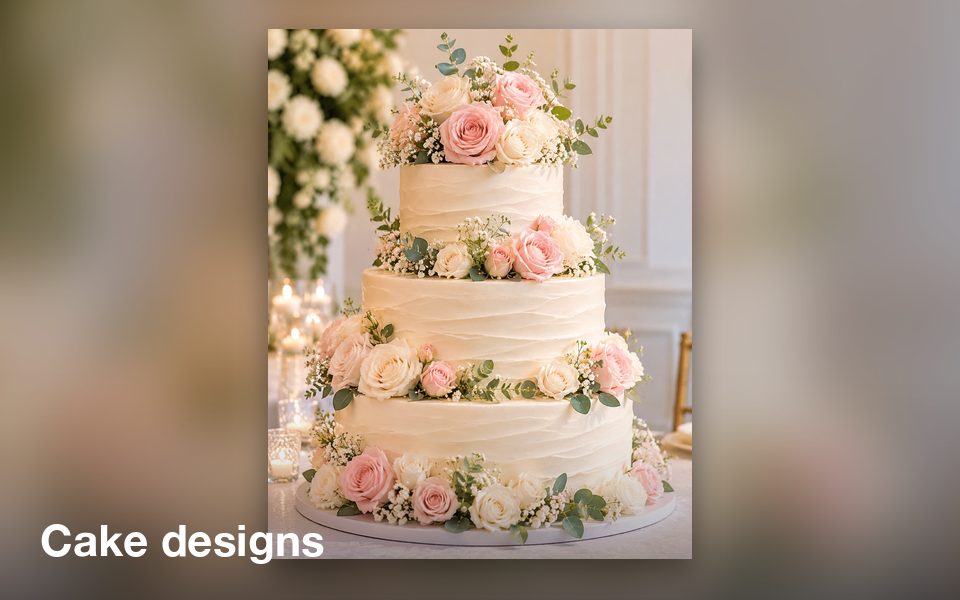
AI Cake Design Generator
Make cake design images from a description, in several styles.
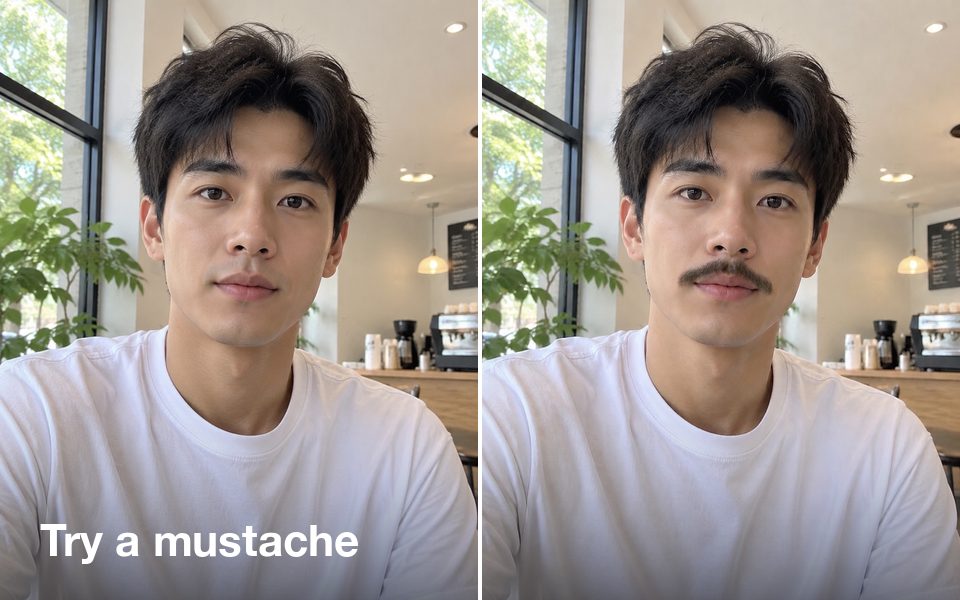
Mustache Filter
Try a mustache on your own photo, with the rest of the photo unchanged.
Beard Filter
Try a beard on your own photo, with the rest of the photo unchanged.
Motion Blur Effect
Add speed with motion blur behind the subject, with the rest of the photo unchanged.
Glare Remover
Remove glare and shiny hot spots, with the rest of the photo unchanged.
Remove Glasses From Photo
Remove glasses and rebuild the eyes naturally, with the rest of the photo unchanged.
AI Relight Photo
Change the lighting of a photo, with the rest of the photo unchanged.
Change Background Color of Photo
Put the subject on a plain color background, with the rest of the photo unchanged.
AI Tattoo Remover
See skin without the tattoo, with the rest of the photo unchanged.
Tattoo Try On
Preview a tattoo on your own skin, with the rest of the photo unchanged.
Brighten Dark Photo
Fix dark and underexposed photos, with the rest of the photo unchanged.
Mug Mockup Generator
Show a design printed on a mug, with the rest of the photo unchanged.
Phone Case Mockup Generator
Show a design on a phone case, with the rest of the photo unchanged.
Tote Bag Mockup Generator
Show a design printed on a tote bag, with the rest of the photo unchanged.
Cat Cartoon Maker
Turn a pet photo into a cat cartoon.
Dog Cartoon Maker
Turn a pet photo into a dog cartoon.
Tintype Photo Filter
Turn a selfie into a tintype photo.
Colored Pencil Drawing Filter
Turn a selfie into a colored pencil drawing.
Watercolor Portrait Maker
Turn a selfie into a watercolor portrait.
Art Deco Poster Maker
Turn a selfie into an Art Deco poster.
Questions fréquentes
- Combien coûtent ces tools ?
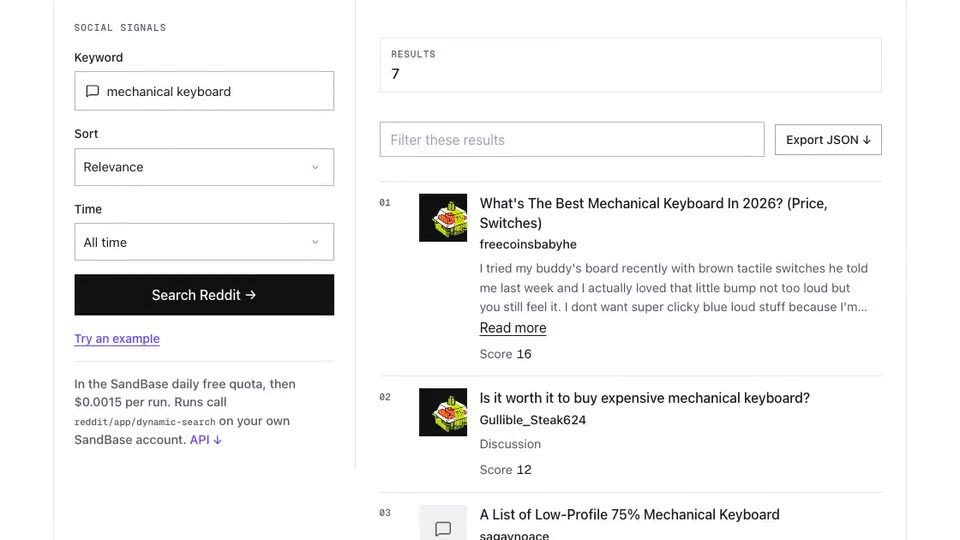
- Les outils gratuits ne coûtent rien, avec ou sans compte. Les outils de données exécutent une API SandBase sur votre propre compte : les outils marqués Quota quotidien gratuit utilisent les APIs du quota quotidien gratuit partagé (100 appels par organisation et par jour), et les autres sont facturés au prix catalogue de l’API, généralement de quelques fractions de centime à quelques centimes. Les tests de modèles appellent l’endpoint que vous testez avec votre propre clé.
- Ai-je besoin d’un compte sur chaque plateforme ?
- Non. Les outils lisent des données publiques via les APIs SandBase, vous n’avez donc pas besoin d’un compte Reddit, Amazon ou LinkedIn. Les exécutions payantes nécessitent seulement une connexion à SandBase.
- Puis-je appeler les mêmes données depuis mon propre code ?
- Oui. Chaque outil de données affiche l’API qu’il appelle et un exemple cURL. Utilisez votre clé API SandBase pour appeler la même API depuis votre code ou un Agent.