
LinkedIn Content Planner
- Lab Skill
- v0.2.0
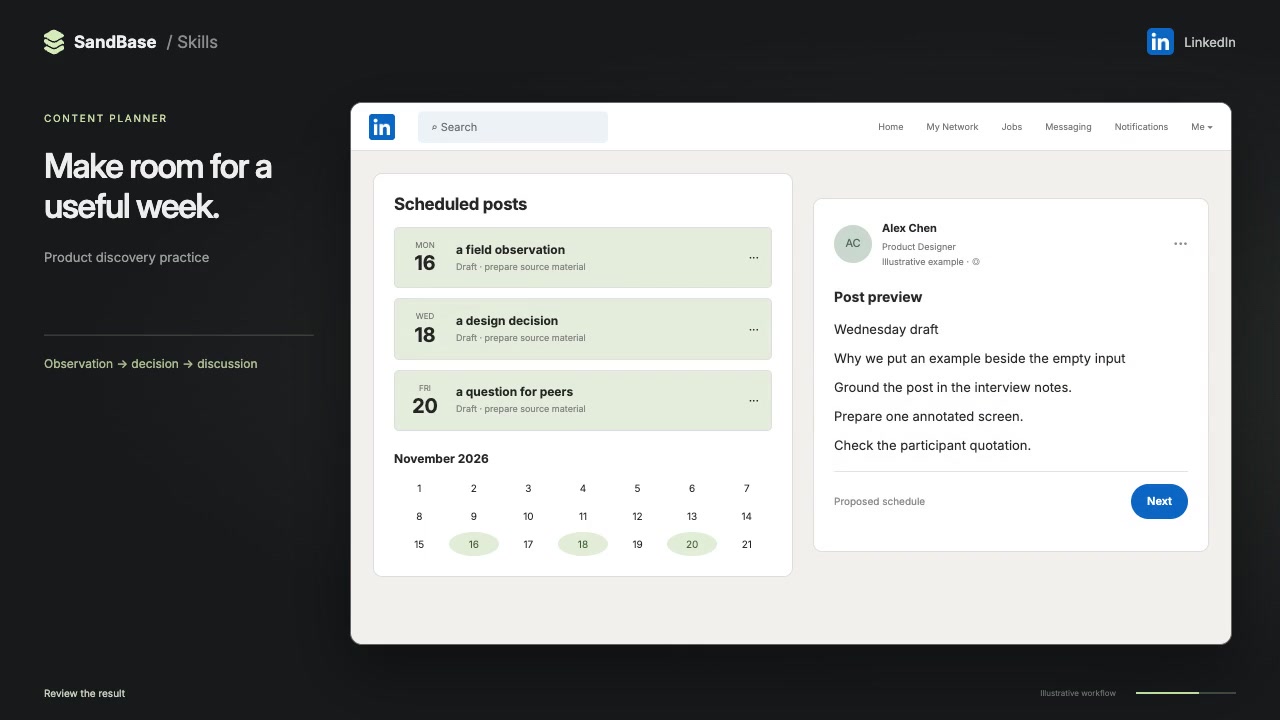
Plan a week that fits your material, posting days and available time.
कवर
आपको क्या मिलेगा
Bring profile/company URL, pillars, dates and time budget. The Skill returns seven-day content plan with repeat and workload checks.
यह कैसे काम करता है
- 01
List material and recent coverage
From your audience, goal, two to five content pillars, real capacity and posting days, the Agent numbers usable material M1, M2 and so on with sources; every angle must draw on an item. Recent posts, supplied or read through SandBase, show angles and formats already used.
- 02
Allocate days
Each posting day gets one pillar and one format. Per day the plan gives the date and weekday, pillar, format, a one-sentence angle, a hook direction, a call to action and the material it draws on. Pillars and formats are balanced across the week, unless you ask for a heavier focus on one.
- 03
Check with code
The plan is checked mechanically: weekdays are computed from the dates, and the longest run of the same format, pillar repeats and material reuse are counted. The deliverable is a seven-day table plus the check results. This Skill plans; it does not write the posts.
FAQ
What does LinkedIn Content Planner plan?
LinkedIn Content Planner plans seven days of LinkedIn content: for each posting day, a format, angle, hook direction, call to action and the material it uses. It is sized to the time you really have and checked for balance and repeats.
Will it write the posts?
No. LinkedIn Content Planner plans only. Each day's angle and hook direction is ready for writing, and the package's LinkedIn Post Writer can turn a slot into a post. Planning and writing are kept separate so the week stays realistic.
Is checking my recent posts billed?
LinkedIn Content Planner needs no calls on material you supply. Reading your recent posts or a company's posts through SandBase is billed usage. A week usually needs one read. The Agent inspects each tool before running it so the price is visible; see https://www.sandbase.ai/pricing.
How is balance checked?
LinkedIn Content Planner checks with code rather than by eye. It computes weekdays from dates and counts the longest run of one format, repeated pillars and reused material. Problems are flagged in the check results. You can then move a slot.
Why must every angle use material?
LinkedIn Content Planner ties each angle to a numbered item of your material so no day depends on content you do not have. A plan built on material you can point to is one you can actually write. Missing material is flagged.
और Skills
सभी LinkedIn Skills →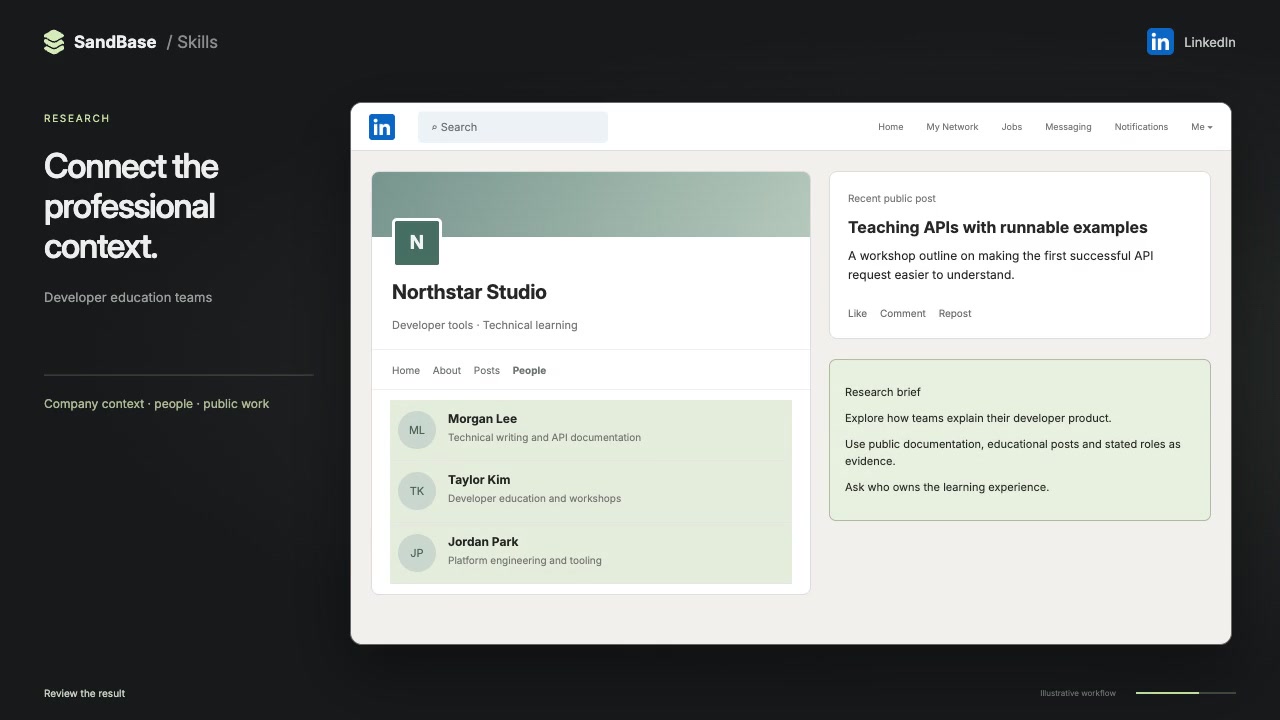
LinkedIn Research
Research companies, professionals, job markets, and industry content on LinkedIn through SandBase. Use when asked for LinkedIn research, company analysis, professional profiling, job market research, or B2B competitive intelligence.
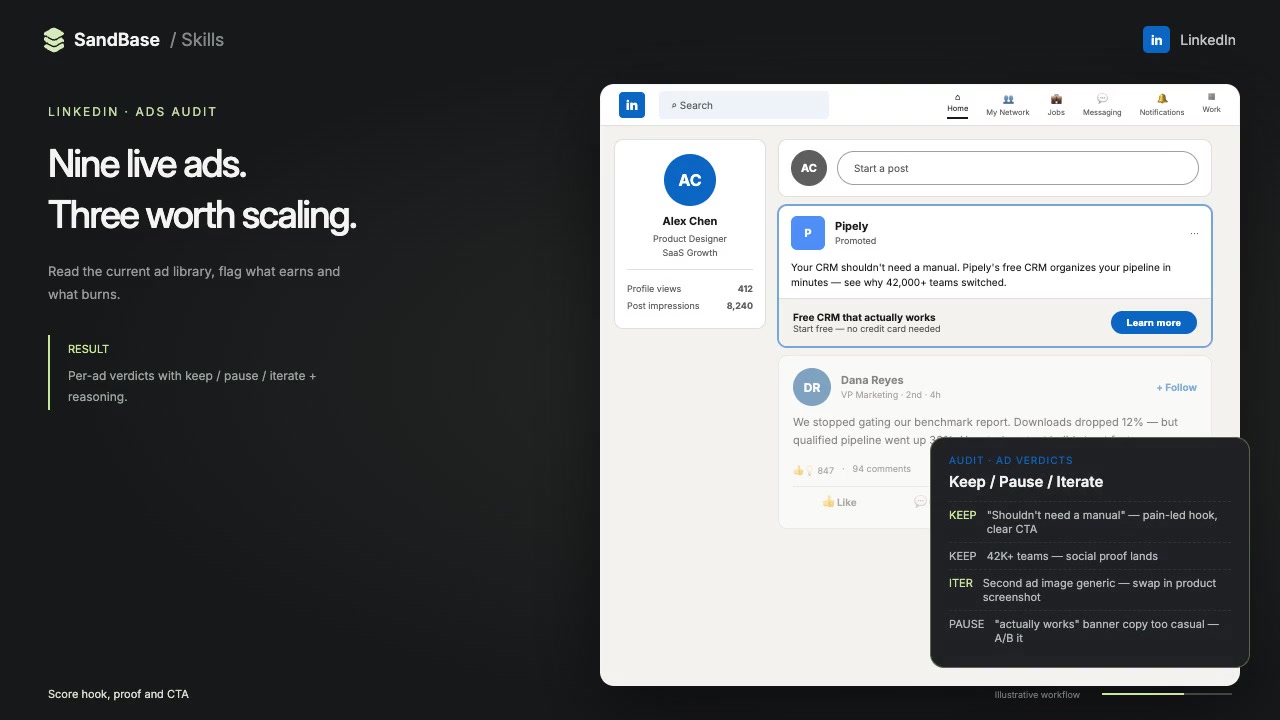
LinkedIn Ads Audit
Read what an advertiser is really running on LinkedIn — the creative copy, formats, CTAs and landing pages — and sharpen the creative.
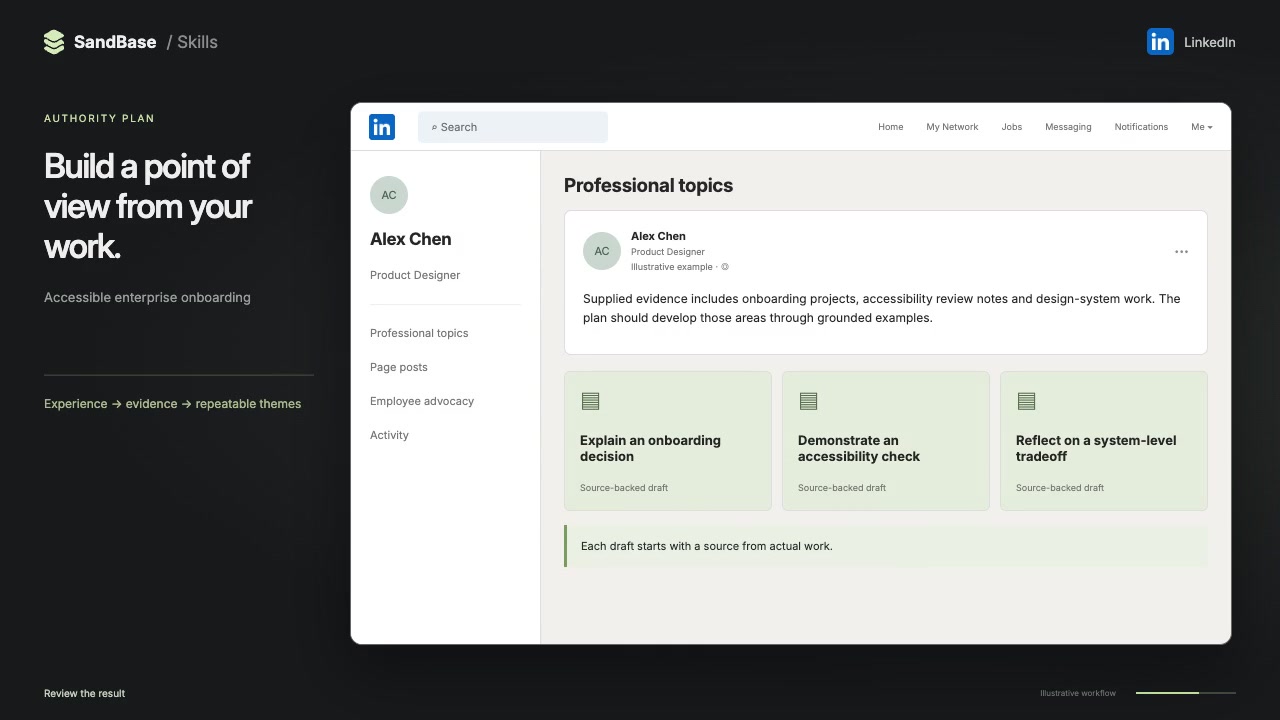
LinkedIn Authority Plan
Make your professional experience credible and understandable to a chosen audience.
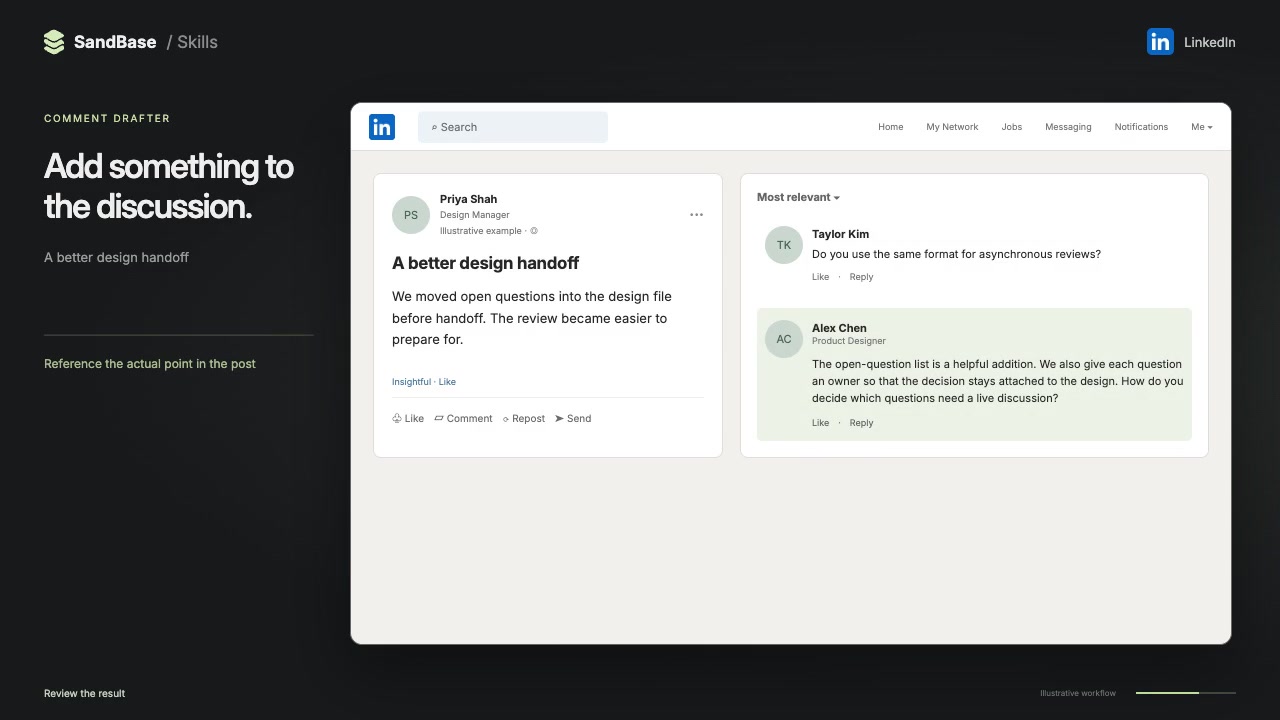
LinkedIn Comment Drafter
Write a specific comment using only the post and what you can support.
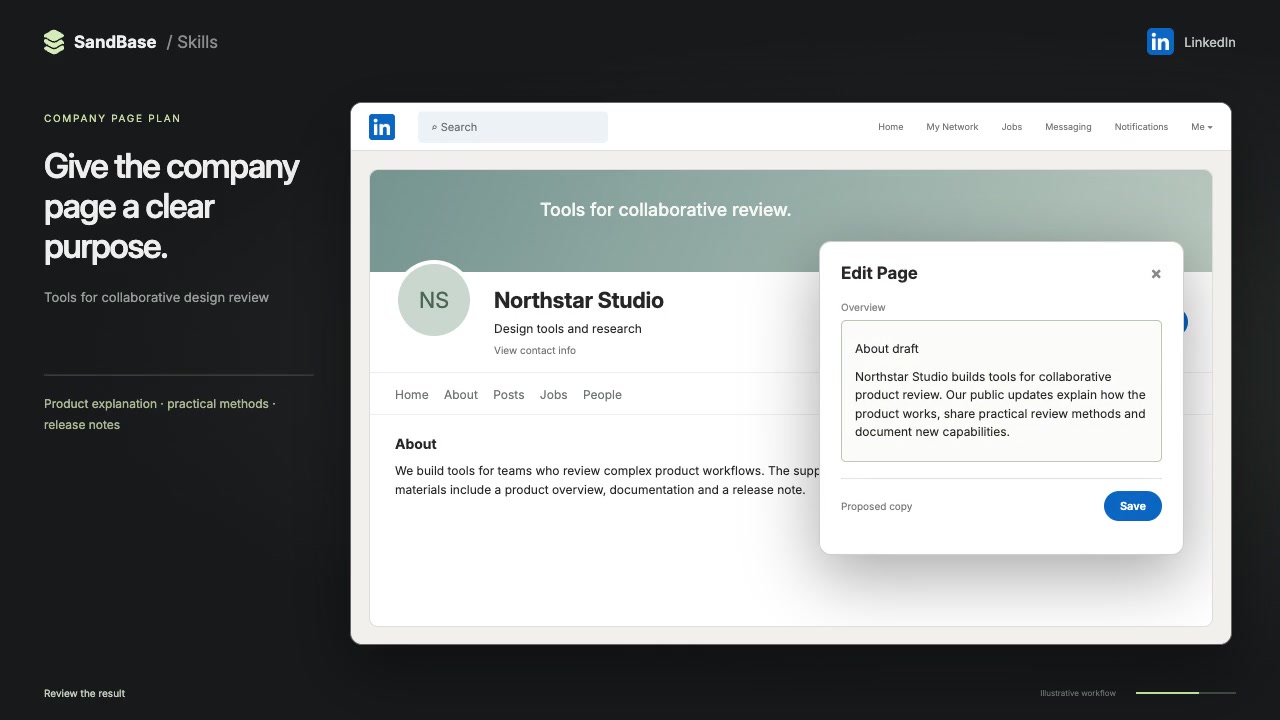
LinkedIn Company Page Plan
Clarify the company page and fill a realistic schedule with approved, usable copy.
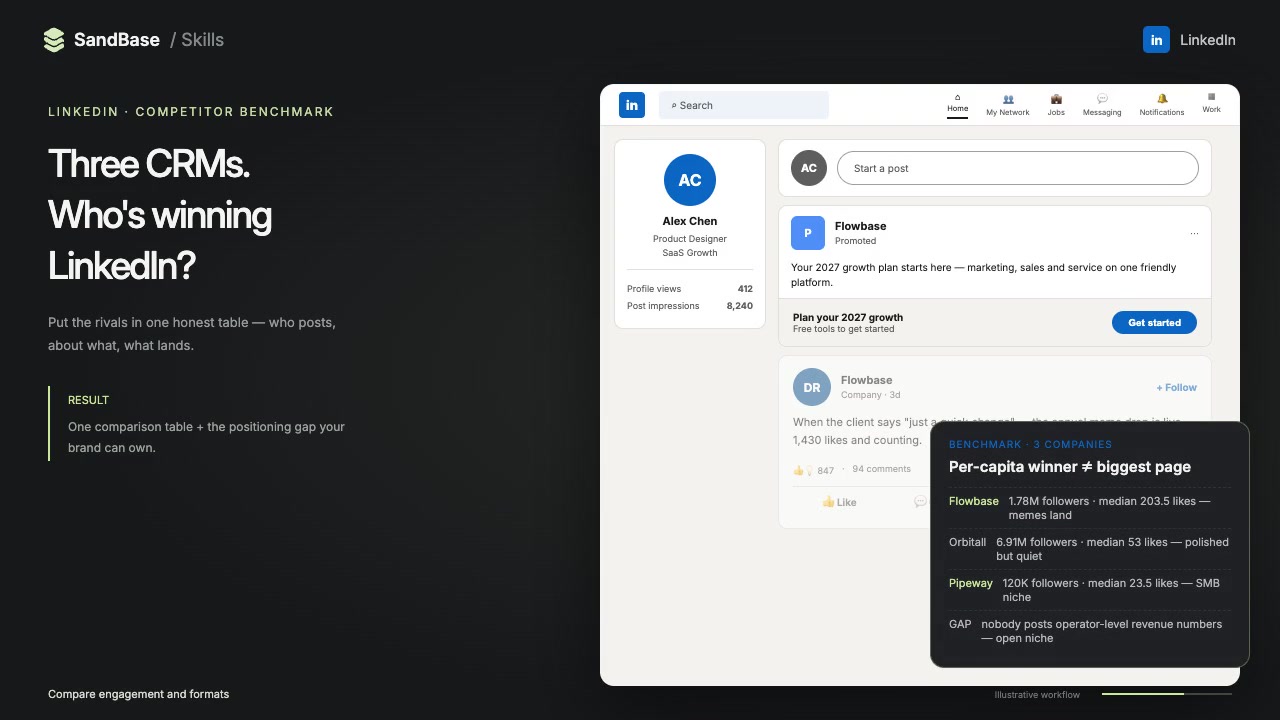
LinkedIn Competitor Benchmark
See who is actually winning on LinkedIn among 2–4 rivals — posting cadence, themes, formats and engagement — and where the gap is.