
LinkedIn Inbox Triage
- Lab Skill
- v0.1.0
Review pasted DMs and requests, surface useful replies and preserve sensitive decisions for the owner.
कवर
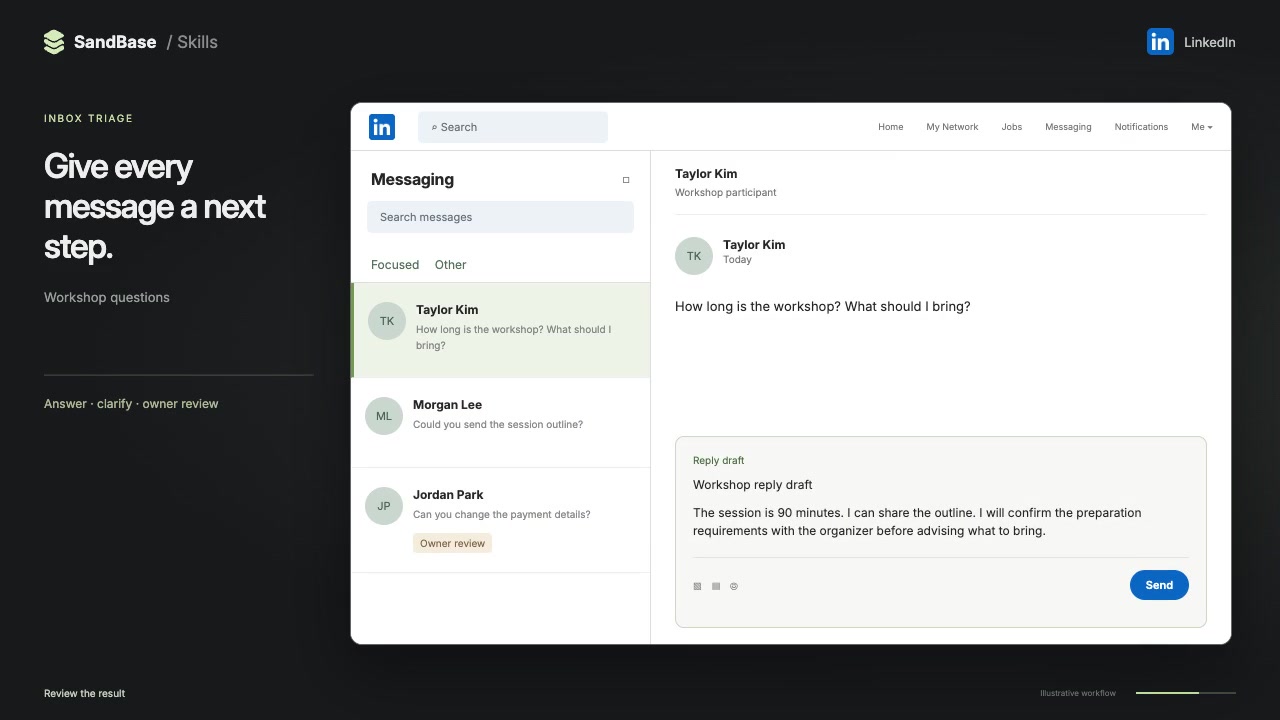
आपको क्या मिलेगा
Bring private pasted messages or export, timestamps, conversation context and your reply boundaries. The Skill returns a counted action queue, supported reply drafts, questions and sensitive-item review.
यह कैसे काम करता है
- 01
Rebuild conversations
From messages you export or paste, with IDs, sender labels, timestamps and your prior replies, the Agent rebuilds conversations in order and deduplicates by message ID. Partial threads are marked. Readable screenshots are accepted, and uncertain text is marked unreadable rather than reconstructed.
- 02
Classify and assign actions
Each request is classified, such as a potential work inquiry, a recruiting inquiry or a sales pitch, and given a next action: answer, ask for detail, politely decline or no response, with the rule that decided it. Your goals, available offers and boundaries decide the action.
- 03
Draft supported answers
Answers are drafted only where your facts support them, written in your voice. Requests about money, commitments or sensitive matters are flagged for you rather than answered. The report gives counts of input rows, deduplicated messages and conversations. Raw messages stay in a private folder you choose.
FAQ
What does LinkedIn Inbox Triage do?
LinkedIn Inbox Triage sorts LinkedIn direct messages and connection requests you supply into an action queue, drafts the replies your facts support, and keeps unanswered items visible. It works on private conversations you export or paste, once. It is a one-time review.
Does it log into LinkedIn?
No. LinkedIn Inbox Triage uses no login, no SandBase calls and no public upload. It works only on the messages you supply. Raw messages are stored in a private working folder you designate. You stay in control of what is shared.
Is anything billed?
No. LinkedIn Inbox Triage makes no SandBase calls and uses no paid models or APIs beyond your Agent, because it works only on messages you give it. That also keeps private conversations off any third-party service. It runs entirely on your inputs.
Will it answer money questions?
No. LinkedIn Inbox Triage flags requests about money, commitments or sensitive matters for you to handle. Drafts are written only where your supplied facts support an answer, so it never agrees to terms on your behalf. Those items stay in the queue.
What if a screenshot is hard to read?
LinkedIn Inbox Triage marks uncertain text as unreadable instead of guessing what it says. A wrong reconstruction could lead to a wrong reply. Supply a clearer screenshot or the text itself for those messages. Each such item is listed for you.
और Skills
सभी LinkedIn Skills →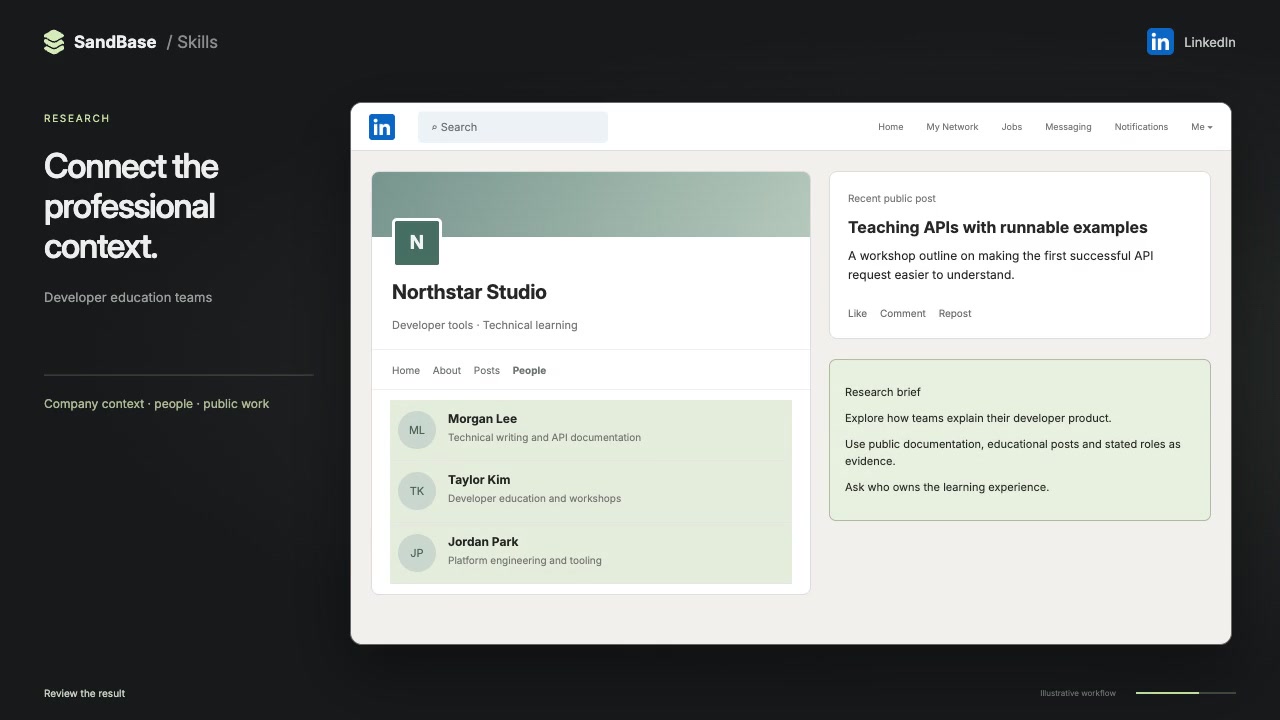
LinkedIn Research
Research companies, professionals, job markets, and industry content on LinkedIn through SandBase. Use when asked for LinkedIn research, company analysis, professional profiling, job market research, or B2B competitive intelligence.
LinkedIn Ads Audit
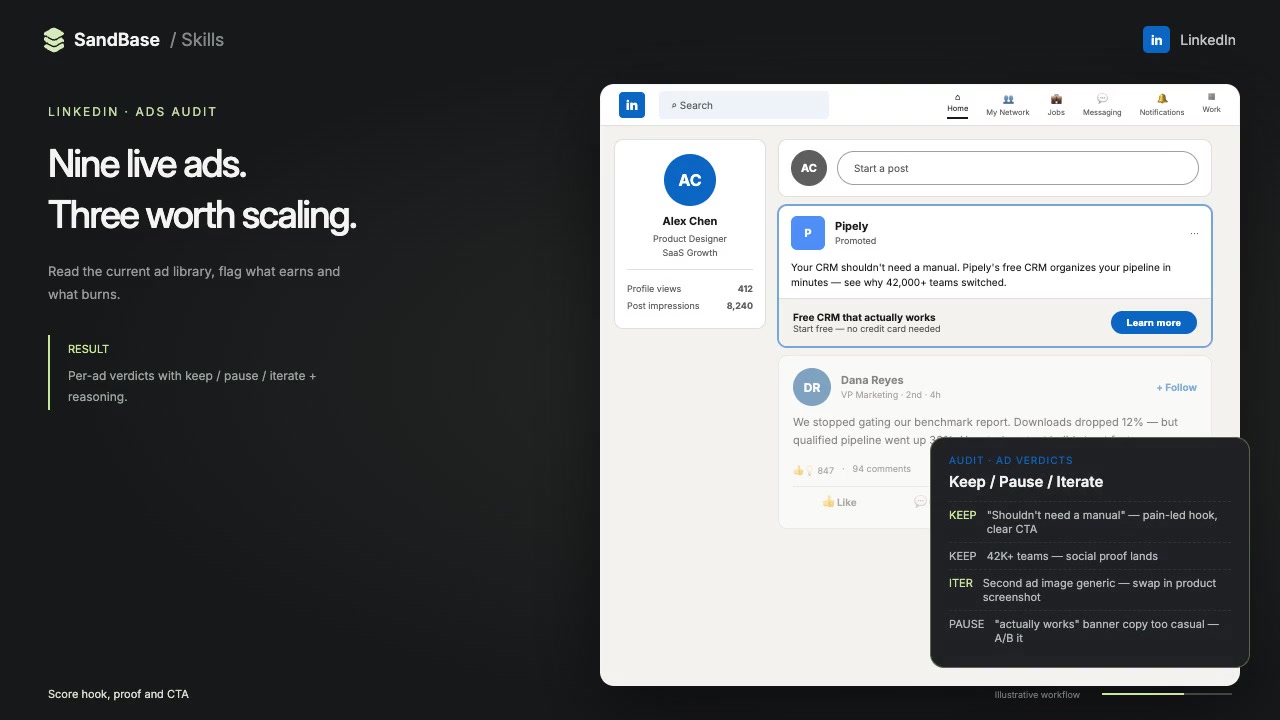
Read what an advertiser is really running on LinkedIn — the creative copy, formats, CTAs and landing pages — and sharpen the creative.
LinkedIn Authority Plan
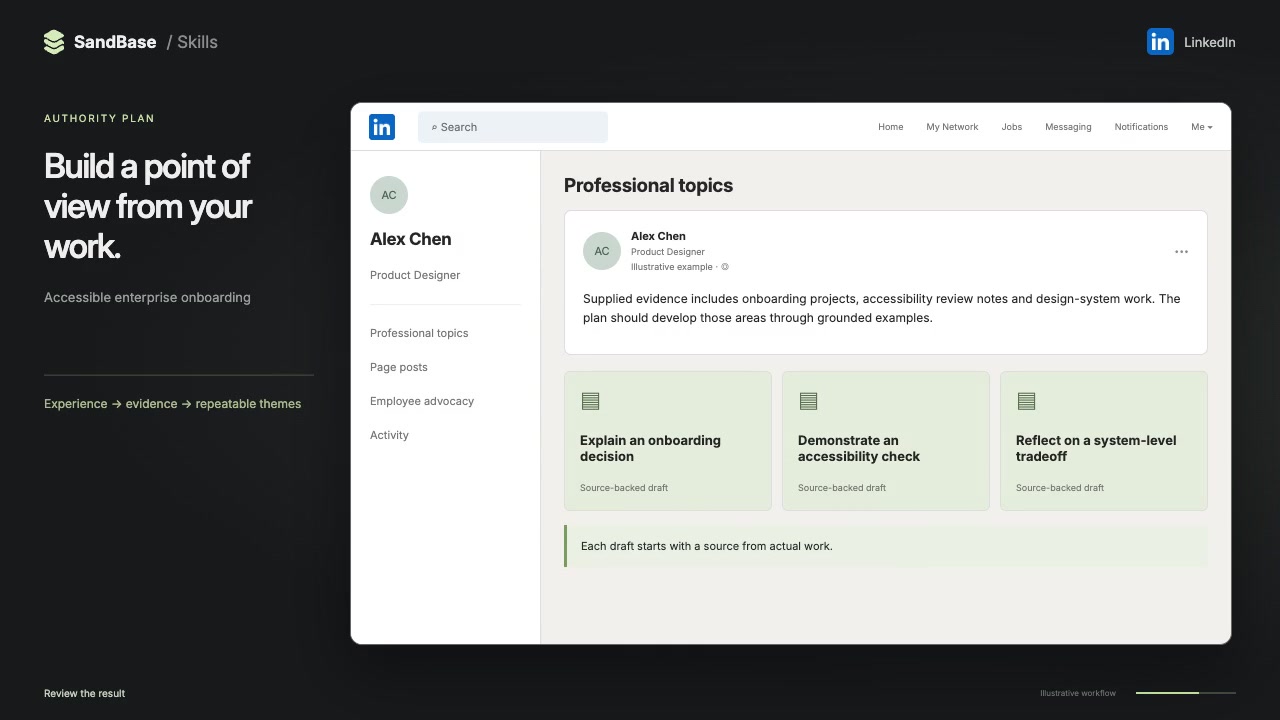
Make your professional experience credible and understandable to a chosen audience.
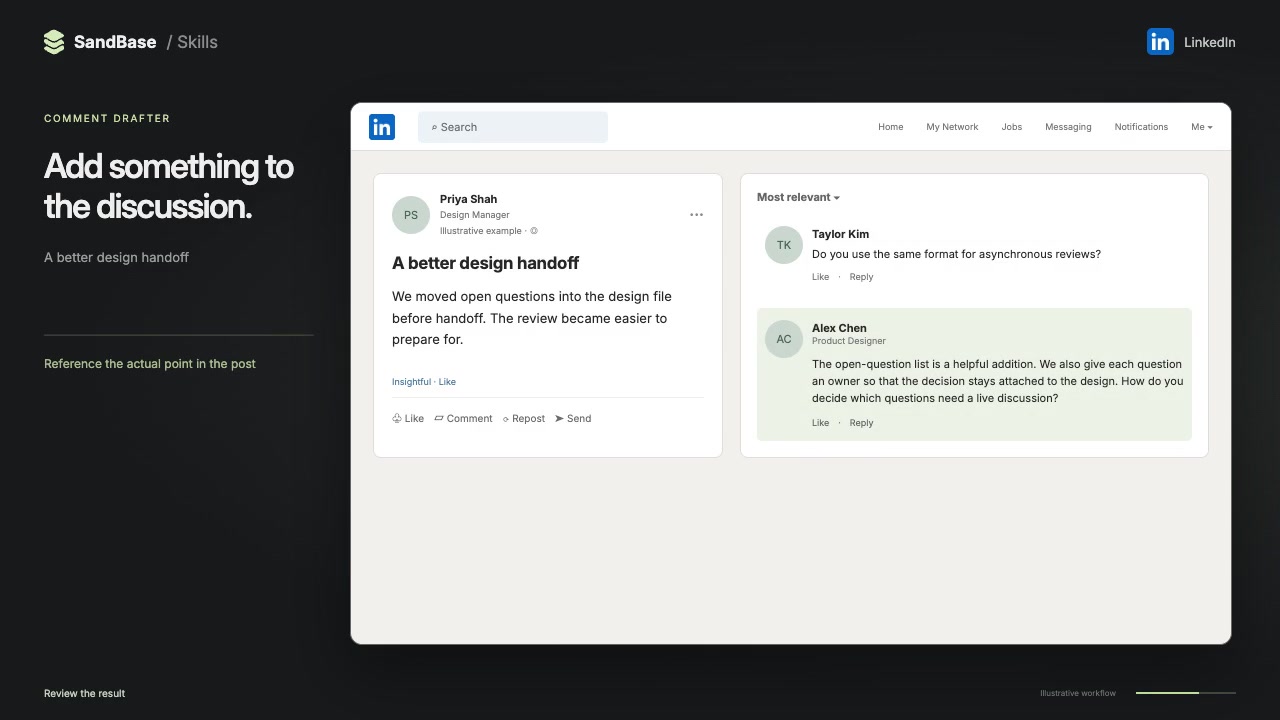
LinkedIn Comment Drafter
Write a specific comment using only the post and what you can support.
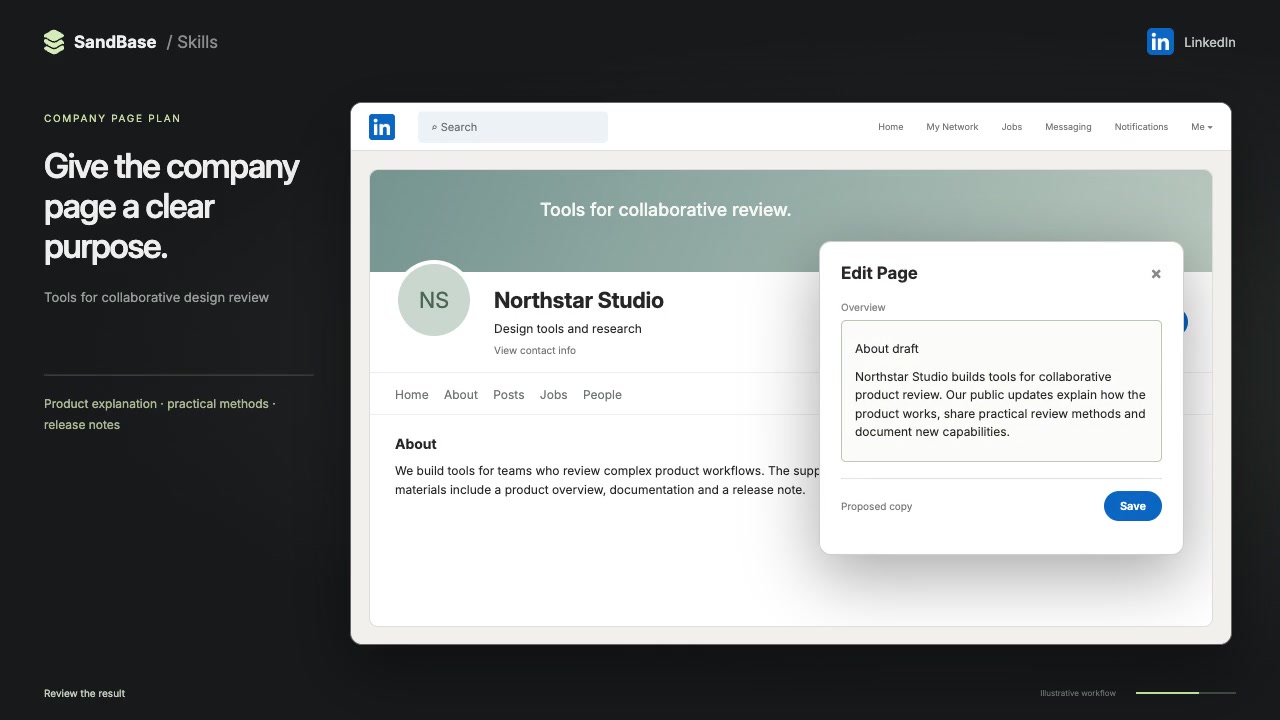
LinkedIn Company Page Plan
Clarify the company page and fill a realistic schedule with approved, usable copy.
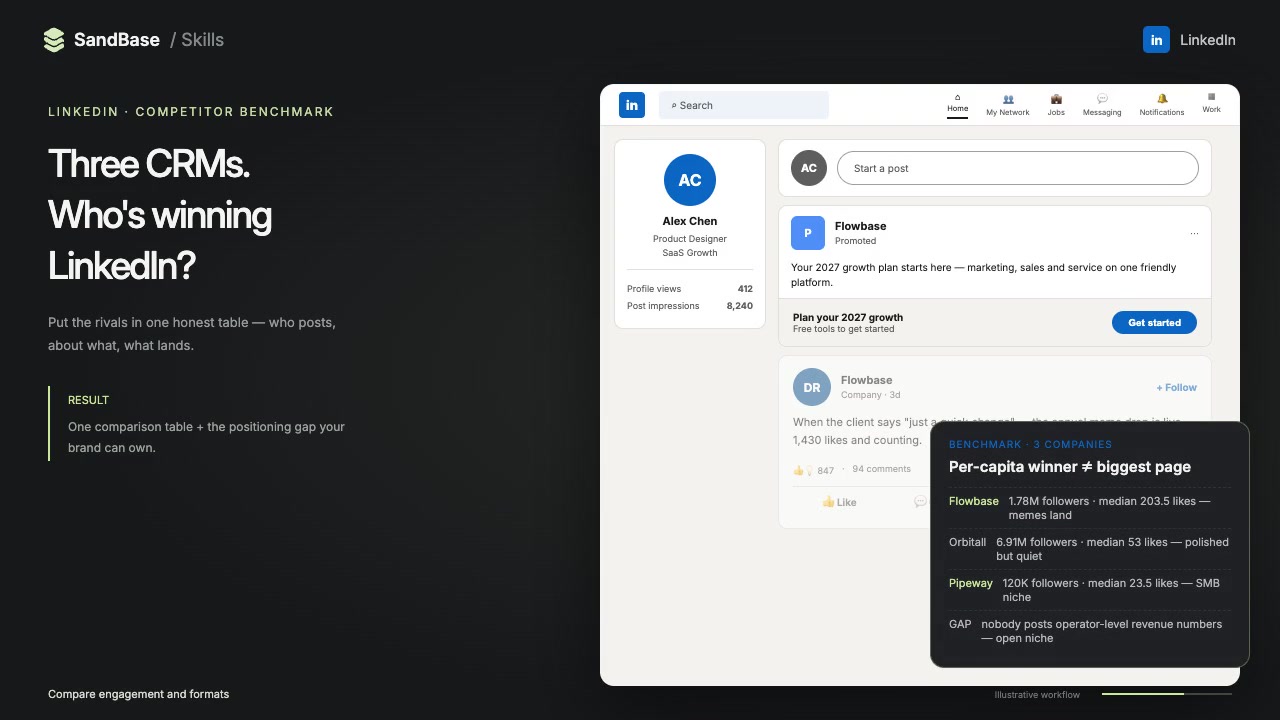
LinkedIn Competitor Benchmark
See who is actually winning on LinkedIn among 2–4 rivals — posting cadence, themes, formats and engagement — and where the gap is.