
Step Chapter
- Lab Skill
- v1.0.3
- Motion
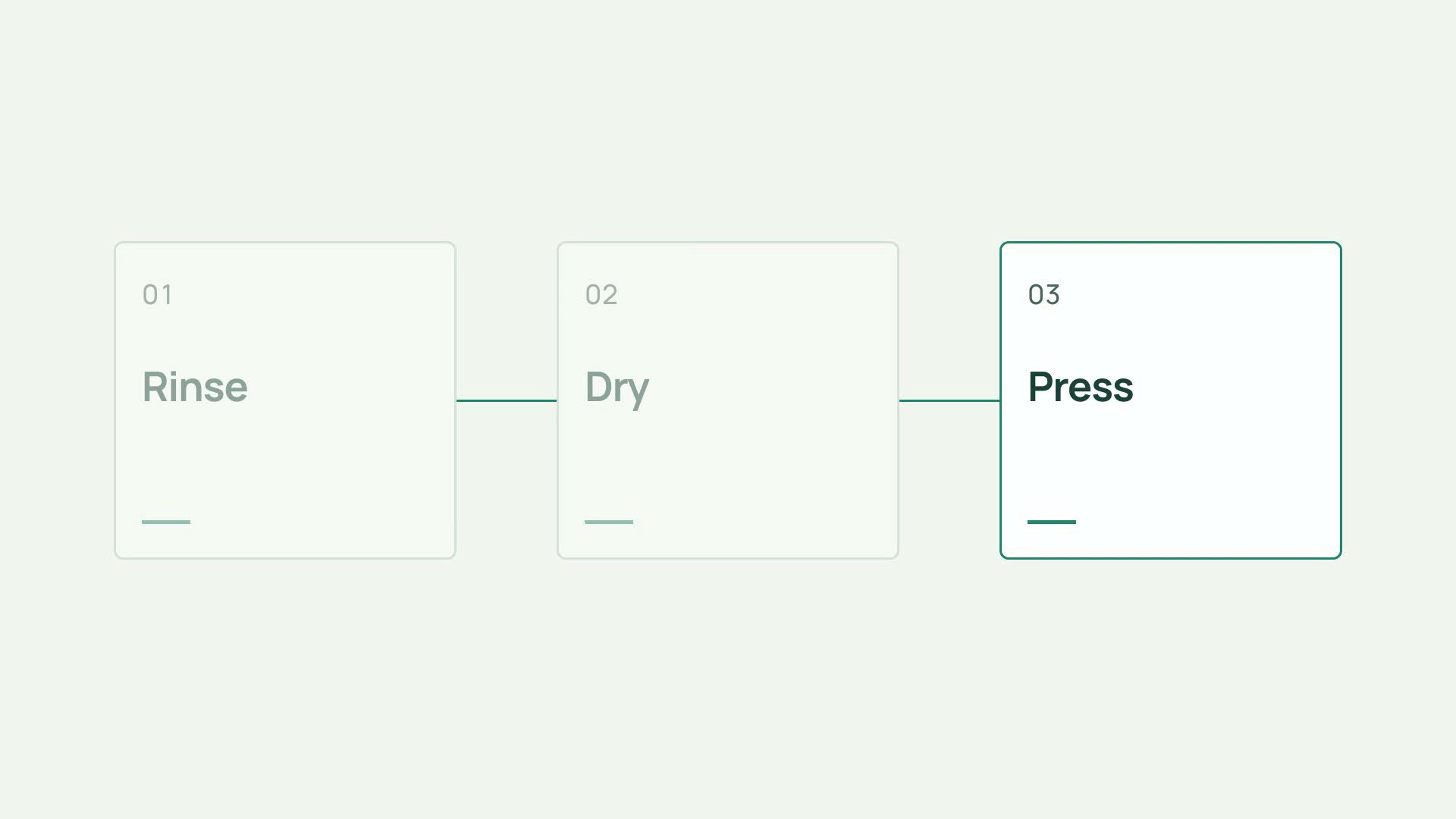
Pass emphasis through three linked action cards, then reveal a chapter numeral and headline.
उदाहरण · 2
ऑनलाइन चलाएँ
SandBase sandbox में Step Chapter के उदाहरण को चलाएँ और परिणाम यहीं देखें।
यह कैसे काम करता है
- 01
Write the brief
Write a JSON brief with exactly three actions of up to 30 characters each, a section identifier of up to four characters and a headline of up to 80. For example, a botanical workshop might use Soak, Shape and Cure with section 04 and the headline A small change in material. Extra keys and control characters are rejected.
- 02
Install and create the project
With Node.js 22, npm, a local Chromium and FFmpeg, install the pinned HyperFrames toolchain once with npm ci --prefix scripts/toolchain; fonts and GSAP are bundled and no paid model is needed. Then node scripts/create.mjs --brief brief.json --palette porcelain --out new-project writes an editable project. Existing project folders are never overwritten.
- 03
Render and review
Set HYPERFRAMES_BROWSER_PATH to your Chromium and run node scripts/render.mjs new-project film.mp4. The film is 7.4 seconds at 1920×1080 and 30 fps, with no audio. Review the emphasis order, the connector endpoints, the typography and the fast handoff, then watch it at normal speed; a successful render is only a technical result.
FAQ
What does Step Chapter animate?
Step Chapter animates three linked actions on stationary cards joined by a connector line. Emphasis passes across them in order, a brief push clears the cards, and a large chapter numeral and headline take the screen and hold still for reading. It is meant to open the next part of a presentation.
How long is a Step Chapter film?
A Step Chapter film is always 7.4 seconds at 1920×1080 and 30 fps, with no audio track. The motion structure is fixed; a new topic needs only a new brief, not new scene code. A mobile player can scale it down, but that does not create a vertical composition.
How long can the text be in Step Chapter?
In Step Chapter each action can be up to 30 characters, the section up to four and the headline up to 80. Labels wrap inside fixed boxes, and the browser shrinks actions from 54 to 34 pixels and the headline from 110 to 68 pixels before failing clearly. Shorten the copy if a render is rejected.
Which palettes does Step Chapter offer?
Step Chapter offers four palettes: porcelain, estuary, clay and graphite. All use identical motion, font metrics and geometry, so changing the palette never changes the layout. Latin text uses the bundled Manrope font and Noto Sans SC supplies Chinese glyphs in either language.
Is Step Chapter safe for a public rendering service?
No. Step Chapter pins HyperFrames 0.8.30, which carries an unresolved moderate advisory, CVE-2026-97058, in a transitive sprintf-js dependency. Keep the tool to trusted local inputs; it has not been approved for an untrusted public rendering service, and --no-audit is not a fix.
Does Step Chapter include photos or sound?
No. Step Chapter uses no photos, presenter footage, music or sound effects, and has no audio editor. Everything on screen is the three action cards, the connector and the chapter typography from your brief. Do not use the action labels to imply measured results without evidence.
और Skills
सभी Motion Skills →
Image Blaster
Turn one frozen moment into a camera-orbit concept video.
Sketchbook Film
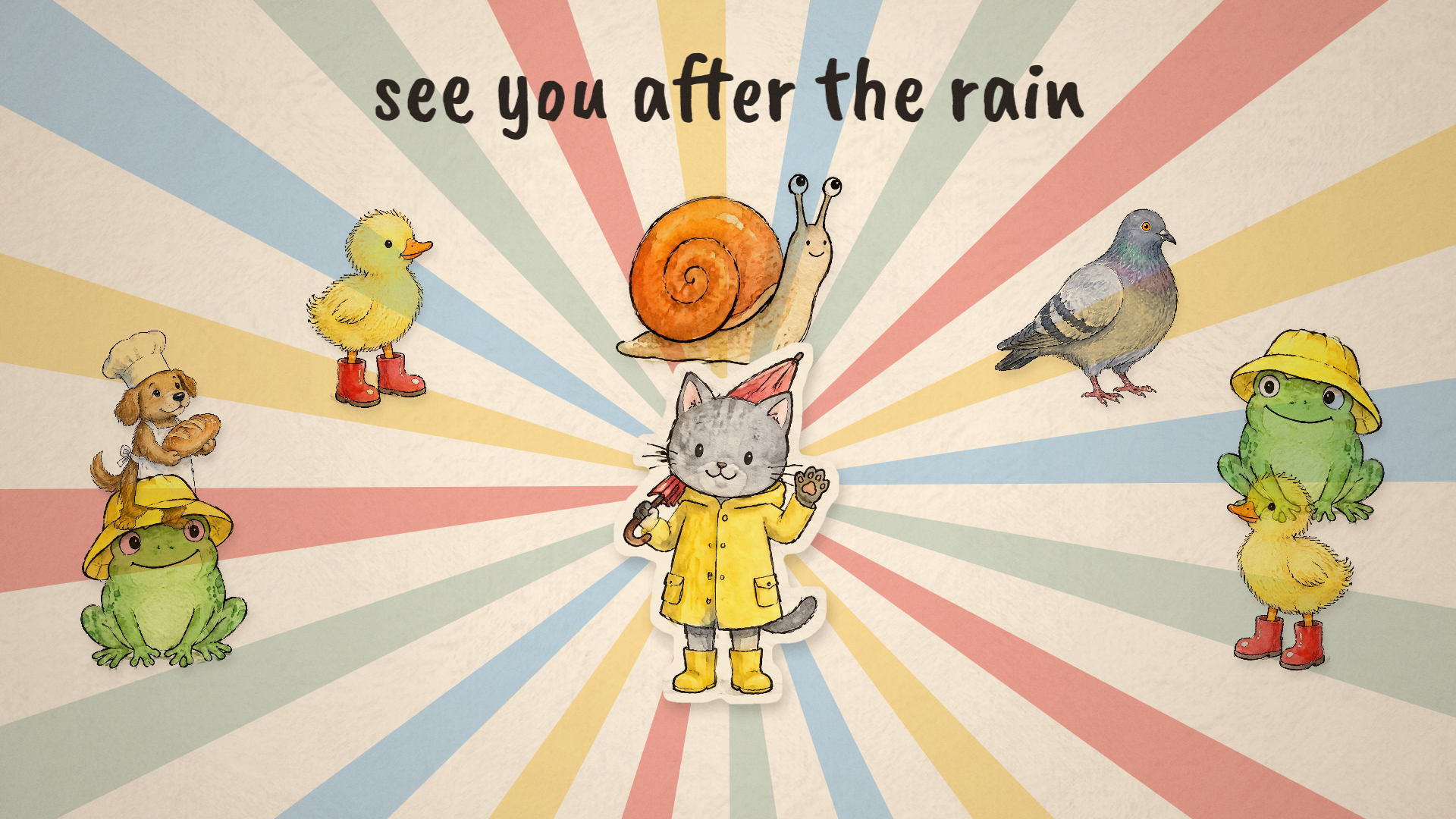
Bring photographed sketchbook drawings to life as a short film with cut-out characters, ink lettering and a score.

SVG Paint Stages
Show a picture being painted: construction marks, contours, flat colour and finer patches, as a layered SVG and a short film.
Network Tally
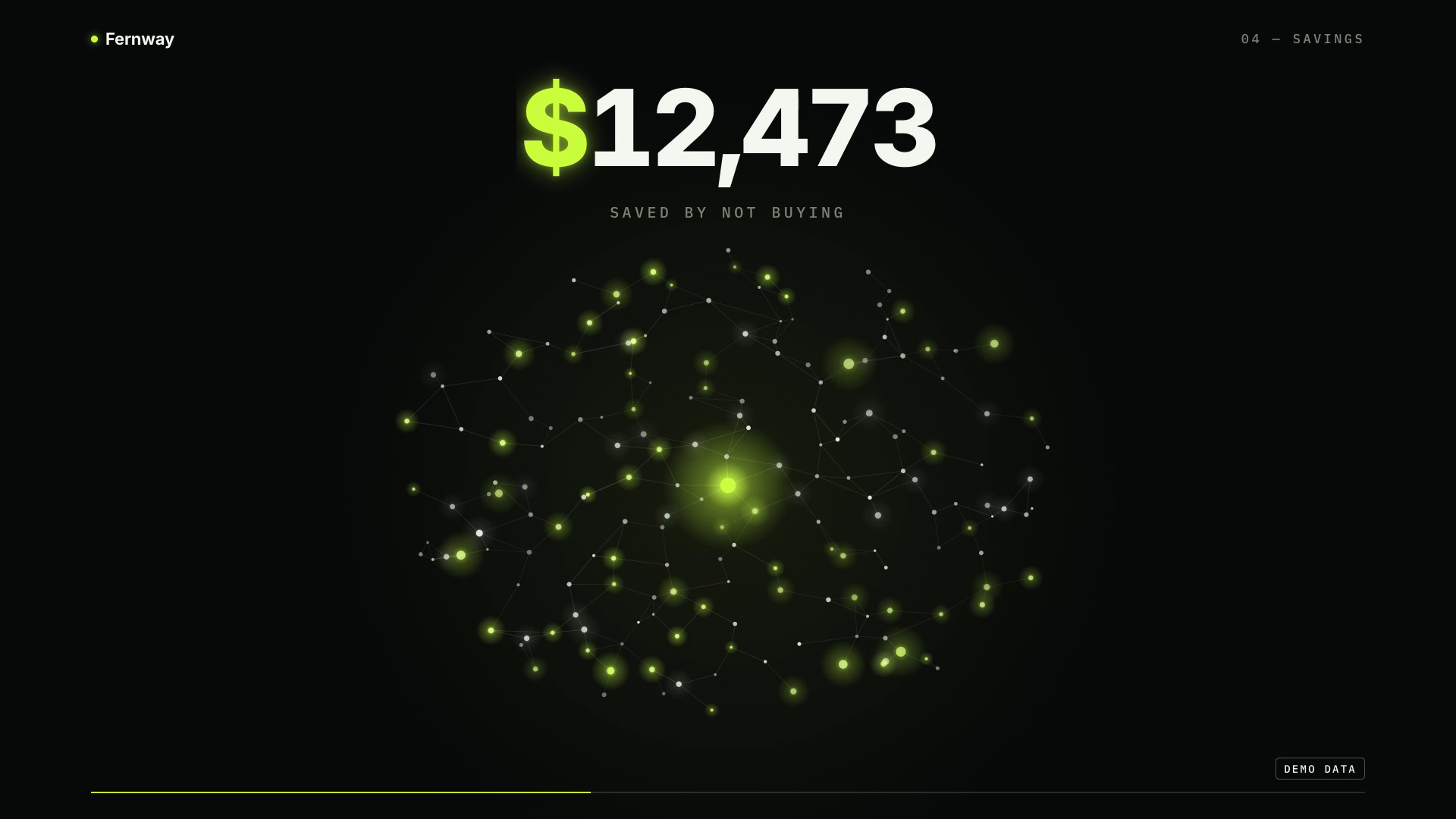
Tell a growth story with real numbers: one node network grows with each counter, flashes, dims behind a spike chart and closes on an end card.
Radiograph Reel: Bumble Ledger
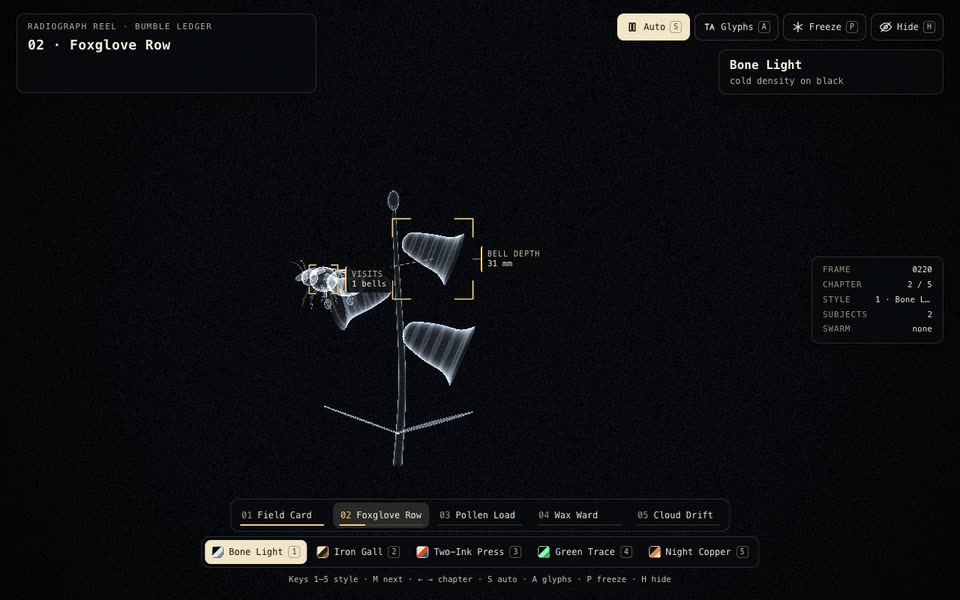
A specimen film reel: procedural bees, flowers and a wax comb glow as X-ray density, print in five switchable film styles with tracking labels, and a swarm morphs between formations.
Festival Grid Slides
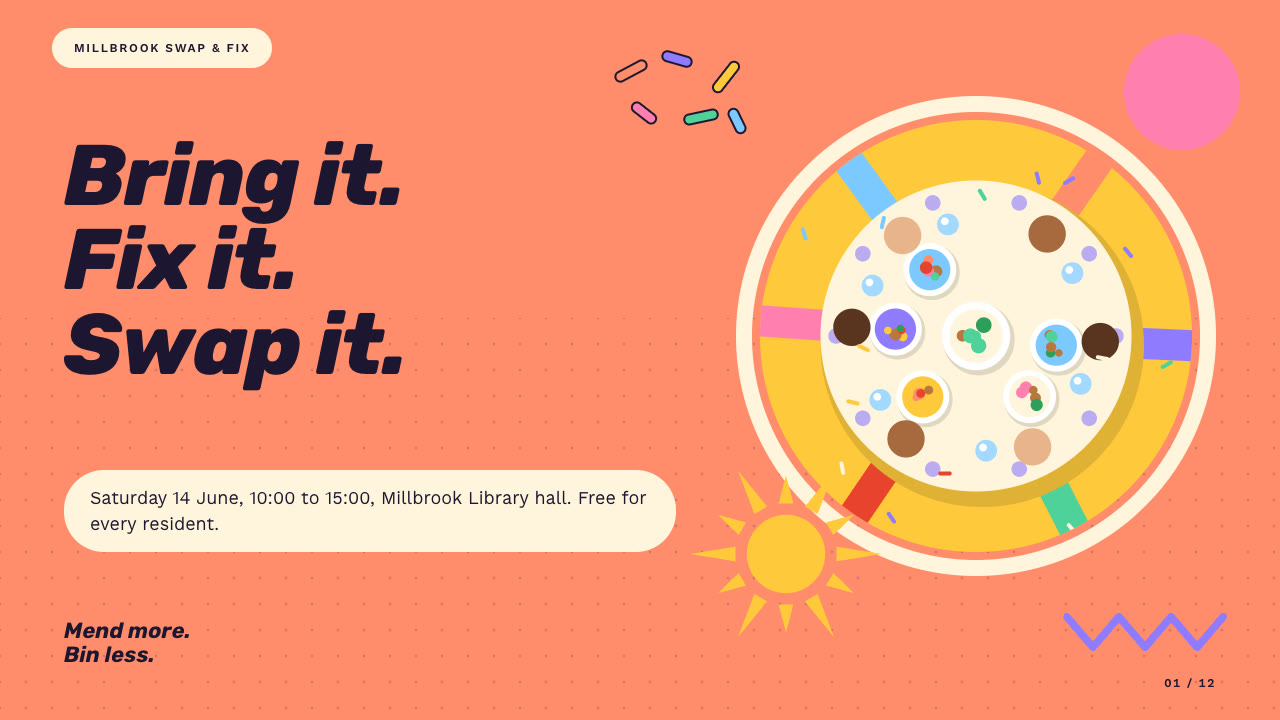
Invite people to a fair, open day or club season, or pitch one, in a bright festival deck: whole-page colour fields with a fine dot grid, heavy slanted headlines, cream cards and tickets, round pictures, and suns, rosettes, rings, bunting and sprinkles.