
Fluoro Pitch Slides
- Lab Skill
- v1.0.5
- Product marketing
Turn a pitch or proposal into a loud fluorescent screen-print deck with tall headlines and rising bars.
उदाहरण · 2
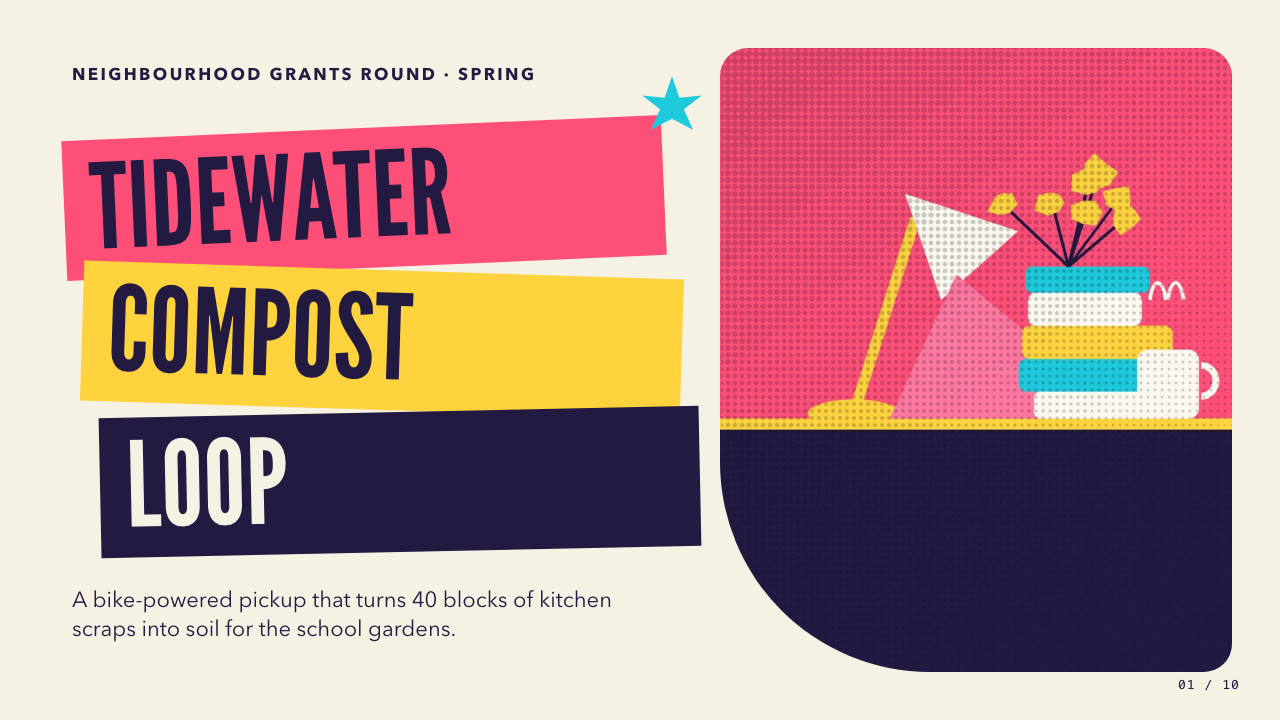
आपको क्या मिलेगा
Bring a pitch brief with the facts, numbers and ask you can stand behind. The Skill returns one offline HTML deck that edits in the browser and exports editable PowerPoint.
यह कैसे काम करता है
- 01
Pick recipes and a colour set
Fluoro Pitch slides confirms topic, audience, purpose, facts, content language and the exact page count, and proposes a count when none is given. Your Agent picks one of thirteen recipes per page, keeping to each field's character budget, and one colour set per deck: coral-current, night-signal or mint-press. Planning figures are labelled as targets or samples, never as results.
- 02
Write plan.json with local artwork
Each page in plan.json gets its fields, pictures and three to five talking points. Your own files go in as {"file": "pics/x.jpg", "alt": "..."}; other slots use locally drawn artwork such as {"motif": "desk", "seed": 7, "alt": "..."}, where a new seed gives a new picture. python3 scripts/build_deck.py plan.json --out presentation.html --report build-report.json reports any overlong field.
- 03
Render, audit and verify exports
check_deck.py confirms the page count. With Node 18 and playwright-core, node scripts/render_check.mjs presentation.html --out check --pptx --interact renders every page to PNG and audits overflow, overlap, off-page blocks, unloaded pictures and empty slots. Your Agent still opens each check/pages PNG to judge crops and contrast, then runs check_pptx.py on the exported PowerPoint before claiming it.
FAQ
What decks is Fluoro Pitch slides good for?
Fluoro Pitch slides is good for persuasive, energetic decks: grant or funding pitches, service proposals, launch plans, investor updates and workshop openers. Its fluorescent screen-print look uses coral, cyan and yellow fields, tall condensed uppercase headlines, tilted title strips, notched picture panels and rising bar schedules. The demos are Tidewater Compost Loop, a 10-page small-grants pitch, and Lantern Line, a 9-page investor update.
Is Fluoro Pitch slides suitable for academic talks?
No. Fluoro Pitch slides keeps a loud, fixed visual system that the Lab copy calls a poor match for quiet corporate or academic decks. It also does not support right-to-left layouts, and its artwork is flat illustration, so photographs must come from you. Only the topic, words, numbers and pictures change between briefs.
What does Fluoro Pitch slides need to run?
Fluoro Pitch slides needs Python 3.9 or later with Pillow to build. python-pptx is only for check_pptx.py. The optional browser check needs Node 18 or later, npm install playwright-core and a local Chrome, with CHROME=/path set if Chrome is elsewhere. No network access or API key is needed to build, edit, present or export.
Does Fluoro Pitch slides pay for generated pictures?
No. Fluoro Pitch slides draws its motif artwork locally from a seed, and SKILL.md rules out remote images and paid generation unless you explicitly ask and pay. A standard build therefore has no usage charge.
Which fonts does Fluoro Pitch slides use?
Fluoro Pitch slides bundles League Gothic and embeds it in the HTML. Its PowerPoint export names League Gothic, Avenir Next and PingFang SC, and any missing font is substituted by the opening app, which can move line breaks. Install the bundled League Gothic wherever the file will be opened. The font licences live in the package's LICENSES folder.
How do I save edits in a Fluoro Pitch slides file?
Fluoro Pitch slides keeps edits in the browser until you press Save with Cmd or Ctrl+S, which writes them into presentation.html. Adding ?mode=edit or ?mode=present to the file's address opens those modes directly. The editor can switch a Smart group between row, grid and column, reorder pages and undo or redo.
और Skills
सभी Product marketing Skills →
Pixel Story
Turn a product brief into a pixel film with clear actions, scene traversal and a memorable payoff.
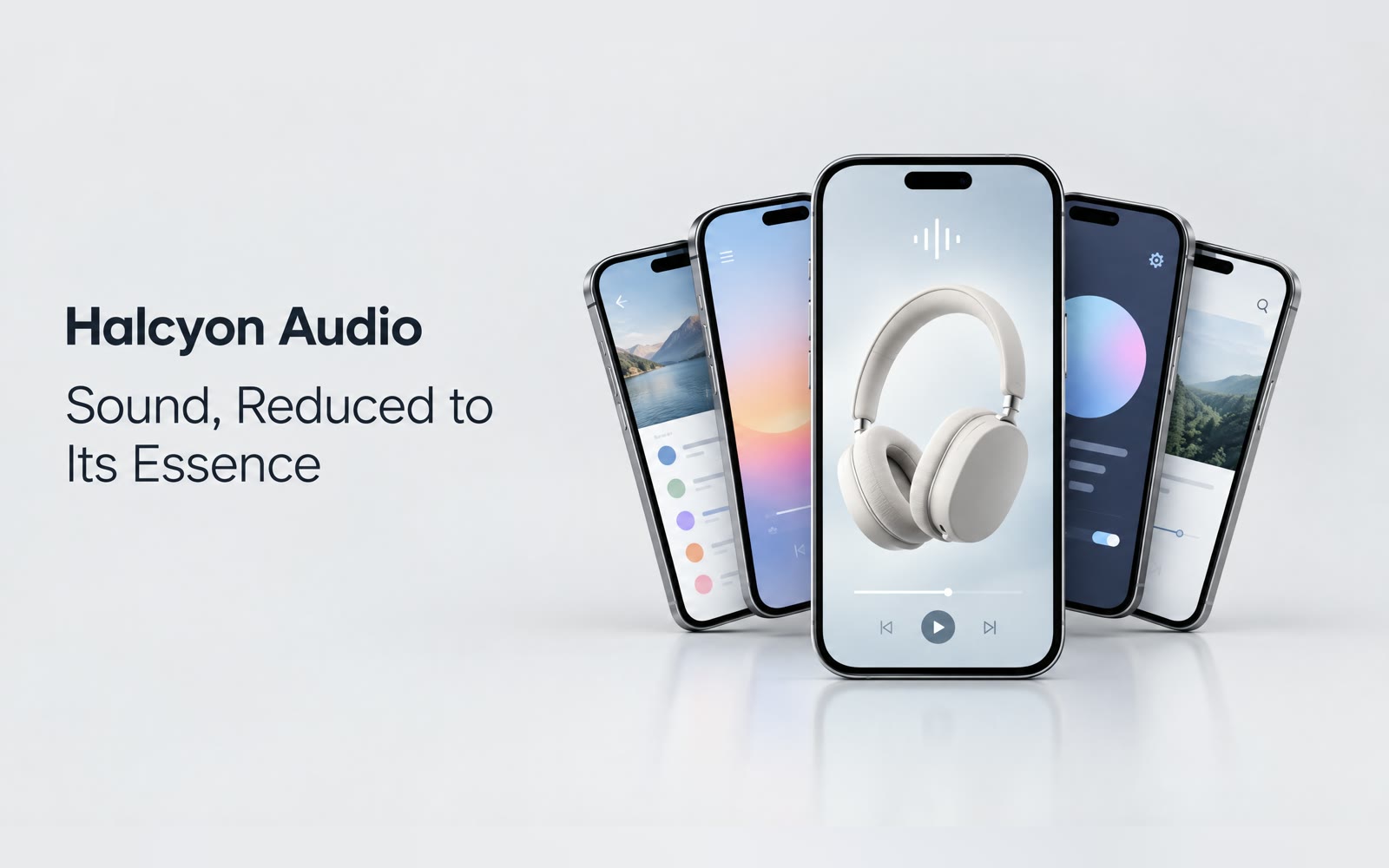
Device fan
Turn a brand, one headline and context into a calm device-showcase card.

Floating phones
Turn a brand, one headline and context into a warm-ivory card with floating phone screens and playful, friendly doodles.

Floating analytics dashboard
Turn a brand, one headline and context into a split-column card: a narrow charcoal brand column anchoring a large white analytics dashboard that floats across a vivid violet gradient field.
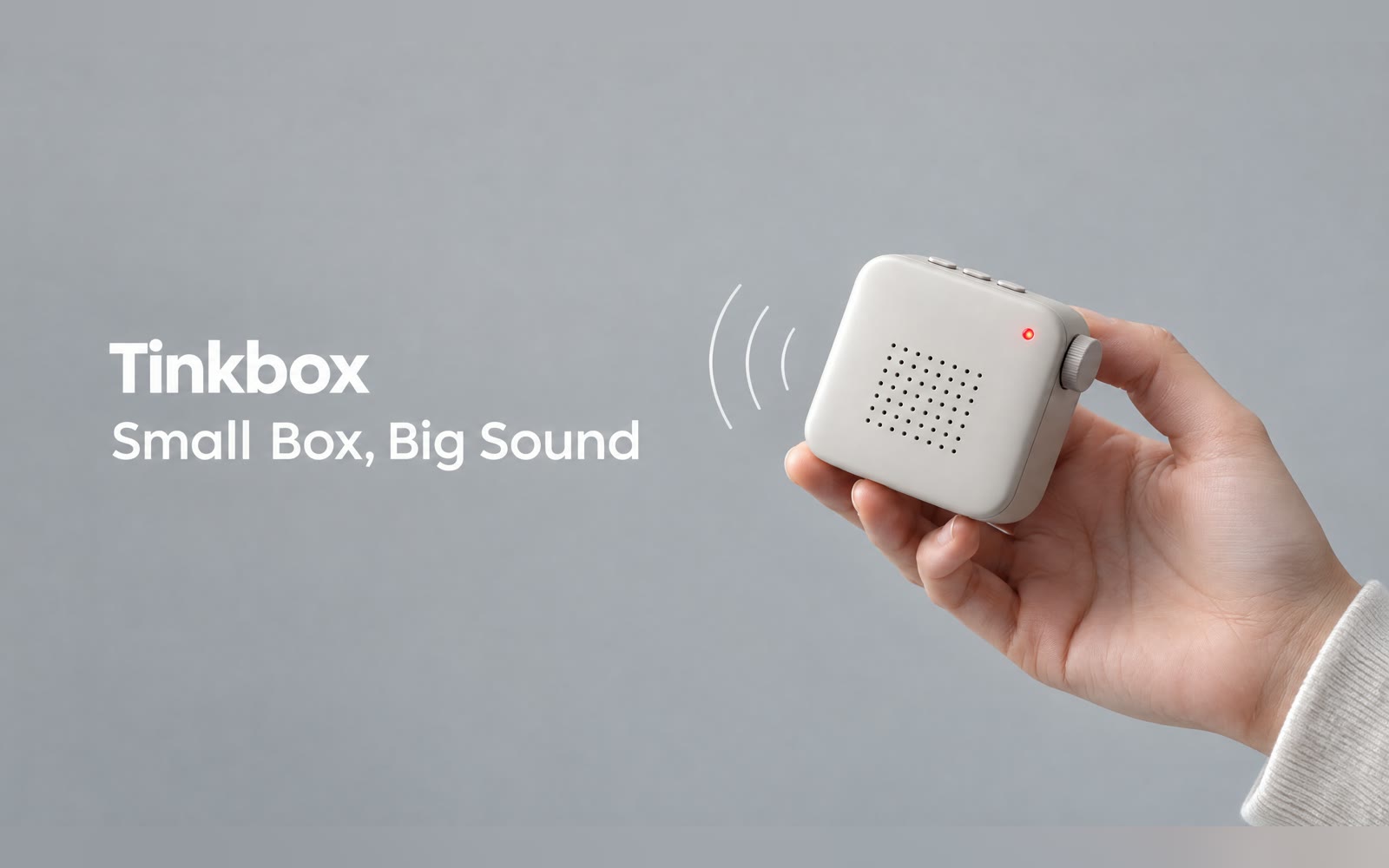
Minimal handheld product
Turn a brand, one headline and context into a high-key studio card: a softly lit hand holding an original compact pale device against a seamless gray background, with broad empty space and a tiny red light as the only accent.
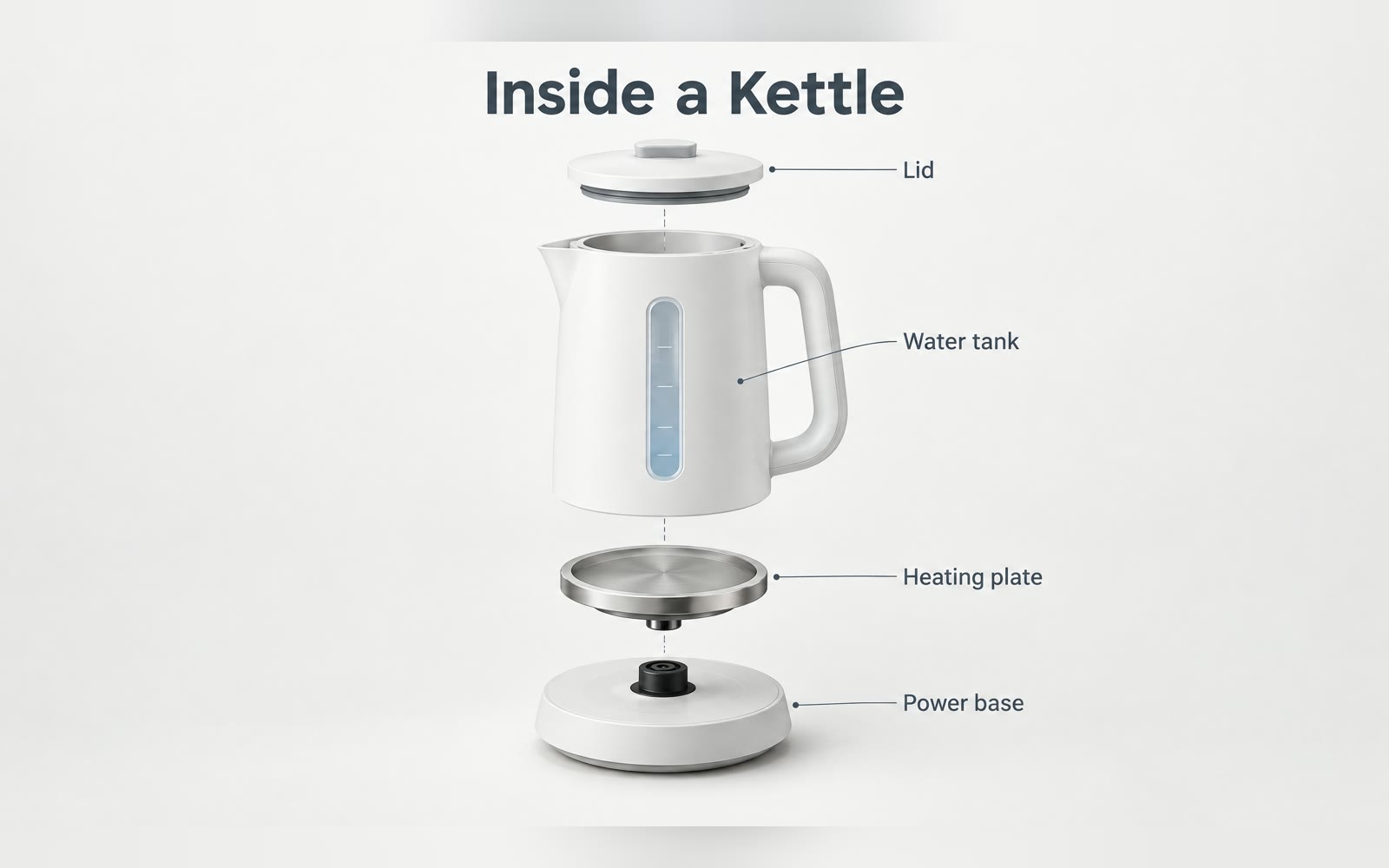
Appliance exploded poster
Turn a household appliance into a polished 16:9 exploded-view poster: part groups separated along one axis, with a title and three to five exact labels.