
Share Ribbon
- Skill Lab
- v1.0.2
- Business reporting
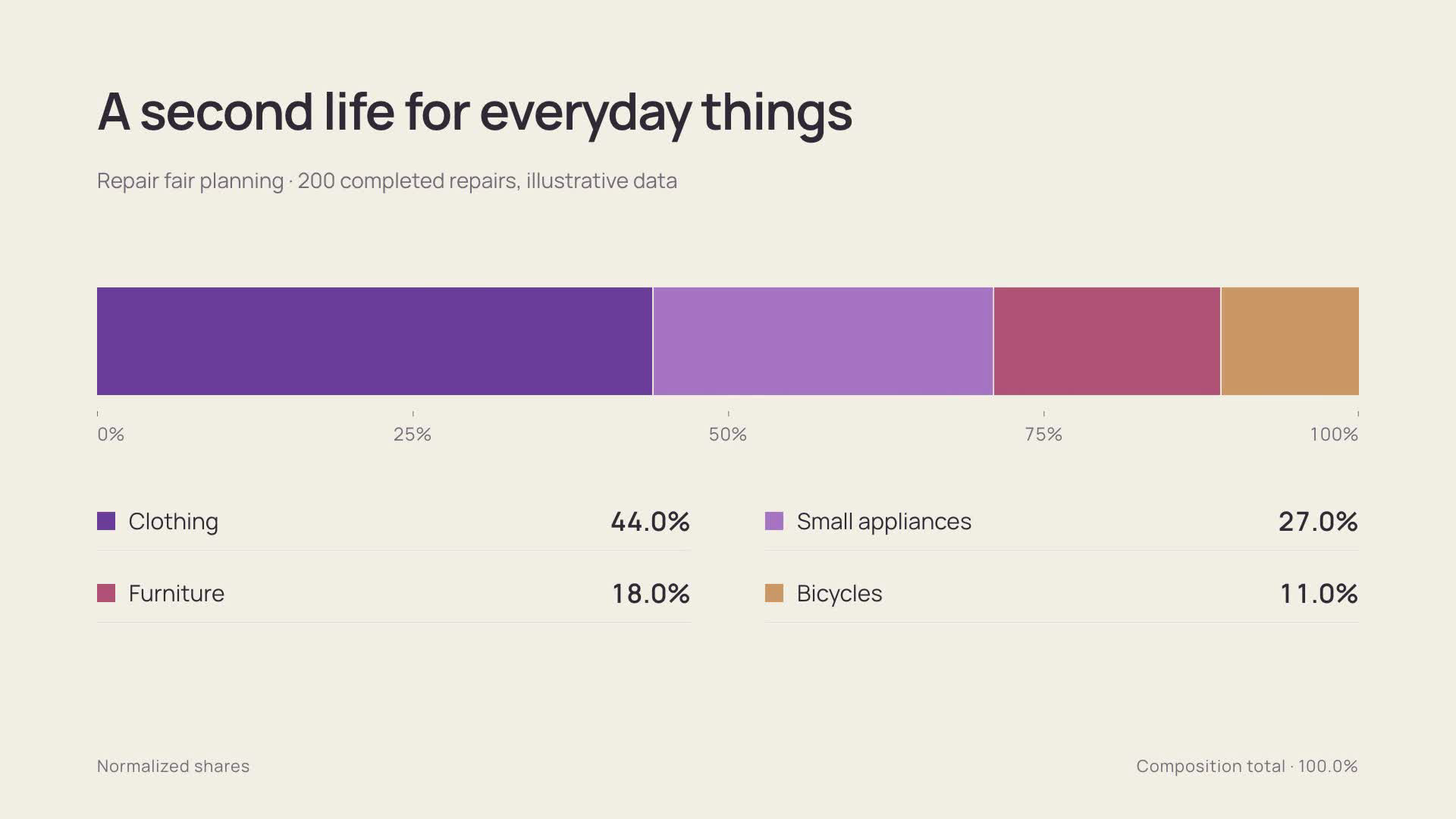
Reveal proportional pieces of one whole in order, followed by their matching labels.
Contoh · 2
Jalankan online
Jalankan contoh Share Ribbon di SandBase sandbox dan lihat hasilnya langsung di sini.
Cara kerjanya
- 01
Write the brief
Share Ribbon reads a brief with a heading, a context line, a unit and two to six named parts, each with a count or a percentage. Use counts when totals differ from 100 and percent when values already total 100. Choose the linen, tide, rose or carbon palette; all share the same geometry and timing.
- 02
Reveal the whole in order
The ten-second, 1920 by 1080 composition reveals pieces of one whole from left to right. The first segment opens at 0.9 seconds and each next one 0.83 seconds later, while its mask opens in place. Matching names and percentages follow their pieces by 0.63 seconds, with labels apportioned so they total exactly 100.0 percent.
- 03
Check fit and render
The render wrapper first checks real font fit and project readiness in Chromium, then renders the silent film through HyperFrames. The project holds index.html, the resolved brief, bilingual reports and local assets. Longer text can pass the character limit yet fail the browser fit check; shorten it and generate again.
FAQ
What does Share Ribbon make?
Share Ribbon makes a short landscape chart film that reveals proportional pieces of one whole in order, each followed by its label. The demos show a second life for everyday things and where a garden makes room. It suits short motion explainers where one breakdown is the point.
How small can a Share Ribbon part be?
Share Ribbon requires every part to occupy at least 1 percent of the whole, with two to six parts in total. Unsupported inputs fail clearly instead of truncating categories or quietly changing values. Geometry uses full precision even though labels are rounded to tenths.
Does Share Ribbon make vertical video?
No. Share Ribbon exports a landscape composition only. Its mobile report scales playback to the available width for review, but the film itself stays 16:9. For a vertical info beat, another Skill is a better fit.
Can Share Ribbon be reused for a new topic?
Yes. Share Ribbon needs no scene-code edits within its contract: change the JSON, palette and locale. Chinese labels use Noto Sans SC automatically, while the report language is chosen explicitly with the lang flag. An invalid locale falls back to English rather than failing the run.
Do I pay anything to use Share Ribbon?
Share Ribbon needs Node.js 22, npm and FFmpeg, and states that no API key, model call, account or paid service is required. After the locked toolchain and Chromium are installed, projects use only local assets, so renders are not billed.
Lebih Banyak Skills
Semua Skills Business reporting →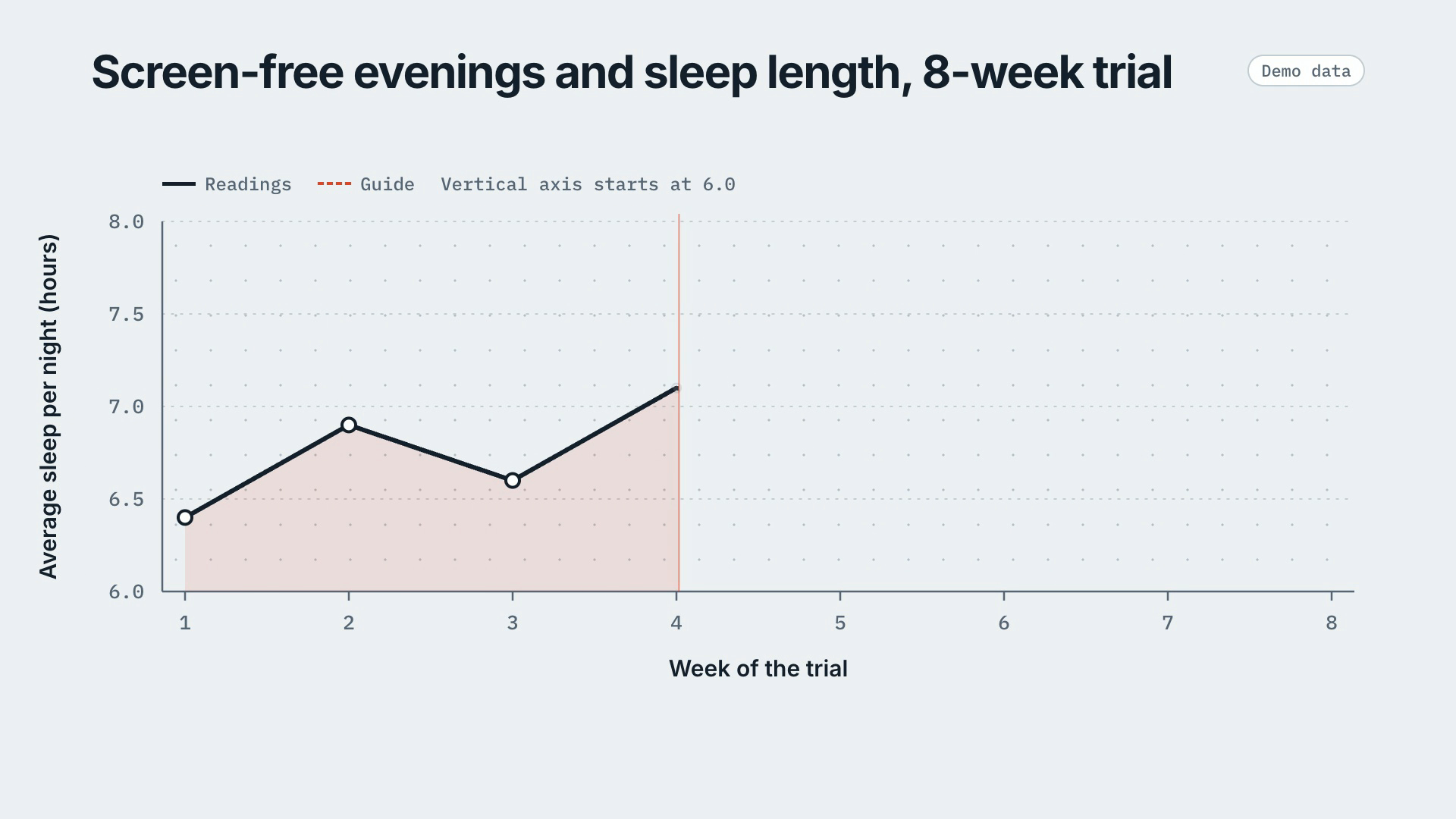
Trend Line
Reveal measured readings, a separate dashed guide and a final takeaway on an editable chart.

Advisory Thread Slides
Argue one recommendation to a committee or board with action titles, a storyline tracker, evidence charts and a bounded decision ask.
Civic Bars Slides
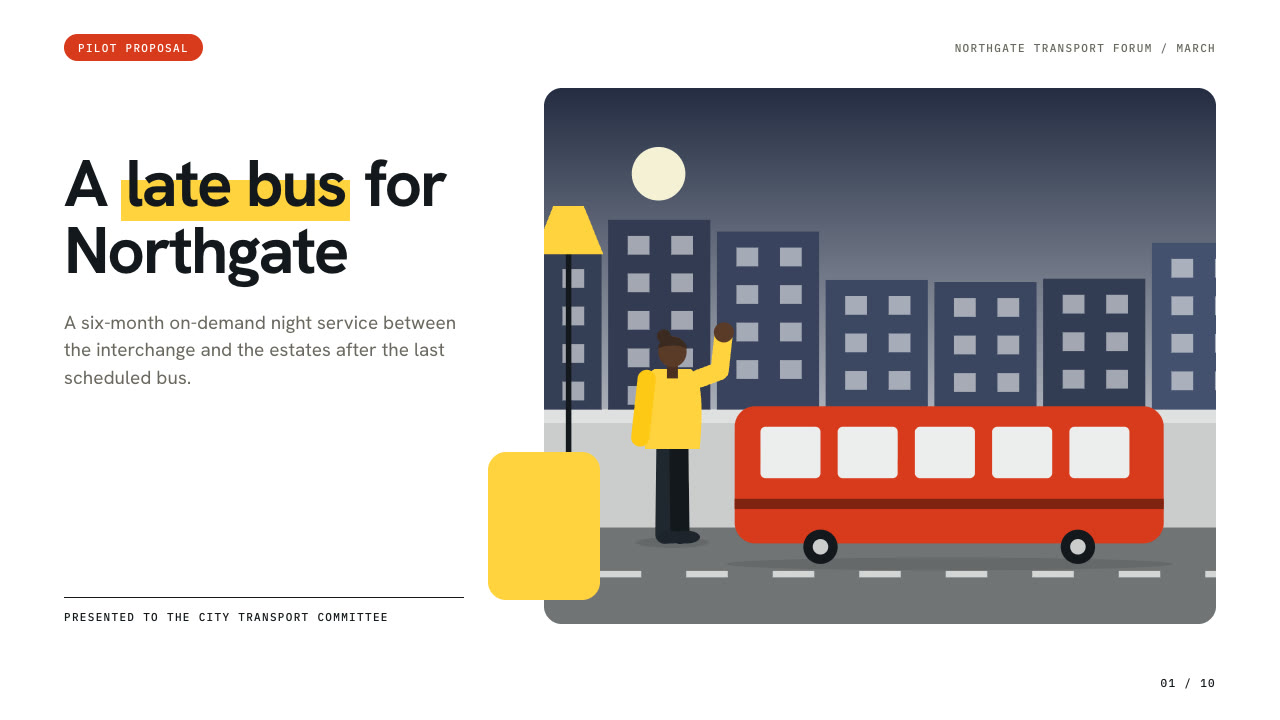
Make the case for a public or community service decision with picture cards, thin bar charts, stat tiles and a clear ask.
Site Sequence Slides
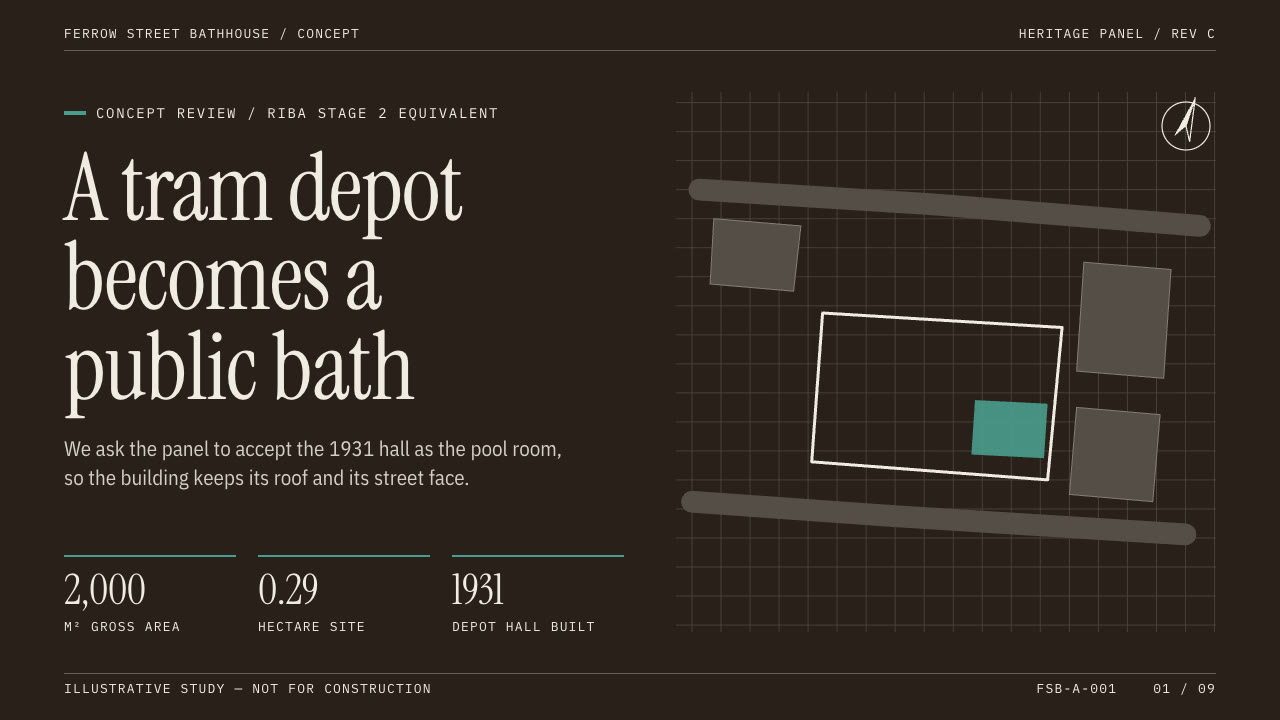
Take an architecture or site-design proposal to a review panel like a drawing sheet: site, massing, plan and section, program, phasing and one clear decision.

Deepframe Company Slides
Present a company, practice or member organisation calmly: white pages, offset colour blocks behind pictures, service cards, ring figures, value bars and a portrait row.
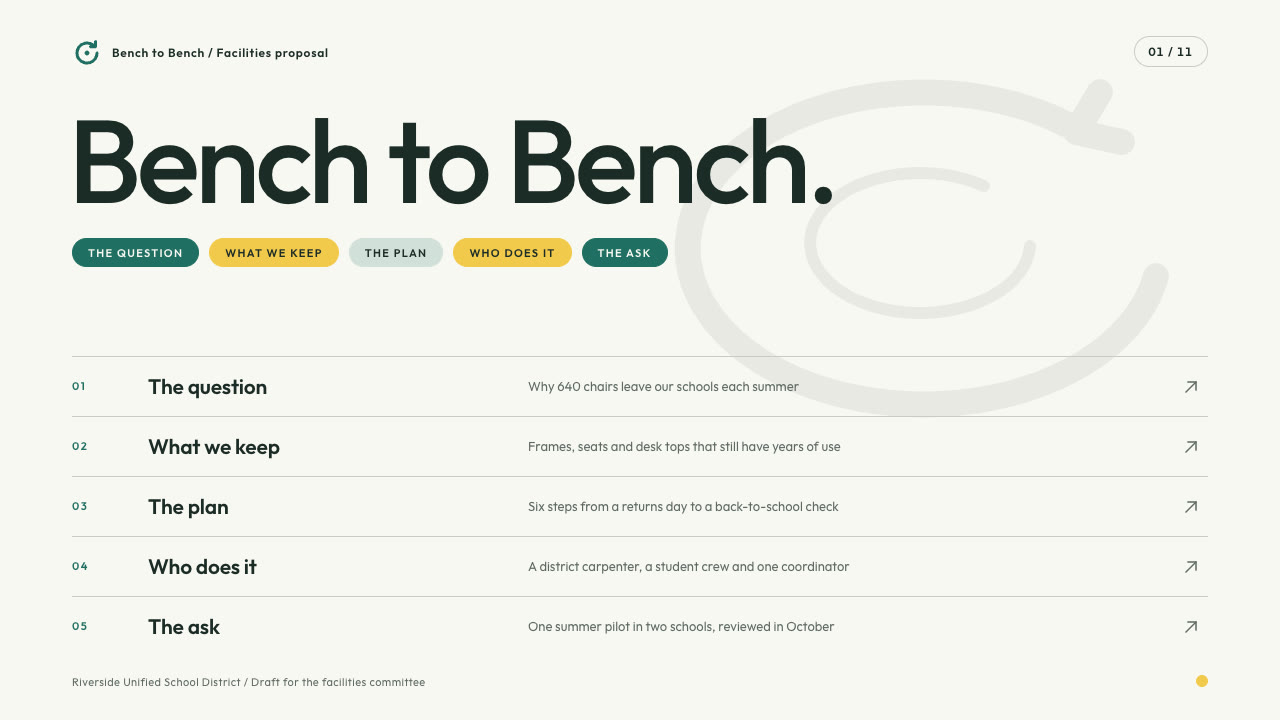
Circular Module Slides
Propose a repair, reuse or take-back step in a light modular deck: rounded cards and pill capsules, an open-ring motif, notched principle cards, a six-step grid and a capsule bar chart.