
Branching Editions
- Skill Lab
- v1.0.2
- Research
Animate a research chain that contracts into a header and distributes into several editorial formats.
Contoh · 2
Jalankan online
Jalankan contoh Branching Editions di SandBase sandbox dan lihat hasilnya langsung di sini.
Apa yang Anda dapatkan
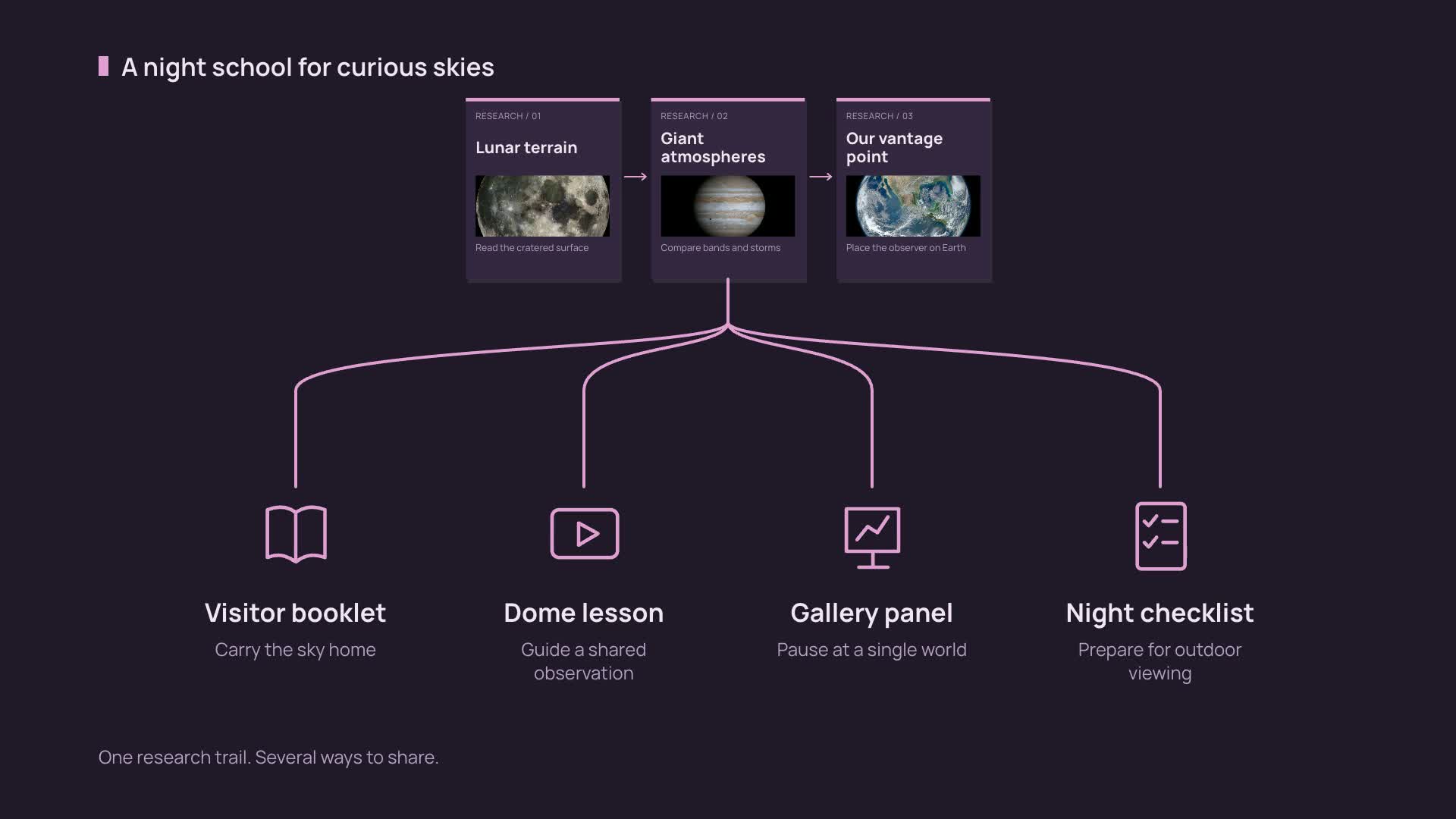
Bring explore two recorded examples. The Skill returns two films, measured scope and image credits.
Cara kerjanya
- 01
List documents and editions
Branching Editions reads JSON with a title of up to 48 characters, a palette of lagoon, plum, parchment or graphite, one to three documents and two to five editions. Each document needs a label, caption, local image, alt text and rights record. Each edition needs a label, a note and a kind such as booklet, lesson, exhibit, checklist or broadcast.
- 02
Compose with pinned tools
Branching Editions needs Node.js 22 or newer, npm, a working Chromium and FFmpeg. Run npm ci --ignore-scripts, then node scripts/compose.mjs --brief /absolute/brief.json --out /absolute/project. Missing images and invalid counts fail before generation. Set PUPPETEER_EXECUTABLE_PATH if Chromium is not found. Images are cropped to a centred 340 by 155 window, so pick pictures that read in that frame.
- 03
Render the branching diagram
Render with hyperframes render --fps 30 --quality high --strict --workers 1 to get a silent 7.4-second, 1920 by 1080 film. Documents enter from 0.22 seconds, the chain contracts into a header between 1.92 and 2.56 seconds, and branches start at 2.79 seconds. Check label bounds, image crops, connector endpoints and forward and backward seeks in the encoded movie.
FAQ
What does Branching Editions animate?
Branching Editions animates a research chain that contracts into a header and then branches into several editorial formats. Documents enter in order with attached arrows, the group shrinks, and drawn routes lead to distinct output symbols. The demos show a planetarium learning kit and an earth science newsroom.
Does Branching Editions include sample images?
No. Branching Editions ships no example images, so you supply readable, licensed photographs or real document imagery for each document. Each document also needs alt text of up to 180 characters and a rights record of up to 3,000 characters, which travel with the project.
Which output symbols can Branching Editions draw?
Branching Editions draws five edition kinds: booklet, lesson, exhibit, checklist and broadcast. Choose the kind that matches the intended medium for each of the two to five editions. Output labels stay large, while the contracted header reduces document detail on purpose.
Does Branching Editions call a paid service?
No. Branching Editions builds HTML, SVG and a GSAP clock locally and encodes with HyperFrames and FFmpeg, so a render has no usage charge. Fonts and GSAP come from pinned packages with their notices copied into each project.
Can Branching Editions make a film from a prompt?
No. Branching Editions is a parameterized renderer for one relationship: documents, a contraction and branches to outputs. It does not invent a complete film from an unrestricted prompt. A successful render also does not replace visual review, so test changed counts and Chinese text before delivery.
Lebih Banyak Skills
Semua Skills Research →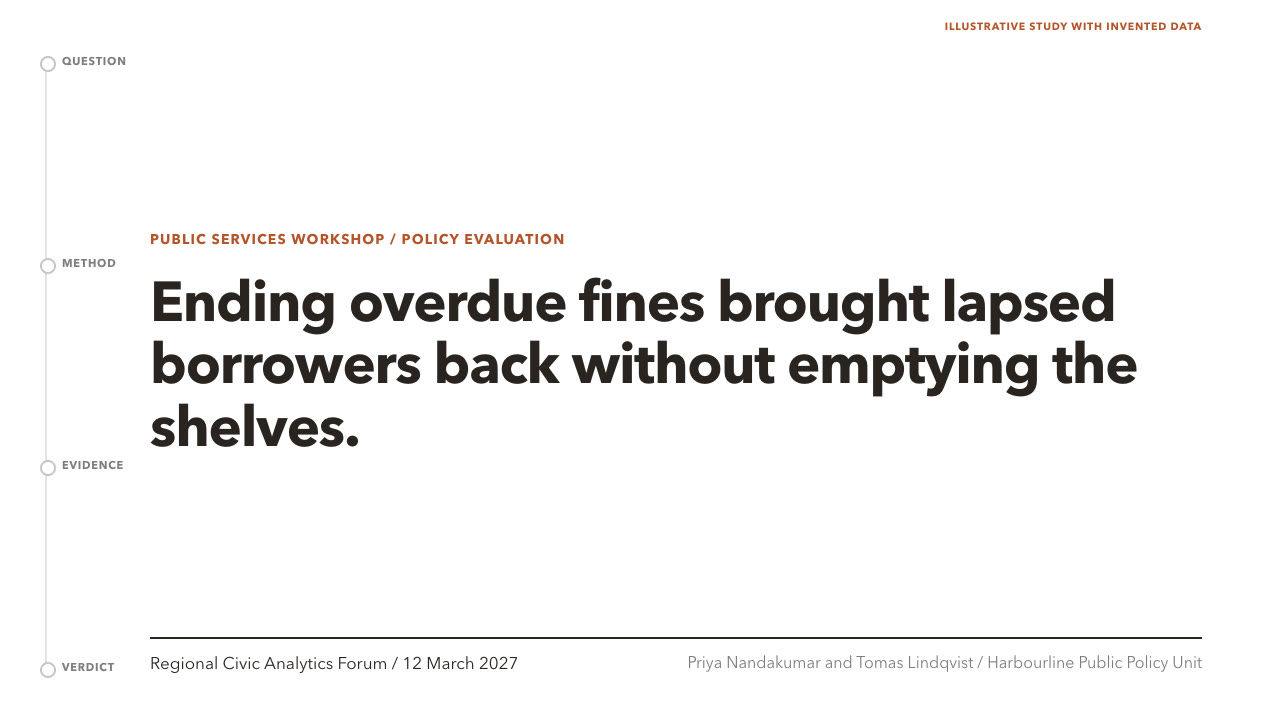
Thesis Spine Slides
Build a research talk whose titles, read in order, argue one claim from question to verdict, with one cited exhibit per evidence page.
Reading Digest Slides
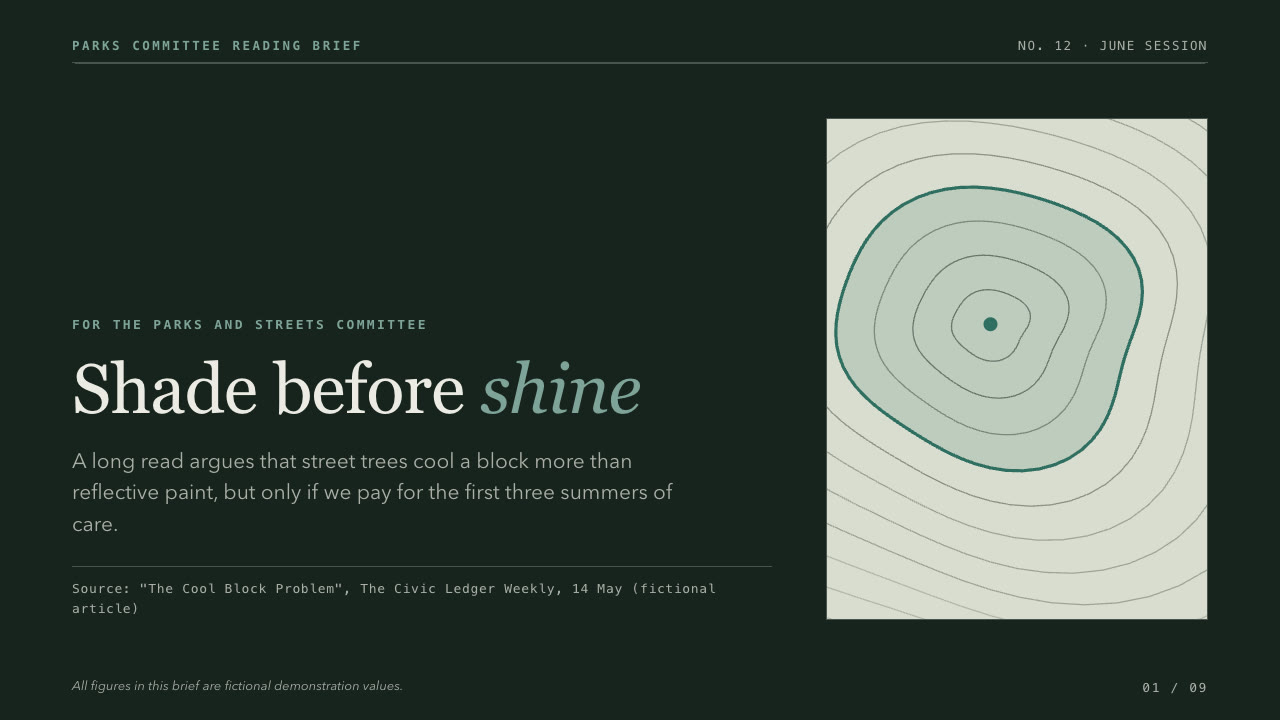
Turn one long read, essay or report into a reading brief a committee can decide on: a masthead, argument beats on a rail, a headline figure, bar charts and a source ledger that keep checked facts, assumptions and open questions apart, two readings, discussion prompts and the decision asked.
Cloudpane Slides
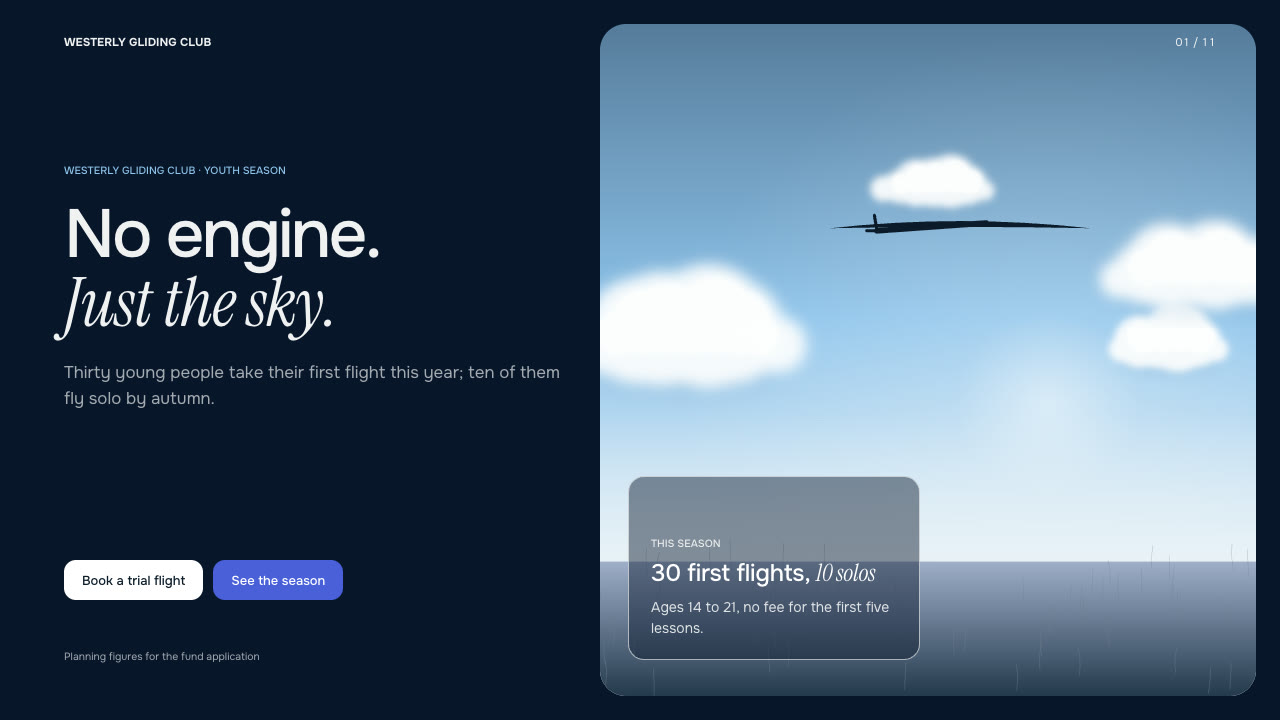
Make explainer and proposal decks that make a public subject feel approachable: open-sky pictures, clear optical glass and anonymous figures, thin-edged translucent glass cards over the pictures, broad mist-white pages, three deep night pages and headings with an italic serif accent.
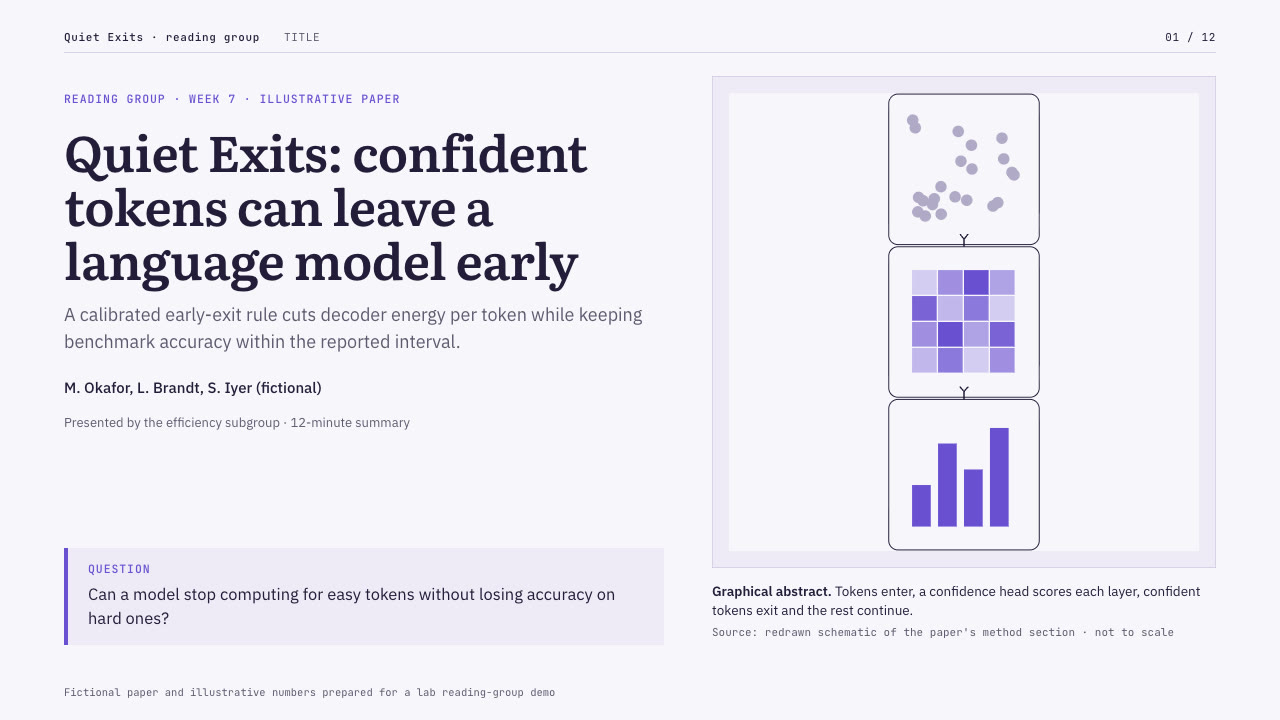
Figure First Slides
Make figure-led research talks such as paper summaries, journal clubs, lab and reading-group reviews and evidence briefings: every content page is built around one figure, chart or table with its caption and source underneath, numbers carry their comparator and interval, and a limits page states what the work can and cannot claim.
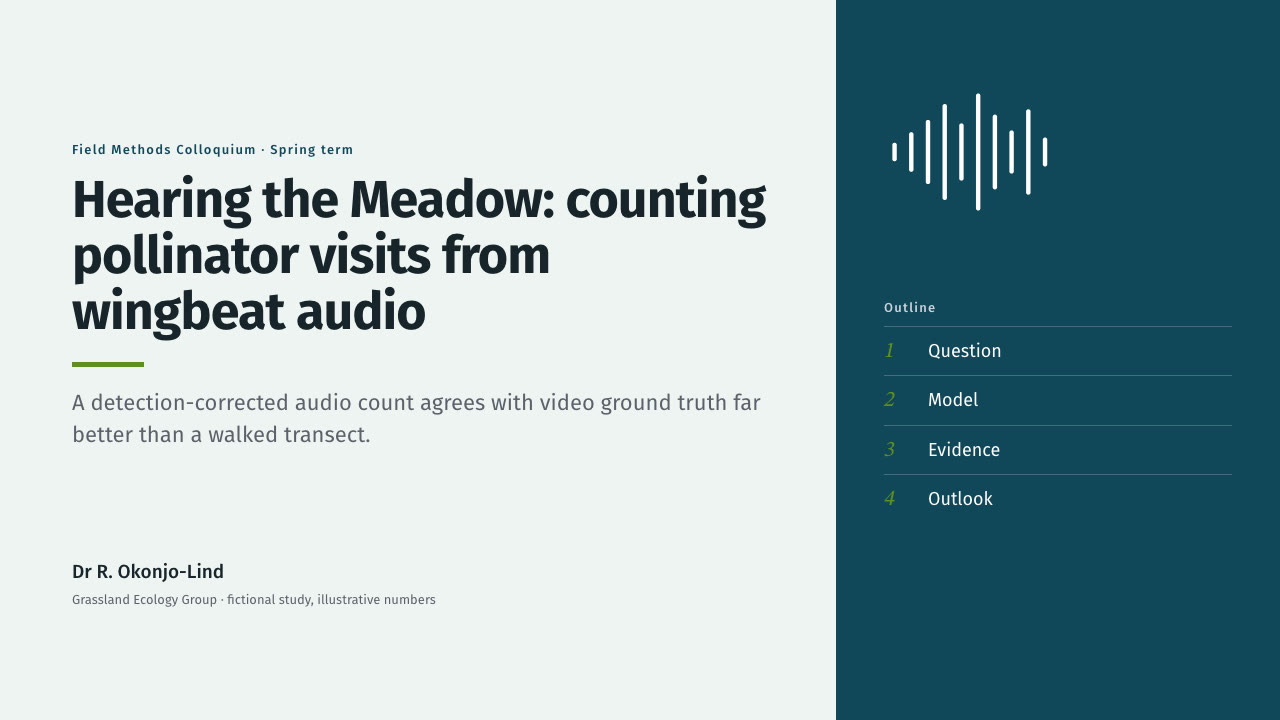
Seminar Math Slides
Turn a paper, thesis chapter or research notes into a projection-ready 16:9 talk for seminars, colloquia, defences and conference sessions: a section strip with the current section lit, equations with spoken readings and term glosses, a method pipeline, a proof sketch, native result bars and tables, plots drawn from data and a progress bar with frame counters.
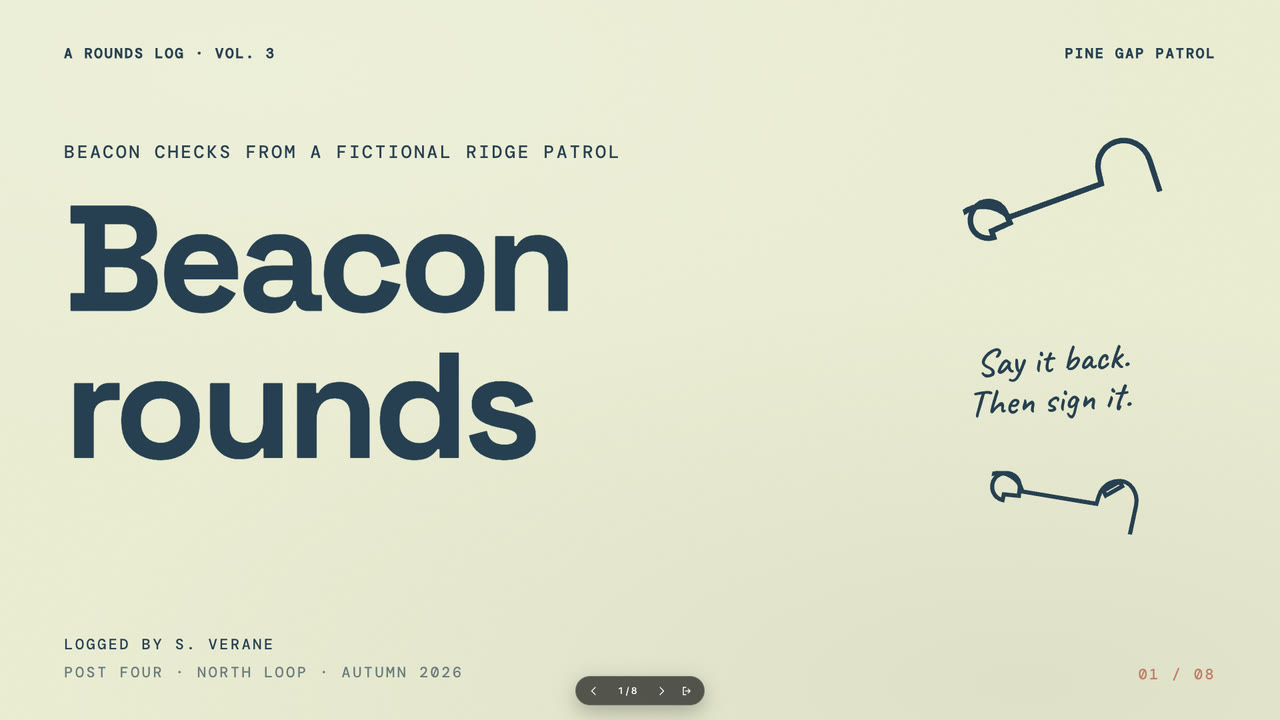
Yellowpad Fieldnotes Slides
Make decks that read like pinned field notes: saturated yellow legal-pad paper, cobalt ink, hand-drawn safety pins, cream pinned cards, handwritten marginalia, mono archival tags and rotated red stamps.