
Beacon SaaS landing
- Skill Lab
- v0.2.0
- Web design
Turn a product brief into a polished single-file SaaS marketing site with pricing, FAQ, sign-up, changelog and status pages.
Contoh
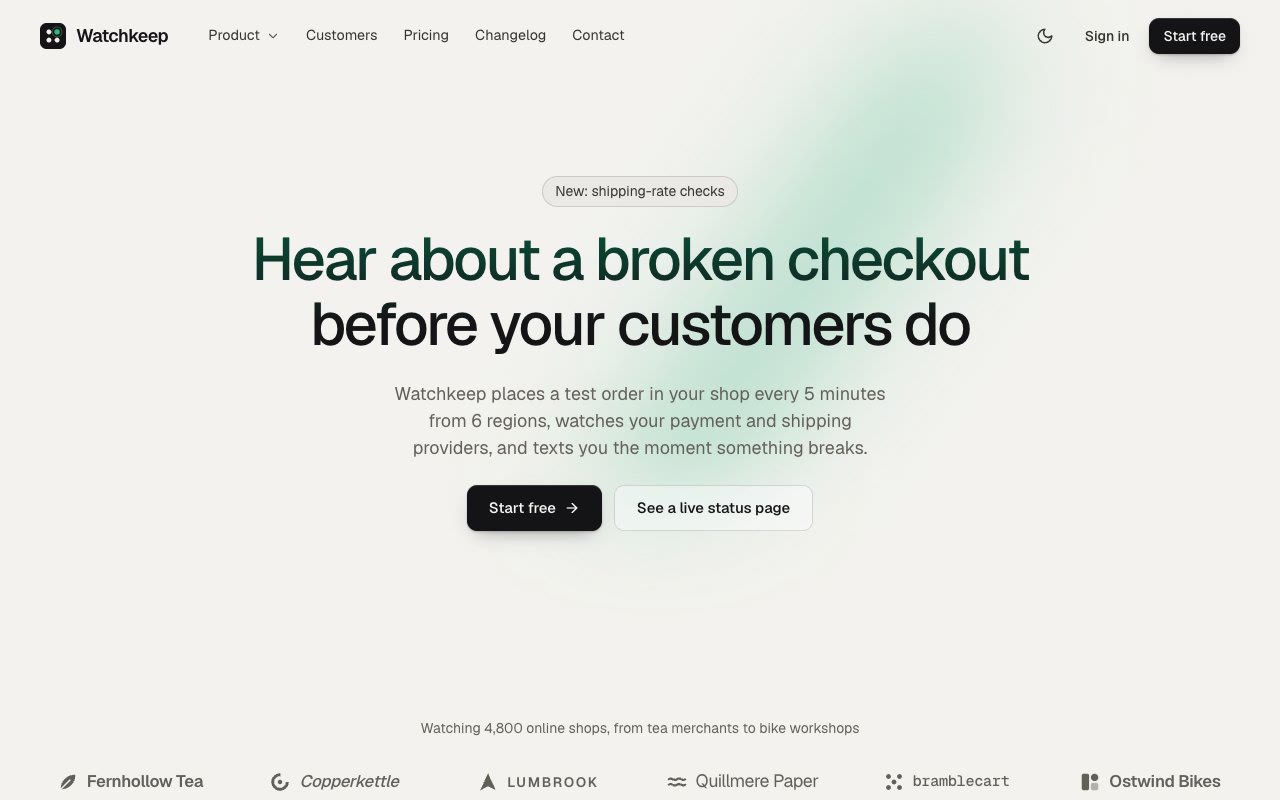
English site
Contoh berjalan di frame sandbox tanpa akses ke halaman ini.
Jalankan online
Jalankan contoh Beacon SaaS landing di SandBase sandbox dan lihat hasilnya langsung di sini.
Apa yang Anda dapatkan
Bring a short product brief: who it is for, the promise, proof and calls to action. The Skill returns one HTML file with light and dark themes, seven routed views and a validator report.
Cara kerjanya
- 01
Brief the SaaS product
Beacon SaaS Landing takes a short product brief: who it is for, the promise, proof and calls to action. The Agent picks en or zh-CN and copies the template, twelve image slots and Geist fonts to work/. The sample product is a monitoring tool called Pulsegrid, with quotes from people such as Maya Okafor and Jonas Lindgren.
- 02
Rewrite console, plans and status
The product console is live HTML and SVG fed by MONITORS rows with check name, path, type, state and numbers. The Agent also rewrites LOGOS, QUOTES, the COMPARE plan table, PLANS, CHANGELOG, STATUS uptime history, STATUS_INCIDENTS and LEGAL text, and keeps the ROUTES table pointing at the sign-up, contact, changelog, status and legal views.
- 03
Check light and dark builds
Beacon SaaS Landing runs in your Agent or a terminal with Node 18 or newer and no key. The inliner writes work/index.html across 7 routed views. Run node scripts/validate.mjs work/index.html --mode site --site-lang en until it exits 0, then add --browser --screenshot work/shots to look at both the light and the dark theme.
FAQ
What does Beacon SaaS Landing look like?
Beacon SaaS Landing has calm warm-neutral surfaces lit by a single blurred blue beam, gradient Geist headlines, hairline borders and complete light and dark themes. Its signature is a product console drawn in live HTML and SVG rather than a screenshot, filled from the MONITORS constant.
Which pages come with Beacon SaaS Landing?
Beacon SaaS Landing ships 7 routed views: the home page with pricing and FAQ, plus companion routes for sign-up, contact, changelog, status and legal. The status route draws service uptime history from STATUS and lists past incidents from STATUS_INCIDENTS. The first PLANS entry is the default sign-up plan.
Does Beacon SaaS Landing need an API key?
No. Beacon SaaS Landing never calls a model or the network from its scripts, so no key is involved and nothing is billed to SandBase. Its twelve image slots hold generated examples and neutral placeholders, which the Agent swaps for your images or its own image tool's output.
Can Beacon SaaS Landing use my brand colours?
Yes. Beacon SaaS Landing re-themes through its CSS custom properties, and because it has two themes, the Agent sets the colour tokens in both. Layout, sections and the beam motion stay as they are. Fonts can only switch to another family bundled in assets/fonts/.
Does the Beacon SaaS Landing status page show real uptime?
No. Beacon SaaS Landing's status route draws whatever is in the STATUS and STATUS_INCIDENTS constants, and the page makes no network calls. Put in figures you can stand behind, since the validator cannot tell whether a number or claim is true.
Lebih Banyak Skills
Semua Skills Web design →
Baked 3D Story Site
A three-page 3D story site with baked light, scroll stops that loop and a shader cut between pages, in one offline file.
UI Finishes
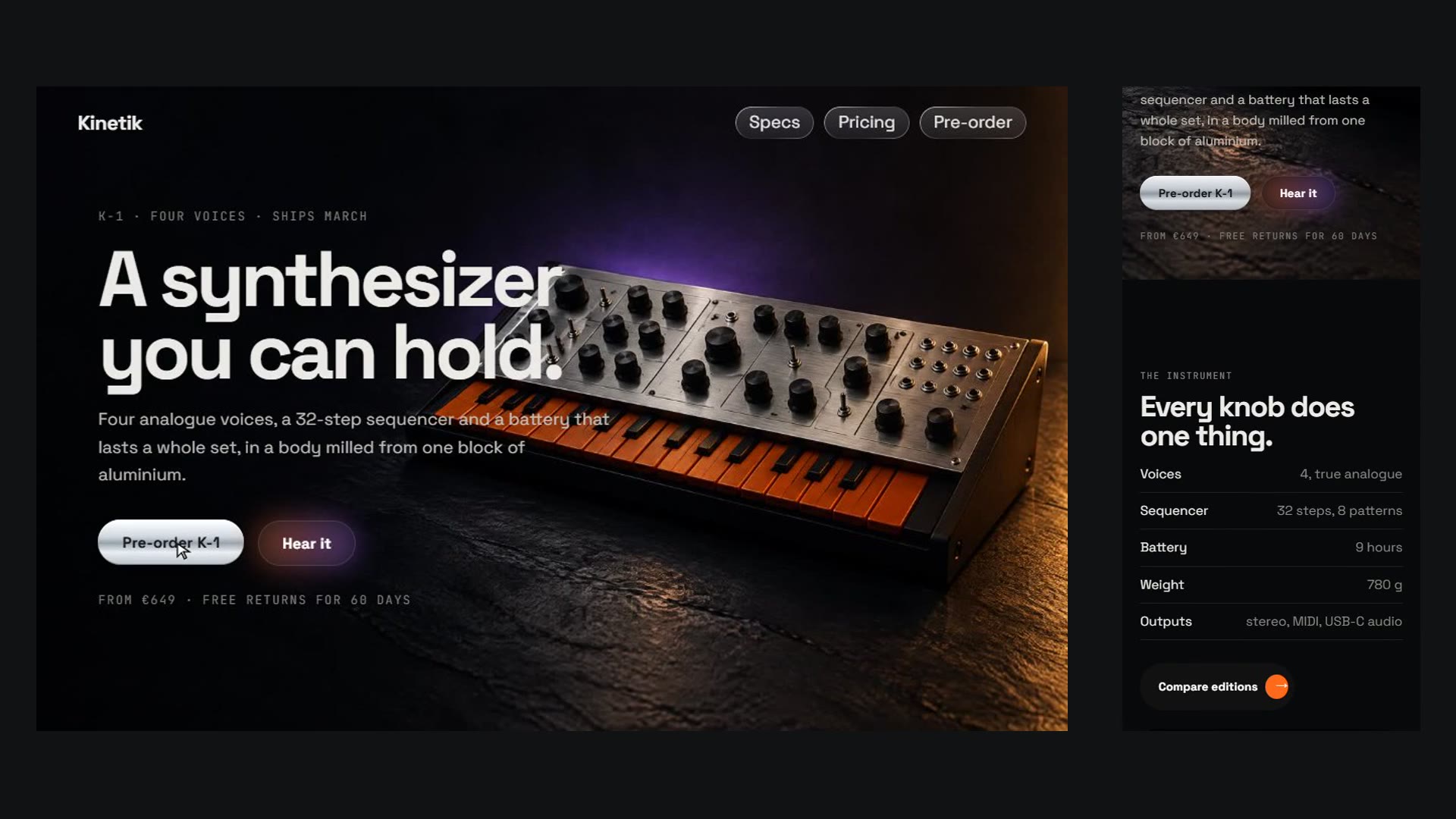
Metal, jewel, halo, roll, fill, offset and ring buttons, media cards, glass and textures, each checked in rest, hover, focus and pressed for real contrast.
Headline Motion
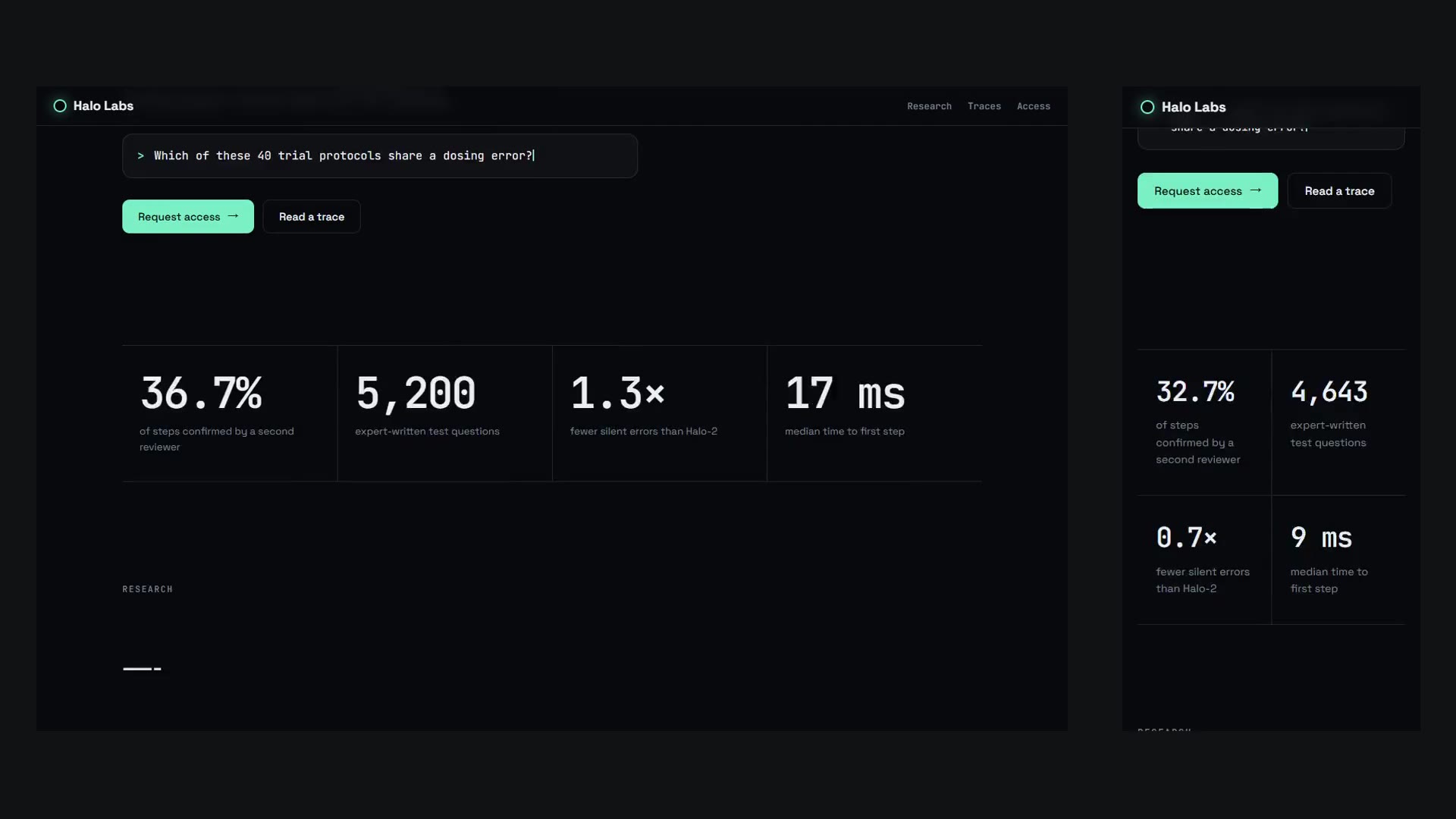
Headlines, labels and numbers that rise, decode, type, rotate, count and draw themselves without moving the layout, measured in a real browser.
Scroll Chapters
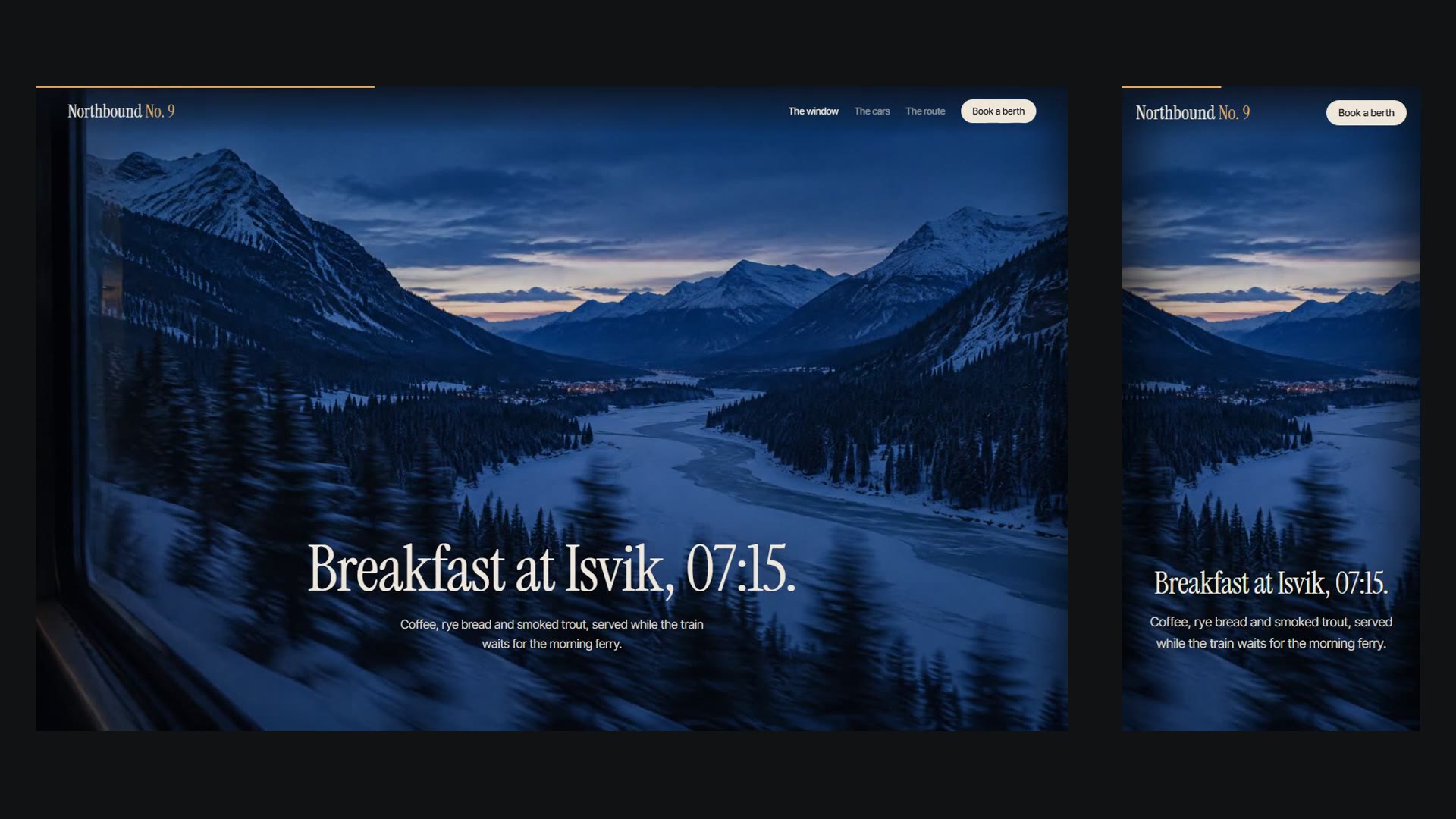
Long pages told chapter by chapter: a pinned stage, sliding panels, a text crawl, lit paragraphs, stacking cards and drifting columns, checked in a real browser for dead scroll.
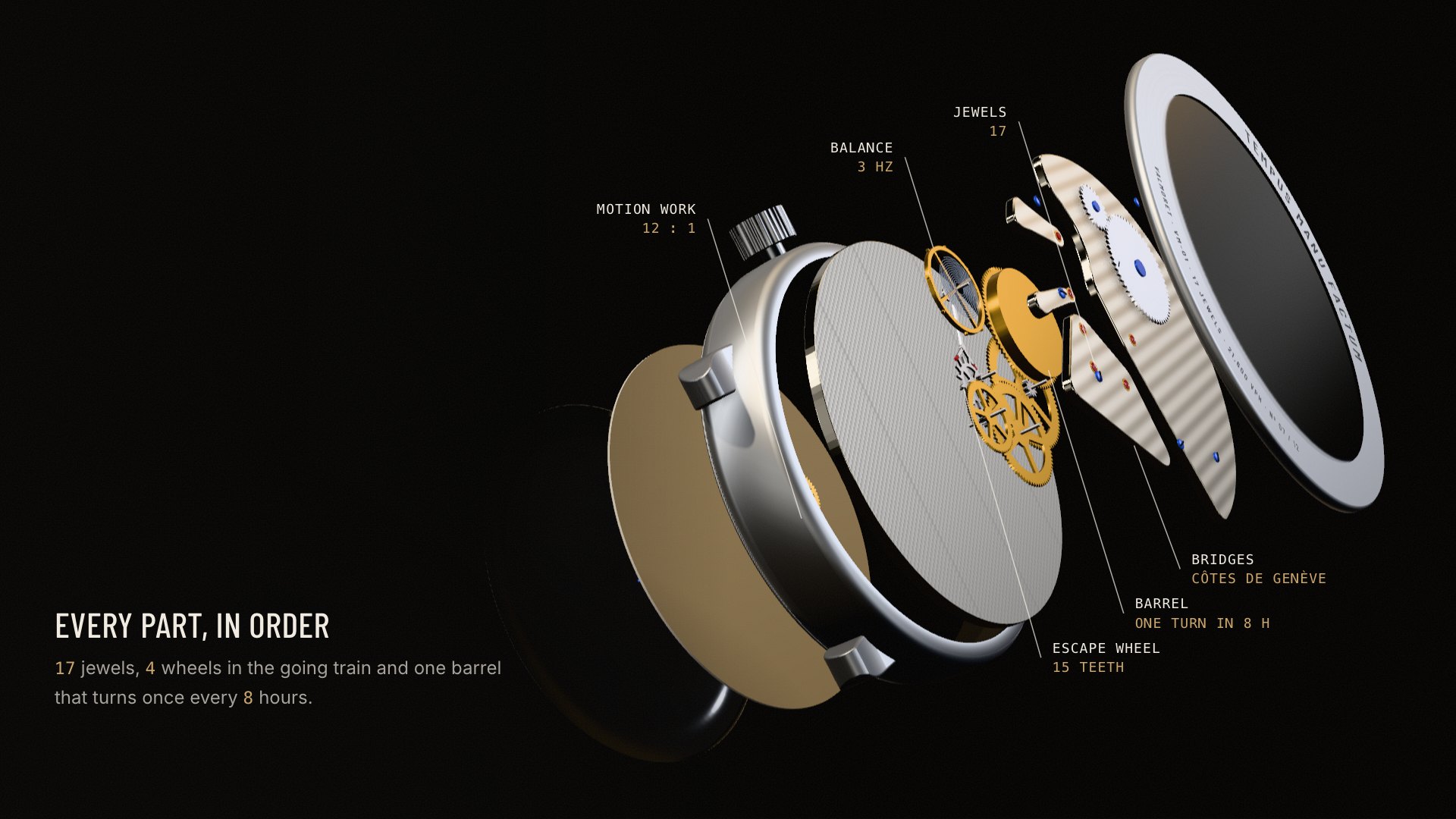
Scroll 3D Product Site
A complete product website where scroll turns, opens and takes apart a live 3D model, with every video and image rendered from that model, in one offline file.
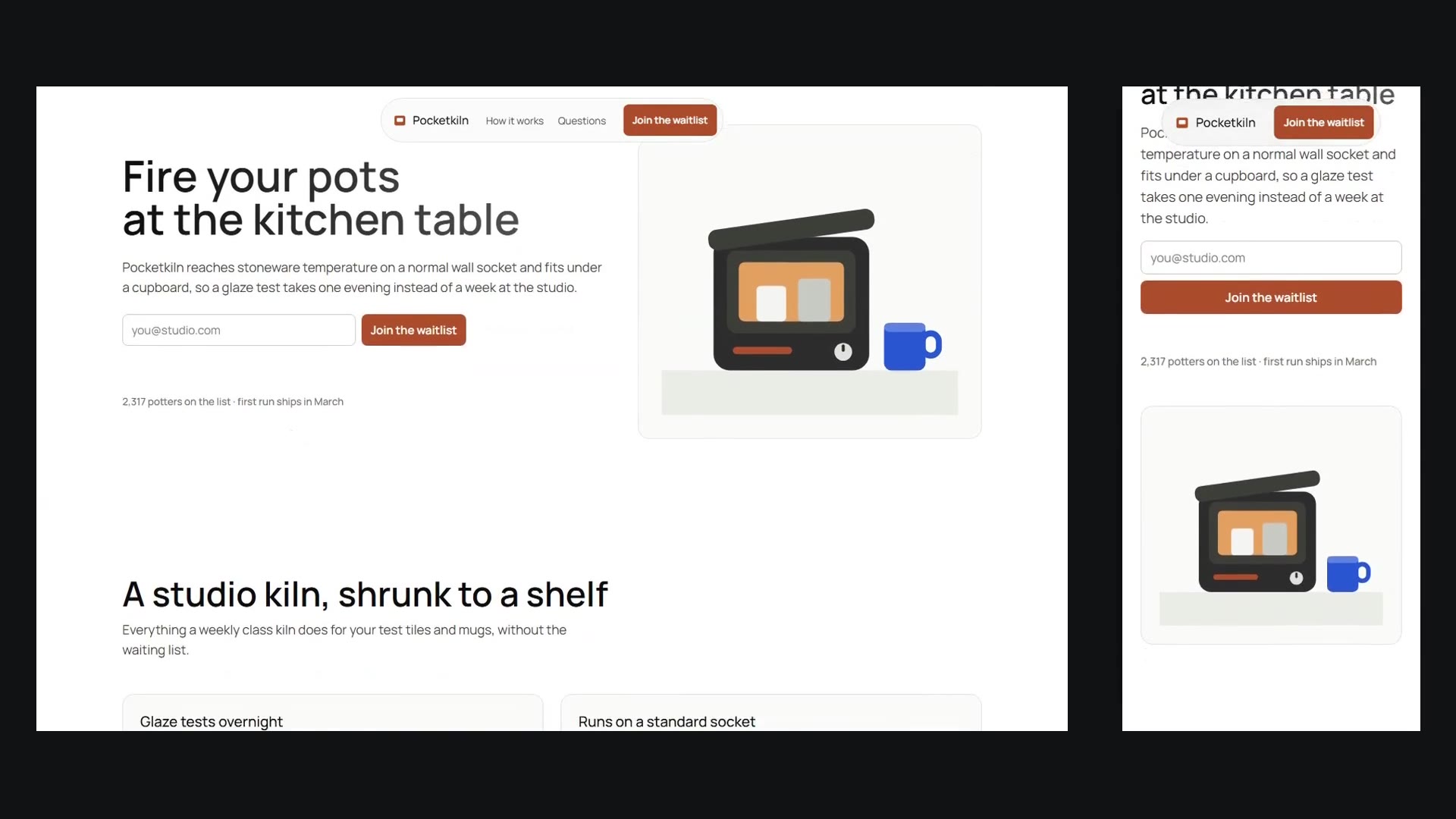
Landing Page System
A complete single-file landing page with a conversion structure and a shared visual system, checked by a rendered-page audit before delivery.