
Change Image DPI
GratisAlat gambarSet the print density without resizing the decoded image. PNG uses lossless encoding; JPG is re-encoded at 95% quality. Original EXIF is not copied, and a higher DPI setting does not add detail.
- Berjalan di browser Anda
- Tidak ada yang diunggah
- Tanpa watermark
Cara menggunakan Change Image DPI
- 01
Drop the image for Change Image DPI, or pick one from your device.
- 02
Pick the DPI; the print size it gives is shown.
- 03
Download the result.
Untuk apa orang menggunakannya
Print shops
Set 300 DPI without resizing.
Forms
Meet DPI requirements.
Publishing
Set print resolution.
Tips untuk hasil yang lebih baik
- DPI only sets the print size.
- More pixels give sharpness, not DPI.
- 300 DPI is standard for photos.
FAQ
Does more DPI make it sharper?
No. DPI only sets the print size. Sharpness comes from the number of pixels: a 1200 px wide picture prints 4 inches wide at 300 DPI.
Does Change Image DPI upload my image?
No. Change Image DPI sets the DPI of the image in your browser, so the picture never leaves your device.
SandBase APIs untuk tugas ini
Data yang sama di kode Anda sendiri atau Agent: satu API key, ditagih per panggilan.
Lebih banyak tools
 Gratis
300 DPI Converter
Resize a picture for printing at 300 DPI in any size.
 Gratis
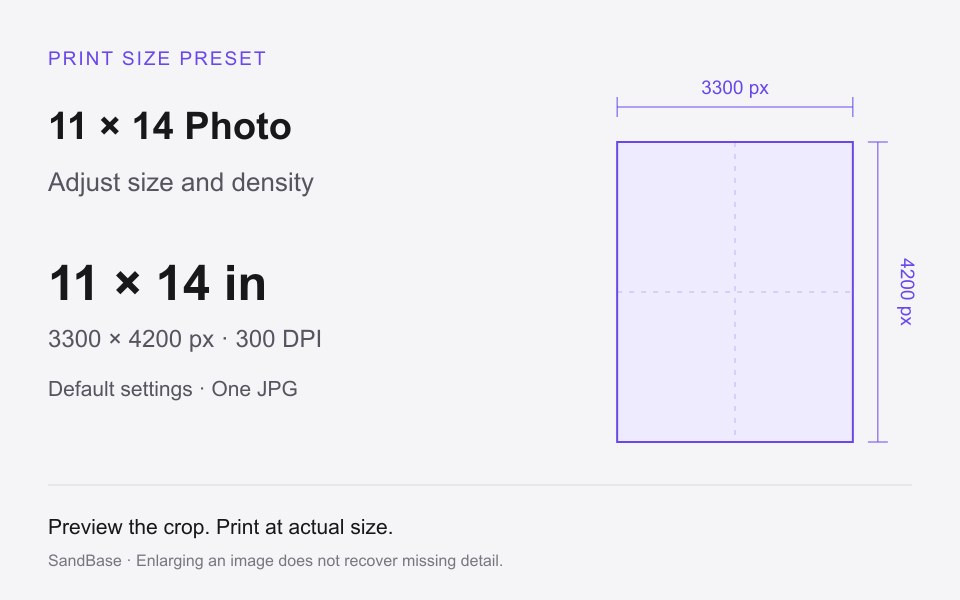
11 × 14 Photo Maker
Start with 11 × 14 in at 300 DPI; adjust the print size and density before saving.
 Gratis
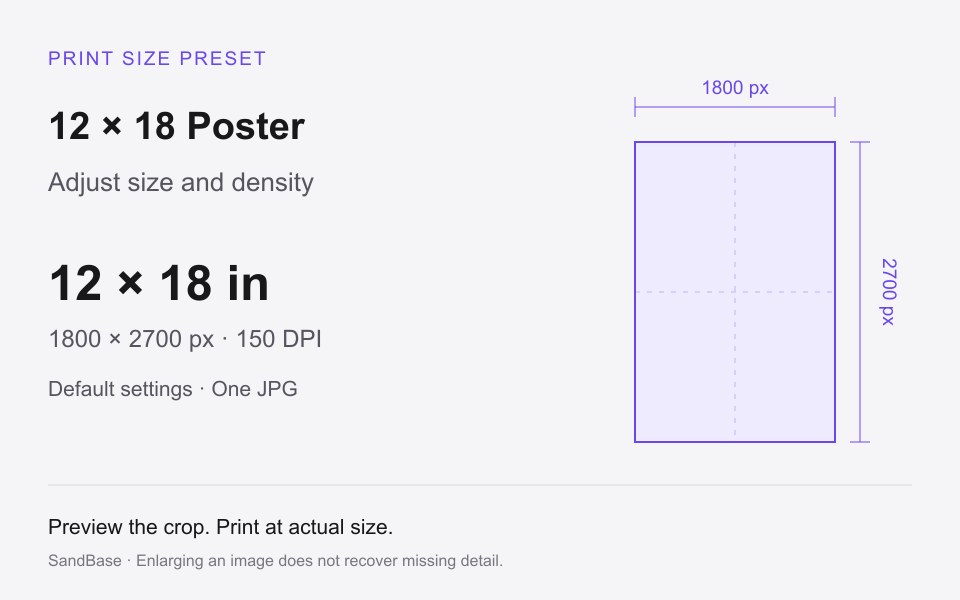
12 × 18 Poster
Start with 12 × 18 in at 150 DPI; adjust the print size and density before saving.
 Gratis
16 × 20 Poster
Start with 16 × 20 in at 150 DPI; adjust the print size and density before saving.
 Gratis
18 × 24 Poster
Start with 18 × 24 in at 150 DPI; adjust the print size and density before saving.
Checkerboard Pattern Generator
Make a checkerboard pattern image in any colors and size.