
Image to text converter (OCR)
GratisAlat gambarDrop a screenshot, a photo of a page or a scan and get the text back to copy, edit or save. The text reader runs in your browser.
- Berjalan di browser Anda
- Tidak ada yang diunggah
- Tanpa watermark
Cara menggunakan Image to Text Converter
- 01
Drop an image with text, or pick one from your device.
- 02
Pick the language of the text and press Extract text.
- 03
Copy the text or download it as a .txt file.
Untuk apa orang menggunakannya
Copying text from screenshots
Get the words without typing.
Scanned documents
Pull text from a scan or photo.
Notes and slides
Copy text from a photo of a whiteboard.
Tips untuk hasil yang lebih baik
- Use a sharp, straight, well-lit photo.
- Crop to the text first for better results.
- Check numbers and names after copying.
- Printed text works better than handwriting.
FAQ
Which languages does it read?
English, Spanish, French, German, Portuguese, Italian, Dutch, Russian, Chinese, Japanese, Korean, Arabic, Hindi, Vietnamese and Turkish.
Does it read handwriting?
Neat print works best. Handwriting, very small text and photos taken at an angle give more mistakes, so check the result.
Why does the first run take longer?
The reader and the language data (a few MB) are downloaded once, then cached by your browser.
Which languages work?
English and most Latin-script languages work best.
Does Image to Text Converter upload my image?
No. Image to Text Converter reads the text in the image in your browser, so the picture never leaves your device.
SandBase APIs untuk tugas ini
Data yang sama di kode Anda sendiri atau Agent: satu API key, ditagih per panggilan.
Lebih banyak tools
Konverter Gambar
Konversi gambar antara JPG, PNG, dan WebP, satu gambar atau sekaligus dalam batch.
 Gratis
300 DPI Converter
Resize a picture for printing at 300 DPI in any size.
Add Text to Image
Put text on a photo: font, size, color and outline, placed where you tap.
AVIF to JPG Converter
Convert AVIF files to JPG in your browser, one file or up to 30 at once, with nothing uploaded.
AVIF to PDF Converter
Convert AVIF files to PDF in your browser, one file or up to 30 at once, with nothing uploaded.
 Gratis
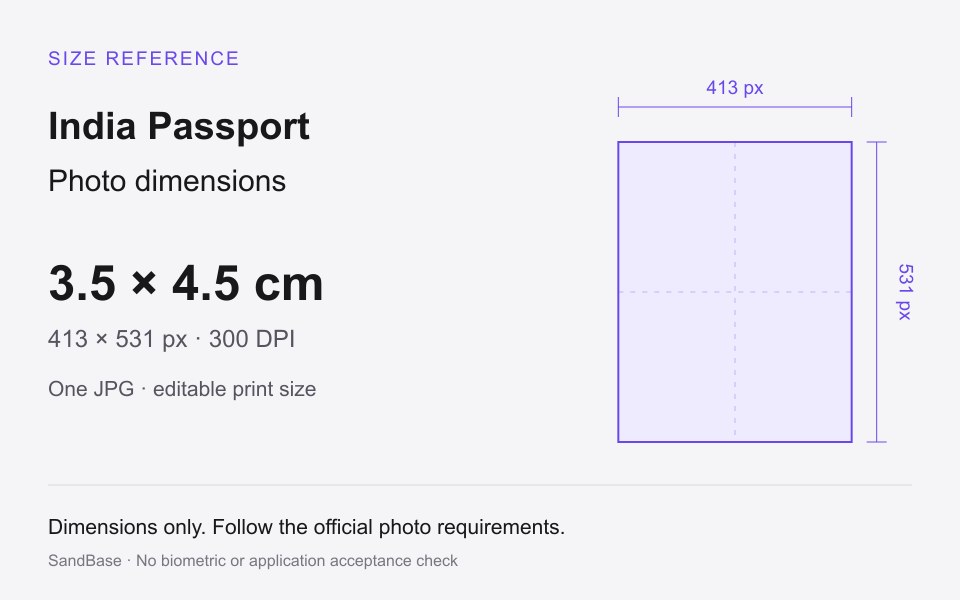
India Passport Photo Size
Passport Seva paper-form reference. Starting preset: 35 × 45 mm.