
Project Planner Template
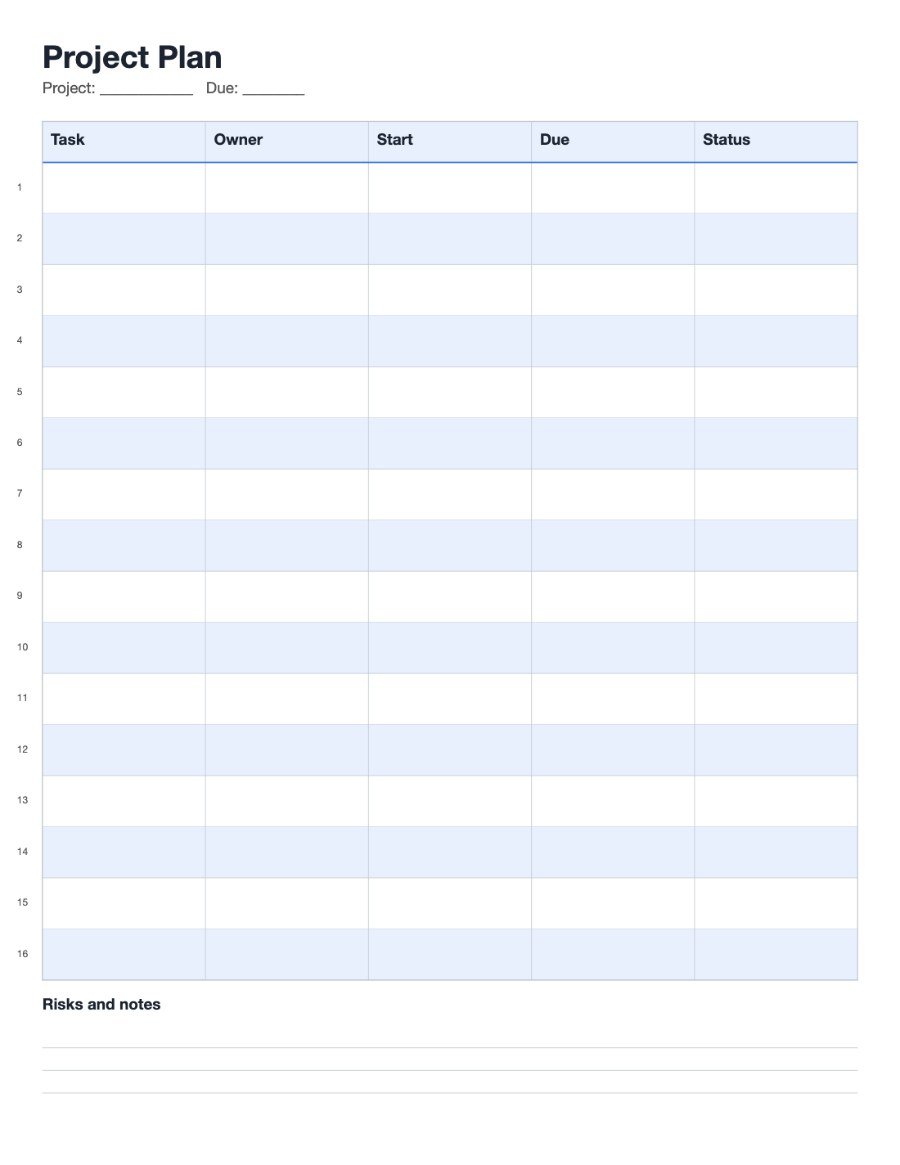
GratisPerencana dan pelacakList every task with who owns it, when it starts and when it is due. The status column gives you a quick check in weekly meetings.
- Letter atau A4
- PDF siap cetak
- Tidak ada yang diunggah
View table content
Page 1 of 1 · Rows 1–16 · Column group 1 of 1. Empty cells are for writing after printing.
| Row | Task | Owner | Start | Due | Status |
|---|---|---|---|---|---|
| 1 | — | — | — | — | — |
| 2 | — | — | — | — | — |
| 3 | — | — | — | — | — |
| 4 | — | — | — | — | — |
| 5 | — | — | — | — | — |
| 6 | — | — | — | — | — |
| 7 | — | — | — | — | — |
| 8 | — | — | — | — | — |
| 9 | — | — | — | — | — |
| 10 | — | — | — | — | — |
| 11 | — | — | — | — | — |
| 12 | — | — | — | — | — |
| 13 | — | — | — | — | — |
| 14 | — | — | — | — | — |
| 15 | — | — | — | — | — |
| 16 | — | — | — | — | — |
Contoh
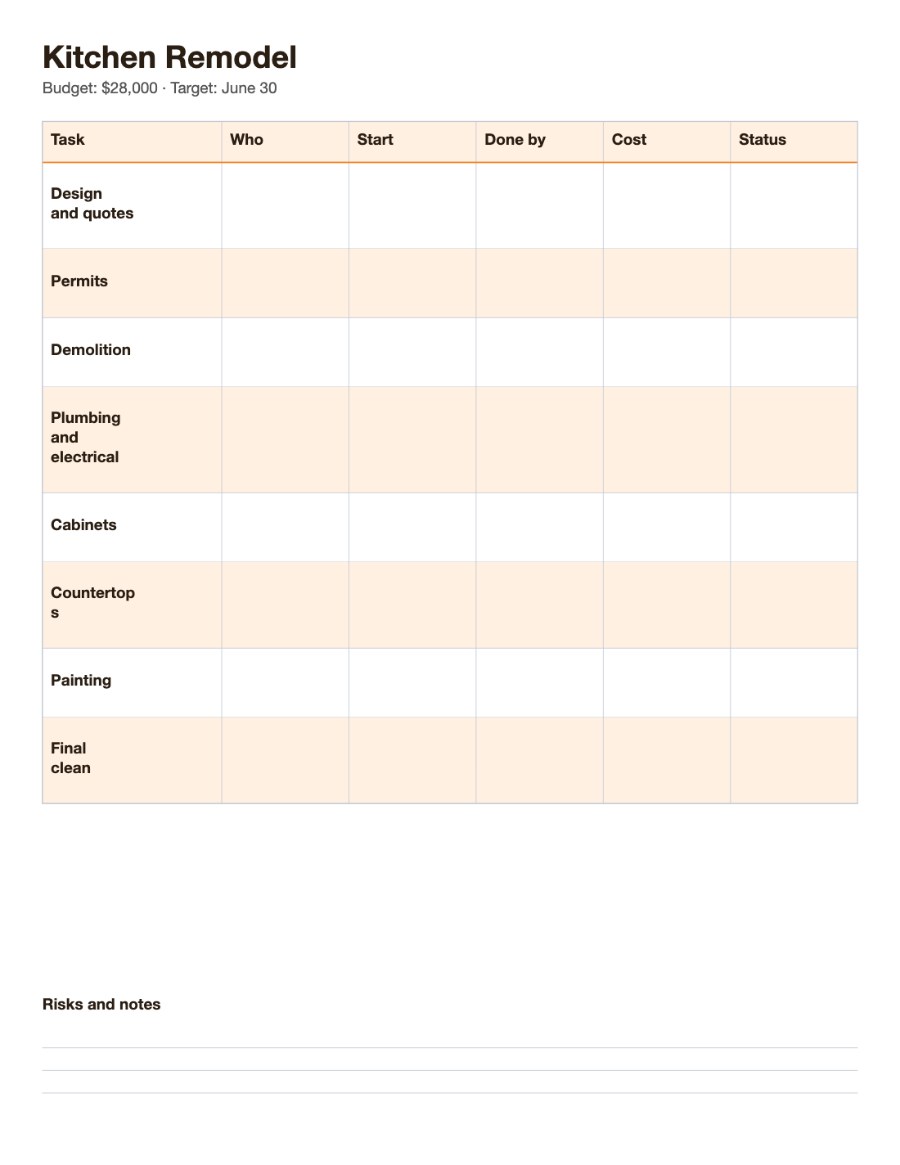
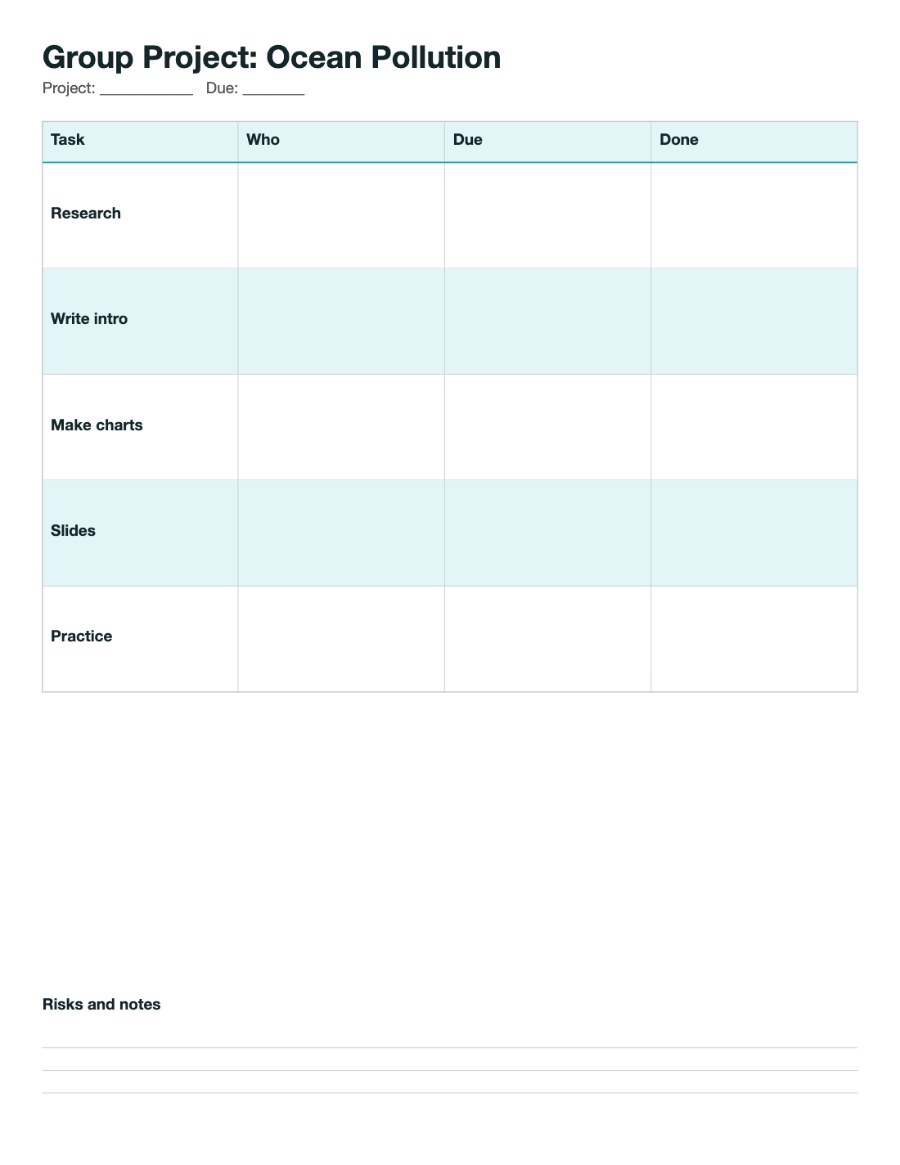
Dibuat dengan tool ini. Buka salah satu untuk memulainya dan ubah apa saja.
Cara menggunakan Project Planner Template
- 01
Edit the title, column headings and row names. Text wraps; long or wide tables continue on additional pages.
- 02
Pick colors, paper and orientation. Choose which columns get checkboxes, then review every page.
- 03
Download all pages as one PDF, or save the selected page as a PNG.
Untuk apa orang menggunakannya
Small work projects
A one-page plan for a launch, event or report.
Home projects
Renovations, moves and garden makeovers.
School group work
Agree who does what and by when.
Tips untuk hasil yang lebih baik
- Give every task one owner.
- Set dates working back from the deadline.
- Use status words: Not started, Doing, Blocked, Done.
- Review it weekly and move dates honestly.
FAQ
Can I see the timeline as a chart?
Use the Gantt chart maker with the same tasks and dates.
Can I add a done checkbox?
Turn on Checkboxes to put a box in every cell, or add a "Done" column.
How detailed should tasks be?
Small enough to finish in a few days. Split anything bigger.
Can I see it as a timeline?
Put the same tasks in the Gantt chart maker.
Does Project Planner Template upload what I type?
No. Project Planner Template draws the page in your browser from what you type, so it works offline once the page has loaded and nothing is sent anywhere.
Lebih banyak tools
Content Calendar Template
A content plan with date, platform, topic, format and status.
Employee Schedule Template
A weekly staff schedule with shifts per day and total hours.
Budget Planner Template
A monthly budget sheet with planned, actual and difference columns.
Daily Planner Template
A one-page day planner with priorities, to-dos, meals and notes.
Goal Planner Template
A one-page goal planner with reasons, first steps and deadlines.
Reading Log Template
A printable reading log with title, pages, minutes and initials.