
Place Card Maker
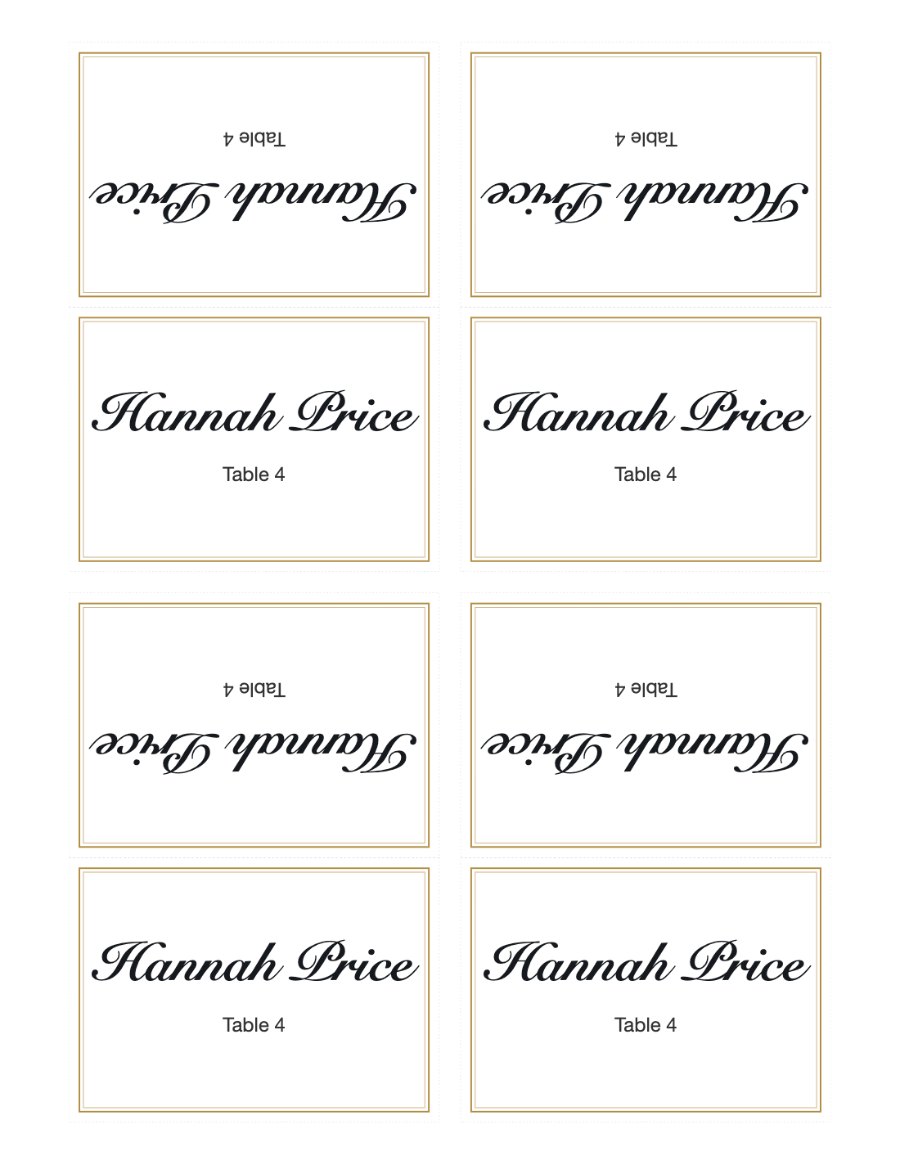
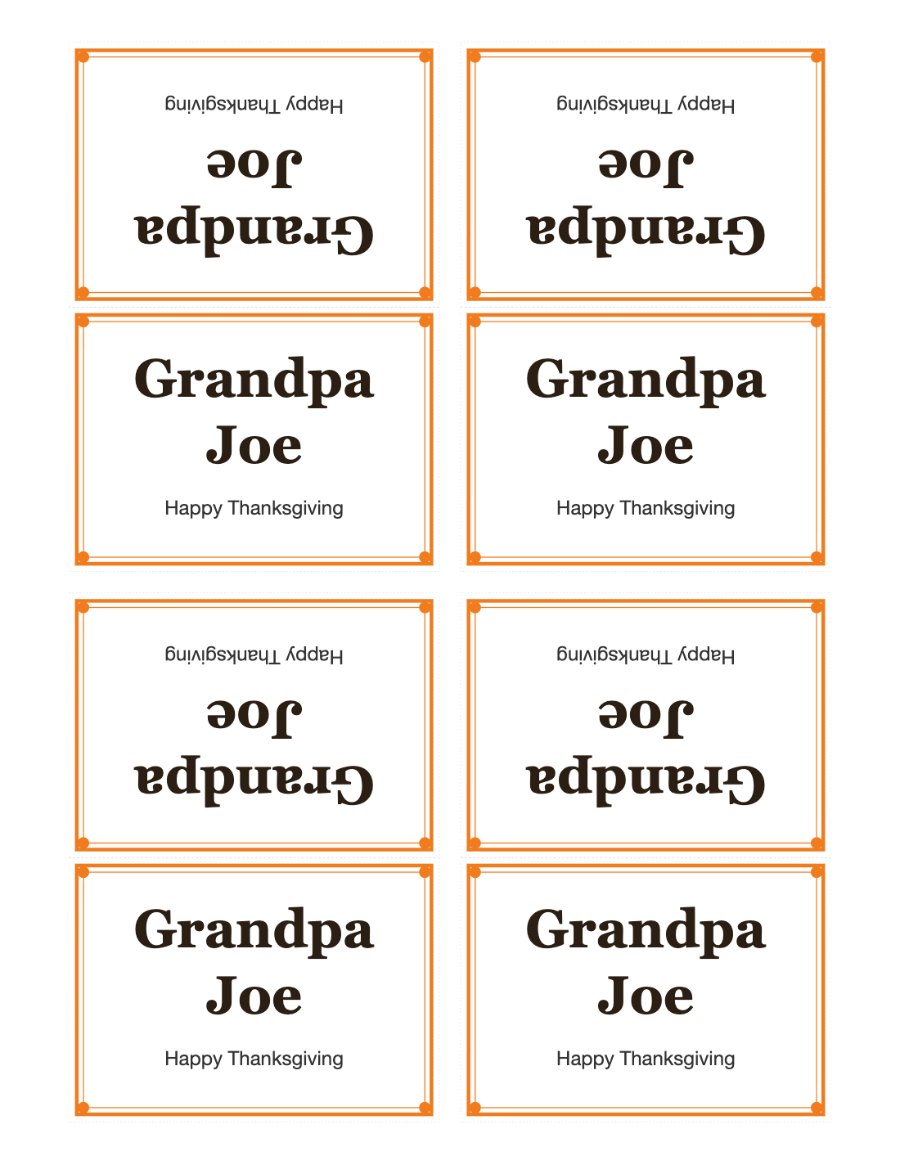
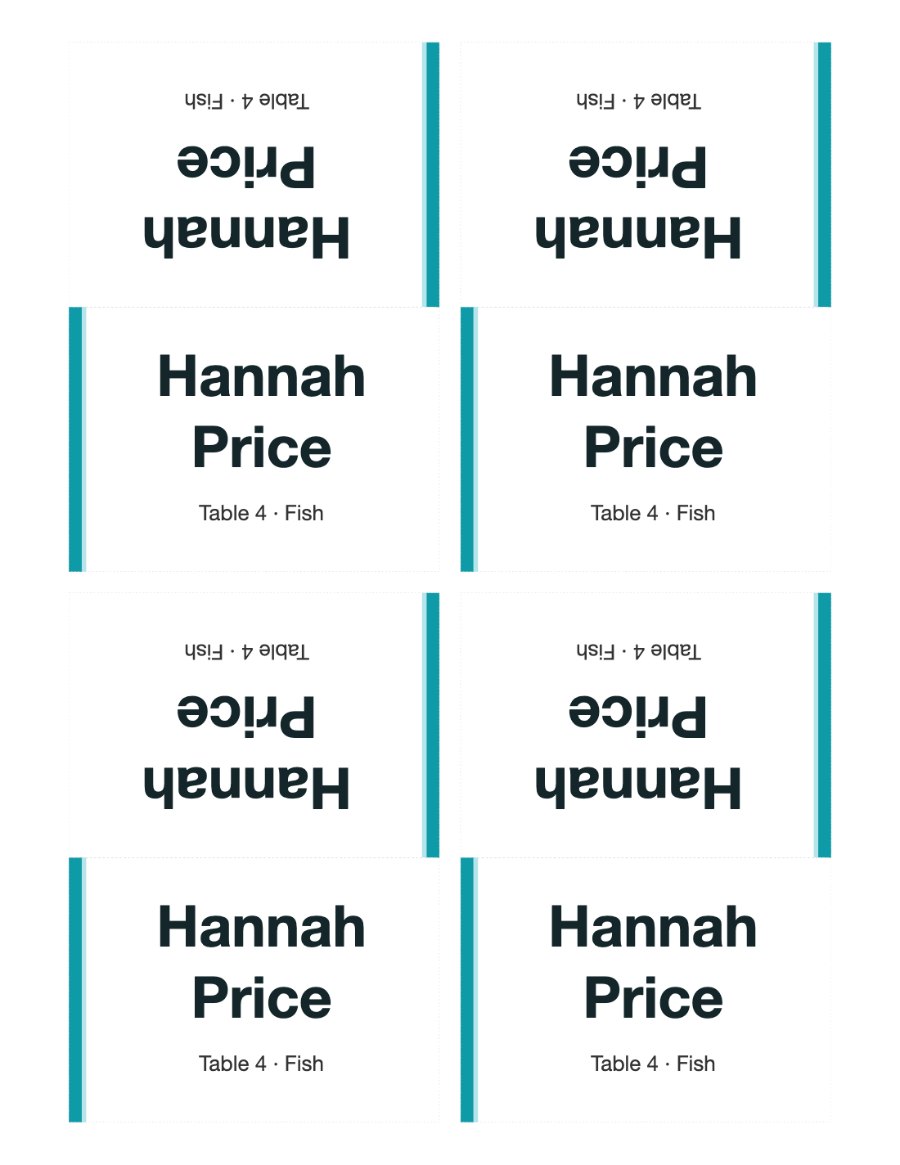
GratisKartu dan labelEach card folds in half to stand on the table, with the name on both halves. Change the name for each guest and print on card stock.
- PDF siap cetak
- Letter atau A4
- Tidak ada yang diunggah
Contoh
Dibuat dengan tool ini. Buka salah satu untuk memulainya dan ubah apa saja.
Cara menggunakan Place Card Maker
- 01
Type the words for the card.
- 02
Pick a style, colors and font, and add a photo if you like.
- 03
Download a print-ready PDF sheet, or a single card as a PNG.
Untuk apa orang menggunakannya
Weddings and galas
Show guests where to sit.
Holiday dinners
Make a family dinner feel special.
Catering
Mark meal choices for servers.
Tips untuk hasil yang lebih baik
- Fold along the dashed line so the card stands.
- Print on heavy card stock.
- Add the meal choice for servers.
- Lay cards out by table before guests arrive.
FAQ
How big are they?
Each card is 3.5 × 2.5 inches when folded.
Can I add the meal choice?
Yes. Put it in the message, like "Table 4 · Fish".
How big are place cards?
3.5 × 2.5 inches folded.
Can I print many names?
Change the name and download again for each guest.
Does Place Card Maker upload what I type?
No. Place Card Maker draws the page in your browser from what you type, so it works offline once the page has loaded and nothing is sent anywhere.
Lebih banyak tools
Business Card Template
Make a business card and print 10 on a Letter or A4 sheet.
Employee ID Card Maker
Make a staff ID badge with photo, title and employee number.
ID Card Maker
Make a photo ID card at the standard credit card size.
Punch Card Maker
Print loyalty punch cards with 3 to 12 stamp spots, 10 per sheet.
Student ID Card Maker
Make a student ID card with photo, grade and student number.
Postcard Maker
Make a 6 × 4 inch postcard with a photo and a message.